How to Fix wkhtmltopdf Segmentation Faults in Python
Diagnose wkhtmltopdf segmentation faults in Python by isolating the native binary, verifying builds, minimizing inputs, and choosing a safer renderer.
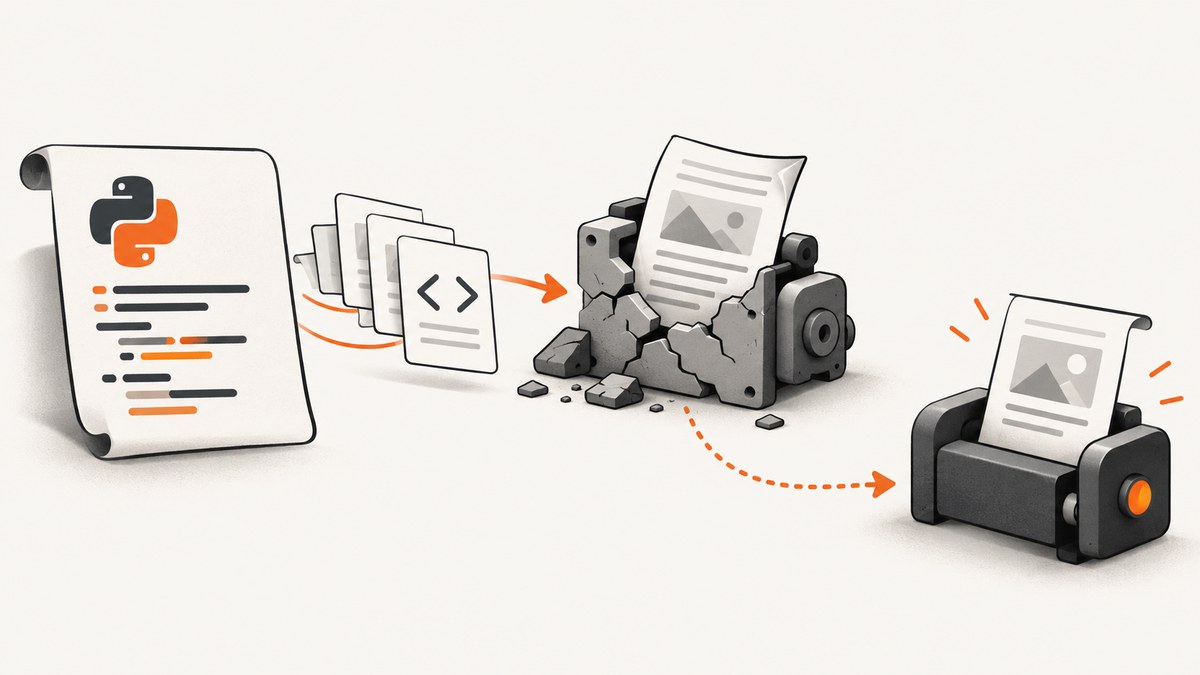
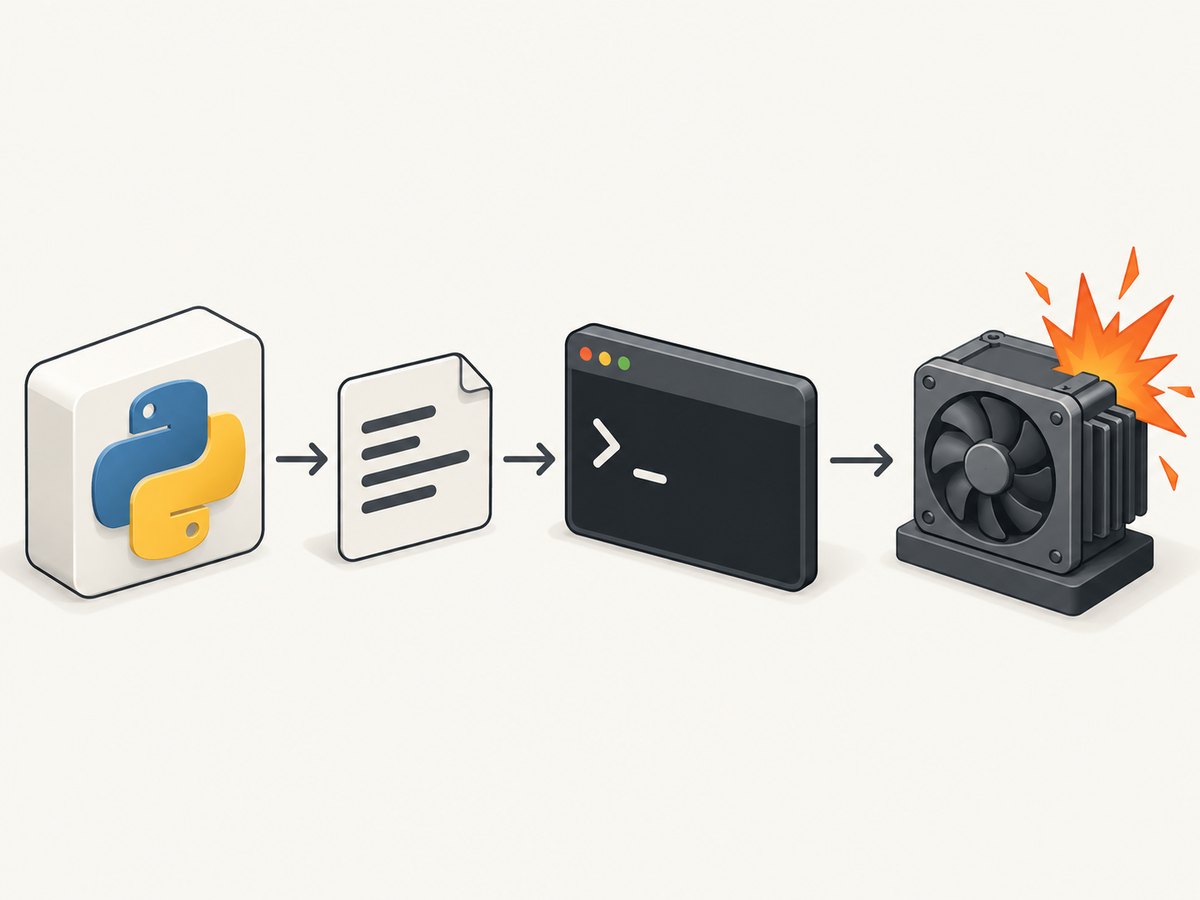
A wkhtmltopdf segmentation fault is a crash in the native wkhtmltopdf process. It is not a normal Python exception, so changing Python try/except blocks rarely fixes it. The fastest diagnosis is to print the exact command generated by pdfkit, run that command outside Python, verify which binary is being executed, and reduce the HTML until the failing input is isolated.
This guide gives a repeatable workflow, working Python examples, binary and package checks, display-server guidance, resource troubleshooting, CI advice, and migration options.
1. Confirm that the crash is native
Start with a verbose pdfkit invocation. The wrapper can report a command failure that includes “segmentation fault,” but the fault occurs after the child process starts.
import pdfkit

html = """<html><body><h1>Smoke test</h1><p>Plain text.</p></body></html>"""

config = pdfkit.configuration(wkhtmltopdf="/usr/local/bin/wkhtmltopdf")
pdfkit.from_string(
    html,
    "smoke.pdf",
    configuration=config,
    verbose=True,
)
If the call raises OSError or reports a command failure, create a PDFKit object and print the generated command.
import pdfkit

config = pdfkit.configuration(wkhtmltopdf="/usr/local/bin/wkhtmltopdf")
r = pdfkit.PDFKit(
    "<html><body>hello</body></html>",
    "string",
    configuration=config,
    verbose=True,
)
print(r.command())
Copy the complete command, including every option and output path, into a shell. If it segfaults there too, Python is only the caller. Investigate the executable, its Qt/WebKit runtime, the document, or loaded resources.
# Replace this with the command printed by r.command()
/usr/local/bin/wkhtmltopdf about:blank /tmp/test.pdf
echo "exit code: $?"

# Record the executable identity
/usr/local/bin/wkhtmltopdf --version
command -v wkhtmltopdf
2. Capture a complete failure record
Before changing several variables, save enough information to reproduce the crash. A useful record contains:
- Python version, operating system version, CPU architecture, and container base image.
- The exact
wkhtmltopdf --versionoutput and the absolute executable path. - The full command printed by
PDFKit.command(). - Standard error, standard output, and the process exit code.
- Whether the failure occurs with
from_string,from_file, orfrom_url. - A minimal HTML/CSS/JavaScript file that still crashes.
Do not discard stderr. Warnings about resources, rendering, or memory often identify the last operation before the native crash.
3. Verify the binary that pdfkit is using
By default, pdfkit searches PATH. Multiple installations are common: an operating-system package, a manually downloaded archive, and a copy inside a virtual machine or container can all have the same command name. Pin the intended executable explicitly.
import pdfkit

config = pdfkit.configuration(
    wkhtmltopdf="/opt/wkhtmltopdf/bin/wkhtmltopdf"
)
pdfkit.from_url(
    "https://example.com",
    "example.pdf",
    configuration=config,
    options={"quiet": ""},
)
Check both the shell and Python configuration:
command -v wkhtmltopdf
readlink -f "$(command -v wkhtmltopdf)"
wkhtmltopdf --version
python - <<'PY'
import pdfkit
config = pdfkit.configuration()
print(config.wkhtmltopdf)
PY
The wkhtmltopdf downloads page identifies 0.12.6 as the stable series, released June 11, 2020. Use an official package matched to your operating system and architecture, and record the checksum or package version in deployment documentation. See the official downloads page.
4. Understand patched Qt versus distribution builds
Debian and Ubuntu repositories may ship builds compiled without wkhtmltopdf’s patched Qt. Those binaries can behave differently from the official static packages and may lack features such as outlines, headers, footers, and tables of contents. The pdfkit documentation calls out this distinction explicitly.
| Situation | Likely result | Action |
|---|---|---|
| Official, OS-matched package | Expected wkhtmltopdf feature set | Pin the absolute path and version. |
| Unpatched distro package | Missing outlines, headers, footers, or TOC behavior | Replace it when those patched features are required. |
| Mixed libraries or architecture | Startup errors or native crashes | Install a package built for the target OS and CPU. |
Do not diagnose a patched-Qt document against documentation for an unpatched binary. Compare --version, supported options, and the package origin before changing application code.
5. Reduce the document to isolate the trigger
Use a local file containing only plain text as the baseline. Add one feature at a time:
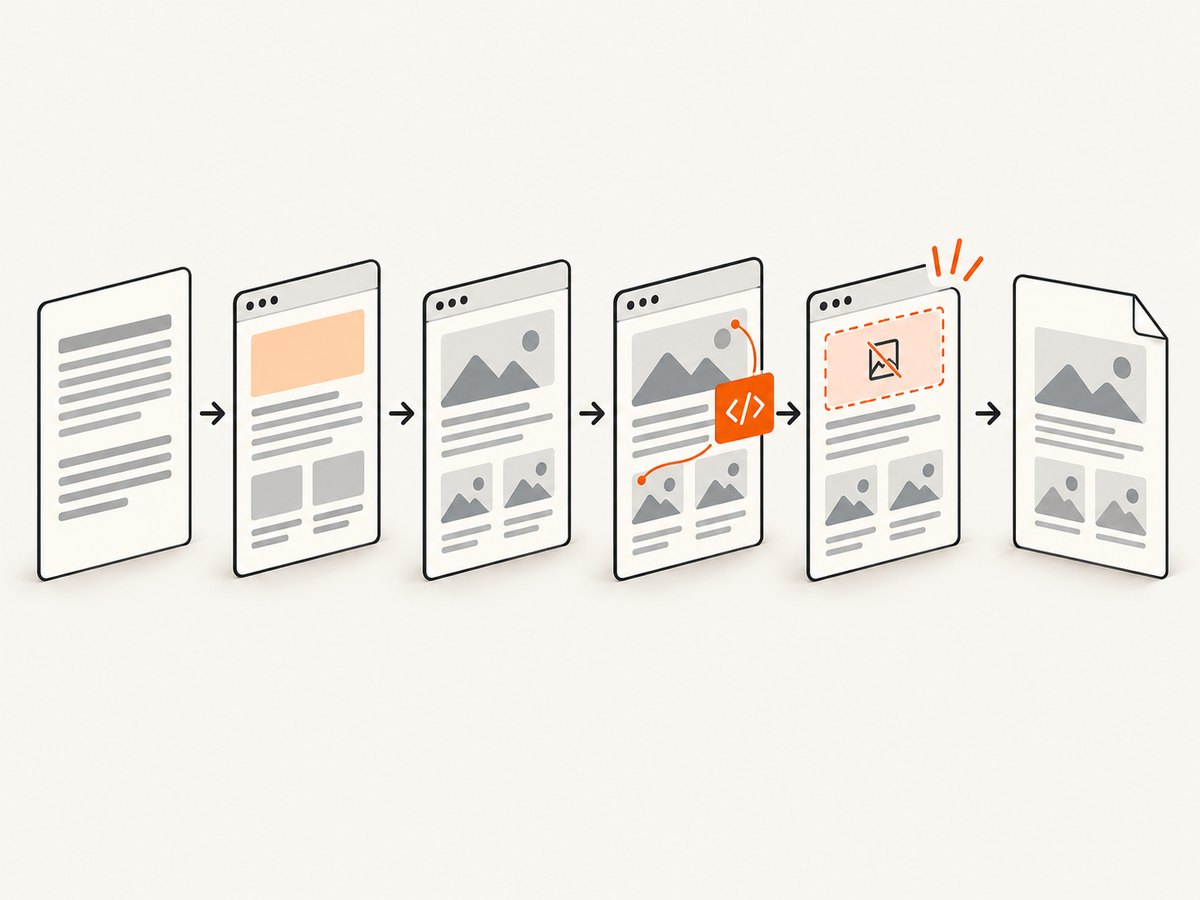
- Plain HTML and simple CSS.
- Local fonts and images.
- Remote images and stylesheets.
- JavaScript and delayed rendering.
- SVG, animations, large tables, headers, and footers.
- Table of contents, outlines, and very long documents.
# minimal.html
cat > minimal.html <<'HTML'
<!doctype html>
<html><body><h1>Minimal input</h1><p>No remote assets.</p></body></html>
HTML

wkhtmltopdf minimal.html minimal.pdf
If the minimal file succeeds, keep the last successful version and add the next asset or option. Common triggers include malformed SVG, very large raster images, animated content, remote JavaScript that never settles, problematic fonts, and documents with extreme page counts. A documented rendering issue shows warnings followed by a segfault, which is why preserving stderr matters.
6. Separate display errors from segmentation faults
wkhtmltopdf is designed for headless operation. A display-server error is different from a native segmentation fault. If the direct command says that it cannot connect to an X server or display, use the virtual-display setup supported by your platform, then rerun the same minimal test.
# Only for an explicit display/X-server error
xvfb-run -a wkhtmltopdf minimal.html minimal.pdf
Do not assume xvfb-run repairs a native crash. First establish whether the binary segfaults without a display requirement. Keep the virtual display change separate from binary, input, and resource diagnosis. The project command reference documents headless operation; consult it when choosing options: wkhtmltopdf command reference.
7. Check resource pressure and external requests
Large or untrusted pages can exhaust memory or expose old WebKit bugs. Repeat the failing conversion with remote resources removed. Then test smaller images, fewer rows, no animation, no JavaScript, and no headers or footers. For URL conversions, verify that every request resolves quickly and that the process is not waiting on an unavailable service.
For reproducible builds, prefer local assets or a controlled asset host, set explicit timeouts where your wrapper supports them, and avoid depending on a page that changes while the PDF is rendered. If a single image or script causes the crash, replace or preprocess it rather than increasing retries indefinitely.
8. A defensive Python conversion wrapper
from pathlib import Path
import subprocess
import tempfile
import pdfkit

WKHTMLTOPDF = "/opt/wkhtmltopdf/bin/wkhtmltopdf"


def render_html(html: str, output: str) -> None:
    config = pdfkit.configuration(wkhtmltopdf=WKHTMLTOPDF)
    kit = pdfkit.PDFKit(
        html,
        "string",
        configuration=config,
        options={"quiet": ""},
        verbose=True,
    )
    command = kit.command()
    print("wkhtmltopdf command:", " ".join(command))
    try:
        kit.to_pdf(output)
    except Exception as exc:
        print("wrapper error:", repr(exc))
        print("binary:", WKHTMLTOPDF)
        raise


if __name__ == "__main__":
    render_html(
        "<html><body><h1>Report</h1></body></html>",
        "report.pdf",
    )
For incident handling, log the command, executable version, stderr, and input identifier. Avoid logging secrets embedded in URLs or headers.
9. Troubleshooting checklist
| Symptom | Cause to investigate | Fix |
|---|---|---|
| Segfault in Python and shell | Native binary, Qt/WebKit, input, or resource bug | Pin a known package, minimize input, preserve stderr. |
| Works on one host only | Different package, architecture, libraries, or fonts | Compare absolute paths, versions, OS images, and dependencies. |
| Headers, footers, outlines, or TOC fail | Unpatched distribution build | Use the official OS-matched patched-Qt package. |
| “Cannot connect to display” | Display-server assumption | Use the supported headless setup or virtual display; retest separately. |
| Crash only with a large page | Resource pressure or renderer bug | Remove assets, split the document, reduce image sizes, and isolate the trigger. |
| Python reports command failed | Wrapper hides the child-process details | Print PDFKit.command() and run it directly. |
10. CI, containers, and reliability
Install one pinned binary during image creation and invoke it by absolute path. Keep the OS image, CPU architecture, fonts, locale, and timezone stable between development and CI. Add a smoke test that converts a tiny local HTML file before running production jobs. Store stderr for failed jobs and retain the minimal reproducer as an artifact.
Retries help transient network failures but cannot repair deterministic native crashes. Retry only after classifying the exit code and separating URL load failures from renderer faults. For untrusted HTML, isolate the conversion process and restrict network access according to your application’s security policy.
11. When to replace wkhtmltopdf
The project’s status page explains that Qt 4 has been unsupported since 2015 and its WebKit has not been updated since 2012. If the workload depends on modern JavaScript, current CSS, or a long-lived security and maintenance path, repeated patching may cost more than migration. The project points to WeasyPrint or commercial Prince for controlled report generation, and Puppeteer for JavaScript-heavy sites. Compare layout fidelity, JavaScript support, deployment footprint, isolation, maintenance status, licensing, and CI reproducibility before choosing.
12. Or skip the browser setup
For a one-call website screenshot or PDF workflow, ScreenshotNeo handles the browser process for you. Cookie and consent banners are accepted and 60-plus known consent platforms, newsletter popups, and chat widgets are removed before capture; each cleanup step can be disabled. Bot checks, blank pages, timeouts, failed loads, and cache hits are not billed, and response headers identify the page verdict and billing result.
See the ScreenshotNeo API documentation for all options. A basic image request:
curl -G "https://api.screenshotneo.com/v1/shot" -d access_key=YOUR_API_KEY --data-urlencode url=https://stripe.com -o shot.webpimport requests
r = requests.get(
"https://api.screenshotneo.com/v1/shot",
params={"access_key": "YOUR_API_KEY", "url": "https://stripe.com"},
timeout=90,
)
r.raise_for_status()
open("shot.webp", "wb").write(r.content)const q = new URLSearchParams({ access_key: 'YOUR_API_KEY', url: 'https://stripe.com' });
const res = await fetch(`https://api.screenshotneo.com/v1/shot?${q}`);
if (!res.ok) throw new Error(`HTTP ${res.status}`);
const data = Buffer.from(await res.arrayBuffer());
require('fs').writeFileSync('shot.webp', data);ScreenshotNeo also provides an MCP server with take_screenshot, get_page_info, and capture_pdf for Claude, Cursor, and other MCP clients. It supports full-page and element capture, device presets, custom viewports, retina scale, dark mode, PDF controls, custom CSS and JavaScript, clicks, waits, request blocking, headers, cookies, user agents, authorization, timezone, geolocation, resizing, caching, signed links, asynchronous jobs, bulk capture, usage data, and an OpenAPI specification.
Free accounts include 1,000 screenshots per month with no card. Paid plans start at $5 for 3,000 shots. Create a free ScreenshotNeo account.
13. FAQ
Does installing xvfb fix every segfault?
No. It addresses an X-server or display error. A segfault in the direct command remains a native renderer problem.
Should I catch the exception and retry?
Catch it to record diagnostics, but classify the failure first. Repeating a deterministic crash usually produces the same result.
Why does the apt package differ from examples online?
Distribution packages may be built without wkhtmltopdf’s patched Qt. Confirm the version and package family before relying on headers, footers, outlines, or TOC options.
What should I include in a bug report?
Provide the binary version, operating-system version, architecture, complete command, stderr, and a detailed reproducible HTML/CSS/JavaScript test case. The project lists these items on its issue-reporting guidance.


