How to Fix wkhtmltopdf Shared Library Errors in Rails
Diagnose and fix wkhtmltopdf shared-library failures in Rails by matching the binary, libc, OpenSSL ABI, and deployment image.
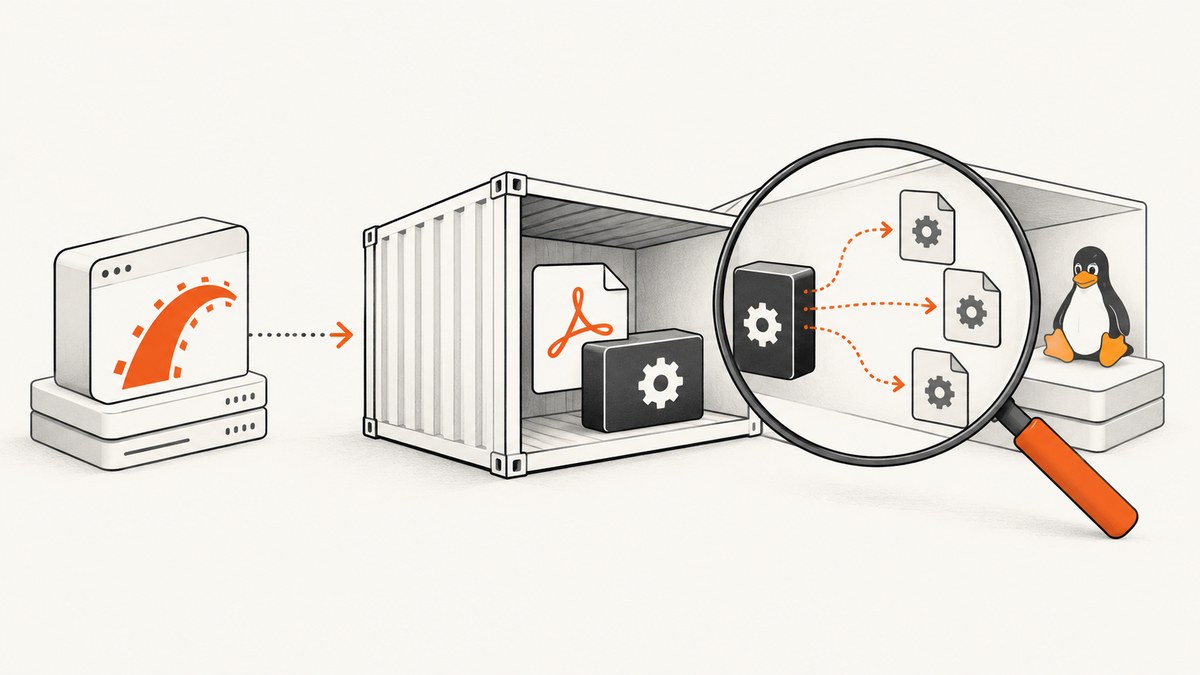
Direct answer: a wkhtmltopdf shared-library error happens before Rails renders HTML. The native executable cannot start because the binary Rails launched expects a library, ABI, libc family, architecture, or loader that the production runtime does not provide. Find the exact executable, inspect the missing dependency inside the failing environment, then deploy a wkhtmltopdf build and runtime library set made for the same distribution, libc, architecture, and OpenSSL ABI.
Changing Wicked PDF view options, CSS, or asset URLs will not repair an error such as Error loading shared library libssl.so.1.1: No such file or directory. That message comes from the operating-system loader before conversion begins.
What the error means
Wicked PDF is a Ruby/Rails integration. It starts wkhtmltopdf as a separate command-line process. The wrapper can configure the executable path with exe_path, but the wrapper does not make an incompatible native binary compatible with its host image. The Wicked PDF documentation describes the external binary model and the relevant configuration.
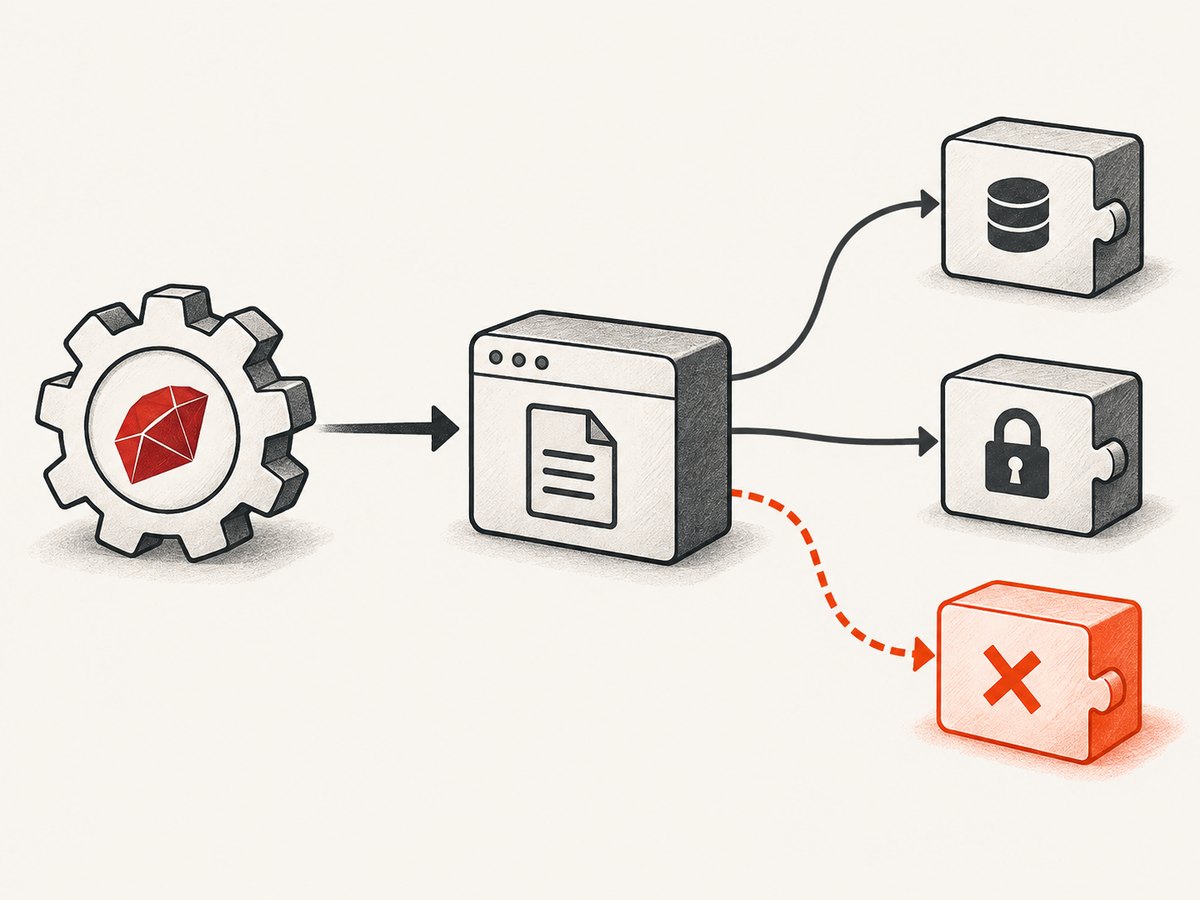
Read the missing filename as evidence:
libssl.so.1.1orlibcrypto.so.1.1usually indicates that the selected binary was linked against an OpenSSL 1.1 ABI while the image supplies a different ABI.- An Alpine image introduces a libc boundary: Alpine uses musl, while many generic Linux binaries expect glibc.
- An architecture or interpreter error can mean an x86_64 executable is being run on an ARM image, or that the ELF loader is absent.
- A path mismatch means Rails is starting a different copy than the one you inspected in your shell.
1. Reproduce the failure in the real runtime
Run these checks in the same container image, release environment, architecture, user account, and worker process context that generates the PDF. A successful command on your laptop or Docker build stage does not prove that the final Rails image can start the executable.
# Resolve every candidate in the runtime PATH
command -v wkhtmltopdf
which -a wkhtmltopdf

# Record the version and exact startup error
wkhtmltopdf --version
wkhtmltopdf about:blank /tmp/wkhtmltopdf-smoke.pdf

# Identify the operating system and architecture
cat /etc/os-release
uname -m

# Inspect dynamic dependencies on Linux
ldd "$(command -v wkhtmltopdf)"
Save the complete loader message, including every missing SONAME. Also record how the binary entered the image: an operating-system package, a copied file from another stage, a Ruby gem such as wkhtmltopdf-binary, or a manually downloaded archive. This provenance often explains why a binary built for one distribution is running in another.
2. Confirm which executable Wicked PDF selects
Wicked PDF can use the executable on PATH, or an explicit path. Make the production choice unambiguous:
# config/initializers/wicked_pdf.rb
WickedPdf.configure do |config|
  config.exe_path = '/usr/local/bin/wkhtmltopdf'
end
Check the configured path from the running application environment, not only from an interactive shell. A systemd service, Docker entrypoint, and background worker can each have a different PATH. If several copies exist, remove the ambiguity or set exe_path explicitly. Log the resolved path and wkhtmltopdf --version during deployment diagnostics.
The README also documents options such as enable_local_file_access. That setting controls access to local files used by the document; it does not fix a dynamic-loader failure. Keep rendering and startup problems separate.
3. Match the binary to the operating system
The official wkhtmltopdf downloads guidance explains why packages are platform-specific: distribution libraries, OpenSSL versions, and libc expectations differ. The page lists the 0.12.6 series as released June 11, 2020; treat that as the page’s stated release information, not as a promise that every current distribution provides a compatible package.
glibc versus musl
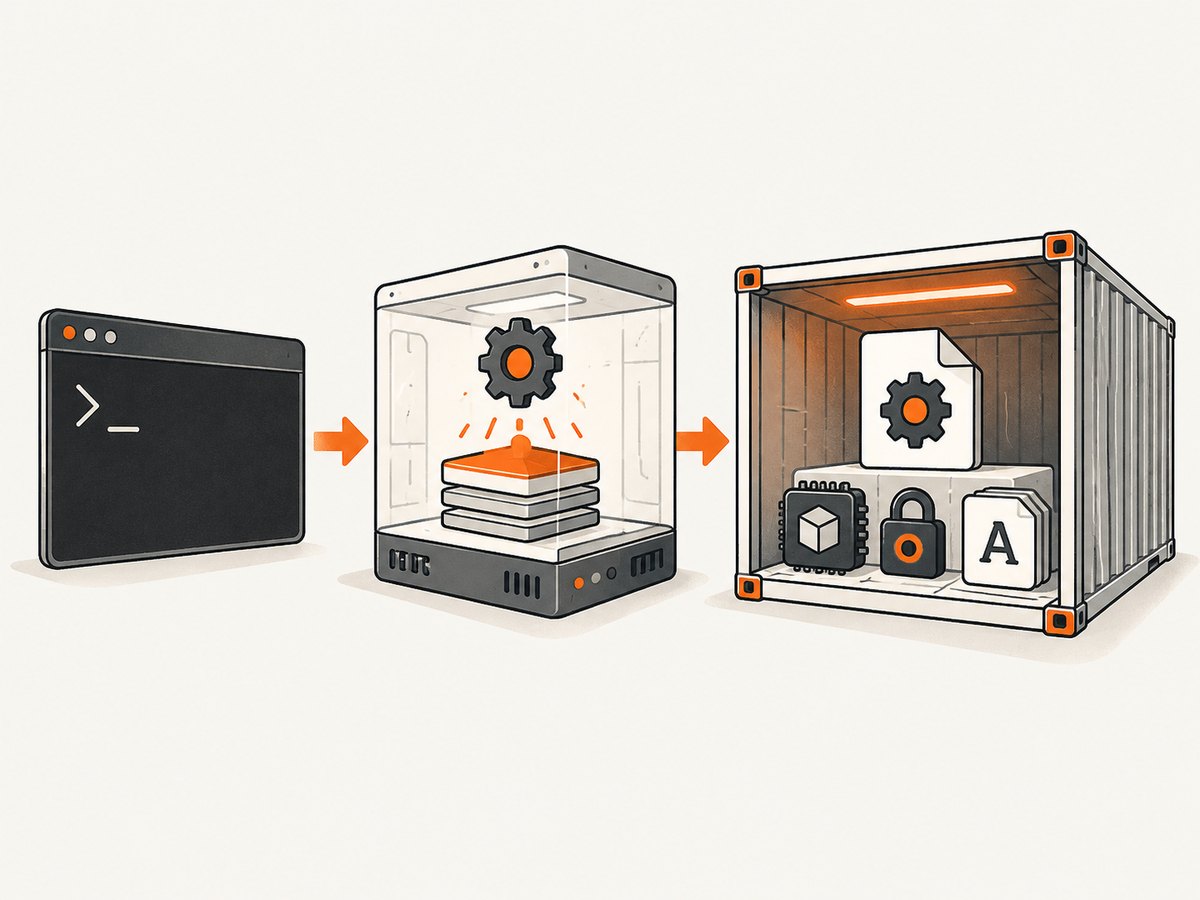
Alpine Linux uses musl libc. Many generic Linux builds were compiled for glibc and historically did not work on Alpine. Choose a build explicitly supporting your Alpine release and architecture, or use a base image whose libc matches the binary you need. Do not copy an executable from an unrelated Debian or Ubuntu stage into Alpine and assume it will run.
OpenSSL SONAMEs
If the loader requests libssl.so.1.1, installing OpenSSL 3 does not satisfy that filename or ABI. Conversely, adding a random compatibility package can create an unsupported combination. Check which SONAMEs the binary requests with ldd, then select a package or base image that supplies those exact compatible libraries.
Architecture and loader
Verify uname -m in the final image and inspect the executable with your platform’s ELF tools. An x86_64 binary cannot run natively in an ARM64 image without an appropriate compatibility strategy. A “not found” message can also refer to the ELF interpreter itself rather than an ordinary shared object.
4. Choose a repair strategy
- Use a distribution package for the final image. Install wkhtmltopdf and its dependencies from repositories intended for that exact release and architecture. Rebuild the image so the package installation is reproducible.
- Use a vendor build with its documented libraries. Copy the executable and every required library, font, and configuration file into the final runtime stage. Do not copy only the executable.
- Change the base image. If the required build targets glibc, a glibc-based image may be simpler than forcing a glibc binary into musl. Make the choice based on your application’s deployment constraints.
- Pin and document the pair. Record the wkhtmltopdf version, OS release, libc family, architecture, and OpenSSL ABI. Re-run the smoke test whenever the base image changes.
For packaged serverless layouts, the official documentation gives an example using LD_LIBRARY_PATH=/opt/lib and FONTCONFIG_PATH=/opt/fonts. Those paths belong to that package layout; adapt them only when your deployment contains the corresponding directories and files.
5. Rails and container examples
Docker verification stage
FROM your-runtime-image

# Install a wkhtmltopdf package/build appropriate for this image.
# Keep this installation in the final runtime stage.

RUN command -v wkhtmltopdf \
 && wkhtmltopdf --version \
 && ldd "$(command -v wkhtmltopdf)"

COPY . /app
WORKDIR /app
CMD ["bundle", "exec", "puma", "-C", "config/puma.rb"]
The package command is intentionally distribution-specific. Follow the package source’s instructions for your exact release rather than pasting a Debian command into Alpine or vice versa.
Minimal Rails conversion check
# Run inside the deployed container as the same user as the worker
cat > /tmp/smoke.html <<'HTML'
<html><body><h1>wkhtmltopdf smoke test</h1></body></html>
HTML
wkhtmltopdf /tmp/smoke.html /tmp/smoke.pdf
file /tmp/smoke.pdf
Only after this command succeeds should you test the Wicked PDF path. If the executable starts but styles or images are missing, investigate absolute asset URLs and local-file permissions separately; those are document-rendering issues, not shared-library loading issues.
Common errors and fixes
| Error or symptom | Likely cause | Fix |
|---|---|---|
libssl.so.1.1: No such file or directory |
Binary expects OpenSSL 1.1; runtime exposes another ABI. | Use a matching binary/runtime pair or an officially supported compatibility package. Do not symlink an unrelated library. |
libcrypto.so.1.1 missing |
Same OpenSSL ABI mismatch, often alongside libssl. |
Inspect all unresolved dependencies and select a build compiled for the image. |
| Works locally, fails in Docker | Different executable, PATH, libc, architecture, or package set. | Run path, version, OS, architecture, and ldd checks inside the final container. |
| Fails only on Alpine | glibc-targeted binary running on musl. | Use an Alpine-compatible build or a compatible glibc-based image. |
cannot execute or interpreter not found |
Wrong architecture, missing ELF loader, or malformed copied binary. | Inspect architecture and interpreter with platform tools; install the correct package. |
| Rails invokes an unexpected binary | Multiple copies or a service PATH different from your shell. | Set Wicked PDF’s exe_path and log the resolved executable. |
| Executable starts but PDF is blank | Page load, JavaScript timing, asset URLs, or blocked local files. | Debug rendering options after startup succeeds; check absolute URLs and wait behavior. |
Case study: Rails 7 on Alpine
Issue #1114 reports a Rails 7 application using Wicked PDF 2.7.0 and wkhtmltopdf 0.12.5 in an Alpine Docker image. The reported messages included libssl.so.1.1 and libcrypto.so.1.1, while the reporter described an OpenSSL 3 environment. This is useful evidence of a binary/runtime ABI mismatch for that setup. It is not a universal compatibility matrix or proof that installing one particular package fixes every Alpine image.
Security, maintenance, and replacement decisions
The official project status describes wkhtmltopdf’s Qt/WebKit base as old and suggests alternatives for controlled reports and JavaScript-heavy pages. It recommends WeasyPrint or Prince for report generation and Puppeteer for pages that require modern JavaScript. Evaluate any replacement against your output fidelity, browser requirements, image size, and deployment process.
The official downloads page warns: “Do not use wkhtmltopdf with any untrusted HTML – be sure to sanitize any user-supplied HTML/JS, otherwise it can lead to complete takeover of the server it is running on!” If users can submit HTML, sanitize it and isolate the renderer. The project status also recommends mandatory access controls such as AppArmor or SELinux.
Performance, reliability, and cost considerations
- Startup cost: launching a native process for every document adds process and page-load overhead. Reuse a worker process where your integration supports it, but keep isolation boundaries appropriate for untrusted content.
- Reliability: pin the image and renderer versions, run a smoke conversion during deployment, and alert on non-zero exit codes and missing output files.
- Fonts: install the fonts required by your documents in the final image. Missing fonts can change layout even when shared libraries are correct.
- Container size: browser and font packages increase image size. Measure the final image and cache package layers in CI.
- Cost: account for CPU and memory used by conversion workers, retries, and queue time. The sources provide no universal benchmark, so measure your own templates.
Or skip the browser setup
If your actual requirement is a dependable screenshot or PDF endpoint rather than maintaining a wkhtmltopdf runtime, ScreenshotNeo provides a hosted capture API and MCP server. The request is a single GET; the API returns PNG, JPEG, WebP, or PDF. Cookie and consent banners are accepted and 60+ known consent platforms, newsletter popups, and chat widgets are removed before capture, with each step configurable.
cURL (see the ScreenshotNeo API docs):
curl -G "https://api.screenshotneo.com/v1/shot" -d access_key=YOUR_API_KEY --data-urlencode url=https://stripe.com -o shot.webpPython:
import requests
r = requests.get("https://api.screenshotneo.com/v1/shot", params={"access_key": "YOUR_API_KEY", "url": "https://stripe.com"}, timeout=90)
open("shot.webp", "wb").write(r.content)
Node.js:
const q = new URLSearchParams({ access_key: 'YOUR_API_KEY', url: 'https://stripe.com' });
const res = await fetch(`https://api.screenshotneo.com/v1/shot?${q}`);
ScreenshotNeo bills only clean shots. Bot checks or CAPTCHAs, blank pages, timeouts, failed loads, and cache hits cost nothing, and response headers identify the page verdict and billing status. Its MCP server exposes take_screenshot, get_page_info, and capture_pdf for Claude, Cursor, and other MCP clients. You can also configure full-page capture, lazy-image loading, CSS-element capture, device presets, custom viewports, retina scale, PDF paper and margins, custom CSS and JavaScript, clicks, waits, blocked resources, headers, cookies, user agents, authorization, timezone, geolocation, transparent backgrounds, resizing, caching, signed links, asynchronous webhooks, bulk capture, and usage reporting.
The Free plan includes 1,000 screenshots each month without a card. Paid plans start at $5 for 3,000 shots. Create a free ScreenshotNeo account.
FAQ
Does installing Wicked PDF fix a missing library?
No. Wicked PDF selects and launches the native executable; the operating system must still load every dependency.
Should I symlink libssl.so.1.1 to OpenSSL 3?
No. A filename substitution does not establish ABI compatibility and can cause crashes or incorrect behavior.
Is the Ruby gem’s bundled binary portable?
No assumption is safe. Confirm the executable and linked libraries in the target distribution, libc, architecture, and image.
When should I replace wkhtmltopdf?
Consider replacement when you need modern JavaScript, cannot maintain a supported runtime pair, or process untrusted HTML that requires stronger isolation and a different rendering architecture.
Why does a successful version command not prove PDF generation works?
The version command tests startup only. Run a minimal HTML-to-PDF conversion in the same final image and user context as Rails.


