How to Fix wkhtmltopdf Table Display Errors in Adobe Acrobat Reader
Fix wkhtmltopdf table overlaps, split rows, blank gaps, and repeated headers in Acrobat with a reproducible CSS and renderer checklist.

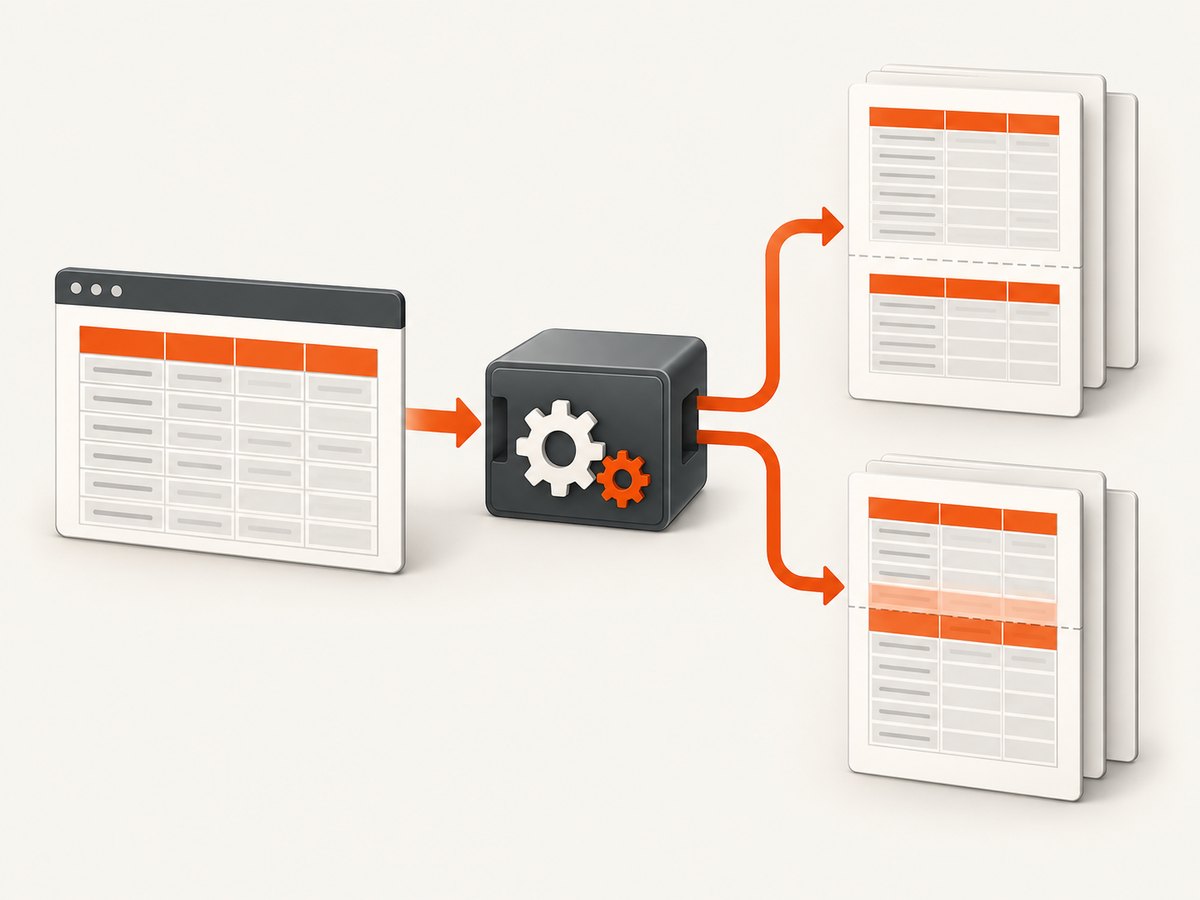
Direct answer: Most table problems seen in Adobe Acrobat Reader originate in wkhtmltopdf pagination, CSS support, or the wkhtmltopdf build—not in Acrobat changing your data. Start by reproducing the PDF in a second viewer, record the exact wkhtmltopdf version and print settings, then reduce the document to a minimal two-page table. In the print stylesheet, remove flex and overflow wrappers, keep the table display model intact, add page-break hints, and test header repetition deliberately. If the same fixture still fails, compare a newer wkhtmltopdf build or a maintained renderer.
This guide covers rows that split or overlap, headers that repeat over body rows, unexplained blank gaps, and PDFs that look correct in one viewer but wrong in Acrobat Reader.
1. Identify whether Acrobat or wkhtmltopdf is responsible
Open the generated PDF in another viewer such as a browser PDF viewer or a desktop reader. Also open a known-good PDF in Acrobat. These two checks separate a viewer problem from a malformed PDF:
- If only one PDF is wrong in every viewer, investigate the HTML, CSS, assets, and wkhtmltopdf output.
- If many unrelated PDFs fail only in Acrobat, follow Adobe’s application troubleshooting sequence: update Reader or Acrobat, try another PDF, reset browser display preferences when relevant, and repair or reinstall the application.
- If the table is visually correct but its tags or reading order are wrong, treat that as an accessibility-repair task rather than a pagination task.
Reader cannot reconstruct a table that the renderer encoded incorrectly. Acrobat Pro’s Reading Order and Tags tools can remediate an otherwise usable PDF, but they do not repair row geometry or page-break calculations.
2. Capture a reproducible baseline
Before changing CSS, save the command, source HTML, operating system, fonts, and output. Record:
- Exact
wkhtmltopdf --versionoutput. - Paper size, orientation, margins, zoom, and whether
--print-media-typeis enabled. - JavaScript timing options, local-file permissions, custom headers, cookies, and URL forms.
- The same input data and asset versions for every trial.
wkhtmltopdf --version
wkhtmltopdf \
  --page-size A4 \
  --margin-top 16mm \
  --margin-right 14mm \
  --margin-bottom 16mm \
  --margin-left 14mm \
  --print-media-type \
  --enable-local-file-access \
  table.html table.pdf
Keep each output with a unique filename. A version upgrade can change row-break behavior; issue reports show why the binary version belongs in every reproduction record (wkhtmltopdf issue 2141).
3. Reduce the document to a minimal table
Remove JavaScript, images, web fonts, transforms, flex and grid wrappers, responsive overflow containers, and third-party widgets. Use a table with enough rows to cross a page boundary. This tells you whether the defect is pagination or an interaction with content measurement.
<!doctype html>
<html>
<head>
  <meta charset="utf-8">
  <style>
    @page { size: A4; margin: 16mm 14mm; }
    * { box-sizing: border-box; }
    html, body { margin: 0; padding: 0; }
    body { font: 10pt/1.35 Arial, sans-serif; color: #222; }
    .print-root { display: block; width: 100%; }
    table { width: 100%; border-collapse: collapse; table-layout: fixed; }
    thead { display: table-header-group; }
    tfoot { display: table-footer-group; }
    tr { page-break-inside: avoid; break-inside: avoid; }
    th, td { border: 0.25mm solid #888; padding: 2mm; vertical-align: top; overflow-wrap: anywhere; }
    th { background: #eee; }
    @media print {
      .no-print { display: none !important; }
      .overflow-wrapper { overflow: visible !important; }
    }
  </style>
</head>
<body>
  <main class="print-root">
    <table>
      <thead>
        <tr><th>ID</th><th>Description</th><th>Amount</th></tr>
      </thead>
      <tbody>
        <!-- repeat enough rows to create a page break -->
        <tr><td>001</td><td>A short test row</td><td>$10.00</td></tr>
        <tr><td>002</td><td>A longer description that may wrap across lines</td><td>$12.50</td></tr>
      </tbody>
    </table>
  </main>
</body>
</html>
Once this fixture renders predictably, add your real columns and content one change at a time. The first change that reintroduces the defect identifies the relevant CSS or asset.
4. Fix the common CSS triggers
Flex containers at the page root
A flex wrapper can cause wkhtmltopdf to calculate table height and page boundaries incorrectly. In issue 1524, a reporter found a root container with display: flex; changing the print wrapper to display: block resolved the case (issue 1524).
@media print {
  .app-shell,
  .page,
  .print-root {
    display: block !important;
    height: auto !important;
    min-height: 0 !important;
  }
}
Apply this to the outer layout only. Do not convert the table itself to flex items.
Overflow and responsive wrappers
Bootstrap-style .table-responsive wrappers commonly add horizontal scrolling or a constrained height. wkhtmltopdf may paginate the wrapper instead of the table.
@media print {
  .table-responsive,
  .overflow-auto,
  .overflow-scroll {
    overflow: visible !important;
    height: auto !important;
    max-height: none !important;
  }
}
Remove transform from ancestors as well. Transforms alter the coordinate system and can make a row appear to overlap its repeated header.
Row breaks
Use both legacy and modern hints, while recognizing that wkhtmltopdf can ignore them for very large rows:
tr, .invoice-line {
  page-break-inside: avoid;
  break-inside: avoid;
}
A row taller than the printable page cannot remain intact. Split long descriptions into separate rows or sections, reduce excessive padding, and allow a controlled split rather than expecting an impossible break constraint.
Repeated table headers
Start with the standards-oriented value:
thead { display: table-header-group; }If the header is painted over the first body row, test the alternative reported in issue 2182:
thead { display: table-row-group; }This can stop repetition entirely, so verify every page. Other layouts in the same issue use table-header-group together with break-avoid rules. Treat these declarations as controlled experiments, not universal fixes (issue 2182).
5. Check dimensions, fonts, and timing
- Margins and printable height: A large header, footer, or margin can leave too little space for a row. Confirm the CSS
@pagesize matches command-line margins. - Font availability: A missing font changes line wrapping and row height. Install the font in the rendering environment or use a dependable fallback.
- Images: Set explicit width and height so late image layout does not move rows after pagination.
- JavaScript: Wait for data and images before capture. Use a deterministic local fixture when debugging; remove asynchronous requests first.
- Zoom: A non-default
--zoomchanges wrapping. Keep it fixed while comparing outputs.
wkhtmltopdf \
  --javascript-delay 500 \
  --load-error-handling abort \
  --load-media-error-handling abort \
  --zoom 1 \
  table.html table.pdf
Only add a delay when the page actually needs it. A long delay increases job time without fixing a pagination defect.
6. Compare or replace the renderer deliberately
wkhtmltopdf’s repository is archived, and issue 3737 documents recurring pagination defects in 0.12.x-era workflows (issue 3737). Test a newer available build or a maintained renderer only after you have a minimal fixture. Compare the same HTML and data across operating systems and evaluate:
| Criterion | What to verify |
|---|---|
| Header repetition | Does the header repeat once per page without covering body rows? |
| Row integrity | Do normal rows stay together, and do oversized rows split predictably? |
| CSS support | Are flex, overflow, transforms, and print rules interpreted consistently? |
| Fonts and assets | Are identical fonts, images, and local files available? |
| JavaScript timing | Does dynamic content finish before layout is captured? |
| Accessibility | Are tags, table structure, and reading order usable in Acrobat? |
| Maintenance | Can you reproduce and patch the renderer when a defect appears? |
7. Troubleshooting checklist
| Symptom | Likely cause | Fix |
|---|---|---|
| Header overlaps first row | Header display mode or incorrect table height | Remove flex and transforms; test table-header-group and then the controlled table-row-group experiment. |
| Rows split unexpectedly | Unsupported break rule, oversized row, or changed font metrics | Use page-break-inside: avoid, reduce row height, confirm fonts, and compare versions. |
| Large blank gap | Fixed height, overflow wrapper, or an unbreakable block | Set height to auto, make overflow visible, remove flex, and inspect the first element after the gap. |
| Table is clipped horizontally | Responsive scrolling container or width larger than the page | Remove overflow, use width:100%, fixed table layout, and matching page margins. |
| Only Acrobat looks wrong | Viewer-specific rendering or damaged installation | Compare viewers, update Acrobat, try another PDF, then repair or reinstall. |
| Different machines produce different breaks | Binary, OS, fonts, or locale differ | Pin the wkhtmltopdf version and install the same fonts and locale. |
| Blank PDF or missing rows | Load failure, blocked local file, or JavaScript not finished | Check stderr, use --enable-local-file-access only when needed, and make loading deterministic. |
8. Or skip the browser setup
If your input is a web page and you need a clean capture or PDF without maintaining a headless browser pipeline, ScreenshotNeo provides a single screenshot API request. Its capture options include full-page rendering, PDF paper size, margins, landscape mode, page ranges, custom CSS and JavaScript, selector waits, delay or network-idle waits, custom headers and cookies, timezone and geolocation, and signed asynchronous jobs. See the ScreenshotNeo documentation for parameter details.

curl -G "https://api.screenshotneo.com/v1/shot" -d access_key=YOUR_API_KEY --data-urlencode url=https://stripe.com -o shot.webpimport requests
r = requests.get("https://api.screenshotneo.com/v1/shot", params={"access_key": "YOUR_API_KEY", "url": "https://stripe.com"}, timeout=90)
open("shot.webp", "wb").write(r.content)const q = new URLSearchParams({ access_key: 'YOUR_API_KEY', url: 'https://stripe.com' });
const res = await fetch(`https://api.screenshotneo.com/v1/shot?${q}`);Cookie banners, newsletter popups, and chat widgets are removed before the shot. Bot checks, blank pages, failed loads, timeouts, and cache hits are not billed; response headers identify the page verdict and billing result. An MCP server lets Claude, Cursor, and other MCP clients call take_screenshot, get_page_info, and capture_pdf. The free plan includes 1,000 screenshots a month with no card; paid plans start at $5 for 3,000 shots. Create a free ScreenshotNeo account.
9. Performance, reliability, and cost notes
- Minimal HTML fixtures render faster and make regressions easier to detect. Reuse stable assets and avoid unnecessary JavaScript delays.
- Pin the renderer, fonts, locale, page settings, and input data in CI so a package or OS update does not silently change pagination.
- Keep PDFs from different renderer versions during migration and compare page count, header positions, row boundaries, and file metadata.
- For repeated web captures, caching can reduce work; for dynamic pages, choose a wait condition that reflects actual readiness rather than a large fixed delay.
- With ScreenshotNeo, only clean shots are billed, and cache hits and failed captures are reported in response headers. Review
X-Page-VerdictandX-Billedin logging so retries do not hide the real failure mode.
10. FAQ
Why does the PDF look fine in Chrome but fail in Acrobat?
The viewers may interpret malformed pagination structures differently. Reproduce with a minimal fixture and inspect the renderer output before changing Acrobat settings.
Can CSS guarantee that a row never splits?
No. page-break-inside: avoid and break-inside: avoid are hints, and an oversized row cannot fit on one page.
Should I always set thead to table-row-group?
No. It may stop an overlap by disabling repeated headers. Test it only when table-header-group produces a defect, and verify every page.
Is upgrading wkhtmltopdf enough?
It can change row-break behavior, but it does not fix every CSS limitation. Keep the same fixture and compare outputs before adopting a new build.
When should I repair the PDF in Acrobat Pro?
Use Acrobat’s Tags and Reading Order tools after the visual layout is correct but accessibility metadata is missing or incorrect.


