How to Fix Extra White Space in wkhtmltopdf Table Page Breaks
Extra white space around table page breaks can come from wkhtmltopdf’s limited pagination behavior. Try a targeted row-level CSS workaround, then diagnose the renderer and document if gaps remain.
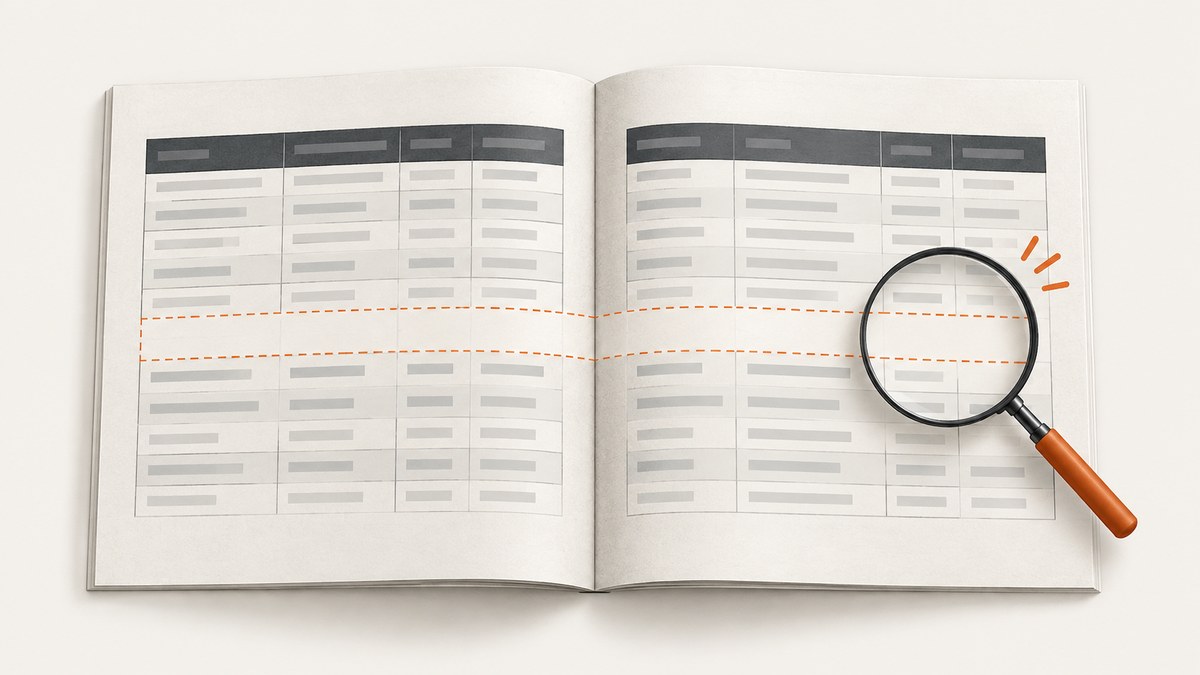
Extra white space around a table page break in wkhtmltopdf is often a pagination issue, not simply a margin setting. A practical first experiment is to ask the renderer to keep rows and their neighboring breaks together:
tr {
  page-break-inside: avoid;
  page-break-after: avoid;
  page-break-before: avoid;
}
There is one direct report that this resolved the reported whitespace, but it is not a universal fix. wkhtmltopdf’s table pagination has known edge cases: the declarations may be ignored, may fail to prevent a split, or may introduce visible artifacts. Render the exact production document with the exact binary and build you deploy before relying on the change. The project repository is archived and read-only, so treat the issue reports as historical evidence rather than a promise of an upstream correction.
This guide gives a minimal reproduction, a controlled troubleshooting sequence, and practical checks for headers, footers, row height, and CSS scope.
1. Apply the row-level workaround as a controlled test
Start with the affected table rows. The three declarations cover inside, before, and after breaks. The reported successful workaround used all three on tr; the author of wkhtmltopdf issue #4868 said it fixed the extra whitespace they saw. That is a useful first test, not proof that the same rules will work for a different document or build. Issue #4868.
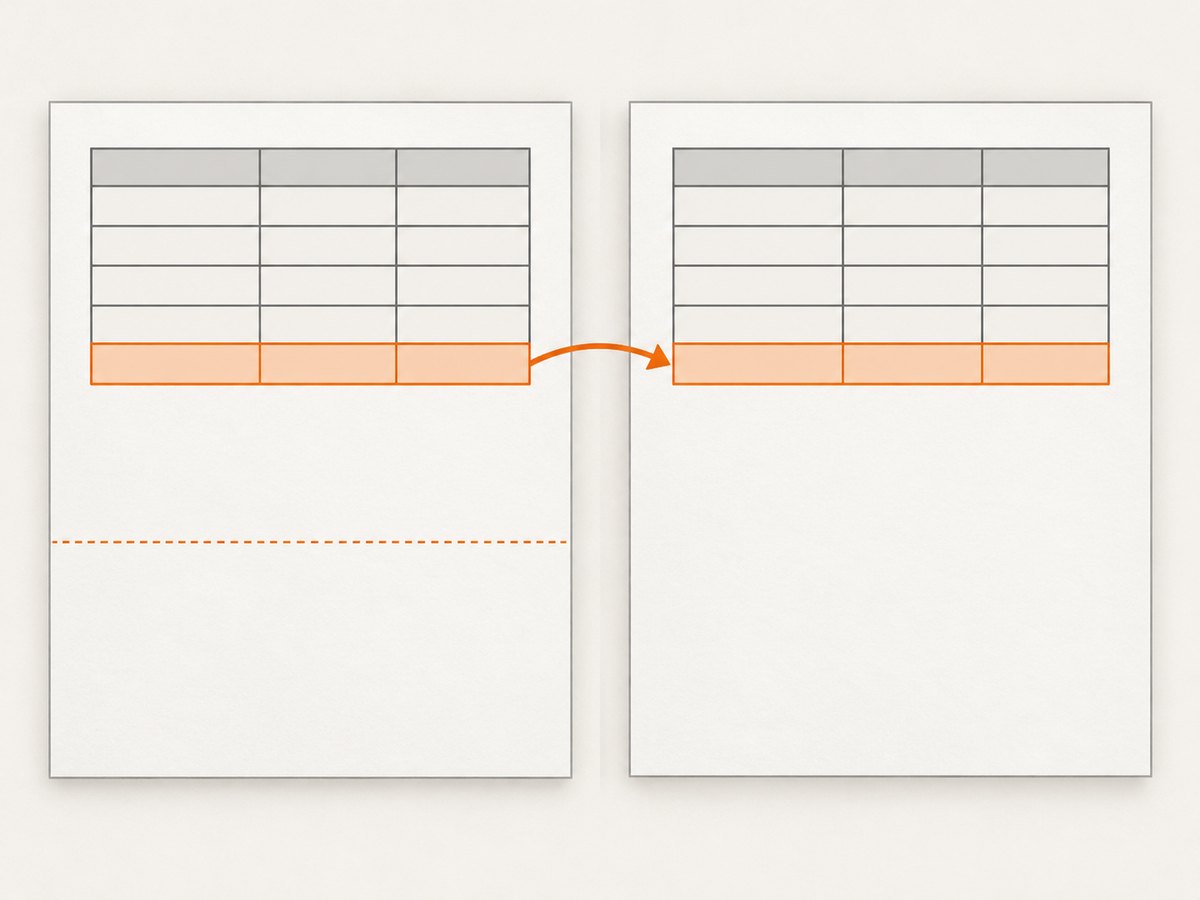
table.report {
  width: 100%;
  border-collapse: collapse;
}

table.report tr {
  page-break-inside: avoid;
  page-break-after: avoid;
  page-break-before: avoid;
}
Prefer a class or other narrow selector over a site-wide tr rule when the document contains several tables with different layout needs. This makes it easier to compare the affected table with a control table and to roll back if the rule causes border or spacing artifacts.
What the declarations are intended to do
page-break-inside: avoidasks the renderer to avoid splitting content within the row.page-break-before: avoidasks it not to force a break immediately before the row.page-break-after: avoidasks it not to force a break immediately after the row.
These are legacy paged-media CSS properties. wkhtmltopdf’s support is partial and depends on the renderer’s table pagination behavior. The Debian buster manpage describes page-break-inside with patched Qt as a way to remedy pagination “somewhat,” and says there is no easy solution to the underlying problem. Debian wkhtmltopdf manpage.
2. Reproduce the problem with the production renderer
Before changing multiple styles, make a small HTML file that preserves the conditions that produce the gap. Keep the table structure, fonts, page size, margins, header and footer settings, and the same wkhtmltopdf executable. A reduced example that omits a repeated header or a long row may not reproduce the pagination decision that causes the whitespace.
For a basic local check, save a representative table as table.html, then render it:
wkhtmltopdf table.html table-before.pdf
wkhtmltopdf --version
Apply the CSS workaround in the HTML or its stylesheet, render again to a separate output file, and inspect the same page boundary in both PDFs. The output of --version is essential context, but record more than the version string: operating system, package or binary distribution, and whether the build uses patched Qt can affect results. Reports in the project’s issue tracker describe behavior varying across operating systems and builds. Issue #2141.
- Save the baseline. Keep the original PDF and HTML so you can tell whether a change improved the gap or only moved it.
- Change one thing. Add the row rules without changing margins, font sizes, or page dimensions in the same pass.
- Inspect more than the gap. Check the row before the break, the first row after it, repeated headers, and table borders at the page bottom.
- Repeat with the deployed binary. A local preview made with another package is not a reliable substitute for production output.
3. Check table and page-break edge cases
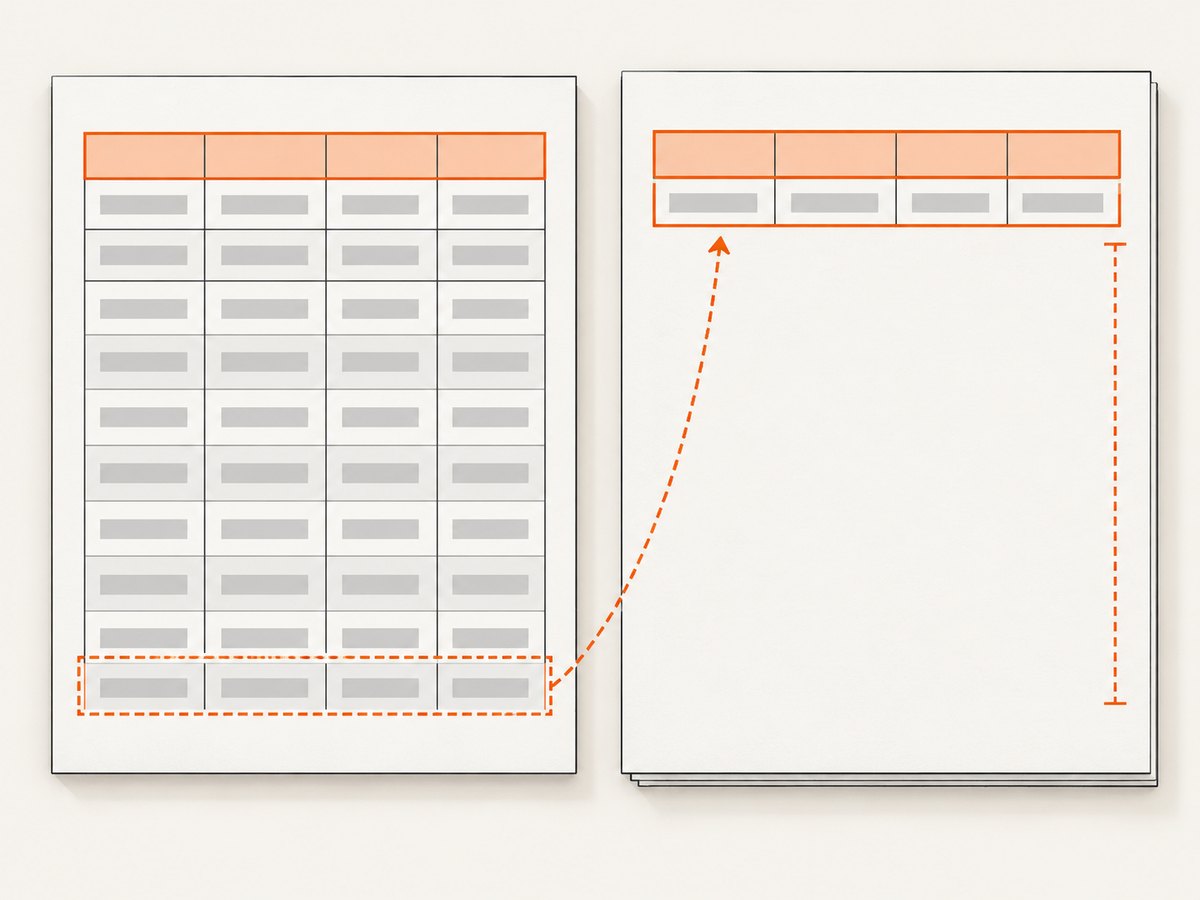
A row that cannot fit on the remaining page may move to the next page when the renderer honors an avoidance rule. That can leave a larger blank area at the bottom of the current page. If the row itself is taller than a page, asking to keep it together cannot make it fit; the renderer must split it, overflow it, or lay it out in an undesirable way. Check long text, large images, nested content, and cells whose height changes with the production font.
Repeated headers can make gaps look worse
Tables with thead headers repeated across pages can show a header without a data row, or a visible space between the repeated header and the first row. A wkhtmltopdf 0.12.4 report describes these symptoms even with avoidance rules applied to table, tr, thead, and tfoot. Issue #2037. If the whitespace appears only near a repeated header, record that specifically and inspect the page after the gap, not just the page before it.
Row avoidance can produce border artifacts
A report using wkhtmltopdf 0.12.2.4 with patched Qt on Windows says tr { page-break-inside: avoid; } kept rows together but produced long cell borders at the page bottom and a repeated header before the moved row. Issue #4868 discussion. That is why a successful check must consider the whole table across both pages. A smaller selector can help: apply avoidance only to the rows that should remain intact, then compare the PDF for border continuity and usable page space.
Do not assume more selectors mean more reliable pagination
Adding the same property to table, thead, tbody, and tfoot may seem comprehensive, but issue reports document gaps and header-only pages despite broad rules. Broaden the selector only to answer a specific question in your reproduction. Keep a before-and-after PDF for each variant so that a change in one region does not hide a regression elsewhere.
4. Troubleshooting checklist
| Symptom | Likely explanation | What to try |
|---|---|---|
| Gap remains unchanged | The build may not honor the rule in this table context, or another layout condition controls the break. | Verify the stylesheet is loaded, reduce to one table, and confirm the exact binary and Qt build. |
| Rows still split | Pagination avoidance is partial; the row may be too tall or the table path may not honor the declaration. | Test a shorter representative row and inspect whether the row can fit on a page. Avoid treating the declaration as a guarantee. |
| A large blank area appears at page bottom | A row was moved intact to the next page, leaving the remaining space unused. | Check row height and content. Consider scoping avoidance to rows that must remain together; compare the resulting pagination. |
| Repeated header has no data beneath it | The header and first row may be paginated separately, a behavior reported with wkhtmltopdf. | Reproduce with the same thead and page settings. Record the affected page and test narrow changes rather than assuming broader CSS will solve it. |
| Long borders appear at page bottom | Row avoidance may have changed how table borders are painted across the break. | Inspect cell borders on both pages. Remove or narrow the rule if the artifact outweighs the whitespace improvement. |
| Local and production PDFs differ | Different OS, package, Qt patch status, fonts, or renderer versions can change output. | Capture wkhtmltopdf --version, OS and package details, font availability, and command-line options from both environments. |
For a useful bug report or internal issue, include the smallest HTML and CSS that still shows the symptom, both PDFs if possible, the exact command, version output, operating system, and whether the build uses patched Qt. Keep sensitive document content out of a public report; replace it with representative data while preserving row lengths and structure.
5. Keep the pagination test reliable
PDF output can depend on the entire rendering environment. Pin the wkhtmltopdf package or binary used in production and include its version and build details in deployment notes. Keep fonts available in the runtime environment, because font substitution can change line wrapping and row height. Use the same paper size, margins, header/footer inputs, and command-line options when comparing output. Otherwise, the comparison mixes several causes and makes the result hard to interpret.
For recurring documents, retain a small representative fixture and visually inspect page boundaries after changing the renderer, font package, or table CSS. This is a reliability practice, not a claim that a particular test harness or automated PDF comparison will detect every pagination defect. Include cases with a short row, a row near the page limit, a long row, and a repeated table header if those occur in real documents.
Performance is usually a secondary concern in this specific diagnosis: the issue is page layout correctness, and the dossier provides no comparative timing evidence for these CSS rules. Avoid making speed claims from a single render. If your production pipeline is sensitive to rendering time, measure the complete representative document with the same binary and inputs before and after any renderer or layout change.
6. Know when the workaround is not enough
If the row rules fail or introduce unacceptable artifacts, there is no universally reliable CSS correction established by the available reports. The wkhtmltopdf repository was archived on January 2, 2023 and is read-only. Upstream repository. That makes it especially important to decide based on your own document requirements rather than waiting for an upstream pagination fix.
If dependable table pagination is a hard requirement, evaluate a renderer change against your actual documents, fonts, page dimensions, headers, footers, and compatibility constraints. The evidence here does not establish a best replacement, so select candidates based on your application’s needs and validate their output before migrating. For less strict cases, a narrowly scoped row rule may be an acceptable compromise if it improves the specific pages without creating worse breaks elsewhere.
7. Or skip the browser setup
If your task is capturing a website as an image or PDF rather than fixing a generated wkhtmltopdf report, ScreenshotNeo provides a one-request website screenshot API. It does not replace wkhtmltopdf’s table pagination controls for your own HTML-to-PDF pipeline; it is an option when the source you need is a live web page.
curl -G "https://api.screenshotneo.com/v1/shot" -d access_key=YOUR_API_KEY --data-urlencode url=https://stripe.com -o shot.webpSee the ScreenshotNeo API documentation for request options. Cookie banners, popups, and chat widgets are removed before the shot. Bot checks, blank pages, and failed loads are never billed. An MCP server lets AI agents take screenshots. The free plan includes 1,000 screenshots a month with no card; paid plans start at $5 for 3,000. Create a free ScreenshotNeo account.
FAQ
Should I put the rule on every table row?
Use a narrow scope first. Apply it to the affected table or only the rows that need to stay together, then inspect all nearby page boundaries for new whitespace or border artifacts.
Does wkhtmltopdf support modern break-inside CSS?
The evidence in this guide supports a legacy page-break-inside workaround as a partial remedy in some patched-Qt builds. It does not establish equivalent behavior for modern CSS properties across wkhtmltopdf versions.
Can I eliminate every blank area at a page bottom?
Not necessarily. Keeping a row intact can require moving it to the next page, leaving unused space. The goal is to choose acceptable pagination for the document, not assume every page can be filled without splitting content.
Which replacement renderer should I choose?
The cited evidence does not compare replacement products. Test candidates against your application’s real PDFs, layout requirements, deployment environment, and compatibility needs.


