How to Fix Text Cut Off Between Pages in wkhtmltopdf
Fix split lines, broken table rows, and right-edge clipping in wkhtmltopdf with targeted CSS, diagnostics, and practical renderer alternatives.
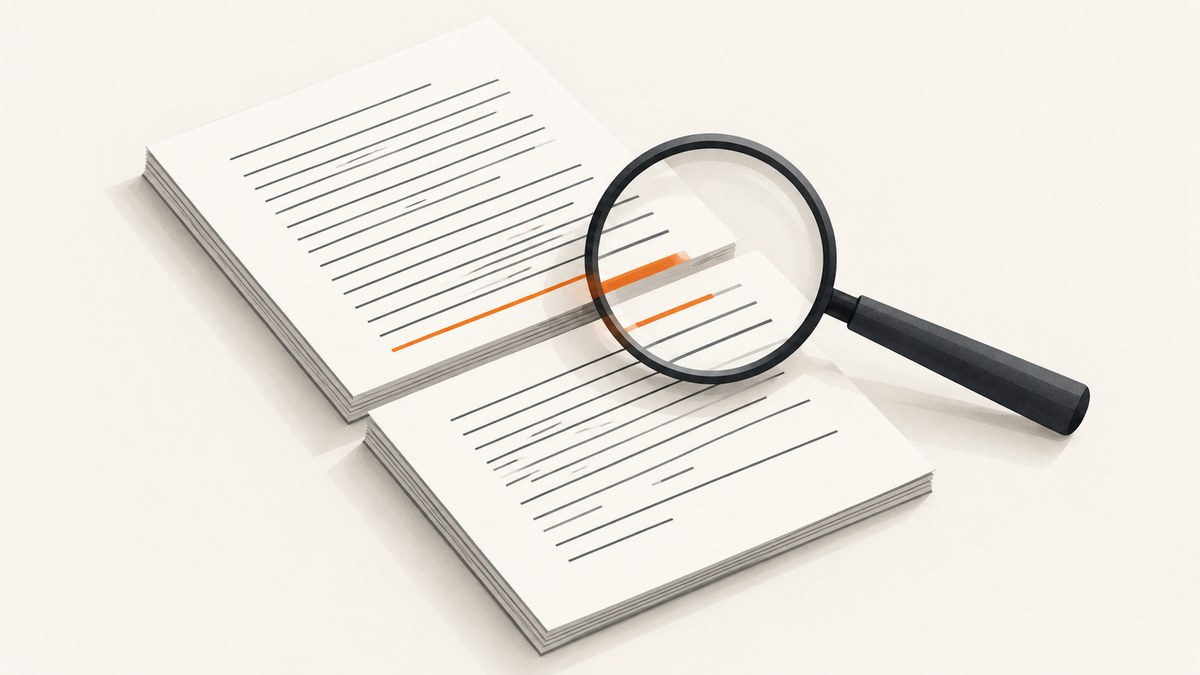
If wkhtmltopdf cuts a line in half between pages, first identify whether the fault is pagination or horizontal clipping. For a page-boundary split, protect a small meaningful block with page-break-inside: avoid (and its modern alias, break-inside: avoid), keep that block shorter than the printable page, and restructure long content around places where a page can break cleanly. The rule is a request, not a guarantee: wkhtmltopdf uses an old WebKit pagination approach, and tables have their own quirks.
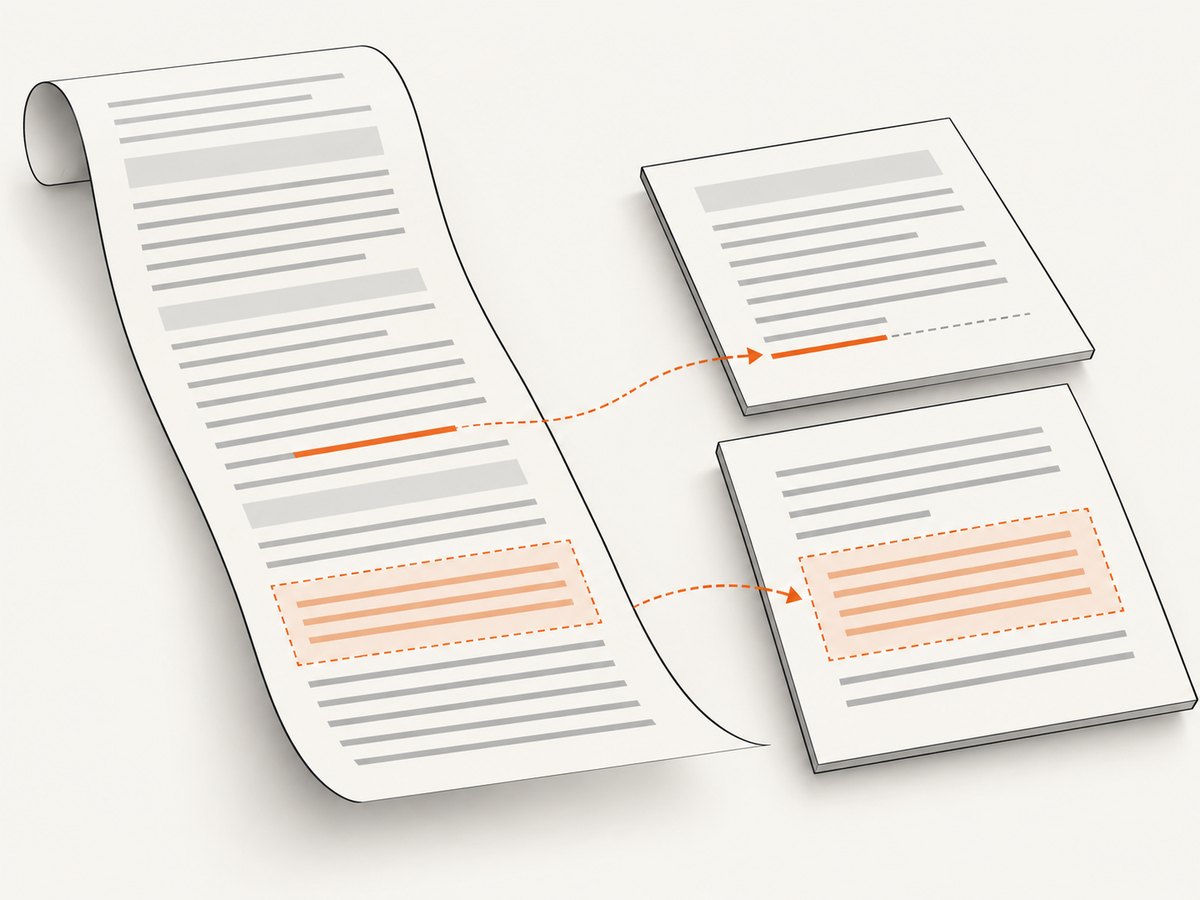
If characters disappear at the right edge, investigate content width, margins, overflow, positioning, and the exact wkhtmltopdf build before changing page-break CSS. The wkhtmltopdf documentation itself cautions that WebKit’s page breaking algorithm can split lines when it lays out a long page and slices it into pages. [c1]
1. Classify what is being cut off
“Text cut off” can describe different faults. Look at the rendered PDF and identify the pattern before editing CSS:
| What you see | Likely area to investigate |
|---|---|
| The bottom half of a line is at the foot of one page and its top half is at the head of the next | Pagination boundary splitting in WebKit |
| A heading is stranded at the bottom of a page while its paragraph starts on the next | Keep the heading and following content together, or move a clean break point |
| A table row continues across pages, overlaps a repeated header, or has broken borders | Table-specific pagination behavior |
| Text or other content disappears at the right edge on the same page | Horizontal overflow, page width, margins, positioning, or a build-specific regression |
| The problem appeared after an OS or wkhtmltopdf change | Compare exact versions and platforms using the same minimal input |
Take note of the affected page, the element involved, and whether the text is missing, overlapping, or simply moved. A line split across a page boundary is different from a line extending past the printable width. CSS that helps the first case will not fix the second.
2. Record the renderer and page configuration
Before changing styles, write down the exact environment that produced the file. wkhtmltopdf builds may differ across operating systems and packaged versions; an older issue documents a right-margin regression on macOS 0.12.1 and Linux 0.12.0 compared with 0.10.0. That report is a reason to compare builds, not evidence that every current build has the same bug. [c4]
wkhtmltopdf --version
uname -a
Also record the input HTML and stylesheet revision, page size, orientation, zoom, and all margins. Capture the command line used to generate the PDF. Keep one copy of the output from the failing environment so every experiment has a baseline.
Check the effective page area
The printable area is the page size minus its margins. A fixed-width element that fits a browser window may exceed that area in a PDF. Review tables, preformatted code, wide images, fixed-width wrappers, and elements with padding or borders. CSS 2.2 notes that content outside a page box may be cut off. [c5]
For horizontal clipping, look for these width traps:
overflow-x: hiddenon a container or the document body;- a fixed width larger than the printable content area;
- negative margins or transforms that move content beyond the page edge;
- absolutely positioned elements whose containing block differs from the screen layout;
- wide table cells, unbroken URLs, or code lines that cannot wrap.
Temporarily remove one suspected rule at a time in a minimal reproduction. Avoid adding page-break declarations to a right-edge problem until you know the content is actually crossing a page boundary.
3. Keep small, meaningful blocks together
For a split paragraph, callout, heading plus its first paragraph, or compact code example, apply avoidance to a wrapper that represents the smallest useful unit. Keep the legacy property because wkhtmltopdf targets an older engine, and include the modern property for renderers that support it. MDN describes page-break-inside as a legacy alias for break-inside. [c6]
<style>
@media print {
  .keep-together,
  .keep-together > p,
  .keep-together > table {
    page-break-inside: avoid;
    break-inside: avoid;
  }
}
</style>

<section class="keep-together">
  <h2>Account status</h2>
  <p>This short paragraph should stay with its heading.</p>
</section>
This is a starting point, not a promise that every descendant will be kept intact. Add the class only to blocks that should move as a unit. If a protected block is taller than the printable page, the renderer cannot place the whole thing on one page; it may split it anyway, move it awkwardly, or leave a large blank region before it. Shorten or divide an oversized block at a meaningful point instead.
Keep headings with what they introduce
A heading at the foot of a page is a different problem from a paragraph line split in half. Put the heading and a short opening paragraph in one wrapper, or revise the document structure so the break occurs before the section. Avoid protecting a whole long section just to keep its heading with the first sentence. Protecting the smallest block gives the renderer more places to paginate.
4. Handle tables as a separate case
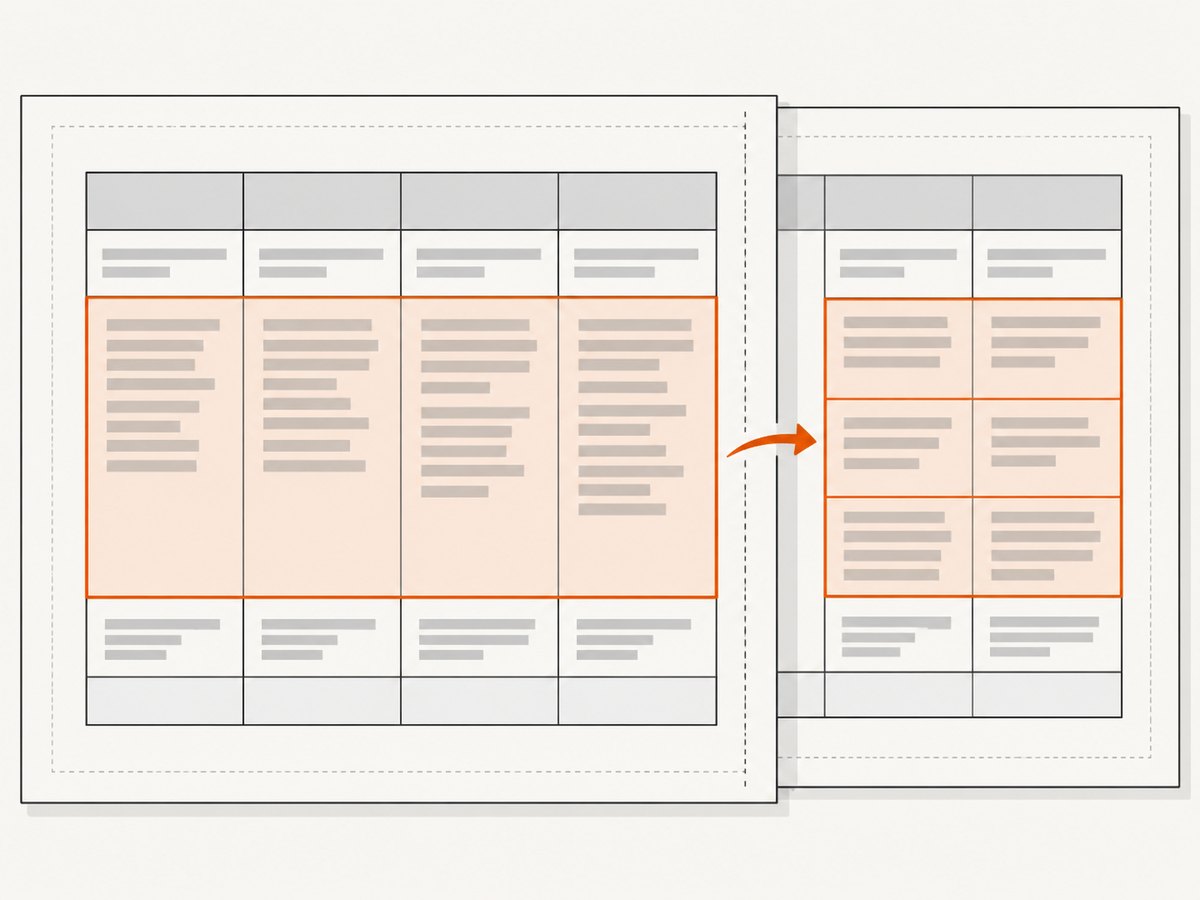
Tables can behave differently from ordinary block content. MDN notes that user agents may apply page-break avoidance to table rows, but the actual outcome depends on the renderer. [c6] Start with the row when each row is short and should remain intact:
@media print {
  tr {
    page-break-inside: avoid;
    break-inside: avoid;
  }
}
Do not assume td { page-break-inside: avoid; } is equivalent. In wkhtmltopdf issue #2486, cell-level avoidance was reported as ignored or associated with overlap against the table header, while row-level avoidance avoided splitting but had cosmetic problems. Issue #2141 describes the table logic as a hack that fails in some scenarios. These reports illustrate limitations; they do not guarantee identical behavior in every build. [c2] [c3]
Compare candidate layouts on the same data and build. Inspect whether rows split, whether a repeated thead overlaps body content, whether borders remain continuous, and how much whitespace is introduced. A single extremely tall row cannot sensibly be kept whole. Split its contents across rows or convert the relevant part into normal block content if that suits the document.
5. Create clean break points in the document
The wkhtmltopdf manual explains that its WebKit-based approach renders content as one long page and then cuts it into pages; this can split a line. It says patched Qt can remedy the problem “somewhat” and recommends organizing HTML where pages can be cut cleanly. [c1] That is why document structure matters as much as a CSS rule.
- Group related material into block-level sections, cards, or callouts.
- Keep headings with a short introduction, and let longer body text flow naturally.
- Break long tables into smaller tables at logical boundaries when appropriate.
- Split unusually long code listings, lists, or single-row content into smaller units.
- Use deliberate page breaks between major sections only when the document design calls for them.
A forced page break can make a known section start predictably, but excessive forced breaks create blank space when content length changes. Prefer a document structure with multiple safe break points over a layout that tries to make every component indivisible.
6. Reproduce the problem with a minimal fixture
When a CSS change appears to fix the output, reduce the input until only the essential structure remains. A small test makes it easier to tell whether the cause is a WebKit boundary split, a wide element, table behavior, or a build difference.
<!doctype html>
<html>
<head>
  <meta charset="utf-8">
  <style>
    body { font: 12pt sans-serif; }
    .keep-together { page-break-inside: avoid; break-inside: avoid; }
  </style>
</head>
<body>
  <!-- Replace this with the smallest block that still splits. -->
  <div class="keep-together">
    <p>A short sample paragraph repeated enough to cross a page boundary.</p>
  </div>
</body>
</html>
Render the same fixture with the original command and page settings. Then compare the exact wkhtmltopdf builds available in your target environments. Change one factor at a time: first the wrapper rule, then structure, then width or margins if the fault is horizontal. Preserve the generated PDFs and commands with the fixture so a future package upgrade can be checked against them.
7. Troubleshooting common failures
| Symptom | Likely cause | What to try |
|---|---|---|
page-break-inside: avoid seems ignored |
The protected block is too tall, the rule is on the wrong element, or the renderer cannot honor it in that context | Apply it to a smaller wrapper, reduce the block height, and test a minimal fixture |
| A line is split even though its paragraph is protected | The page-breaking algorithm can split line boxes, or the protected parent exceeds available page space | Keep the paragraph shorter, move it before or after the boundary, and avoid relying on a large ancestor wrapper |
| A heading is alone at the bottom | The heading is not grouped with the content it introduces | Wrap the heading and a short following paragraph together |
| A table row still splits | Row pagination support is limited or row content is too tall | Try row-level avoidance, shorten or subdivide the row, and inspect header repetition and borders |
| The table header overlaps rows | Interaction between repeated table headers and cell or row avoidance | Compare row-level styling with a smaller table or separate tables; inspect each page at the boundary |
| Text disappears at the right edge | Content width exceeds the printable area, overflow is hidden, or positioning moves it outside the page box | Check page width and margins, fixed widths, transforms, negative margins, long tokens, and overflow rules |
| Only one server or developer machine clips content | Different OS, build, fonts, page options, or input revision | Record wkhtmltopdf --version, OS, command, fonts, and inputs; compare on a shared fixture |
| CSS fixes create large blank areas | Too much content is marked as indivisible | Remove avoidance from long containers and protect only compact meaningful blocks |
8. Performance, reliability, and cost
There is no universal performance figure for a CSS pagination fix: document size, fonts, images, page settings, and the renderer build all affect conversion. For predictable operation, pin and record the wkhtmltopdf version in the environment that generates production PDFs, keep a small representative fixture, and review output after a build or OS change. If output correctness matters across multiple machines, compare the same fixture on each target platform rather than assuming that a CSS declaration will behave identically.
For a legacy renderer, make the input deterministic where possible: use stable assets and fonts, avoid unnecessary remote dependencies, and keep page configuration explicit. Save failed outputs and the associated command so a clipped page can be diagnosed without trying to reconstruct the environment later. If the engine remains unpredictable after structural fixes and build comparisons, a maintained renderer or hosted conversion service may be a better fit. Choose one that supports the HTML and CSS your document needs, and validate its output with representative files before switching production traffic.
Or skip the browser setup
If your goal is a website screenshot rather than a paginated PDF, ScreenshotNeo returns an image or PDF from one GET request. The examples and available parameters are in the ScreenshotNeo API documentation. This is a different workflow from repairing wkhtmltopdf’s pagination in your own HTML-to-PDF pipeline.
curl -G "https://api.screenshotneo.com/v1/shot" -d access_key=YOUR_API_KEY --data-urlencode url=https://stripe.com -o shot.webpimport requests
r = requests.get("https://api.screenshotneo.com/v1/shot", params={"access_key": "YOUR_API_KEY", "url": "https://stripe.com"}, timeout=90)
open("shot.webp", "wb").write(r.content)const q = new URLSearchParams({ access_key: 'YOUR_API_KEY', url: 'https://stripe.com' });
const res = await fetch(`https://api.screenshotneo.com/v1/shot?${q}`);- Cookie banners, popups, and chat widgets are removed before the shot.
- Bot checks, blank pages, and failed loads are never billed; response headers report the page verdict and billing status.
- An MCP server gives AI agents tools to take screenshots, inspect page information, and capture PDFs.
- 1,000 screenshots a month are free with no card; paid plans start at $5 for 3,000.
Sign up free for 1,000 screenshots a month, with no card required.
FAQ
Does break-inside: avoid work in wkhtmltopdf?
Keep the legacy page-break-inside: avoid declaration alongside it for compatibility. Either declaration is a request whose effect depends on the element, available page space, and renderer behavior.
Can I prevent every line from splitting?
Not reliably with one CSS rule. The legacy WebKit pagination model has known limitations; organize content around clean boundaries and test the exact build that produces your PDFs.
Should I use wkhtmltopdf for new PDF generation?
That depends on the output and compatibility requirements. If you cannot make the legacy engine reliable for your representative documents, evaluate a maintained renderer or hosted conversion service and compare actual output before migrating.
Why does it fail only with one table?
Table pagination has special handling, and row height, repeated headers, and border layout can interact. Reduce the table to a minimal fixture and compare row-level avoidance with a subdivided layout.


