How to Fix Text Wrapping Problems in wkhtmltopdf
Diagnose clipped, moved, or unexpectedly wrapped text in wkhtmltopdf with reproducible tests, CSS checks, table isolation, and safer PDF workflows.
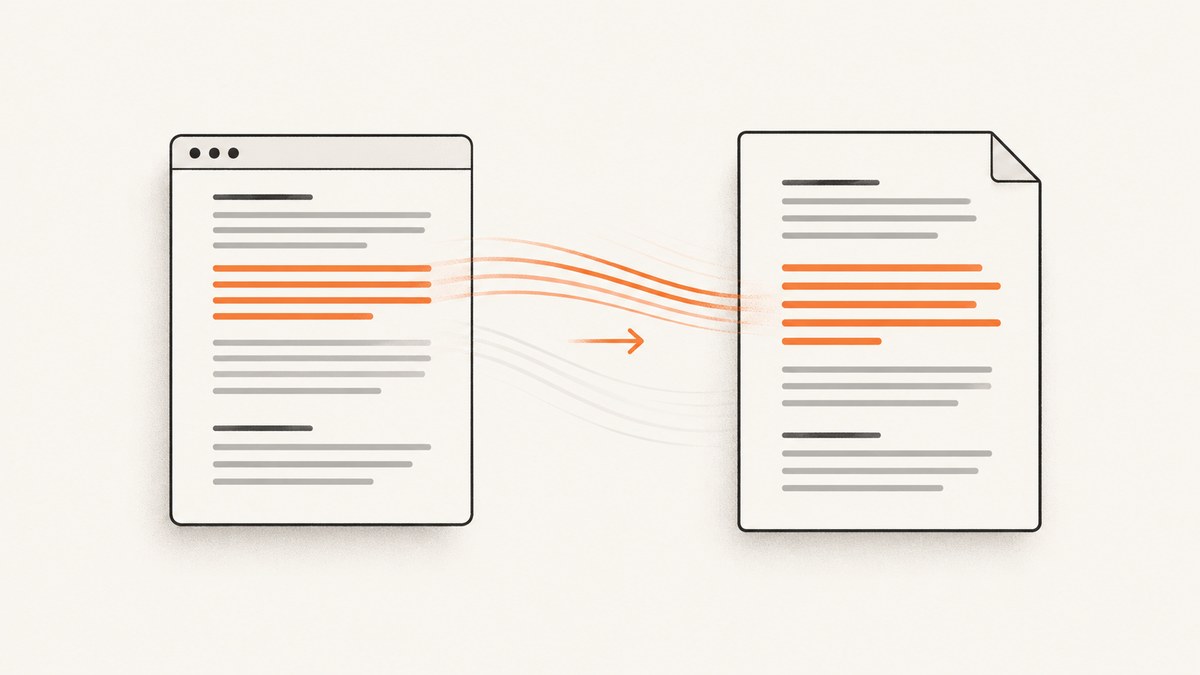
Text that wraps correctly in a browser can move to another line, lose its last word, or clip at the right edge in a wkhtmltopdf PDF. The reliable fix is a diagnostic process: reproduce the failure in wkhtmltopdf, record the exact build and fonts, measure the available width, simplify tables and CSS, then change one variable at a time.
There is no single CSS declaration that fixes every wrapping problem. Reports in the wkhtmltopdf issue tracker associate different symptoms with version changes, font declarations, nested tables, and page-break context. Treat those reports as clues to test, not universal explanations. Issue 2505 describes a last-word wrapping change alongside a version and font change; issue 4558 shows nested-table pagination with long content; and issue 4080 reports right-side truncation.
1. Make a minimal reproduction first
Save three artifacts for every failure:
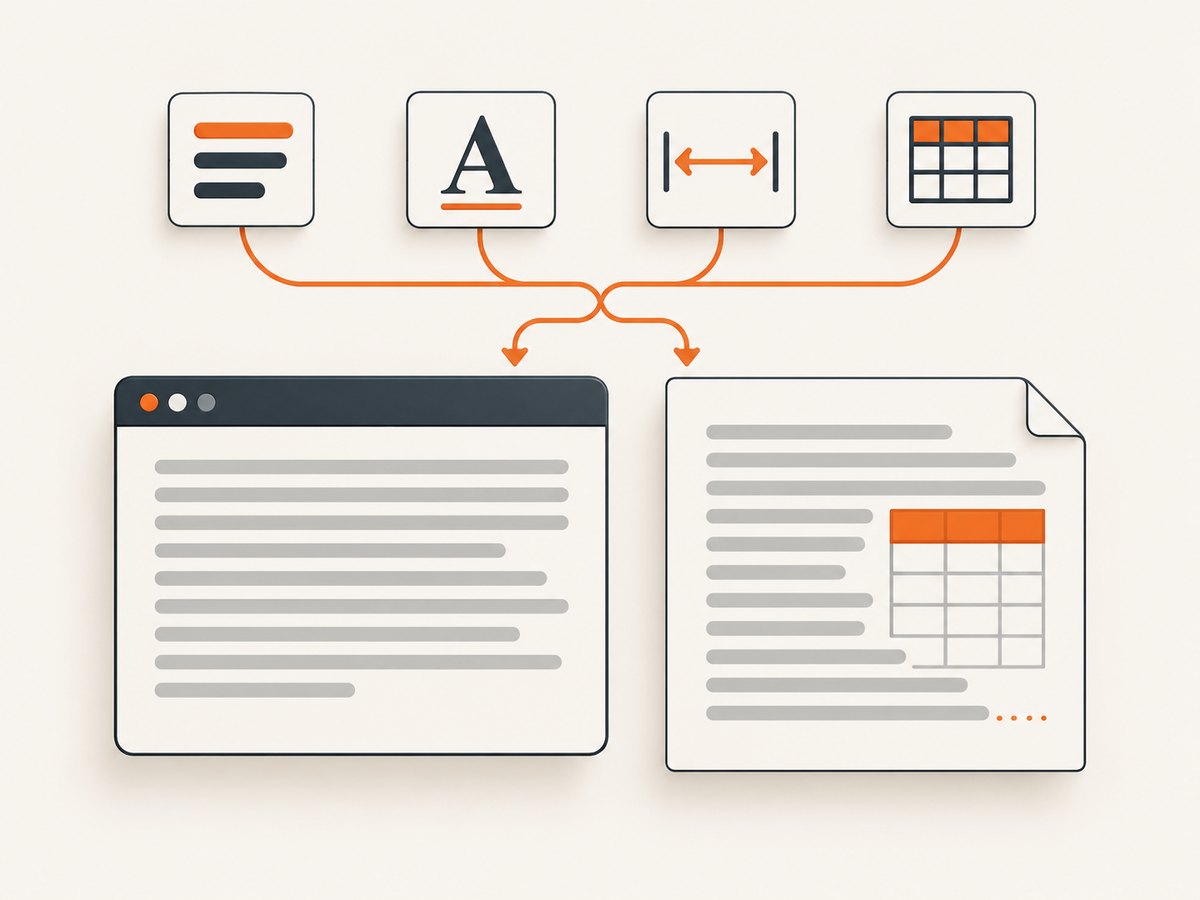
- The smallest HTML file that still wraps or clips incorrectly.
- The exact command, including every option and input URL or file.
- The generated PDF and a browser screenshot of the same HTML.
Remove application templates, analytics, unrelated sections, and external assets until the symptom disappears. Then add the nearest parent element, styles, table rows, and scripts back one at a time. This tells you whether the trigger is text width, a font metric, table layout, pagination, or a resource that did not load. The project’s support guidance asks for a detailed description and reproducing HTML, CSS, and JavaScript, so a reduced case also makes a useful bug report. wkhtmltopdf support guidance
<!doctype html>
<html>
<head>
  <meta charset="utf-8">
  <style>
    @page { size: A4; margin: 18mm; }
    body { font-family: Arial, sans-serif; font-size: 12pt; }
    .case { width: 160mm; border: 1px solid #999; padding: 4mm; }
    .case p { margin: 0; }
  </style>
</head>
<body>
  <div class="case">
    <p>Replace this sentence with the shortest text that still produces the wrapping problem in your PDF.</p>
  </div>
</body>
</html>
wkhtmltopdf --quiet case.html case.pdf
wkhtmltopdf --versionKeep a notebook or a small table of each run: build, operating system, installed fonts, command flags, CSS change, and result. A visual difference that appears only after an upgrade is actionable even when the underlying cause is not yet known.
2. Record version, fonts, and rendering conditions
Different wkhtmltopdf builds can produce different line breaks. One issue report describes a last-word change after an upgrade from 0.9.9.3 to 0.12.2.1 and also mentions a difference after removing Arial. That is an individual report, so use it to justify controlled comparisons rather than concluding that a particular version or font is always defective.
Capture the environment
- Run
wkhtmltopdf --versionand save the complete output. - Record the operating system, architecture, and installation source.
- List the font-family declarations in the reduced case.
- Confirm that every declared font is installed where wkhtmltopdf runs.
- Record whether the input is a local file, a hosted URL, or a URL behind authentication.
- Save all flags, especially page size, margins, zoom, DPI, JavaScript delays, and smart shrinking settings.
Test one font substitution at a time. Start with a widely available fallback stack, then restore the production stack. Do not treat a browser’s font as proof that the PDF process can load the same file; the browser and the conversion host may have different font inventories and loading permissions.
3. Check the width that wkhtmltopdf actually has
Line wrapping is determined by the containing block available to the renderer, not by the width you intended in a design mockup. Check the page size, margins, zoom, borders, padding, table columns, and any ancestor with a fixed width. A box that is nominally 160 mm wide can have less room for text after padding and borders are included.
Inspect these CSS rules
width,max-width,min-width, padding, and borders on every ancestor.white-space: nowrap, which prevents normal wrapping.- Preserved whitespace such as
preorwhite-space: pre-wrap. - Long unbroken URLs, hashes, identifiers, or encoded values with no natural break opportunity.
- Overflow rules such as
overflow: hidden, which can hide text after layout rather than solve it. - Transforms, negative margins, floats, and absolutely positioned elements that alter the effective content area.
For a long token, test a break rule on the smallest element that needs it. Depending on the build, overflow-wrap: anywhere, overflow-wrap: break-word, or a legacy word-wrap declaration may behave differently. An issue report says an attempted word-wrap: break-word did not resolve one truncation case, so never assume that property is a universal fix.
.label {
  white-space: normal;
  overflow-wrap: anywhere;
  word-break: normal;
}

/* Use only when breaking inside words is acceptable. */
.machine-token {
  word-break: break-all;
}
Use break-all carefully: it can preserve the right edge while making ordinary prose difficult to read. Prefer inserting a permitted break in generated identifiers or allowing a URL to break at punctuation when your content rules permit it.
4. Simplify tables and pagination
Tables are a frequent context for wrapping surprises because column widths, cell padding, nested tables, and page breaks interact. If the problem occurs in a cell, replace the table temporarily with a single block of text. If the block wraps correctly, rebuild the table in layers:
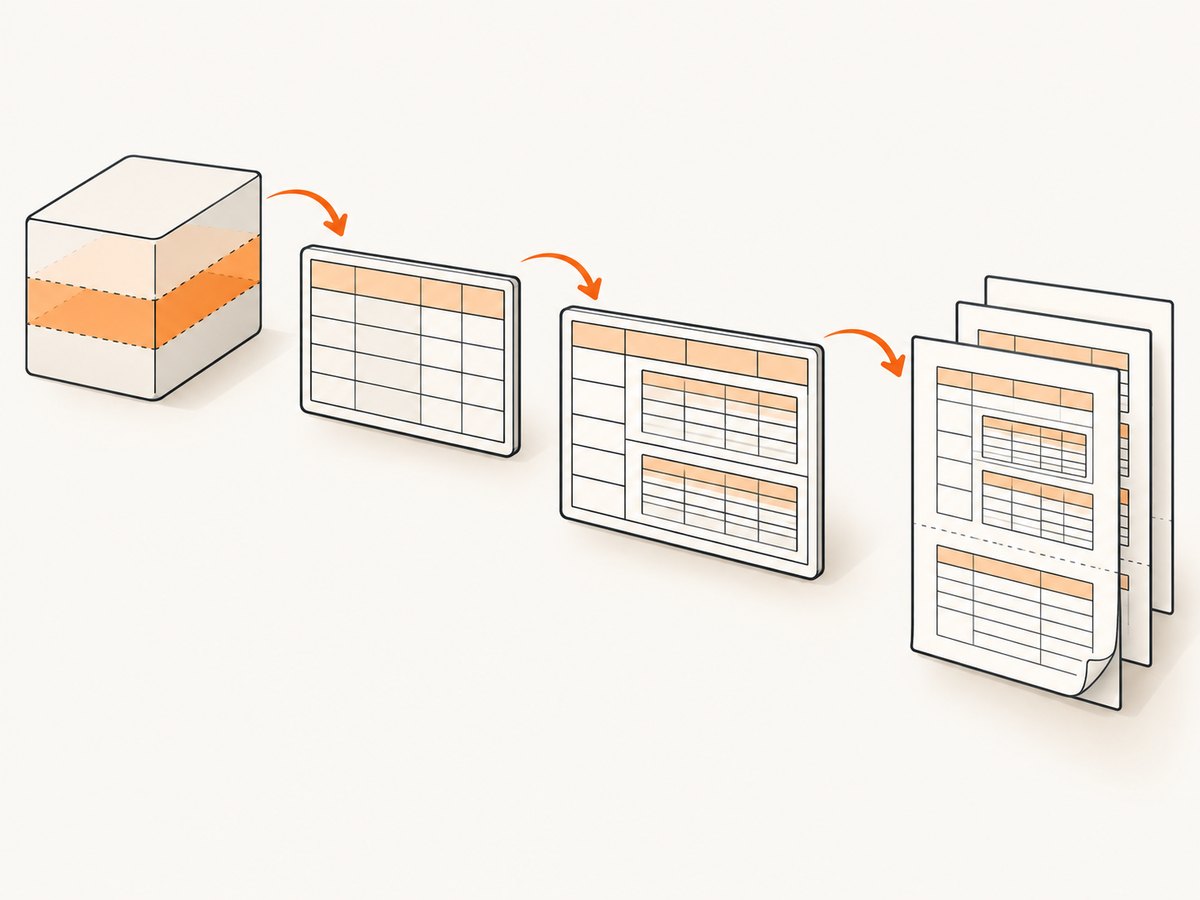
- Use one table with one row and fixed, explicit column widths.
- Add the actual font and cell padding.
- Add long text and unbroken tokens.
- Add nested tables or lists.
- Finally add page-break rules and repeated headers.
Set widths consistently. Mixing percentage widths, intrinsic content widths, and large minimum widths can force a column beyond the printable area.
table {
  width: 100%;
  border-collapse: collapse;
  table-layout: fixed;
}

th, td {
  width: 50%;
  padding: 3mm;
  vertical-align: top;
  overflow-wrap: anywhere;
}

thead { display: table-header-group; }
tfoot { display: table-footer-group; }
tr { page-break-inside: avoid; }
Those declarations are experiments, not guarantees for every wkhtmltopdf build. In particular, page-break-inside: avoid can move a large row to a later page, while a row that cannot fit may still split or overflow. Test with realistic text lengths. The nested-table report in issue 4558 includes pre-wrap and break-all in its sample setup; their presence documents that report’s conditions, not a validated recommendation.
5. Compare one change at a time
Keep the failing fixture under version control. Make a branch or copy for each change and compare the PDFs visually and, where possible, by extracting text. A useful sequence is:
- Baseline with the original command and CSS.
- Remove custom fonts while keeping dimensions unchanged.
- Set an explicit page size and margins.
- Remove nested tables and floats.
- Change one whitespace or break rule.
- Restore one removed feature at a time.
Avoid stacking break-all, overflow: hidden, and multiple white-space overrides. You may make the symptom look better while silently breaking word integrity or hiding content.
6. Check resources and timing
Missing web fonts, blocked images, and scripts that have not finished can change the measured width before conversion. For a hosted page, verify the conversion process can reach every resource without browser-only authentication. For a local file, use explicit asset paths and test from the same machine or container that runs production conversion.
wkhtmltopdf \
  --enable-local-file-access \
  --javascript-delay 1000 \
  --load-error-handling abort \
  input.html output.pdf
Only enable local file access when the input is trusted and your deployment policy allows it. Increase a JavaScript delay only after confirming that late layout changes are the cause; a longer delay increases conversion time and does not repair a width calculation.
7. Understand wkhtmltopdf’s maintenance state
The upstream GitHub repository displays an archive notice dated January 2, 2023 and is read-only. Issue 3808 displays that notice. This describes the upstream repository, not every package, binary, or downstream fork. Before investing in extensive renderer-specific workarounds, document which binary you deploy and evaluate whether its CSS and pagination behavior still meet your requirements.
8. Troubleshooting checklist
| Symptom | Likely variable to test | Practical fix or experiment |
|---|---|---|
| Last word moves to the next line after an upgrade | Build or font metrics | Record both versions, install the same fonts, and compare a reduced fixture. |
| Text is clipped at the right edge | Printable width, padding, table width, overflow | Set explicit page margins, inspect ancestors, remove overflow hiding, and test a fixed table layout. |
| Long URL or hash leaves the page | No break opportunity | Try overflow-wrap: anywhere; use break-all only for tokens where character breaks are acceptable. |
| Only table content fails | Nested structure or intrinsic column sizing | Replace with a block, then rebuild with explicit widths and one nesting level at a time. |
| Browser is correct but PDF is not | Different renderer, fonts, or resources | Compare the conversion host’s fonts and network access; trust the PDF reproduction. |
| Content disappears after a CSS change | overflow:hidden or page-break interaction |
Remove clipping rules and verify extracted text as well as visual output. |
| Fix works locally but not in production | Different binary, OS, fonts, or flags | Print environment details in logs and run the same fixture in both environments. |
9. Performance, reliability, and cost considerations
Minimal fixtures reduce debugging time. Once the layout is correct, keep conversion predictable by pinning the wkhtmltopdf binary, fonts, and command flags in your deployment image. Avoid unnecessary JavaScript delays and oversized tables. Generate PDFs in a queue when documents are large, and retain the input HTML, renderer version, and failure logs long enough to reproduce customer reports.
Reliability depends on external assets too. Self-host required fonts and images where possible, set explicit dimensions for images, and fail clearly when a required resource is unavailable. A PDF that finishes with missing fonts or clipped content is a successful process exit but an unsuccessful document, so add visual or text-level checks for important templates.
Or skip the browser setup
If your goal is a clean capture of a web page rather than maintaining a wkhtmltopdf installation, ScreenshotNeo provides a website screenshot API and MCP server. It accepts one GET request and returns PNG, JPEG, WebP, or PDF. Before capture it accepts cookie or consent banners and removes more than 60 known consent platforms, newsletter popups, and chat widgets; each step can be disabled.
Only clean shots are billed. Bot checks or CAPTCHAs, blank pages, timeouts, failed loads, and cache hits cost nothing, and response headers identify the page verdict and whether the request was billed. Its MCP server exposes take_screenshot, get_page_info, and capture_pdf for Claude, Cursor, and other MCP clients.
One-call capture
curl -G "https://api.screenshotneo.com/v1/shot" \
  -d access_key=YOUR_API_KEY \
  --data-urlencode url=https://stripe.com \
  -o shot.webp
See the ScreenshotNeo API documentation for the complete option list. You can request full-page output with lazy images loaded, a CSS-selected element, dark mode, device presets or a custom viewport, retina scale, PDF paper size and margins, custom CSS or JavaScript, clicks, selector or network-idle waits, blocked ads and resource types, custom headers and cookies, user agent, authorization, timezone, geolocation, transparent backgrounds, image resizing, a chosen cache TTL, signed image links, asynchronous jobs with signed webhooks, bulk capture for up to 100 URLs, usage data, and the OpenAPI specification.
Python
import requests

r = requests.get(
    "https://api.screenshotneo.com/v1/shot",
    params={"access_key": "YOUR_API_KEY", "url": "https://stripe.com"},
    timeout=90,
)
r.raise_for_status()
open("shot.webp", "wb").write(r.content)
Node.js
const q = new URLSearchParams({ access_key: 'YOUR_API_KEY', url: 'https://stripe.com' });
const res = await fetch(`https://api.screenshotneo.com/v1/shot?${q}`);
if (!res.ok) throw new Error(`HTTP ${res.status}`);
const image = Buffer.from(await res.arrayBuffer());
require('fs').writeFileSync('shot.webp', image);
The Free plan includes 1,000 shots per month with no card. Paid plans start at $5 for 3,000 shots; Growth is $15 for 15,000, Pro is $39 for 60,000, Scale is $99 for 250,000, and Business is $249 for 1,000,000. Yearly billing provides two months free, and every feature is available on every plan.
Create a free ScreenshotNeo account and get 1,000 screenshots a month without adding a card.
FAQ
Does changing word-wrap always fix clipping?
No. Clipping can come from the containing width, margins, table sizing, font metrics, or overflow rules. Test the reduced case and inspect the whole layout context.
Should I use word-break: break-all?
Only when breaking anywhere inside the token is acceptable. It can make normal prose hard to read; try a less aggressive overflow rule first.
Why does the same HTML differ between browser and PDF?
They use different rendering engines, installed fonts, resource permissions, and timing. The PDF renderer is the environment that must be reproduced.
How do I report a wkhtmltopdf bug?
Provide a minimal HTML, CSS, and JavaScript case, the exact command, version, operating system, fonts, and generated PDF. The project’s support page asks for those details.
Is wkhtmltopdf still maintained upstream?
The upstream GitHub repository is archived and read-only according to its repository notice. Packages and forks can differ, so identify the binary you actually deploy.


