How to Fix Wkhtmltopdf XDG_RUNTIME_DIR Warnings
Fix wkhtmltopdf’s XDG_RUNTIME_DIR warning safely in interactive shells, cron, services, and headless environments.
Short answer: the warning means XDG_RUNTIME_DIR is unset. Set it to the session-managed directory for the current user, usually /run/user/$(id -u), or create a private 0700 directory for a service account. Then run wkhtmltopdf again. If rendering still fails, debug Qt, X11, or Wayland errors separately; setting XDG_RUNTIME_DIR does not repair graphics-backend problems.
1. What the warning means
You may see a message like:
QStandardPaths: XDG_RUNTIME_DIR not set, defaulting to '/tmp/runtime-user'XDG_RUNTIME_DIR is the per-user location for non-essential runtime files and sockets. When it is missing, Qt falls back to another directory and prints a warning. The fallback can be usable, but it is not automatically configured with the security and lifecycle properties expected by the XDG specification.
A suitable runtime directory should:
- belong to the user running wkhtmltopdf;
- be inaccessible to other users (
0700permissions); - reside on a local filesystem; and
- exist only for that user’s login or service lifetime.
The warning itself is often harmless. Treat it as a configuration problem when you run wkhtmltopdf in a shared server, CI job, cron task, or long-running service.
2. Diagnose the environment first
Record the exact binary and the variables that influence Qt graphics startup:
wkhtmltopdf --version
printf 'XDG_RUNTIME_DIR=%s\n' "${XDG_RUNTIME_DIR-}"
printf 'QT_QPA_PLATFORM=%s\n' "${QT_QPA_PLATFORM-}"
printf 'DISPLAY=%s\n' "${DISPLAY-}"
printf 'WAYLAND_DISPLAY=%s\n' "${WAYLAND_DISPLAY-}"
Check whether the current runtime directory is valid:
if [ -n "${XDG_RUNTIME_DIR-}" ]; then
  stat -c '%U %a %n' "$XDG_RUNTIME_DIR"
  test -d "$XDG_RUNTIME_DIR" && test "$(stat -c '%a' "$XDG_RUNTIME_DIR")" = 700
fi
Distribution packages can differ from the upstream build. The official project page lists the stable 0.12.6 series, released June 11, 2020; always record the version actually installed on your host: wkhtmltopdf official site.
3. Fix an interactive login
Prefer the directory supplied by your login or session manager. If it is missing, use the current user’s runtime path only when it exists and is owned by that user:
printf 'XDG_RUNTIME_DIR=%s\n' "${XDG_RUNTIME_DIR-}"

if [ -z "${XDG_RUNTIME_DIR-}" ]; then
  export XDG_RUNTIME_DIR="/run/user/$(id -u)"
fi

if [ ! -d "$XDG_RUNTIME_DIR" ]; then
  echo "Runtime directory does not exist: $XDG_RUNTIME_DIR" >&2
  exit 1
fi

owner="$(stat -c '%U' "$XDG_RUNTIME_DIR")"
mode="$(stat -c '%a' "$XDG_RUNTIME_DIR")"
user="$(id -un)"

if [ "$owner" != "$user" ] || [ "$mode" != "700" ]; then
  echo "Runtime directory must be owned by $user and mode 700" >&2
  exit 1
fi

wkhtmltopdf input.html output.pdf
Do not point several users at one shared runtime directory. If /run/user/$(id -u) is absent, use the headless-service method instead of creating a broadly accessible directory.
4. Fix cron, CI, containers, and headless services
Non-interactive jobs often have no login session, so create a private directory for the service account and export it before invoking wkhtmltopdf:
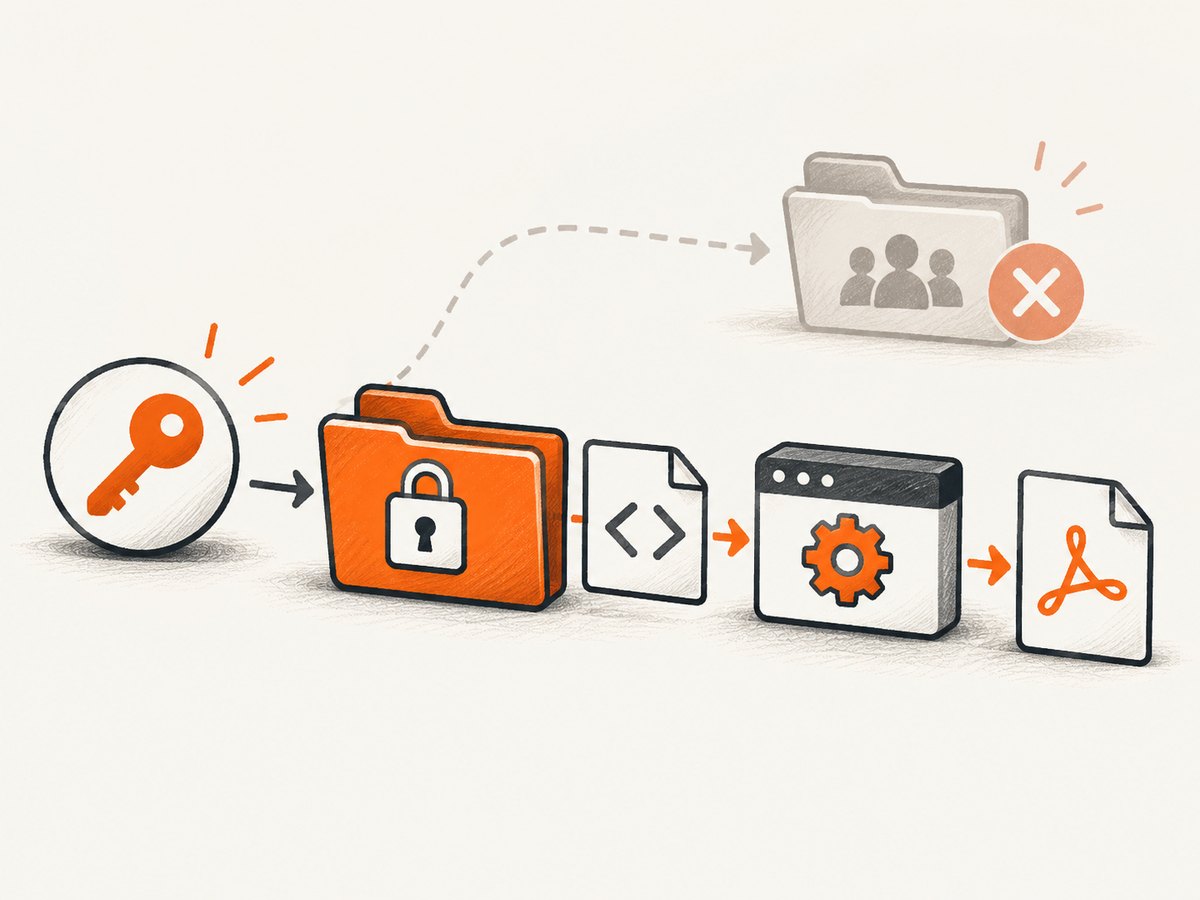
#!/usr/bin/env bash
set -euo pipefail

runtime_dir=/tmp/wkhtmltopdf-runtime
install -d -m 700 -o "$(id -un)" "$runtime_dir"
export XDG_RUNTIME_DIR="$runtime_dir"
export QT_QPA_PLATFORM=offscreen

wkhtmltopdf input.html output.pdf
Use a directory owned by the actual service account. Clean it up with the service lifecycle, and avoid a shared /tmp directory with permissive permissions.
For a systemd service, put the environment and private runtime directory in the unit:
[Service]
User=wkhtml
RuntimeDirectory=wkhtmltopdf
RuntimeDirectoryMode=0700
Environment=QT_QPA_PLATFORM=offscreen
ExecStart=/usr/local/bin/wkhtmltopdf /srv/input.html /srv/output.pdf
After changing the unit, reload and run it as that account:
sudo systemctl daemon-reload
sudo systemctl restart your-wkhtmltopdf.service
sudo systemctl status your-wkhtmltopdf.service
If your process supervisor does not provide a runtime directory, create one during startup and remove it during shutdown. The directory must remain private to the account that executes wkhtmltopdf.
5. Understand offscreen, X11, and Wayland errors
The XDG warning and graphics errors are separate problems. Unix Qt 5 initialization in wkhtmltopdf sets QT_QPA_PLATFORM=offscreen before creating QApplication. Qt can also select xcb or wayland through QT_QPA_PLATFORM.
Investigate the graphics backend separately when logs contain:
failed to get the current screen resourcesQXcbConnectionQPainter::begin(): Returned false
For a truly headless process, try:
export XDG_RUNTIME_DIR=/tmp/wkhtmltopdf-runtime
export QT_QPA_PLATFORM=offscreen
wkhtmltopdf input.html output.pdf
If you need an X11 or Wayland backend, verify that the display server exists, the process can access it, and your installed Qt build includes the required plugin. A correctly set runtime directory cannot create a missing display.
6. Verify the fix
- Run
wkhtmltopdf --versionand record the binary. - Print
XDG_RUNTIME_DIR,QT_QPA_PLATFORM,DISPLAY, andWAYLAND_DISPLAY. - Confirm the runtime directory exists, is local, belongs to the service user, and has mode
0700. - Convert a minimal document and check both the exit status and the generated PDF.
cat > /tmp/wkhtml-test.html <<'HTML'
<!doctype html>
<html><body><h1>wkhtmltopdf test</h1></body></html>
HTML

wkhtmltopdf /tmp/wkhtml-test.html /tmp/wkhtml-test.pdf
status=$?

if [ "$status" -ne 0 ] || [ ! -s /tmp/wkhtml-test.pdf ]; then
  echo "Conversion failed" >&2
  exit 1
fi

echo "Created /tmp/wkhtml-test.pdf"
If the warning disappears but conversion still fails, keep the runtime-directory fix and continue with Qt, display, input HTML, or resource-loading diagnostics.
7. Common errors and fixes
| Symptom | Likely cause | Fix |
|---|---|---|
XDG_RUNTIME_DIR not set |
The process has no session environment. | Use /run/user/$(id -u) for a valid login session, or create a private 0700 directory for the service. |
Runtime directory is not owned by you |
A shared or stale directory is being reused. | Create a directory owned by the invoking account and do not share it between users. |
QXcbConnection or screen-resource errors |
Qt selected X11 but no usable display is available. | Use QT_QPA_PLATFORM=offscreen for headless work, or configure a reachable X11/Wayland display. |
QPainter::begin(): Returned false |
Qt could not initialize the selected paint device or backend. | Check the Qt platform plugin, display access, and installed wkhtmltopdf build. |
| The warning is gone but the PDF is empty | Input HTML, blocked resources, JavaScript timing, or a separate rendering failure. | Test a minimal local HTML file, inspect the exit code, and then debug page resources and timing. |
| Works in a shell but fails in cron | Cron does not inherit the login environment. | Export XDG_RUNTIME_DIR and QT_QPA_PLATFORM in the job, and use an account-owned directory. |
8. Security and reliability notes
Use mode 0700 and user ownership for runtime directories because they may contain sockets or other files intended only for that account. Do not point multiple users at one directory or rely on a world-writable temporary path.
The wkhtmltopdf project warns: “Do not use wkhtmltopdf with any untrusted HTML.” Unsanitized HTML can enable complete server takeover. Sanitize or isolate any content that is not fully trusted before conversion.
For repeatable jobs, pin the wkhtmltopdf build, log the exit status, verify that the output file is non-empty, and keep the runtime directory lifecycle tied to the process. A clean environment reduces intermittent failures caused by missing displays or stale sockets.
9. Or skip the browser setup
If your goal is simply to capture a URL as an image or PDF, ScreenshotNeo provides a hosted screenshot API and MCP server instead of requiring local Qt, X11, Wayland, or runtime-directory configuration.
One request is enough:
cURL
curl -G "https://api.screenshotneo.com/v1/shot" -d access_key=YOUR_API_KEY --data-urlencode url=https://example.com -o shot.webpPython
import requests

r = requests.get(
    "https://api.screenshotneo.com/v1/shot",
    params={"access_key": "YOUR_API_KEY", "url": "https://example.com"},
    timeout=90,
)
r.raise_for_status()
open("shot.webp", "wb").write(r.content)
Node.js
const q = new URLSearchParams({ access_key: 'YOUR_API_KEY', url: 'https://example.com' });
const res = await fetch(`https://api.screenshotneo.com/v1/shot?${q}`);
if (!res.ok) throw new Error(`HTTP ${res.status}`);
const fs = await import('node:fs/promises');
await fs.writeFile('shot.webp', Buffer.from(await res.arrayBuffer()));
See the ScreenshotNeo API documentation for the complete parameter list. Cookie banners, newsletter popups, and chat widgets are removed before capture. Bot checks, blank pages, failed loads, timeouts, and cache hits are not billed, and response headers identify the page verdict and billing status. Its MCP server lets Claude, Cursor, and other MCP clients call take_screenshot, get_page_info, and capture_pdf. The free plan includes 1,000 screenshots per month with no card; paid plans start at $5 for 3,000.
Create a free ScreenshotNeo account.
10. FAQ
Is the warning always dangerous?
No. It indicates that Qt is using a fallback. In shared or automated environments, configure a private directory so ownership, permissions, and cleanup are explicit.
Can I set XDG_RUNTIME_DIR=/tmp?
Do not use a shared or broadly writable directory. Use a user-owned directory with mode 0700.
Why does setting the variable not fix a QXcb error?
The variable controls runtime-file location. QXcb and screen-resource errors concern the selected graphics backend and display availability.
Should I use offscreen everywhere?
Use it for headless jobs when the installed Qt build supports it. Interactive X11 or Wayland sessions may require their corresponding backend instead.


