How to Fix the wkhtmltox.dll Loading Error in TuesPechkin
Fix TuesPechkin’s wkhtmltox.dll load error by matching process architecture, installing the native package and VC++ runtime, and checking deployment.
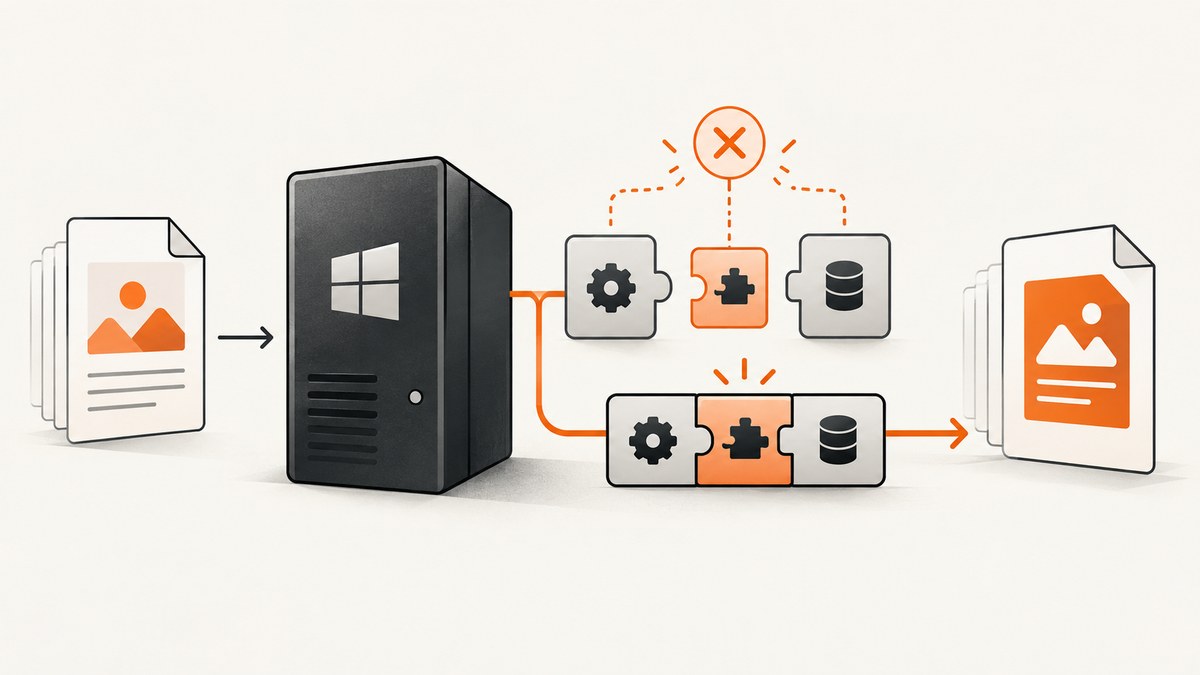
Direct answer: the base TuesPechkin package does not include the native wkhtmltox.dll. Add the matching TuesPechkin.Wkhtmltox.Win32 or TuesPechkin.Wkhtmltox.Win64 package, make sure the application process has the same architecture, and install the Visual C++ 2013 runtime required by the bundled binaries. If the error occurs only in IIS or on Server Core, also check the hosting process settings, DLL extraction permissions, and native runtime dependencies.
Work through the checks in order. A missing DLL, a DLL for the wrong architecture, and a missing dependency can all surface as a load error. Once the library loads successfully, diagnose PDF rendering problems separately.
1. Confirm the process architecture
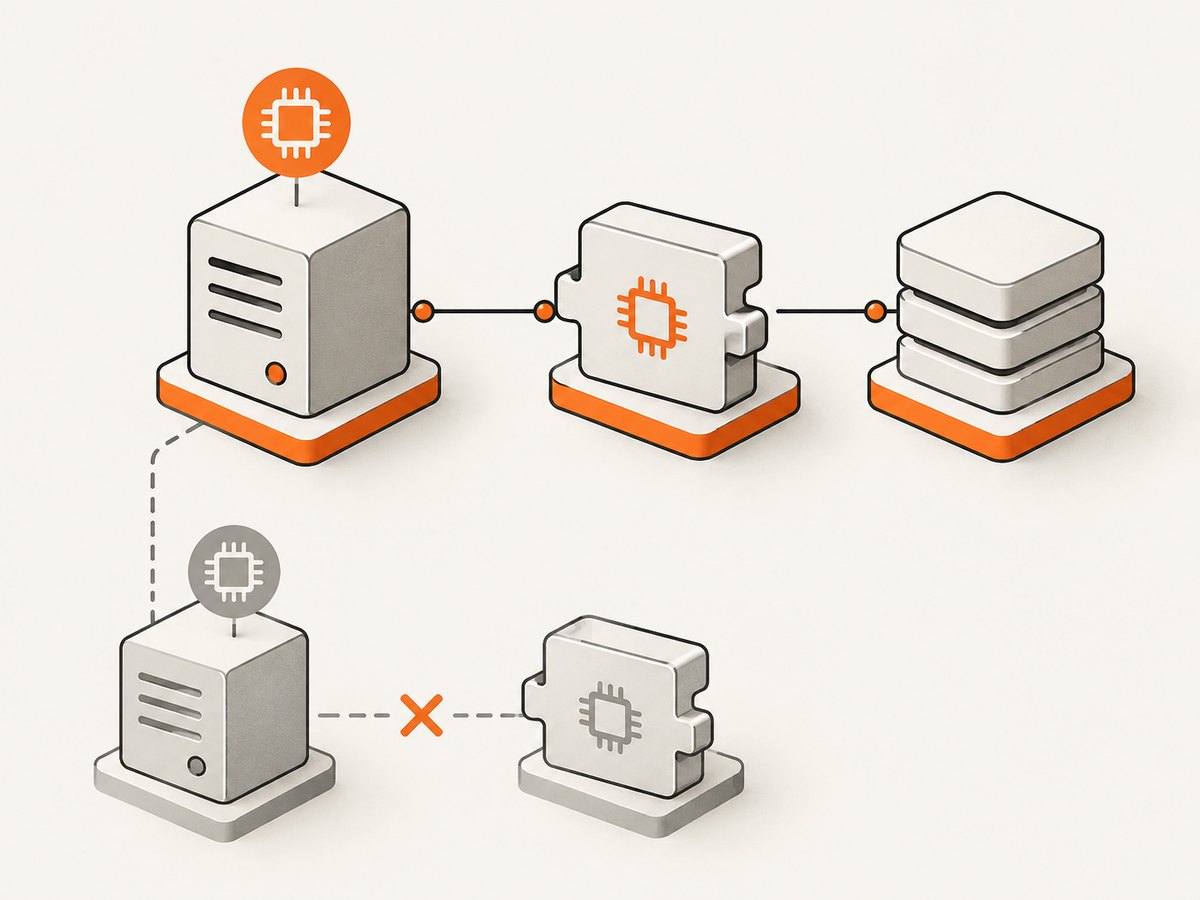
The package choice must match the process that loads the library, not simply the operating system. A 64-bit Windows server can run a 32-bit IIS worker process. If the worker is 32-bit, it needs the Win32 package; if it is 64-bit, it needs Win64.
| Application process | Native package | Deployment class |
|---|---|---|
| 32-bit (x86) | TuesPechkin.Wkhtmltox.Win32 |
Win32EmbeddedDeployment |
| 64-bit (x64) | TuesPechkin.Wkhtmltox.Win64 |
Win64EmbeddedDeployment |
In Visual Studio, inspect the project’s platform target and whether “Prefer 32-bit” is enabled. For IIS, check the application pool’s Enable 32-Bit Applications setting. For a command-line service, inspect the architecture of the deployed executable and the process after it starts. Keep the build setting, IIS setting, NuGet package, and deployment class aligned.
The official TuesPechkin README describes support for 32-bit and 64-bit processes and provides separate embedded deployment classes. The bundled Win64 package is documented as a copy of wkhtmltox.dll for TuesPechkin, version 0.12.2.1. See the TuesPechkin README and the Win64 NuGet package.
2. Add the native package and use embedded deployment
The base wrapper and the native library are separate dependencies. Install the native package for the architecture you chose. The package contains the binary in a form TuesPechkin can extract through its embedded deployment class; it may not appear as a loose DLL beside the application immediately after installation. A temporary extraction directory is expected with TempFolderDeployment.
Install-Package TuesPechkin
Install-Package TuesPechkin.Wkhtmltox.Win64
For an x86 process, replace the second package with TuesPechkin.Wkhtmltox.Win32. Pin package versions in the project or central package management so build and deployment machines use the same artifacts. The Win32 and Win64 binary packages are old (the supplied packages are version 0.12.2.1); validate them on the Windows image where the application will run.
This minimal console example uses the x64 deployment. It converts a local HTML string to PDF and writes the result. The same deployment and converter can be used for a URL by setting PageUrl instead of HtmlText.
using System.IO;
using TuesPechkin;

class Program
{
    static void Main()
    {
        IConverter converter = new StandardConverter(
            new PdfToolset(
                new Win64EmbeddedDeployment(
                    new TempFolderDeployment())));

        var document = new HtmlToPdfDocument
        {
            GlobalSettings =
            {
                DocumentTitle = "Dependency check",
                PaperSize = PaperKind.A4
            },
            Objects =
            {
                new ObjectSettings
                {
                    HtmlText = "<html><body><h1>TuesPechkin loaded</h1></body></html>"
                }
            }
        };

        byte[] pdf = converter.Convert(document);
        File.WriteAllBytes("dependency-check.pdf", pdf);
    }
}
This example is for a single-threaded console program. A multi-threaded application needs ThreadSafeConverter. An IIS-hosted application also needs RemotingToolset<PdfToolset>, as shown below.
3. Install the Visual C++ 2013 runtime
The TuesPechkin README states that its bundled native packages require the Visual C++ 2013 runtime. The architecture must match the native DLL and process. Install the Microsoft redistributable from the official Microsoft Visual C++ 2013 Redistributable download. A runtime dependency can make Windows report that wkhtmltox.dll cannot be loaded even when the DLL itself is present.
On Server Core, a report describes installing the matching redistributable with the quiet switch, for example vcredist_x64.exe /Q. Treat that as an example, not a universal command: use the correct installer, architecture, and deployment procedure for your image, and check the installer’s exit result. The report and the dependency are described in the Server Core troubleshooting discussion.
4. Configure deployment and extraction access
TuesPechkin’s deployment classes describe how the native library becomes available at runtime:
Win32EmbeddedDeploymentandWin64EmbeddedDeploymentload the binary bundled in their respective NuGet packages.TempFolderDeploymentprovides a temporary location for the embedded deployment to extract its files. It is the documented, straightforward pairing for the embedded classes.StaticDeploymentpoints to a DLL location you control. Use it only when you own deployment of the correct DLL and its dependencies.
When using the temporary deployment, confirm the account running the application can create and read files in the chosen temporary location. This matters for IIS identities and locked-down service accounts. If your environment cleans temporary directories aggressively, restricts write access, or uses ephemeral containers, select a deployment path that fits those rules and survives for the process lifetime. Don’t copy an arbitrary DLL into a folder and assume that makes it compatible: the binary architecture, version, and runtime dependencies still have to match.
A static path can be useful when the application package must not extract native files at runtime. It also transfers responsibility to your deployment pipeline: ship the correct native DLL, preserve its expected dependencies, grant read access, and update the path consistently across environments.
5. Use the IIS-compatible converter lifecycle
IIS is a multi-threaded, hosted environment. The official examples use ThreadSafeConverter with RemotingToolset<PdfToolset> for IIS. Keep one converter/toolset instance for the application pool or process lifetime. The README explicitly cautions against creating multiple converter/toolset instances in one application pool or process.
using TuesPechkin;

public static class PdfService
{
    // Initialize once for the application process; reuse for requests.
    private static readonly IConverter Converter =
        new ThreadSafeConverter(
            new RemotingToolset<PdfToolset>(
                new Win64EmbeddedDeployment(
                    new TempFolderDeployment())));

    public static byte[] ConvertHtml(string html)
    {
        var document = new HtmlToPdfDocument
        {
            GlobalSettings =
            {
                PaperSize = PaperKind.A4
            },
            Objects =
            {
                new ObjectSettings { HtmlText = html }
            }
        };

        return Converter.Convert(document);
    }
}
If your application pool is configured for 32-bit applications, use Win32EmbeddedDeployment and install the Win32 package instead. Don’t instantiate this static service separately in each request handler. Recycle the app pool in a controlled deployment when changing native files or runtime components.
6. Separate native loading from HTML rendering
First establish that the DLL loads. Only then investigate an empty, incomplete, or incorrectly formatted PDF. TuesPechkin’s README recommends trying the same conversion through the wkhtmltopdf command-line tool: if the command-line tool produces the same output problem, investigate wkhtmltopdf or the input page rather than treating it as a TuesPechkin DLL-load problem.
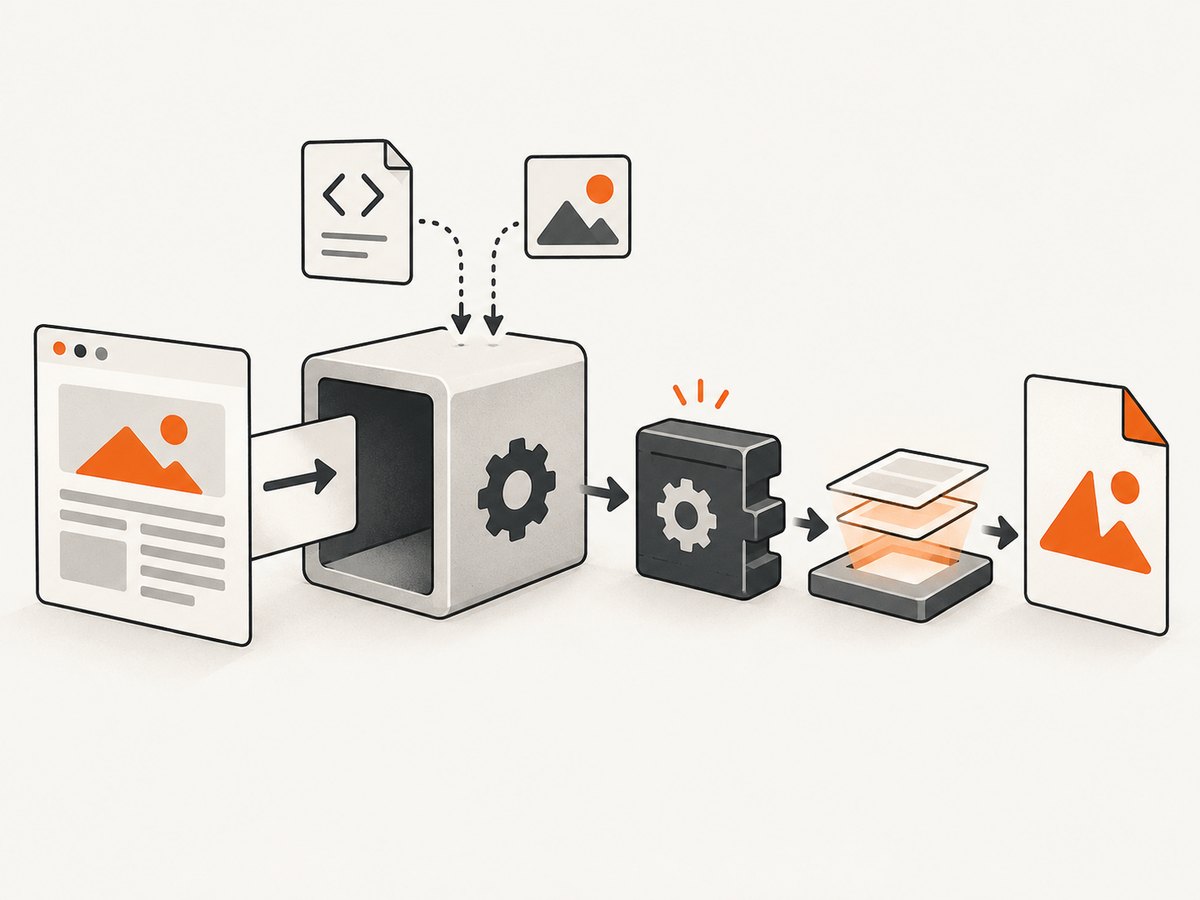
After loading succeeds, review the options relevant to your page: JavaScript execution and delay, debugJavascript, local-file access, and loadErrorHandling. These are rendering or page-loading concerns. They do not supply a missing native library or fix a bitness mismatch. Use a small static HTML document first, then test the real URL and its assets.
Common errors and fixes
| Symptom | Likely cause | What to do |
|---|---|---|
Unable to load DLL 'wkhtmltox.dll' on every machine |
Only the base TuesPechkin package is installed. | Add the architecture-matching TuesPechkin.Wkhtmltox.Win32 or Win64 package and use its embedded deployment class. |
| Load error on a 64-bit server, but the app is 32-bit | The package/deployment is x64 while the worker process is x86, or the reverse. | Align the process, IIS setting, native package, and deployment class. |
| DLL appears present, but Windows still cannot load it | A dependent native runtime is absent. | Install the matching Visual C++ 2013 redistributable for the bundled binaries; verify architecture and installation result. |
| Works locally, fails in IIS | IIS runs under a different architecture or identity; extraction may be denied; converter lifecycle may be wrong. | Check app pool bitness and identity permissions. Use the remoting toolset and a single long-lived thread-safe converter. |
| Works on a full Windows image, fails on Server Core | The runtime dependency may not be installed in the smaller image. | Install the required redistributable in the image using an appropriate supported installer workflow; verify the correct architecture. |
| DLL loads, but the output is blank or incorrect | Page scripts, asset access, load timing, or wkhtmltopdf behavior. | Run a minimal HTML conversion, compare with the command-line tool, then inspect JavaScript delay/debugging, local-file access, and load error handling. |
| Intermittent failures after deployment or recycle | Temporary extraction location, permissions, cleanup, or multiple converter instances. | Check temp-folder write/read access and lifecycle. Reuse one converter/toolset per process and consider a controlled static deployment path. |
Deployment checklist
- Identify the actual application process architecture, including the IIS worker process.
- Install the matching Win32 or Win64 native NuGet package alongside TuesPechkin.
- Use the corresponding embedded deployment class; pair it with
TempFolderDeploymentunless you deliberately manage a static path. - Install the matching Visual C++ 2013 runtime on every target machine or in the server image.
- Ensure the process identity can read the DLL and dependencies and use the extraction location.
- For IIS, use
ThreadSafeConverterandRemotingToolset<PdfToolset>, initialized once per process. - Smoke-test a minimal conversion on the final Windows image before testing real pages.
- Pin package/runtime versions and test again after changing the base image or process bitness.
Performance, reliability, and cost considerations
The sources reviewed publish no independent performance or error-rate benchmarks, so size capacity with measurements from your own documents and target server. Native loading is a prerequisite, not a throughput guarantee. In a multi-threaded app, use the documented thread-safe converter, reuse it, and avoid constructing multiple toolsets in the same process. Measure conversion duration and memory with representative HTML, including pages that execute JavaScript or fetch remote assets.
For reliability, keep the architecture and dependency setup reproducible: pin the TuesPechkin and binary package versions, install the same runtime in development and production images, and run a conversion smoke test during deployment. The project lists release 2.1.1 from January 2015 and says it was built around wkhtmltopdf 0.12.2; account for that age when deciding whether to standardize on it for new infrastructure. Don’t infer support for non-Windows hosts from these instructions: the README says it is not tested on operating systems besides Windows.
There is no license price or service cost in the research for this library. Operational costs are the Windows hosting, runtime maintenance, and time spent managing the native dependency and rendering process. If DLL deployment is a poor fit for your service, a hosted screenshot API is another architecture: it accepts a URL and returns an image or PDF without adding wkhtmltox.dll to your application.
Or skip the browser setup
For a URL screenshot or PDF, ScreenshotNeo is a website screenshot API and MCP server from Yorker Media. It accepts one GET request and returns PNG, JPEG, WebP, or PDF. See the API documentation for the request options. This avoids installing TuesPechkin and its native DLL in your Windows process.
curl -G "https://api.screenshotneo.com/v1/shot" -d access_key=YOUR_API_KEY --data-urlencode url=https://stripe.com -o shot.webpimport requests
r = requests.get(
"https://api.screenshotneo.com/v1/shot",
params={"access_key": "YOUR_API_KEY", "url": "https://stripe.com"},
timeout=90,
)
open("shot.webp", "wb").write(r.content)const q = new URLSearchParams({ access_key: 'YOUR_API_KEY', url: 'https://stripe.com' });
const res = await fetch(`https://api.screenshotneo.com/v1/shot?${q}`);
if (!res.ok) throw new Error(`Screenshot request failed: ${res.status}`);
const bytes = new Uint8Array(await res.arrayBuffer());
// Save bytes using your runtime's file API.ScreenshotNeo accepts cookie/consent banners and removes more than 60 known consent platforms, newsletter popups, and chat widgets before capture; each of those steps can be turned off. Bot checks, blank pages, timeouts, failed loads, and cache hits cost nothing, with response headers reporting the page verdict and billing status. Its MCP server provides take_screenshot, get_page_info, and capture_pdf for Claude, Cursor, and other MCP clients. The free plan includes 1,000 shots a month with no card; paid plans start at $5 for 3,000 shots. Create a free ScreenshotNeo account.
FAQ
Does TuesPechkin include wkhtmltox.dll?
No. The base package is the .NET wrapper. Add one of the separate Win32 or Win64 packages, or supply a suitable DLL through a deployment class.
Which package should I use for 64-bit Windows?
Choose based on the process architecture. A 32-bit worker on 64-bit Windows still needs the Win32 package.
Will installing the Visual C++ 2013 runtime fix every load error?
No. It addresses the bundled binaries’ stated runtime dependency. It cannot correct a mismatched architecture, absent native package, inaccessible extraction directory, or an unrelated rendering failure.
Can I use this setup in IIS?
The README documents IIS hosting with a remoting toolset and thread-safe converter. Keep one converter/toolset instance per application pool or process.
Why does loading work but the PDF is blank?
That points to a later stage. Compare the same input with the wkhtmltopdf command-line tool and inspect page loading, JavaScript timing, local-file access, and error handling.


