How to Fix Wrong Font Rendering in wkhtmltopdf
Fix wkhtmltopdf font rendering by checking fonts, fontconfig, resource loading, package builds, and cross-platform differences.
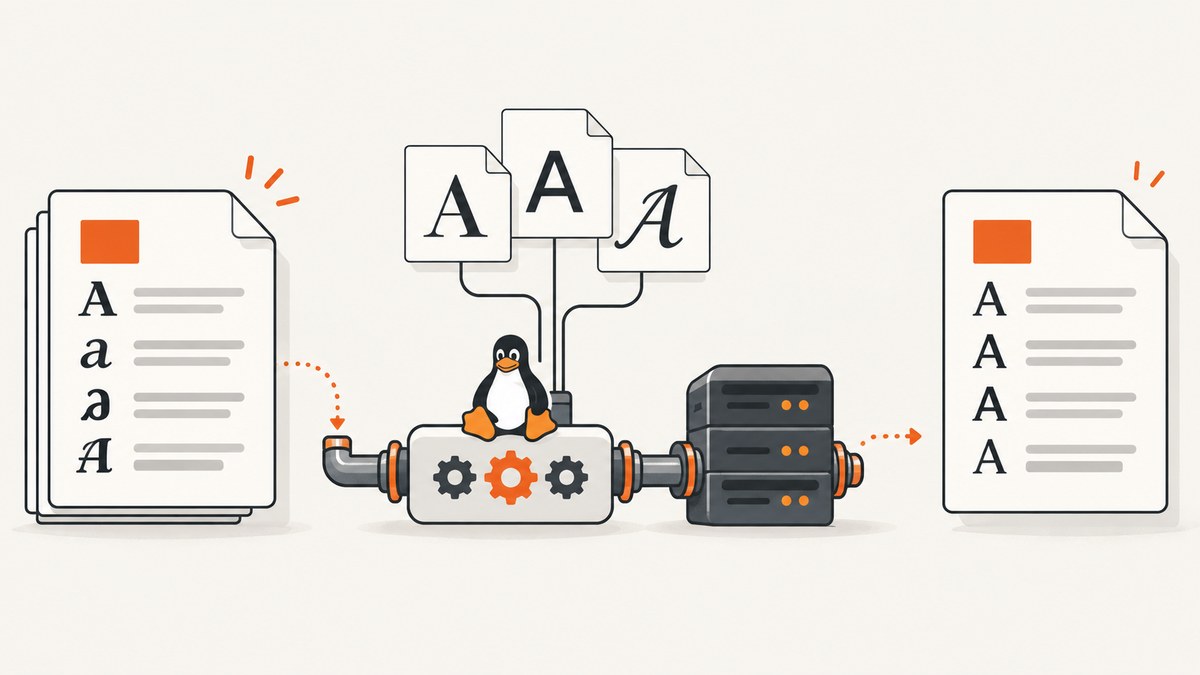
Short answer: wrong fonts in wkhtmltopdf usually come from the rendering environment, not from one CSS declaration. The binary uses the fonts, fontconfig configuration, and FreeType libraries available on the host. If those differ between Linux, macOS, Windows, containers, or package builds, identical HTML can produce different glyphs, weights, spacing, or fallback fonts.
Start by recording the exact wkhtmltopdf version, operating system, distribution, package source, architecture, and installed fonts. Then verify that the requested family and every required weight are available to the process that runs wkhtmltopdf. For webfonts, confirm that the renderer can reach the file and that local-file permissions or allow-lists do not block it. Only after those checks should you experiment with another font encoding or migrate to another renderer.
Why wkhtmltopdf renders the wrong font
wkhtmltopdf is not a self-contained font engine. Its output depends on runtime fonts and the fontconfig and FreeType libraries on the machine. The official downloads guidance explicitly calls out those dependencies and explains why distribution-specific builds exist: binaries are coupled to operating-system libraries and runtime configuration. See the official downloads and platform guidance.
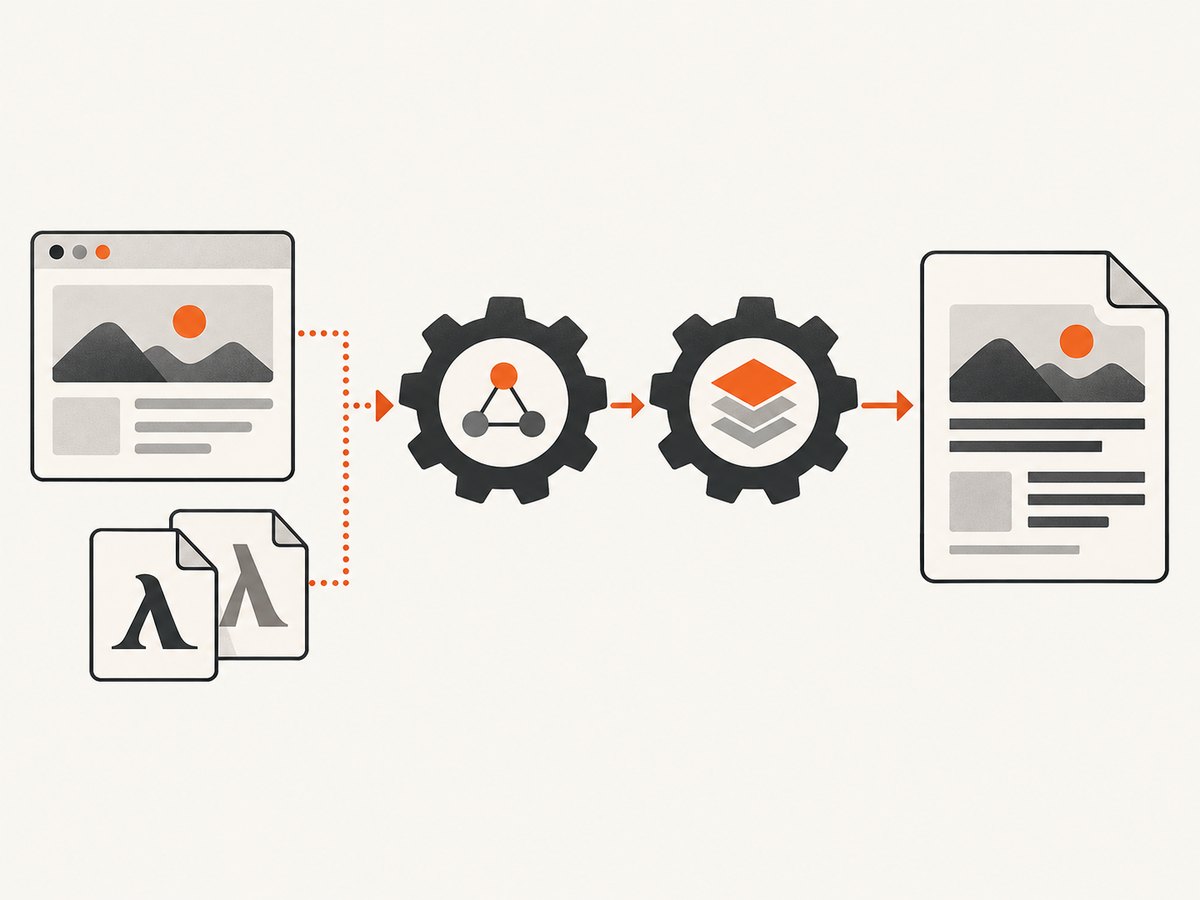
That creates several common differences:
- A family named in CSS is missing, so a fallback family is selected.
- The regular face is installed but the requested bold, italic, or variable weight is not.
- fontconfig searches different directories or has a stale cache.
- An
@font-faceURL is unreachable, blocked by local-file policy, or unreadable by the process. - Two packages report the same version but were built with different libraries or patches.
- The host has different font hinting and shaping behavior from the system used to design the page.
A CSS rule proves only that the browser was instructed to request a font. It does not prove that wkhtmltopdf loaded the file. An archived report about an OTF @font-face setup producing different results on macOS and Ubuntu demonstrates this kind of platform mismatch, but it does not establish that OTF is universally unsupported. Treat it as a reproduction to investigate, not as a universal diagnosis (issue 2884).
1. Capture a reproducible baseline
Run these commands on both the working and failing systems:
wkhtmltopdf --version
uname -a
cat /etc/os-release 2>/dev/null || true
which wkhtmltopdf
fc-list : family style file | head -100
Record whether the binary came from a distribution package, a vendor archive, a container image, or a manually copied executable. Also record whether it is a patched-Qt build. The same version string is not enough evidence that the runtime is identical.
The project lists the 0.12.6 series as stable, released June 11, 2020 (downloads page). Its GitHub repository was archived read-only on January 2, 2023 (repository). That maintenance context matters: a defect tied to an old library or platform may not receive an upstream fix.
2. Verify the font inventory and fontconfig
Check the exact family and styles requested by your stylesheet:
fc-match 'Inter'
fc-match 'Inter:style=Bold'
fc-list | grep -i 'Inter'
fc-cache -f -v
Use the family name reported by fontconfig, not a filename guessed from a download. Confirm that regular, semibold, bold, italic, and any other required faces are installed. A browser may synthesize a bold face when the real face is absent; that can look different in a PDF.
Install fonts into a directory visible to the rendering user, then refresh the cache using the distribution’s normal procedure. In a container, make the font files part of the image or mount them consistently. Avoid relying on fonts installed only in an interactive desktop account when conversion runs under a service user.
Serverless and packaged deployments
For AWS Lambda packaging, the project documentation demonstrates setting FONTCONFIG_PATH to the font configuration directory included in the deployment package. Use the path from that matching packaging example and do not omit the environment variable (official platform guidance). The principle is portable: package the fonts and fontconfig data together, and point the process at them explicitly.
3. Test @font-face loading
Reduce the page to one font and a short string containing ordinary letters, punctuation, accented characters, and the glyphs that look wrong:
<!doctype html>
<style>
@font-face {
  font-family: 'TestFont';
  src: url('https://example.com/fonts/testfont.woff2') format('woff2');
  font-weight: 400;
  font-style: normal;
}
body { font-family: 'TestFont', sans-serif; font-size: 32px; }
</style>
<p>Hamburgefontsiv Ångström € 漢字 — 123</p>
For a remote page, verify DNS, TLS, authentication, redirects, and outbound network access from the conversion host. For local HTML, check the binary’s local-file behavior and allow-list settings. The command-line documentation lists local-file access controls and options for handling loading errors (usage documentation).
Make failures visible while diagnosing:
wkhtmltopdf --enable-local-file-access --load-error-handling abort input.html output.pdfUse --enable-local-file-access only when the document needs local resources. If you require tighter control, use the documented allow-list options to permit only the directories that contain the HTML, CSS, and font files. A silent fallback can otherwise look like a CSS problem.
4. Keep one variable constant at a time
- Render the minimal page with the same HTML, CSS, and font files.
- Run it with the exact binary from the production host.
- Compare host-installed font versus embedded or remote font.
- Compare the package build with a distribution-specific build.
- Change one font format only after discovery and loading are confirmed.
This method distinguishes missing fonts from renderer differences. Preserve the input fixture and command line so a future package upgrade can be compared against a known result.
5. Font format experiments: when they make sense
If font discovery and resource loading are correct but glyphs still render incorrectly, convert the same licensed font to another format and compare the output on your target build. Keep the original file, check its license before conversion, and measure both visual output and PDF size. The archived issue tracker contains user-reported format workarounds, but those comments are anecdotal and do not prove that WOFF, TTF, OTF, or SVG is best for every build (issue 3585).
Do not change several things at once. If changing OTF to WOFF fixes the result, repeat the fixture with a second machine or container before standardizing the workaround. The actual cause may be a package build, a corrupted file, a missing weight, or a resource-loading failure.
Useful wkhtmltopdf options for font diagnosis
| Option | Use | Caution |
|---|---|---|
--enable-local-file-access |
Allow local HTML to read local CSS and font files. | Prefer an allow-list for controlled deployments. |
--allow <dir> |
Permit access to a specific local directory. | Include every directory containing referenced resources. |
--load-error-handling abort |
Stop when a resource or page fails to load. | Useful during diagnosis; decide production behavior deliberately. |
--javascript-delay <ms> |
Give scripts time to insert styles or content. | It does not repair a missing font file. |
--no-stop-slow-scripts |
Allow long-running scripts to continue. | Can increase conversion time and resource use. |
--custom-header |
Send authorization or other headers needed for font URLs. | Ensure secrets do not appear in logs. |
Read the complete option list in the official usage documentation. Options vary by build, so confirm support with wkhtmltopdf --extended-help.
Troubleshooting common symptoms
The entire page uses Times New Roman or another fallback
Cause: the requested family is unavailable or the webfont failed to load. Fix: run fc-match, inspect the URL from the conversion host, check permissions, and render with loading errors set to abort.
Regular text is correct but bold or italic is wrong
Cause: only one face was installed, so the renderer synthesized the missing style. Fix: install the exact weight and style, declare matching @font-face entries, and verify each with fontconfig.
It works locally but fails in Docker or CI
Cause: the image has a different font inventory, fontconfig path, user, or package build. Fix: pin the image and binary, package the fonts, refresh the cache, and log the baseline commands from the failing environment.
Only accented or non-Latin glyphs are wrong
Cause: the selected face lacks those glyphs and fallback shaping differs. Fix: choose a family with the required Unicode coverage and test representative strings in the minimal fixture.
Font files return 403, 404, or timeout
Cause: authentication, hotlink protection, DNS, TLS, or blocked outbound traffic. Fix: fetch the URL from the same host and user, provide required headers, or package the font locally with controlled access.
The result changed after a package upgrade
Cause: a different Qt, fontconfig, FreeType, or distribution build. Fix: compare package metadata and library dependencies, keep a golden PDF fixture, and pin versions until the difference is understood.
Performance, reliability, and maintenance
Font loading adds network and filesystem work before layout. Local, packaged fonts are generally easier to make deterministic than remote resources, while remote fonts require reliable DNS, TLS, and access control. A long JavaScript delay can hide a race but increases latency for every conversion; use it only when the page genuinely loads fonts or styles asynchronously.

For reliable production output, use one pinned container or host image, package the exact font files, refresh fontconfig during image creation, and run conversion under the same service account used in production. Keep a small regression fixture with the glyphs that matter to your product. Compare PDFs after changes to the binary, operating system, fonts, or CSS.
wkhtmltopdf’s stable release is old and its repository is archived. If you keep it, budget time for maintaining the runtime yourself and validate any migration to another renderer against your real documents. The research sources establish the project’s legacy status; they do not identify a universal replacement.
Or skip the browser setup
If you need dependable website captures rather than a locally managed wkhtmltopdf pipeline, ScreenshotNeo provides a single GET request that returns PNG, JPEG, WebP, or PDF. It handles the browser environment for you and exposes the result status in response headers.
cURL (see the ScreenshotNeo docs):
curl -G 'https://api.screenshotneo.com/v1/shot' -d access_key=YOUR_API_KEY --data-urlencode url=https://stripe.com -o shot.webpPython:
import requests
r = requests.get('https://api.screenshotneo.com/v1/shot', params={'access_key': 'YOUR_API_KEY', 'url': 'https://stripe.com'}, timeout=90)
open('shot.webp', 'wb').write(r.content)
Node.js:
const q = new URLSearchParams({ access_key: 'YOUR_API_KEY', url: 'https://stripe.com' });
const res = await fetch(`https://api.screenshotneo.com/v1/shot?${q}`);
Before capture, ScreenshotNeo accepts cookie and consent banners and removes more than 60 known consent platforms, newsletter popups, and chat widgets; each step can be turned off. Bot checks, blank pages, timeouts, failed loads, and cache hits are not billed, and the response identifies the page verdict and billing state with X-Page-Verdict and X-Billed headers. Its MCP server provides take_screenshot, get_page_info, and capture_pdf tools for Claude, Cursor, and other MCP clients.
Free accounts include 1,000 shots each month with no card. Paid plans start at $5 for 3,000 shots; every plan includes every feature. Create a free ScreenshotNeo account.
FAQ
Does installing a font on my laptop fix a server PDF?
No. Install and verify it in the environment that actually runs wkhtmltopdf.
Is OTF unsupported?
The research includes an OTF-related platform report, but it does not prove a universal OTF limitation. Test the font on your exact build.
Should I always embed fonts as data URLs?
No. Embedding can remove network dependency, but it increases HTML size and still requires a compatible font file and renderer.
Why do two machines with version 0.12.6 differ?
Their fonts, fontconfig, FreeType, operating-system libraries, package patches, or caches may differ.
How can I detect a fallback automatically?
Keep a fixture with distinctive glyphs and compare rendered output in CI. Also log fontconfig matches and resource-loading errors from the conversion environment.


