How to Fix a “Your IP Has Been Blocked” Error
Learn what Cloudflare 1006, 1020 and 1015 mean, how to unblock access safely, and what to send the site owner.
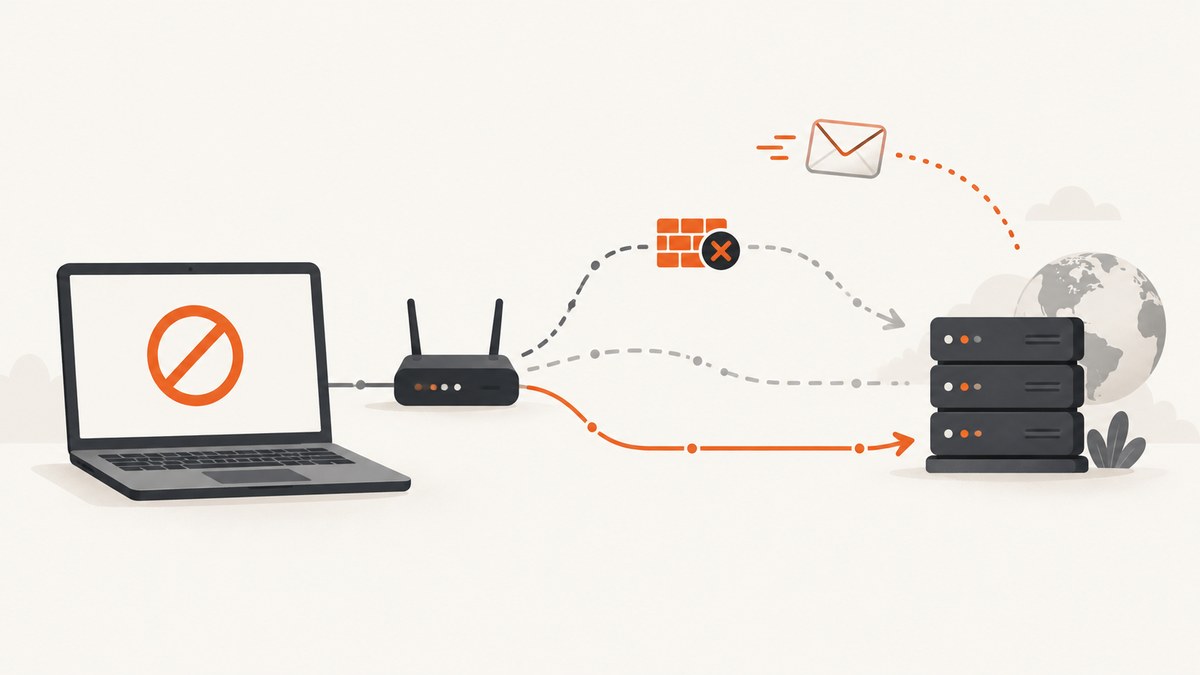
A message such as “Your IP has been blocked” is a symptom, not a diagnosis. The numeric code tells you which remedy is possible:
- 1006, 1007, 1008 or 1106: the website’s Cloudflare customer has banned the client IP.
- 1020: a Cloudflare firewall rule denied the request.
- 1015: the site temporarily rate-limited you after receiving too many requests.
- No Cloudflare code: the site, host or ISP may be enforcing its own firewall or abuse control.
Start by saving the exact error, code, Ray ID, URL and time. Stop rapid refreshes, test whether another connection works, and contact the website owner with that evidence. A visitor cannot override an owner’s firewall rule; the owner must review the event or allow the address.
Identify the exact block
| Code | What changed | Who can fix it | Expected wait | Evidence to send |
|---|---|---|---|---|
| 1006/1007/1008/1106 | Owner-controlled IP ban | Website owner; sometimes ISP if the address is compromised | Until the owner removes or adjusts the block | Screenshot, Ray ID, IP, timestamp and URL |
| 1020 | Firewall rule matched your request | Website owner | Until the matching rule or access rule changes | Screenshot, Ray ID, IP, timestamp and URL |
| 1015 | Request-rate limit | Usually visitor waits; owner can change the threshold | Temporary; repeated attempts can extend it | Screenshot, time, request pattern and IP |
| Other message | Site, host or ISP control | Owner, host or ISP | Depends on the provider’s policy | Exact message and network details |
Cloudflare describes 1006-family responses as access denied because the client IP was banned (Cloudflare error 1006 documentation). Error 1020 means a firewall rule denied access (Cloudflare error 1020 documentation). Error 1015 means the website received too many requests and temporarily blocked the visitor (Cloudflare error 1015 documentation).
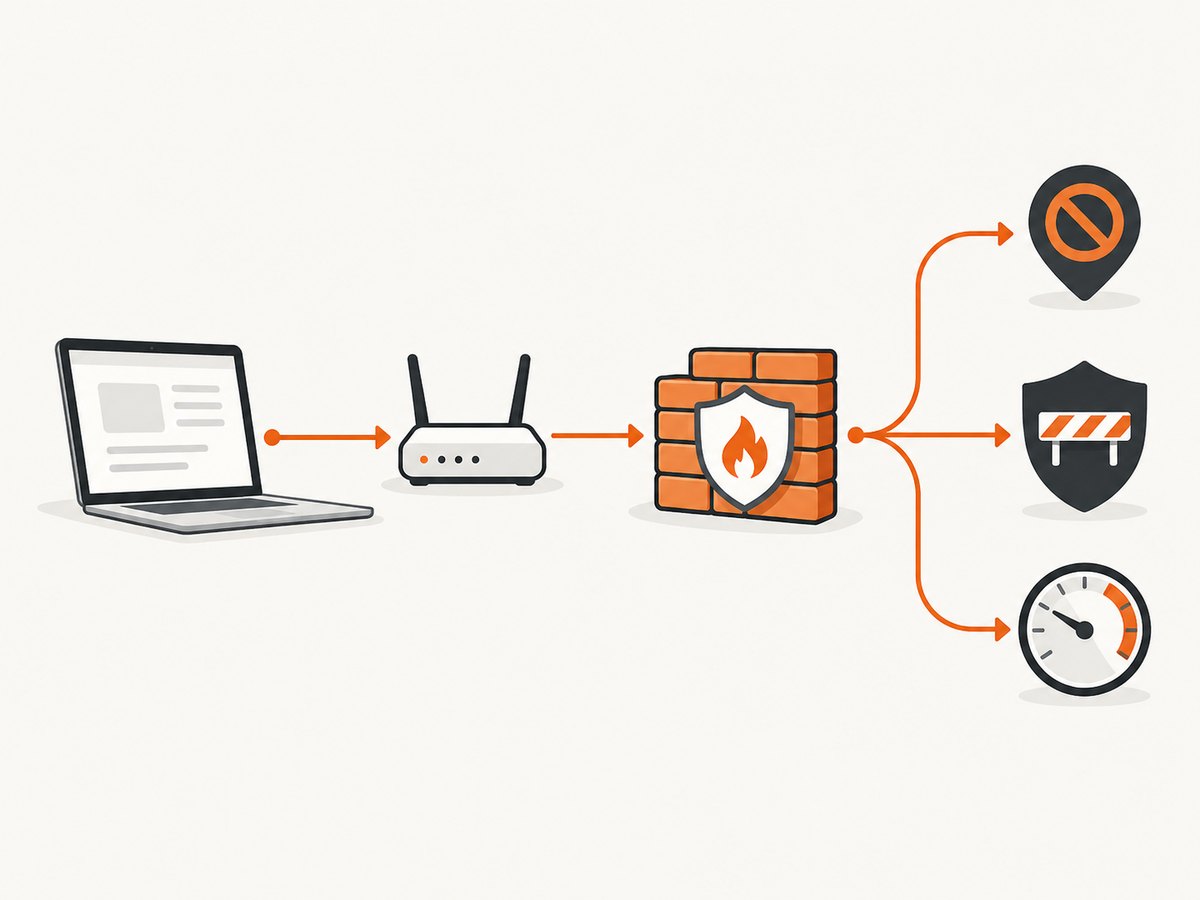
Safe visitor troubleshooting sequence
1. Preserve the evidence
Take a screenshot before changing browsers, VPN settings or networks. Include the complete page, numeric code, Ray ID, requested URL and local time. Copy the Ray ID exactly; it lets the owner locate the event in Cloudflare’s security logs. Also record your public IP using a trusted “what is my IP” service if the owner asks for it. Do not post your IP publicly.
2. Stop repeated retries
If the page says “You are being rate limited” or shows 1015, stop refreshing. Short-interval retries generate more requests and may keep the limit active. Close automated scripts, browser reload extensions and monitoring jobs. Wait before trying once in a normal browser session.
3. Temporarily disable VPN, proxy or privacy relay
Turn off a personal VPN, HTTP proxy or browser privacy relay, then retry once. The site may be blocking the VPN exit address or a hosting-network range. Switching to another VPN is not a guaranteed fix: the owner may block VPN ranges, countries, browsers or request patterns independently. Re-enable the service after this diagnostic if you need it for privacy.
4. Use a clean browser session
Try a current browser in a private window or a clean profile. Disable extensions that rewrite headers, user agents, scripts or cookies. If the page loops between verification screens, remove cookies for only the affected site and try again. This can resolve a damaged session, but it cannot bypass a firewall rule that intentionally denies your IP.
5. Compare another connection
Turn off Wi-Fi and load the URL over mobile data, or use another trusted network. If the page works there, the original public IP, ISP range or shared network reputation is implicated. Home and mobile addresses can change, so record the address used in each test. A different network diagnoses an address-based condition; it does not prove that your account or browser is permitted.
6. Check address reputation when appropriate
If you operate the network or believe the address is listed, investigate it with services such as AbuseIPDB, GreyNoise or MXToolbox Blacklist Check. Treat a report as troubleshooting evidence, not an automatic delisting. Shared carrier-grade NAT and cloud networks can show reports caused by another user.
7. Contact the website owner
Send one concise report containing:
- the exact URL and error code;
- a screenshot showing the Ray ID;
- your public IP and timestamp with timezone;
- whether VPN/proxy was enabled;
- whether the page worked on mobile data or another network;
- your browser and operating system;
- any recent change, such as repeated login attempts or an automation job.
For 1006-family errors, ask the owner to investigate the security control or allow your validated IP. For 1020, ask them to search Security Analytics or Events by Ray ID or client IP and review the matching rule. For 1015, tell them when you stopped retrying and wait for the temporary limit to expire.
Why the site works on mobile data but not Wi-Fi
Wi-Fi and mobile data normally use different public addresses. If only Wi-Fi fails, the site may have blocked your home address, an ISP range, or a shared address with a poor reputation. Restarting a router sometimes obtains a new dynamic address, but many ISPs keep the same lease or use carrier-grade NAT. Ask the ISP whether the address is dynamic and whether abuse reports exist. Do not repeatedly reconnect to evade a rate limit.
If both networks fail, an IP-only explanation is less likely. Check the code again: 1020 can match country, browser, URI, cookie, header or request rules; an account restriction can follow you across networks. A clean profile and a message to the owner provide better evidence than cycling through addresses.
If you own the website
1006, 1007, 1008 or 1106
Identify the security feature that blocked the client. Validate the request before allowing the address, and prefer a narrow rule or temporary allow entry over disabling protection globally. Cloudflare support cannot override a customer’s security settings; the customer must change the rule.
1020
Search Security > Analytics > Events using the Ray ID or client IP. Inspect the rule expression and the fields that matched, such as country, user agent, path, method, cookie or threat score. Correct an over-broad expression or add a narrowly scoped IP Access Rule after verification. Re-test with one request and remove temporary exceptions when finished.
1015
Review the rate-limit threshold, counting key and window length. A short window can punish legitimate bursts from shared networks. Tell visitors to wait rather than retry continuously. Exempt authenticated service-to-service traffic only when it has reliable authentication and its own safe limits.
Hosting or ISP firewall
Confirm the current address, inspect abuse reports, request an unblock or delisting when justified, and investigate the activity that caused the block. Malware, compromised credentials, repeated failed logins and an exposed crawler can trigger a repeat block. Fix the source before requesting removal.
Command-line diagnostics
These commands collect response headers without retrying aggressively. Replace the URL with the affected page and run them once.
curl -sS -D headers.txt -o error.html https://www.example.com/protected-page
cat headers.txt
Look for an HTTP status, cf-ray, server: cloudflare and any provider-specific request ID. The response body can contain the visible error code even when the status is 403.
Python request capture
import requests

url = "https://www.example.com/protected-page"
r = requests.get(url, timeout=30, allow_redirects=True)
print("status:", r.status_code)
print("final URL:", r.url)
print("cf-ray:", r.headers.get("cf-ray"))
print(r.text[:500])
Use this only for diagnosis, not for rapid polling. A script with a custom user agent or unusual headers can trigger a different rule than your browser.
Node.js request capture
const url = 'https://www.example.com/protected-page';
const res = await fetch(url, { redirect: 'follow' });
console.log('status:', res.status);
console.log('final URL:', res.url);
console.log('cf-ray:', res.headers.get('cf-ray'));
console.log((await res.text()).slice(0, 500));
Or skip the browser setup
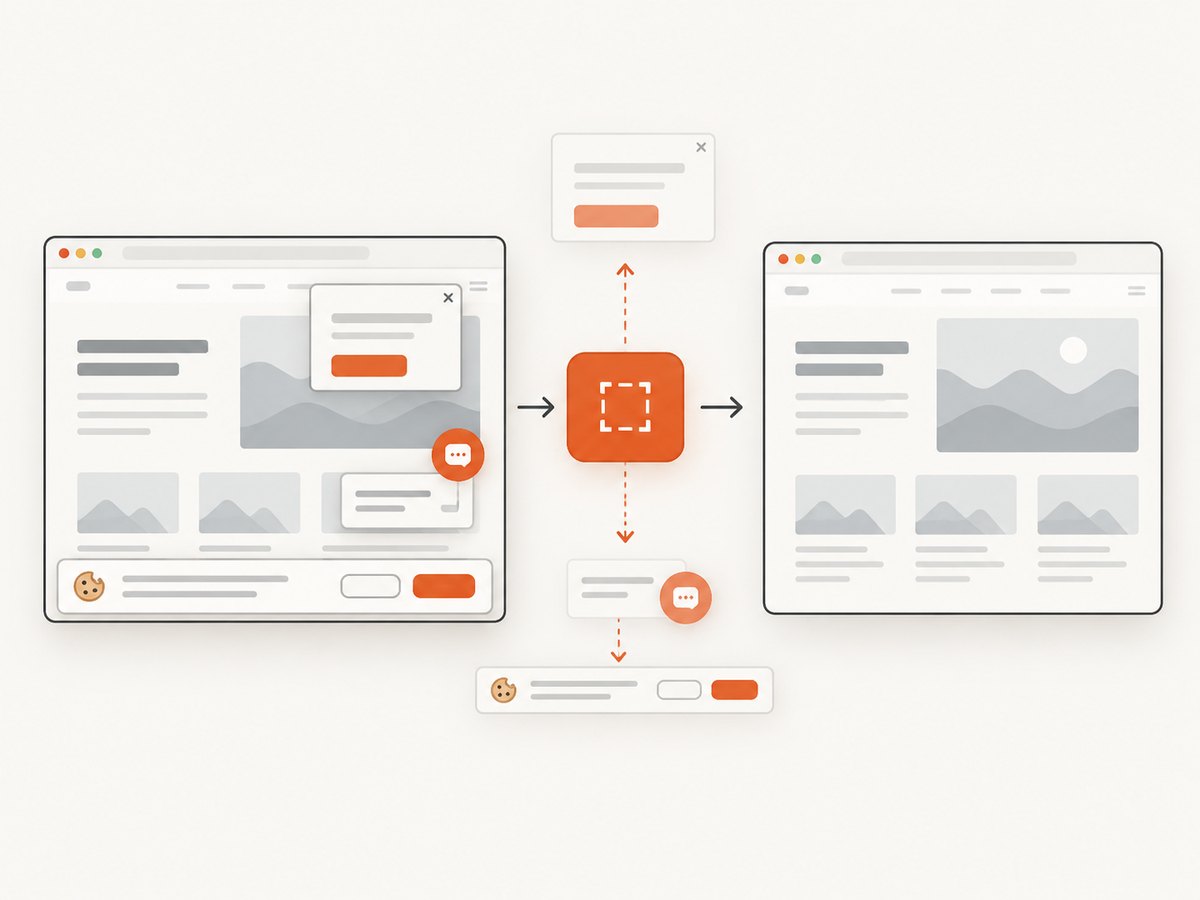
If your goal is to obtain a clean reference image for debugging or documentation, ScreenshotNeo can fetch the page from its capture infrastructure. Its consent step accepts cookie banners and removes more than 60 known consent platforms, newsletter popups and chat widgets before capture. Bot checks, blank pages, timeouts, failed loads and cache hits are not billed, and response headers identify the page verdict and billing state. An MCP server provides take_screenshot, get_page_info and capture_pdf tools for Claude, Cursor and other MCP clients.
See the ScreenshotNeo API documentation for all options. A one-call capture looks like this:
curl -G "https://api.screenshotneo.com/v1/shot" -d access_key=YOUR_API_KEY --data-urlencode url=https://stripe.com -o shot.webpimport requests
r = requests.get("https://api.screenshotneo.com/v1/shot", params={"access_key": "YOUR_API_KEY", "url": "https://stripe.com"}, timeout=90)
open("shot.webp", "wb").write(r.content)const q = new URLSearchParams({ access_key: 'YOUR_API_KEY', url: 'https://stripe.com' });
const res = await fetch(`https://api.screenshotneo.com/v1/shot?${q}`);ScreenshotNeo supports full-page and element captures, dark mode, device presets, custom viewports, retina scale, PDF output, custom CSS and JavaScript, clicks, waits, blocked resources, headers, cookies, user agents, authorization, timezone, geolocation, transparent backgrounds, resizing, caching, signed links, async webhooks and bulk capture. Free accounts include 1,000 shots a month with no card; paid plans start at $5 for 3,000 shots. Create a free ScreenshotNeo account.
Performance, reliability and cost notes
- Retry discipline: one diagnostic request is safer than a loop. Exponential backoff is appropriate for your own API clients, but it will not defeat an owner ban.
- Evidence quality: a Ray ID, exact time and public IP are more useful to an owner than a statement that “the site is down.”
- Network changes: another network is a diagnostic comparison, not permission to evade access controls.
- Automation: identify scheduled crawlers, failed login loops and browser extensions that may be generating traffic.
- Capture costs: ScreenshotNeo bills only clean shots; bot checks, blank pages, timeouts, failed loads and cache hits cost nothing. Use a cache TTL, waits and blocked resource types to reduce unnecessary work.
Troubleshooting checklist
- Still 1015 after waiting: stop every automated request, close other tabs or jobs, and contact the owner with the time of the last attempt.
- 1020 on every network: test a clean browser; if it persists, the rule may match your browser, country, path or account. Only the owner can adjust it.
- 1006 after an ISP address change: send both old and new IPs and the Ray ID. A compromised device or shared network can cause the replacement address to be blocked too.
- Verification loop: clear only that site’s cookies, disable header-changing extensions and check that your system clock is correct.
- CLI gets 403 while browser works: compare redirects, cookies and user-agent behavior. Do not increase request volume.
- Owner cannot find the event: confirm the Ray ID characters, timezone and public IP; events can expire from dashboards according to the owner’s retention settings.
FAQ
How long should I wait after being rate limited?
There is no universal timer. Stop requests and follow the page’s instructions. Repeated short-interval attempts can extend the temporary block.
Will changing DNS unblock my IP?
DNS changes usually do not change the public source IP seen by the website, so they do not resolve an IP ban. They can help only when the problem is DNS resolution rather than an access rule.
Can a VPN always bypass the block?
No. VPN and hosting ranges may also be blocked, and rules can match browsers, countries, cookies or request content.
Is an IP block proof that my computer is infected?
No. It can result from a shared address, a false positive, a rate burst or an owner rule. If you see unexplained login attempts or outbound traffic, scan and investigate the device before requesting delisting.
What should I include in a support ticket?
Send the screenshot, code, Ray ID, URL, public IP, timestamp with timezone, browser, VPN status and results from another network. That lets the owner distinguish an address ban from a rule or session problem.


