How to Fix z-index Rendering Issues in html2canvas
When html2canvas puts an element behind another, inspect stacking contexts and CSS support before changing z-index. Try a clone-only fix or use a browser screenshot workflow.
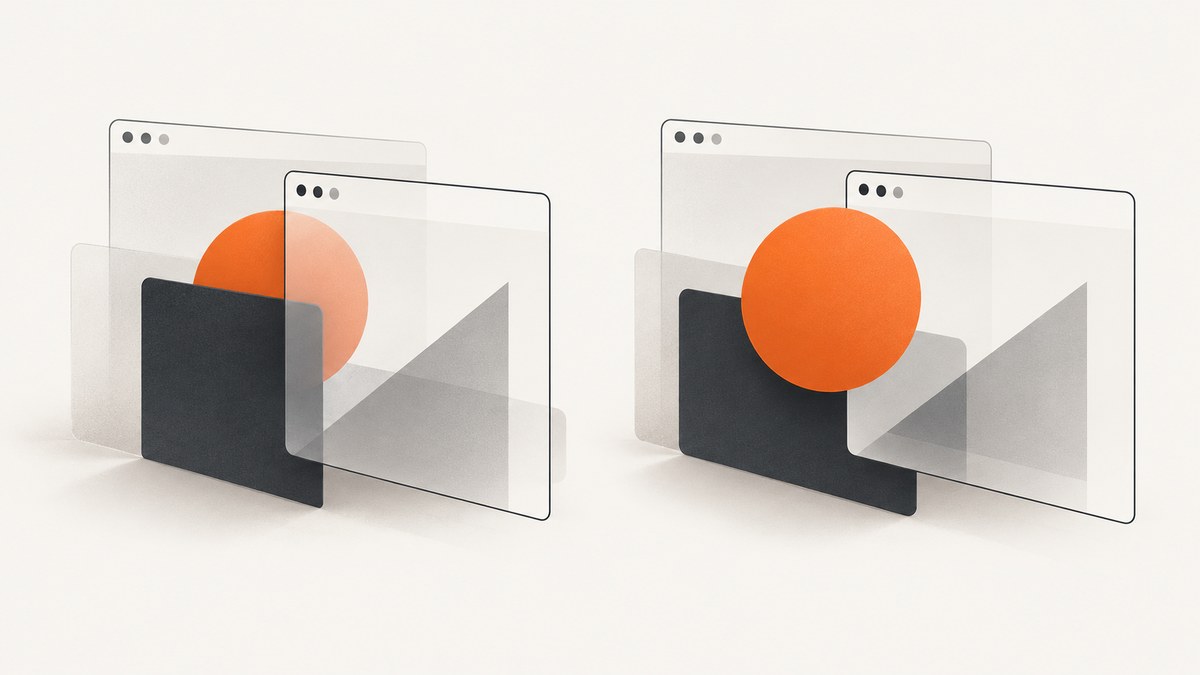
When html2canvas puts an element behind another, first check whether the elements share a stacking context, then check whether the CSS involved is supported by the library. Raising z-index alone is not a universal fix: html2canvas reconstructs an image from the DOM and style information rather than capturing the browser’s final pixels. For a controlled adjustment, change the cloned document with onclone. If the output must match what the browser actually displays, use a native tab capture API or a browser-driven screenshot workflow.
This guide walks through a reproducible diagnosis, a runnable clone-only workaround, the renderer’s paint-order model, and when to switch capture methods. The html2canvas documentation describes its limitations directly: [html2canvas documentation](https://html2canvas.hertzen.com/documentation.html), [FAQ](https://html2canvas.hertzen.com/faq.html), [configuration](https://html2canvas.hertzen.com/configuration).
1. Why is z-index not working in html2canvas?
A screenshot that differs from the visible page can have several causes:
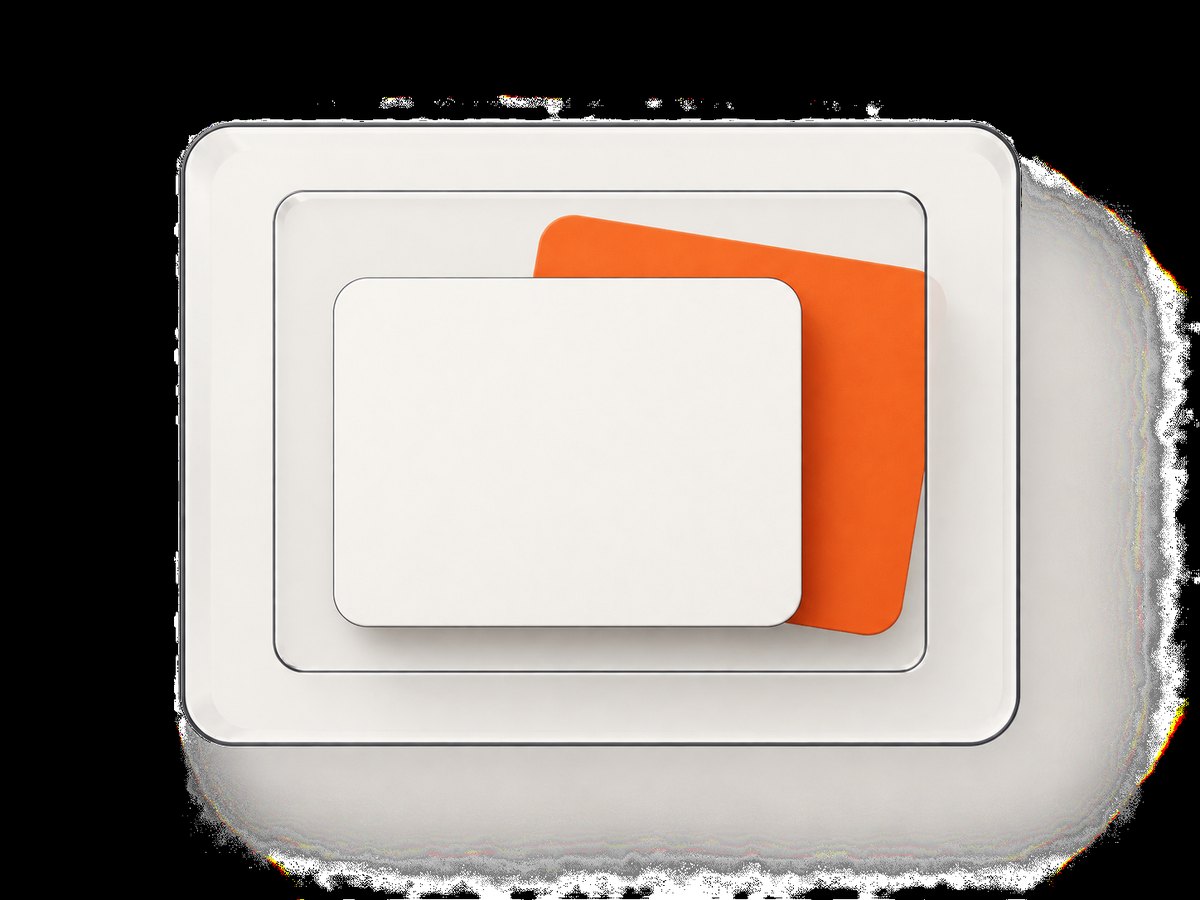
- Stacking-context boundaries: a child’s z-index is ordered within its own stacking context. A very large value does not automatically place it above a sibling context.
- Unsupported or partially supported CSS: html2canvas implements CSS properties individually. Its output is reconstructed, and the property or combination that creates the visual effect may not be represented as expected.
- Renderer paint classification: the cloned DOM is classified and painted in phases. The element may enter a different phase or order than you assumed.
- Capture state differs: animations, transitions, asynchronous content, or layout changes can mean the clone is not in the same state you saw on screen.
Start by separating a CSS stacking problem from a renderer limitation. Compare the live browser page with the produced canvas, then reduce the example to the overlapping elements and the styles that affect them. Avoid guessing from the numeric z-index alone.
2. Reproduce the overlap and inspect its context
Create a minimal case with just the two elements that overlap. Keep their relevant ancestors, because an ancestor can establish the stacking context that constrains a descendant.
<div class="scene">
  <div class="panel panel-a">Panel A</div>
  <div class="panel panel-b">Panel B</div>
</div>
.scene { position: relative; height: 180px; }
.panel { position: absolute; width: 220px; height: 120px; }
.panel-a { left: 20px; top: 20px; z-index: 2; background: tomato; }
.panel-b { left: 100px; top: 50px; z-index: 1; background: steelblue; }In developer tools, inspect the computed position, z-index, and the ancestors of both elements. Look for styles that establish stacking contexts or otherwise affect painting, including transforms and opacity. Check whether the two elements are actually compared in the same context. If one is trapped within a lower-level ancestor context, increasing its own z-index may not move it above an element in a higher context.
Also record the exact capture moment and state: viewport dimensions, scroll position, fonts and images loaded, animation state, and whether the element is visible. Re-run the minimal case in the browser and through html2canvas. This helps distinguish a timing or layout difference from an ordering difference.
3. Check CSS support before increasing z-index
html2canvas does not take a native screenshot of the browser. It reads DOM and styles and produces a canvas representation. Its FAQ explains that CSS properties must be implemented individually and that support is not complete. Therefore, a larger z-index may have no effect when another unsupported or partially supported property causes the mismatch.
For a missing or incomplete property, reduce the case and prepare a small reproduction. Test removing or simplifying one relevant style at a time. If removing a transform, opacity, filter, or other context-related style changes the result, that is useful evidence about the cause, but it does not establish that every such style is unsupported.
Use the project’s supported-features information and issue guidance when deciding whether the desired CSS behavior is represented. Don’t treat a successful workaround in one page as a guarantee for every browser or style combination.
4. Understand the renderer’s paint order
The html2canvas renderer organizes a stacking context into ordered phases. The source describes painting the context background and borders, then negative stack-level children, in-flow content and non-inline descendants, floats and inline-level descendants, positioned or transformed descendants with automatic or zero z-index, and finally positive z-index stacking contexts in z-index order. This sequence is a useful debugging model for asking where a node enters the paint process.
It is not a promise of pixel-for-pixel equivalence with browser painting. Use the sequence to form a hypothesis, then verify it against a reduced example. If the browser result is correct but the reconstructed output remains wrong after simplifying the context and styles, the limitation may be in the capture renderer rather than your page’s intended stacking order.
5. Apply a capture-only fix with onclone
The onclone callback lets you modify the cloned document used for rendering without changing the original page. This is useful when the capture needs a simplified or adjusted style. The example below is runnable in a page where html2canvas is loaded and an element with id capture-root exists.
async function capture() {
  const source = document.querySelector('#capture-root');
  if (!source) throw new Error('Missing #capture-root');

  const canvas = await html2canvas(source, {
    backgroundColor: null,
    onclone(clonedDocument) {
      const panel = clonedDocument.querySelector('.panel-a');
      if (panel) {
        panel.style.position = 'relative';
        panel.style.zIndex = '10';
      }
    }
  });

  document.body.appendChild(canvas);
  return canvas;
}

capture().catch(console.error);
Adjust the selector and styles to the minimal cause you found. A capture-only style change might flatten a problematic relationship, remove an animation, or make positioning explicit. Do not blindly set every element to a high z-index: that can alter intended overlaps and still fail across a stacking-context boundary.
The callback receives the cloned document. Make your changes there, not through a selector against the original live document. If the target is absent in the clone, check the selected capture subtree and whether that node is created asynchronously. See the [configuration reference](https://html2canvas.hertzen.com/configuration) for onclone and other options.
6. Choose options that stabilize the capture
Configuration can make the reproduction more reliable, but it cannot add CSS support or guarantee browser-equivalent paint behavior.
| Need | Configuration or action | What to watch |
|---|---|---|
| Change only capture markup/styles | onclone |
Query and modify the cloned document; keep the change narrowly scoped. |
| Set output dimensions | width, height, scale |
Match the intended viewport and device scale; dimensions affect output size and memory. |
| Choose transparency or a solid background | backgroundColor |
Use a color or null when transparency is wanted and supported by the output path. |
| Capture a specific node | Pass the element as the first argument | Ancestors may still affect its computed styles and stacking relationships. |
| Allow cross-origin images | useCORS where applicable |
The remote server must permit CORS; this is separate from z-index. |
| Exclude content | ignoreElements or clone edits |
Removing an overlay can make an image differ from the actual page by design. |
Use the options documented for the version installed in your project; configuration names and behavior should be checked against the current [official configuration page](https://html2canvas.hertzen.com/configuration). For a z-index issue, prioritize a minimal reproduction and a clone-only adjustment over unrelated option changes.
7. Know when to use a real browser screenshot
If the requirement is “capture the pixels shown in this browser tab,” html2canvas may be the wrong abstraction. Its FAQ points browser-extension authors to native tab screenshot APIs and server-side capture users to browser-driving tools such as Puppeteer and Playwright. Those approaches capture through a browser rather than rebuilding the image from DOM and style information.
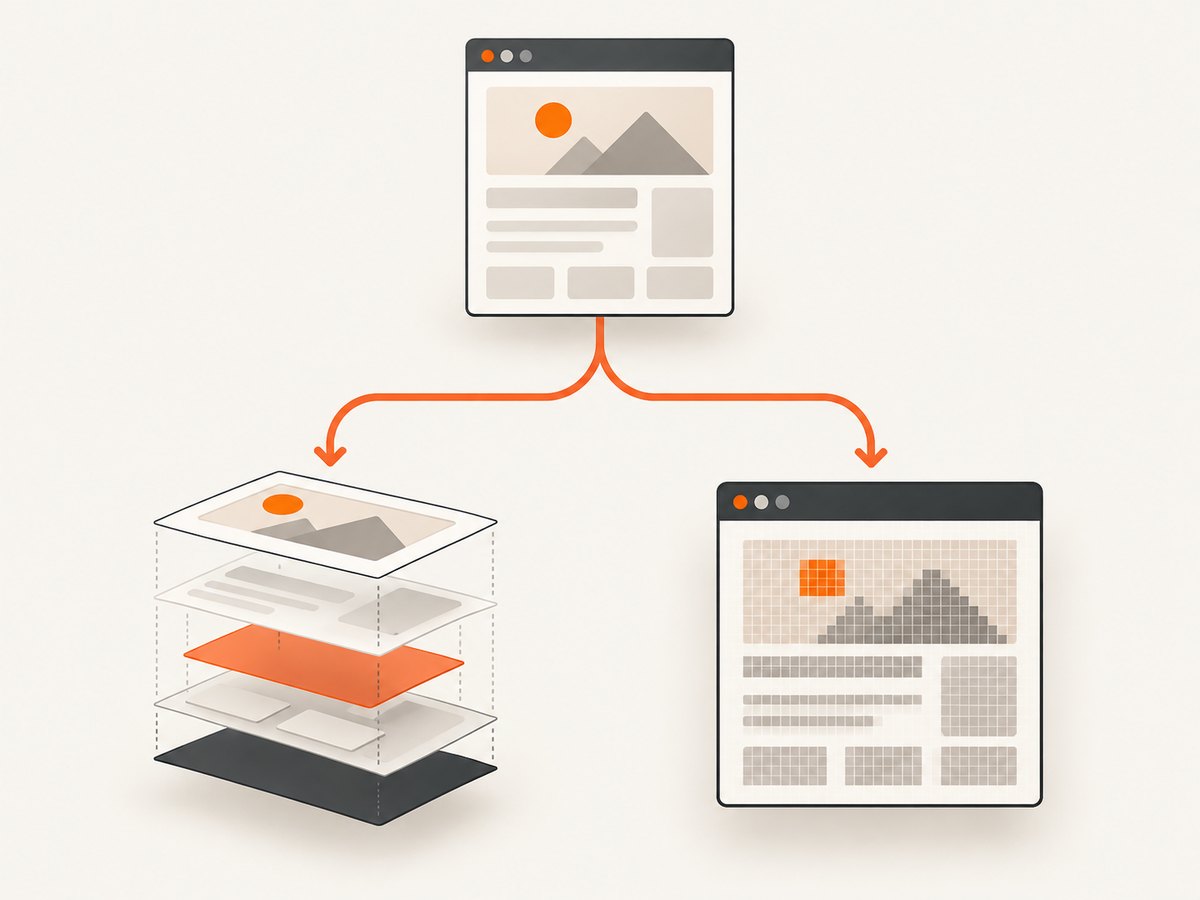
- Browser extension: use the browser’s native screenshot API when the active tab’s rendered pixels are the requirement.
- Server-side automation: use a browser-driving workflow when you need a headless browser to navigate and capture a page.
- Selective DOM rendering: keep html2canvas when a DOM-derived canvas is useful and its CSS support meets the output requirement.
The tradeoff is operational: browser-driven capture requires managing browser execution, page readiness, and output handling. Keep html2canvas when its reconstruction model is suitable; change capture technology when pixel fidelity to browser output is central.
8. Or skip the browser setup
ScreenshotNeo is a website screenshot API and MCP server. For a remote page screenshot, send one GET request; see the API documentation for the available formats and parameters.
curl -G "https://api.screenshotneo.com/v1/shot" \
  -d access_key=YOUR_API_KEY \
  --data-urlencode url=https://stripe.com \
  -o shot.webp
import requests
r = requests.get(
"https://api.screenshotneo.com/v1/shot",
params={"access_key": "YOUR_API_KEY", "url": "https://stripe.com"},
timeout=90,
)
open("shot.webp", "wb").write(r.content)const q = new URLSearchParams({
access_key: 'YOUR_API_KEY',
url: 'https://stripe.com'
});
const res = await fetch(`https://api.screenshotneo.com/v1/shot?${q}`);
if (!res.ok) throw new Error(`Screenshot request failed: ${res.status}`);
const bytes = new Uint8Array(await res.arrayBuffer());
await import('node:fs/promises').then(fs => fs.writeFile('shot.webp', bytes));ScreenshotNeo accepts cookie and consent banners before capture and removes more than 60 known consent platforms, newsletter popups, and chat widgets; each step can be turned off. Bot checks, blank pages, failed loads, timeouts, and cache hits are not billed, and response headers identify the page verdict and billing status. Its MCP server gives AI agents tools for screenshots, page information, and PDF capture. The free plan includes 1,000 screenshots per month without a card; paid plans start at $5 for 3,000 shots. Sign up for 1,000 free screenshots a month, no card required.
9. Troubleshooting common failures
| Symptom | Likely cause | Fix |
|---|---|---|
| Higher z-index changes nothing | The element is constrained by an ancestor stacking context, or relevant CSS is not represented as expected. | Inspect both ancestor chains, simplify the styles, and test a targeted onclone change. |
| Browser looks right; canvas order is wrong | DOM/style reconstruction or renderer paint classification differs from the browser result. | Reduce the case; if actual browser pixels are required, switch to native or browser-driven capture. |
| The clone callback runs but has no effect | The selector does not match in the cloned document, or another style/context controls the relationship. | Check the selector in clonedDocument, confirm the target is inside the cloned subtree, and change the relevant ancestor or layout relationship. |
| Capture differs between runs | Content or layout was not stable at capture time. | Wait until required content is ready, disable or settle animations in the clone, and capture at consistent dimensions. |
| Images disappear or taint the canvas | Cross-origin image access is restricted or the remote server does not allow CORS. | Check the image host’s CORS response and html2canvas cross-origin options; z-index changes will not resolve this. |
| Whole page output is blank or incomplete | The selected node, dimensions, visibility, or page state may not match the expected capture. | Verify the target exists and is visible in the clone; test a smaller region and inspect the browser console. |
10. Performance, reliability, and cost
html2canvas runs in the browser and builds a canvas from the selected content. Capturing a larger area, using a higher scale, or including many images increases the amount of output work and memory required. Capture only the needed region, choose dimensions deliberately, and avoid repeatedly rendering an unchanged large subtree when one capture can be reused.
For reliability, make layout and content readiness explicit. A screenshot taken while fonts, images, or asynchronous components are still changing may be internally consistent yet differ from the state a user expected. Keep a minimal regression case for important overlaps and compare it after CSS or library changes.
There is no per-capture service price for an in-page html2canvas call; the relevant costs are implementation time and client-side computation. A hosted screenshot API introduces plan usage and request handling instead. ScreenshotNeo lists a free 1,000-shot monthly plan without a card, then Starter at $5 for 3,000, Growth at $15 for 15,000, Pro at $39 for 60,000, Scale at $99 for 250,000, and Business at $249 for 1,000,000; yearly billing gives two months free. Every feature is on every plan. Check the product site for current details before choosing based on volume.
11. FAQ
Does setting z-index to 999999 fix html2canvas?
Not reliably. The value only helps within the applicable stacking-context rules, and it cannot correct a property or paint behavior the renderer does not reproduce.
Does html2canvas take a screenshot of the browser?
No. It reconstructs an image using DOM and style information. Its result can differ from the browser’s rendered pixels.
Can onclone change my live page?
It is intended for modifications to the cloned document used for capture. Apply the capture adjustment to the callback’s cloned document.
Should I use html2canvas for an exact tab screenshot?
If exact browser-tab rendering is the requirement, use the browser’s native screenshot API for an extension or a browser-driven screenshot workflow for server-side capture.
Can ScreenshotNeo fix a local html2canvas stacking bug?
It captures a URL through its screenshot API, so it is an alternative for capturing a reachable page. It does not alter your local html2canvas rendering code.


