How to Keep a Fixed Footer at the Bottom of Every PDF Page
Learn how to repeat a fixed PDF footer with ReportLab, HTML/CSS, authoring tools, and reliable layout checks.

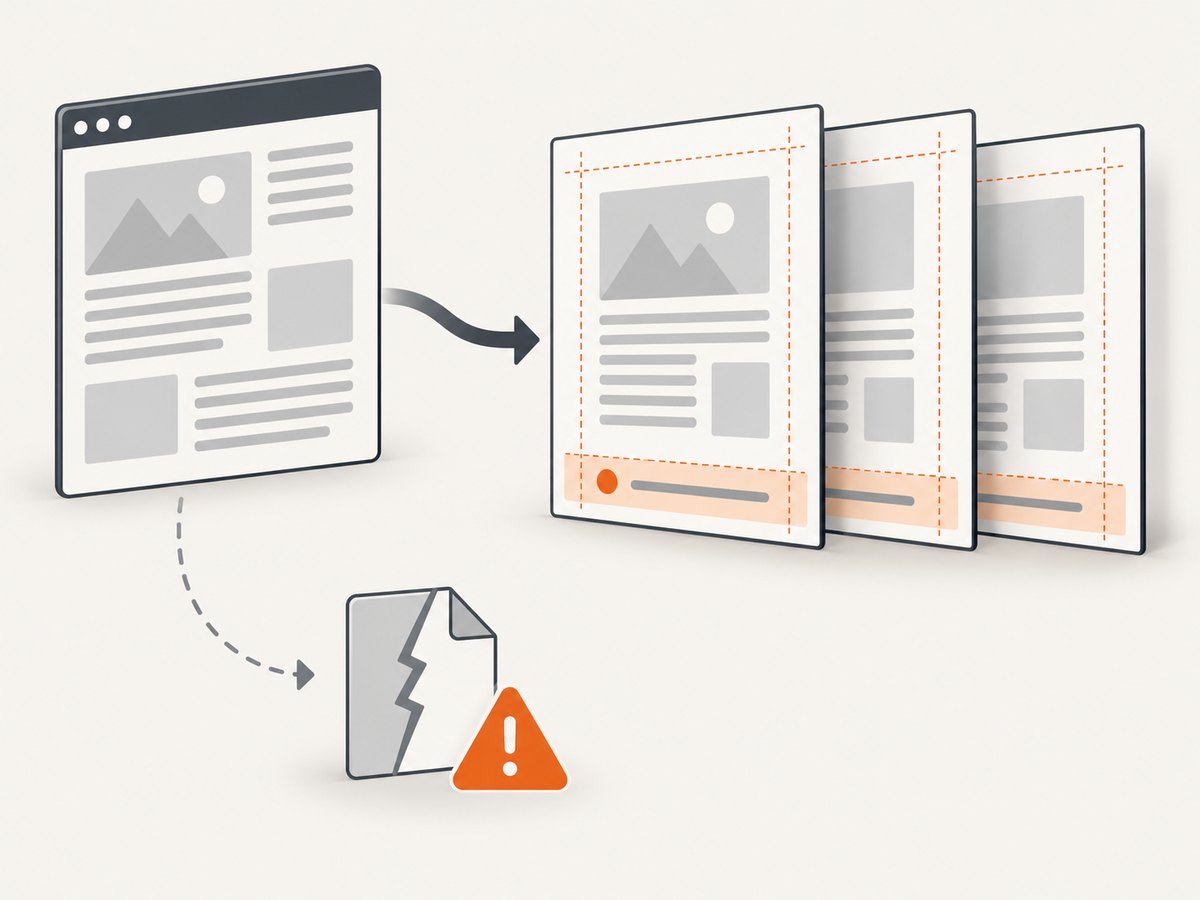
Direct answer: draw the footer in the page-layout or page-rendering layer, not as a one-time body element. In ReportLab, use page callbacks or draw the footer before showPage(). In HTML-to-PDF, use the renderer’s supported paged-media footer mechanism. Reserve bottom margin space so flowing content cannot overlap the footer.
The correct implementation depends on how your PDF is produced: a ReportLab flowable document, a low-level canvas, HTML/CSS conversion, a word processor, or an already-exported PDF.
1. Choose the footer method that matches your workflow
| Workflow | Recommended method | What to verify |
|---|---|---|
ReportLab SimpleDocTemplate |
onFirstPage and onLaterPages callbacks |
Bottom margin, first-page differences, page number state |
ReportLab canvas.Canvas |
Draw footer before each showPage() |
Actual page size and coordinate origin |
| HTML converted to PDF | @page margins, margin boxes, or running elements |
Renderer and version support |
| Word-processed source | Insert a repeating footer before export | Exported page breaks and accessibility |
| Existing PDF only | PDF authoring or repair tool | Every page, overlays, and tagged-PDF behavior |
ReportLab’s canvas uses a lower-left origin, with coordinates measured in points. Calculate positions from the selected page size instead of assuming Letter or A4. The ReportLab graphics guide documents the canvas model, page sizes, and state handling. CSS Paged Media defines the page, margin, header, and footer model for paginated output in the W3C specification.
2. ReportLab flowing documents with page callbacks
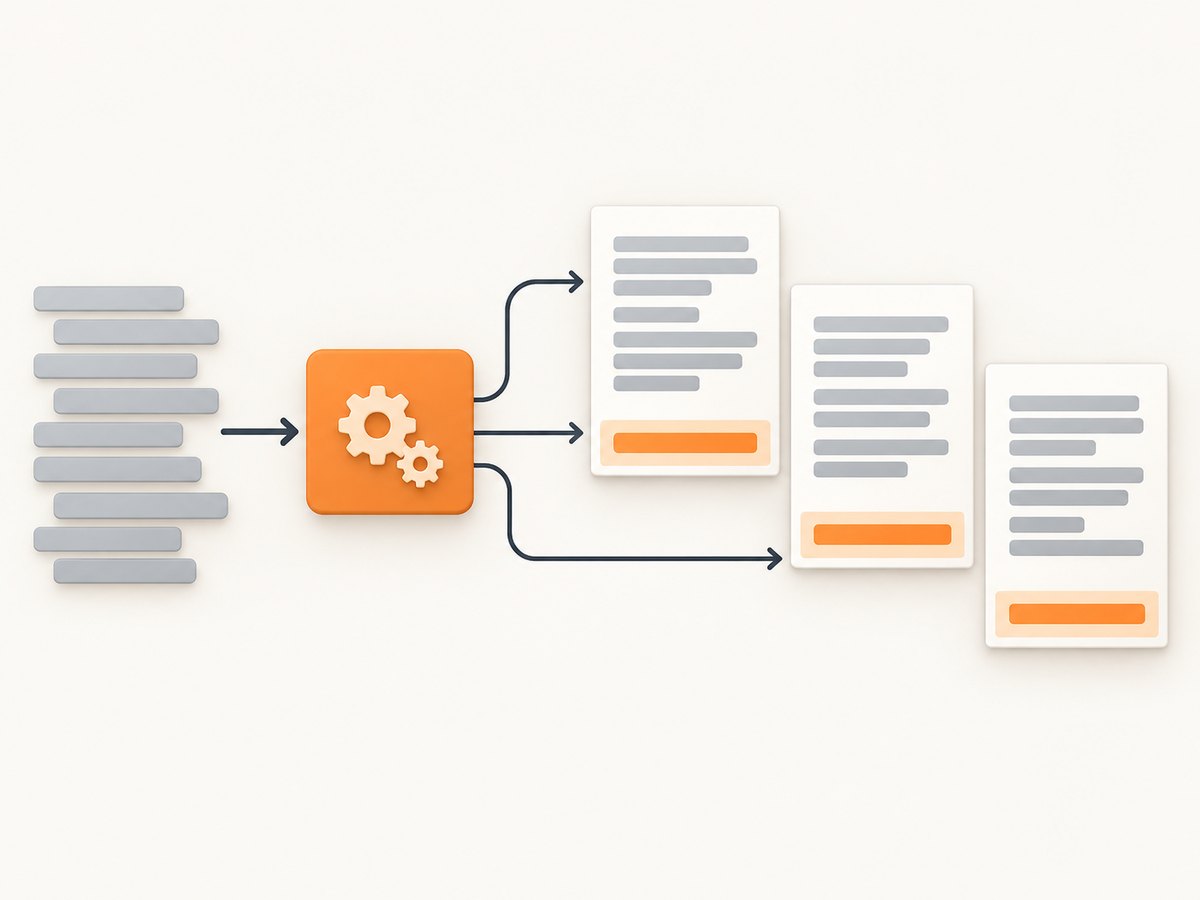
For a SimpleDocTemplate, put footer drawing in a callback. The callback receives the canvas and document for each page. Pass the same function to onFirstPage and onLaterPages when the footer belongs on every page.
from reportlab.lib.pagesizes import A4
from reportlab.lib.styles import getSampleStyleSheet
from reportlab.lib.units import mm
from reportlab.platypus import SimpleDocTemplate, Paragraph, Spacer, PageBreak

OUTPUT = "report-with-footer.pdf"


def draw_footer(canvas, doc):
    canvas.saveState()
    page_width, page_height = A4
    footer_y = 12 * mm

    canvas.setStrokeColorRGB(0.75, 0.75, 0.75)
    canvas.setLineWidth(0.5)
    canvas.line(18 * mm, footer_y + 6 * mm, page_width - 18 * mm, footer_y + 6 * mm)

    canvas.setFont("Helvetica", 8)
    canvas.setFillColorRGB(0.3, 0.3, 0.3)
    canvas.drawString(18 * mm, footer_y, "Internal report")
    canvas.drawRightString(page_width - 18 * mm, footer_y, f"Page {doc.page}")
    canvas.restoreState()


styles = getSampleStyleSheet()
story = []
for section in range(1, 6):
    story.append(Paragraph(f"Section {section}", styles["Heading1"]))
    for paragraph in range(8):
        story.append(Paragraph(
            "This paragraph exists to demonstrate normal flowing content around a repeated footer. "
            "The footer is painted at page level and does not become part of the story.",
            styles["BodyText"]
        ))
        story.append(Spacer(1, 4 * mm))


doc = SimpleDocTemplate(
    OUTPUT,
    pagesize=A4,
    leftMargin=18 * mm,
    rightMargin=18 * mm,
    topMargin=18 * mm,
    bottomMargin=25 * mm,
)
doc.build(story, onFirstPage=draw_footer, onLaterPages=draw_footer)
print(f"Wrote {OUTPUT}")
The bottomMargin is deliberately larger than the footer’s drawing area. Without that reserved space, a paragraph can occupy the same vertical region as the footer. saveState() and restoreState() prevent footer fonts, colors, and line settings from leaking into later drawing operations. ReportLab documents this pattern in its user guide.
Different first-page treatment
Use one callback for the cover and another for later pages when the first page needs no footer or a different design:
doc.build(
    story,
    onFirstPage=draw_cover_footer,
    onLaterPages=draw_footer,
)
Keep the later-page callback independent of assumptions made by the cover. Check page one separately after export.
3. ReportLab low-level canvas
A low-level canvas gives you complete control, but you must draw the footer during your page loop. Call the footer function before showPage(); that method finishes the current page and starts the next one.
from reportlab.pdfgen import canvas
from reportlab.lib.pagesizes import letter
from reportlab.lib.units import mm

OUTPUT = "canvas-footer.pdf"
PAGE_SIZE = letter


def draw_footer(pdf, page_number):
    width, height = PAGE_SIZE
    y = 12 * mm
    pdf.saveState()
    pdf.setStrokeColorRGB(0.75, 0.75, 0.75)
    pdf.line(18 * mm, y + 6 * mm, width - 18 * mm, y + 6 * mm)
    pdf.setFont("Helvetica", 8)
    pdf.setFillColorRGB(0.3, 0.3, 0.3)
    pdf.drawString(18 * mm, y, "Generated report")
    pdf.drawRightString(width - 18 * mm, y, f"Page {page_number}")
    pdf.restoreState()


pdf = canvas.Canvas(OUTPUT, pagesize=PAGE_SIZE)
for page_number in range(1, 4):
    pdf.setFont("Helvetica", 16)
    pdf.drawString(25 * mm, 260 * mm, f"Content for page {page_number}")
    pdf.setFont("Helvetica", 10)
    pdf.drawString(25 * mm, 245 * mm, "Body content is painted before the page footer.")
    draw_footer(pdf, page_number)
    pdf.showPage()
pdf.save()
print(f"Wrote {OUTPUT}")
If you support multiple page sizes, pass the current width and height into draw_footer rather than using a module constant. This avoids misplaced footers when a document switches between Letter, A4, landscape, or custom dimensions.
4. HTML-to-PDF footers with CSS Paged Media
CSS Paged Media specifies page rules and margin regions. A renderer that supports bottom margin boxes can place a page counter there:
@page {
  size: A4;
  margin: 18mm 18mm 24mm 18mm;
  @bottom-right {
    content: "Page " counter(page) " of " counter(pages);
    font-size: 8pt;
    color: #555;
  }
}

html, body {
  margin: 0;
  font-family: sans-serif;
}

.report {
  break-after: page;
}
The CSS is standards-based, but support varies by converter. The Anvil example demonstrates page counters and repeating regions, while DocRaptor’s documentation describes running elements for repeating a complete footer. Confirm the exact feature set for your renderer and version before depending on margin boxes, running elements, or counter(pages).
Running footer elements
Some HTML-to-PDF engines let you move an element into a page margin. A typical pattern is conceptually:
.footer {
  position: running(report-footer);
}

@page {
  @bottom-center {
    content: element(report-footer);
  }
}
This syntax is not portable across all open-source converters. If it is ignored, the footer may appear once in normal document flow or disappear entirely. Treat renderer documentation as authoritative.
5. Word processors and existing PDFs
If you still have the authored document, create the repeating footer in the authoring application before exporting. The W3C PDF14 technique describes headers and footers as pagination aids and identifies authoring tools such as Microsoft Word. For an exported PDF, a PDF authoring or repair tool can add or replace a footer across pages; the same W3C technique names Adobe Acrobat Pro’s Header & Footer tools as an example.
Editing the source is usually easier when available because it preserves text flow, page numbering, and accessibility structure. Post-export overlays are useful when the source is unavailable, but inspect every page for collisions and incorrect rotation.
6. Layout rules that prevent overlap
- Reserve the full footer height. Set a bottom margin larger than the footer’s text, rule, logo, and padding.
- Measure from the actual page size. Use the canvas width and height or the renderer’s page dimensions.
- Keep body content out of the footer zone. A footer drawn on top of content can hide selectable text and fail visual review.
- Handle long footer text. Wrap, reduce the font, or reserve two lines; never assume a short title.
- Account for rotation. Landscape pages and rotated existing pages need their displayed dimensions checked.
- Check first and last pages separately. Covers, appendices, and trailing blank pages often use different templates.
- Validate counters. Confirm that page labels match the physical page sequence, especially after inserting blank pages.
7. Troubleshooting common footer failures
| Symptom | Likely cause | Fix |
|---|---|---|
| Footer appears only once | It was placed in body flow or only the first-page callback was supplied | Use onLaterPages or draw before every showPage(). |
| Text overlaps the footer | Bottom margin is too small | Increase the reserved bottom margin by the footer’s measured height plus padding. |
| Footer is off the page | Hard-coded page dimensions or wrong coordinate origin | Read the current page width and height; remember ReportLab’s origin is lower-left. |
| Page total is blank or wrong | Renderer lacks counter(pages) support or performs one-pass rendering |
Use a supported total-page feature, a two-pass process, or omit the total. |
| HTML footer is ignored | Converter does not implement margin boxes or running elements | Check that engine’s documentation and choose a supported mechanism. |
| Footer styling changes body text | Canvas state was not isolated | Wrap footer drawing in saveState() and restoreState(). |
| Footer vanishes on a rotated page | Overlay coordinates use the unrotated box | Normalize rotation or calculate coordinates from the displayed page box. |
| Footer is duplicated | A flowable footer and page callback both render it | Keep the footer in one layer only. |
| Tagged PDF has noisy repeated content | Footer was added as ordinary reading content | Use the authoring tool’s artifact or pagination settings and inspect the tagged structure. |
8. Performance, reliability, and cost
Page callbacks and canvas drawing are inexpensive compared with layout, font embedding, image decoding, and HTML rendering. Keep footer work deterministic: avoid network requests, expensive image processing, or data queries inside a per-page callback. Load reusable fonts and assets once, then draw them repeatedly.
For reliable output, pin the PDF renderer version, define page size and margins explicitly, and retain a small visual regression set containing a one-page document, a long flowing document, a cover, a landscape page, and a page with long footer text. If page totals are required, use the renderer’s documented multi-pass or counter behavior rather than guessing.
Cost is mainly driven by the rendering engine, runtime, fonts, and document length. A fixed footer itself adds negligible processing, but a footer containing a high-resolution image increases file size on every page unless the PDF reuses the embedded resource.
9. Verify the generated PDF
- Open the PDF and inspect the first, middle, and last pages.
- Confirm the footer baseline is the same distance from the bottom edge.
- Copy body text near the bottom to detect hidden overlap.
- Test both short and long footer strings.
- Check page numbers after inserting or removing pages.
- Inspect rotated, landscape, and mixed-size pages if your workflow allows them.
- For accessible documents, inspect the tagged structure and ensure repeated pagination artifacts are handled according to your authoring tool’s guidance.
10. Or skip the browser setup
If your workflow starts with a web page that must become a PDF or screenshot, ScreenshotNeo provides a single GET request instead of maintaining browser automation. Cookie and consent banners are accepted and removed before capture, along with 60+ known consent platforms, newsletter popups, and chat widgets. Bot checks, blank pages, timeouts, failed loads, and cache hits are not billed, and response headers identify the page verdict and whether it was billed. The service can return PNG, JPEG, WebP, or PDF; its MCP server lets Claude, Cursor, and other MCP clients call take_screenshot, get_page_info, and capture_pdf.
See the ScreenshotNeo documentation for the complete option list and response details.
cURL
curl -G "https://api.screenshotneo.com/v1/shot" -d access_key=YOUR_API_KEY --data-urlencode url=https://stripe.com -o shot.webpPython
import requests

r = requests.get(
    "https://api.screenshotneo.com/v1/shot",
    params={"access_key": "YOUR_API_KEY", "url": "https://stripe.com"},
    timeout=90,
)
r.raise_for_status()
open("shot.webp", "wb").write(r.content)
Node.js
const q = new URLSearchParams({ access_key: 'YOUR_API_KEY', url: 'https://stripe.com' });
const res = await fetch(`https://api.screenshotneo.com/v1/shot?${q}`);
if (!res.ok) throw new Error(`HTTP ${res.status}`);
const data = Buffer.from(await res.arrayBuffer());
require('fs').writeFileSync('shot.webp', data);
ScreenshotNeo includes full-page capture with lazy images loaded, custom CSS and JavaScript, waits for selectors, delays or network idle, device presets, arbitrary viewports, PDF paper size and margins, page ranges, headers, cookies, user agents, request blocking, caching, signed links, asynchronous jobs, bulk capture, usage reporting, and an OpenAPI specification. Its parameter names are compatible with those used by other screenshot APIs, which can simplify migration.
Plans include 1,000 screenshots per month free with no card. Paid plans start at $5 for 3,000 shots; every feature is available on every plan. Create a free ScreenshotNeo account.
FAQ
Should the footer be part of the document body?
Usually no. A page-level callback, margin box, or authoring-tool footer repeats it reliably and keeps body flow independent.
Can I use the same footer on the cover?
Yes. In ReportLab, pass the same callback to onFirstPage and onLaterPages. Use separate callbacks when the cover differs.
Why does a CSS footer work in one converter but not another?
CSS Paged Media features are implemented unevenly. Check the chosen engine and version for margin boxes, running elements, and total-page counters.
Is adding a footer to an existing PDF equivalent to changing the source?
No. A post-export tool usually adds an overlay. It can solve a missing source problem, but you must check collisions, rotation, page labels, and accessibility.
Where should page numbers be calculated?
Use the renderer’s page counter or the callback’s current page number. Avoid deriving numbers from content length, because page breaks can change.


