How to Force Page Breaks with Syncfusion HTML-to-PDF Conversion
Force PDF page starts in Syncfusion Blink with CSS, C# code, engine guidance, troubleshooting, and verification steps.
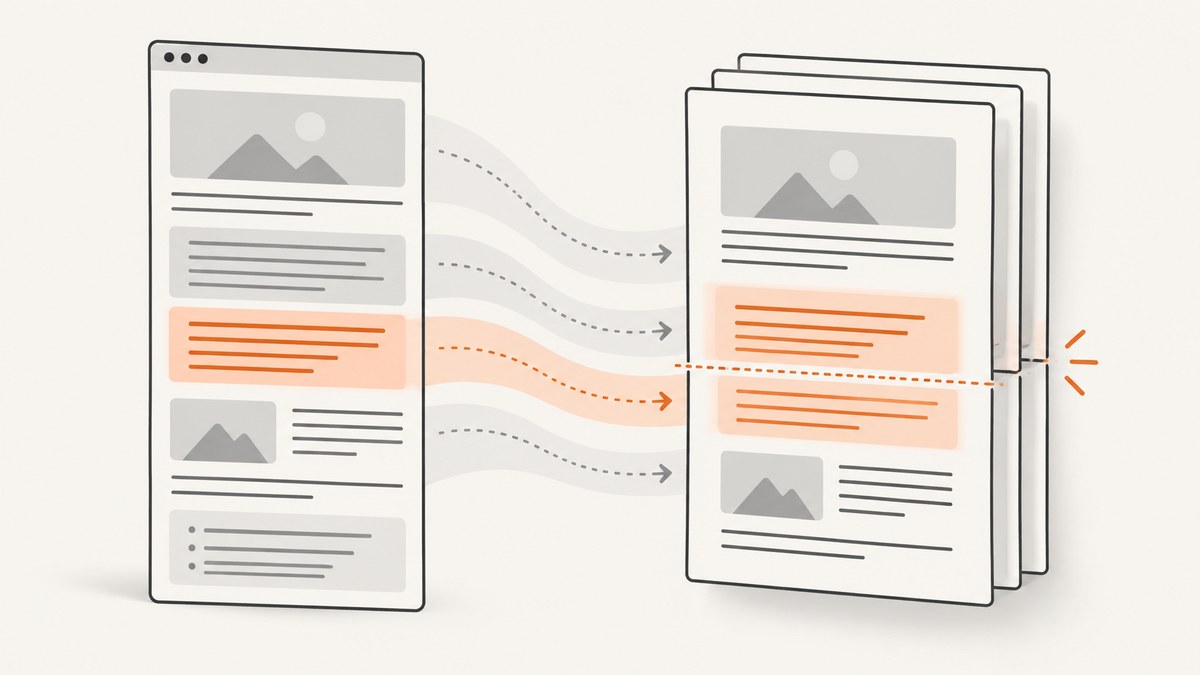
Direct answer: mark the element that should begin a new PDF page and apply break-before: page, with page-break-before: always as a fallback. With Syncfusion’s Blink renderer, put the rule in the HTML or inject it through BlinkConverterSettings.Css. Syncfusion documents CSS injection, but the retrieved documentation does not provide a Blink-specific forced-break example or guarantee for a particular declaration. Validate the generated PDF with your Syncfusion version and runtime.
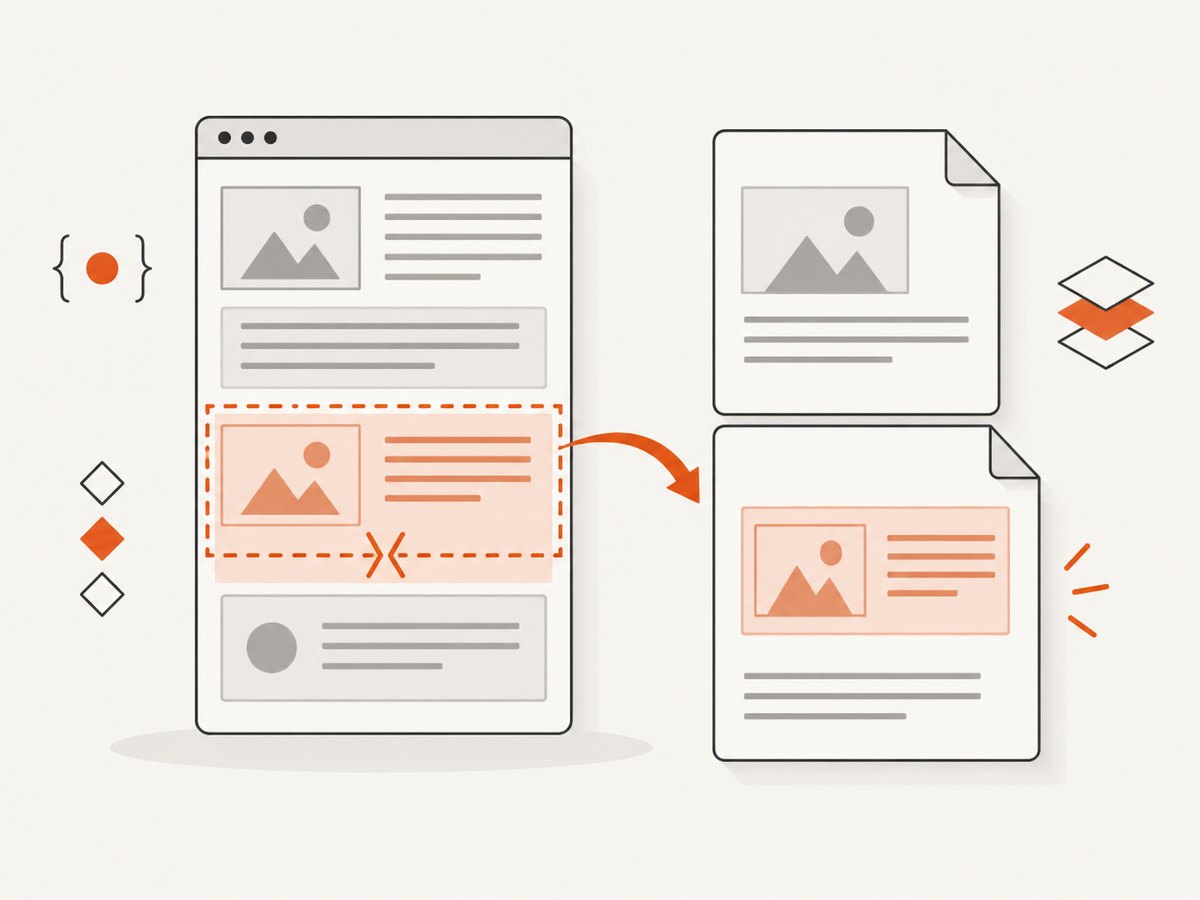
1. Add a page-break class
<style>
.new-page {
  break-before: page;
  page-break-before: always;
}
</style>

<h1>Report</h1>
<p>Content on page one.</p>

<section class='new-page'>
  <h2>Appendix</h2>
  <p>This section should begin on a new page.</p>
</section>
Apply the class to a block-level wrapper. A break may behave differently when the element is inside flexbox, a table, an absolutely positioned container, or another layout that cannot be fragmented. Empty forced-break elements can also create blank pages.
2. Complete C# Blink example
Install the Syncfusion HTML-to-PDF and Blink runtime packages required by your release and operating system. Follow the current platform setup instructions before running this sample.
using System;
using Syncfusion.HtmlConverter;
using Syncfusion.Pdf;

class Program
{
    static void Main()
    {
        var html = @"<!doctype html>
<html><head><meta charset='utf-8'></head>
<body>
  <h1>Quarterly report</h1>
  <p>Summary content appears on page one.</p>
  <section class='new-page'>
    <h2>Detailed results</h2>
    <p>This heading is intended to start a new page.</p>
  </section>
</body></html>";

        var converter = new HtmlToPdfConverter(HtmlRenderingEngine.Blink);
        var settings = new BlinkConverterSettings();
        settings.Css = @".new-page {
  break-before: page;
  page-break-before: always;
}";
        converter.ConverterSettings = settings;

        // Supply a base path when HTML uses relative images, fonts, or CSS.
        PdfDocument document = converter.Convert(html, AppContext.BaseDirectory);
        document.Save("output.pdf");
        document.Close(true);
    }
}
The key step is assigning the stylesheet to BlinkConverterSettings.Css before conversion. Constructor or document type names can differ between package versions, so adjust those names to the API reference for your installed release while preserving this sequence.
3. HTML stylesheet or injected CSS?
| Approach | Best use | Note |
|---|---|---|
| CSS in HTML | You own the document | The same rule can be used in browser print previews. |
BlinkConverterSettings.Css |
You receive HTML or cannot edit it | Inject a small print stylesheet immediately before conversion. |
Use a specific class instead of breaking every heading. Keep headings with their first paragraph where possible:
.new-page { break-before: page; page-break-before: always; }
.chapter-heading { break-after: avoid; page-break-after: avoid; }
.chapter { break-inside: avoid; page-break-inside: avoid; }
These declarations are layout hints. A block larger than one page may still split, and complex tables or positioned content can override your expectations.
4. Syncfusion engine and layout choices
| Option | Purpose | Distinction |
|---|---|---|
| Blink plus CSS | Current Chromium-based HTML rendering with custom CSS injection. | The retrieved documentation does not guarantee every CSS break declaration. |
SinglePageLayout |
Places all HTML on one PDF page; disabled by default. | It does not create conventional page breaks and is limited to 14,400 points. |
IE AutoDetectPageBreak |
Legacy Internet Explorer converter setting, default true. |
It is not a Blink setting. |
PdfMetafileLayoutFormat.IsHTMLPageBreak |
Separate HTML-to-metafile/PDF layout route. | Do not apply it to direct Blink conversion without checking the applicable API. |
5. Resources and platform setup
Pass a correct base URL or filesystem path so Blink can resolve relative images, fonts, and stylesheets. The Syncfusion Blink guide states that Linux conversion requires libgbm1 starting with version 20.1.0.55. Confirm this dependency and other native prerequisites against your package version and deployment image.
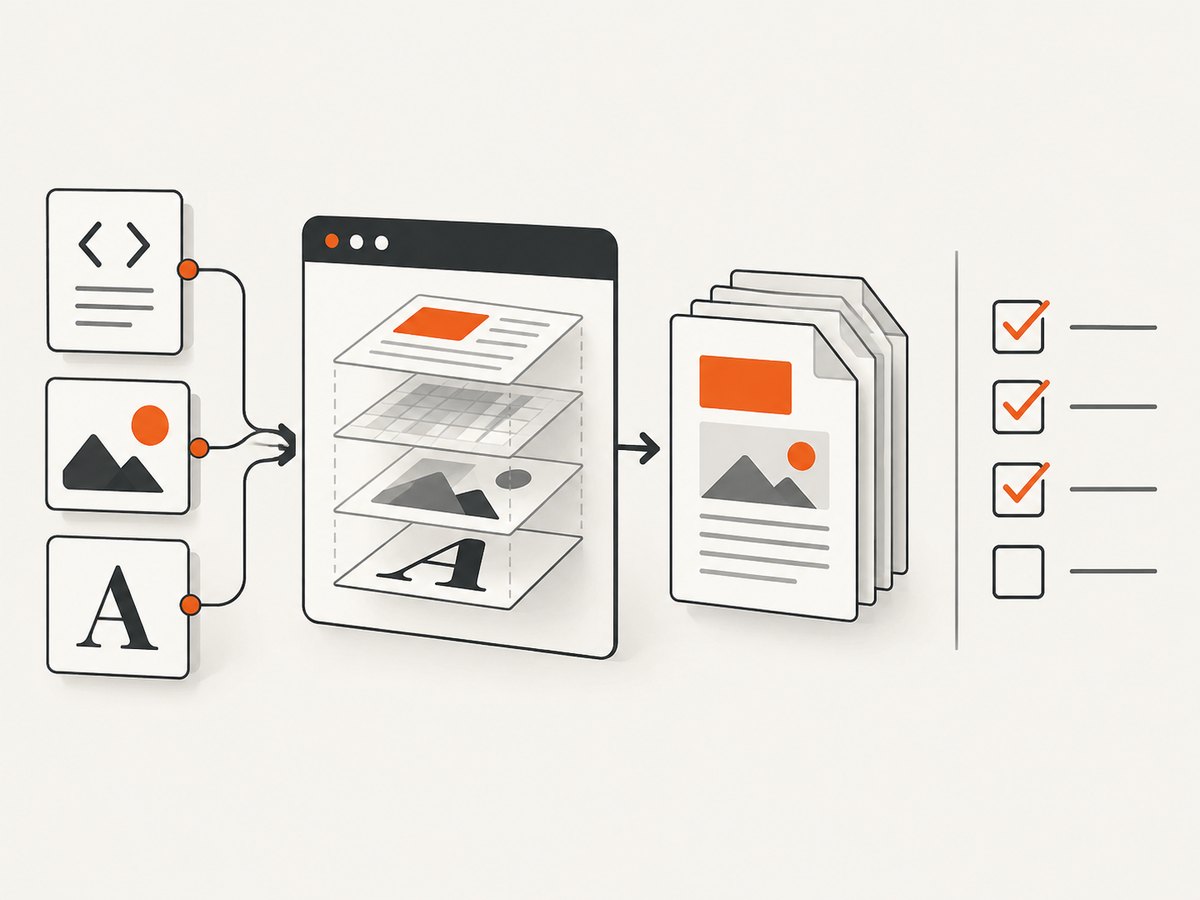
6. Verification checklist
- Confirm the selector matches the intended element.
- Convert with the same Blink package and operating-system image used in production.
- Check page count, the page boundary, and content around the break.
- Test short and long documents containing tables, images, fonts, and links.
- Repeat the check after Syncfusion, Blink, or host-image upgrades.
7. Troubleshooting
| Symptom | Cause | Fix |
|---|---|---|
| Break ignored | CSS was not loaded, selector does not match, or layout cannot fragment. | Inject through BlinkConverterSettings.Css, inspect final HTML, and move the class to a block wrapper. |
| Blank page appears | Multiple ancestors force breaks or an empty marker is rendered. | Keep one marker and remove empty sections or excessive margins. |
| Works locally, fails on Linux | Different runtime or missing native dependency. | Match package versions and install required libraries such as libgbm1. |
| Images or fonts missing | Relative resources cannot be resolved. | Pass a valid base URL/path and grant read access. |
| Content clipped | Fixed heights, absolute positioning, or oversized unbreakable blocks. | Use normal flow, remove fixed heights, and split oversized regions. |
AutoDetectPageBreak unavailable |
It belongs to IE settings. | Use CSS with Blink or explicitly choose the legacy IE route. |
8. Performance, reliability, and cost
- Performance: Large images, web fonts, JavaScript, and third-party requests increase render time.
- Reliability: Pin package and runtime versions and keep a representative PDF fixture for upgrade checks.
- Cost: Syncfusion licensing and hosting costs depend on your agreement and deployment; measure your workload.
- Output: Do not use
SinglePageLayoutfor long reports because of its 14,400-point page-size limit.
Or skip the browser setup
If you need a hosted screenshot or PDF capture, ScreenshotNeo provides a one-call API. It accepts consent banners before capture and removes more than 60 known consent platforms, newsletter popups, and chat widgets. Bot checks, blank pages, timeouts, failed loads, and cache hits are not billed; response headers identify the page verdict and billing status.
See the ScreenshotNeo documentation for options and PDF settings:
curl -G "https://api.screenshotneo.com/v1/shot" -d access_key=YOUR_API_KEY --data-urlencode url=https://stripe.com -o shot.webpimport requests
r = requests.get("https://api.screenshotneo.com/v1/shot", params={"access_key": "YOUR_API_KEY", "url": "https://stripe.com"}, timeout=90)
open("shot.webp", "wb").write(r.content)const q = new URLSearchParams({ access_key: 'YOUR_API_KEY', url: 'https://stripe.com' });
const res = await fetch(`https://api.screenshotneo.com/v1/shot?${q}`);Its MCP server lets Claude, Cursor, and other MCP clients call take_screenshot, get_page_info, and capture_pdf. One thousand screenshots per month are free with no card, and paid plans start at $5 for 3,000 shots. Create a free ScreenshotNeo account.
FAQ
How do I start a new PDF page from HTML?
Apply break-before: page and the page-break-before: always fallback to the element that should start the page.
Does SinglePageLayout force a break?
No. It creates one tall page and has a 14,400-point page-size limit.
Can I use AutoDetectPageBreak with Blink?
No. Syncfusion documents it on the legacy IE converter settings.
Why test after an upgrade?
Pagination depends on renderer behavior, CSS support, native dependencies, and resource loading. Version or platform changes can alter page boundaries.


