Free NuGet Packages for Converting HTML to PDF in C#
Compare genuinely free NuGet options for HTML-to-PDF in C#, with runnable code, licensing limits, rendering differences, and deployment guidance.
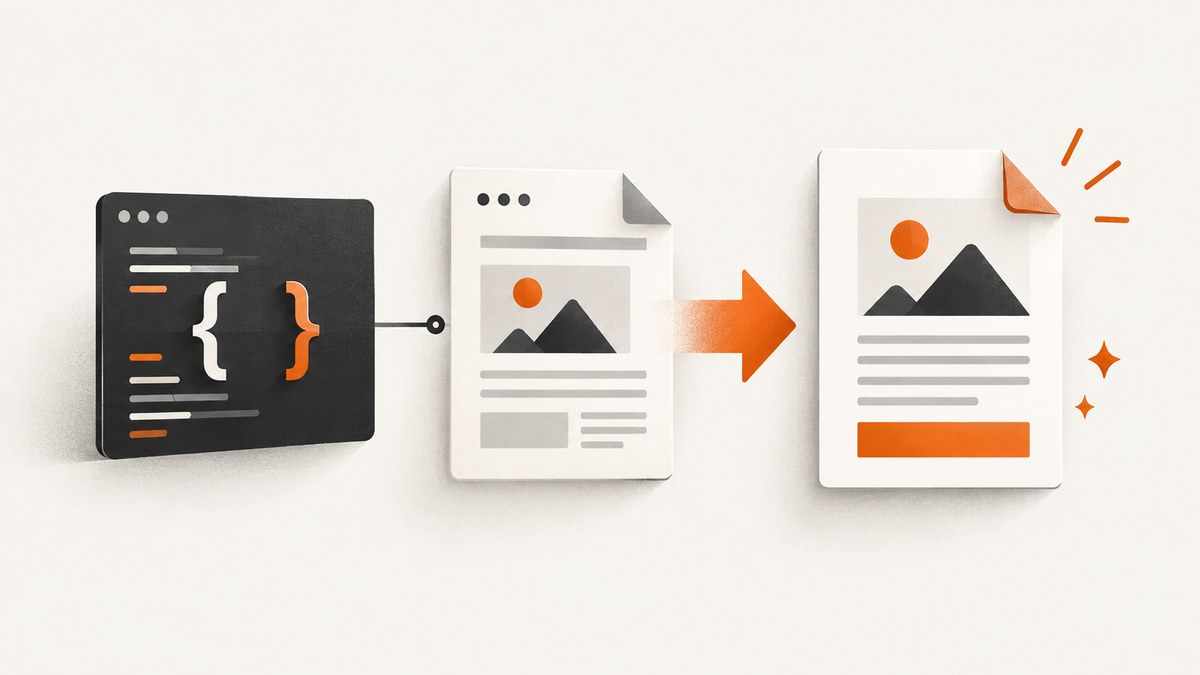
Short answer: start with Select.HtmlToPdf Community Edition when your application runs on Windows and every document is five pages or fewer. It converts a URL or HTML file directly and is free for commercial use according to SelectPdf. For legacy WebKit rendering, consider DinkToPdf. Choose QuestPDF when you can define the document in C# instead of preserving arbitrary browser HTML and CSS. IronPDF is a Chrome-based commercial library with a free evaluation key, not an unrestricted free package.
What “free” means for these packages
Package price and production licensing are different questions. Before selecting a library, check:
- Whether the license permits your company and revenue level.
- Page, platform, or evaluation limits.
- Whether the renderer supports the CSS, JavaScript, fonts, and web assets your documents use.
- Whether native dependencies work in your deployment environment.
| Package | Rendering model | Free terms | Main constraint |
|---|---|---|---|
| Select.HtmlToPdf Community Edition | Direct URL or HTML conversion | Community Edition; vendor states commercial use is allowed | Windows only; maximum five pages |
| DinkToPdf 1.0.8 | wkhtmltopdf with WebKit | NuGet wrapper package; verify your project and native-binary licensing | Legacy WebKit engine and native dependency |
| QuestPDF.HTML 1.5.1 | HTML-related extension for QuestPDF | MIT-licensed extension | Targets modern .NET and requires the QuestPDF document model |
| QuestPDF | C# code-first document layout | Free for individuals, nonprofits, FOSS projects, and organizations under $1M annual revenue under its community terms | Not a general browser renderer for arbitrary HTML/CSS |
| IronPDF | Chrome-based HTML, CSS, JavaScript, and web rendering | Free developer evaluation key | Commercial product; evaluation is not permanent free use |
1. Select.HtmlToPdf Community Edition
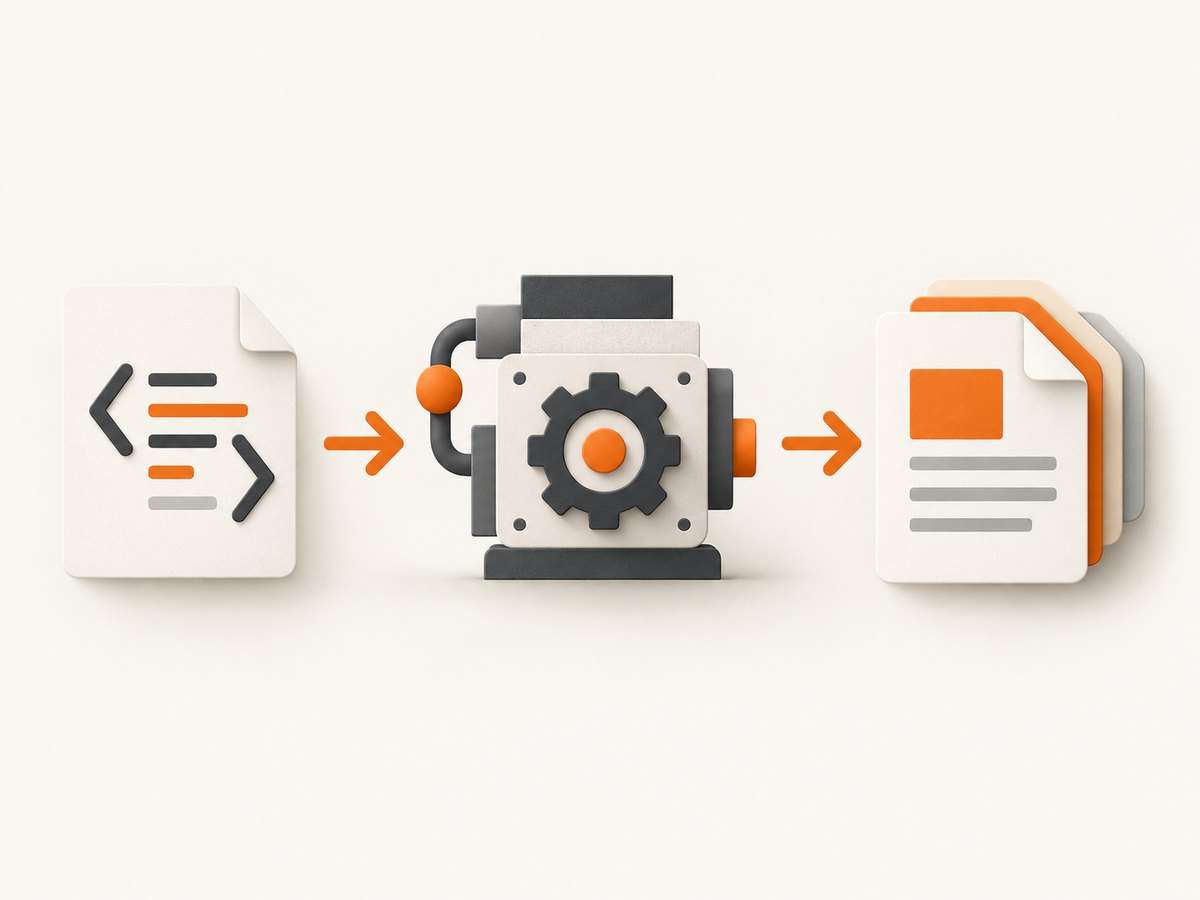
This is the clearest direct fit for a genuinely free HTML-to-PDF conversion when Windows deployment and the five-page ceiling are acceptable. It can convert a URL or local HTML file, and the vendor says the Community Edition is free for commercial use.
Install
dotnet add package Select.HtmlToPdfConvert a URL
using SelectPdf;

var converter = new HtmlToPdf();
PdfDocument document = converter.ConvertUrl("https://example.com");
document.Save("example.pdf");
document.Close();
Convert an HTML string
using SelectPdf;

var html = "<html><body><h1>Invoice</h1><p>Paid</p></body></html>";
var converter = new HtmlToPdf();
PdfDocument document = converter.ConvertHtmlString(html);
document.Save("invoice.pdf");
document.Close();
When SelectPdf is the right choice
- Your service runs on Windows.
- Documents stay within five pages.
- You need URL or HTML input rather than a C# layout DSL.
- You accept validating the exact CSS and JavaScript used by your pages.
Do not choose this edition for long reports, Linux containers, or workloads whose page count can grow beyond five pages.
2. DinkToPdf and wkhtmltopdf
DinkToPdf 1.0.8 is a .NET Core P/Invoke wrapper around wkhtmltopdf. wkhtmltopdf uses the WebKit engine, so it is useful when a legacy workflow already depends on that rendering behavior. It is not equivalent to a current Chromium browser: modern CSS and JavaScript may render differently.
Install
dotnet add package DinkToPdfYou also need a matching wkhtmltopdf native library for your operating system and process architecture. The managed package alone is not enough.
Minimal conversion
using DinkToPdf;
using DinkToPdf.Contracts;

var tools = new PdfTools();
var converter = new SynchronizedConverter(tools);

var document = new HtmlToPdfDocument
{
    GlobalSettings =
    {
        ColorMode = ColorMode.Color,
        Orientation = Orientation.Portrait,
        PaperSize = PaperKind.A4,
        Out = "report.pdf"
    },
    Objects =
    {
        new ObjectSettings
        {
            Page = "https://example.com",
            WebSettings = { DefaultEncoding = "utf-8" }
        }
    }
};

converter.Convert(document);
Common DinkToPdf deployment details
- Copy the native wkhtmltopdf library into the application output directory or configure its load path.
- Use the native binary that matches x64, x86, or ARM architecture.
- Run conversion through a single synchronized converter instance when using the wrapper, rather than creating unmanaged converters per request.
- Test fonts, images, external stylesheets, and JavaScript in the same container or server image used in production.
3. QuestPDF and QuestPDF.HTML
QuestPDF is primarily a C# code-first layout engine. It is a strong option when the document is generated from structured data and you control the layout. It is not a drop-in browser for arbitrary HTML and CSS. QuestPDF’s community license covers individuals, nonprofits, FOSS projects, and organizations under $1M annual revenue; review the official license for your situation.
QuestPDF.HTML 1.5.1 is a separate MIT-licensed extension targeting net8.0 and net9.0. It can help teams that accept QuestPDF’s document model and need HTML-related conversion support, but it does not turn QuestPDF into a full browser renderer.
Install QuestPDF
dotnet add package QuestPDFGenerate a PDF with the C# layout model
using QuestPDF.Fluent;
using QuestPDF.Helpers;
using QuestPDF.Infrastructure;

QuestPDF.Settings.License = LicenseType.Community;

Document.Create(container =>
{
    container.Page(page =>
    {
        page.Size(PageSizes.A4);
        page.Margin(40);
        page.Header().Text("Invoice").FontSize(20).Bold();
        page.Content().Column(column =>
        {
            column.Spacing(8);
            column.Item().Text("Customer: Ada Lovelace");
            column.Item().Text("Amount due: $120.00");
            column.Item().LineHorizontal(1);
            column.Item().Text("Thank you for your business.");
        });
        page.Footer().AlignCenter().Text(text =>
        {
            text.Span("Page ");
            text.CurrentPageNumber();
        });
    });
}).GeneratePdf("invoice.pdf");
Choose QuestPDF when
- Your input is objects, database records, or business data.
- You need predictable layout primitives, tables, headers, and footers.
- You can rewrite HTML templates as C# composition code.
- Your organization meets the community-license conditions.
4. IronPDF
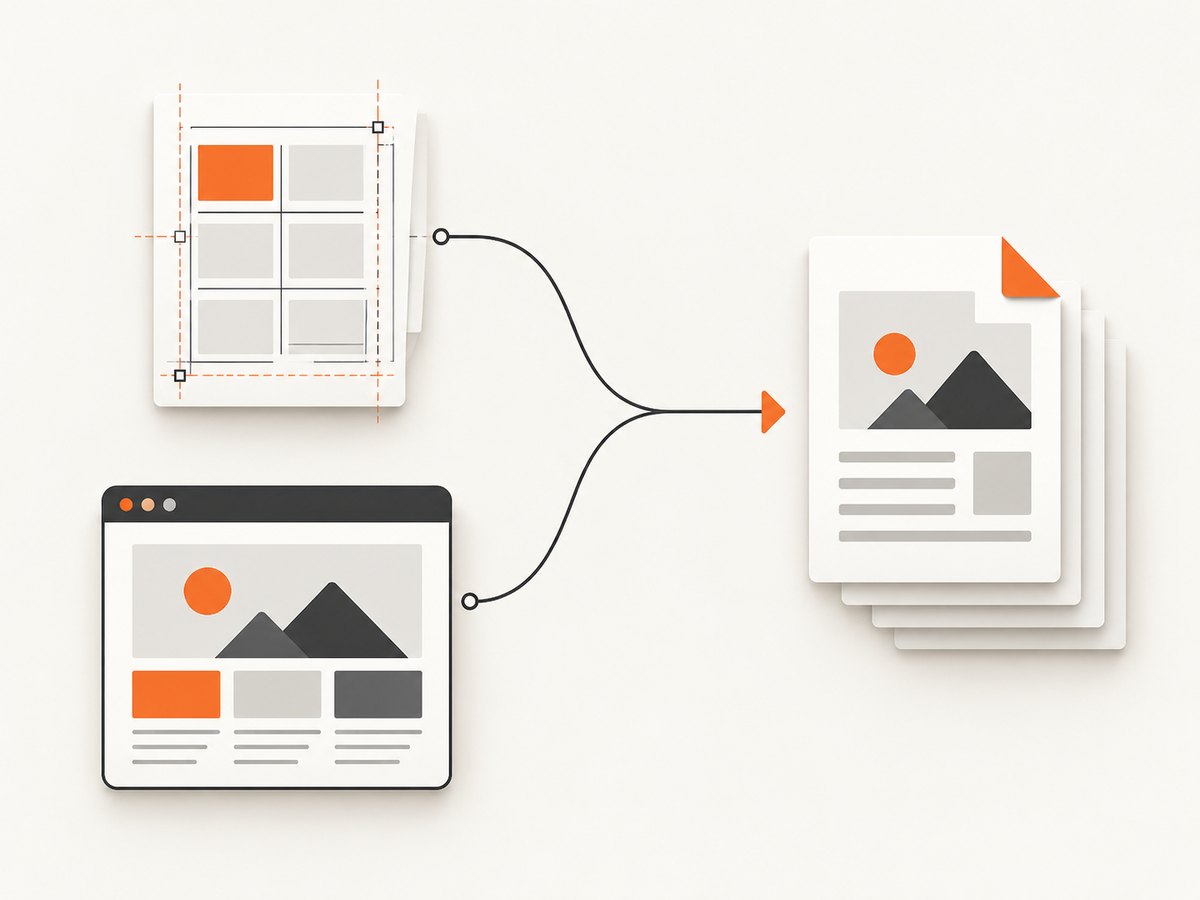
IronPDF uses a Chrome-based renderer for HTML, CSS, JavaScript, and web pages and supports many .NET platforms. Its free developer key is an evaluation mechanism; the product is commercially licensed.
Typical conversion
using IronPdf;

var renderer = new ChromePdfRenderer();
var pdf = renderer.RenderHtmlAsPdf("<h1>Hello</h1><p>Generated from HTML</p>");
pdf.SaveAs("hello.pdf");
IronPDF is worth evaluating when Chromium fidelity and JavaScript execution matter and your team has budget for a commercial license. Do not describe the evaluation key as a permanently free production package.
5. Which package should you pick?
| Requirement | Best starting point | Reason |
|---|---|---|
| Windows, direct HTML or URL, five pages or fewer | Select.HtmlToPdf Community Edition | Direct conversion and stated commercial-free community terms |
| Existing wkhtmltopdf/WebKit workflow | DinkToPdf | Managed wrapper around that engine |
| Structured data and C# controlled layout | QuestPDF | Code-first document composition |
| Modern browser rendering and JavaScript | IronPDF | Chrome-based renderer, subject to commercial licensing |
| HTML-related work inside QuestPDF | QuestPDF.HTML | MIT extension for the QuestPDF model |
No authoritative cross-package benchmark was found for these libraries. Measure your own templates with your fonts, images, JavaScript, page counts, and deployment image before committing.
6. Production checklist
- Pin the package version and record its license in your dependency inventory.
- Render representative short and long documents, including tables that cross page boundaries.
- Bundle or preload fonts when external font requests are unreliable.
- Set explicit timeouts around URL loading and conversion.
- Limit HTML input if users can submit templates; sanitize scripts and restrict outbound requests.
- Use temporary files with unique names and delete them after upload or response.
- Log renderer version, input identifier, elapsed time, page count, and failure reason.
- Run the same architecture and native dependencies in development, CI, and production.
7. Troubleshooting
“The native library could not be loaded”
Cause: DinkToPdf cannot find wkhtmltopdf or the architecture is wrong. Fix: ship the matching native library, verify x64/x86/ARM settings, and confirm it is copied to the runtime output directory.
Modern CSS is missing
Cause: wkhtmltopdf uses an older WebKit engine. Fix: simplify CSS for that engine, use a Chrome-based renderer, or move to a service that captures with a modern browser.
Images or fonts are absent
Cause: the renderer cannot reach private assets, the URL is relative to the wrong base, or the font is not installed. Fix: use absolute asset URLs, provide authenticated headers or local files where supported, bundle fonts, and test from the production network.
JavaScript content is empty
Cause: conversion starts before the page finishes rendering, or the engine does not support the script. Fix: add an engine-specific delay or wait strategy, reduce client-side dependencies, or use a Chromium-based renderer.
The output has unexpected page breaks
Cause: print CSS, fixed-height containers, table rows, or font substitution changes the layout. Fix: add print styles, avoid rigid heights, test break-inside behavior, and install the exact fonts used in design review.
QuestPDF licensing errors appear
Cause: the license mode was not configured or the organization does not qualify for the community terms. Fix: set the appropriate QuestPDF license configuration and obtain the required commercial license when your organization falls outside the stated eligibility.
Conversion is slow or memory usage grows
Cause: very large images, complex pages, repeated renderer startup, or concurrent native conversions. Fix: resize source images, reuse initialized converters where supported, cap concurrency, stream or queue large jobs, and measure peak memory with realistic documents.
8. Performance, reliability, and cost notes
- Performance: browser-style rendering is usually dominated by page loading, JavaScript, fonts, and image decoding. A code-first layout can be more predictable for structured reports.
- Reliability: URL conversion depends on DNS, TLS, authentication, third-party assets, and network access. Local HTML with bundled assets removes many variables.
- Cost: a NuGet package can be free while hosting still costs CPU, memory, storage, native dependencies, and engineering time. Commercial evaluation keys can also impose production restrictions.
- Scaling: queue conversions, enforce document size and timeout limits, and keep renderer processes isolated if a native engine is not safe to run indefinitely.
Or skip the browser setup
For a hosted screenshot or PDF workflow, ScreenshotNeo provides a single API request. Its capture pipeline accepts cookie and consent banners, removes more than 60 known consent platforms plus newsletter popups and chat widgets, and lets you turn each cleanup step off. Bot checks, blank pages, timeouts, failed loads, and cache hits are not billed; response headers identify the page verdict and billing result. ScreenshotNeo also provides an MCP server with take_screenshot, get_page_info, and capture_pdf tools for Claude, Cursor, and other MCP clients.
See the ScreenshotNeo API documentation for all options.
cURL
curl -G "https://api.screenshotneo.com/v1/shot" -d access_key=YOUR_API_KEY --data-urlencode url=https://stripe.com -o shot.webpPython
import requests

r = requests.get(
    "https://api.screenshotneo.com/v1/shot",
    params={"access_key": "YOUR_API_KEY", "url": "https://stripe.com"},
    timeout=90,
)
r.raise_for_status()
open("shot.webp", "wb").write(r.content)
Node.js
const q = new URLSearchParams({ access_key: 'YOUR_API_KEY', url: 'https://stripe.com' });
const res = await fetch(`https://api.screenshotneo.com/v1/shot?${q}`);
if (!res.ok) throw new Error(`HTTP ${res.status}`);
const data = Buffer.from(await res.arrayBuffer());
await import('node:fs/promises').then(fs => fs.writeFile('shot.webp', data));
There is a free plan with 1,000 screenshots per month and no card. Paid plans start at $5 for 3,000 shots. Create a free ScreenshotNeo account.
FAQ
Which option is truly free for commercial use?
Select.HtmlToPdf Community Edition is the clearest direct answer when Windows and five pages or fewer fit your workload. QuestPDF community eligibility depends on your organization and revenue.
Is DinkToPdf a Chromium renderer?
No. It wraps wkhtmltopdf, which uses WebKit.
Can QuestPDF convert any existing website?
No. QuestPDF is primarily a C# layout library. It is not a general browser renderer for arbitrary HTML and CSS.
Is IronPDF permanently free?
No. Its free key is for evaluation; IronPDF is commercially licensed.
Should I benchmark these packages?
Yes. Compare your own templates, assets, fonts, JavaScript, page counts, output fidelity, elapsed time, and peak memory in the target deployment environment.


