Where to Find Free Professional Website Background Images
Find polished free website backgrounds on Unsplash, Pexels and Pixabay, then check licenses, people, logos and mobile crops before publishing.
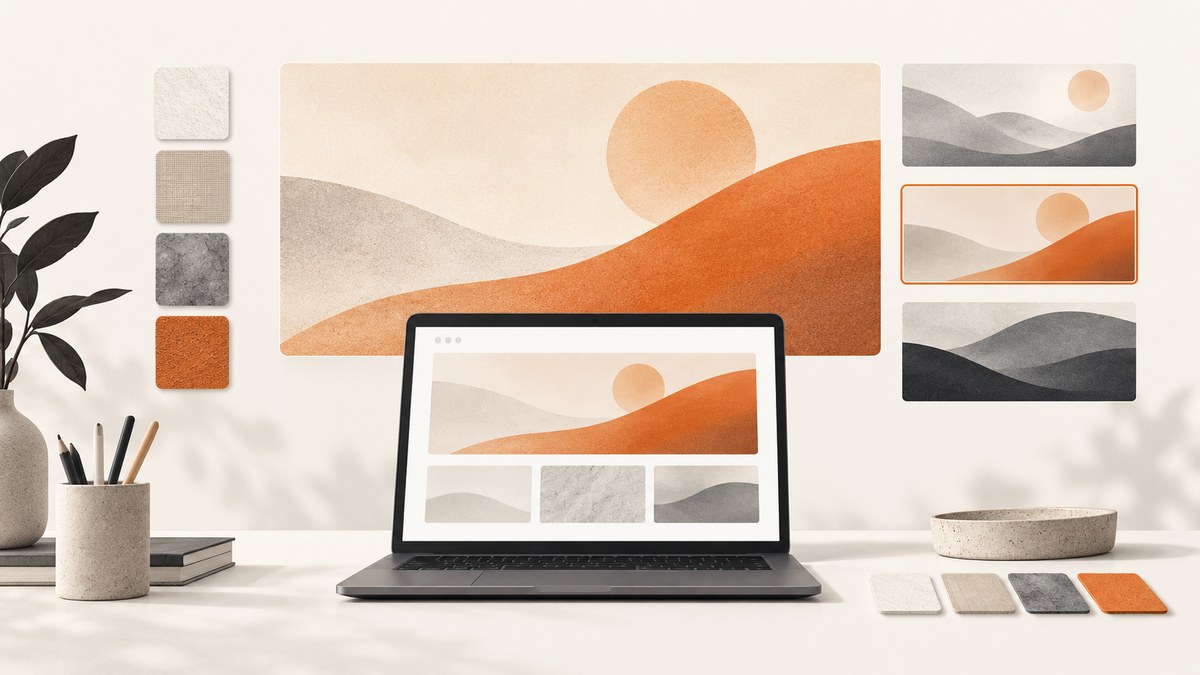
Start with Unsplash, Pexels and Pixabay. Each offers imagery that can be used commercially under its stated terms, but a library license does not automatically clear every person, logo, trademark or brand shown in an image. Open the current license and the individual image page, check the depicted content, and save a record of what you used.
1. The best places to look
| Library | Useful for | Commercial use and attribution | Rights checks | Workflow notes |
|---|---|---|---|---|
| Unsplash | Photography, abstract scenes, gradients and textures | Its license permits commercial and non-commercial use without required attribution. | Do not resell minimally changed images or compile images into a competing service. Check people, brands and other depicted content. | Use the dedicated website-background collection, then narrow by terms such as abstract, texture, gradient, wide or minimal. Read the current license. |
| Pexels | Subject-focused photos and video stills | Pexels says its photos and videos are free for commercial websites and other projects. | Trademarks, logos, brands and recognizable people may have separate rights. Do not imply endorsement. | Search for both the subject and the composition your layout needs. Review the current license and help guidance. |
| Pixabay | Photos, illustrations and vectors | Pixabay says its media can be used commercially without payment; attribution is appreciated but not required. | Trademark, publicity and privacy rights can still apply. For recognizable people, check whether a model release exists and remove identifiable marks when appropriate. | Full-resolution downloads require sign-up according to its FAQ. Read the current terms and item page. |
These libraries are good starting points rather than a universal quality ranking. The right choice depends on the subject, available negative space, visual treatment and rights situation for the particular image.
2. Search for a background that works behind content
A background is part of a layout, so search for composition as well as subject. Combine a subject with a treatment and shape:
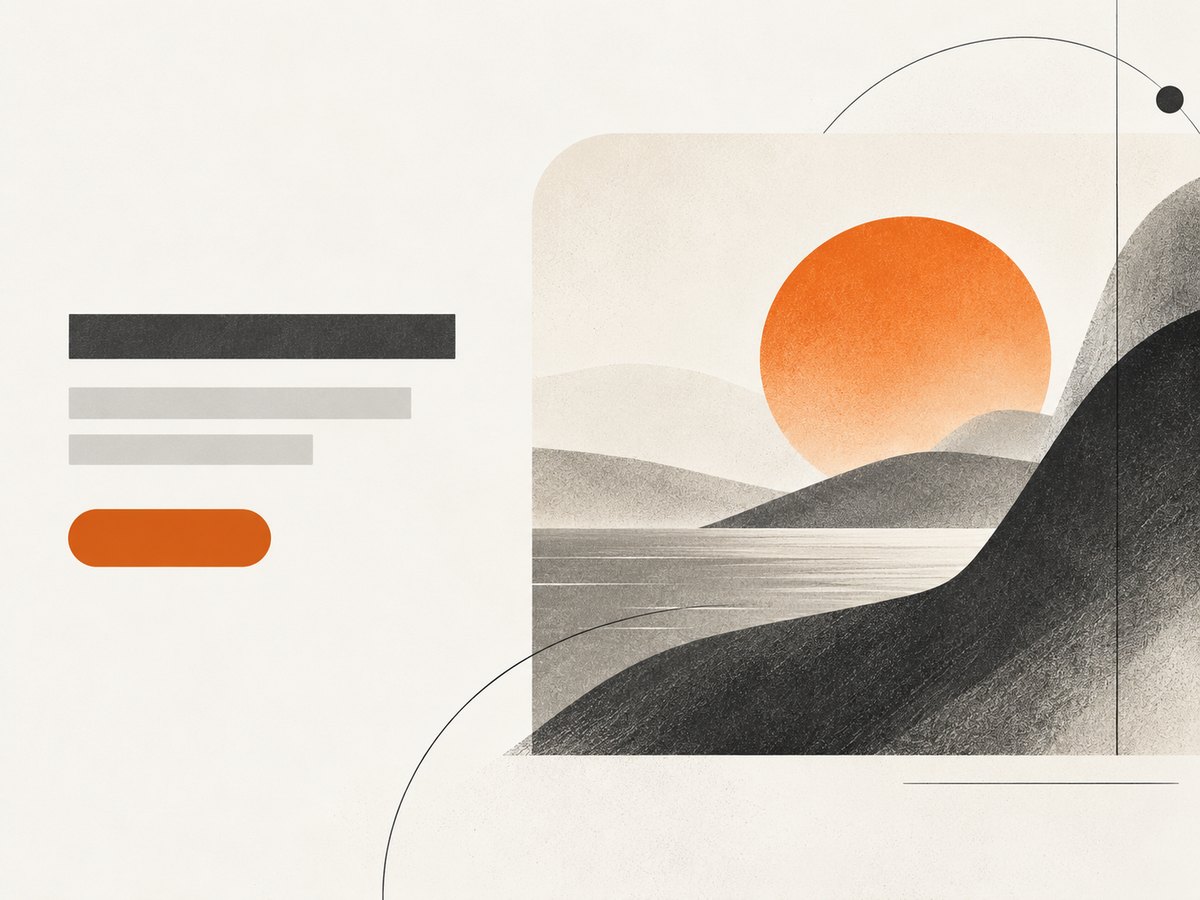
coast abstract widefor a spacious hero areapaper texture minimalfor a subtle section backgroundblue gradient 16:9for a graphic, low-detail surfacearchitecture copy spacewhen a headline must sit on one sidedark texture widefor a dark-mode or technology page
Preview the actual layout
- Place the candidate behind the real headline, paragraph and call to action.
- Check that text remains readable without relying on a color that fails when the image changes.
- Preview desktop and mobile crops. A focal point near the edge can disappear on a narrow screen.
- Test the image with an overlay, gradient or solid fallback if the subject competes with content.
- Choose an export or responsive configuration that is large enough for the intended display but does not make a decorative section unnecessarily heavy.
Composition checklist
- Look for uncluttered space where text will sit.
- Prefer one clear focal area over many competing details.
- Check brightness and contrast at the exact text size you will publish.
- Confirm that important subjects are not hidden by navigation, cards or buttons.
- Keep a plain-color fallback for slow connections, disabled images and loading states.
3. Verify the license and other rights
“Free” describes a price, not a license name. Use this review before publishing:
- Open the current library terms. Save the license URL and the image page URL. Terms can change.
- Check the individual asset. Confirm the creator, download source and any restrictions shown on the item page.
- Separate image rights from depicted-content rights. A license for the photograph or illustration does not automatically grant privacy, publicity, trademark or endorsement rights for what it depicts.
- Inspect recognizable people. If a person is identifiable, check whether a model release is available and whether your use could suggest approval or endorsement.
- Inspect logos and brands. Crop, remove or avoid identifiable marks when they are unnecessary to your design.
- Check resale and redistribution rules. Unsplash describes restrictions on selling minimally changed images and compiling its images into a competing service. Pixabay also describes limits around certain standalone or resale uses.
- Record the decision. Save the asset page, download date, creator name if shown, the license version or a screenshot, and notes about people or marks you reviewed.
Unsplash and Pixabay say attribution is appreciated even where their cited terms do not require it. A small credit can also make your asset history easier to understand.
4. Using a website builder or CMS picker
Squarespace documents a workflow in which you search Unsplash, add an image and reuse it elsewhere on your site. The picker is convenient, but Squarespace says the site owner remains responsible for verifying that the license is legitimate and that use complies with the terms. Treat an integrated picker as a discovery and insertion tool, then perform the same rights review described above. The cited Squarespace help article was updated July 16, 2025.
5. Prepare the asset for production
Choose a practical rendering strategy
- Use a responsive image or CSS background for decorative content that changes with the viewport.
- Use an ordinary content image with meaningful alternative text when the image conveys information.
- Provide a color fallback before the image loads.
- Keep the original download and your edited derivative in your asset record.
- Check the crop at the breakpoints where navigation, cards and text move.
Common background problems and fixes
| Problem | Likely cause | Fix |
|---|---|---|
| Text is hard to read | Too much detail or insufficient contrast | Choose an image with more negative space, add a controlled overlay, or use a simpler texture. |
| The subject disappears on mobile | The responsive crop centers on the wrong area | Use a different mobile crop, reposition the focal point, or select an image with a centered subject. |
| The page feels slow | The background is larger than its display area or delivered without responsive sizing | Export an appropriate size, use responsive delivery and keep a lightweight fallback. |
| A brand or person creates a legal concern | The stock license covers the file but not every depicted right | Choose an image without the mark or person, obtain the needed permission, or get legal advice for the use. |
| You cannot prove where the image came from | No asset record was kept | Save the item URL, terms URL, date, creator and a copy of the relevant license information. |
| The download is not full resolution | Library workflow or account requirement | Follow the library’s documented download process; Pixabay’s FAQ says full-resolution downloads require sign-up. |
6. Automate visual checks and captures
If you need a rendered reference of a page after applying a background, ScreenshotNeo provides a website screenshot API. It can capture a full page or one CSS-selected element, wait for a selector, delay or network idle, apply custom CSS or JavaScript, hide selectors, set a viewport or device preset, and return PNG, JPEG, WebP or PDF. Its API also supports custom headers, cookies, user agents, authorization, timezone, geolocation, caching and bulk capture.

Or skip the browser setup
One GET request returns the rendered image. See the ScreenshotNeo API documentation for the full option list.
curl -G "https://api.screenshotneo.com/v1/shot" -d access_key=YOUR_API_KEY --data-urlencode url=https://stripe.com -o shot.webpimport requests
r = requests.get("https://api.screenshotneo.com/v1/shot", params={"access_key": "YOUR_API_KEY", "url": "https://stripe.com"}, timeout=90)
open("shot.webp", "wb").write(r.content)const q = new URLSearchParams({ access_key: 'YOUR_API_KEY', url: 'https://stripe.com' });
const res = await fetch(`https://api.screenshotneo.com/v1/shot?${q}`);ScreenshotNeo accepts cookie and consent banners like a visitor, then removes more than 60 known consent platforms, newsletter popups and chat widgets; each step can be turned off. Bot checks, blank pages, timeouts, failed loads and cache hits are not billed, and response headers identify the page verdict and billing result. An MCP server provides take_screenshot, get_page_info and capture_pdf for Claude, Cursor and other MCP clients. The Free plan includes 1,000 screenshots per month with no card; paid plans start at $5 for 3,000. Create a free ScreenshotNeo account.
7. Performance, reliability and cost notes
- Keep the background below the visual size your layout needs and deliver responsive variants where possible.
- Use caching when the same page is captured repeatedly; ScreenshotNeo lets you choose a cache TTL.
- For many URLs, use bulk capture, which supports up to 100 URLs per call.
- For long-running work, use asynchronous jobs with signed webhooks.
- Inspect
X-Page-VerdictandX-Billedin API responses so your accounting distinguishes clean captures from failed or cached responses. - Use the usage API to monitor consumption. Every feature is available on every ScreenshotNeo plan; yearly billing gives two months free.
8. FAQ
Can I use a free background on a commercial website?
Unsplash, Pexels and Pixabay each state commercial-use permissions on the cited pages. Follow the current terms for the exact asset and review people, logos, trademarks and endorsement concerns separately.
Do I have to add attribution?
It depends on the source and current license. Unsplash and Pixabay say attribution is appreciated, while the cited Unsplash terms do not require it. Check the current terms before publishing.
Is a background with a person automatically cleared?
No. A library license for the file does not automatically settle publicity, privacy or model-release questions for a recognizable person.
Can I sell a downloaded background as part of a product?
Review redistribution rules closely. Unsplash restricts selling minimally changed images and compiling its images into a competing service; Pixabay also describes limits on certain standalone or resale uses.
What should I save for future compliance?
Keep the image page, license page, download date, creator name if shown, a copy or screenshot of the terms and notes about any people, logos or marks you reviewed.
Can I capture the final page for a design review?
Yes. You can run a browser yourself or use ScreenshotNeo’s API and MCP tools to capture the rendered page after the background and overlays are applied.


