Can You Get a Free SOCKS5 Proxy?
Yes: Tor provides a free local SOCKS5 endpoint. Learn how to configure it, check for DNS leaks, understand its limits, and assess public proxy lists.
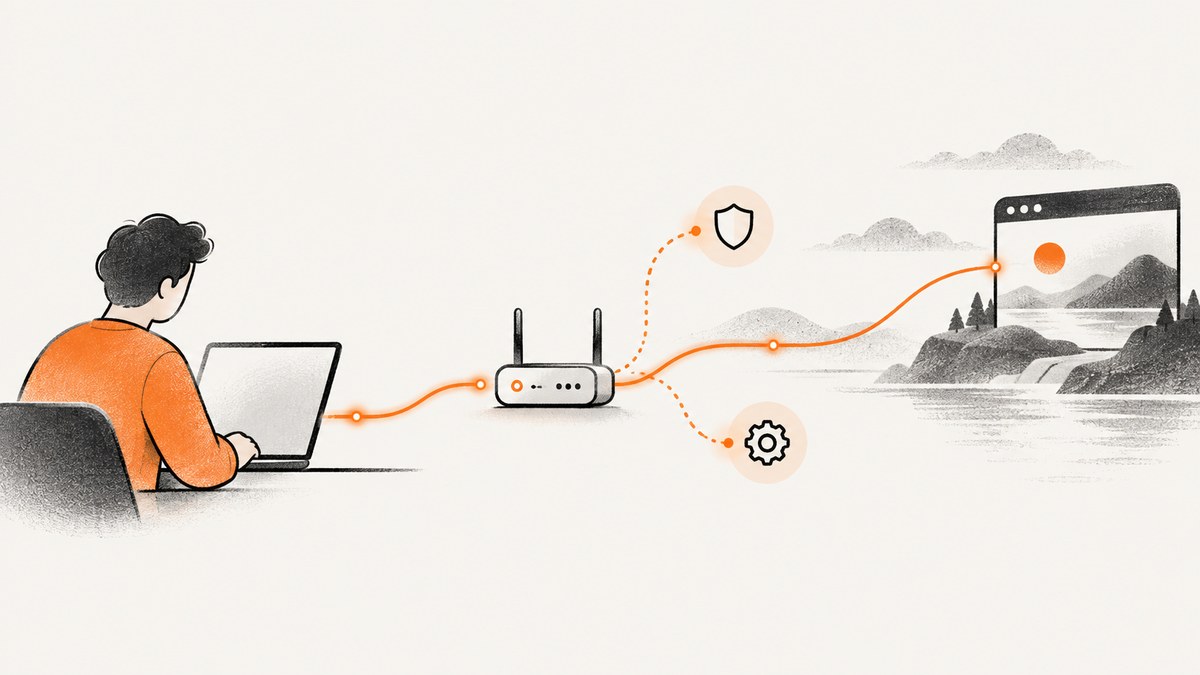
Yes. If Tor is running on your computer, it provides a local SOCKS5 endpoint at 127.0.0.1:9050. Configure a compatible application to use socks5://127.0.0.1:9050. That address is served by Tor on your own machine; it is not a public proxy address to paste into any app when Tor is not running.
There are two very different things people mean by a “free SOCKS5 proxy”: a locally provided Tor connection, and an address copied from a public free-proxy list. Tor gives you a software-managed route with documented configuration and compatibility limits. Public lists offer third-party endpoints whose operators, current status and behavior may be unclear. Neither SOCKS5 nor a proxy setting automatically encrypts or routes every kind of traffic.
1. What SOCKS5 does—and what it does not do
SOCKS5 is a protocol through which an application asks a proxy to relay a connection. It is not an encryption protocol. It does not, by itself, protect the contents of traffic from interception. HTTPS can encrypt data between your app and the destination website, but that is separate from the proxy hop and does not turn SOCKS5 into a device-wide encrypted tunnel. [Tor SOCKS specification] [Proton VPN’s explanation of SOCKS5 and encryption]
A proxy also does not guarantee that an application sends all its network traffic through the proxy. An app may ignore its proxy setting, open a direct connection, or resolve a hostname locally before connecting. Tor’s protections apply only to applications correctly configured to send their traffic through Tor. [Tor Project: What protections does Tor provide?]
2. Option one: use Tor’s local SOCKS5 endpoint
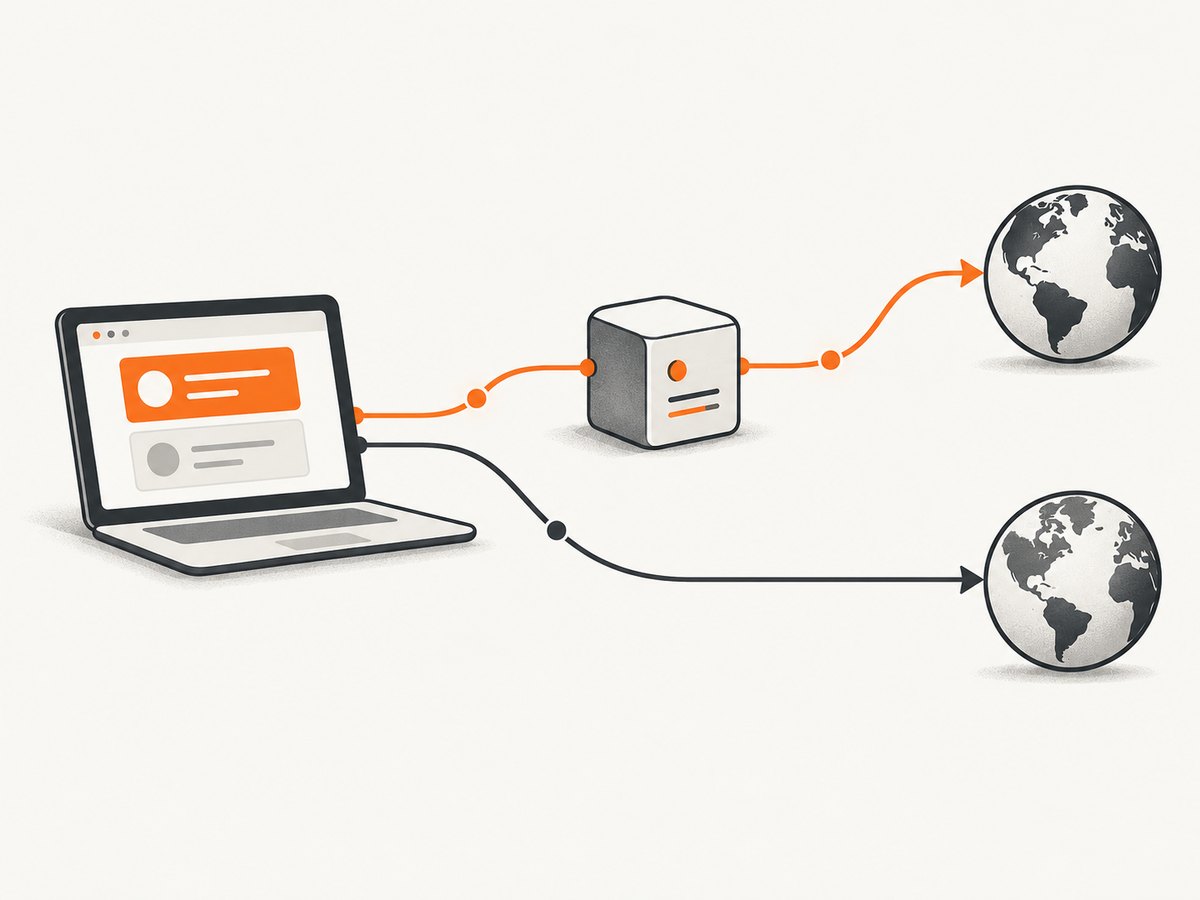
For a free SOCKS5 route that you can set up locally, run Tor and point a compatible application at its local endpoint. The default documented endpoint is 127.0.0.1:9050. Your application and the Tor process need to be on the same machine, or you need to deliberately configure a different network arrangement. Do not expose a local proxy port to an untrusted network.
Setup steps
- Install and start Tor using the official instructions for your operating system. Keep the Tor process running while you use the proxy.
- Open the target application’s network, connection or proxy preferences. Choose SOCKS5 and enter host
127.0.0.1, port9050. - If the application has a setting for remote DNS or “proxy DNS,” enable it and consult the application’s documentation. The goal is for hostname resolution to follow the proxy path rather than leak to a local resolver.
- Use an HTTPS destination when available. The proxy route and destination encryption are separate protections.
- Confirm the app actually uses Tor and does not fall back to a direct connection when the proxy is unavailable. Tor’s safety guidance warns that some software can ignore proxy settings or make direct connections.
The address above is conditional: it works only when Tor is running and listening there. It is not a universally available SOCKS server, and other applications may need a different proxy configuration syntax.
Check for DNS leaks
Using SOCKS does not ensure that DNS requests are proxied. Tor warns that an application can use a compatible SOCKS variant and still leak DNS queries. Its documentation describes TestSocks 1 to flag unsafe requests and SafeSocks 1 to disable connections that leak DNS. These are Tor configuration options; make changes in the configuration file used by your installation, then restart Tor and inspect its logs. Check the official instructions for the right file location and syntax for your setup. [Tor Project: Checking for DNS leaks with SOCKS and Tor]
A practical check is to enable the documented diagnostic settings, run the application through the proxy, and look for warnings about unsafe SOCKS requests. If the app resolves names itself, use an app that supports remote DNS through SOCKS or a supported Tor-aware configuration. A successful connection alone does not prove there was no DNS leak.
3. Application compatibility and limits
Before relying on Tor’s endpoint, check which SOCKS5 features your application needs. Tor supports SOCKS5 requests for IPv4, IPv6 and hostnames, but its SOCKS implementation does not support the SOCKS5 UDP ASSOCIATE or BIND commands. An application that requires those commands may fail even though it accepts a SOCKS5 proxy setting. [Tor’s extensions to the SOCKS protocol]
| Requirement | What to check |
|---|---|
| TCP connections | Confirm the app supports SOCKS5 and can use the local host and port. |
| Hostname lookup | Check whether the app can send hostnames through SOCKS instead of resolving them locally. |
| UDP traffic | Tor’s SOCKS implementation does not support UDP ASSOCIATE; choose a compatible route if the app requires it. |
| Inbound connections | Tor does not support SOCKS5 BIND. Do not expect it to provide a generic inbound proxy. |
| All device traffic | An app-level SOCKS setting may cover only that app. Verify other software separately. |
4. Option two: public free SOCKS5 lists
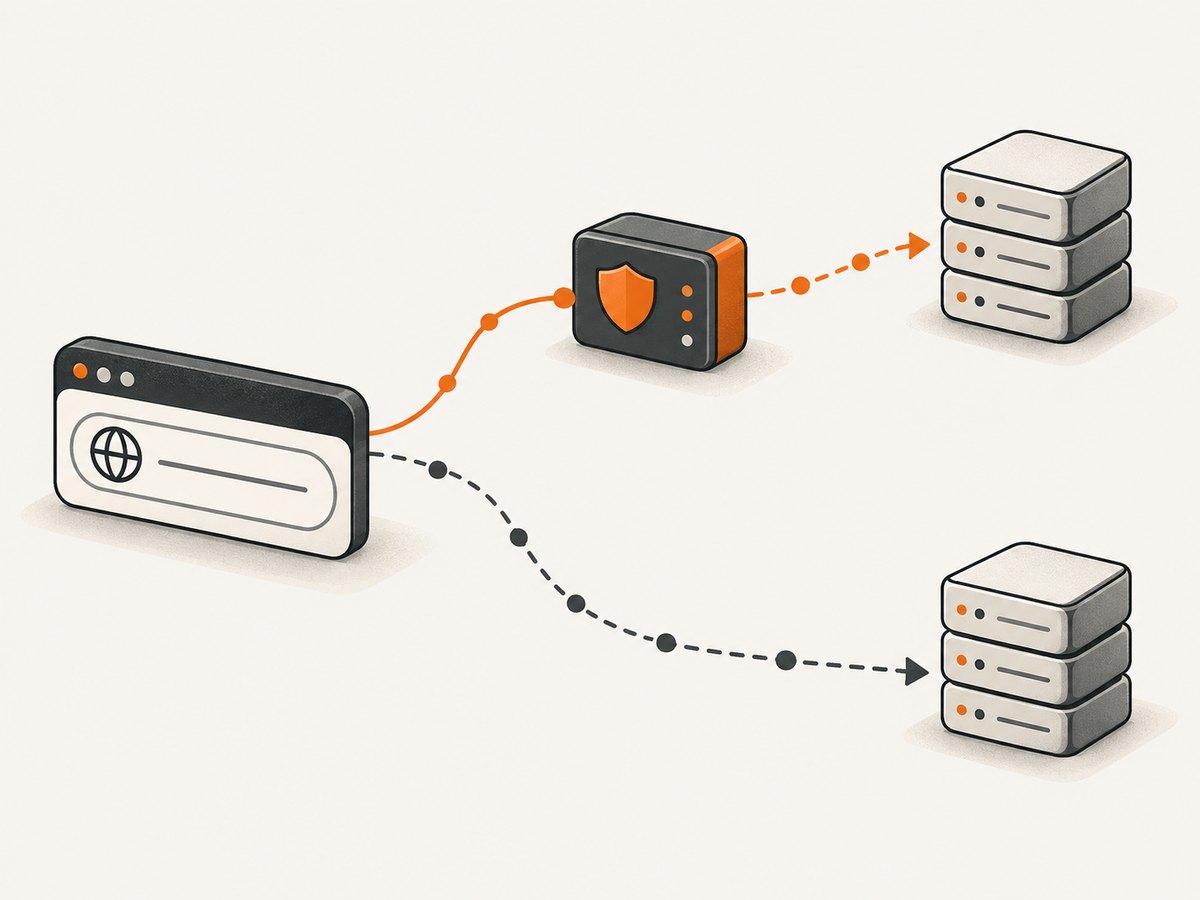
Public proxy lists are a different proposition from Tor’s local endpoint. A listed address belongs to a third-party service or machine, may stop working, may be operated by an unknown party, and may not behave as advertised. This does not mean every public endpoint is malicious; it means you should not treat an unverified address as a trusted privacy service.
A 2024 study by Naif Mehanna, Walter Rudametkin, Pierre Laperdrix and Antoine Vastel examined more than 640,600 proxies gathered from 11 free-proxy providers over 30 months. Only 34.5% of the sampled proxies were active at least once during the researchers’ tests; they also reported vulnerabilities and content manipulation. The result describes that sample and its collection method, not every SOCKS5 endpoint or the current status of any specific address. The authors caution against relying on the free proxy services they analyzed. [Mehanna et al., “Free Proxies Unmasked,” MADWeb 2024]
If you still evaluate a public endpoint, avoid sending credentials, private data or traffic that depends on confidentiality through it. Check whether your app uses HTTPS to the destination, whether DNS is proxied, and whether the provider’s terms and operator are credible. Do not infer safety from a successful connection or a changing IP address.
5. Tor versus public lists versus a VPN
| Choice | What it means | Key limitation |
|---|---|---|
| Tor local SOCKS5 | A locally running Tor process provides a SOCKS endpoint to configured applications. | Only correctly routed apps are covered; DNS and app behavior need attention; UDP ASSOCIATE and BIND are unsupported. |
| Public free-proxy list | A third-party endpoint relays traffic over the network. | Operator and reliability may be uncertain; the cited study found instability and security problems in its sample. |
| VPN | Typically routes device traffic through an encrypted tunnel, depending on the provider and configuration. | It is a different product and trust model from a SOCKS proxy. Verify the provider’s claims and settings. |
Tor’s multi-relay design distributes trust, but Tor does not claim to eliminate every attack or configuration risk. A VPN may be a better fit if your specific need is encrypted, device-wide routing; a VPN provider’s description is provider guidance, so assess the service and threat model rather than assuming all products behave identically. [Tor protection limits] [Provider explanation of the VPN/SOCKS distinction]
6. Troubleshooting
| Symptom | Likely cause | What to do |
|---|---|---|
Connection refused at 127.0.0.1:9050 |
Tor is not running, did not finish starting, or listens on a different port. | Start Tor, check its logs and configuration, and verify the configured SOCKS listener and port. |
| App connects, but the apparent route does not change | The app may ignore the setting, use a direct connection for some requests, or apply the proxy only to selected traffic. | Check the app’s own proxy documentation and test each relevant connection path. Do not assume a setting covers the entire device. |
| DNS requests appear outside the proxy | The app resolves hostnames locally or makes unsafe SOCKS requests. | Enable remote DNS if supported; use Tor’s TestSocks 1 diagnostic and SafeSocks 1 setting as documented, then review logs. |
| Some app features fail while web pages load | The app may require UDP ASSOCIATE, BIND, or another unsupported behavior. | Check its required SOCKS commands. Tor’s SOCKS implementation does not provide UDP ASSOCIATE or BIND. |
| A public proxy times out or disappears | The endpoint may be offline, overloaded, filtered or removed. | Do not build a dependable workflow around an unverified list. Choose a route whose operator and behavior fit the task. |
| HTTPS warnings or certificate errors | The destination or an intermediary may be presenting an invalid certificate; proxying does not replace HTTPS validation. | Do not bypass certificate warnings for sensitive traffic. Verify the destination and network configuration. |
7. Performance, reliability and cost
There is no single speed or latency guarantee for “a free SOCKS5 proxy.” Tor, public endpoints and VPNs take different routes, and actual performance depends on the path, endpoint condition, destination and application. This research provides no benchmark to quote, so measure the specific workload rather than relying on a generic speed claim.
For reliability, the local Tor endpoint depends on Tor running and the app remaining correctly configured. Public lists add endpoint availability and operator behavior as dependencies; the cited longitudinal study is a reason to expect churn in the ecosystem it sampled, not a live health check. If a task must succeed consistently, plan explicit timeouts, retries where safe, and a failure path that does not silently send sensitive requests directly.
“Free” can still carry costs in time, debugging and trust. SOCKS5 itself does not encrypt traffic. For confidential web traffic, HTTPS protects the connection to a correctly authenticated destination; for device-wide encrypted routing, evaluate a VPN that explicitly provides that model. Neither choice removes the need to understand what software is routed and what remains local.
8. Quick decision checklist
- Need a free local SOCKS5 route for a compatible app? Start Tor and configure
127.0.0.1:9050. - Need to keep DNS from escaping the proxy? Confirm remote DNS support and use Tor’s documented leak checks.
- Need UDP or inbound BIND behavior? Tor’s SOCKS implementation does not support those commands.
- Considering an address from a public list? Treat its operator, uptime and handling of traffic as unknown until independently established.
- Need encrypted, device-wide routing? A proxy alone does not provide that; assess an appropriate VPN and its trust model.
- Handling sensitive data? Use HTTPS and do not send secrets through an untrusted public proxy.
9. FAQ
Is 127.0.0.1:9050 a public proxy?
No. It is a local endpoint used by a running Tor process, normally on the same computer as the application.
Does a SOCKS5 proxy hide my IP?
A correctly configured app sends the proxied connection through the proxy, so the destination sees the connection arriving from that route. This does not prove that every app request follows it, prevent DNS leaks, encrypt the proxy traffic, or guarantee anonymity.
Is Tor a drop-in replacement for every SOCKS5 server?
No. Tor lacks SOCKS5 UDP ASSOCIATE and BIND support, and the application must route and resolve names safely.
Are all free public proxies unsafe?
The available study does not support that universal claim. It found instability, vulnerabilities and content manipulation in its sampled services, which is enough reason to avoid assuming an unverified endpoint is dependable or trustworthy.
Or skip the browser setup
If your actual task is capturing a website rather than routing arbitrary application traffic through SOCKS5, ScreenshotNeo is a website screenshot API: one GET request returns a PNG, JPEG, WebP or PDF. It is a different tool from a proxy and does not route your general internet traffic.
For a website capture, call the API directly. See the ScreenshotNeo API documentation.
curl -G "https://api.screenshotneo.com/v1/shot" -d access_key=YOUR_API_KEY --data-urlencode url=https://stripe.com -o shot.webpimport requests
r = requests.get("https://api.screenshotneo.com/v1/shot", params={"access_key": "YOUR_API_KEY", "url": "https://stripe.com"}, timeout=90)
open("shot.webp", "wb").write(r.content)const q = new URLSearchParams({ access_key: 'YOUR_API_KEY', url: 'https://stripe.com' });
const res = await fetch(`https://api.screenshotneo.com/v1/shot?${q}`);ScreenshotNeo removes cookie banners, popups and chat widgets before the shot. Bot checks, blank pages and failed loads are never billed. Its MCP server lets AI agents take screenshots. The free plan includes 1,000 screenshots a month with no card; paid plans start at $5 for 3,000. Learn about ScreenshotNeo, then sign up for 1,000 free screenshots a month with no card.


