How to Capture Full-Page Chrome Screenshots With Cucumber
Capture an entire Chrome page in Cucumber with Selenium and CDP, including Java code, troubleshooting, and a simpler ScreenshotNeo API option.
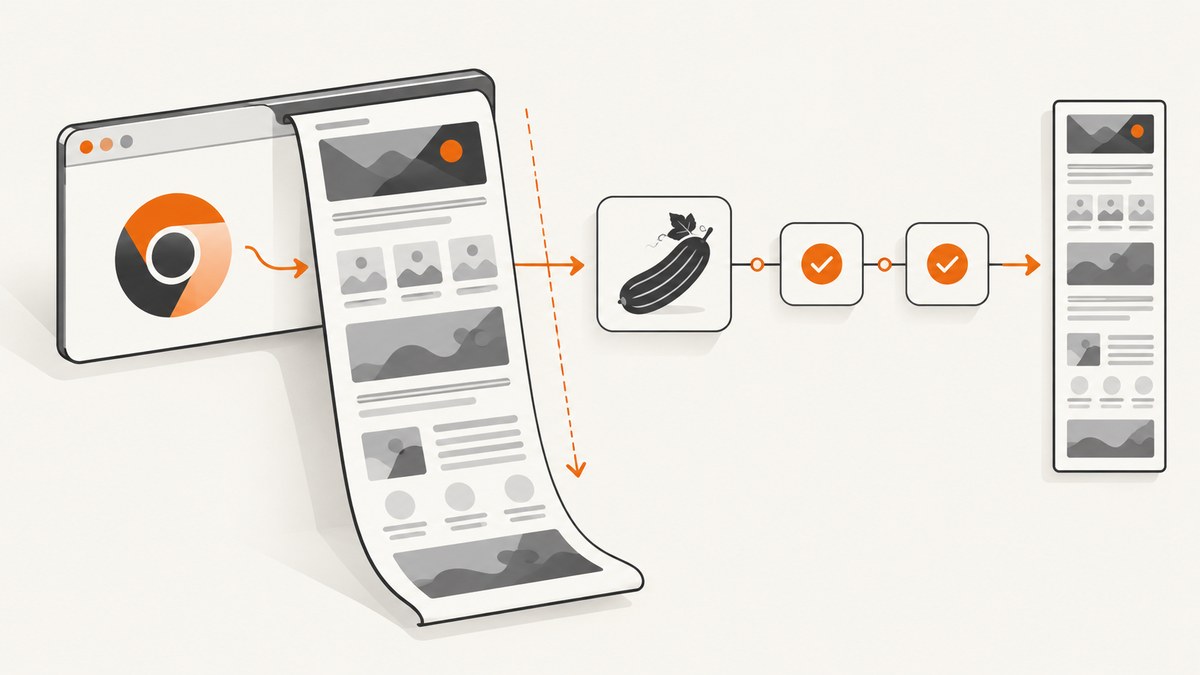
Use Chrome DevTools Protocol (CDP) through the Selenium-managed Chrome session. In a Cucumber step, call Page.captureScreenshot with captureBeyondViewport: true. If your test needs the page dimensions first, call Page.getLayoutMetrics and read cssContentSize. CDP returns the image as base64; decode it and write the bytes to your test artifact directory.
This guide uses Cucumber with Java and Selenium 4. Selenium’s generated DevTools APIs differ by binding and version, so the example uses ChromeDriver’s CDP command bridge. Check the API available in the Selenium and Chrome versions used by your project.
What “full page” means
A normal WebDriver screenshot captures the current viewport. A CDP capture can include content outside that viewport when captureBeyondViewport is enabled. The protocol option defaults to false. The returned image can be PNG, JPEG, or WebP; JPEG and WebP support a quality value.
Page.getLayoutMetrics reports the scrollable content size in CSS pixels through cssContentSize. You do not always need this value when using captureBeyondViewport, but it is useful for logging, validating unexpectedly short images, or deciding whether a page is too large for a single artifact.
See the Chrome DevTools Protocol Page domain for the current command fields. The tip-of-tree protocol changes frequently and does not guarantee backward compatibility, so match documentation and generated APIs to your browser and Selenium versions.
1. Add the Cucumber and Selenium dependencies
The following Maven dependencies are the pieces required for a Java Cucumber test. Keep the versions aligned with the Selenium version already used by your project.
<dependencies>
  <dependency>
    <groupId>org.seleniumhq.selenium</groupId>
    <artifactId>selenium-java</artifactId>
    <version>4.XX.X</version>
  </dependency>
  <dependency>
    <groupId>io.cucumber</groupId>
    <artifactId>cucumber-java</artifactId>
    <version>7.XX.X</version>
    <scope>test</scope>
  </dependency>
  <dependency>
    <groupId>io.cucumber</groupId>
    <artifactId>cucumber-junit-platform-engine</artifactId>
    <version>7.XX.X</version>
    <scope>test</scope>
  </dependency>
</dependencies>
Replace the placeholder versions with the versions selected by your build. The CDP command names are stable concepts, but Selenium method signatures and generated classes are versioned.
2. Write a feature that captures the page
Feature: Full-page screenshots

  Scenario: Save the complete documentation page
    Given Chrome is open on "https://example.com/docs"
    When I capture a full-page screenshot as "target/screenshots/docs.png"
    Then the screenshot file exists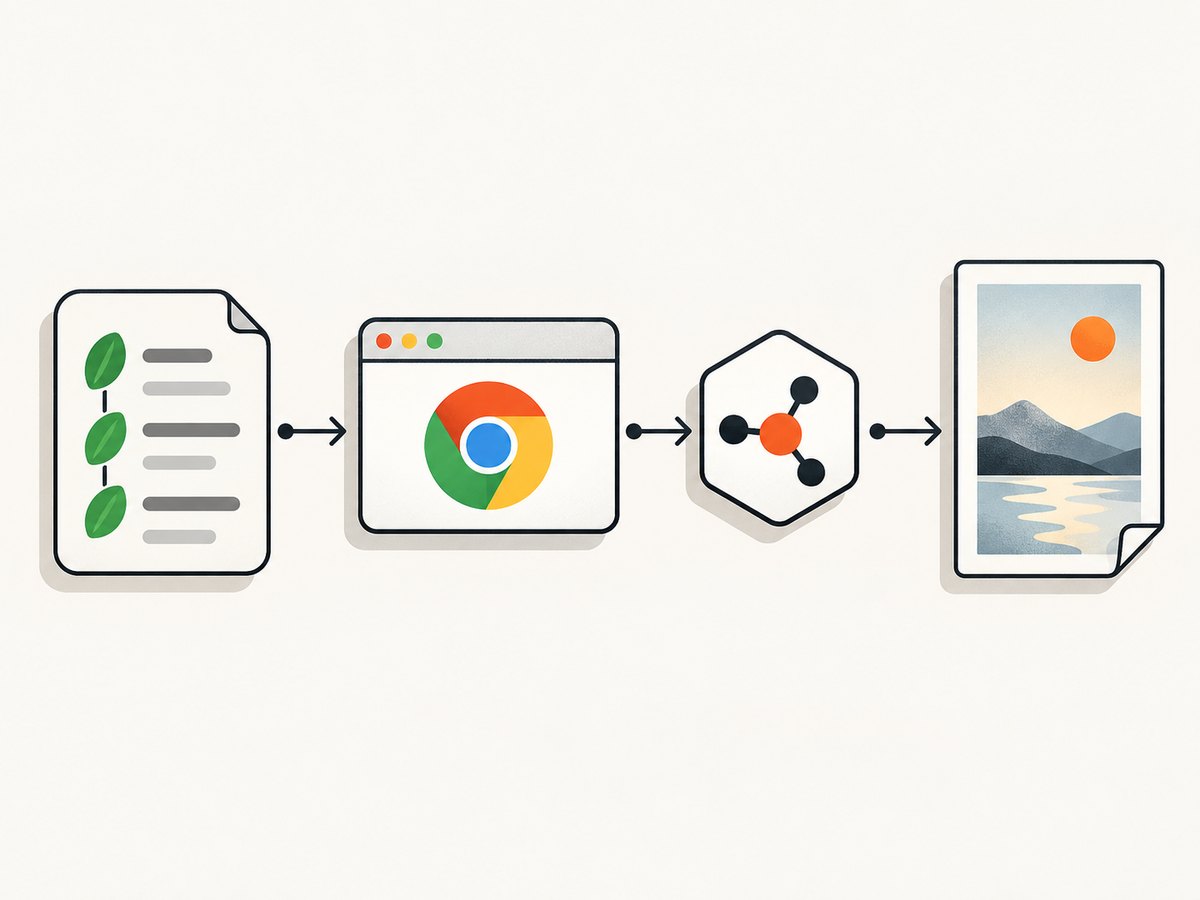
3. Add hooks and step definitions
This complete example starts one Chrome session for the scenario, waits for the document to finish loading, asks CDP for layout metrics, captures beyond the viewport, decodes the returned base64 data, and writes a PNG.
package example;

import io.cucumber.java.After;
import io.cucumber.java.Before;
import io.cucumber.java.en.Given;
import io.cucumber.java.en.Then;
import io.cucumber.java.en.When;
import org.openqa.selenium.By;
import org.openqa.selenium.chrome.ChromeDriver;
import org.openqa.selenium.chrome.ChromeOptions;
import org.openqa.selenium.support.ui.ExpectedCondition;
import org.openqa.selenium.support.ui.WebDriverWait;

import java.nio.file.Files;
import java.nio.file.Path;
import java.time.Duration;
import java.util.Base64;
import java.util.HashMap;
import java.util.Map;

import static org.junit.jupiter.api.Assertions.assertTrue;

public class FullPageScreenshotSteps {
    private ChromeDriver driver;
    private Path outputPath;

    @Before
    public void startBrowser() {
        ChromeOptions options = new ChromeOptions();
        // options.addArguments("--headless=new"); // Enable in CI if required.
        options.addArguments("--window-size=1440,900");
        driver = new ChromeDriver(options);
    }

    @After
    public void stopBrowser() {
        if (driver != null) {
            driver.quit();
        }
    }

    @Given("Chrome is open on {string}")
    public void chromeIsOpenOn(String url) {
        driver.get(url);
        new WebDriverWait(driver, Duration.ofSeconds(30)).until(
            (ExpectedCondition<Boolean>) d ->
                "complete".equals(((org.openqa.selenium.JavascriptExecutor) d)
                    .executeScript("return document.readyState"))
        );
    }

    @When("I capture a full-page screenshot as {string}")
    public void captureFullPageScreenshot(String filename) throws Exception {
        outputPath = Path.of(filename);
        Files.createDirectories(outputPath.getParent());

        Map<String, Object> metrics = driver.executeCdpCommand(
            "Page.getLayoutMetrics", new HashMap<>());
        Map<String, Object> cssContentSize =
            (Map<String, Object>) metrics.get("cssContentSize");
        System.out.println("CSS content size: " + cssContentSize);

        Map<String, Object> params = new HashMap<>();
        params.put("format", "png");
        params.put("captureBeyondViewport", true);

        Map<String, Object> result = driver.executeCdpCommand(
            "Page.captureScreenshot", params);
        String base64Image = (String) result.get("data");
        if (base64Image == null || base64Image.isBlank()) {
            throw new IllegalStateException("CDP returned no screenshot data");
        }

        Files.write(outputPath, Base64.getDecoder().decode(base64Image));
    }

    @Then("the screenshot file exists")
    public void screenshotFileExists() {
        assertTrue(Files.exists(outputPath));
        assertTrue(outputPath.toFile().length() > 0);
    }
}
The cast for cssContentSize is intentionally used only for diagnostics. If your Selenium binding returns a different map shape, log the complete metrics response and adjust the cast. The screenshot command itself only needs the capture parameters.
4. Run the scenario
mvn testIn CI, install a matching Chrome or Chromium binary and configure the driver through Selenium Manager or your existing driver setup. Keep the browser session created by Cucumber; starting a second driver in the screenshot step can lose cookies, authentication, and state established by earlier steps.
Useful CDP options
| Option | Use | Notes |
|---|---|---|
captureBeyondViewport |
Include content outside the viewport | Set to true for a full-page capture. The protocol default is false. |
format |
Choose png, jpeg, or webp |
PNG is lossless. JPEG and WebP are usually smaller for photographic pages. |
quality |
Set lossy image quality | Use with JPEG or WebP; it has no useful effect for PNG. |
clip |
Capture a specific rectangle | Provide an x/y position, width, height, and scale when a full document is not desired. |
Full-page capture edge cases
Lazy-loaded images
Some pages load images only after they approach the viewport. A CDP full-page request does not guarantee that every lazy image has already loaded. Scroll through the page before capturing, wait for image elements to complete, or use an application-specific “content ready” selector.

Infinite scrolling
An infinite feed has no stable final height. Decide on a bounded scroll count or a maximum document height, then capture after the application has stopped adding content. Otherwise the screenshot may represent only the currently rendered portion.
Sticky headers and fixed widgets
Fixed navigation, chat buttons, and consent dialogs can appear repeatedly or cover content. Close them in a preparatory step, hide selectors with JavaScript, or capture a clipped element instead of the complete document.
Animations and changing content
Pause animations where possible and wait for the page’s stable state. A screenshot taken during a transition can contain partially rendered components. For deterministic visual tests, freeze clocks or use test data controlled by the application.
Very large documents
A tall page can create a large decoded image and consume substantial memory in Chrome, the test JVM, and the CI artifact uploader. Use a clip, split the page into sections, or capture only the relevant element when a single image is not required.
Reliability checklist
- Reuse the driver and session created by Cucumber hooks.
- Wait for the document and application-specific ready condition.
- Confirm lazy images and fonts have finished loading when they matter to the assertion.
- Record the browser, ChromeDriver, Selenium, and CDP versions with the artifact.
- Use deterministic viewport dimensions and timezone settings in CI.
- Fail clearly when the CDP response has no
datafield. - Store screenshots outside the source tree and publish them as test artifacts.
Troubleshooting
| Symptom | Likely cause | Fix |
|---|---|---|
| Only the visible viewport is captured | captureBeyondViewport is missing or false |
Send captureBeyondViewport: true and verify the command payload. |
Unknown command or invalid parameters |
Chrome, Selenium, and the CDP schema do not match | Check the installed versions and the version-specific Selenium DevTools API. Do not copy a generated API signature from another Selenium release. |
| Screenshot file is empty or corrupt | Base64 data was not decoded, or the response was treated as raw bytes | Read the response’s data string, decode with a base64 decoder, and write the resulting bytes. |
| Images are missing | Lazy loading has not run before capture | Scroll progressively, wait for image completion, or trigger the page’s ready state before calling CDP. |
| Consent dialog covers the page | The dialog is part of the rendered DOM | Click its accept button in a step, remove it with test-only JavaScript, or use ScreenshotNeo’s consent handling described below. |
| Capture times out in CI | Slow navigation, blocked resources, or an oversized document | Increase the navigation wait within reason, inspect network failures, reduce the capture area, and save browser logs. |
| Works locally but fails headless | Different viewport, fonts, GPU behavior, or timing | Set an explicit window size, install required fonts, wait on a DOM condition, and compare browser versions. |
Performance, reliability, and cost considerations
The main cost of this approach is browser work: navigation, JavaScript execution, layout, image decoding, and base64 encoding. Reduce repeated work by reusing the scenario’s session, waiting on a precise selector instead of a long fixed delay, and choosing JPEG or WebP when lossless PNG is unnecessary.
For reliable visual regression, keep capture inputs stable: URL, viewport, device scale, locale, timezone, authentication state, and test data. CDP is a protocol interface rather than a permanently stable API; the official documentation warns that the tip-of-tree protocol can change and offers no backward-compatibility guarantee. Pin compatible browser and Selenium versions and review CDP changes during upgrades.
Self-hosted Selenium has no per-screenshot API charge, but your CI or browser infrastructure still consumes CPU, memory, storage, and execution time. Retain only the artifacts needed for debugging and set limits for unbounded pages.
Or skip the browser setup
ScreenshotNeo provides a single GET request for a PNG, JPEG, WebP, or PDF. It removes cookie and consent banners, newsletter popups, and chat widgets before the capture. Bot checks, blank pages, timeouts, failed loads, and cache hits are not billed, and each response identifies the result with X-Page-Verdict and X-Billed headers. It also provides an MCP server with take_screenshot, get_page_info, and capture_pdf tools for AI agents.
See the ScreenshotNeo API documentation for all options.
cURL
curl -G "https://api.screenshotneo.com/v1/shot" \
  -d access_key=YOUR_API_KEY \
  --data-urlencode url=https://example.com/docs \
  -o shot.webp
Python
import requests

r = requests.get(
    "https://api.screenshotneo.com/v1/shot",
    params={"access_key": "YOUR_API_KEY", "url": "https://example.com/docs"},
    timeout=90,
)
r.raise_for_status()
open("shot.webp", "wb").write(r.content)
Node.js
const q = new URLSearchParams({
  access_key: 'YOUR_API_KEY',
  url: 'https://example.com/docs'
});
const res = await fetch(`https://api.screenshotneo.com/v1/shot?${q}`);
if (!res.ok) throw new Error(`Screenshot failed: ${res.status}`);
const body = Buffer.from(await res.arrayBuffer());
require('fs').writeFileSync('shot.webp', body);
ScreenshotNeo includes full-page capture, lazy-image loading, CSS-selector element capture, custom CSS and JavaScript, waits, request blocking, headers, cookies, user agents, timezone and geolocation controls, caching, signed links, asynchronous jobs, webhooks, bulk capture, usage reporting, and PDF options. One thousand screenshots per month are free with no card; paid plans start at $5 for 3,000 screenshots. Create a free ScreenshotNeo account.
FAQ
Do I need Page.getLayoutMetrics for a full-page image?
No. It is useful for measuring and diagnosing the document. The key capture setting is captureBeyondViewport: true.
Can I use JPEG instead of PNG?
Yes. Set format to jpeg and provide a suitable quality value. PNG is preferable when exact pixels matter.
Which Cucumber language binding should I use?
The CDP command is the same concept, but Selenium’s generated APIs differ across Java, JavaScript, Ruby, and .NET. Confirm the method and parameter types in the binding and Selenium version installed by your project.
Why is a screenshot different between two runs?
Dynamic data, animations, fonts, viewport settings, timezones, network timing, and lazy loading can all change pixels. Stabilize those inputs before comparing artifacts.


