How to Take Full-Page Screenshots in Java
Capture complete web pages in Java with Selenium or Playwright, handle lazy content, troubleshoot failures, and automate reliable screenshot workflows.
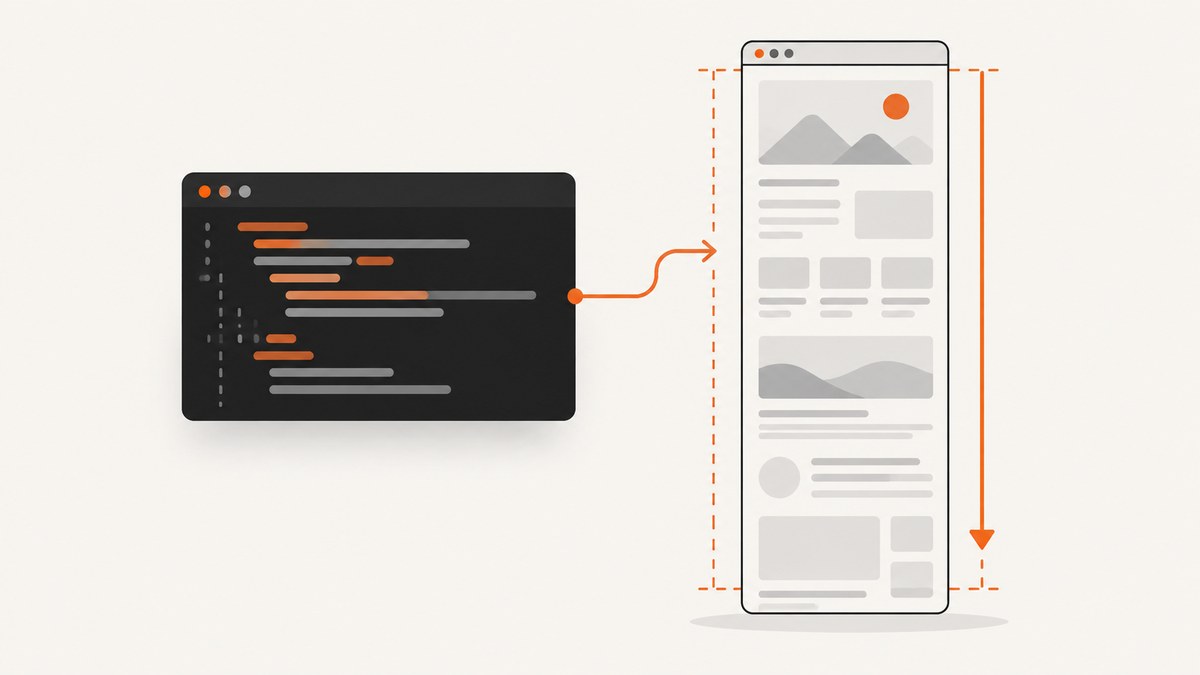
A full-page screenshot captures the entire scrollable document, rather than only the pixels currently visible in the browser viewport. In Java, the most direct choices are Selenium’s Firefox-specific full-page API and Playwright Java’s setFullPage(true).
If you already use Selenium and can run Firefox, use HasFullPageScreenshot:
import org.openqa.selenium.OutputType;
import org.openqa.selenium.firefox.FirefoxDriver;
import org.openqa.selenium.remote.Augmenter;
import org.openqa.selenium.HasFullPageScreenshot;

import java.nio.file.Files;
import java.nio.file.Path;
import java.nio.file.StandardCopyOption;

public class FullPageScreenshot {
    public static void main(String[] args) throws Exception {
        FirefoxDriver driver = new FirefoxDriver();
        try {
            driver.get("https://example.com");
            Path destination = Path.of("full-page.png");
            var image = ((HasFullPageScreenshot) driver)
                    .getFullPageScreenshotAs(OutputType.FILE);
            Files.copy(image.toPath(), destination,
                    StandardCopyOption.REPLACE_EXISTING);
        } finally {
            driver.quit();
        }
    }
}
Selenium documents HasFullPageScreenshot as the explicit full-page interface implemented by FirefoxDriver in its Java API. The generic TakesScreenshot interface is only best effort: a driver may return the entire page, the current window, a frame, or the display depending on its capabilities as Selenium explains.
1. Choose the capture approach
| Approach | Best for | Full-page control | Main limitation |
|---|---|---|---|
| Selenium Firefox | Existing Selenium suites and Firefox-based automation | Explicit with HasFullPageScreenshot |
Browser-specific interface |
| Selenium generic API | Portable WebDriver code | Driver-dependent best effort | May capture only the viewport |
| Playwright Java | New automation code and concise page capture | Explicit with setFullPage(true) |
Requires Playwright browser setup |
| Selenium DevTools | Teams already using Chrome DevTools commands | Low-level clipping and image options | Browser-version-compatible setup |
| AWT Robot | Visible desktop-region capture | No document awareness | Not suitable for long web pages |
For a page screenshot that must include content below the fold, prefer an API that explicitly says full page. A generic viewport screenshot can silently produce an incomplete image.
2. Selenium with Firefox
Project setup
Add Selenium Java to Maven. The exact current version should match the version approved by your project:
<dependency>
  <groupId>org.seleniumhq.selenium</groupId>
  <artifactId>selenium-java</artifactId>
  <version>REPLACE_WITH_YOUR_SELENIUM_VERSION</version>
</dependency>
Install Firefox and make sure Selenium Manager or your environment can locate a compatible driver. A headless run is useful in CI:
FirefoxOptions options = new FirefoxOptions();
options.addArguments("-headless");
FirefoxDriver driver = new FirefoxDriver(options);
Use a wait before capture when navigation starts asynchronous work. Waiting for a specific application element is more reliable than sleeping for an arbitrary duration:
WebDriverWait wait = new WebDriverWait(driver, Duration.ofSeconds(30));
driver.get("https://example.com/article");
wait.until(ExpectedConditions.visibilityOfElementLocated(
        By.cssSelector("main")));

File image = ((HasFullPageScreenshot) driver)
        .getFullPageScreenshotAs(OutputType.FILE);
Files.copy(image.toPath(), Path.of("article.png"),
        StandardCopyOption.REPLACE_EXISTING);
The full-page result is a file that you can archive, attach to a test report, or move into an image-processing pipeline. Always call quit() in a finally block so failed captures do not leave browser processes running.
Generic Selenium screenshots
When your driver does not implement the Firefox full-page interface, the standard API is:
File image = ((TakesScreenshot) driver)
        .getScreenshotAs(OutputType.FILE);
Files.copy(image.toPath(), Path.of("screen.png"),
        StandardCopyOption.REPLACE_EXISTING);
This is portable, but it does not guarantee the whole scrollable document. Check the driver documentation and inspect the output in CI before treating it as a full-page capture.
3. Playwright Java with an explicit full-page flag
Playwright defines a full-page screenshot as the full scrollable page. Its Java API exposes that behavior directly with setFullPage(true) in the screenshot documentation.
import com.microsoft.playwright.Browser;
import com.microsoft.playwright.BrowserType;
import com.microsoft.playwright.Page;
import com.microsoft.playwright.Playwright;

import java.nio.file.Paths;

public class PlaywrightFullPage {
    public static void main(String[] args) {
        try (Playwright playwright = Playwright.create()) {
            Browser browser = playwright.chromium().launch(
                    new BrowserType.LaunchOptions().setHeadless(true));
            Page page = browser.newPage();
            page.navigate("https://example.com");
            page.screenshot(new Page.ScreenshotOptions()
                    .setPath(Paths.get("full-page.png"))
                    .setFullPage(true));
            browser.close();
        }
    }
}
Playwright can also return the image as bytes instead of writing a file. This is useful for visual-diff tools or object storage:
byte[] png = page.screenshot(new Page.ScreenshotOptions()
        .setFullPage(true));
Wait for content before taking the shot. For a known element, use a locator:
page.navigate("https://example.com/dashboard");
page.locator("main").waitFor();
page.screenshot(new Page.ScreenshotOptions()
        .setFullPage(true)
        .setPath(Paths.get("dashboard.png")));
4. Handling lazy-loaded and dynamic pages
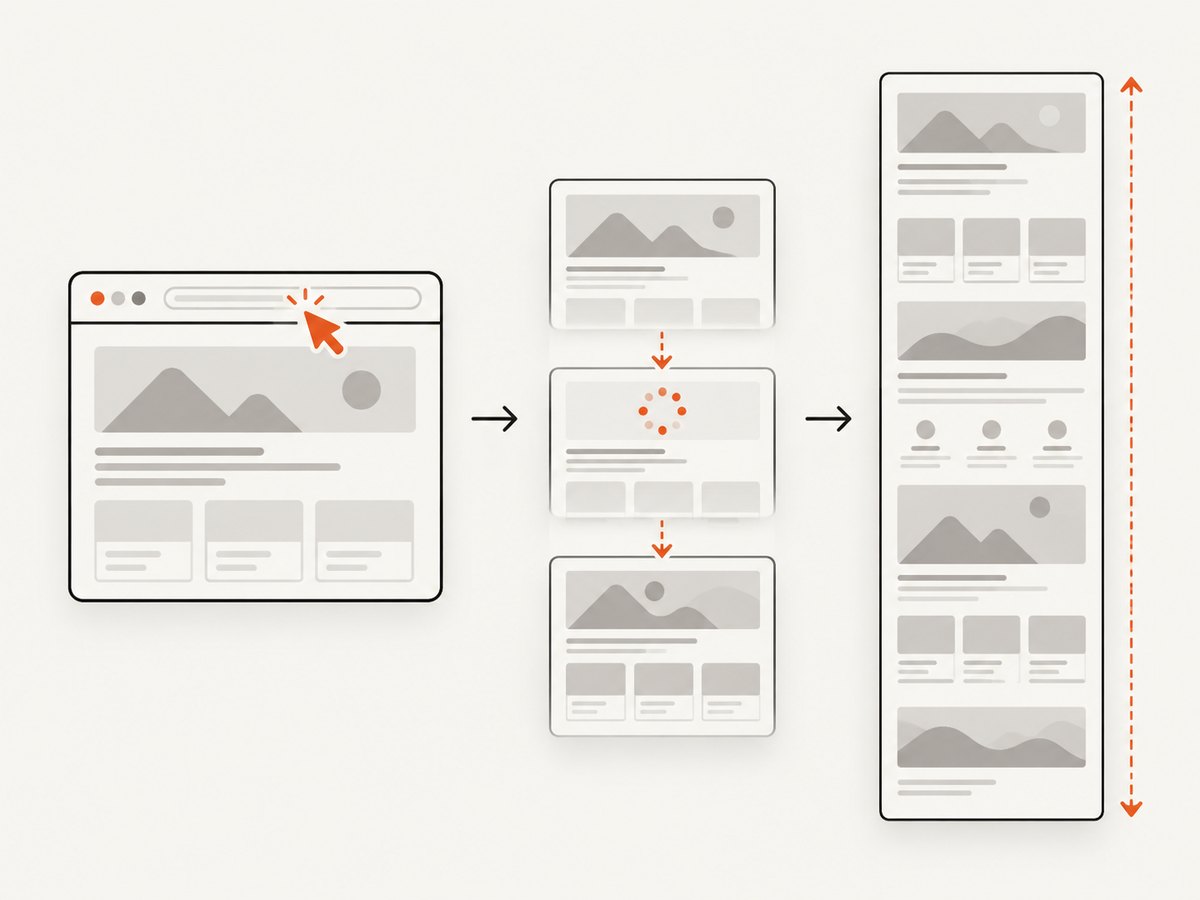
Full-page APIs measure the document, but they cannot guarantee that every image or component has loaded. Lazy images often load only after their container approaches the viewport. A practical workflow is:
- Wait for navigation to finish.
- Wait for a stable application landmark such as
mainor a results container. - Scroll through the page when the application loads content on scroll.
- Wait for images or network activity to settle.
- Capture only after the page has reached the expected state.
JavascriptExecutor js = (JavascriptExecutor) driver;
long previousHeight = 0;
for (int i = 0; i < 30; i++) {
    long height = ((Number) js.executeScript(
            "return document.body.scrollHeight")).longValue();
    if (height == previousHeight) break;
    previousHeight = height;
    js.executeScript("window.scrollTo(0, document.body.scrollHeight)");
    Thread.sleep(500);
}
js.executeScript("window.scrollTo(0, 0)");
Use a bounded loop and a bounded wait. Infinite scrolling pages may never become complete; define the amount of content your test or report requires.
Animations can make screenshots nondeterministic. Disable them with injected CSS when your visual test allows it:
((JavascriptExecutor) driver).executeScript(
    "const style = document.createElement('style');" +
    "style.textContent = '* { animation: none !important; " +
    "transition: none !important; }';" +
    "document.head.appendChild(style);");
5. Selenium DevTools capture
Selenium's DevTools Page API exposes a lower-level captureScreenshot operation with image format, quality, clipping, and fromSurface controls through its DevTools documentation. This route is useful when your suite already depends on Chrome DevTools commands and needs a precise clip rectangle or JPEG quality.
DevTools APIs are tied to browser protocol versions. Keep the Selenium, browser, and DevTools module versions aligned, and expect setup code to vary as those versions change. For a straightforward full document, Firefox's explicit API or Playwright's full-page option usually involves less plumbing.
6. Why AWT Robot is usually the wrong tool
java.awt.Robot.createScreenCapture(Rectangle) captures pixels from a desktop rectangle. Oracle documents that desktop permissions can cause SecurityException and that the operation may be lengthy in the Robot API. It does not understand DOM layout or the scrollable height of a webpage. Use it for a visible desktop region, not a reliable browser-document screenshot.
7. Output formats, dimensions, and file handling
PNG is lossless and normally the safest format for visual regression. JPEG is smaller but introduces compression artifacts. Playwright lets you choose a path or receive bytes; Selenium's OutputType can return a file, byte array, or Base64 representation depending on your pipeline.
Very long pages can create large images. Watch heap usage when converting byte arrays, and stream or move files promptly. If your comparison system expects stable dimensions, set a consistent viewport before navigation:
driver.manage().window().setSize(new Dimension(1440, 900));Retina scale, device emulation, fonts, and operating-system rendering can all change pixels. Pin browser versions and fonts in visual regression environments, and compare with a tolerance appropriate for your test.
8. Troubleshooting checklist
| Symptom | Likely cause | Fix |
|---|---|---|
| Only the viewport is captured | Generic TakesScreenshot behavior |
Use Firefox HasFullPageScreenshot or Playwright setFullPage(true). |
ClassCastException for HasFullPageScreenshot |
The driver does not implement the interface | Run FirefoxDriver or switch to Playwright. |
| Blank or partially rendered image | Capture happened before application content loaded | Wait for a stable selector and required data; avoid fixed sleeps where possible. |
| Images are missing below the fold | Lazy loading has not been triggered | Scroll in bounded steps, wait for image loading, then capture. |
| Cut-off bottom section | Page height changed during capture | Wait for late content, stop animations, and capture after the document height stabilizes. |
| Driver or browser startup failure | Missing binary or incompatible versions | Install the browser, use Selenium Manager, and align driver and browser versions. |
| CI hangs after a test | Browser process was not closed | Put quit() or close() in finally or try-with-resources. |
| Different pixels on every run | Animations, timestamps, ads, fonts, or responsive layout | Disable motion, control viewport and timezone, mock volatile data, and use visual tolerances. |
9. Reliability, performance, and cost considerations
- Reliability: Explicit full-page APIs reduce ambiguity. Add waits for application state and record the URL, viewport, browser version, and capture timestamp with each artifact.
- Performance: A full document costs more memory and time than a viewport image. Reuse a browser where safe, but isolate tests that mutate cookies, storage, or permissions.
- Huge documents: Consider capturing a target element, splitting a report into sections, or setting a maximum scroll height. One enormous bitmap can exceed downstream upload or image-decoder limits.
- Security: Treat screenshots as potentially sensitive artifacts. Protect cookies, authorization headers, and captured pages in CI logs and storage.
- Cost: Self-hosted Selenium and Playwright consume your own CI, browser, and maintenance resources. A hosted API shifts browser operations to a service and charges according to its plan and billing rules.
10. Or skip the browser setup
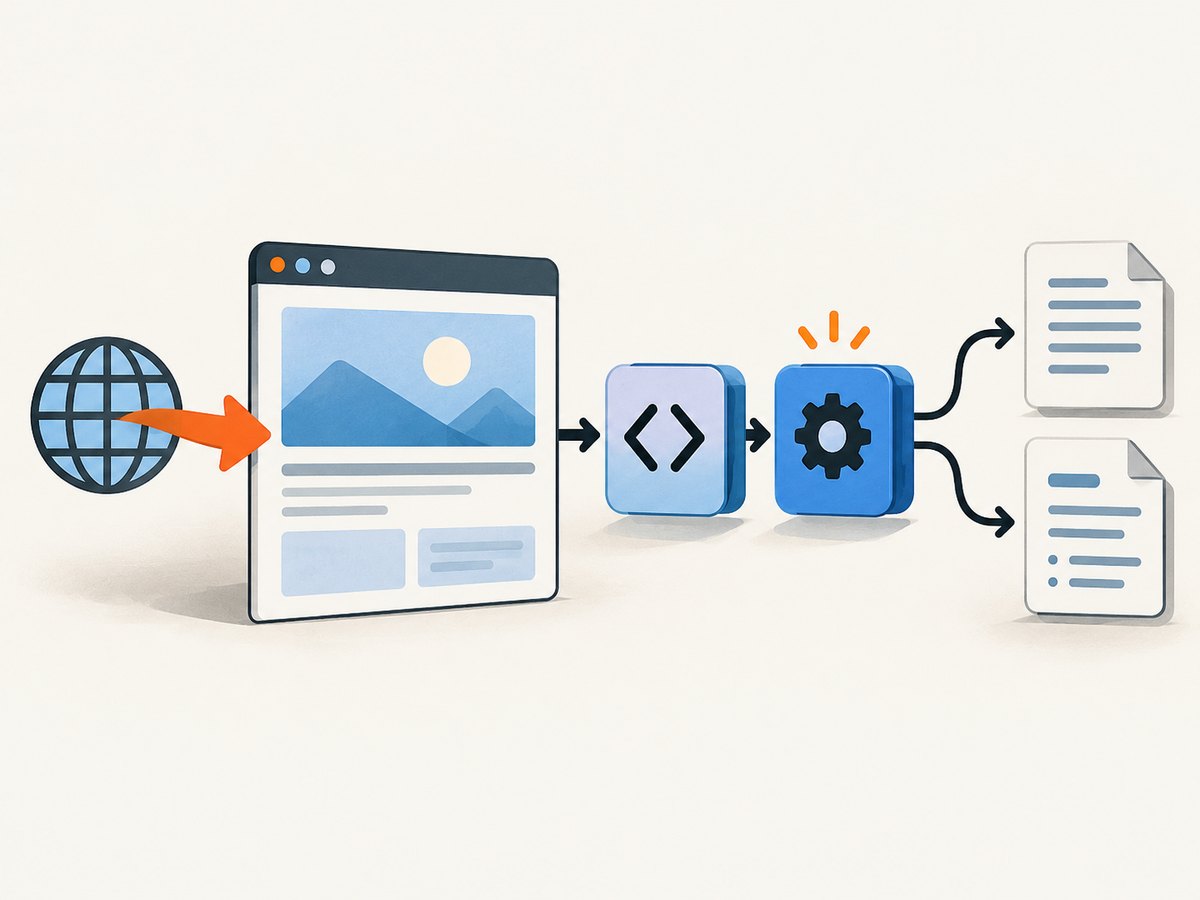
ScreenshotNeo provides a website screenshot API and MCP server. A single GET request returns PNG, JPEG, WebP, or PDF. Its full-page capture loads lazy images, and it can also capture one element by CSS selector, set a viewport or device preset, use dark mode and retina scale, apply custom CSS or JavaScript, wait for a selector, delay, or network idle, and control headers, cookies, user agent, timezone, geolocation, blocking, caching, and more. See the ScreenshotNeo API documentation for the complete option list.
curl -G "https://api.screenshotneo.com/v1/shot" \
  -d access_key=YOUR_API_KEY \
  --data-urlencode url=https://stripe.com \
  -o shot.webp
import requests
r = requests.get(
"https://api.screenshotneo.com/v1/shot",
params={"access_key": "YOUR_API_KEY", "url": "https://stripe.com"},
timeout=90,
)
open("shot.webp", "wb").write(r.content)const q = new URLSearchParams({
access_key: 'YOUR_API_KEY',
url: 'https://stripe.com'
});
const res = await fetch(`https://api.screenshotneo.com/v1/shot?${q}`);
const buffer = Buffer.from(await res.arrayBuffer());
require('fs').writeFileSync('shot.webp', buffer);Cookie banners, newsletter popups, and chat widgets are removed before the shot. Bot checks, blank pages, timeouts, failed loads, and cache hits are not billed; response headers identify the page verdict and whether the shot was billed. An MCP server provides take_screenshot, get_page_info, and capture_pdf tools for Claude, Cursor, and other MCP clients. The Free plan includes 1,000 screenshots each month with no card; paid plans start at $5 for 3,000. Create a free ScreenshotNeo account.
11. FAQ
Does Selenium take a full-page screenshot in Chrome?
The generic Selenium screenshot API is best effort and may return only the viewport. Use an explicit browser/framework feature or Playwright's full-page option when the entire document matters.
Which Java library has the shortest full-page example?
Playwright Java is concise because setFullPage(true) expresses the intent directly. Selenium Firefox is equally direct when your project already uses WebDriver.
Can I capture a full page without displaying a browser window?
Yes. Run Firefox, Chromium, or another supported browser headlessly. Keep the viewport, fonts, and browser version consistent if the output is used for visual comparison.
Why is scrolling sometimes necessary if the API says full page?
Full-page geometry and lazy content are separate concerns. Scrolling can trigger images or components that the page intentionally loads only near the viewport.
Should I use PNG or JPEG?
Use PNG for text, UI, and pixel comparisons. Use JPEG when smaller files matter and minor compression artifacts are acceptable.


