Functional Testing vs. Regression Testing: Differences, Overlap, and Practical Strategy
Learn the difference between functional and regression testing, when they overlap, how to select tests, and how to build a reliable workflow.
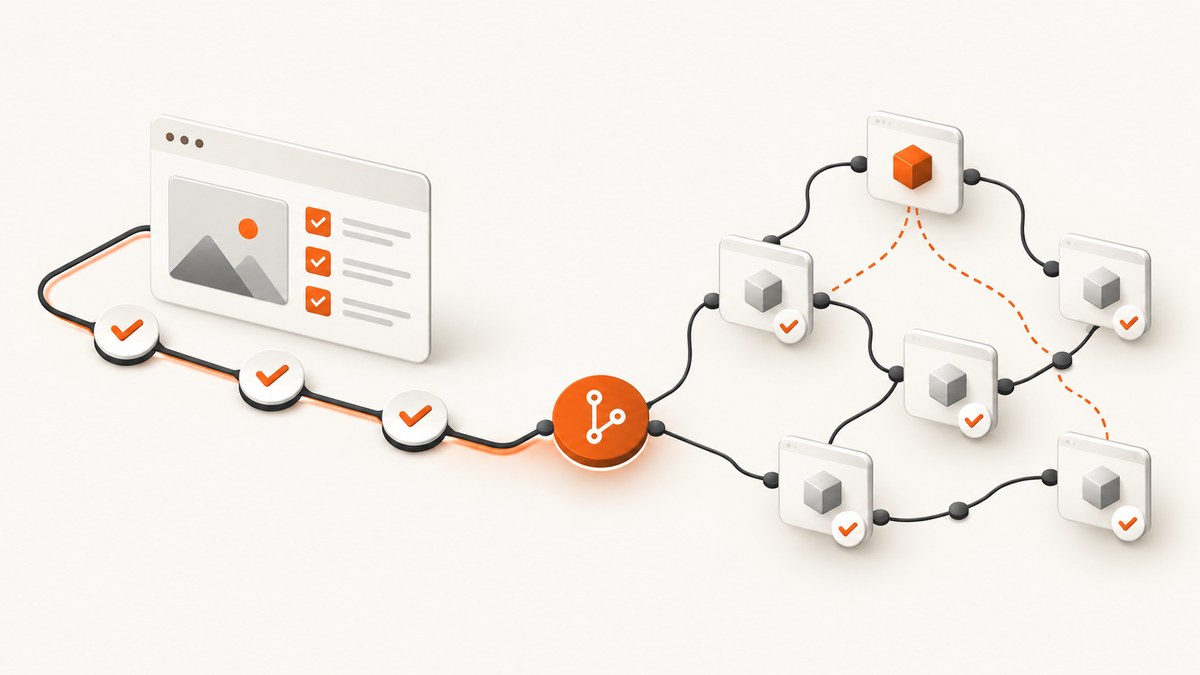
Functional testing checks whether a feature behaves according to its requirements. Regression testing checks whether a change, fix, or new feature has broken behavior that worked before. They describe different testing objectives, so one test can be both functional and regression testing when an existing behavior test is rerun after a change.
This distinction matters when you plan a test suite, decide what to run in continuous integration, investigate a failed build, or explain test results to a team. A practical workflow usually confirms the reported fix first, then runs a targeted or full regression set that covers areas likely to have been affected.
What is the difference between functional and regression testing?
| Question | Functional testing | Regression testing |
|---|---|---|
| Main objective | Verify expected behavior or specifications. | Detect unintended breakage after a change. |
| Typical trigger | A feature or system behavior needs validation. | A code, configuration, dependency, data, or infrastructure change occurred. |
| Test selection | Cases come from requirements, acceptance criteria, and user workflows. | Previously executed cases are selected for rerun; the set can be full or partial. |
| Timing | Before or after a change, including during feature development. | After a change or fix, before release or deployment. |
| Possible test types | Unit, API, integration, UI, acceptance, or other checks of behavior. | Any of those types when rerun to find change-induced failures. |
Selenium’s documentation describes functional testing as checking that a feature or system functions properly and does what it is supposed to do. Its regression guidance describes rerunning previously executed tests after changes, with either a full or partial set. See the Selenium testing types documentation for the source definitions.
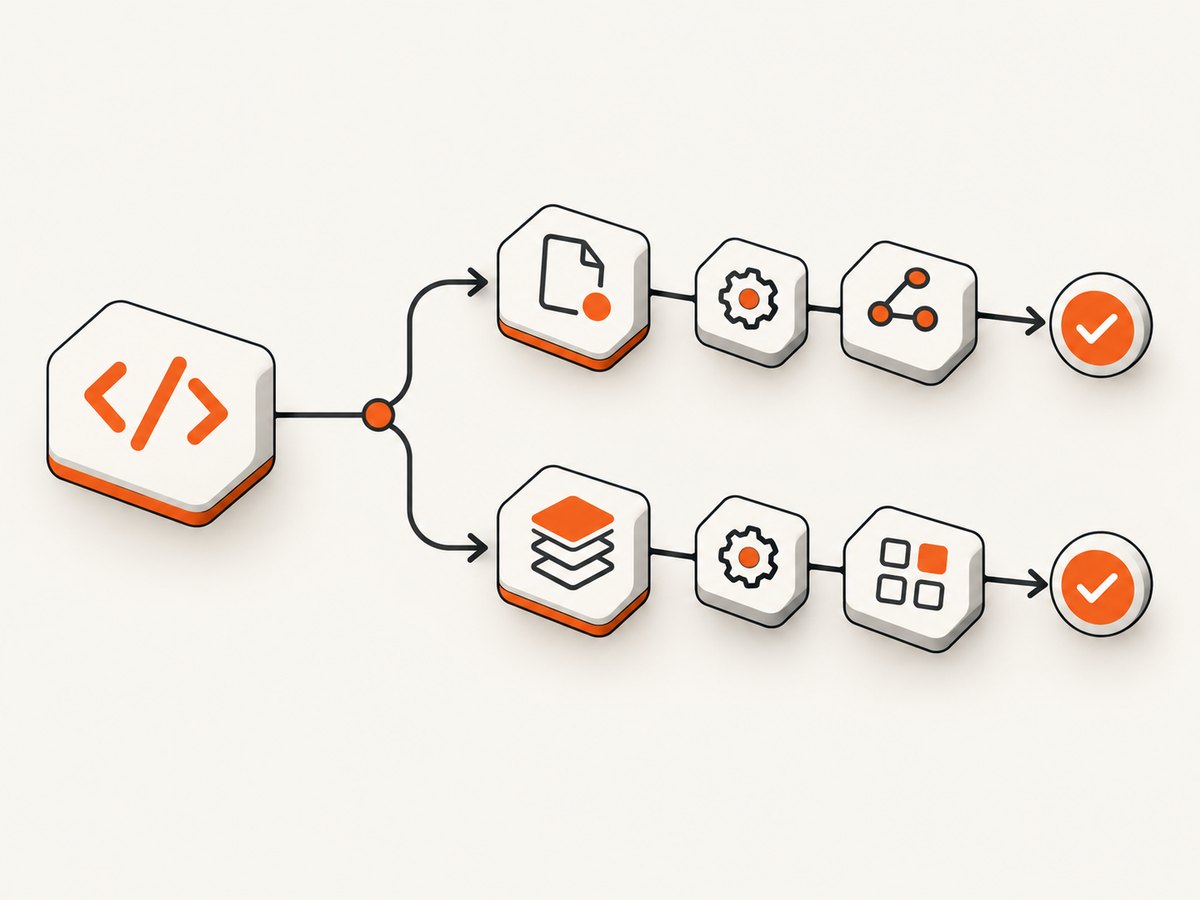
Functional testing: what it verifies
Functional tests are derived from observable requirements. They ask whether the system produces the expected result for a given input or interaction. A functional test for a search feature might submit a known term, verify matching results, and check the empty-result message for an unknown term.
Typical functional test questions
- Can a user sign in with valid credentials?
- Is an invalid password rejected with the specified message?
- Does a search return the expected records and ordering?
- Does an API return the documented status code and response fields?
- Does a checkout calculate tax, shipping, and total according to the rules?
- Does a form prevent submission when a required field is missing?
Functional scope can be narrow or broad. A unit test may verify one validation function. An end-to-end test may verify a complete purchase. Both are functional when their purpose is to check specified behavior.
Regression testing: what it protects
Regression testing starts with a change. The change might be a new feature, bug fix, refactor, dependency upgrade, database migration, browser update, infrastructure change, or configuration edit. You then rerun tests that worked previously to detect unintended effects.
Regression selection does not mean rerunning every test after every commit. Teams commonly use layers:
- Smoke regression: a small set that checks the application is usable.
- Targeted regression: tests around the changed component and its dependencies.
- Extended regression: broader cross-feature coverage before a release.
- Full regression: the complete maintained suite when risk, schedule, or release policy requires it.
A regression run can contain unit, API, integration, browser, accessibility, or other tests. “Regression” describes why the test is being run again, not the technology used to implement it.
Can a test be both functional and regression testing?
Yes. “Functional” identifies the behavior being checked; “regression” identifies the reason for repeating the check. Suppose your existing test verifies that a payment succeeds with a valid card. After changing checkout code, you rerun that same test to detect unintended breakage. It remains a functional payment test and is also part of the regression run.
This overlap is an inference from the definitions: regression sets can include several test types, including functional tests. Avoid treating the labels as competing phases. A test case can carry both attributes in your test-management system, such as area=checkout, type=functional, and run=regression.
Confirmation testing versus regression testing
After a defect fix, first perform confirmation testing (also called retesting in many explanations). Run the original failing scenario and verify that the reported problem is resolved. Then run relevant regression checks to discover whether the fix caused failures elsewhere.
For example, if a discount code was rejected because of a date comparison bug:
- Reproduce the original input and confirm the corrected discount is accepted.
- Run checkout regression tests for expired codes, currency handling, tax calculation, refunds, and payment authorization.
- Run broader smoke tests if checkout shares code with cart, account, or order history.
Rerunning only the failed test confirms the specific fix; it does not provide broad regression coverage. ASTQB’s Foundation Level material distinguishes these purposes in its testing education resources.
How to design a functional and regression strategy
1. Start with requirements and risk
For each requirement, identify inputs, expected outputs, validation rules, permissions, integrations, and failure behavior. Rank scenarios by user impact, data sensitivity, change frequency, and technical coupling. Critical payment and authentication paths usually deserve faster feedback and stronger release gates than low-risk administrative screens.
2. Build a traceable functional set
Give each case a stable identifier and link it to a requirement or acceptance criterion. Include happy paths, boundary values, invalid inputs, authorization checks, and important state transitions. Keep expected results observable: HTTP status and JSON fields for an API, or visible page state for a browser workflow.
3. Map changes to affected behavior
When a pull request changes a component, list direct callers, shared libraries, database tables, feature flags, and external services. Select targeted regression cases from that dependency map. Add a smoke subset that runs on every change and a larger set on merge or release.
4. Keep tests deterministic
- Control clock, timezone, locale, and random data where possible.
- Use isolated test data and clean up after each scenario.
- Wait for explicit state or network conditions instead of arbitrary sleeps.
- Capture logs, screenshots, request IDs, and response bodies on failure.
- Remove or quarantine tests that fail intermittently until their cause is understood.
5. Review the suite after incidents
When a production defect escapes, add a functional test for the missing behavior and place it in the appropriate regression group. Record the defect’s trigger, affected components, and the smallest test set that would have detected it. This turns incidents into durable coverage rather than a one-time manual check.
Runnable examples
Python API functional test with pytest
import requests

def test_search_returns_results():
    response = requests.get(
        "https://example.test/api/search",
        params={"q": "screenshot"},
        timeout=10,
    )
    assert response.status_code == 200
    body = response.json()
    assert isinstance(body["results"], list)
    assert all("title" in item for item in body["results"])
For a real project, replace the host and assertions with the documented contract. After changing search code, run this existing test as part of targeted regression.
Node.js functional test with built-in assertions
import assert from "node:assert/strict";

const response = await fetch("https://example.test/api/search?q=screenshot");
assert.equal(response.status, 200);
const body = await response.json();
assert.ok(Array.isArray(body.results));
assert.ok(body.results.every((item) => typeof item.title === "string"));
Browser interaction with Selenium WebDriver
from selenium import webdriver
from selenium.webdriver.common.by import By
from selenium.webdriver.common.keys import Keys

browser = webdriver.Chrome()
try:
    browser.get("https://example.test/search")
    field = browser.find_element(By.CSS_SELECTOR, "input[name='q']")
    field.send_keys("screenshot", Keys.ENTER)
    results = browser.find_elements(By.CSS_SELECTOR, "[data-result]")
    assert len(results) > 0
finally:
    browser.quit()
Selenium WebDriver automates browser interactions, and Selenium Grid supports running tests across machines and platforms. These are examples of implementation tools; automation is not what defines functional or regression testing. See the Selenium overview.
cURL contract check
curl --fail --silent --show-error \
  --get "https://example.test/api/health" \
  --header "Accept: application/json"
Use --fail so a non-success HTTP response fails the job. Add a JSON assertion in your CI script when the endpoint’s response contract matters.
Or skip the browser setup
If your functional or regression workflow needs visual evidence of a page, ScreenshotNeo provides a website screenshot API and MCP server. It accepts one GET request and returns PNG, JPEG, WebP, or PDF. Before capture it accepts cookie and consent banners and removes more than 60 known consent platforms, newsletter popups, and chat widgets. Bot checks or CAPTCHAs, blank pages, timeouts, failed loads, and cache hits are not billed; response headers identify the page verdict and whether the shot was billed.
Read the complete options in the ScreenshotNeo API documentation.
curl -G "https://api.screenshotneo.com/v1/shot" -d access_key=YOUR_API_KEY --data-urlencode url=https://stripe.com -o shot.webpimport requests; r = requests.get("https://api.screenshotneo.com/v1/shot", params={"access_key": "YOUR_API_KEY", "url": "https://stripe.com"}, timeout=90); open("shot.webp", "wb").write(r.content)const q = new URLSearchParams({ access_key: 'YOUR_API_KEY', url: 'https://stripe.com' }); const res = await fetch(`https://api.screenshotneo.com/v1/shot?${q}`);For regression evidence, options include full-page capture with lazy images loaded, a CSS element selector, dark mode, 12 device presets or a custom viewport, retina scale, custom CSS and JavaScript, clicks before capture, waits for a selector, delay, or network idle, blocked ads or trackers, custom headers and cookies, timezone and geolocation, transparent backgrounds, resizing, cache TTL, signed links, asynchronous jobs with signed webhooks, bulk capture of up to 100 URLs per call, and a usage API. An MCP server exposes take_screenshot, get_page_info, and capture_pdf to Claude, Cursor, and other MCP clients.
Cookie banners, popups, and chat widgets are removed before the shot; bot checks, blank pages, and failed loads are never billed; an MCP server lets AI agents take screenshots; 1,000 screenshots a month are free with no card and paid plans start at $5 for 3,000. Create a free ScreenshotNeo account.
Choosing what to rerun
| Change | Start with | Expand when |
|---|---|---|
| CSS or layout change | Visual pages, navigation, responsive viewports, accessibility smoke checks | Shared components or templates changed |
| Authentication change | Sign-in, sign-out, password reset, authorization boundaries | Identity provider, session, or account data changed |
| Database migration | Reads, writes, migrations, backups, and representative workflows | Shared schema or data transformation affects multiple services |
| Payment change | Successful, declined, refunded, and duplicate-payment paths | Currency, tax, order, or webhook code also changed |
| Dependency upgrade | Smoke suite and directly integrated APIs | Runtime, browser, serialization, or security behavior changed |
Troubleshooting common failures
“The test passes alone but fails in the suite”
Cause: shared state, ordering, leaked sessions, or reused data. Fix: isolate fixtures, reset state, use unique records, and run the failing test repeatedly in randomized order.
“The browser test is flaky”
Cause: timing assumptions, animations, asynchronous requests, or unstable selectors. Fix: wait for a meaningful condition, disable unnecessary animation, use stable data attributes, and record browser logs.
“Regression takes too long”
Cause: every test runs at every stage. Fix: split smoke, targeted, extended, and full suites; parallelize independent cases; reserve full regression for release gates.
“The fix test passes but another area fails”
Cause: confirmation testing was mistaken for regression coverage. Fix: map shared code and data dependencies, then run neighboring workflows and the release smoke set.
“A screenshot is blank or shows a consent dialog”
Cause: the page did not finish loading, a bot check blocked content, or the capture occurred before the UI settled. Fix: wait for a selector or network idle, inspect the page verdict headers, and use ScreenshotNeo’s consent handling and wait options.
Performance, reliability, and cost considerations
- Feedback time: run small functional and smoke groups on every change; schedule broad regression where its duration fits the delivery pipeline.
- Parallelism: partition tests by service, browser, or independent data sets. Avoid parallel writes to the same records.
- Retries: retry infrastructure errors only after capturing evidence. Blind retries can hide real defects.
- Environment parity: keep browser, runtime, feature flags, and service versions close to production for release regression.
- Screenshot cost: ScreenshotNeo bills only clean shots. Cache hits and failed or blocked captures are not billed, and the response includes
X-Page-VerdictandX-Billedheaders. - Plan size: ScreenshotNeo includes 1,000 free shots monthly without a card; paid plans start at $5 for 3,000 shots. Yearly billing gives two months free, and every feature is available on every plan.
FAQ
Do I need to rerun existing tests after a bug fix?
Yes. Confirm the original failure first, then rerun tests covering the changed code and dependent workflows. Broaden the set according to risk.
Is regression testing only automated?
No. It can be manual or automated. Automation affects execution speed and repeatability; the regression label describes the purpose of rerunning checks.
Should every functional test become a regression test?
Not necessarily. Keep high-value, stable cases in regression groups and select additional tests based on the change and risk. Avoid filling the suite with redundant or brittle checks.
Can visual comparison be regression testing?
Yes. If you compare a previously accepted page image after a UI change to detect unintended differences, that visual check is regression testing. Define acceptable differences so intentional design changes do not create noise.
Does Selenium define the difference?
Selenium documents the concepts and provides browser automation tools, but the distinction applies regardless of whether tests use Selenium, an API client, unit-test framework, or manual steps.
Checklist for a release change
- Write or update functional cases for the changed requirement.
- Run confirmation testing for each fixed defect.
- Identify shared code, data, integrations, and user journeys.
- Select smoke and targeted regression tests from that map.
- Run broader regression at the release boundary when risk requires it.
- Capture logs, screenshots, verdicts, and environment details for failures.
- Record escaped defects as permanent functional and regression coverage.
Functional testing tells you whether the intended behavior works. Regression testing tells you whether a change disturbed behavior that already worked. Treat them as complementary labels, select tests from requirements and change risk, and preserve the evidence needed to diagnose failures.


