How to Generate a JPG Image URL
Learn how to create a usable JPG image URL from an existing image, a local file, or an uploaded asset—with code, checks, and troubleshooting.
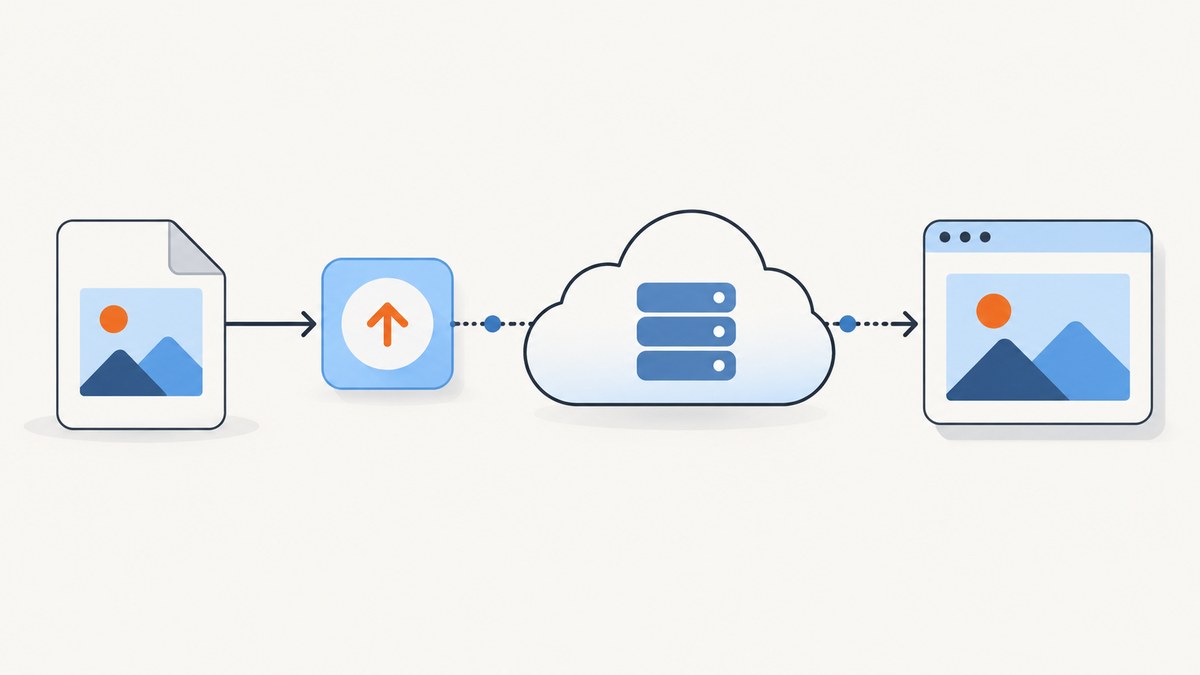
Direct answer: if the JPG is already hosted, use the image’s direct public address. Open the image itself, copy its URL, and verify that the address returns the image file. If the image is local or in another format, upload it to an image host, request JPG output, and use the host’s delivery URL.
A webpage URL, a local path such as /Users/me/photo.png, and an image URL are different things. An image URL must point to a hosted image resource that the intended viewer can access.
1. Choose the right workflow
| Situation | What to do | Result |
|---|---|---|
| The image is already online as a JPG | Open the image itself and copy its direct address | An existing JPG URL |
| The image is online but is PNG, WebP, or another format | Use an image host or CDN that can deliver JPG | A JPG delivery URL |
| The file is local | Upload it, then use the returned delivery URL | A hosted URL accessible to your audience |
| The image must remain private | Use authenticated or signed delivery | A restricted URL or short-lived access URL |
2. Get the direct URL for an image that is already hosted
- Open the image resource itself in a browser. On a page containing the image, right-click it and choose the option to open the image in a new tab.
- Copy the address from the image tab.
- Paste the address into a private or unauthenticated browser window to check whether the intended audience can access it.
- Confirm that the response is an image and that it is delivered as JPG if that is required.
Do not use the URL of the article or product page that embeds the image. Do not use a local filesystem path. Those addresses do not identify a publicly retrievable JPG resource.
Quick command-line check
curl -I "https://example.com/path/photo.jpg"Inspect the response for a successful status and an image content type such as image/jpeg. A redirect can be normal, but the final response must be accessible to the consumer of the URL.
3. Upload a local image and receive a delivery URL
An image service can accept the local file, store the asset, and return metadata including a secure delivery URL. Cloudinary documents this upload-and-delivery workflow and shows a secure_url field in its upload response. See the Cloudinary upload API reference.
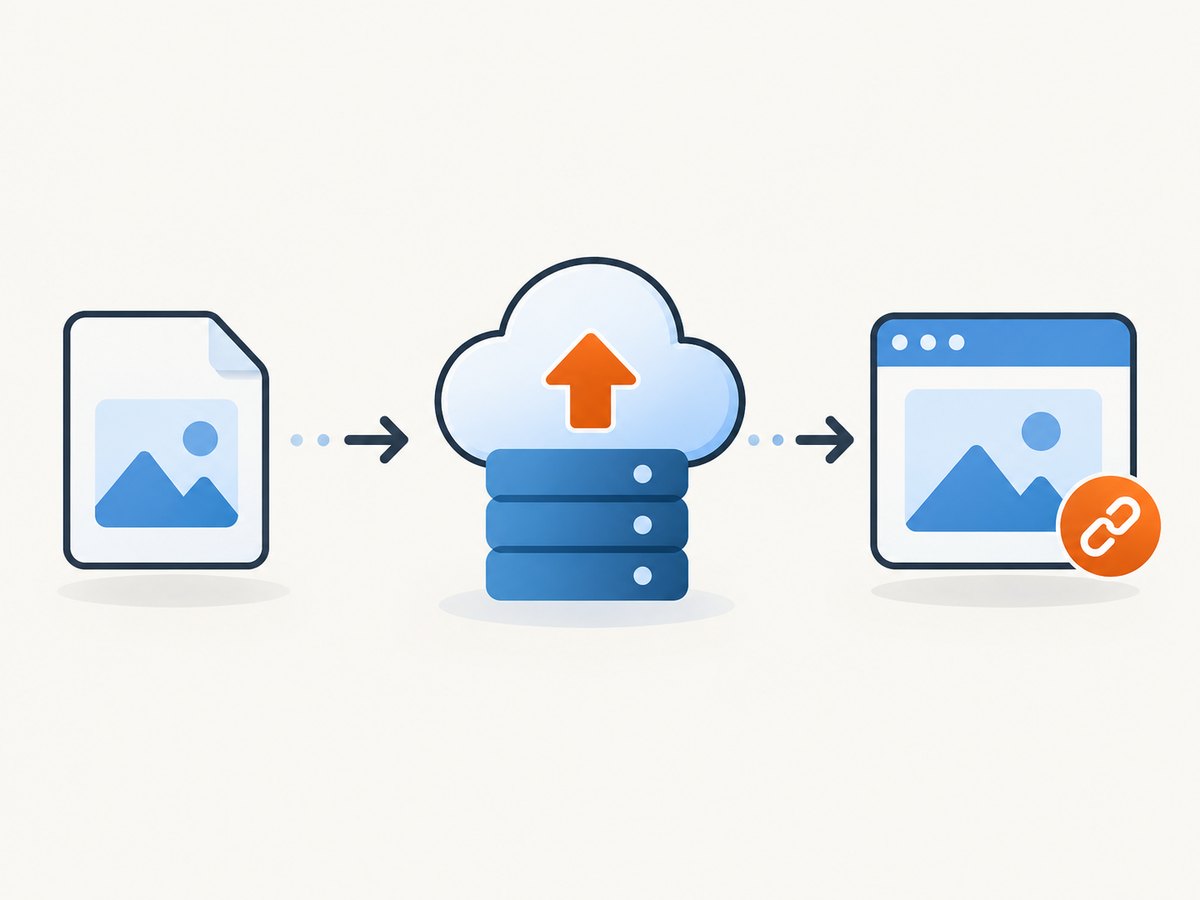
The exact upload request depends on the provider, authentication mode, and whether unsigned uploads are enabled. Use the provider’s documented endpoint and credentials; never put a secret API key in browser JavaScript or a public repository.
Provider-neutral upload checklist
- Create a project or account with an image host.
- Configure an upload preset, bucket rule, or server-side credential.
- Send the file with HTTPS POST.
- Read the response’s delivery field, such as
secure_url, and its format metadata. - Store that URL in your database or application configuration.
- Check the URL from the same network and permission context used by your readers.
4. Request JPG output from a non-JPG source
Many image CDNs let you choose the delivery format with the URL extension or an SDK format option. Cloudinary documents both approaches. A documented delivery pattern is:
https://res.cloudinary.com/<your_cloud_name>/image/upload/<your_public_id>.jpgReplace the placeholders with values from your own Cloudinary account. The extension requests JPG delivery; it does not represent a universal URL that can be copied unchanged.
Cloudinary also documents an upload-time format parameter. Decide which behavior you need:
- Delivery conversion: keep the stored original and ask for JPG when the URL is requested.
- Upload-time conversion: create or save a JPG representation during upload, subject to the provider’s format rules.
Read the provider’s format and transformation documentation before relying on a particular extension, quality setting, or transparency behavior. See Cloudinary image transformations.
Build a Cloudinary-style JPG URL in Python
from urllib.parse import quote

cloud_name = "YOUR_CLOUD_NAME"
public_id = "YOUR_PUBLIC_ID"  # use the public ID returned by your upload
jpg_url = (
    f"https://res.cloudinary.com/{cloud_name}/image/upload/"
    f"{quote(public_id, safe='/')}.jpg"
)
print(jpg_url)
Build the same URL in Node.js
const cloudName = 'YOUR_CLOUD_NAME';
const publicId = 'YOUR_PUBLIC_ID';
const jpgUrl = `https://res.cloudinary.com/${cloudName}/image/upload/${encodeURIComponent(publicId)}.jpg`;
console.log(jpgUrl);
If your public ID contains folders, preserve the provider’s documented slash behavior instead of blindly encoding every character. Use the exact public ID returned by the upload response.
Build it with cURL variables
cloud_name="YOUR_CLOUD_NAME"
public_id="YOUR_PUBLIC_ID"
printf 'https://res.cloudinary.com/%s/image/upload/%s.jpg\n' "$cloud_name" "$public_id"
5. Verify that the URL really serves a JPG
- Open the URL directly, without the surrounding webpage.
- Check that the final response succeeds after redirects.
- Check the response
Content-Type, ideallyimage/jpeg. - Confirm that the image dimensions and quality meet your use case.
- Test from the audience’s network, device, and authentication state.
curl -L -o downloaded.jpg -w '%{http_code} %{content_type}\n' \
  "https://example.com/path/photo.jpg"
The filename does not prove the format. A URL ending in .jpg can still return an error page or another media type, so inspect the response.
6. Public versus private image URLs
“Public URL” means the intended consumer can retrieve the asset without credentials. If your host requires authentication, a URL copied from an authenticated dashboard may fail for browsers, social crawlers, email clients, or ScreenshotNeo.
Firebase documents that Cloud Storage for Firebase buckets require Firebase Authentication by default. Configure storage rules deliberately; do not assume that uploading an object makes it public. See the Firebase web upload documentation and your bucket’s security rules.
| Requirement | Suitable setup |
|---|---|
| Public website image | Public HTTPS delivery URL or CDN URL |
| Logged-in application | Authenticated request or application proxy |
| Temporary sharing | Signed URL with an expiry time |
| Server-only asset | Private storage; do not expose the object URL |
7. Use a JPG URL in HTML, CSS, and APIs
HTML
<img src="https://example.com/path/photo.jpg" alt="Description of the image">CSS
.hero {
  background-image: url("https://example.com/path/photo.jpg");
}
JSON
{
  "image_url": "https://example.com/path/photo.jpg"
}
For a public image that must be captured in a browser or rendered by an external service, use HTTPS, allow the relevant origin, and avoid URLs that only work inside your admin session.
8. Capture a JPG from a webpage
If what you have is a webpage and you need a JPG image of that page, you need a browser capture step. A page URL is not itself an image URL. You can run a browser locally or use a screenshot API.
Local browser approach
With Playwright, navigate to the page, wait for the content you need, and save a JPG:
import { chromium } from 'playwright';

const browser = await chromium.launch();
const page = await browser.newPage({ viewport: { width: 1440, height: 900 } });
await page.goto('https://example.com', { waitUntil: 'networkidle' });
await page.screenshot({ path: 'page.jpg', type: 'jpeg', quality: 85, fullPage: true });
await browser.close();
Afterward, upload page.jpg to your image host and use the resulting delivery URL.
9. Or skip the browser setup
ScreenshotNeo returns a JPG, PNG, WebP, or PDF from one GET request. It can accept cookie and consent banners before capture and remove more than 60 known consent platforms, newsletter popups, and chat widgets. Failed loads, bot checks, CAPTCHAs, blank pages, timeouts, and cache hits are not billed; response headers identify the page verdict and billing status. Its MCP server also lets Claude, Cursor, and other MCP clients call take_screenshot, get_page_info, and capture_pdf.

See the ScreenshotNeo API documentation for all options. This direct call requests JPG output:
cURL
curl -G "https://api.screenshotneo.com/v1/shot" \
  -d access_key=YOUR_API_KEY \
  --data-urlencode url=https://stripe.com \
  -d format=jpg \
  -o shot.jpg
Python
import requests

r = requests.get(
    "https://api.screenshotneo.com/v1/shot",
    params={
        "access_key": "YOUR_API_KEY",
        "url": "https://stripe.com",
        "format": "jpg",
    },
    timeout=90,
)
r.raise_for_status()
open("shot.jpg", "wb").write(r.content)
Node.js
const q = new URLSearchParams({
  access_key: 'YOUR_API_KEY',
  url: 'https://stripe.com',
  format: 'jpg'
});
const res = await fetch(`https://api.screenshotneo.com/v1/shot?${q}`);
if (!res.ok) throw new Error(`${res.status} ${await res.text()}`);
const buffer = Buffer.from(await res.arrayBuffer());
await import('node:fs/promises').then(fs => fs.writeFile('shot.jpg', buffer));
ScreenshotNeo supports full-page capture with lazy images loaded, CSS-element capture, dark mode, device presets or custom viewports, retina scale, custom CSS and JavaScript, clicks, selector waits, delays, network-idle waits, request blocking, headers, cookies, user agents, authorization, timezone, geolocation, transparent backgrounds, resizing, caching, signed links, asynchronous jobs, webhooks, bulk capture, usage reporting, and an OpenAPI specification. Existing parameter names used by other screenshot APIs are also accepted to ease migration.
There is a free plan with 1,000 screenshots per month and no card. Paid plans start at $5 for 3,000 shots. Create a free ScreenshotNeo account.
10. Troubleshooting
| Symptom | Likely cause | Fix |
|---|---|---|
| 404 or “image not found” | Wrong public ID, path, or extension | Copy the provider’s returned identifier exactly and rebuild the URL. |
| 403 or unauthorized | Private bucket, expired signature, or hotlink protection | Adjust access rules or generate a valid signed URL for the intended audience. |
| HTML appears instead of an image | The URL points to a webpage or error document | Inspect redirects and Content-Type; use the direct asset URL. |
| JPG URL returns PNG or WebP | The host ignored the extension or transformation | Use the provider’s documented format parameter or transformation syntax. |
| Image works for you but not others | Session cookies, VPN, firewall, or authentication dependency | Test unauthenticated access from another network and publish a permitted URL. |
| Transparent areas turn black or white | JPG does not support an alpha channel | Choose a background color during conversion or keep PNG/WebP when transparency matters. |
| Screenshot is blank or incomplete | Page still loading, bot check, consent dialog, or lazy content | Wait for a selector/network idle, handle consent, or use ScreenshotNeo’s cleanup and wait options. |
| Large files load slowly | Original dimensions or quality are excessive | Resize at delivery, choose an appropriate JPEG quality, and cache the result. |
11. Performance, reliability, and cost considerations
- Use HTTPS: it avoids mixed-content failures and protects URLs in transit.
- Cache stable assets: a long cache lifetime reduces repeated downloads; use versioned public IDs when replacing files.
- Resize for the consumer: deliver the dimensions your page needs instead of the camera or browser’s full output.
- Choose quality deliberately: higher JPEG quality increases bytes; lower quality can introduce visible artifacts around text.
- Keep originals when needed: delivery conversion lets you produce JPG while retaining a source asset for future formats.
- Account for access control: signed links expire, while public links can be reused by anyone who obtains them.
- For automated captures: wait for meaningful content, block unnecessary resources, and use caching where the page is stable. ScreenshotNeo bills only clean shots; failed loads, bot checks, blank pages, timeouts, and cache hits are not billed.
12. A practical decision checklist
- Do you have an image file or only a webpage?
- Is the source already JPG?
- Must the URL be public, authenticated, or signed?
- Does the consumer require
image/jpegspecifically? - Have you checked the final response rather than trusting the filename?
- Do you need a browser screenshot, or only hosting and format conversion?
- Will the URL remain stable when the asset is replaced?
FAQ
Can I turn a local file path into a URL?
No. Upload the file to a service that provides HTTP delivery, then use its returned URL.
Does adding .jpg to any URL convert the image?
No. The host must support format conversion and honor that delivery syntax.
Is a JPG URL always public?
No. Storage permissions, authentication, signed URLs, and hotlink rules determine who can retrieve it.
Can I use a page URL where an API expects an image URL?
Usually no. Use the direct image resource, or generate a screenshot and host the resulting JPG.
When should I keep PNG instead of converting to JPG?
Keep PNG when you need transparency, sharp flat-color graphics, or lossless text and line art.


