How to Generate Open Graph Images in Bash
Build repeatable 1200×630 Open Graph images in Bash with SVG, ImageMagick, safe text escaping, metadata, testing, and publishing advice.

Use Bash to generate an Open Graph image by filling an SVG template with escaped values, rendering it with ImageMagick, and publishing the resulting PNG at a stable HTTPS URL. A 1200×630 canvas is the practical default for social previews. The same script can generate cards during a build, in a content pipeline, or on demand.
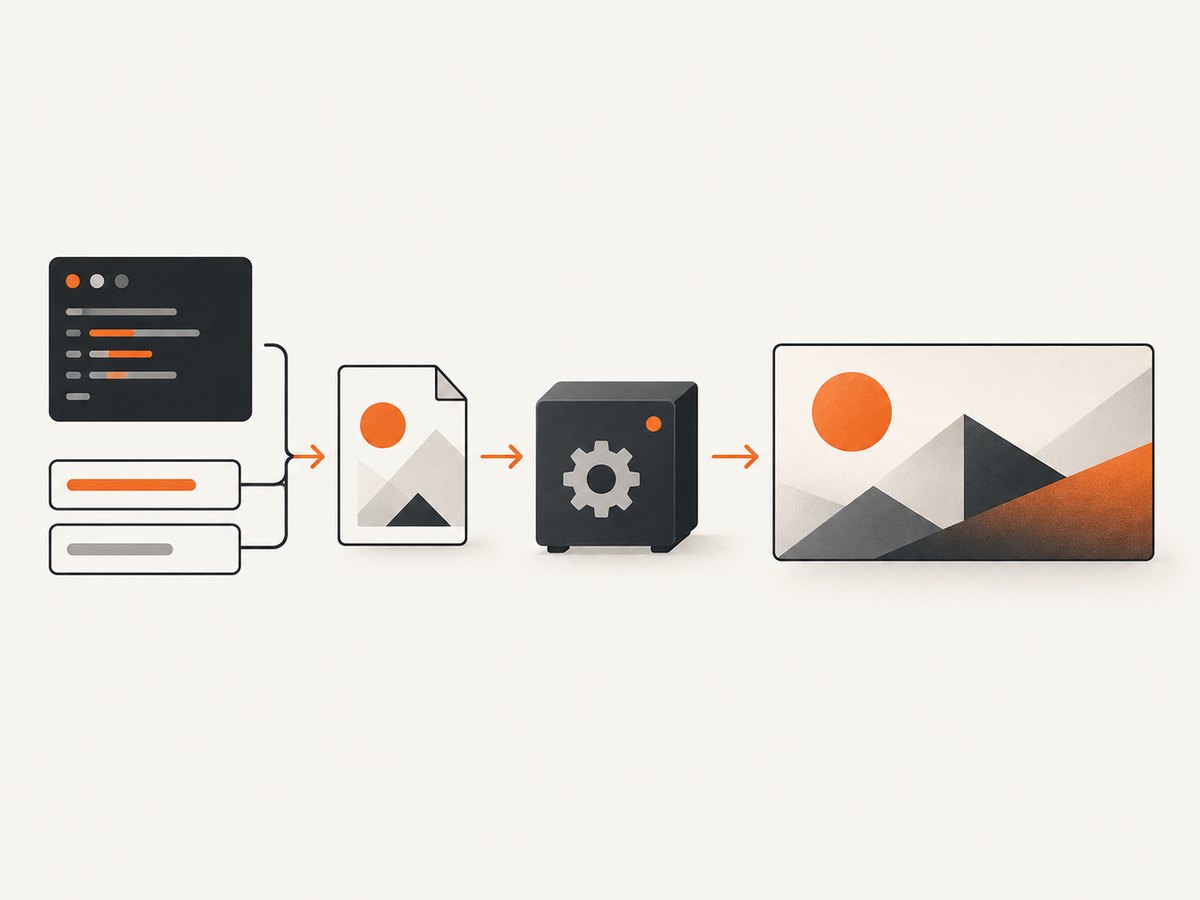
The reliable pipeline is:
- Accept title, subtitle, colors, and output path as parameters.
- Escape dynamic values for XML and for the shell.
- Write an SVG template with your layout.
- Render the SVG to PNG with ImageMagick.
- Inspect dimensions and readability.
- Upload the PNG to a stable HTTPS URL and reference it in page metadata.
What an Open Graph image needs
Open Graph metadata points crawlers to the image that appears when a URL is shared. Include the image URL, dimensions, and a large-card declaration:
<meta property="og:image" content="https://example.com/assets/og/article-42.png">
<meta property="og:image:width" content="1200">
<meta property="og:image:height" content="630">
<meta name="twitter:card" content="summary_large_image">
<meta name="twitter:image" content="https://example.com/assets/og/article-42.png">
Use an absolute URL. The image must be reachable by the crawler without an authenticated browser session, and your server should return the correct image content type. A generated file has no effect until it is uploaded and connected to these tags.
Check the Bash and ImageMagick environment
ImageMagick is available as magick on current installations. Some older systems expose the command as convert. Check both the version and SVG support before writing a pipeline:
command -v magick || command -v convert
magick -version
magick -list format | grep -E 'SVG|PNG'
SVG rendering depends on installed delegates. ImageMagick documentation states that it uses Inkscape when it is available in the execution path and otherwise uses RSVG. Different delegates can produce different line wrapping, font metrics, and SVG feature support, so pin the renderer in CI when reproducibility matters. See the ImageMagick format documentation for format and delegate details.
Build a reusable SVG template
SVG is a good source format when the card has several layers, text blocks, accent shapes, or a brand layout. Keep the template in version control, and make only content values dynamic. The following script accepts a title, subtitle, and output file. It includes XML escaping for values that are inserted into text nodes.
#!/usr/bin/env bash
set -euo pipefail
escape_xml() {
local value=${1-}
value=${value//&/\&}
value=${value//</\<}
value=${value//>/\>}
value=${value//\"/\"}
value=${value//\'/\'}
value=${value//$'\n'/ }
printf '%s' "$value"
}
title=$(escape_xml "${1:-Example article}")
subtitle=$(escape_xml "${2:-A generated social preview}")
out=${3:-og-image.png}
svg_file=$(mktemp "${TMPDIR:-/tmp}/og-image.XXXXXX.svg")
cleanup() { rm -f "$svg_file"; }
trap cleanup EXIT
cat > "$svg_file" <<SVG
<svg xmlns="http://www.w3.org/2000/svg" width="1200" height="630" viewBox="0 0 1200 630">
<rect width="1200" height="630" fill="#111827"/>
<circle cx="1080" cy="80" r="260" fill="#2563eb" opacity="0.35"/>
<rect x="72" y="92" width="10" height="446" rx="5" fill="#60a5fa"/>
<text x="120" y="270" fill="#ffffff" font-size="64" font-family="DejaVu Sans" font-weight="700">${title}</text>
<text x="120" y="360" fill="#cbd5e1" font-size="32" font-family="DejaVu Sans">${subtitle}</text>
<text x="120" y="530" fill="#93c5fd" font-size="24" font-family="DejaVu Sans">example.com</text>
</svg>
SVG
magick "$svg_file" -background none "$out"
magick identify "$out"Run it like this:
chmod +x ./make-og.sh
./make-og.sh "How to Generate Open Graph Images" "A Bash and ImageMagick guide" public/og-images/bash-guide.png
The quoted arguments preserve spaces and prevent shell expansion. The heredoc delimiter is intentionally unquoted so the escaped variables are substituted; do not insert raw user input into this document.
Make text fit a 1200×630 card
Long titles are the first production failure. SVG text does not automatically wrap in the way HTML does. Choose one of these approaches:
- Split a title into two or three explicit lines before generating the SVG.
- Use a smaller font size when the title exceeds a character threshold.
- Use ImageMagick text layout tools such as
caption:for controlled wrapping. - Reserve a fixed text region and keep decorative elements outside it.
A simple line splitter can be added before escape_xml. Split on words, not characters, and cap each line by measured width when typography is important. Character counts are only an approximation because letters have different widths.
split_title() {
  local text=$1 max_words=7 line="" word
  for word in $text; do
    if [[ -z "$line" ]]; then
      line=$word
    else
      line="$line $word"
    fi
    if (( ${#line} > 42 )); then
      printf '%s\n' "$line"
      line=$word
    fi
  done
  [[ -n "$line" ]] && printf '%s\n' "$line"
}

mapfile -t title_lines < <(split_title "${1:-Example article}")
title_line_1=$(escape_xml "${title_lines[0]:-Example article}")
title_line_2=$(escape_xml "${title_lines[1]:-}")
Then place the lines in separate SVG <text> elements with a known vertical gap. Always inspect the longest expected title at thumbnail size.
Render directly with ImageMagick drawing commands
A direct raster command is useful for a small, fixed design with no need for an SVG source file. The syntax below creates a background, accent stripe, and two text layers:
magick -size 1200x630 xc:'#111827' \
  -fill '#2563eb' -draw 'rectangle 0,0 18,630' \
  -fill white -font DejaVu-Sans-Bold -pointsize 58 \
  -gravity NorthWest -annotate +72+190 'Example article' \
  -fill '#cbd5e1' -font DejaVu-Sans -pointsize 30 \
  -annotate +72+285 'A generated social preview' \
  -strip og-image.png
Use SVG when the layout has multiple reusable elements or needs browser-like text positioning. Use direct drawing when a single command is easier to maintain. Both approaches can produce a PNG; PNG is usually the safest interchange format for social crawlers.
Parameterize colors, formats, and output paths
Keep content and design separate. Pass values as arguments or environment variables, validate them, and quote every expansion:
title=${TITLE:-"Example article"}
subtitle=${SUBTITLE:-"A generated social preview"}
background=${BACKGROUND:-'#111827'}
out=${OUTPUT:-'public/og.png'}

[[ "$out" == *.png ]] || { echo "Output must end in .png" >&2; exit 2; }
[[ "$background" =~ ^#[0-9A-Fa-f]{6}$ ]] || {
  echo "BACKGROUND must be a six-digit hex color" >&2
  exit 2
}
Do not treat a color, filename, or title as trusted merely because it came from a build system. Shell quoting prevents word splitting, while XML escaping protects the generated document. If values can contain arbitrary markup, pass them through a dedicated XML library or generate the SVG from a structured template rather than concatenating strings.
Validate the generated file before publishing
Check the format, dimensions, and file size in CI:
set -euo pipefail
file public/og.png
identify -format 'format=%m width=%w height=%h bytes=%b\n' public/og.png

width=$(identify -format '%w' public/og.png)
height=$(identify -format '%h' public/og.png)
[[ "$width" == 1200 && "$height" == 630 ]] || {
  echo "Expected 1200x630, got ${width}x${height}" >&2
  exit 1
}

# Optional sanity limit; tune for your deployment.
bytes=$(stat -c '%s' public/og.png)
(( bytes < 5000000 )) || echo "Warning: image is larger than 5 MB" >&2
Open the image manually or use a thumbnail contact sheet to catch clipped text, insufficient contrast, and fonts missing from the build environment. Remove unnecessary profiles with -strip when metadata is not needed.
Publish and connect the image to your page
- Copy the PNG to object storage, your web server, or your static-site output directory.
- Serve it over HTTPS with
Content-Type: image/png. - Use a stable, absolute URL in
og:imageandtwitter:image. - Deploy the page and image together when possible.
- When replacing an image, change its filename or query-string cache key if a platform continues showing the old card.
Static generation at build time is predictable and inexpensive. Per-request generation is appropriate when titles or data change frequently, but it adds rendering latency and requires cache control. A content hash in the filename gives immutable caching while allowing updates.
Or skip the browser setup
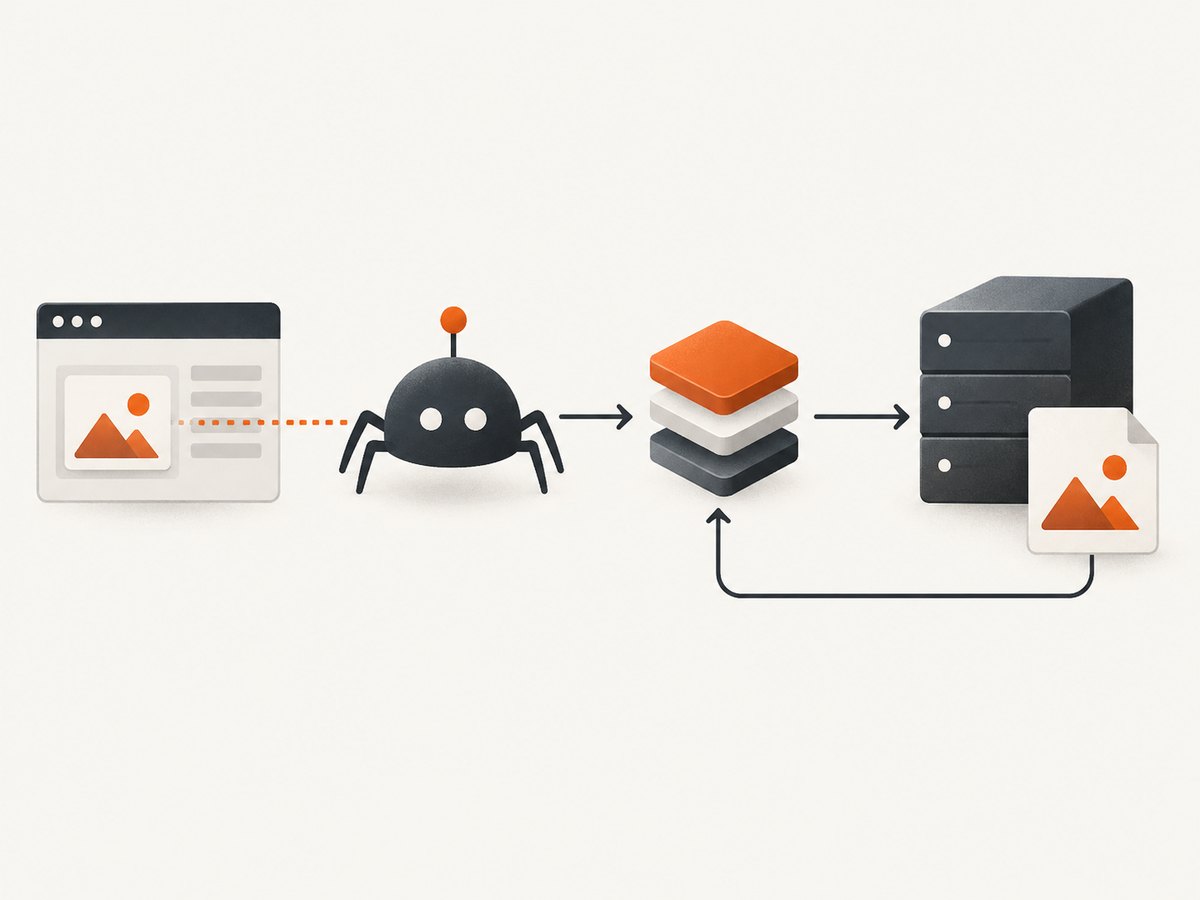
If your input is already a public web page and you need a rendered image rather than a hand-authored card, ScreenshotNeo can return a screenshot with one GET request. It is useful when the page itself is the source for an Open Graph asset or when you want to automate capture without installing a browser.
See the ScreenshotNeo API documentation for the complete option set. Basic cURL:
curl -G "https://api.screenshotneo.com/v1/shot" \
  -d access_key=YOUR_API_KEY \
  --data-urlencode url=https://stripe.com \
  -o shot.webp
Python:
import requests

r = requests.get(
    "https://api.screenshotneo.com/v1/shot",
    params={"access_key": "YOUR_API_KEY", "url": "https://stripe.com"},
    timeout=90,
)
r.raise_for_status()
open("shot.webp", "wb").write(r.content)
Node.js:
const q = new URLSearchParams({ access_key: 'YOUR_API_KEY', url: 'https://stripe.com' });
const res = await fetch(`https://api.screenshotneo.com/v1/shot?${q}`);
if (!res.ok) throw new Error(`HTTP ${res.status}`);
const data = Buffer.from(await res.arrayBuffer());
await import('node:fs/promises').then(fs => fs.writeFile('shot.webp', data));
ScreenshotNeo removes cookie and consent banners, newsletter popups, and chat widgets before capture. Bot checks, blank pages, failed loads, timeouts, and cache hits are not billed, and the response identifies the result with X-Page-Verdict and X-Billed headers. It also provides an MCP server with take_screenshot, get_page_info, and capture_pdf tools for Claude, Cursor, and other MCP clients. The Free plan includes 1,000 screenshots per month with no card; paid plans start at $5 for 3,000 screenshots. Create a free ScreenshotNeo account.
Options for production capture pipelines
| Requirement | Bash/ImageMagick choice | Operational note |
|---|---|---|
| Repeatable branding | Versioned SVG template | Pin fonts and renderer versions in CI. |
| Fast build output | Generate once per content hash | Reuse unchanged files from cache. |
| Dynamic text | Escaped variables and explicit line breaks | Test long titles and non-ASCII characters. |
| Small transfer size | PNG with -strip |
Check that text remains sharp at thumbnail size. |
| Fresh per request | Server-side generation | Use a cache and protect the endpoint from abuse. |
| Rendered web page | ScreenshotNeo API | Use wait, viewport, device, CSS, and blocking options from the docs. |
For SVG-heavy designs, rendering time is usually dominated by the selected delegate and font discovery. Reuse a warm build container, avoid downloading fonts for every image, and render only changed content. For large batches, process files in bounded parallelism so memory use remains predictable.
Troubleshooting
ImageMagick cannot read SVG
Cause: no SVG delegate is installed, or policy settings restrict SVG. Fix: inspect magick -list format, install a supported delegate such as Inkscape or RSVG, and review the ImageMagick policy configuration.
Text is missing or replaced
Cause: the requested font is not installed in the runtime image. Fix: install the font, confirm it with magick -list font, and use a fallback family that exists in CI.
Ampersands break the output
Cause: raw text was inserted into XML. Fix: escape &, <, >, quotes, and newlines before interpolation.
The title is clipped
Cause: SVG text does not wrap automatically. Fix: split lines, reduce font size, or use a measured text layout approach.
Images look different on two machines
Cause: different delegates, fonts, or ImageMagick versions. Fix: pin the container image, renderer, fonts, and script version.
Social platforms show an old card
Cause: crawler or CDN caching. Fix: publish a new asset URL or cache key, verify the absolute metadata URL, and request a refresh using the platform’s debugger when available.
The image URL works in a browser but not for a crawler
Cause: authentication, robots restrictions, redirects, or an incorrect content type. Fix: test with an unauthenticated request, return 200 and image/png, and ensure the final HTTPS URL is publicly reachable.
Security and reliability checklist
- Use
set -euo pipefailand a temporary file with a cleanup trap. - Quote every shell expansion, including filenames and output paths.
- Escape all dynamic XML values.
- Limit title length and reject unexpected output extensions.
- Run generation in a restricted build environment if input is user controlled.
- Pin fonts, ImageMagick, and SVG delegates for consistent output.
- Validate dimensions and content type before deployment.
- Use immutable, cacheable asset URLs and retain the source template.
FAQ
Is 1200×630 mandatory?
No, but it is the common Open Graph working size and gives a predictable large-card ratio. Use it unless a consuming platform documents another requirement.
Should I publish SVG or PNG?
Keep SVG as your editable source, then render PNG for broad social-preview compatibility. Publish SVG only when every consumer is known to support it.
Can Bash generate the image without ImageMagick?
Bash alone cannot draw pixels. You need an external renderer such as ImageMagick, a browser, or another image tool.
How should I handle emojis?
Use a font with the required glyphs and test the actual CI environment. Missing glyphs can appear as empty boxes even when XML escaping is correct.
When should generation happen?
Build time is best for stable article metadata. Generate on demand only when the content changes often enough to justify runtime complexity and caching.


