How to Generate Open Graph Images in Flask
Build dynamic Open Graph images in Flask with Pillow, secure metadata, caching, validation, and a hosted screenshot option.
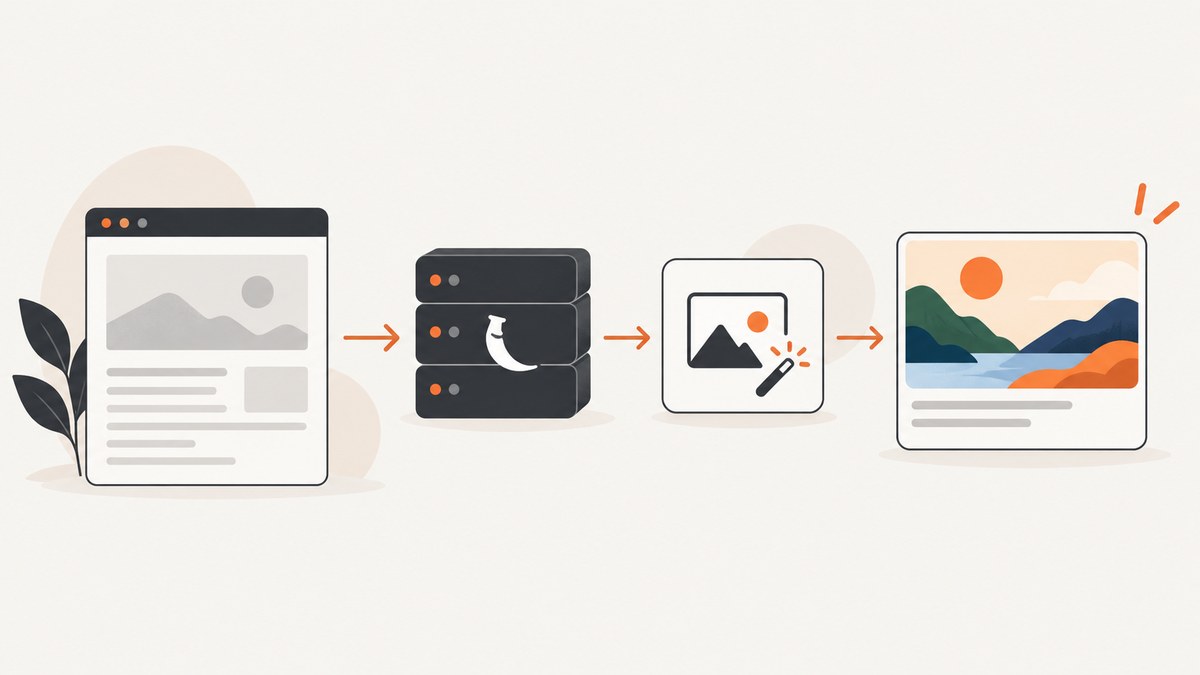
Direct answer: Flask does not include a built-in Open Graph image generator. Use a Flask route and Jinja template to emit Open Graph metadata, set og:image to a public image URL, and generate that image either with a Python library such as Pillow or with a hosted rendering service. The image URL must be reachable by the systems that fetch link previews, and the final HTML should include the image dimensions, MIME type, and alternative text described by the Open Graph protocol.
This guide builds a complete Flask implementation: a page route, a dynamic image endpoint, Pillow rendering, cache headers, safe text handling, metadata validation, troubleshooting, and production considerations. It also shows how to inspect the rendered result with ScreenshotNeo when you do not want to maintain a browser capture stack.
1. How the Flask and Open Graph pieces fit together
Open Graph metadata lives in the HTML document’s <head>. Flask is responsible for routing the page and rendering its Jinja template; it does not prescribe a particular image library or hosted provider. The og:image value is a URL, so your application can point it at a static file, object storage, a generated response, or an external renderer.
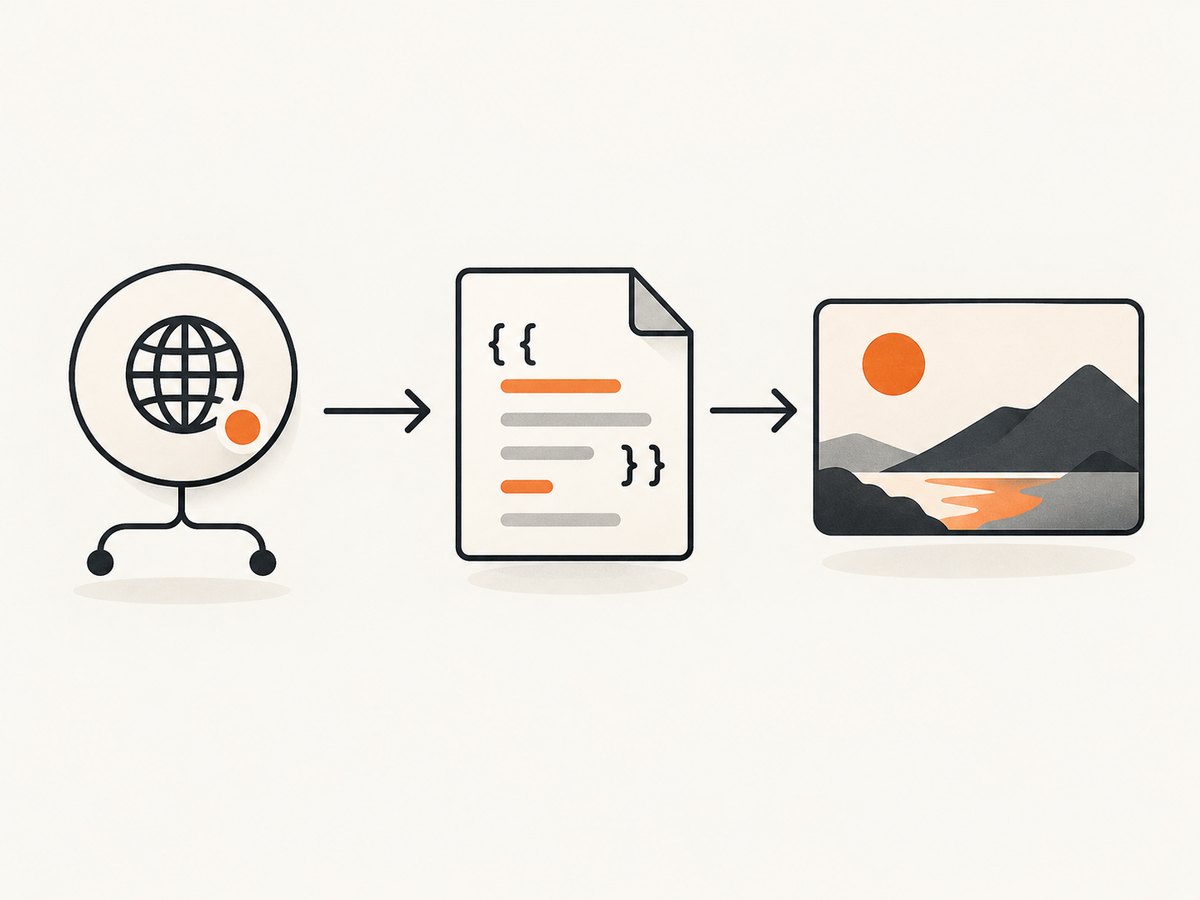
The protocol defines companion properties for image width, height, MIME type, and alt text. If you publish og:image, include og:image:alt as well. The protocol examples and property definitions are documented in the Open Graph protocol. Flask’s routing, templates, static URL generation, and escaping behavior are covered in the Flask Quickstart and template documentation.
| Component | Responsibility |
|---|---|
| Article route | Loads the page title, description, slug, and canonical URL. |
| Jinja template | Writes escaped og:title, og:description, and image metadata into the response. |
| Image route | Builds or retrieves a PNG, JPEG, or WebP response for a specific page. |
| Cache layer | Keeps deterministic images from being regenerated on every crawler request. |
| Validation checks | Confirms the final HTML, image URL, dimensions, and content type agree. |
2. Create a minimal Flask project
Install Flask and Pillow in a virtual environment:
python -m venv .venv
. .venv/bin/activate
pip install Flask Pillow
Pillow is a Python imaging library with drawing primitives for raster images; Flask itself does not require it. See the Pillow documentation for image and drawing APIs.
Create app.py:
from io import BytesIO
from urllib.parse import urljoin

from flask import Flask, abort, render_template, request, send_file, url_for
from PIL import Image, ImageDraw, ImageFont

app = Flask(__name__)

PAGES = {
    "flask-og-images": {
        "title": "How to Generate Open Graph Images in Flask",
        "description": "A practical guide to dynamic social preview images with Flask and Pillow.",
        "accent": "#e76f51",
    },
    "flask-caching": {
        "title": "Caching Flask Responses",
        "description": "Patterns for cache headers, keys, and invalidation in Flask.",
        "accent": "#2a9d8f",
    },
}


def get_page(slug):
    page = PAGES.get(slug)
    if page is None:
        abort(404)
    return page


@app.route("/articles/<slug>")
def article(slug):
    page = get_page(slug)
    image_url = urljoin(request.host_url, url_for("og_image", slug=slug))
    return render_template(
        "article.html",
        page=page,
        slug=slug,
        canonical_url=request.base_url,
        og_image_url=image_url,
    )


@app.route("/og/<slug>.png")
def og_image(slug):
    page = get_page(slug)
    image = build_image(page)
    output = BytesIO()
    image.save(output, format="PNG", optimize=True)
    output.seek(0)
    response = send_file(output, mimetype="image/png", max_age=3600)
    response.headers["Cache-Control"] = "public, max-age=3600"
    return response


def build_image(page):
    width, height = 1200, 630
    image = Image.new("RGB", (width, height), "#101828")
    draw = ImageDraw.Draw(image)

    try:
        title_font = ImageFont.truetype("DejaVuSans-Bold.ttf",  sixty=54)
    except TypeError:
        title_font = ImageFont.truetype("DejaVuSans-Bold.ttf", 54)
    except OSError:
        title_font = ImageFont.load_default()

    try:
        body_font = ImageFont.truetype("DejaVuSans.ttf", 28)
    except OSError:
        body_font = ImageFont.load_default()

    draw.rectangle((0, 0, width, 24), fill=page["accent"])
    draw.text((80, 120), page["title"], fill="white", font=title_font, spacing=12)
    draw.text((80, 360), page["description"], fill="#d0d5dd", font=body_font)
    draw.text((80, 535), "example.com", fill="#98a2b3", font=body_font)
    return image


if __name__ == "__main__":
    app.run(debug=True)
Replace the unusual sixty=54 argument with size=54 if your Pillow version rejects it. The simpler production form is:
title_font = ImageFont.truetype("DejaVuSans-Bold.ttf", 54)Keep fonts packaged with your application or image worker rather than relying on an arbitrary machine font path. If a font is missing, the fallback font may have different metrics and produce unexpected wrapping.
3. Emit correct metadata from a Jinja template
Create templates/article.html:
<!doctype html>
<html lang="en">
<head>
  <meta charset="utf-8">
  <title>{{ page.title }}</title>
  <meta name="description" content="{{ page.description }}">
  <link rel="canonical" href="{{ canonical_url }}">

  <meta property="og:type" content="article">
  <meta property="og:url" content="{{ canonical_url }}">
  <meta property="og:title" content="{{ page.title }}">
  <meta property="og:description" content="{{ page.description }}">
  <meta property="og:image" content="{{ og_image_url }}">
  <meta property="og:image:width" content="1200">
  <meta property="og:image:height" content="630">
  <meta property="og:image:type" content="image/png">
  <meta property="og:image:alt" content="Preview image for {{ page.title }}">
</head>
<body>
  <main>
    <h1>{{ page.title }}</h1>
    <p>{{ page.description }}</p>
  </main>
</body>
</html>
Leave Jinja autoescaping enabled for titles, descriptions, and alt text. Flask enables autoescaping for common HTML templates and warns about disabling it. Do not mark user-provided values as safe just to make metadata render. HTML escaping and drawing text into a raster image are separate operations: escape the template value, and pass the original plain text through Pillow’s drawing functions.
4. Make the image endpoint production-ready
Use stable, deterministic URLs
A URL such as /og/flask-og-images.png is easy for crawlers and caches to reuse. If the title or design changes, version the URL, for example /og/flask-og-images-v2.png, or append a content hash. Otherwise, an intermediary may continue serving the old image after your HTML has changed.
Cache generated bytes
Generating an image on every request wastes CPU during crawler retries. Cache the bytes in memory for a small deployment, or in Redis, a database, or object storage for multiple workers. Return an explicit Content-Type, a cache policy, and a stable body. Do not cache an error response as if it were a valid image.
Choose dimensions and formats
1200 × 630 pixels is a practical cross-platform starting point from secondary guidance, but it is not a universal Open Graph requirement. The protocol exposes dimensions as metadata; individual platforms can crop, resize, cache, or reject formats differently. Validate the result on the platforms you target. PNG is convenient for text and flat graphics, JPEG can reduce photographic file size, and WebP may not be accepted everywhere your previews need to work.
Handle long and unusual text
- Measure text and wrap it to a maximum width instead of allowing it to run outside the canvas.
- Reserve space for descenders, line spacing, and a second or third line.
- Normalize control characters and reject unexpectedly large input before drawing.
- Use a font with the glyph coverage your content requires; fallback fonts can change line breaks.
- Keep titles and descriptions separate from HTML. The image should contain plain text, not markup.
5. Generate images from database content
In a real application, load a page record by slug and derive every value from the same record used by the article route. Keep the image URL stable and make the rendering function deterministic:
def page_for_slug(slug):
    record = Article.query.filter_by(slug=slug, published=True).first_or_404()
    return {
        "title": record.social_title or record.title,
        "description": record.social_description or record.excerpt,
        "accent": record.brand_color or "#344054",
    }
Do not put private data in a public image URL. If a page is unpublished or access-controlled, return 404 rather than exposing its title through a crawler-facing endpoint. If image generation is expensive, enqueue it when an article changes and serve the last successful version while the new one is built.
6. Validate the complete request path
- Request the article URL with a normal HTTP client and inspect the server-rendered HTML.
- Confirm one
og:imagevalue exists and is absolute, not a relative path. - Request that image URL directly and verify a successful status, the expected MIME type, and nonzero content length.
- Inspect the actual pixel dimensions and compare them with
og:image:widthandog:image:height. - Check that the image route does not require a login, browser cookie, or JavaScript execution.
- After a design change, use a versioned URL or purge the relevant cache.
These checks follow from the protocol fields and Flask response behavior. They are prudent integration checks; platform crawlers can still differ in timing, supported formats, and cache behavior.
7. Local Pillow generation versus a hosted renderer
| Decision axis | Generate in Flask/Pillow | Hosted renderer |
|---|---|---|
| Control | Full control over pixels, fonts, wrapping, and branding. | Depends on the provider’s templates, parameters, and output formats. |
| Operations | You own CPU, memory, font files, caching, and deployment. | You manage credentials, request failures, service terms, and dependency availability. |
| Cost and scale | Uses your application or worker capacity. | Depends on provider pricing and request volume; measure with your traffic. |
| Privacy | Data stays inside your infrastructure. | Titles, images, or other values may be sent to another service; review its data practices. |
| Compatibility | You must validate MIME types, dimensions, fonts, and previews. | You still need to validate the returned image and target platforms. |
Neither architecture is universally superior. Pillow is a good fit when you need pixel-level control and can operate image processing. A hosted renderer is convenient when you prefer an API boundary and do not want to maintain rendering infrastructure.
8. Or skip the browser setup
When the goal is to capture a rendered page or preview rather than maintain your own browser automation, ScreenshotNeo provides a GET-based website screenshot API. It can capture the article URL after your Flask app has rendered its metadata, so you can inspect the visual result without installing Playwright or Chromium.
See the ScreenshotNeo API documentation for all parameters. A minimal call is:
curl -G "https://api.screenshotneo.com/v1/shot" -d access_key=YOUR_API_KEY --data-urlencode url=https://example.com/articles/flask-og-images -o shot.webpimport requests
r = requests.get(
"https://api.screenshotneo.com/v1/shot",
params={
"access_key": "YOUR_API_KEY",
"url": "https://example.com/articles/flask-og-images",
},
timeout=90,
)
r.raise_for_status()
open("shot.webp", "wb").write(r.content)const q = new URLSearchParams({ access_key: 'YOUR_API_KEY', url: 'https://example.com/articles/flask-og-images' });
const res = await fetch(`https://api.screenshotneo.com/v1/shot?${q}`);
if (!res.ok) throw new Error(`Screenshot failed: ${res.status}`);
const fs = await import('node:fs/promises');
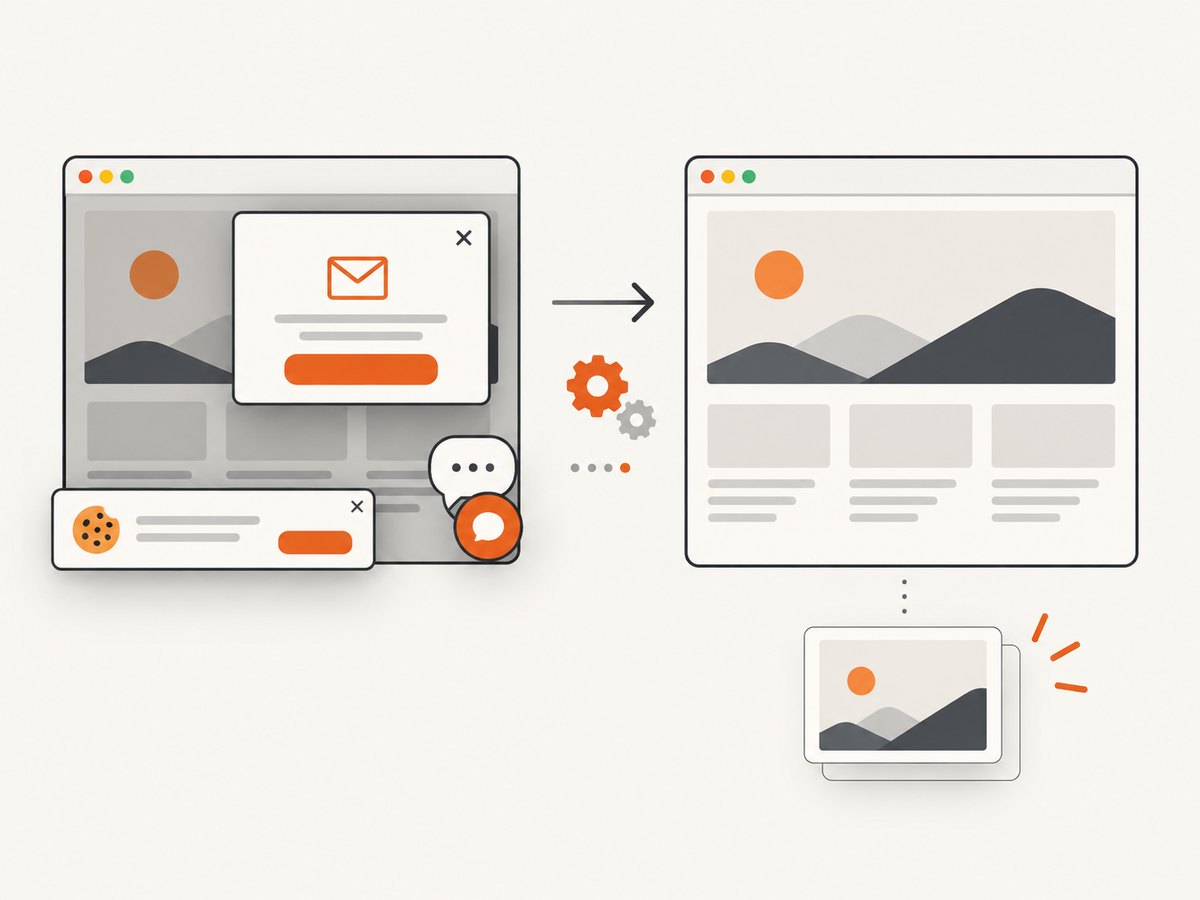
await fs.writeFile('shot.webp', Buffer.from(await res.arrayBuffer()));ScreenshotNeo removes cookie and consent banners, newsletter popups, and chat widgets before capture; each cleanup step can be disabled. Bot checks, blank pages, timeouts, failed loads, and cache hits cost nothing, and the response identifies the result with X-Page-Verdict and X-Billed headers. Its MCP server exposes take_screenshot, get_page_info, and capture_pdf for Claude, Cursor, and other MCP clients. You can also use full-page capture, CSS selectors, custom CSS or JavaScript, waits, request blocking, headers, cookies, device presets, caching, signed links, asynchronous jobs, and bulk capture.
There are 1,000 screenshots per month free with no card. Paid plans start at $5 for 3,000 shots, and every feature is on every plan. Create a free ScreenshotNeo account.
9. Troubleshooting common failures
| Symptom | Likely cause | Fix |
|---|---|---|
| Preview has no image | The HTML has no absolute og:image URL, or the route is not reachable. |
Inspect the server response, emit an absolute HTTPS URL, and request the image directly. |
| Image URL returns HTML | A login redirect, 404 page, or exception handler responded instead of an image. | Check status and Content-Type; make the public image route return only image bytes. |
| Text is clipped | Fixed coordinates do not account for title length or font metrics. | Measure and wrap lines, reserve vertical space, and test the longest supported title. |
| Old image remains visible | A crawler or CDN cached the previous URL. | Version the image URL or invalidate the cache when content changes. |
| Some characters are missing | The selected font lacks glyphs. | Bundle a font with the required script coverage and test representative titles. |
| Template contains unexpected markup | Autoescaping was disabled or untrusted text was marked safe. | Restore autoescaping and pass plain values into the template. |
| Generation is slow under load | Every request redraws the image synchronously. | Cache bytes, pre-generate on content changes, or move work to a background worker. |
10. Performance, reliability, and cost notes
- Performance: cache deterministic output and avoid loading large background assets for every request. Keep image dimensions fixed and measure generation time separately from database time.
- Reliability: serve the last successful image while a replacement is generated. A broken image endpoint can make every social preview fail at once.
- Security: limit title and description lengths, avoid arbitrary filesystem paths, and never interpolate untrusted values into shell commands or HTML marked safe.
- Privacy: decide whether page data may leave your infrastructure before choosing a hosted renderer.
- Cost: compare your worker CPU, memory, storage, and operational time with the provider’s documented request pricing. The available research does not establish a universal break-even point.
- Observability: log slug, render duration, output bytes, cache hit or miss, and failure reason without logging secrets or private page content.
11. FAQ
Does Flask generate Open Graph images by itself?
No. Flask supplies routes and templates. Use Pillow, another image library, or a hosted rendering service.
Must the image be 1200 × 630?
No. It is a useful baseline from secondary guidance, while the protocol only defines dimension metadata. Validate the channels you target.
Can I return the image directly from a Flask route?
Yes. Return image bytes with the correct MIME type, cache policy, and a stable public URL.
Should I put HTML in the image title?
No. Draw plain text into the raster image and keep HTML escaping for the page template.
Why does a crawler see a different title?
Check that the tags are present in the initial server response, then inspect redirects and cached versions of both the page and image.
Can ScreenshotNeo replace Pillow?
It captures rendered web pages. Use Pillow when you need to compose the OG bitmap itself; use ScreenshotNeo to capture or inspect the resulting page without browser setup.
12. Final checklist
- Article HTML contains escaped
og:title,og:description, and absoluteog:image. - Image metadata includes width, height, MIME type, and alt text.
- Image URL is public, stable, and returns the declared format.
- Titles wrap safely and fonts cover your supported languages.
- Generated bytes are cached or precomputed.
- Content changes version or invalidate image URLs.
- You have checked the final HTML and image response with an HTTP client.


