How to Generate Open Graph Images with TSX
Generate dynamic Open Graph images with TSX and ImageResponse. Learn Next.js routes, metadata files, CSS limits, fonts, caching, debugging, and production fixes.
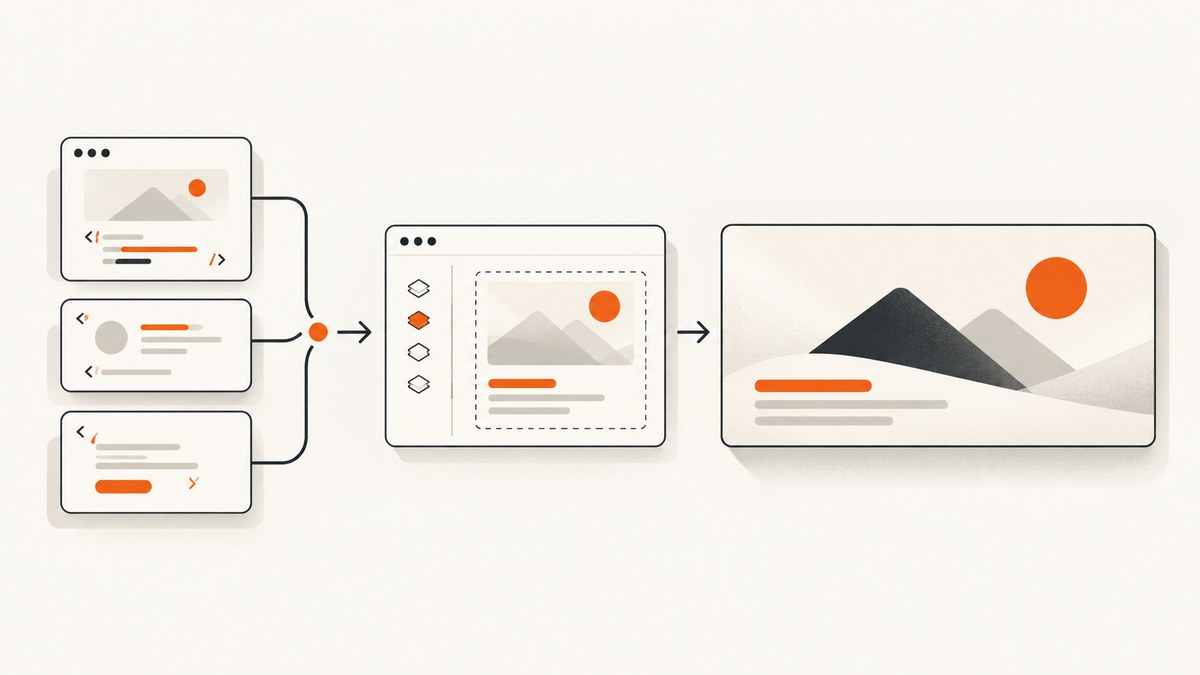
Direct answer: In a Next.js App Router project, create a server route such as app/api/og/route.tsx, import ImageResponse from next/og, return JSX inside new ImageResponse(...), and request the route URL. For an image that belongs to a page’s metadata, use the opengraph-image.tsx convention instead. Vercel recommends a 1200×630 canvas for Open Graph images.
The renderer accepts JSX and a supported subset of CSS, then produces a PNG. It is not a browser: flexbox works, while CSS Grid is listed as unsupported. Fonts, remote assets, runtime selection, caching, crawler access, and deployment runtime all affect whether the final card renders correctly. This guide covers both authoring paths and the production details that commonly cause failures.
1. Choose a route handler or metadata image
| Decision | Use this | Why |
|---|---|---|
| The image belongs to one route’s metadata | app/opengraph-image.tsx |
Next.js associates the generated image with that route automatically. Generation can happen at build time or request time. |
| You need a callable endpoint | app/api/og/route.tsx |
You control the URL, query parameters, response headers, and request-driven content. |
| Pages Router or another documented setup | Follow the matching next/og or @vercel/og example |
Import paths and Response support vary by router and runtime. |
Next.js describes the ImageResponse constructor as a way to generate dynamic images using JSX and CSS. The exact package and file convention are version-sensitive, so check the current Vercel OG image generation guide and Next.js metadata and OG image documentation before deployment.
2. Create a minimal TSX endpoint
For an App Router endpoint, create app/api/og/route.tsx. The App Router example in Vercel’s guide includes the package used here, so you normally do not install @vercel/og separately for this path.
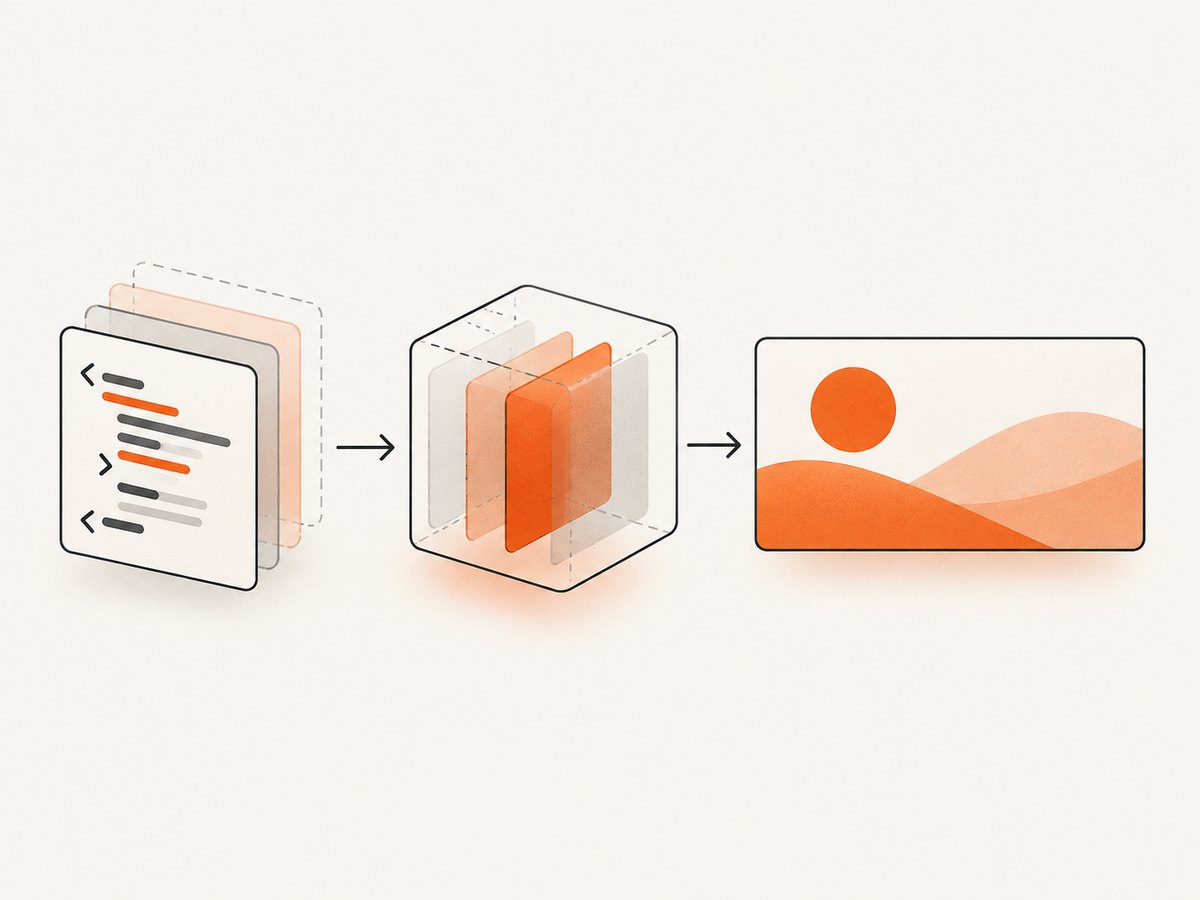
import { ImageResponse } from 'next/og'

export const runtime = 'edge'

export async function GET() {
  return new ImageResponse(
    (
      <div
        style={{
          display: 'flex',
          width: '100%',
          height: '100%',
          alignItems: 'center',
          justifyContent: 'center',
          background: 'white',
          color: 'black',
          fontSize: 64,
        }}
      >
        Hello from TSX
      </div>
    ),
    { width: 1200, height: 630 },
  )
}
Run your development server and open /api/og. The response is an image, so a browser may display it directly or download it depending on its headers.
Set the output size deliberately
Use 1200×630 unless your target platform requires another ratio. ImageResponse documents width and height options, with 1200 and 630 as defaults. Explicit values make the design intent clear and prevent an accidental change when code is moved between routes.
return new ImageResponse(element, {
  width: 1200,
  height: 630,
  status: 200,
  headers: {
    'Cache-Control': 'public, max-age=300, s-maxage=86400',
  },
})
The API reference also documents options for emoji selection, custom fonts, debug mode, HTTP status, status text, and headers. Use the ImageResponse API reference for the option names supported by your installed version.
3. Build a useful card with TSX
Write the card as one layout tree. Inline styles are the safest choice because the renderer does not evaluate a full browser stylesheet. Flexbox is supported; CSS Grid is specifically listed as unsupported in the Vercel guide.
import { ImageResponse } from 'next/og'

type CardProps = {
  title: string
  description: string
  tag: string
}

function Card({ title, description, tag }: CardProps) {
  return (
    <div
      style={{
        display: 'flex',
        flexDirection: 'column',
        width: '100%',
        height: '100%',
        padding: 72,
        background: '#101828',
        color: '#f8fafc',
        fontFamily: 'Inter',
      }}
    >
      <div style={{ display: 'flex', fontSize: 28, color: '#93c5fd' }}>{tag}</div>
      <div style={{ display: 'flex', marginTop: 36, fontSize: 68, fontWeight: 700, lineHeight: 1.05 }}>
        {title}
      </div>
      <div style={{ display: 'flex', marginTop: 28, fontSize: 30, lineHeight: 1.3, color: '#cbd5e1' }}>
        {description}
      </div>
    </div>
  )
}

export async function GET(request: Request) {
  const { searchParams } = new URL(request.url)
  const title = (searchParams.get('title') || 'Open Graph images with TSX').slice(0, 100)
  const description = (searchParams.get('description') || 'Generate social cards with JSX and CSS.').slice(0, 180)

  return new ImageResponse(
    <Card title={title} description={description} tag="Developer guide" />,
    { width: 1200, height: 630 },
  )
}
The 100-character title limit above follows the shape of Vercel’s example. It is not a complete security policy. In production, validate every query value, provide defaults, reject unexpectedly large input, and decide which characters and URLs your product permits.
Use custom fonts
Vercel documents TTF, OTF, and WOFF font formats and recommends TTF or OTF for parsing speed. The total bundle limit in the guide is 500 KB, including JSX, CSS, fonts, images, and other assets. Keep fonts small and load only the weights you actually render.
const fontData = await fetch(
  new URL('../../assets/Inter-Regular.ttf', import.meta.url),
).then((res) => res.arrayBuffer())

return new ImageResponse(<Card title="Font example" description="A card with an embedded font." tag="TSX" />, {
  width: 1200,
  height: 630,
  fonts: [
    { name: 'Inter', data: fontData, weight: 400, style: 'normal' },
  ],
})
Check the resolved file path in your deployment build. A font that exists locally but is omitted from the bundle produces a fallback or a failed render.
4. Generate route-associated images with opengraph-image.tsx
Use the metadata convention when a page should expose its own image without another public API endpoint. For example, place app/blog/[slug]/opengraph-image.tsx beside the dynamic route.
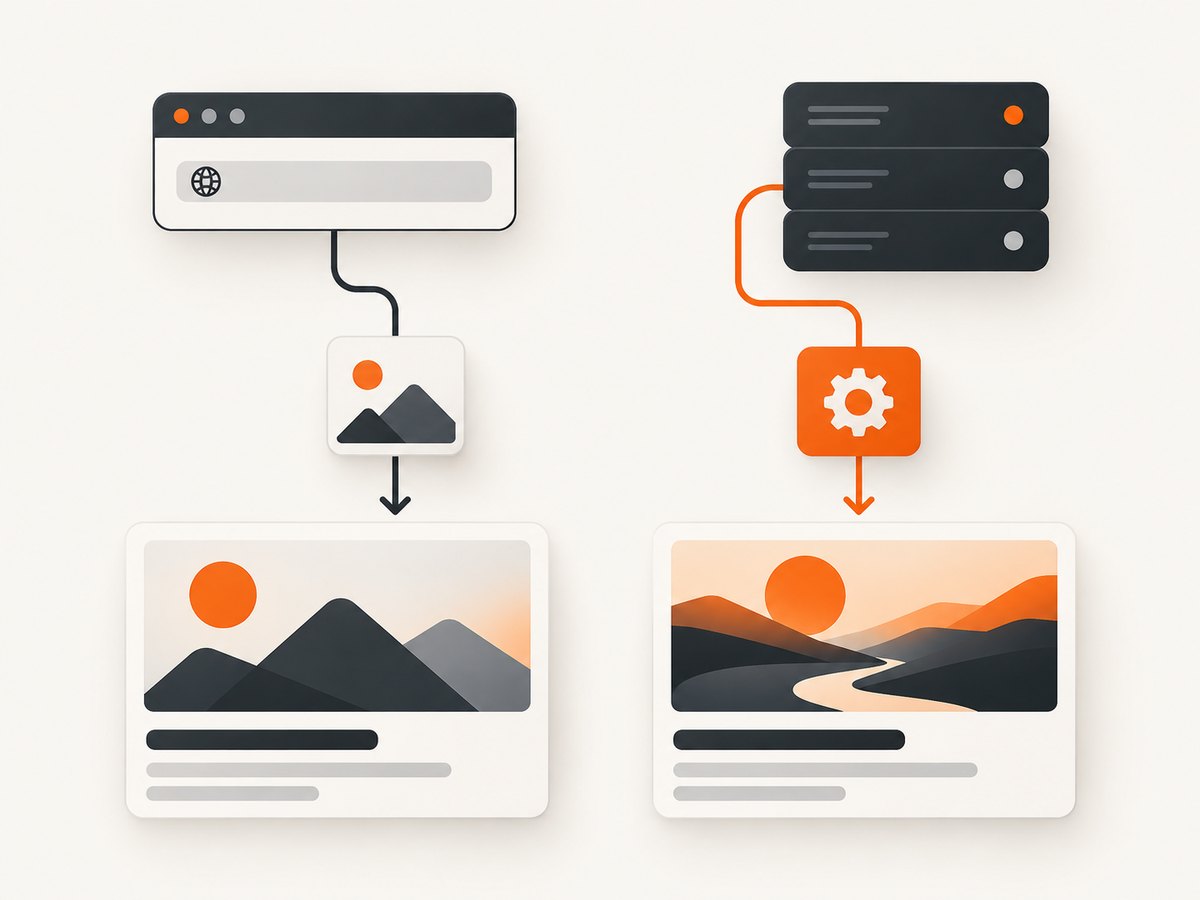
import { ImageResponse } from 'next/og'

type Props = { params: Promise<{ slug: string }> }

export default async function Image({ params }: Props) {
  const { slug } = await params
  const title = slug.replaceAll('-', ' ')

  return new ImageResponse(
    (
      <div style={{ display: 'flex', fontSize: 64, padding: 72, background: 'white' }}>
        {title}
      </div>
    ),
    { width: 1200, height: 630 },
  )
}
Whether params is synchronous or asynchronous depends on the Next.js version and route type. Follow the current metadata documentation for your version. This convention is a better fit for fixed route metadata; an explicit route is better when callers need arbitrary request parameters, a stable endpoint, or custom response behavior.
5. Add dynamic assets safely
Vercel’s examples demonstrate selecting an external image, loading custom fonts, emoji, and internationalized text. Remote assets introduce availability and trust concerns. Validate the host, enforce a timeout, restrict size, and use a trusted allowlist where possible. A social crawler may request the image at any time, so do not depend on a user session or a short-lived private URL.
For titles and descriptions, normalize whitespace, cap length, and render plain text. Avoid accepting arbitrary markup. If you fetch content from a CMS, handle missing records and return a useful fallback card rather than throwing an exception.
6. Runtime, crawler access, and caching
- Runtime: The guide describes Node.js 22 or newer and Next.js 12.2.3 or newer for its documented implementation. Pages Router plus Node.js has different
Responsesupport from Pages plus Edge and App Router. Confirm the combination you deploy. - Crawlers: Vercel recommends allowing OG image API routes in
robots.txtso social crawlers can fetch them. Review your own crawler and authentication rules before blocking these paths. - Caching: Vercel says its library adds caching headers to CDN output. Verify actual headers in your framework and deployment, then set route-specific cache behavior when cards are generated from mutable data.
- Request volume: Prefer deterministic output for the same input so caches can reuse it. A route that fetches a CMS record on every request should define an invalidation strategy.
7. Test and debug the image
- Open the generated URL directly and save the response.
- Inspect the HTTP status and response headers.
- Test the URL without cookies or a logged-in session.
- Use a representative long title, missing data, non-Latin text, and a remote asset failure.
- Paste the public page URL into the social platform’s preview debugger after deployment.
Enable the documented debug option when you need renderer diagnostics, and return an explicit status for controlled failures. Keep a simple fallback card so a missing article does not make every crawler request fail.
8. Troubleshooting common failures
| Symptom | Likely cause | Fix |
|---|---|---|
| Build cannot resolve the import | The router or package does not match the example. | Use next/og for the documented App Router path; check whether your Pages Router setup requires @vercel/og. |
| Blank or partial image | Unsupported CSS, especially Grid, absolute browser layout assumptions, or missing dimensions. | Use a flex layout, inline supported properties, and explicit width and height. |
| Font is ignored | Wrong path, unsupported format, missing font registration, or bundle over 500 KB. | Bundle a TTF or OTF, verify the deployed path, register the font in fonts, and reduce asset size. |
| Remote image works locally but not in production | The deployment cannot reach the host, the URL expired, or the asset is blocked. | Use a stable public asset, allowlist the host, add failure handling, or embed a local fallback. |
| Dynamic title crashes the route | Missing input, unexpected encoding, or an exception in data fetching. | Provide defaults, decode through URL/searchParams, cap input, and catch fetch errors. |
| Social platform shows an old card | Its crawler or your CDN cached the previous response. | Use a versioned URL or query value, review cache headers, and request a re-fetch through the platform’s debugger. |
| Image URL returns 401 or 403 to crawlers | Authentication, robots rules, or deployment protection blocks the request. | Expose the image route publicly, permit the relevant crawler, and follow your deployment’s access policy. |
9. Performance, reliability, and cost notes
Rendering is usually cheap when the tree is small and assets are local. Large fonts, multiple remote fetches, and CMS calls increase latency and failure points. Keep the component shallow, avoid unnecessary images, and cache stable output. For per-request cards, cache by a normalized key such as slug plus content revision.
There is no benchmark in the supplied documentation, so do not promise a particular render time. Measure your own deployment with cold and warm requests, long and short content, and the runtime you actually use. Treat the documented 500 KB limit as a hard packaging constraint, not a performance target.
Open Graph generation itself has no universal price: your cost depends on the framework host, request volume, data sources, and caching. If the image is generated at build time, generation work happens during builds; request-time generation shifts work to crawlers and visitors. Select the model that matches how often content changes.
10. Or skip the browser setup
If you need screenshots of an existing URL rather than a TSX-rendered card, ScreenshotNeo provides a one-call website screenshot API. It accepts a URL and returns PNG, JPEG, WebP, or PDF. Cookie and consent banners, newsletter popups, and chat widgets are removed before the shot. Bot checks, blank pages, failed loads, timeouts, and cache hits are not billed, and response headers identify the page verdict and billing result.
See the ScreenshotNeo API documentation for the complete options. The API supports full-page capture, CSS selector element capture, dark mode, device presets, custom viewports, retina scale, PDF settings, custom CSS and JavaScript, clicks, waits, blocked resources, headers, cookies, user agents, authorization, timezone, geolocation, transparent backgrounds, resizing, configurable caching, signed links, asynchronous jobs, bulk capture, usage data, and an OpenAPI specification.
cURL
curl -G "https://api.screenshotneo.com/v1/shot" \
  -d access_key=YOUR_API_KEY \
  --data-urlencode url=https://stripe.com \
  -o shot.webp
Python
import requests

r = requests.get(
    "https://api.screenshotneo.com/v1/shot",
    params={"access_key": "YOUR_API_KEY", "url": "https://stripe.com"},
    timeout=90,
)
r.raise_for_status()
open("shot.webp", "wb").write(r.content)
Node.js
const q = new URLSearchParams({
  access_key: 'YOUR_API_KEY',
  url: 'https://stripe.com',
})
const res = await fetch(`https://api.screenshotneo.com/v1/shot?${q}`)
if (!res.ok) throw new Error(`Screenshot failed: ${res.status}`)
const bytes = Buffer.from(await res.arrayBuffer())
await import('node:fs/promises').then((fs) => fs.writeFile('shot.webp', bytes))
ScreenshotNeo includes an MCP server with take_screenshot, get_page_info, and capture_pdf tools for Claude, Cursor, and other MCP clients. The Free plan includes 1,000 shots per month with no card; paid plans start at $5 for 3,000 shots. Create a free ScreenshotNeo account to get started.
11. Short FAQ
Can I use normal HTML and CSS?
You can write JSX that resembles HTML, but the renderer supports a CSS subset. Use flexbox and documented properties; do not assume browser-complete CSS or CSS Grid support.
Should every page get an explicit API route?
No. Use opengraph-image.tsx when the image is route metadata. Use an API route when callers need a separate URL or request-driven parameters.
What dimensions should I start with?
Start with 1200×630, the dimension recommended in Vercel’s current guide, then confirm the requirements of the platforms where your links appear.
Can a crawler access a private image route?
Usually not. Social crawlers need a publicly reachable URL. Review authentication, robots rules, and deployment protection before publishing the page URL.
Does TSX work outside Next.js?
TSX is only the authoring syntax. The code still needs a compatible ImageResponse environment and runtime. Follow the documented setup for your framework and deployment.


