Generate a PDF and Retrieve It by URL in Java
Create a PDF with Java and PDFBox, store it safely, and serve an authorized URL from Spring Boot with streaming and production safeguards.
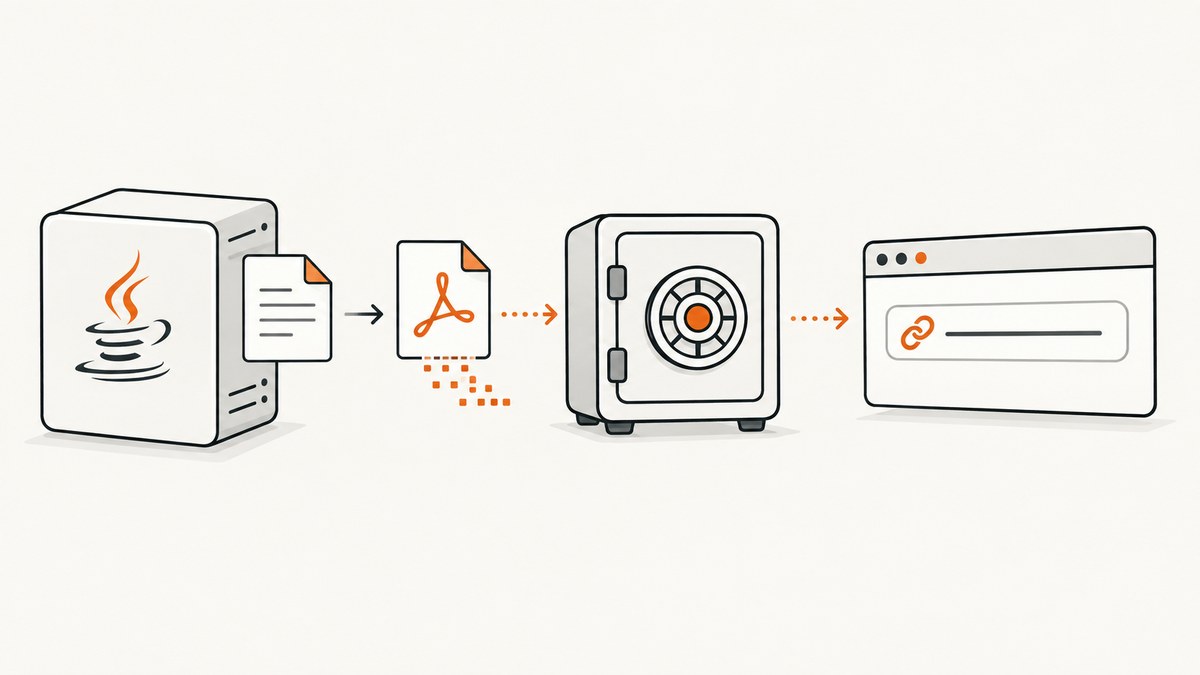
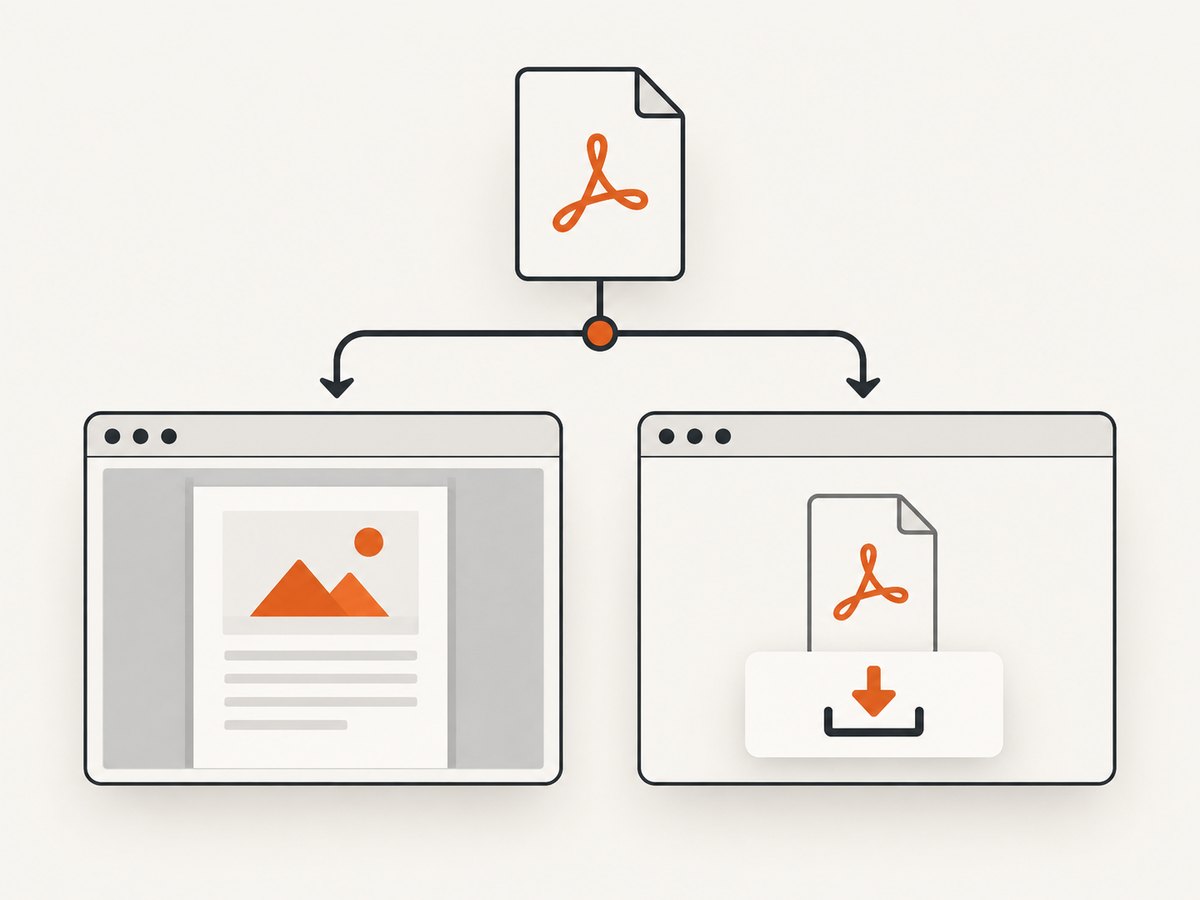
Direct answer: generate the document with Apache PDFBox, save the completed PDDocument to controlled storage, return an opaque document ID or URL, and serve that URL from an authorized endpoint with Content-Type: application/pdf. Use Content-Disposition: inline for browser viewing or attachment for downloading. Never turn a user-provided path into a filesystem location.
For a small response, PDFBox can write directly to an HTTP output stream. For a URL that remains available after the create request finishes, persist the bytes first (filesystem, database/blob storage, or object storage), then map a safe identifier such as 01J... to the stored object. The URL is an application resource route; it should not reveal the storage path.
Architecture for a PDF URL
A reliable implementation has two operations:
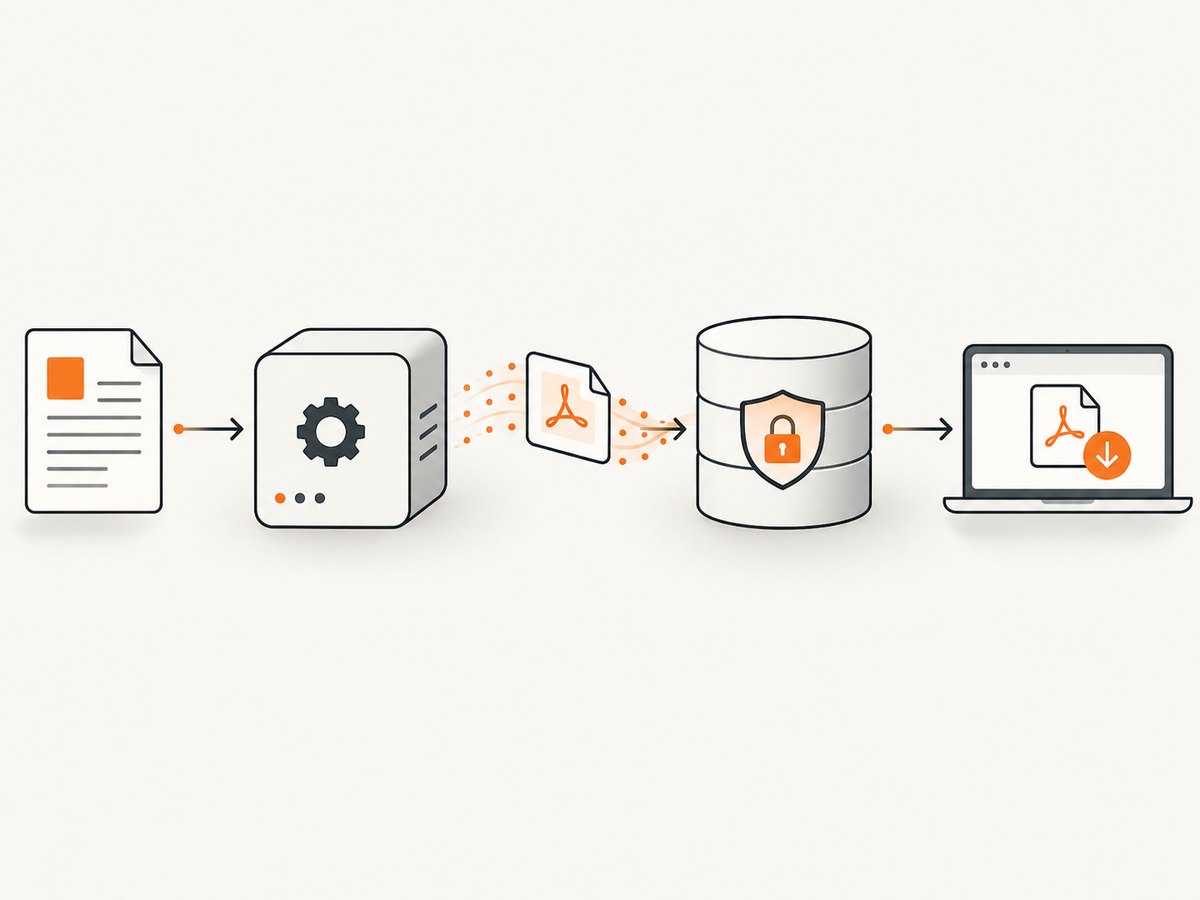
POST /documentsvalidates input, creates the PDF, stores it, and returns/documents/{id}.pdf.GET /documents/{id}.pdfauthenticates and authorizes the caller, finds the object, sets PDF headers, and streams the bytes.
Keep generation and retrieval separate when documents may be large, generation is slow, or links need expiration. A database row can hold the opaque ID, owner, storage key, status, size, checksum, created time, and expiration time. Return clear 404 for an unknown ID and 410 Gone for an intentionally expired document.
Project setup with PDFBox
PDFBox is an open-source Java library for creating, reading, rendering, signing, and manipulating PDF documents. Its PDDocument API supports saving to a filename, File, or OutputStream. See the Apache PDFBox project and the PDDocument API. Pin a version in your build and review migration notes before upgrades. The project documentation describes Java 11+ and Maven 3 as build prerequisites.
<dependency>
  <groupId>org.apache.pdfbox</groupId>
  <artifactId>pdfbox</artifactId>
  <version>3.0.8</version>
</dependency>
Use the version approved by your application. Release numbers change, so verify the current release and compatibility before publishing a dependency update.
Complete Spring Boot example
The following example creates a one-page PDF, stores it below a configured directory, and exposes an authorized download URL. It uses an in-memory map only for demonstration; replace it with a database in a multi-instance deployment.
PDF service
package com.example.pdf;

import java.io.IOException;
import java.io.OutputStream;
import java.nio.file.Files;
import java.nio.file.Path;
import java.util.UUID;

import org.apache.pdfbox.pdmodel.PDDocument;
import org.apache.pdfbox.pdmodel.PDPage;
import org.apache.pdfbox.pdmodel.PDPageContentStream;
import org.apache.pdfbox.pdmodel.font.PDType1Font;
import org.apache.pdfbox.pdmodel.font.Standard14Fonts;
import org.springframework.stereotype.Service;

@Service
public class PdfService {
    private final Path root = Path.of("var", "pdfs").toAbsolutePath().normalize();

    public PdfService() throws IOException {
        Files.createDirectories(root);
    }

    public String create(String title, String body) throws IOException {
        String id = UUID.randomUUID().toString();
        Path target = root.resolve(id + ".pdf");

        try (PDDocument document = new PDDocument()) {
            PDPage page = new PDPage();
            document.addPage(page);
            try (PDPageContentStream content = new PDPageContentStream(document, page)) {
                content.beginText();
                content.setFont(new PDType1Font(Standard14Fonts.FontName.HELVETICA_BOLD), 18);
                content.newLineAtOffset(72, 720);
                content.showText(safePdfText(title));
                content.setFont(new PDType1Font(Standard14Fonts.FontName.HELVETICA), 12);
                content.newLineAtOffset(0, -32);
                content.showText(safePdfText(body));
                content.endText();
            }
            document.save(target.toFile());
        }
        return id;
    }

    public Path locate(String id) {
        if (id == null || !id.matches("[0-9a-fA-F-]{36}")) {
            return null;
        }
        Path candidate = root.resolve(id + ".pdf").normalize();
        return candidate.getParent().equals(root) ? candidate : null;
    }

    private static String safePdfText(String value) {
        if (value == null) return "";
        return value.replace("\\", "\\\\")
                    .replace("(", "\\(")
                    .replace(")", "\\)")
                    .replaceAll("[\\r\\n]+", " ");
    }
}
The standard Type 1 fonts cover a limited character set. For names, invoices, or user content containing Unicode, load a TrueType font with PDType0Font.load(document, fontFile), package the font legally, and use it consistently for every content stream. Also implement line wrapping and page breaks; showText does not lay out paragraphs for you.
Creation and retrieval controller
package com.example.pdf;

import java.io.IOException;
import java.io.InputStream;
import java.nio.file.Files;
import java.nio.file.Path;
import java.util.Map;

import org.springframework.core.io.InputStreamResource;
import org.springframework.http.ContentDisposition;
import org.springframework.http.HttpHeaders;
import org.springframework.http.MediaType;
import org.springframework.http.ResponseEntity;
import org.springframework.web.bind.annotation.*;

@RestController
@RequestMapping("/documents")
public class PdfController {
    private final PdfService service;

    public PdfController(PdfService service) {
        this.service = service;
    }

    @PostMapping
    public ResponseEntity<Map<String, String>> create(@RequestBody CreateRequest request)
            throws IOException {
        if (request.title() == null || request.title().isBlank()) {
            return ResponseEntity.badRequest().build();
        }
        String id = service.create(request.title(), request.body());
        return ResponseEntity.accepted().body(Map.of(
            "id", id,
            "url", "/documents/" + id + ".pdf"
        ));
    }

    @GetMapping(value = "/{id}.pdf", produces = MediaType.APPLICATION_PDF_VALUE)
    public ResponseEntity<InputStreamResource> download(
            @PathVariable String id,
            @RequestParam(defaultValue = "false") boolean download) throws IOException {
        // Replace this with your authentication and ownership check.
        Path path = service.locate(id);
        if (path == null || !Files.isRegularFile(path)) {
            return ResponseEntity.notFound().build();
        }

        InputStream stream = Files.newInputStream(path);
        String disposition = download ? "attachment" : "inline";
        ContentDisposition cd = ContentDisposition.parse(
            disposition + "; filename=\"" + id + ".pdf\"");

        HttpHeaders headers = new HttpHeaders();
        headers.setContentType(MediaType.APPLICATION_PDF);
        headers.setContentDisposition(cd);
        headers.setContentLength(Files.size(path));
        return ResponseEntity.ok().headers(headers)
            .body(new InputStreamResource(stream));
    }

    public record CreateRequest(String title, String body) {}
}
Call the endpoint with:
curl -X POST http://localhost:8080/documents \
  -H 'Content-Type: application/json' \
  -d '{"title":"Invoice 1042","body":"Amount due: 125.00"}'

curl -i http://localhost:8080/documents/YOUR_ID.pdf
curl -i 'http://localhost:8080/documents/YOUR_ID.pdf?download=true'
Returning a PDF directly without a URL
If the caller only needs an immediate response, generate into a byte array or directly into the framework response. The PDFBox API supports save(OutputStream):
@GetMapping(value = "/preview", produces = MediaType.APPLICATION_PDF_VALUE)
public void preview(HttpServletResponse response) throws IOException {
    response.setContentType("application/pdf");
    response.setHeader("Content-Disposition", "inline; filename=\"preview.pdf\"");
    try (PDDocument document = new PDDocument()) {
        document.addPage(new PDPage());
        document.save(response.getOutputStream());
    }
}
Do not use this pattern for a resource that must be fetched later: the response stream disappears when the request ends. For large files, stream from object storage or a file channel instead of copying the whole document into heap memory.
URL, authorization, and storage decisions
- Opaque identifiers: use random IDs or database-generated identifiers. Do not expose sequential IDs when they reveal document counts.
- Authorization: authenticate every retrieval and verify that the caller owns the document or has an explicit share grant. A hard-to-guess URL is not authorization.
- Signed links: for email or public embeds, issue a signed, expiring token containing the document ID, expiry, and intended operation. Validate it server-side.
- Filenames: derive download names from trusted metadata, strip path separators and control characters, and quote the value in
Content-Disposition. - Storage: keep generated files outside the application classpath and web root. Object storage is usually easier to replicate; a local directory requires shared storage or sticky routing in a cluster.
- Lifecycle: record creation and expiry times, delete expired objects, and return
410when a previously valid link has expired.
Layout, fonts, and PDF correctness
PDFBox is a low-level drawing library. Set page size, margins, font size, line spacing, and coordinates explicitly. For multi-line text, measure glyph widths, wrap lines to the usable page width, and start a new page when the vertical cursor reaches the bottom margin. Embed fonts when recipients may not have the required glyphs. Test accented characters, right-to-left text, long URLs, and images separately.
Close PDDocument, PDPageContentStream, input streams, and output streams with try-with-resources. Closing the document finalizes cross-reference data; returning before close can produce a corrupt file.
Options for production workloads
| Requirement | Implementation choice |
|---|---|
| Immediate browser preview | inline disposition and a streamed response |
| Forced download | attachment with a sanitized filename |
| Large documents | Persist first and stream from storage; avoid byte-array copies |
| Slow generation | Create a job record, process asynchronously, expose status and a final URL |
| Multiple application instances | Shared object storage plus database metadata |
| Temporary sharing | Short-lived signed URLs and server-side expiry checks |
| Caching | Use an immutable ID in the URL and set an explicit cache policy only when authorization permits it |
Performance, reliability, and cost notes
PDF generation cost depends on page count, fonts, images, and layout work. Reuse immutable assets where possible, but do not share mutable PDDocument instances between requests. Bound request sizes and image dimensions to prevent memory exhaustion. Apply request timeouts and a queue for expensive jobs. Store a checksum and byte length so a retrieval can detect incomplete writes.
Write to a temporary object, close and validate it, then atomically rename it or mark the database row ready. This prevents a download from observing a partially written file. On failure, mark the job failed and remove temporary data. Instrument generation duration, bytes written, retrieval status, and storage errors; do not log document contents or bearer tokens.
Troubleshooting
| Symptom | Cause | Fix |
|---|---|---|
| Browser downloads an empty or corrupt PDF | The document or content stream was not closed | Use try-with-resources and save only after content streams finish |
404 after creation |
Local storage is not shared between instances, or the ID mapping was lost | Use shared object storage and durable metadata |
| Works for ASCII but not accents | Standard fonts lack required glyphs | Embed a licensed TrueType font with PDType0Font |
| Path traversal warning | Raw request input is concatenated into a path | Accept only a validated opaque ID and resolve it beneath one controlled directory |
| Inline view becomes a download | Content-Disposition is attachment or missing |
Send inline and application/pdf |
| Memory spikes on large files | Entire PDFs or images are buffered | Stream from storage and limit image dimensions |
| Users can access another user’s file | Identifier guessing without authorization | Check ownership or a signed grant on every GET |
| Only the first page contains text | Coordinates were not reset or page breaks were omitted | Track the cursor, wrap lines, and create a new page when needed |
Or skip the browser setup
If the PDF is a rendered web page, ScreenshotNeo can capture the URL through one API request instead of maintaining browser automation. It removes cookie banners, newsletter popups, and chat widgets before the shot. Bot checks, blank pages, failed loads, timeouts, and cache hits are not billed, and the response identifies the result with X-Page-Verdict and X-Billed headers. Its MCP server lets Claude, Cursor, and other MCP clients call take_screenshot, get_page_info, and capture_pdf.
See the ScreenshotNeo documentation for PDF options such as paper size, margins, landscape mode, and page ranges.
curl -G "https://api.screenshotneo.com/v1/shot" -d access_key=YOUR_API_KEY --data-urlencode url=https://example.com/invoice -o invoice.webpimport requests
r = requests.get("https://api.screenshotneo.com/v1/shot", params={"access_key": "YOUR_API_KEY", "url": "https://example.com/invoice"}, timeout=90)
open("invoice.webp", "wb").write(r.content)const q = new URLSearchParams({ access_key: 'YOUR_API_KEY', url: 'https://example.com/invoice' });
const res = await fetch(`https://api.screenshotneo.com/v1/shot?${q}`);ScreenshotNeo includes full-page capture, element selectors, custom CSS and JavaScript, waiting rules, headers and cookies, geolocation, caching, signed links, asynchronous jobs, bulk capture, and a usage API. The free plan includes 1,000 screenshots each month with no card; paid plans start at $5 for 3,000. Create a free ScreenshotNeo account.
FAQ
Should I store PDFs in my database?
Small documents can fit in a blob column, but object storage is usually simpler for large files and independent scaling. Keep authorization and metadata in your database.
Can a PDF URL be permanent?
Yes, if your retention policy and authorization model allow it. Many systems use stable application URLs while the underlying storage key remains private.
How do I support asynchronous generation?
Create a pending job, return 202 Accepted with a status URL, generate in a worker, then expose the PDF URL only after the object is complete.
Does PDFBox automatically create accessible PDFs?
No. Accessibility requires deliberate structure, tagging, reading order, contrast, and metadata decisions in addition to drawing content.
What should a client cache?
Cache immutable, authorized resources by opaque ID when policy permits. Avoid shared public caches for documents containing private data.


