How to Generate PDFs with the KnpSnappy Bundle in Symfony
Render Twig, HTML, or URLs as PDFs in Symfony with KnpSnappyBundle, wkhtmltopdf configuration, secure production settings, and troubleshooting.
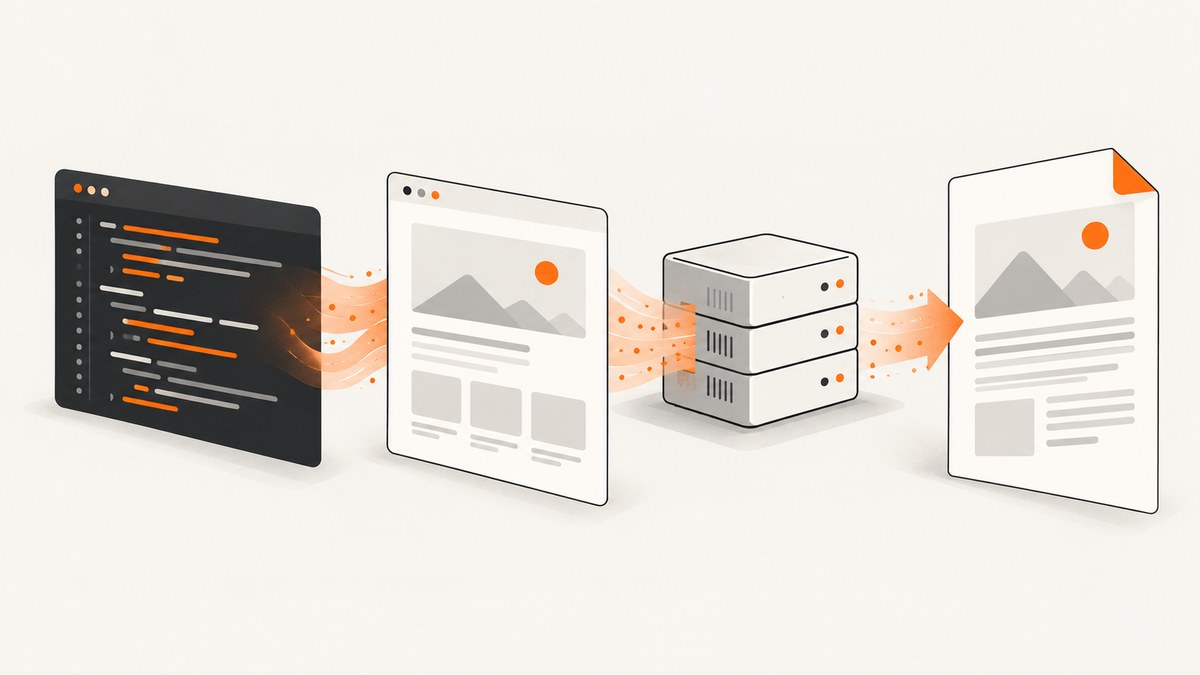
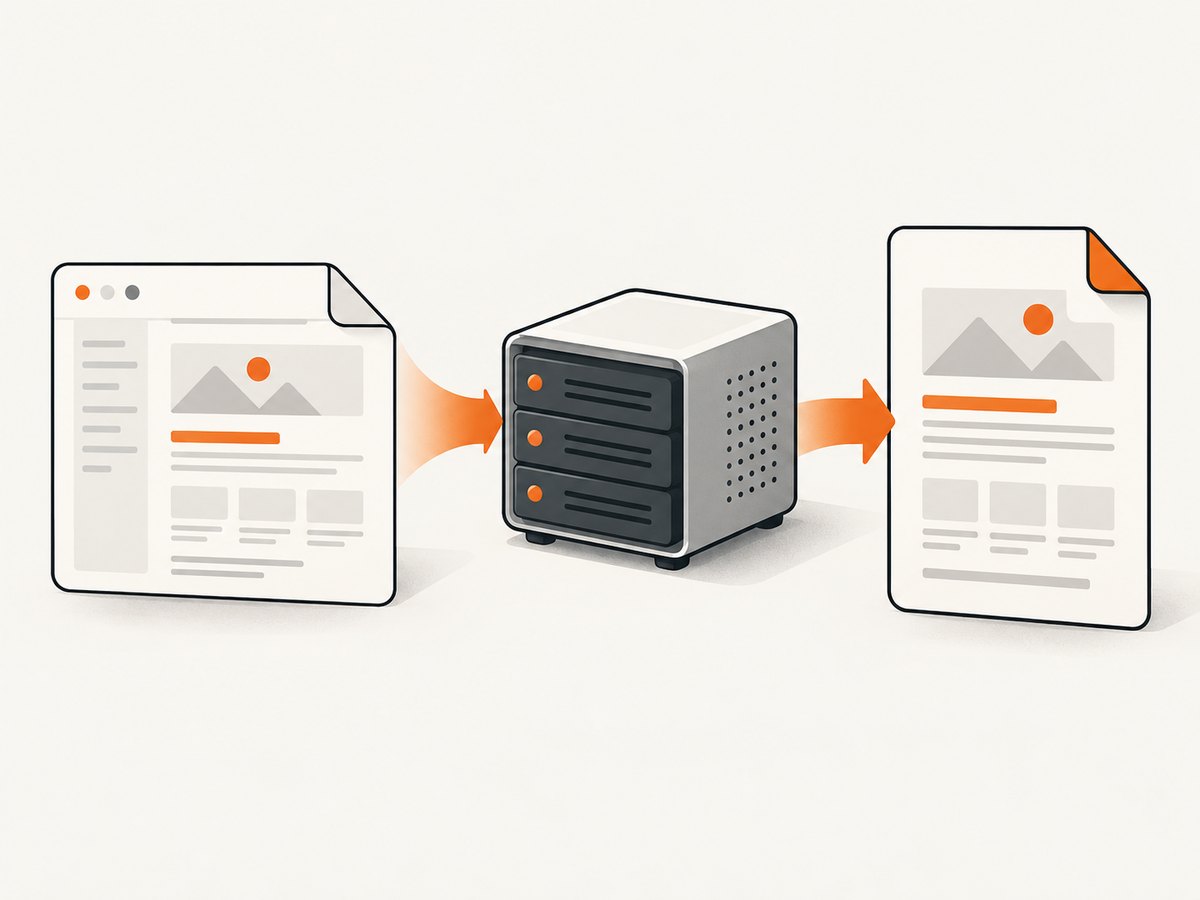
Direct answer: KnpSnappyBundle connects Symfony to the external wkhtmltopdf executable. Install the bundle and executable, configure the binary path, render a Twig template to HTML, then call the bundle’s PDF service. Return the generated bytes with PdfResponse from a controller.
The bundle is an integration layer; PDF conversion is performed by wkhtmltopdf. The official KnpSnappyBundle README documents HTML, URL, file, timeout, temporary-directory, and response patterns.
1. Install KnpSnappyBundle and wkhtmltopdf
Install the Symfony bundle with Composer:
composer require knplabs/knp-snappy-bundleSymfony Flex normally registers the bundle automatically. Without Flex, add it to config/bundles.php:
<?php

return [
    // ...
    Knp\Bundle\SnappyBundle\KnpSnappyBundle::class => ['all' => true],
];
Install wkhtmltopdf using the package supplied for your operating system or deployment image. Confirm the executable’s real path and permissions:
command -v wkhtmltopdf
wkhtmltopdf --version
ls -l /usr/local/bin/wkhtmltopdf
The path in examples is not universal. Containers, CI runners, and production hosts often place the binary elsewhere. The wkhtmltopdf project lists 0.12.6 as its stable series and describes the aging Qt/WebKit base; check the downloads page and upstream repository before choosing a distribution.
2. Configure the PDF service
Create config/packages/knp_snappy.yaml:
knp_snappy:
    pdf:
        enabled: true
        binary: /usr/local/bin/wkhtmltopdf
        options: []
    image:
        enabled: true
        binary: /usr/local/bin/wkhtmltoimage
        options: []
Set binary to the path available to the PHP process. The bundle also supports a temporary directory and process timeout:
knp_snappy:
    pdf:
        enabled: true
        binary: '%env(WKHTMLTOPDF_BINARY)%'
        temporary_folder: '%kernel.cache_dir%/snappy'
        process_timeout: 90
        options:
            page-size: A4
            margin-top: 12mm
            margin-right: 12mm
            margin-bottom: 12mm
            margin-left: 12mm
            encoding: UTF-8
Define the environment variable in the deployment environment, for example:
WKHTMLTOPDF_BINARY=/usr/local/bin/wkhtmltopdfUse a writable temporary directory and ensure the web-server user can execute the binary. Keep options in configuration when they are shared by every document; pass per-document options in code when they vary.
3. Render a Twig template and return a PDF
This controller renders a Twig view, converts the resulting HTML, and sends a download:
<?php

namespace App\Controller;

use Knp\Snappy\Pdf;
use Knp\Bundle\SnappyBundle\Snappy\Response\PdfResponse;
use Symfony\Bundle\FrameworkBundle\Controller\AbstractController;
use Symfony\Component\HttpFoundation\ResponseHeaderBag;
use Symfony\Component\Routing\Attribute\Route;

final class ReportController extends AbstractController
{
    #[Route('/reports/{id}.pdf', name: 'report_pdf')]
    public function pdf(int $id, Pdf $knpSnappyPdf): PdfResponse
    {
        $report = $this->loadReport($id);
        $html = $this->renderView('report/show.html.twig', [
            'report' => $report,
        ]);

        $output = $knpSnappyPdf->getOutputFromHtml($html, [
            'page-size' => 'A4',
            'margin-top' => '12mm',
            'margin-right' => '12mm',
            'margin-bottom' => '12mm',
            'margin-left' => '12mm',
            'encoding' => 'UTF-8',
        ]);

        $response = new PdfResponse($output, 'report-' . $id . '.pdf');
        $response->headers->set('Content-Disposition', $response->headers->makeDisposition(
            ResponseHeaderBag::DISPOSITION_ATTACHMENT,
            'report-' . $id . '.pdf'
        ));

        return $response;
    }

    private function loadReport(int $id): array
    {
        // Replace this with your repository or application service.
        return ['id' => $id, 'title' => 'Example report'];
    }
}
The shorter pattern shown in the bundle documentation is:
$html = $this->renderView('report/show.html.twig', ['report' => $report]);
return new PdfResponse(
    $knpSnappyPdf->getOutputFromHtml($html),
    'report.pdf'
);
Keep PDF-specific styles in the template or a print stylesheet. Escape user data through Twig’s normal auto-escaping and avoid JavaScript that depends on browser APIs unavailable in the WebKit engine.
4. Generate a PDF file for storage or later delivery
Use generateFromHtml when the output should be written to disk:
$html = $this->renderView('invoice/show.html.twig', [
    'invoice' => $invoice,
]);

$knpSnappyPdf->generateFromHtml(
    $html,
    $this->getParameter('kernel.project_dir') . '/var/generated/invoice.pdf',
    [
        'page-size' => 'A4',
        'footer-right' => '[page] / [topage]',
        'encoding' => 'UTF-8',
    ]
);
Create the destination directory ahead of time and grant write permission to the PHP worker. For large or frequently requested reports, queue the generation job and store the resulting path or object-storage key instead of making the HTTP request wait.
5. Convert a URL or multiple URLs
For a publicly reachable page, pass a URL to the PDF service:
$knpSnappyPdf->generate(
    'https://example.com/invoice/123',
    $projectDir . '/var/generated/invoice-123.pdf'
);
The service also accepts an array of URLs when you need several pages in one document:
$knpSnappyPdf->generate(
    [
        'https://example.com/report/summary',
        'https://example.com/report/details',
    ],
    $projectDir . '/var/generated/report.pdf'
);
For authenticated pages, prefer rendering the HTML inside Symfony so credentials never need to be exposed to an external URL. If you must load remote assets, verify that the production host can resolve DNS, establish TLS connections, and reach every stylesheet, font, and image.
6. Make CSS, fonts, and images resolve reliably
Relative asset paths can fail because the renderer runs outside the browser request context. Generate absolute URLs before conversion:
{# report/show.html.twig #}
<link rel="stylesheet" href="{{ absolute_url(asset('styles/pdf.css')) }}">
<img src="{{ absolute_url(asset('images/company-mark.png')) }}" alt="">
Alternatively, inline the critical print CSS and use absolute filesystem paths for local assets where appropriate. Confirm that the URL is reachable from the machine running wkhtmltopdf, not only from your laptop.
7. Important options
| Need | Typical option | Guidance |
|---|---|---|
| Paper | page-size: A4 or --page-width/--page-height |
Choose one sizing strategy and keep it consistent. |
| Orientation | orientation: Landscape |
Useful for wide tables. |
| Margins | margin-top, margin-right, margin-bottom, margin-left |
Use units such as mm. |
| Encoding | encoding: UTF-8 |
Prevents many character-rendering errors. |
| Headers and footers | header-html, footer-html, footer-right |
Keep header/footer documents reachable by the renderer. |
| JavaScript wait | javascript-delay |
Use only for a known rendering delay; it increases request time. |
| Links | enable-internal-links, enable-external-links |
Enable only when clickable links are needed. |
| Images | image-dpi, image-quality |
Balance file size against print quality. |
| Backgrounds | background |
Required when CSS backgrounds must appear. |
Option names map to wkhtmltopdf command-line switches. Consult the bundle README and the executable’s own help output for the exact version installed in your environment:
wkhtmltopdf --extended-help8. JavaScript, modern CSS, and renderer limits
The bundle README warns that wkhtmltopdf may not support modern JavaScript APIs, including ES6 APIs, without polyfills. Client-rendered pages can therefore produce incomplete output. Prefer server-rendered Twig markup for invoices, reports, and legal documents. If a small script is required, wait for it explicitly and test with the exact binary used in production.
Do not assume that a page that looks correct in Chrome will match WebKit output. Test fonts, flexbox or grid layouts, SVGs, page breaks, fixed-position elements, and images at their final paper size.
9. Security checklist for untrusted content
The wkhtmltopdf project warns: “Do not use wkhtmltopdf with any untrusted HTML – be sure to sanitize any user-supplied HTML/JS, otherwise it can lead to complete takeover of the server it is running on!” See the official downloads page.
- Sanitize user-supplied HTML and remove scripts before conversion.
- Do not pass arbitrary user-controlled URLs to the renderer.
- Do not enable broad local-file access for untrusted documents.
- Run conversion with a dedicated, least-privileged account or isolated worker.
- Restrict outbound network access when documents do not need remote resources.
- Cap input size, page count, execution time, and output size.
- Keep generated files outside the public document root unless access control is intentional.
10. Troubleshooting common failures
| Symptom | Likely cause | Fix |
|---|---|---|
Binary not found |
Configured path does not exist in the PHP runtime. | Run command -v wkhtmltopdf as the deployment user and update binary. |
| Permission denied | The worker cannot execute the file or write the temp directory. | Fix executable and directory permissions; test as the web-server user. |
| Blank PDF | Template failed, assets are unreachable, or JavaScript has not finished. | Save the rendered HTML, open it directly, use absolute asset URLs, and add a bounded delay only if necessary. |
| Missing CSS or images | Relative URLs or blocked network access. | Use absolute_url(), inline critical CSS, and verify DNS/TLS from the worker host. |
| Missing modern layout features | Old WebKit engine limitations. | Use print-oriented CSS and server-rendered markup; test the installed version. |
| Timeouts | Slow remote resources, complex pages, or too many pages. | Set process_timeout, remove unnecessary resources, and move long jobs to a queue. |
| Broken characters | Encoding or font availability. | Set UTF-8, install the required fonts, and verify font URLs are reachable. |
| PDF works locally but not in production | Different binary, fonts, paths, permissions, or network policy. | Log the binary version and environment, then reproduce with the production image. |
11. Performance, reliability, and cost planning
- Reduce work per document: inline only critical CSS, optimize images, and avoid unnecessary third-party requests.
- Bound execution: configure
process_timeoutand enforce an application-level request deadline. - Queue expensive jobs: generate asynchronously for large reports or batches, then notify the client when the file is ready.
- Cache deterministic output: key cached files by report version, locale, and data revision.
- Monitor failures: capture exit codes, stderr, generation duration, output size, and the wkhtmltopdf version.
- Plan capacity: each conversion consumes CPU, memory, temporary disk, and sometimes network bandwidth. Limit concurrent workers.
KnpSnappyBundle itself has no per-document service charge; your costs are the PHP workers, compute, storage, and operational work required to run the executable. Package constraints change over time, so verify the resolved version in Packagist before deployment. Packagist currently lists version 1.10.6 with PHP 8.1+ and Symfony FrameworkBundle 5.1 through 8.0 constraints, but those details are time-sensitive.
12. Or skip the browser setup
If you need a clean screenshot or PDF from a URL without installing and maintaining a browser executable, ScreenshotNeo provides a single HTTP API. Its PDF endpoint accepts the URL and returns the document:

See the ScreenshotNeo API documentation for authentication and options.
cURL
curl -G "https://api.screenshotneo.com/v1/shot" -d access_key=YOUR_API_KEY --data-urlencode url=https://stripe.com -o shot.webpPython
import requests

r = requests.get("https://api.screenshotneo.com/v1/shot", params={"access_key": "YOUR_API_KEY", "url": "https://stripe.com"}, timeout=90)
open("shot.webp", "wb").write(r.content)
Node.js
const q = new URLSearchParams({ access_key: 'YOUR_API_KEY', url: 'https://stripe.com' });
const res = await fetch(`https://api.screenshotneo.com/v1/shot?${q}`);
const body = Buffer.from(await res.arrayBuffer());
require('fs').writeFileSync('shot.webp', body);
ScreenshotNeo removes cookie and consent banners, newsletter popups, and chat widgets before capture. Bot checks, blank pages, failed loads, timeouts, and cache hits are not billed, and response headers identify the page verdict and billing status. It also offers an MCP server with take_screenshot, get_page_info, and capture_pdf tools for Claude, Cursor, and other MCP clients. The Free plan includes 1,000 screenshots per month without a card; paid plans start at $5 for 3,000.
Create a free ScreenshotNeo account and start with 1,000 screenshots a month at no charge.
13. FAQ
Can KnpSnappyBundle render a Twig template directly?
Render the Twig view to an HTML string with renderView(), then pass it to getOutputFromHtml() or generateFromHtml().
Should I use a URL or HTML input?
Use HTML when the page is authenticated or contains application data. Use a URL for a publicly reachable page whose assets and routing are available to the renderer.
Why does my PDF differ from Chrome?
wkhtmltopdf uses an older Qt/WebKit engine with different JavaScript and CSS support. Design for print and test with the production binary.
Where should generated PDFs be stored?
For private documents, store them outside the public web root or behind an authorization check. Object storage is useful for queued or long-lived files.
Can I safely convert user-uploaded HTML?
Only after strict sanitization and isolation. The upstream project explicitly warns that untrusted HTML or JavaScript can compromise the server.


