How to Generate PDFs from Very Large, Complex HTML Pages in Java
Choose the right Java renderer for huge HTML, with runnable Playwright and OpenHTMLtoPDF code, pagination, limits, troubleshooting, and a hosted option.
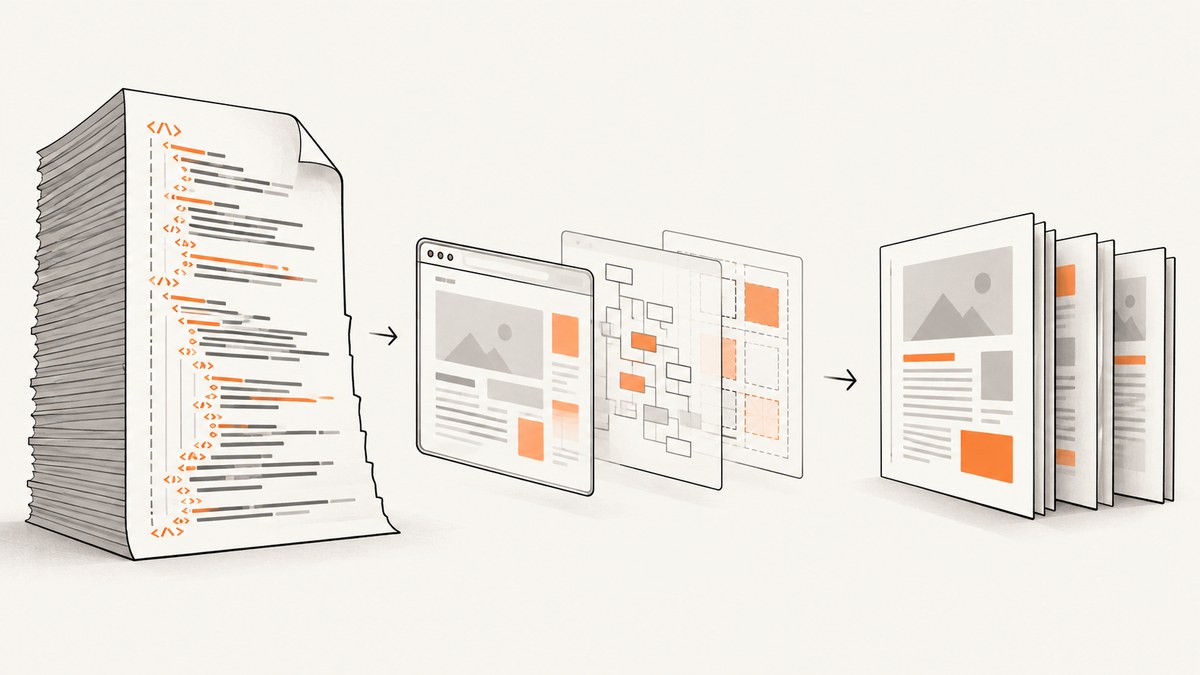
Direct answer: for very large, complex HTML pages, start with a real browser renderer such as Playwright Java when the document depends on modern CSS or JavaScript. Use OpenHTMLtoPDF only when you control the markup and can keep it within its supported XHTML/CSS subset. Flying Saucer’s Chrome PDF module is another browser-backed route. PDFBox is for creating or manipulating PDFs, not for rendering arbitrary HTML.
There is no reliable universal page-count or memory limit. Measure representative documents in the exact JDK, container, renderer version and concurrency you will deploy.
Choose the renderer
| Requirement | Start with | Trade-off |
|---|---|---|
| Modern CSS, JavaScript, web fonts or production webpages | Playwright Java with Chromium, or Flying Saucer Chrome PDF | A browser runtime adds deployment and resource overhead; benchmark it. |
| Controlled print HTML/XHTML and a limited CSS subset | OpenHTMLtoPDF | It does not run JavaScript and does not implement many modern layout features, including flex and grid. |
| Create, merge, split, inspect or sign existing PDFs | Apache PDFBox | PDFBox is not an HTML/CSS browser renderer. |
OpenHTMLtoPDF documents support for well-formed XML/XHTML, CSS 2.1 and selected later features. Its maintainers say a newer renderer can be several times faster for very large documents, but the project does not publish a reproducible benchmark or memory figure; treat that as a reason to benchmark, not a guarantee. See the OpenHTMLtoPDF README, Playwright Page.pdf API, Flying Saucer README and PDFBox project site.
1. Browser-fidelity PDF with Playwright Java
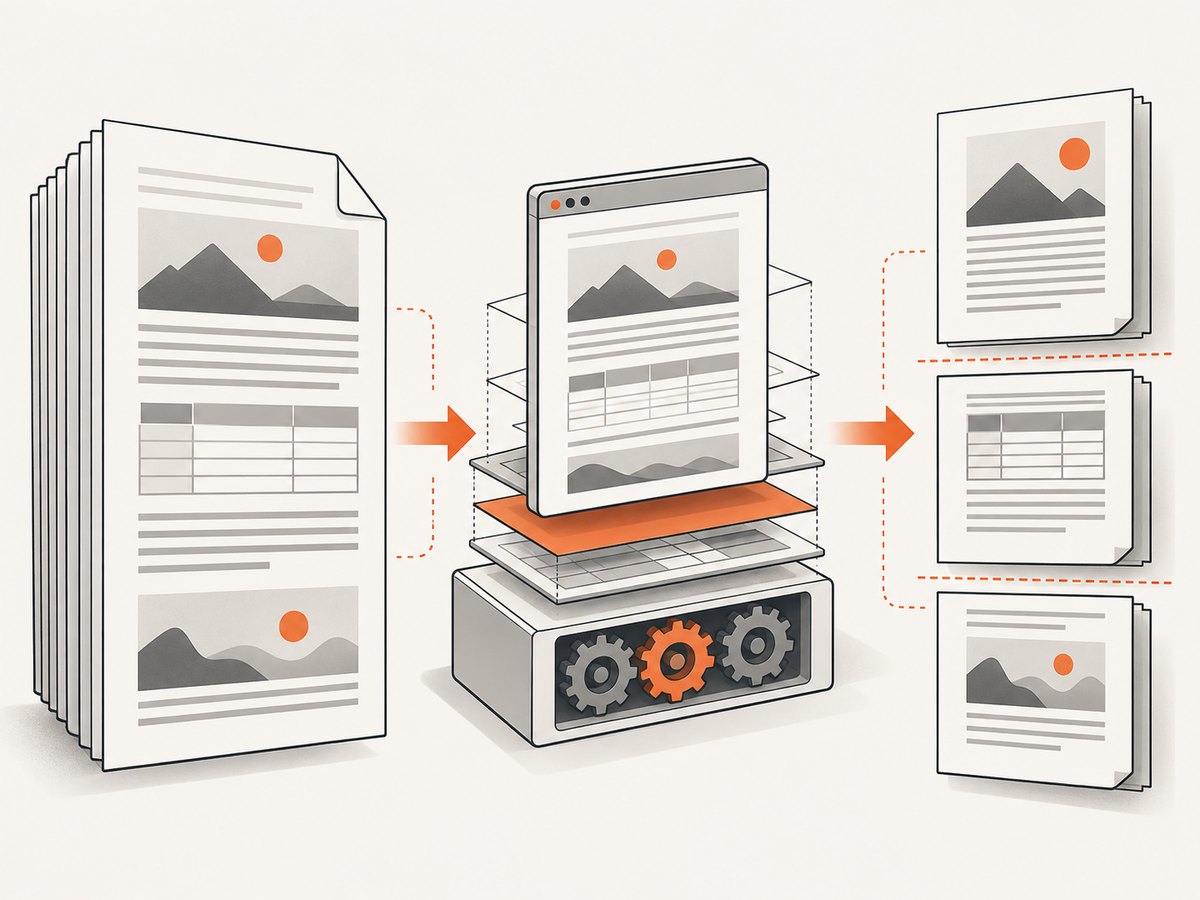
Use this path when the source is a normal web page or when JavaScript builds the final DOM. Playwright’s PDF API uses print media by default; call emulateMedia when you need screen styles. Set paper size, margins, backgrounds, page ranges and CSS page-size behavior deliberately.
Maven dependency
<dependency>
  <groupId>com.microsoft.playwright</groupId>
  <artifactId>playwright</artifactId>
  <version>1.52.0</version>
</dependency>
Install the matching browser once in the build image with the Playwright CLI, then pin both the Java artifact and browser image. The exact installation command varies by your build system; follow the versioned Playwright Java installation documentation.
Complete Java example
import com.microsoft.playwright.*;
import com.microsoft.playwright.options.*;
import java.nio.file.Paths;

public class HtmlToPdf {
  public static void main(String[] args) {
    String url = args.length > 0 ? args[0] : "https://example.com";
    try (Playwright playwright = Playwright.create()) {
      BrowserType.LaunchOptions launch = new BrowserType.LaunchOptions()
          .setHeadless(true);
      try (Browser browser = playwright.chromium().launch(launch)) {
        BrowserContext context = browser.newContext(new Browser.NewContextOptions()
            .setViewportSize(1440, 1000)
            .setDeviceScaleFactor(1));
        Page page = context.newPage();
        page.navigate(url, new Page.NavigateOptions().setWaitUntil(WaitUntilState.NETWORKIDLE));
        page.emulateMedia(new Page.EmulateMediaOptions().setMedia(Media.PRINT));
        page.pdf(new Page.PdfOptions()
            .setFormat("A4")
            .setPrintBackground(true)
            .setPreferCSSPageSize(true)
            .setMargin(new Margin().setTop("16mm").setRight("14mm")
                .setBottom("16mm").setLeft("14mm"))
            .setPath(Paths.get("output.pdf")));
      }
    }
  }
}
Make a large page deterministic
- Wait for a business-ready selector, not only network idle, when data arrives after API calls.
- Use an explicit timeout and fail with the URL and stage in logs.
- Embed or preload fonts and verify that every glyph is available.
- Use print CSS:
@page,break-before,break-inside: avoidfor rows or cards, and print-only visibility rules. - Load lazy images by scrolling or by changing the application to render them for print; confirm image natural dimensions before PDF creation.
- For very long tables, paginate in the application when possible. A single giant DOM increases layout and memory pressure.
2. Java-native conversion with OpenHTMLtoPDF
This is a good fit for generated, print-oriented XHTML that you can adapt. It is not a drop-in converter for arbitrary modern sites: no JavaScript, no browser DOM behavior, and limited support for modern CSS such as flex and grid.
Maven dependencies
<dependency>
  <groupId>com.openhtmltopdf</groupId>
  <artifactId>openhtmltopdf-pdfbox</artifactId>
  <version>1.0.10</version>
</dependency>
Complete Java example
import com.openhtmltopdf.pdfboxout.PdfRendererBuilder;
import java.io.FileOutputStream;
import java.io.OutputStream;

public class XhtmlToPdf {
  public static void main(String[] args) throws Exception {
    String xhtml = "<!doctype html><html xmlns='http://www.w3.org/1999/xhtml'>"
        + "<head><meta charset='UTF-8'/>"
        + "<style>@page { size: A4; margin: 16mm } body { font-family: sans-serif }"
        + "h1 { page-break-after: avoid } table { width: 100%; border-collapse: collapse }"
        + "td, th { border: 1px solid #999; padding: 4px }</style></head>"
        + "<body><h1>Large report</h1><p>Generated content</p>"
        + "</body></html>";
    try (OutputStream out = new FileOutputStream("output.pdf")) {
      PdfRendererBuilder builder = new PdfRendererBuilder();
      builder.useFastMode();
      builder.withHtmlContent(xhtml, "https://example.com/");
      builder.toStream(out);
      builder.run();
    }
  }
}
Make the input well-formed, provide a base URI for relative links and images, register fonts explicitly when the default set is insufficient, and replace unsupported layout with tables, blocks and print CSS. Validate every external resource before conversion; a missing image or font can otherwise appear as a silent visual defect.
3. Flying Saucer and PDFBox in a pipeline
Flying Saucer lists an OpenPDF artifact and a Chrome PDF artifact that delegates to chrome-headless-shell; the latter is associated with modern HTML5/CSS3. Match the artifact and its minimum Java version to your deployed JDK. Use PDFBox after rendering when you need text extraction, merging, splitting, metadata, signing or other PDF operations. Keep those responsibilities separate from HTML layout.
Capacity, pagination and reliability checklist
- Build a corpus containing the longest pages, widest tables, largest images, difficult page breaks, unusual Unicode and all production font families.
- Record render latency, peak RSS, output size, browser or JVM crashes, and per-stage timings at one job and at target concurrency.
- Inspect PDFs visually and extract text to verify that headings, table rows, links and page counts are complete.
- Set a job timeout, cancel work that exceeds it, and isolate browser processes so one pathological document cannot take down the service.
- Use bounded concurrency. More workers can reduce queue time while exhausting memory; measure the knee of the curve.
- Pin renderer, browser, JDK and fonts. Review security notices, transitive dependencies and licenses before release; OpenHTMLtoPDF and Flying Saucer are LGPL projects, while PDFBox is Apache License 2.0.
Troubleshooting
| Symptom | Likely cause | Fix |
|---|---|---|
| Blank or half-rendered PDF | Capture started before client-side rendering completed | Wait for a stable selector or application-ready signal; log console and page errors. |
| Missing flex/grid layout in OpenHTMLtoPDF | Unsupported CSS model | Adapt the template to supported blocks/tables or switch to a browser renderer. |
| Images or CSS are missing | Relative URLs, blocked requests, authentication or an absent base URI | Use absolute URLs or a base URI, pass credentials safely, and verify each response. |
| Wrong colors or backgrounds | Print media rules or disabled background printing | Define print CSS intentionally and enable background printing in browser PDF options. |
| Text shows boxes or wrong glyphs | Font not embedded or missing Unicode coverage | Ship and register the required fonts; test representative scripts. |
| Rows split badly across pages | Unsuitable break rules or oversized unbreakable content | Use break-inside rules, repeat table headers, and split oversized records at the data layer. |
| Out-of-memory or renderer crash | Huge DOM, images, too much concurrency or a leak | Downsize images, paginate input, cap concurrency, recycle browser workers and measure peak memory. |
| Playwright cannot launch | Browser binaries absent or incompatible with the artifact | Install the matching browser in the image and pin versions. |
Performance, cost and security notes
Do not promise a page limit from a library README. Benchmark end to end with your real documents and runtime. Track p50 and tail latency, peak memory, output bytes, failed jobs and queue depth. Reuse a browser process where safe, but recycle it on a policy and health schedule. Cache immutable inputs and fonts, and avoid downloading the same assets for every job.
For untrusted HTML, isolate the renderer, restrict outbound network access, cap CPU, memory and wall time, and avoid exposing internal credentials through page requests. Treat URLs, headers, cookies and generated PDFs as sensitive data.
Or skip the browser setup
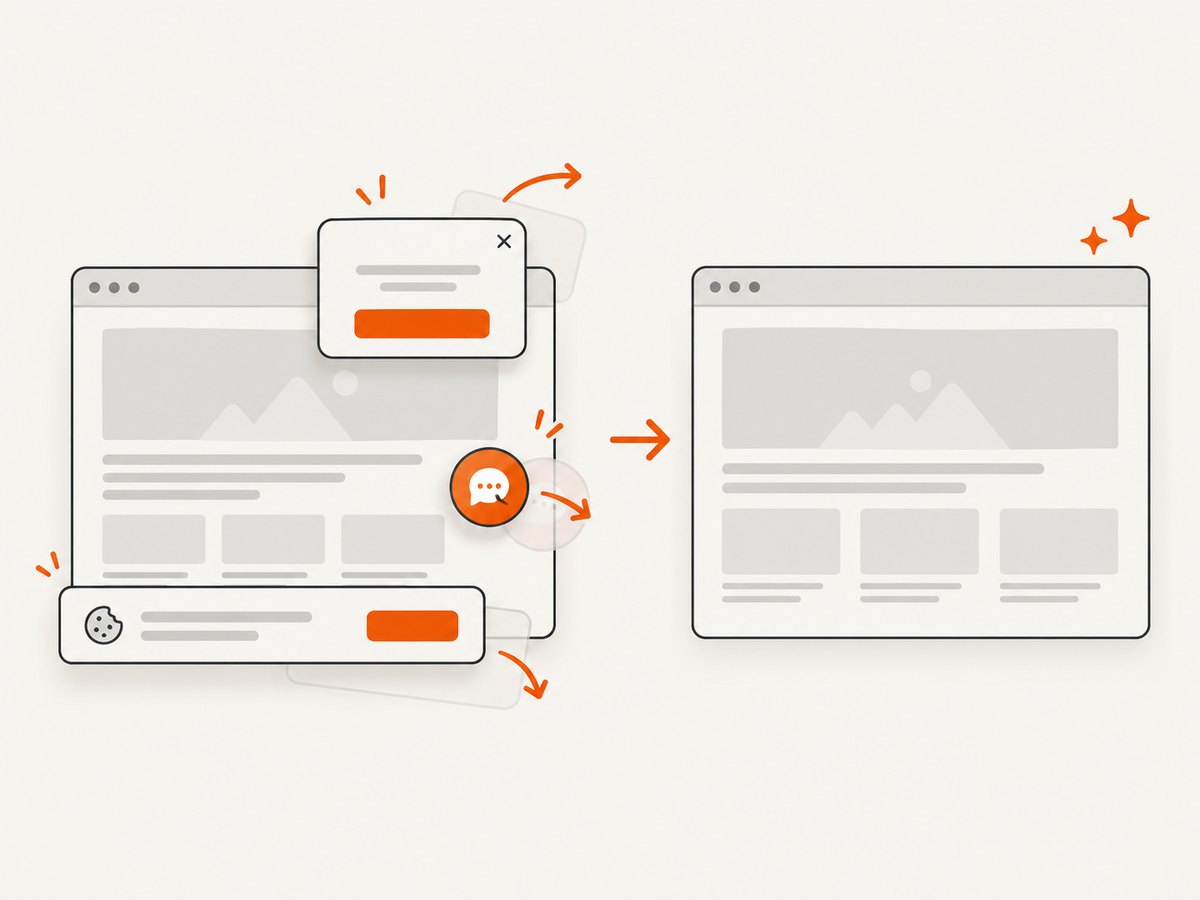
ScreenshotNeo provides a single GET request for a clean PNG, JPEG, WebP or PDF. It accepts cookie and consent banners as a visitor and removes more than 60 known consent platforms, newsletter popups and chat widgets before capture; each step can be turned off. Bot checks, blank pages, timeouts, failed loads and cache hits cost nothing, and response headers report the page verdict and whether it was billed. Its MCP server exposes take_screenshot, get_page_info and capture_pdf to Claude, Cursor and other MCP clients.
See the ScreenshotNeo API documentation for all options. A direct request looks like this:
curl -G "https://api.screenshotneo.com/v1/shot" -d access_key=YOUR_API_KEY --data-urlencode url=https://example.com/report -o shot.webpimport requests
r = requests.get("https://api.screenshotneo.com/v1/shot", params={"access_key": "YOUR_API_KEY", "url": "https://example.com/report"}, timeout=90)
open("shot.webp", "wb").write(r.content)const q = new URLSearchParams({ access_key: 'YOUR_API_KEY', url: 'https://example.com/report' });
const res = await fetch(`https://api.screenshotneo.com/v1/shot?${q}`);Free use includes 1,000 screenshots each month with no card. Paid plans start at $5 for 3,000 shots; every feature is on every plan. Create a free ScreenshotNeo account.
FAQ
Can OpenHTMLtoPDF render a React or Vue page?
Not as a browser would. Client-side JavaScript does not run, and modern layout may be unsupported. Use Playwright or the Flying Saucer Chrome module for browser behavior.
Should I choose A4 or CSS @page size?
Choose deliberately. In Playwright, set a paper format or dimensions, and use preferCSSPageSize when the document’s @page rule should control size.
How do I know a large PDF is correct?
Check page count, extracted text, table continuity, fonts, images and page breaks against a representative expected result. A file that opens successfully can still be incomplete.


