How to Generate PDFs with wkhtmltopdf in Python
Convert HTML strings, files, and URLs to PDFs with Python PDFKit and wkhtmltopdf, including setup, options, troubleshooting, and safer alternatives.
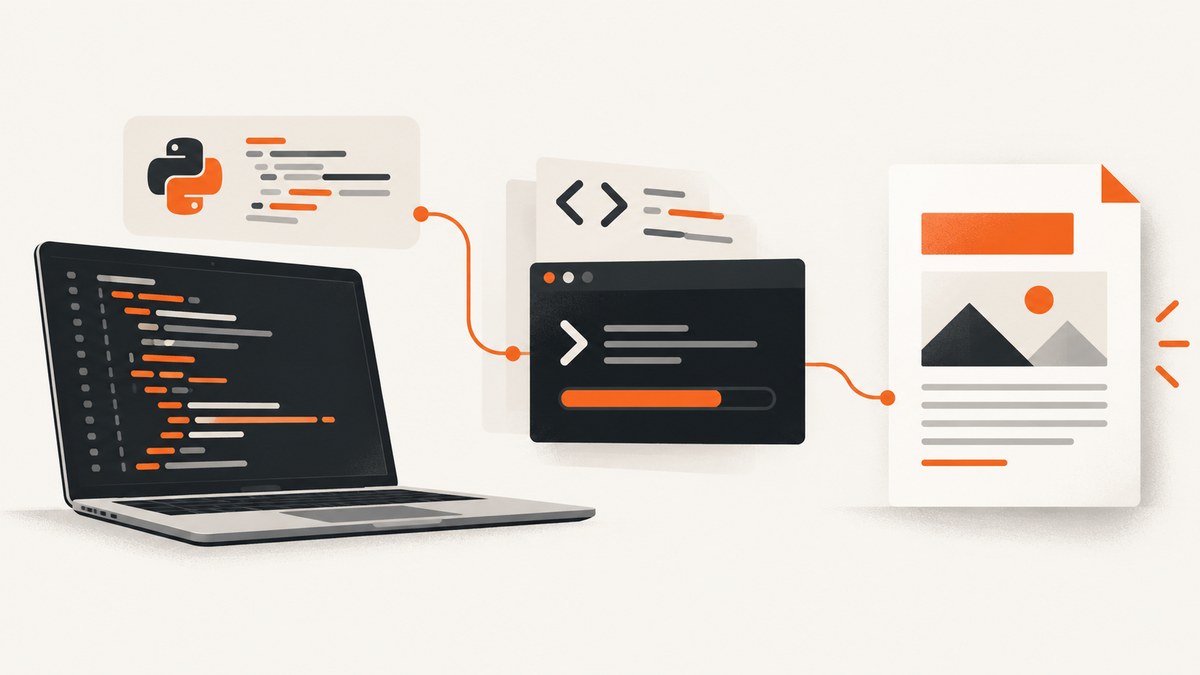
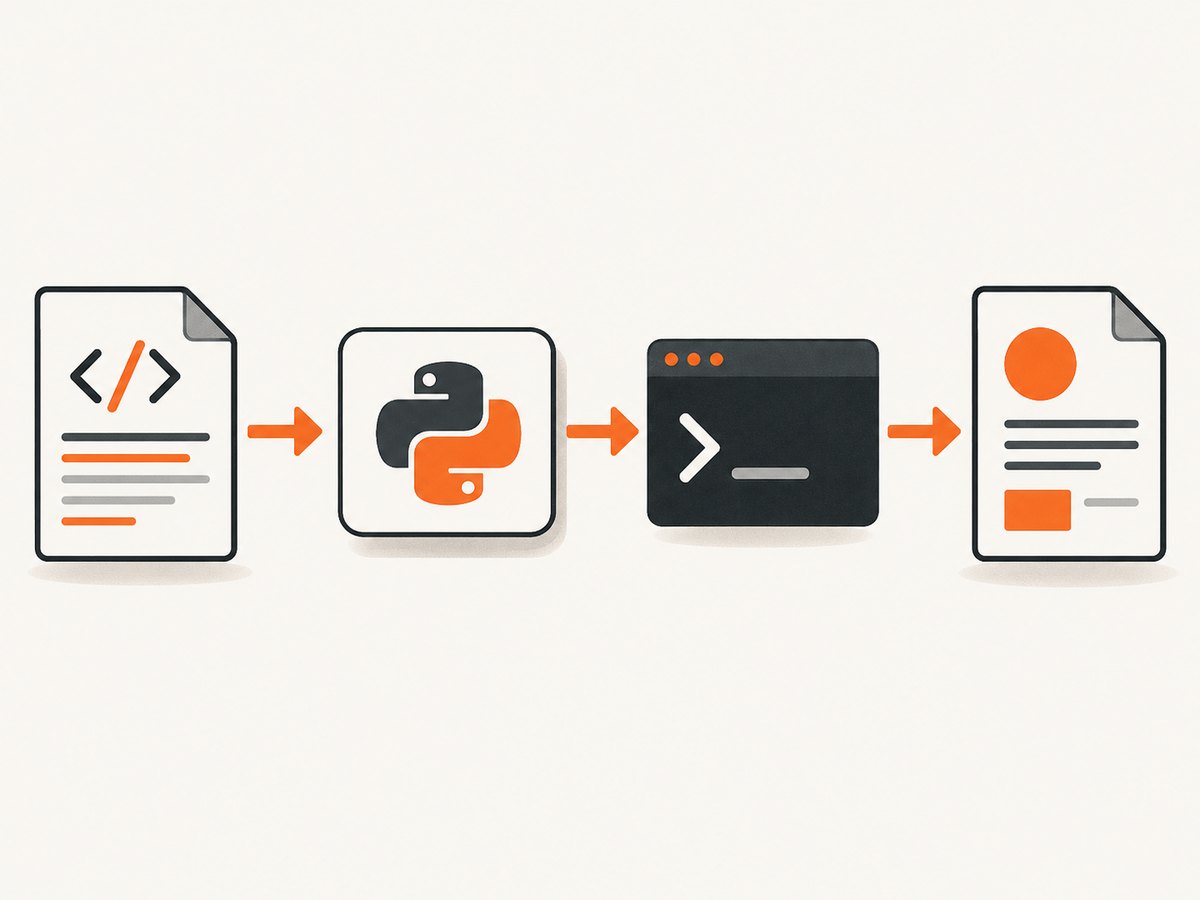
Direct answer: install the wkhtmltopdf executable separately from the Python pdfkit package, verify that the executable is available, then call pdfkit.from_string, pdfkit.from_file, or pdfkit.from_url. PDFKit is only a Python wrapper; it does not contain the renderer.
This guide shows how to convert HTML strings, local files, and web pages to PDF, configure page layout and browser behavior, diagnose common failures, and decide whether this older WebKit-based stack fits your deployment. The examples are based on the Python PDFKit README and the wkhtmltopdf project documentation.
1. Understand the two-part architecture
Your Python process does not render HTML directly. It starts a separate wkhtmltopdf command-line process and passes it HTML, a URL, and options. The executable renders with its bundled Qt/WebKit engine and writes a PDF. PDFKit translates Python calls into that command.
| Part | What it does | How to install |
|---|---|---|
pdfkit |
Python wrapper that builds and runs the command | python -m pip install pdfkit |
wkhtmltopdf |
Native HTML-to-PDF executable | Use a platform and architecture-specific build from the official downloads page |
The project labels 0.12.6 as its stable series and dates that release to June 11, 2020. Its status page describes an old Qt 4/WebKit rendering stack, and the Python wrapper now carries a deprecation warning. Treat this as a legacy integration: verify that its rendering behavior, operating-system support, and security controls match your needs before adopting it.
2. Install and verify wkhtmltopdf
- Install PDFKit in the virtual environment that will run your application:
python -m pip install pdfkit - Install a matching
wkhtmltopdfbinary using your operating system’s package or the project’s distribution-specific download. Builds depend on system libraries, libc, fontconfig, and installed fonts. - Verify the executable from the same shell and user that will run Python:
wkhtmltopdf --version
python -c "import shutil; print(shutil.which('wkhtmltopdf'))"
If the second command prints None, Python cannot find the executable on PATH. Either correct the service environment’s PATH or pass an explicit path to PDFKit.
3. Generate a PDF from an HTML string
Use from_string when your application creates HTML dynamically.
import pdfkit
html = """
Invoice
Invoice 1007
Prepared for Example Company.
Total: $240.00
"""
pdfkit.from_string(html, "invoice.pdf")When you omit the output filename, PDFKit can return the generated PDF as bytes. That is useful for an HTTP response or object-storage upload:
pdf_bytes = pdfkit.from_string(html, False)
# response body, database field, or storage upload can use pdf_bytes
4. Generate a PDF from a local HTML file
import pdfkit

pdfkit.from_file("report.html", "report.pdf")
Relative images, stylesheets, and fonts must be accessible to the renderer. A local file that works in a browser may fail in wkhtmltopdf because of local-file restrictions, an incorrect working directory, missing permissions, or unsupported resource formats. Use absolute paths while diagnosing resource failures, then apply a deliberate local-file policy.
5. Generate a PDF from a URL
import pdfkit

pdfkit.from_url("https://example.com", "example.pdf")
A URL conversion depends on DNS, TLS, redirects, authentication, remote assets, JavaScript timing, and the renderer’s older browser engine. A modern site can therefore produce a partial or empty document even when it looks correct in Chrome.
6. Configure the executable explicitly
Use pdfkit.configuration when the binary is outside PATH, when a service runs with a restricted environment, or when multiple versions are installed.
import pdfkit

config = pdfkit.configuration(wkhtmltopdf="/opt/wkhtmltopdf/bin/wkhtmltopdf")
pdfkit.from_string(
    "<h1>Configured renderer</h1>",
    "configured.pdf",
    configuration=config,
)
Keep the path in deployment configuration rather than hard-coding a developer workstation path. Log the selected binary path and version at startup so an unexpected package upgrade is visible.
7. Common layout and rendering options
PDFKit passes option names through to wkhtmltopdf. In Python, omit the leading --; for example, use page-size instead of --page-size.
options = {
    "page-size": "A4",
    "orientation": "Portrait",
    "margin-top": "18mm",
    "margin-right": "18mm",
    "margin-bottom": "18mm",
    "margin-left": "18mm",
    "encoding": "UTF-8",
    "print-media-type": None,
    "enable-javascript": None,
    "javascript-delay": 1000,
}

pdfkit.from_string(html, "styled.pdf", options=options)| Need | Useful option | Notes |
|---|---|---|
| Paper and direction | page-size, orientation |
Common sizes include A4 and Letter; confirm the target binary accepts the value. |
| Whitespace | margin-top, margin-right, margin-bottom, margin-left |
Use units such as mm or in. |
| Character encoding | encoding: UTF-8 |
Also include a matching HTML meta charset. |
| JavaScript | enable-javascript, javascript-delay, no-stop-slow-scripts |
Delay is a fixed wait, not a guarantee that an app is ready. |
| CSS media | print-media-type |
Uses print styles instead of screen styles. |
| Images | images, enable-local-file-access |
Only enable local access when the input and files are controlled. |
| Headers and footers | header-html, footer-html, or text variants |
Support depends on the build’s patched Qt features. |
| Navigation aids | outline, table-of-contents options |
Distribution builds may omit these capabilities. |
The full settings reference documents additional switches. Do not assume every option works in every binary: Debian and Ubuntu repository builds can omit patched-Qt features such as outlines, headers, footers, and a table of contents.
8. Pass cookies, headers, and authentication
PDFKit can pass options for request metadata. For example:
options = {
    "cookie": ["session_id", "abc123"],
    "custom-header": ["X-Report-Mode", "pdf"],
    "custom-header-propagation": None,
}
pdfkit.from_url("https://internal.example/report", "internal.pdf", options=options)
Check the generated command and the wkhtmltopdf help for the exact syntax supported by your version. Never print session cookies or authorization headers in logs. Prefer a short-lived, least-privilege token and a private network route for internal pages.
9. Make dynamic pages more predictable
wkhtmltopdf uses an older WebKit engine. It may not understand modern JavaScript syntax, browser APIs, CSS features, or client-side routing used by current applications. If a page is assembled after load, a fixed javascript-delay can help, but it cannot detect that data actually arrived.
- Render a server-generated or static version when possible.
- Inline critical CSS and use stable, absolute asset URLs.
- Wait only as long as required; long delays multiply queue time.
- Reproduce the URL with the command-line executable before changing Python code.
- If the page fundamentally requires current JavaScript, evaluate a maintained browser automation tool. The project status page specifically points readers toward Puppeteer or a wrapper around it for dynamic sites.
10. Troubleshooting checklist
| Symptom | Likely cause | Fix |
|---|---|---|
No wkhtmltopdf executable found |
Binary is missing or absent from the service PATH. |
Install it, verify with wkhtmltopdf --version, or provide pdfkit.configuration(...). |
| PDF is blank | URL failed, JavaScript did not finish, resources were blocked, or the page requires unsupported browser features. | Run the URL directly, enable verbose output, inspect network-dependent assets, and try a static HTML input. |
| Images or CSS are missing | Relative paths, TLS errors, CORS-like restrictions, missing fonts, or local-file policy. | Use absolute URLs or controlled absolute paths, install fonts, and review local-file settings. |
| Headers, footers, or outline are ignored | The installed build lacks patched Qt capabilities. | Use a compatible official build and verify its version and feature support. |
| Unicode characters render as boxes | Missing font or encoding mismatch. | Set UTF-8, install a font covering the required scripts, and confirm the font is visible to the service user. |
| Conversion hangs | Slow or unreachable resources, scripts that never settle, or a renderer process waiting indefinitely. | Set an application timeout, remove failing resources, use a bounded JavaScript delay, and terminate stuck child processes. |
| Works locally but fails in production | Different PATH, fonts, permissions, architecture, sandbox, or network egress. | Log binary version and paths, compare environment variables, and run a minimal fixture in the production image. |
PDFKit suppresses much of wkhtmltopdf’s output by default. During diagnosis, pass verbose=True:
pdfkit.from_url(
    "https://example.com",
    "debug.pdf",
    verbose=True,
)
The wrapper README recommends reproducing the generated command directly with the executable. This separates a Python integration problem from a renderer, input, or platform problem.
11. Security requirements for server-side conversion
Do not send untrusted HTML or JavaScript to wkhtmltopdf. The project warns that hostile content can compromise the server. Local-file-access restrictions reduce exposure but are not a complete sandbox: a vulnerable prebuilt binary could bypass a command-line setting.
- Sanitize and constrain user-controlled HTML, URLs, CSS, and JavaScript.
- Run the renderer as a low-privilege user with a read-only filesystem where practical.
- Use OS-level isolation such as containers, seccomp, network egress rules, and AppArmor where appropriate. The project’s AppArmor guidance describes confinement as an additional layer.
- Set CPU, memory, process, and wall-clock limits.
- Block access to cloud metadata endpoints, internal admin services, and sensitive local paths.
- Keep secrets out of HTML, query strings, logs, and temporary files.
12. Performance, reliability, and cost considerations
Conversion time is driven by HTML size, fonts, images, network latency, JavaScript delays, and process startup. There is no benchmark in the reviewed sources, so measure your own representative documents.
- Reuse a warm worker process only if your isolation model permits it; otherwise accept startup cost for stronger boundaries.
- Cache immutable assets and avoid loading third-party trackers.
- Use a queue with bounded concurrency so multiple PDFs do not exhaust CPU and memory.
- Write to a temporary file and atomically move the completed PDF into place.
- Retry transient network failures with a limit, but do not blindly retry malformed HTML or deterministic renderer errors.
- Record input identifier, renderer version, duration, exit code, output size, and failure category.
- Set a maximum document size and page count to prevent accidental resource exhaustion.
wkhtmltopdf itself has no hosted API fee; your cost comes from compute, storage, bandwidth, operations, and isolation. A hosted capture service can shift those responsibilities, but compare its billing rules and feature set with your workload.
13. Or skip the browser setup
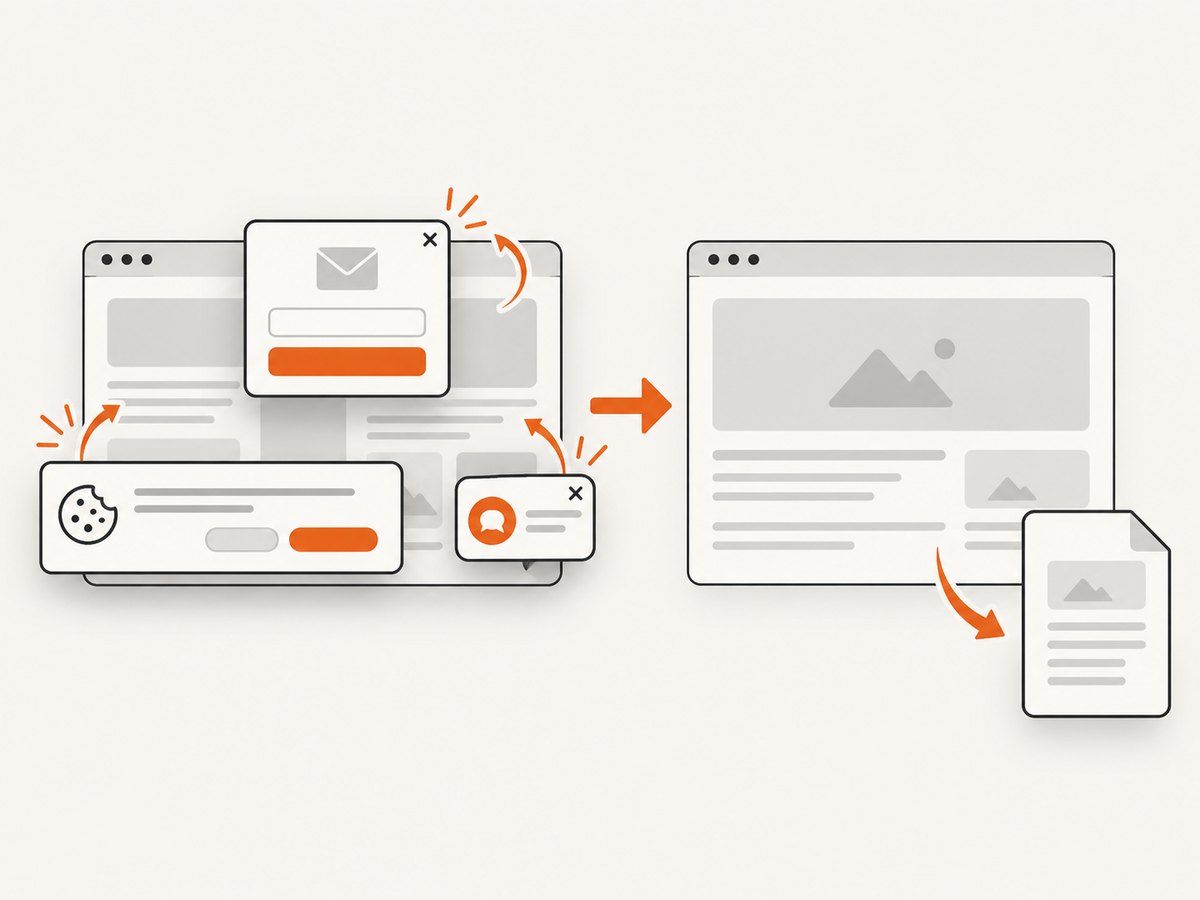
ScreenshotNeo provides a website screenshot API and MCP server. A GET request captures a URL as PNG, JPEG, WebP, or PDF. It removes cookie and consent banners, newsletter popups, and chat widgets before capture; each cleanup step can be turned off. Bot checks, blank pages, timeouts, failed loads, and cache hits cost nothing, and response headers identify the page verdict and whether it was billed.
For a one-call capture, see the ScreenshotNeo API documentation:
curl -G "https://api.screenshotneo.com/v1/shot" -d access_key=YOUR_API_KEY --data-urlencode url=https://stripe.com -o shot.webpimport requests
r = requests.get(
"https://api.screenshotneo.com/v1/shot",
params={"access_key": "YOUR_API_KEY", "url": "https://stripe.com"},
timeout=90,
)
r.raise_for_status()
open("shot.webp", "wb").write(r.content)const q = new URLSearchParams({ access_key: 'YOUR_API_KEY', url: 'https://stripe.com' });
const res = await fetch(`https://api.screenshotneo.com/v1/shot?${q}`);
if (!res.ok) throw new Error(`HTTP ${res.status}`);
const data = Buffer.from(await res.arrayBuffer());ScreenshotNeo also supports PDF capture, full-page lazy-image loading, CSS-element capture, custom CSS and JavaScript, clicks, waits, request blocking, headers, cookies, user agents, authorization, timezone, geolocation, resizing, caching, signed links, asynchronous jobs, webhooks, bulk capture, usage reporting, and an OpenAPI specification. Its MCP server exposes take_screenshot, get_page_info, and capture_pdf for Claude, Cursor, and other MCP clients.
There is a free allowance of 1,000 screenshots per month with no card. Paid plans start at $5 for 3,000 shots; yearly billing gives two months free. Create a free ScreenshotNeo account.
14. Choosing wkhtmltopdf or another renderer
| Requirement | Practical choice |
|---|---|
| Controlled, mostly static HTML and legacy compatibility | wkhtmltopdf can be workable after validating fonts, layout, and the selected binary. |
| User-supplied HTML or JavaScript | Use strong sanitization and OS isolation; consider a maintained renderer or a hosted service. |
| Modern client-side application | Evaluate a current browser automation stack; the wkhtmltopdf project suggests Puppeteer-style approaches for dynamic pages. |
| Print-specific CSS and standards-focused output | The project status page suggests considering WeasyPrint for controlled HTML or commercial Prince, after checking current versions and licensing. |
| Need API access, cleanup, PDF capture, and AI-agent tooling | Try ScreenshotNeo first for its clean shots, billing only for clean results, and $5 entry plan. |
15. Frequently asked questions
Is installing PDFKit enough?
No. PDFKit invokes the separate wkhtmltopdf executable, which must be installed and discoverable.
Can I convert an HTML string without creating a file?
Yes. Use pdfkit.from_string(html, False) to receive PDF bytes.
Why does a modern website look different?
wkhtmltopdf uses an old WebKit engine and may not support the page’s JavaScript, CSS, or browser APIs.
Does enabling local file access make untrusted HTML safe?
No. Treat it as one configuration control, not a sandbox. Use sanitization and OS-level isolation.
How do I find the exact option supported by my build?
Run wkhtmltopdf --help, check the generated command, and compare it with the official settings reference for your version.
When should I use a hosted screenshot or PDF API?
Consider one when you want to avoid packaging browser binaries, need consistent capture infrastructure, or need cleanup, asynchronous jobs, usage reporting, and MCP tools.
Conclusion
For a controlled HTML string, file, or simple URL, PDFKit plus a verified wkhtmltopdf binary remains straightforward: install both dependencies, configure the executable, pass only the options your build supports, and isolate untrusted input. Its old rendering stack and dated maintenance position make validation essential. If you want a managed URL capture path with PDF support and no browser installation, start with the free ScreenshotNeo account.


