How to Generate YouTube Thumbnails with an App
Create a custom YouTube thumbnail on your phone or computer, export it correctly, and upload it in YouTube Studio.
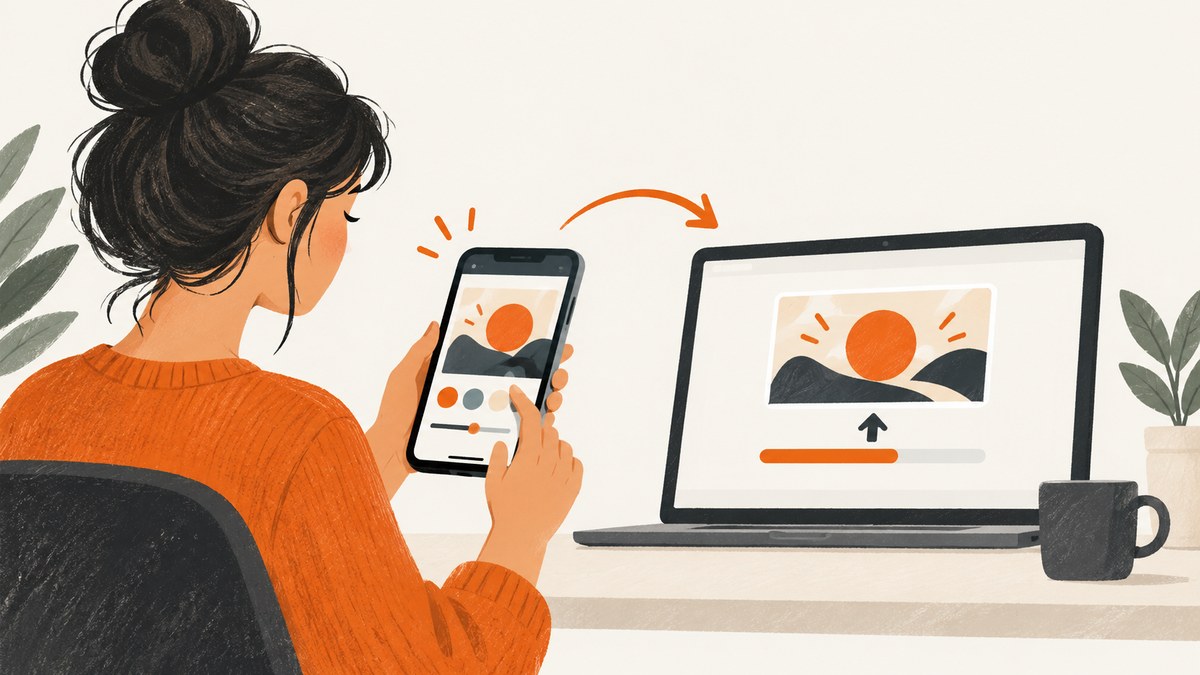
Short answer: Create a 16:9 image in a thumbnail app such as Canva or Adobe Express, export it as a JPG or PNG, then attach it to your video in YouTube Studio. Custom thumbnails require a verified YouTube account. For standard videos, YouTube recommends 3840 × 2160 pixels; for Shorts, use a vertical 9:16 design and add the custom thumbnail in YouTube Studio on a computer.
1. Check which YouTube thumbnail workflow you need
The upload steps depend on the type of video and the device you are using.
| Video type | Recommended canvas | Where to upload |
|---|---|---|
| Standard video | 16:9, ideally 3840 × 2160 pixels | YouTube Studio on desktop, or YouTube Studio on Android |
| Short | 9:16; YouTube recommends 2160 × 3840 pixels for uploaded Shorts thumbnail files | YouTube Studio on a computer for a custom Shorts thumbnail |
YouTube lists a 640-pixel minimum width for standard video thumbnails. Standard video thumbnails can be JPG or PNG. The documented upload limit is 2 MB for mobile video thumbnails and 50 MB for desktop video, Shorts, and podcast thumbnails. Podcasts have a separate 10 MB mobile limit. Check the current limits in YouTube Help before exporting.
If the custom-thumbnail control is missing, verify the channel first. YouTube also applies eligibility, regional, channel-history, and daily-limit rules. A “Daily custom thumbnail limit reached” message can require waiting 24 hours.
2. Design the image in a thumbnail app
Canva
- Open Canva on desktop or mobile.
- Search for the YouTube Thumbnail design type, or create a custom canvas with the dimensions you need.
- Choose a template or start blank.
- Add an image you created, recorded, or are licensed to use. Add a short, readable title and visual contrast so the subject remains clear at small sizes.
- Download the finished design as JPG or PNG. Canva documents both desktop and mobile download workflows on its YouTube Thumbnail Maker page.
Adobe Express
- Open Adobe Express on desktop or mobile.
- Start from a YouTube thumbnail template or a blank canvas.
- Upload your own image or choose an available stock asset.
- Apply channel colors, fonts, and other branding consistently.
- Download the image and keep the export within YouTube’s size and format limits. Adobe documents these workflows in its YouTube thumbnail maker guide.
Design checklist
- Use one clear subject and one visual idea.
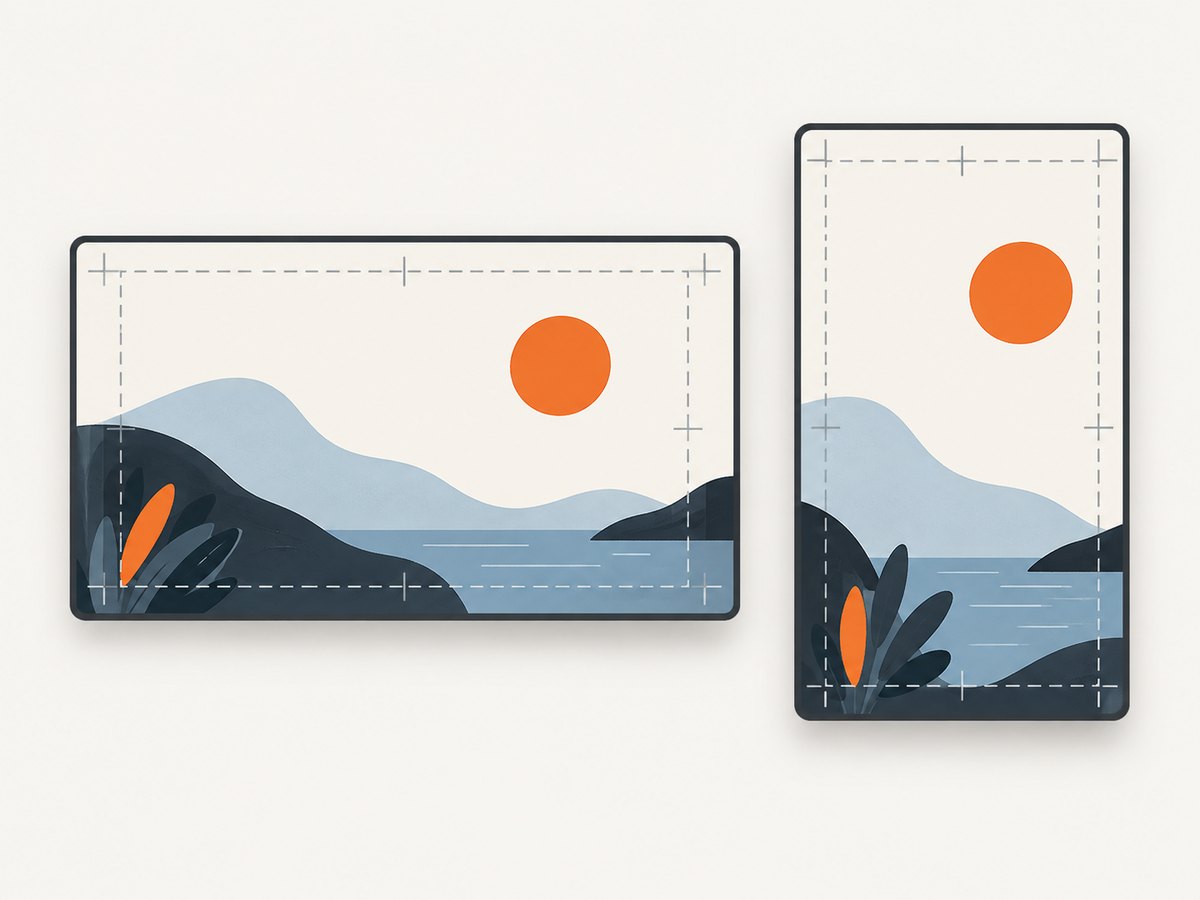
- Keep important faces and objects away from the edges, where cropping can occur.
- Use large type with strong contrast; preview the image at phone size.
- Do not use imagery you do not have permission to publish.
- Make the thumbnail accurately represent the video and follow YouTube Community Guidelines.
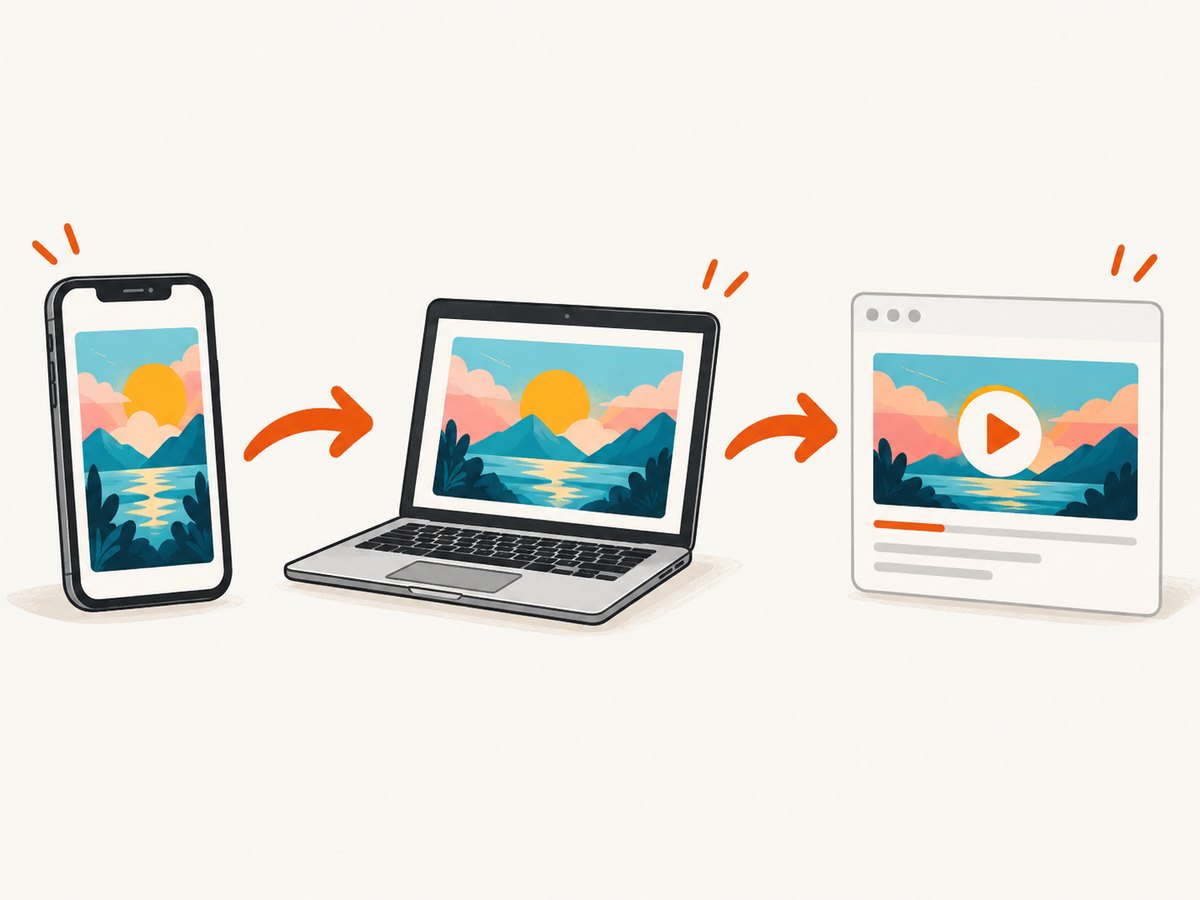
3. Export the correct file
- For a standard video, set the design to 16:9. YouTube’s recommended size is 3840 × 2160 pixels, with a 640-pixel minimum width.
- For a Short, prepare a vertical 9:16 image. YouTube’s guidance recommends 2160 × 3840 pixels for uploaded Shorts thumbnail files.
- Choose JPG for a smaller photographic file or PNG when you need sharper flat graphics or transparency during editing. YouTube accepts JPG and PNG for standard video thumbnails.
- Check the final file size for the device you will use. Compress or resize the export if it exceeds the applicable limit.
- Give the file a useful name, such as
product-demo-thumbnail-v2.jpg, so you can identify the correct variant during upload.
For vertical videos, YouTube says a 16:9 custom thumbnail can be replaced by an automatically generated 4:5 image on Home, Explore, and subscription pages. The custom image remains available in the watch feed, watch history, and on non-mobile platforms.
4. Upload a standard-video thumbnail on Android
- Open the YouTube Studio Android app.
- Tap Content and select the video.
- Tap Edit, then Edit thumbnail.
- Choose Custom thumbnail and select the image exported from your design app.
- Confirm the selection and tap Save.
YouTube’s Android documentation also describes reaching the edit-thumbnail control through Your videos and Edit thumbnail. If the custom option is unavailable, confirm account verification and channel eligibility.
5. Upload on desktop in YouTube Studio
- Open YouTube Studio and select Content.
- Open the video and its details page.
- Under Thumbnail, choose Upload file.
- Select the JPG or PNG exported from your app.
- Save the video details.
The desktop workflow can also show Get suggestions where the feature is available. YouTube says thumbnail changes can take time to appear after saving.
6. Add a custom thumbnail to a Short
YouTube’s current help text says custom thumbnails for Shorts are currently available to add in YouTube Studio on a computer. Create a vertical image, open the Short in Studio, use the thumbnail control, upload the file, and save. The mobile standard-video workflow does not make the same promise for custom Shorts files, so use the desktop process when you need a specific image.
7. Compare apps and choose a workflow
| Option | Documented workflow | Best fit when |
|---|---|---|
| Canva | Search the YouTube Thumbnail design type, customize it, and download on desktop or mobile. | You want template-led editing on a phone or computer. |
| Adobe Express | Use a template or blank canvas, add uploaded or stock imagery, apply branding, and download on desktop or mobile. | You want built-in branding and asset options. |
| YouTube Studio | Upload or select the thumbnail; desktop may also offer thumbnail suggestions. | You already have an image and need to attach it to the video. |
Features, export quality, assets, and plan limits can change. Check each vendor’s current page before choosing a paid plan. Neither app guarantees more views or clicks; YouTube’s own rules and your audience determine whether a design is accepted and how it performs.
8. Test thumbnail variants when eligible
YouTube documents a desktop A/B test that can compare up to three title and thumbnail variants. The feature requires advanced-features eligibility and has restrictions, including Shorts and certain video states or audiences. Open YouTube Studio’s testing workflow to confirm whether the video qualifies. Treat the result as an experiment rather than a promise of higher click-through rate.
9. Troubleshooting
There is no “Custom thumbnail” option
Cause: The account may not be verified, the channel may not be eligible, or a daily limit may have been reached.
Fix: Verify the account, review channel feature eligibility, and wait 24 hours if YouTube reports the daily limit.
The upload is rejected because the file is too large
Cause: The file exceeds the device-specific limit.
Fix: Export JPG, reduce quality slightly, resize the image, or upload from desktop where the documented standard-video limit is higher.
The image looks cropped or blurry
Cause: The canvas ratio does not match the video, or the export is too small.
Fix: Use 16:9 for standard videos and 9:16 for Shorts, keep the main subject away from edges, and export at the recommended dimensions.
The Short shows a different image on the Home page
Cause: YouTube can replace a 16:9 custom image with an automatically generated 4:5 thumbnail on some mobile surfaces for vertical videos.
Fix: Upload a vertical thumbnail through YouTube Studio on a computer and check the image on each surface after processing.
The thumbnail has not changed yet
Cause: YouTube says changes may take time to appear.
Fix: Wait, refresh Studio and the video page, and check from another device or an incognito window.
The thumbnail is removed or privileges are restricted
Cause: YouTube may reject thumbnails that violate its Community Guidelines, including rules covering nudity or sexually provocative content, hate speech, violence, and harmful or dangerous content. Repeated violations can affect thumbnail privileges.
Fix: Replace the image with an accurate, compliant design and review the applicable policy before re-uploading.
10. Or skip the browser setup
If your workflow also needs screenshots of landing pages, demos, or reference images, ScreenshotNeo can return a clean image from one GET request. The API accepts PNG, JPEG, WebP, or PDF output and supports full-page capture, element selectors, device presets, custom viewports, retina scale, dark mode, custom CSS and JavaScript, waits, cookies, headers, geolocation, caching, bulk capture, and more. See the ScreenshotNeo API documentation for the complete option list.
curl -G "https://api.screenshotneo.com/v1/shot" -d access_key=YOUR_API_KEY --data-urlencode url=https://stripe.com -o shot.webpimport requests
r = requests.get("https://api.screenshotneo.com/v1/shot", params={"access_key": "YOUR_API_KEY", "url": "https://stripe.com"}, timeout=90)
open("shot.webp", "wb").write(r.content)const q = new URLSearchParams({ access_key: 'YOUR_API_KEY', url: 'https://stripe.com' });
const res = await fetch(`https://api.screenshotneo.com/v1/shot?${q}`);Cookie banners, popups, and chat widgets are removed before the shot. Bot checks, blank pages, and failed loads are never billed, and response headers identify the page verdict and billing status. An MCP server lets AI agents take screenshots. The Free plan includes 1,000 screenshots a month with no card; paid plans start at $5 for 3,000. Create a free ScreenshotNeo account.
11. Performance, reliability, and cost notes
- Design once, then export a small set of deliberate variants instead of repeatedly re-rendering the same file.
- Keep an original high-resolution design file so you can produce a compliant JPG or PNG for each device and video type.
- Allow for YouTube processing time before judging whether an upload succeeded.
- Keep a record of the video type, canvas ratio, export format, file size, and upload surface when troubleshooting.
- For YouTube A/B tests, change only the variables you intend to compare and follow the feature’s eligibility rules.
12. FAQ
Can I make a thumbnail entirely on my phone?
Yes. Canva and Adobe Express document mobile creation and downloads. You can upload a standard-video custom thumbnail through YouTube Studio on Android when your account is eligible.
Do I need a verified account?
Yes. YouTube says custom thumbnails require account verification, along with any other eligibility requirements shown for your channel.
Can I use the same thumbnail for a Short and a standard video?
You can reuse the idea, but prepare separate files: standard videos use 16:9, while Shorts use a vertical 9:16 design.
Does YouTube guarantee that a custom thumbnail will appear everywhere?
No. YouTube can substitute an automatically generated image on some surfaces for vertical videos, and changes may take time to propagate.
Can an app guarantee more clicks?
No. Apps provide design tools. They cannot guarantee views, clicks, or recommendation performance.


