How to Get the Current Browser URL in Python
Read the current browser URL with Selenium or Playwright in Python, synchronize navigation correctly, handle tabs, and troubleshoot common errors.
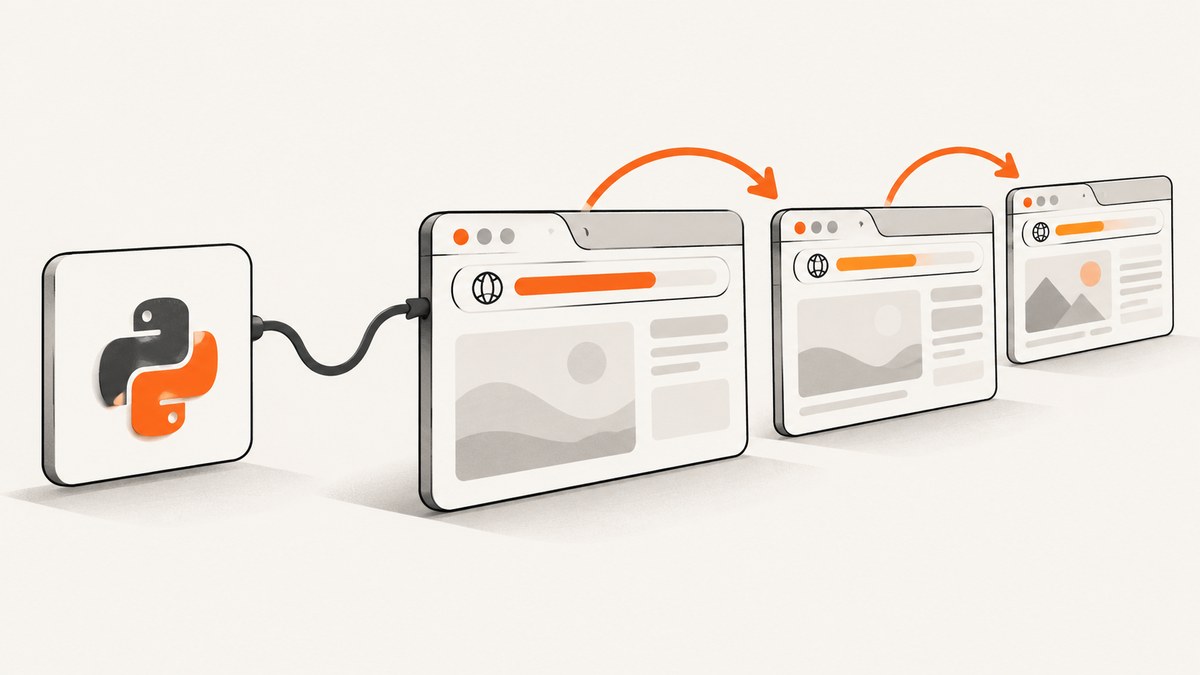
Use driver.current_url with Selenium or page.url with Playwright. Both are Python properties that return the current page URL as a string, so do not add parentheses. If an action causes navigation, wait for the navigation or the expected URL before reading it.
# Selenium
from selenium import webdriver

driver = webdriver.Chrome()
driver.get("https://example.com")
print(driver.current_url)
driver.quit()
# Playwright, synchronous
from playwright.sync_api import sync_playwright

with sync_playwright() as p:
    browser = p.chromium.launch()
    page = browser.new_page()
    page.goto("https://example.com")
    print(page.url)
    browser.close()
The right accessor depends on the browser automation library already used by your project. Selenium exposes the URL on the WebDriver’s current browsing context. Playwright exposes it on the specific Page object, which represents one tab or popup.
Choose the accessor for your Python framework
| Framework | Current URL | What it refers to | Parentheses? |
|---|---|---|---|
| Selenium | driver.current_url |
The WebDriver’s current browsing context | No |
| Playwright | page.url |
The selected Page (tab or popup) |
No |
Selenium’s Python API documents current_url as a string property on the driver. Playwright’s Pages guide describes a Page as a single tab or popup and exposes its URL through page.url. See the Selenium Python API and Playwright Python Pages guide.
Read the URL with Selenium
Minimal example
from selenium import webdriver

options = webdriver.ChromeOptions()
options.add_argument("--headless=new")

driver = webdriver.Chrome(options=options)
try:
    driver.get("https://example.com/products")
    current = driver.current_url
    print(current)
finally:
    driver.quit()
driver.get() starts navigation. Once it returns, Selenium has completed the navigation command according to the driver’s page-load strategy, and driver.current_url gives the URL in the active browsing context. Keep the read inside the try block and always quit the driver in finally so a failed assertion does not leave browser processes running.
Check a URL after clicking a link
from selenium import webdriver
from selenium.webdriver.common.by import By
from selenium.webdriver.support.ui import WebDriverWait

EXPECTED = "https://example.com/account"

driver = webdriver.Chrome()
try:
    driver.get("https://example.com/login")
    driver.find_element(By.CSS_SELECTOR, "a.account").click()

    WebDriverWait(driver, 15).until(
        lambda d: d.current_url.startswith(EXPECTED)
    )
    print("Arrived at:", driver.current_url)
finally:
    driver.quit()
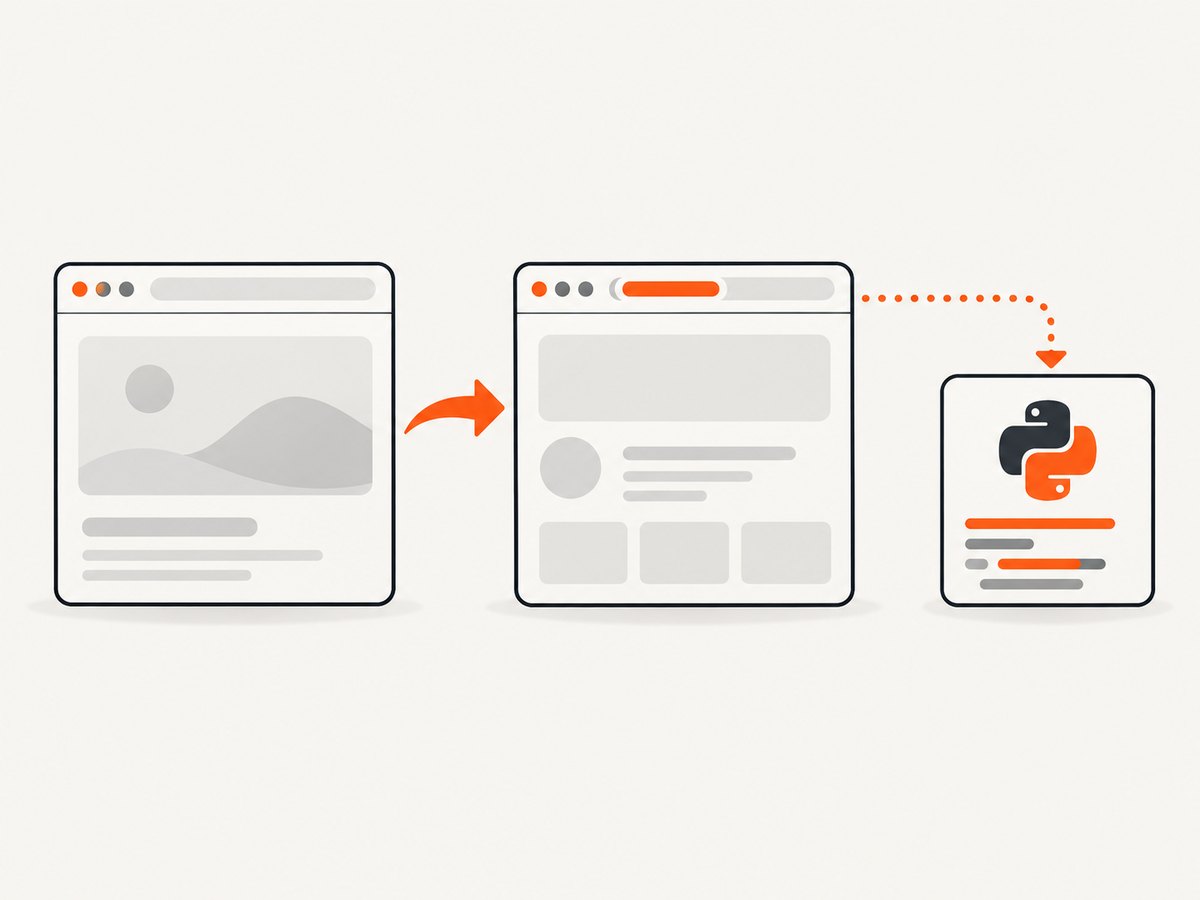
Waiting is useful when a click starts a redirect chain or client-side route transition. A URL check can use == for an exact address, startswith() for a path with changing query parameters, or a parsed comparison when fragments and tracking parameters are irrelevant.
Use Selenium’s URL expected condition
from selenium import webdriver
from selenium.webdriver.support.ui import WebDriverWait
from selenium.webdriver.support import expected_conditions as EC


driver = webdriver.Chrome()
try:
    driver.get("https://example.com/start")
    # Code that triggers navigation goes here.
    WebDriverWait(driver, 15).until(
        EC.url_contains("/dashboard")
    )
    print(driver.current_url)
finally:
    driver.quit()
The wait prevents a race where your assertion runs while the old document is still active. If you need an exact destination, use EC.url_to_be("https://example.com/dashboard"). For a regular expression, use EC.url_matches(...) where supported by your Selenium version.
Read the URL with Playwright
Synchronous API
from playwright.sync_api import sync_playwright

with sync_playwright() as p:
    browser = p.chromium.launch()
    page = browser.new_page()
    page.goto("https://example.com")
    print(page.url)
    browser.close()
Do not write page.url(). The value is already a string. Calling it raises a TypeError because Python tries to call a string as a function.
Asynchronous API
import asyncio
from playwright.async_api import async_playwright

async def main():
    async with async_playwright() as p:
        browser = await p.chromium.launch()
        page = await browser.new_page()
        await page.goto("https://example.com")
        print(page.url)  # property read; no await and no parentheses
        await browser.close()

asyncio.run(main())
Browser operations such as goto are awaited in the asynchronous API. Reading page.url is an ordinary property access and does not need await.
Wait for the destination after an action
from playwright.sync_api import sync_playwright

with sync_playwright() as p:
    browser = p.chromium.launch()
    page = browser.new_page()
    page.goto("https://example.com/login")

    with page.expect_navigation():
        page.click("a.account")

    print(page.url)
    browser.close()
For URL-based synchronization, Playwright also provides page.wait_for_url():
from playwright.sync_api import sync_playwright

with sync_playwright() as p:
    browser = p.chromium.launch()
    page = browser.new_page()
    page.goto("https://example.com/start")
    page.click("a.dashboard")
    page.wait_for_url("**/dashboard")
    print(page.url)
    browser.close()
Playwright sets page.url when navigation is committed. That can happen before every image, script, or deferred request has finished. If your next operation depends on rendered content, wait for a locator, a load state, or another application-specific signal as well. The Playwright navigation guide documents URL waiting and navigation timing.
Which tab or popup has the URL?
With Selenium, driver.current_url always describes the driver’s current window. Switch first when a link opens another tab:

from selenium import webdriver
from selenium.webdriver.common.by import By


driver = webdriver.Chrome()
try:
    driver.get("https://example.com")
    original = driver.current_window_handle
    driver.find_element(By.CSS_SELECTOR, "a[target='_blank']").click()

    handles = driver.window_handles
    new_handle = next(h for h in handles if h != original)
    driver.switch_to.window(new_handle)
    print(driver.current_url)
finally:
    driver.quit()
Playwright keeps tabs as separate Page objects. Capture the popup object and read that object’s URL:
from playwright.sync_api import sync_playwright

with sync_playwright() as p:
    browser = p.chromium.launch()
    context = browser.new_context()
    page = context.new_page()
    page.goto("https://example.com")

    with context.expect_page() as popup_info:
        page.click("a[target='_blank']")
    popup = popup_info.value
    popup.wait_for_load_state()
    print(popup.url)
    browser.close()
Reading page.url after opening a popup still returns the original tab’s URL. Use the Page reference for the tab you intend to inspect.
Handle redirects, fragments, and query strings
The returned value may include a scheme, host, path, query string, and fragment. Redirects can also change the final URL from the address you requested. Parse it with Python’s standard library when you need a stable comparison:
from urllib.parse import urlsplit, parse_qsl

url = "https://example.com/search?q=python#results"
parts = urlsplit(url)
print(parts.scheme)   # https
print(parts.netloc)   # example.com
print(parts.path)     # /search
print(dict(parse_qsl(parts.query)))  # {'q': 'python'}
print(parts.fragment) # results
For tests that should ignore a fragment, compare parts.scheme, parts.netloc, and parts.path. For query parameters, parse them instead of comparing the complete string because parameter order and analytics values may vary. Treat URL values as untrusted input: avoid logging credentials embedded in a URL and redact sensitive query parameters before sending logs to a third party.
Common errors and fixes
| Error or symptom | Cause | Fix |
|---|---|---|
TypeError: 'str' object is not callable |
page.url() or driver.current_url() was used. |
Remove parentheses: page.url or driver.current_url. |
| The old URL is returned after a click | The assertion ran before navigation or a redirect completed. | Use Selenium’s URL wait or Playwright’s wait_for_url()/expect_navigation(). |
| A popup URL is missing | The code is reading the original tab. | Switch Selenium’s window handle or retain Playwright’s new Page object. |
| URL has unexpected tracking parameters | The site appended campaign or session parameters. | Parse with urllib.parse and compare only the fields your test requires. |
| Navigation timeout | The server, network, or page-load condition exceeded the timeout. | Increase the navigation timeout only when justified, check connectivity, and wait for a specific selector or URL instead of an indefinite load. |
about:blank appears |
The page was read before navigation started, or a newly created popup has not navigated. | Wait for the navigation/load state and verify the correct tab or popup. |
| URL looks right but content is wrong | URL commit occurred before application rendering finished. | Wait for a page-specific locator, network idle where appropriate, or an application-ready state. |
Reliability and performance checklist
- Choose the correct context. In Selenium, switch to the intended window; in Playwright, keep the intended
Pagereference. - Synchronize the event. Wait for the expected URL after clicks, form submissions, redirects, and client-side route changes.
- Use bounded waits. Set a timeout and report the requested URL, observed URL, and action that preceded the failure.
- Compare deliberately. Decide whether fragments, trailing slashes, host casing, or query parameters matter to your test.
- Close resources. Call
driver.quit()or close the Playwright browser/context in a cleanup block. - Keep logs safe. Redact tokens, session IDs, and other secrets that may appear in query strings.
Reading the property itself is effectively constant-time; browser navigation and synchronization dominate runtime. Reusing a browser session can reduce startup overhead, while isolating contexts or drivers helps prevent cookies and tabs from leaking between tests. Do not replace a targeted wait with a large fixed sleep unless the site gives you no reliable event or selector.
Or skip the browser setup
If your goal is to obtain a page image rather than interact with a live browser, ScreenshotNeo returns a screenshot or PDF from one GET request. The API can capture a URL without you managing Selenium or Playwright:
curl -G "https://api.screenshotneo.com/v1/shot" -d access_key=YOUR_API_KEY --data-urlencode url=https://stripe.com -o shot.webpimport requests
r = requests.get(
"https://api.screenshotneo.com/v1/shot",
params={"access_key": "YOUR_API_KEY", "url": "https://stripe.com"},
timeout=90,
)
r.raise_for_status()
open("shot.webp", "wb").write(r.content)
const q = new URLSearchParams({ access_key: 'YOUR_API_KEY', url: 'https://stripe.com' });
const res = await fetch(`https://api.screenshotneo.com/v1/shot?${q}`);
if (!res.ok) throw new Error(`HTTP ${res.status}`);
const image = Buffer.from(await res.arrayBuffer());
require('fs').writeFileSync('shot.webp', image);
See the ScreenshotNeo API documentation for request options and response details. Cookie and consent banners, newsletter popups, and chat widgets are removed before the shot. Bot checks, blank pages, timeouts, failed loads, and cache hits are not billed, and response headers identify the page verdict and whether it was billed. An MCP server provides take_screenshot, get_page_info, and capture_pdf tools for Claude, Cursor, and other MCP clients.
The Free plan includes 1,000 screenshots each month with no card. Paid plans start at $5 for 3,000 shots, and every feature is available on every plan. Create a free ScreenshotNeo account.
FAQ
Does Selenium return the URL before redirects finish?
It returns the URL for the driver’s current browsing context. When the final destination matters, wait for that destination with an explicit condition instead of reading immediately after an action.
Can I get the URL without loading page content?
These properties report the browser’s current document after navigation has begun or committed. They are not a DNS lookup or an HTTP HEAD request; use an HTTP client when you only need response headers.
Why is Playwright’s URL different from the URL I passed to goto?
The site may redirect, normalize the path, add parameters, or update the URL through client-side routing. page.url reports the address of that page at the time you read it.
Should I use Selenium or Playwright for a new project?
Use the framework that matches your existing test and browser infrastructure. The URL read is simple in both; the surrounding APIs for waits, tabs, contexts, and navigation differ.
Can ScreenshotNeo tell me the final page URL?
ScreenshotNeo is focused on returning screenshots or PDFs from a URL. For interactive URL assertions and multi-tab workflows, use Selenium or Playwright; for rendered capture without browser setup, use the ScreenshotNeo shot endpoint.


