How to Get the Current Page in Playwright
Use Playwright's Page object and page.url() to read the current URL, handle popups, test navigation, and manage multiple tabs reliably.
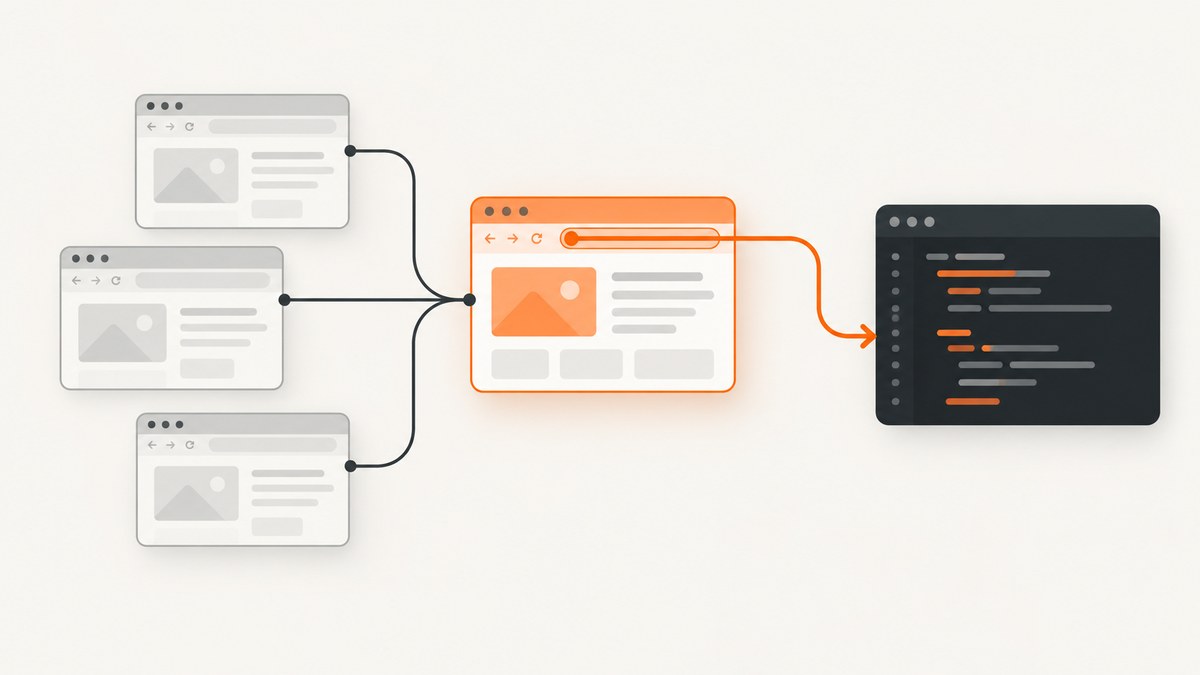
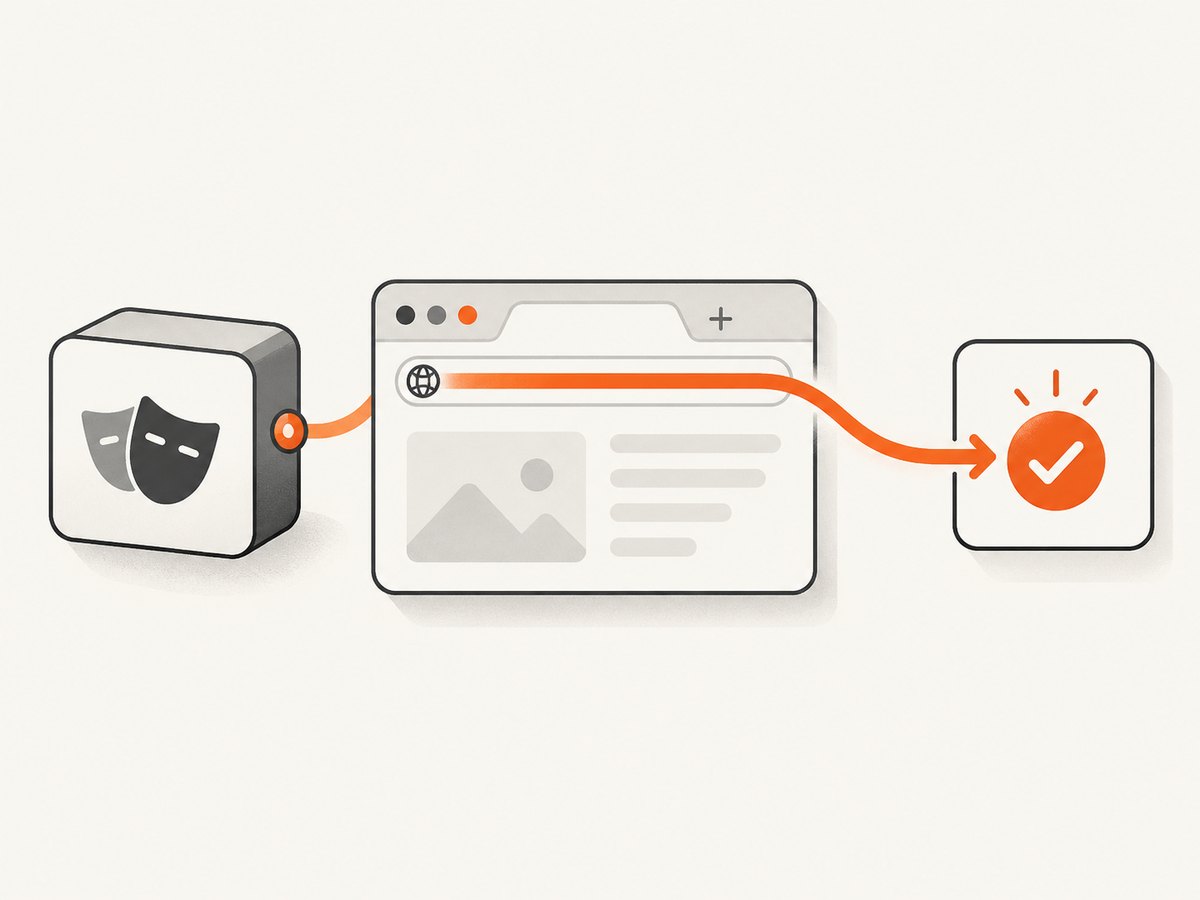
Use the Page object for the tab you are operating and call page.url(). It returns the current URL as a string. In Playwright Test, the built-in { page } fixture is the usual starting point.
import { test, expect } from '@playwright/test';

test('read the current page URL', async ({ page }) => {
  await page.goto('https://example.com');

  const currentUrl = page.url();
  console.log(currentUrl);

  await expect(page).toHaveURL('https://example.com/');
});
Playwright does not have one global “current page.” A Page represents one tab or popup. A BrowserContext can own several pages, so keep the reference to the page you intend to inspect. See the Page API for the URL method and related navigation APIs.
1. Understand the Playwright page model
The object hierarchy explains which API to use:
| Object | Represents | Useful API |
|---|---|---|
Browser |
The browser process | browser.newContext() |
BrowserContext |
An isolated session with its own cookies and storage | context.pages(), context.waitForEvent('page') |
Page |
One tab, popup, or document surface | page.url(), page.goto(), page.waitForURL() |
Frame |
A document embedded inside a page | page.frame(), frame locators |
Use context.pages() when you need to inspect all tabs in a context. Avoid assuming that index zero is the active tab; choose by URL, title, or the action that created it. The BrowserContext API documents page ownership and enumeration.
2. Read the URL after navigation
Call page.url() after the navigation operation you are synchronizing with. For a simple navigation, Playwright waits for the default load condition:
const response = await page.goto('https://example.com/account');
console.log('HTTP response:', response?.status());
console.log('Current URL:', page.url());
page.goto() can return null for special cases, so do not dereference the response without checking it. The URL is always read from the Page object.
Wait for a specific destination
When a click triggers client-side routing or a redirect, wait for the expected URL before reading it:
await Promise.all([
  page.waitForURL('**/dashboard'),
  page.getByRole('link', { name: 'Dashboard' }).click(),
]);

console.log(page.url());
You can use a glob, regular expression, or predicate:
await page.waitForURL(/\/orders\/\d+$/);
await page.waitForURL(url => url.searchParams.get('status') === 'paid');
For assertions, prefer the auto-waiting matcher:
await expect(page).toHaveURL(/\/dashboard/);
await expect(page).toHaveURL('https://example.com/dashboard');
3. Get the page after opening a popup
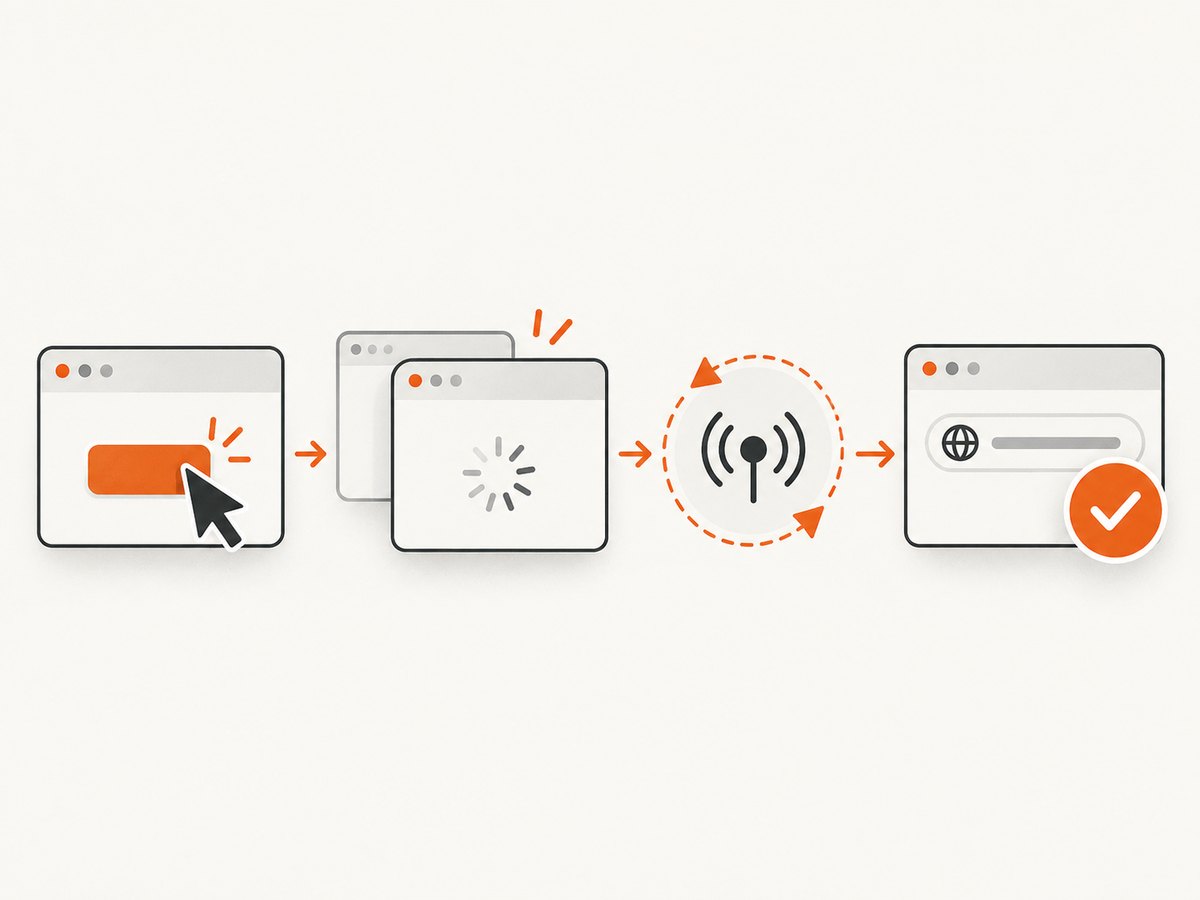
A click that calls window.open creates a new Page. Register the event listener before the click so the event cannot be missed:
const popupPromise = page.waitForEvent('popup');
await page.getByRole('button', { name: 'Open report' }).click();

const popup = await popupPromise;
await popup.waitForLoadState();
console.log('Popup URL:', popup.url());
The popup event can arrive while the new document is still loading. Wait for a load state or a known URL when your assertion depends on final navigation:
const popupPromise = page.waitForEvent('popup');
await page.getByText('Open report').click();
const popup = await popupPromise;
await popup.waitForURL('**/reports/**');
await expect(popup).toHaveTitle(/Report/);
4. Handle a new tab at context scope
If the action may originate from several pages, listen on the BrowserContext:
const newPagePromise = context.waitForEvent('page');
await page.getByText('Open in new tab').click();

const newPage = await newPagePromise;
await newPage.waitForLoadState('domcontentloaded');
console.log(newPage.url());
With a manually created context, close it explicitly when finished:
import { chromium } from 'playwright';

const browser = await chromium.launch();
const context = await browser.newContext();
const page = await context.newPage();

try {
  await page.goto('https://example.com');
  console.log(page.url());
} finally {
  await context.close();
  await browser.close();
}
Using a context keeps cookies and local storage isolated. Playwright Test creates an isolated context and Page fixture for each test; see the fixtures guide and browser-context isolation guide.
5. Enumerate and identify several open pages
for (const [index, candidate] of context.pages().entries()) {
  console.log(index, candidate.url(), await candidate.title());
}

const reportPage = context.pages().find(p => p.url().includes('/reports/'));
if (!reportPage) throw new Error('Report page was not opened');
console.log(reportPage.url());
For deterministic tests, keep the Page returned by waitForEvent or newPage(). Searching by URL is useful for diagnostics, but a URL can change during redirects, so wait for the final pattern first.
6. Use the Playwright Test fixture
The fixture already supplies a Page tied to the test’s isolated BrowserContext:
import { test } from '@playwright/test';

test('prints the current page', async ({ page }) => {
  await page.goto('/dashboard');
  console.log(page.url());
});
When a test opens another tab, retain the returned Page rather than replacing the fixture variable:
test('checks a link target', async ({ page }) => {
  const popupPromise = page.waitForEvent('popup');
  await page.getByRole('link', { name: 'Terms' }).click();
  const terms = await popupPromise;
  await terms.waitForURL('**/terms');
});
7. Read URLs in frames
A frame is not a separate Page. If the content you need is inside an iframe, obtain the Frame and inspect its URL:
const checkoutFrame = page.frame({ name: 'checkout' });
if (!checkoutFrame) throw new Error('Checkout frame not found');
console.log(checkoutFrame.url());
For most assertions, interact through frame locators. Use the Page URL for the top-level tab and the Frame URL only when diagnosing embedded navigation.
8. Common errors and fixes
| Symptom | Cause | Fix |
|---|---|---|
page is not defined |
The Page fixture or variable was never passed into the function. | Use async ({ page }) in Playwright Test or assign const page = await context.newPage(). |
| The URL is still the old one | Navigation is asynchronous or a redirect is still running. | Await page.waitForURL(), page.waitForLoadState(), or expect(page).toHaveURL(). |
| You inspected the wrong tab | context.pages()[0] was assumed to be active. |
Capture the Page from the popup or context event and identify pages by a known condition. |
| Popup event timed out | The listener was registered after the click, or no popup was created. | Create the promise before clicking and verify the site actually opens a new tab. |
| URL assertion fails on a trailing slash | The browser normalized the URL. | Assert the canonical URL, use a glob/regex, or use a predicate that checks only the required parts. |
| Page closed before reading URL | The context or popup was closed too early. | Read and assert the URL before cleanup; close contexts in a finalization block. |
| Expected URL never appears after a click | The click changed content without navigation, or navigation was intercepted. | Assert the resulting UI state instead, or wait for the specific request/response that drives the change. |
9. Performance and reliability practices
- Keep one clear Page reference per tab. It avoids repeated scans of
context.pages(). - Use URL assertions and event waits instead of fixed sleeps. They finish as soon as the condition is true.
- Wait for the narrowest condition your test needs. A full
loadwait can be slower than waiting for a destination URL or visible element. - Set realistic test timeouts for redirects and slow environments, but do not hide synchronization bugs with very large timeouts.
- Record the URL in failure diagnostics alongside the title and screenshot; this distinguishes a redirect, popup, and wrong-page failure.
- Close explicitly created contexts and browsers so worker processes do not accumulate.
10. Or skip the browser setup
If your goal is to capture a page image or PDF rather than interact with a live tab, ScreenshotNeo provides a single HTTP request. Its API accepts a URL and returns a PNG, JPEG, WebP, or PDF. The API documentation lists all options.
curl -G "https://api.screenshotneo.com/v1/shot" -d access_key=YOUR_API_KEY --data-urlencode url=https://example.com -o shot.webpimport requests
r = requests.get(
"https://api.screenshotneo.com/v1/shot",
params={"access_key": "YOUR_API_KEY", "url": "https://example.com"},
timeout=90,
)
r.raise_for_status()
open("shot.webp", "wb").write(r.content)const q = new URLSearchParams({ access_key: 'YOUR_API_KEY', url: 'https://example.com' });
const res = await fetch(`https://api.screenshotneo.com/v1/shot?${q}`);
if (!res.ok) throw new Error(`HTTP ${res.status}`);
const data = Buffer.from(await res.arrayBuffer());
require('fs').writeFileSync('shot.webp', data);Before capture, ScreenshotNeo accepts cookie and consent banners and removes more than 60 known consent platforms, newsletter popups, and chat widgets; each step can be disabled. Bot checks, blank pages, timeouts, failed loads, and cache hits are not billed, and the response identifies the result with X-Page-Verdict and X-Billed headers. An MCP server provides take_screenshot, get_page_info, and capture_pdf tools for Claude, Cursor, and other MCP clients. The free plan includes 1,000 shots per month without a card; paid plans start at $5 for 3,000 shots. Create a free ScreenshotNeo account.
11. FAQ
What is the Playwright equivalent of the active tab?
There is no global active-tab object. Keep the Page reference for the tab you want to operate.
Does page.url() return a URL object?
No. It returns a string. Parse it with JavaScript’s URL constructor when you need individual components.
const parsed = new URL(page.url());
console.log(parsed.pathname, parsed.searchParams.get('id'));
How do I get the URL after a redirect?
Wait for the destination with page.waitForURL() or assert it with expect(page).toHaveURL(), then call page.url().
Can I use page.url() before goto()?
Yes, but it will report the page’s initial URL, typically about:blank. Navigate first when your test needs an application URL.
How do I inspect every open tab?
Call context.pages(), then inspect each Page’s URL or title. For a newly opened tab, prefer the Page returned by context.waitForEvent('page').


