How to Get an Element’s Text with Playwright
Learn when to use textContent, innerText, allTextContents, and toHaveText in Playwright with JavaScript and Python examples.

Use a resilient Locator, then choose the method that matches what you need: textContent() reads the DOM text, while innerText() reads rendered text. For multiple matches, use allTextContents() or allInnerTexts(). If you are checking text in a test, prefer expect(locator).toHaveText().
import { test, expect } from '@playwright/test';

test('reads a button label', async ({ page }) => {
  await page.goto('https://example.com');

  const button = page.getByRole('button', { name: 'Save' });
  const domText = await button.textContent();
  const renderedText = await button.innerText();

  console.log({ domText, renderedText });
  await expect(button).toHaveText('Save');
});
Which Playwright text method should you use?
| Goal | Use | What it returns |
|---|---|---|
| Read one element’s DOM text | locator.textContent() |
The node’s textContent, including text from descendants |
| Read one element’s rendered text | locator.innerText() |
The element’s innerText, which follows rendered-text semantics |
| Read DOM text from a collection | locator.allTextContents() |
One textContent string per match |
| Read rendered text from a collection | locator.allInnerTexts() |
One innerText string per match |
| Verify text in a test | expect(locator).toHaveText() |
An assertion using text-content semantics by default |
Playwright describes locators as the central piece of its auto-waiting and retryability. Start with a locator instead of querying the page with a one-off CSS selector.
Read text from one element
textContent(): DOM text
Use textContent() when you need the text stored in the DOM, regardless of whether CSS currently makes part of it visible.
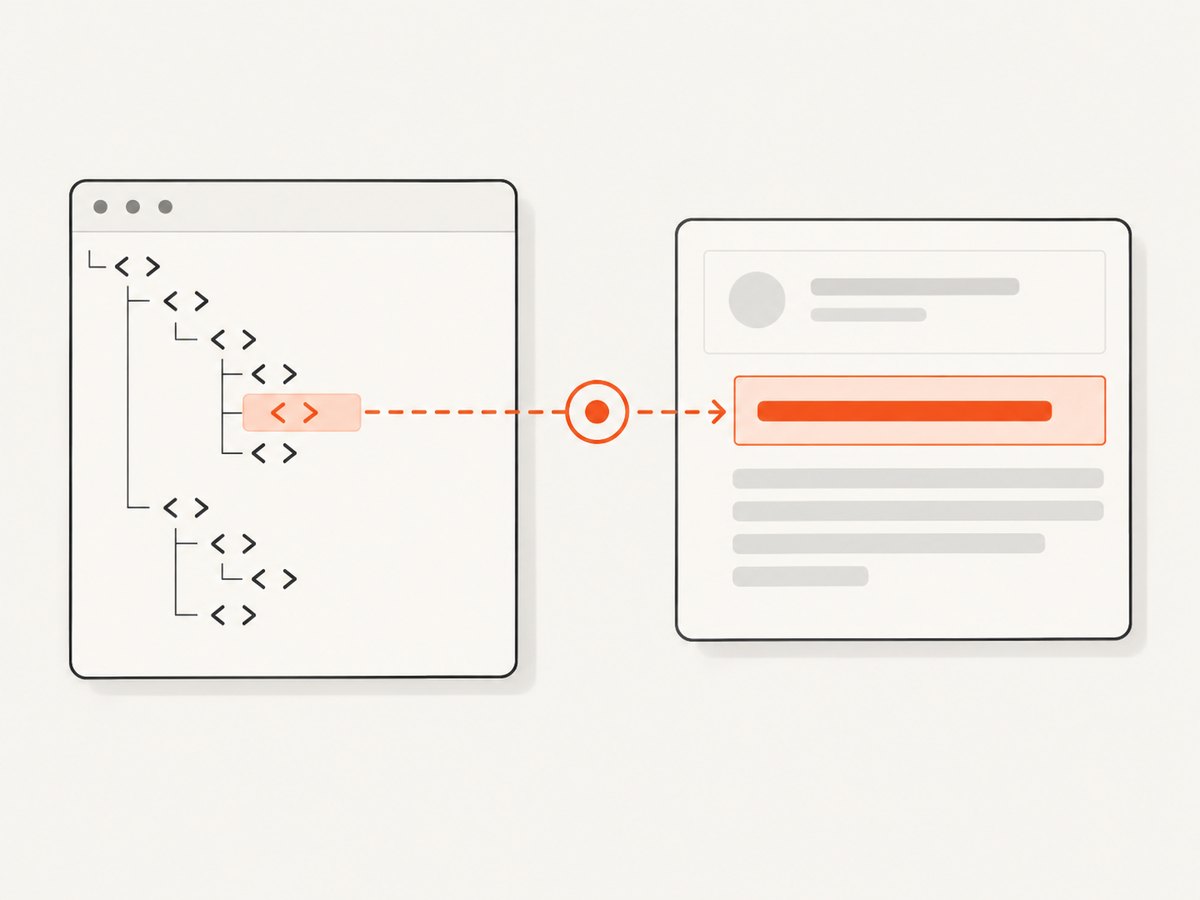
const status = page.getByRole('status');
const text = await status.textContent();
console.log(text);innerText(): rendered text
Use innerText() when the value should reflect what a user can see, including rendered whitespace and visibility behavior.
const banner = page.getByText('Welcome', { exact: true });
const visibleText = await banner.innerText();
console.log(visibleText);
The two values can differ when an element contains hidden descendants, CSS-controlled line breaks, or whitespace that is collapsed during rendering.
Choose a resilient Locator
Prefer locators that express user-facing meaning. Use getByRole() for interactive controls and getByText() for visible copy.
const heading = page.getByRole('heading', { name: 'Account' });
const exactCopy = page.getByText('Welcome, John', { exact: true });
const dynamicCopy = page.getByText(/welcome, [A-Z a-z]+$/i);

console.log(await heading.textContent());
getByText() supports substring matching, exact matching, and regular expressions. Playwright normalizes whitespace, line breaks, and surrounding whitespace during text matching, so a locator can still match text that is formatted differently in the DOM.
When a CSS locator is appropriate
Use a CSS locator when there is no stable role or text signal, such as a data attribute added specifically for automation.
const price = page.locator('[data-testid="price"]');
const priceText = await price.innerText();
Avoid depending on brittle generated class names or deeply nested selectors. The older page.textContent(selector) API is discouraged; use locator.textContent() instead. The page-level method reads the first match when several elements satisfy the selector.
Get text from all matching elements
Use collection methods when the locator intentionally matches a list, table column, menu, or repeated card.
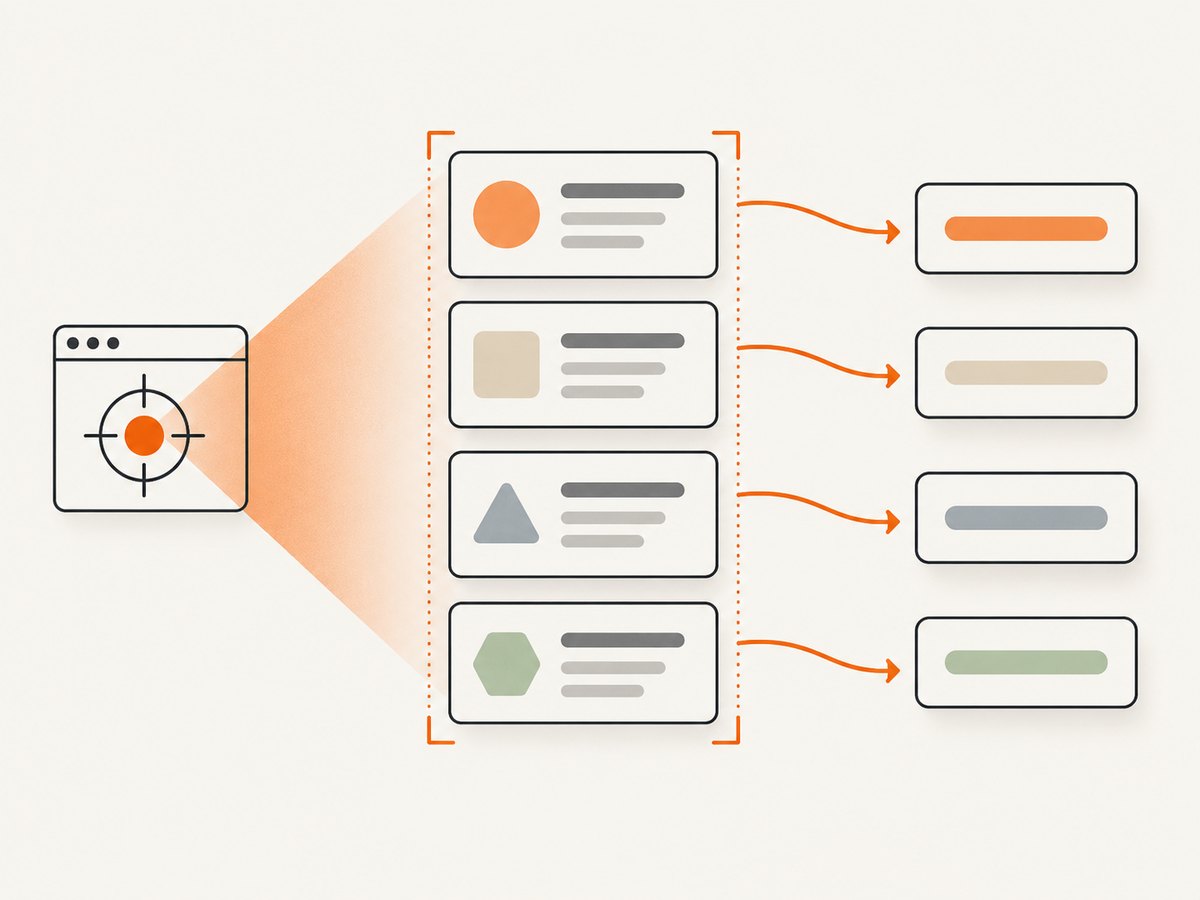
const items = page.getByRole('listitem');
const domTexts = await items.allTextContents();
const renderedTexts = await items.allInnerTexts();

console.log(domTexts);
console.log(renderedTexts);
Complete list example
import { test, expect } from '@playwright/test';

test('reads every result title', async ({ page }) => {
  await page.goto('https://example.com/results');

  const titles = page.getByRole('listitem');
  const values = await titles.allInnerTexts();

  expect(values.length).toBeGreaterThan(0);
  console.log(values);
});
Use allTextContents() when hidden or non-rendered descendant text matters. Use allInnerTexts() when the output should represent rendered labels.
Extract text or assert it?
If the purpose is a test check, keep the value inside an assertion. Assertions retry while the page changes, whereas pulling a string into a variable gives you a snapshot at one point in time.
import { test, expect } from '@playwright/test';

test('shows a saved message', async ({ page }) => {
  await page.goto('https://example.com/editor');
  await page.getByRole('button', { name: 'Save' }).click();

  const status = page.getByRole('status');
  await expect(status).toHaveText('Saved');
});
toHaveText() uses textContent semantics by default. Set useInnerText: true when the assertion must follow rendered text.
await expect(page.getByRole('status')).toHaveText('Saved', {
  useInnerText: true
});
JavaScript and TypeScript patterns
Read text after an action
const save = page.getByRole('button', { name: 'Save' });
await save.click();
const message = await page.getByRole('status').innerText();
Read an attribute and text together
const link = page.getByRole('link', { name: 'Documentation' });
const label = await link.innerText();
const href = await link.getAttribute('href');
console.log({ label, href });
Normalize your own output
const raw = await page.getByRole('heading').textContent();
const normalized = raw?.replace(/\\s+/g, ' ').trim() ?? '';
console.log(normalized);
Do your own normalization only after selecting the correct API. Playwright already normalizes whitespace for text matching, but extracted strings remain your application data.
Python Playwright
The Python binding exposes the same operations with snake_case names.
from playwright.sync_api import sync_playwright

with sync_playwright() as p:
    browser = p.chromium.launch()
    page = browser.new_page()
    page.goto("https://example.com")

    button = page.get_by_role("button", name="Save")
    dom_text = button.text_content()
    rendered_text = button.inner_text()
    print(dom_text, rendered_text)

    browser.close()
Python collection example
items = page.get_by_role("listitem")
dom_texts = items.all_text_contents()
rendered_texts = items.all_inner_texts()
print(dom_texts)
print(rendered_texts)
Common edge cases
Hidden text
textContent() can include text from descendants that are hidden with CSS. Choose innerText() when visibility is part of the requirement.
Whitespace and line breaks
Rendered text can collapse or insert whitespace differently from the DOM. If exact formatting matters, capture with textContent() and apply an explicit normalization rule.
Empty or optional content
An optional element may have no text. Model that case explicitly and avoid calling string methods on a nullable result.
const subtitle = await page.getByTestId('subtitle').textContent();
const value = subtitle?.trim() ?? '';
Dynamic content
Locate the element before reading it. Locators wait and retry as the page updates. If content appears after a specific event, perform that event first and use an assertion for synchronization.
await page.getByRole('button', { name: 'Load details' }).click();
const details = page.getByRole('region', { name: 'Details' });
await expect(details).toContainText('Account');
const detailsText = await details.innerText();
Several elements match unexpectedly
Use a more specific role or text locator, or deliberately use a collection method. Avoid silently reading an arbitrary first match when the page should contain exactly one target.
const saveButtons = page.getByRole('button', { name: 'Save' });
const labels = await saveButtons.allInnerTexts();
Troubleshooting
| Symptom | Likely cause | Fix |
|---|---|---|
| Text is empty | The target has not rendered, or the text is supplied later | Trigger the relevant action and assert with toHaveText or toContainText before extracting |
| Hidden text appears in the result | textContent() includes DOM descendants |
Use innerText() for rendered semantics |
| Visible spacing differs from expected | HTML whitespace and rendered whitespace differ | Use innerText() for display text or normalize the extracted value explicitly |
| Locator timeout | The role, name, or text does not match the actual page | Inspect the accessible role/name, account for dynamic text, and choose a stable locator |
| Wrong item is read | A selector matches multiple nodes | Scope the locator to a container, use an exact name, or call a collection method intentionally |
| Assertion flakes | The test reads before the UI finishes updating | Assert the state with Playwright’s locator assertion, which retries until the condition is met |
| Old selector code behaves unexpectedly | page.textContent(selector) uses the first match and is discouraged |
Convert the selector to page.locator(selector).textContent() |
Performance and reliability
- Keep locators specific so Playwright resolves fewer candidates.
- Use one collection call such as
allInnerTexts()when you need every matching value instead of looping over repeated individual queries. - Prefer assertions for synchronization; fixed sleeps add latency and can still race with slow rendering.
- Choose
textContent()when layout is irrelevant. Rendered-text calculation withinnerText()is the right semantic choice when visibility and layout matter. - For stable tests, use role, accessible name, and dedicated test IDs instead of volatile CSS classes.
Or skip the browser setup
If your goal is to obtain a screenshot containing an element’s text rather than inspect the DOM in a test, ScreenshotNeo provides a single HTTP request. Its API can capture a full page or one element by CSS selector, with options for waiting, custom CSS and JavaScript, hiding selectors, device settings, and more. See the ScreenshotNeo API documentation for the complete parameter list.
curl -G "https://api.screenshotneo.com/v1/shot" -d access_key=YOUR_API_KEY --data-urlencode url=https://stripe.com -o shot.webpimport requests
r = requests.get("https://api.screenshotneo.com/v1/shot", params={"access_key": "YOUR_API_KEY", "url": "https://stripe.com"}, timeout=90)
open("shot.webp", "wb").write(r.content)const q = new URLSearchParams({ access_key: 'YOUR_API_KEY', url: 'https://stripe.com' });
const res = await fetch(`https://api.screenshotneo.com/v1/shot?${q}`);- Cookie banners, newsletter popups, and chat widgets are removed before the shot.
- Bot checks, blank pages, failed loads, timeouts, and cache hits are not billed; response headers identify the page verdict and billing status.
- An MCP server lets Claude, Cursor, and other MCP clients take screenshots with AI-agent tools.
- The Free plan includes 1,000 screenshots each month with no card, and paid plans start at $5 for 3,000 shots.
Create a free ScreenshotNeo account to get started.
FAQ
Does textContent() include hidden text?
It reads the DOM node’s text content, so hidden descendants can be included. Use innerText() for rendered text.
How do I get text from every matching element?
Call allTextContents() for DOM text or allInnerTexts() for rendered text.
Should I extract text before asserting it?
For a test check, use toHaveText(). Extract a string when your code actually needs to process or return the value.
Can I use regular expressions with getByText()?
Yes. Text locators support regular-expression matching as well as substring and exact-string matching.
What is the Python equivalent of innerText()?
Use locator.inner_text(); collection methods are all_text_contents() and all_inner_texts().


