How to Get the File Type of a URL in Python
Use Python’s mimetypes module for an offline extension guess, or inspect HTTP Content-Type for the live resource. Learn how to handle redirects, compressed files, and unknown types.

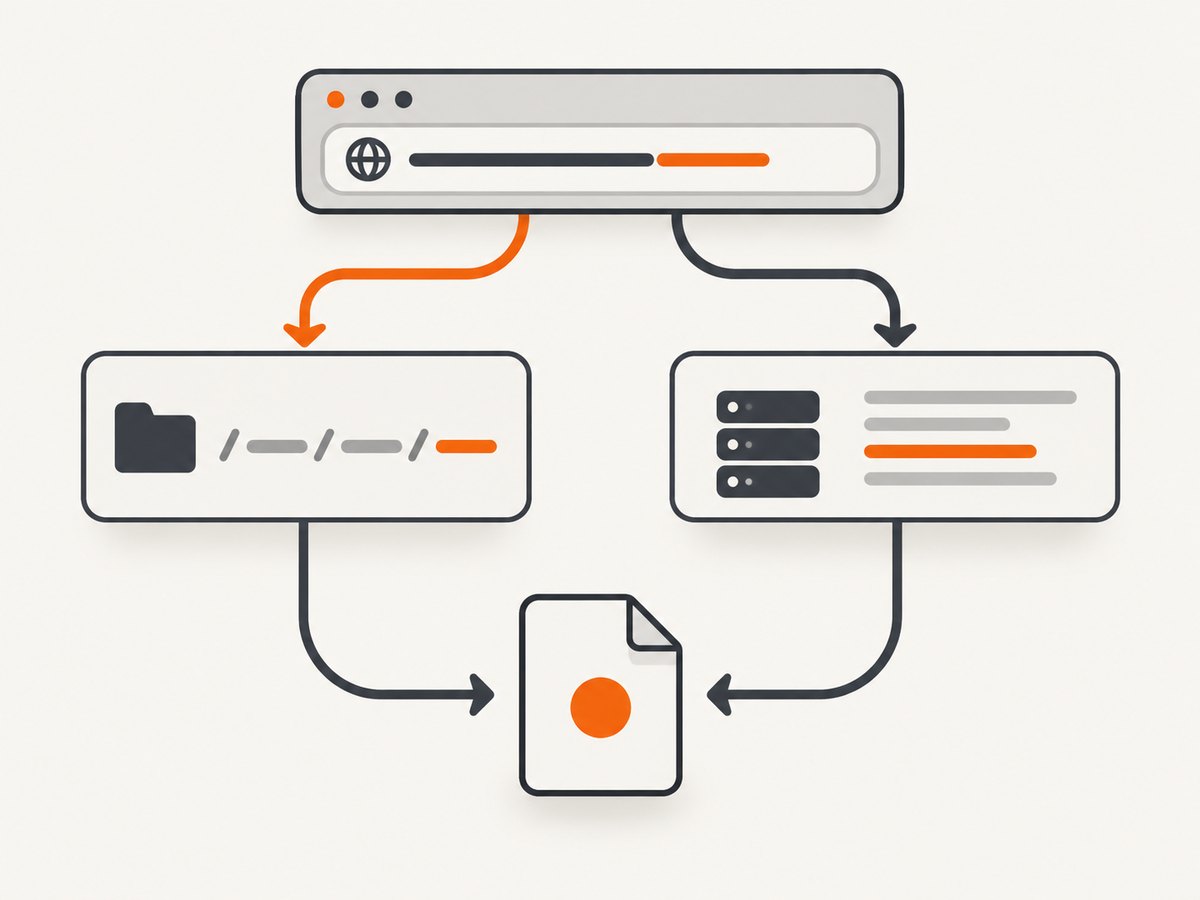
To guess a file type from a URL without making a network request, use Python’s standard-library mimetypes.guess_type(). It returns a MIME type and a separate content-encoding hint; either can be None when the suffix is missing or unknown. For a live resource, prefer the HTTP response’s Content-Type header, fall back to the final URL’s path suffix, and call the result a declaration or guess—not proof of the bytes.
For example, mimetypes.guess_type("https://example.com/archive.tar.gz?download=1") commonly returns ("application/x-tar", "gzip"). The URL suffix check is fast and offline. Checking a live resource costs a request, but works for extensionless URLs and accounts for redirects.
1. Guess the type from the URL suffix
Python documents mimetypes as a way to convert a filename or URL into a MIME type associated with its extension. No request is made, and the input need not be a real, reachable URL.
from mimetypes import guess_type

url = "https://example.com/archive.tar.gz?download=1"
mime_type, encoding = guess_type(url)

print(mime_type)  # commonly application/x-tar
print(encoding)   # commonly gzip
The first result describes the media type associated with the filename suffix. The second describes an encoding inferred from the suffix, such as gzip for .gz. Preserve both values if the distinction matters to your application.
For inputs that may contain query parameters or fragments, split the URL and pass only its path. This makes it explicit that ?download=report.pdf is not itself a filename suffix.
from mimetypes import guess_type
from urllib.parse import urlsplit

url = "https://example.com/download?file=report.pdf#details"
path = urlsplit(url).path
mime_type, encoding = guess_type(path)

print(path)      # /download
print(mime_type) # None
The urllib.parse module provides the standard URL component-splitting interface. Parsing the path avoids accidentally treating query or fragment text as evidence about the resource.
Strict and non-strict mappings
guess_type() uses strict=True by default. In strict mode the mapping table is limited to official IANA media types. Set strict=False to include common non-standard mappings too.
import mimetypes

filename = "example"
print(mimetypes.guess_type(filename))                 # (None, None)
print(mimetypes.guess_type("image.svg", strict=True))
print(mimetypes.guess_type("image.svg", strict=False))
The mappings available can depend on the Python runtime and its environment. If your application needs a stable allowlist, define and validate that allowlist explicitly instead of assuming every machine has identical MIME mappings.
2. Check the live HTTP response
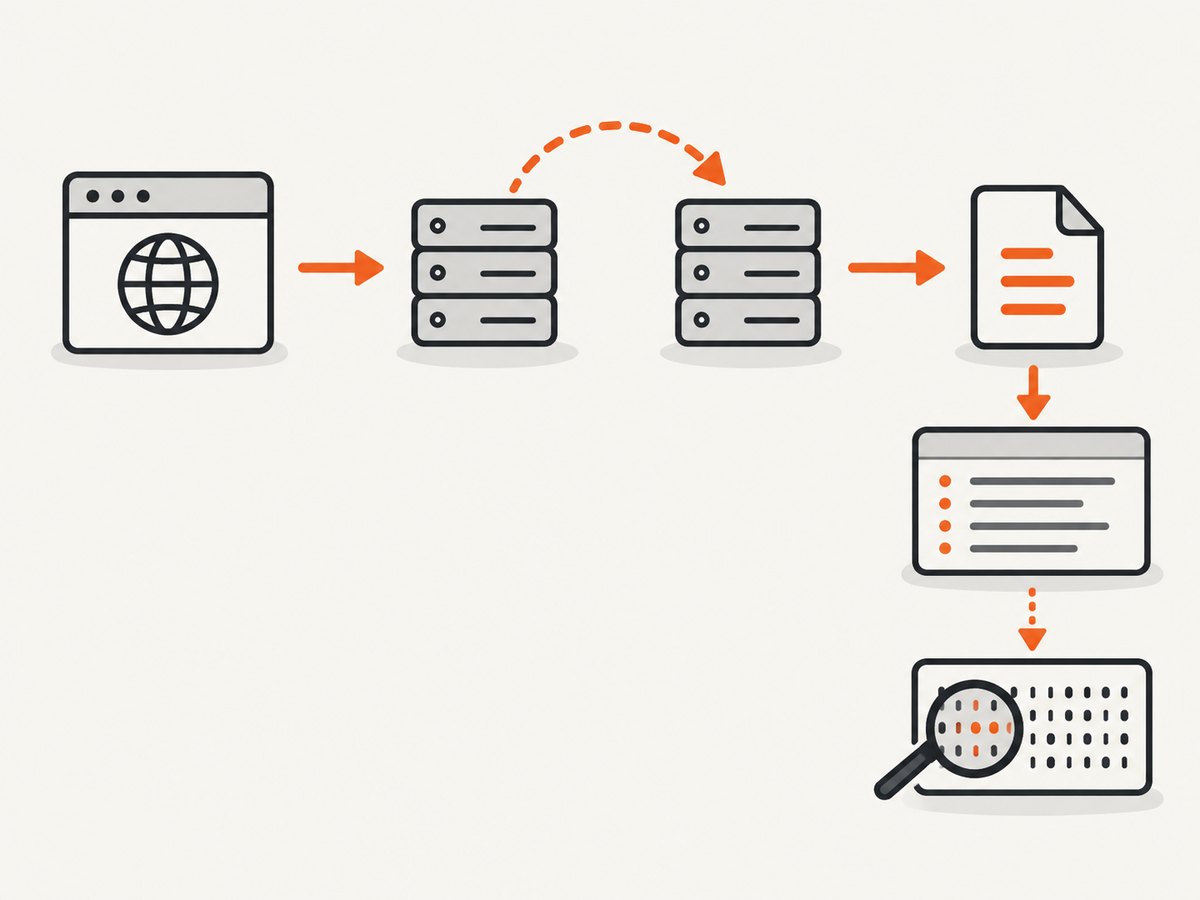
A suffix is only a filename-based hint. When you need to know what a server says it is returning, inspect Content-Type. The following example tries HEAD first, follows redirects, and uses the final response URL for a suffix fallback.
import mimetypes
from urllib.parse import urlsplit

import requests


def file_type_from_url(url: str) -> str | None:
    response = requests.head(
        url,
        allow_redirects=True,
        timeout=10,
    )

    content_type = response.headers.get("Content-Type", "")
    declared = content_type.split(";", 1)[0].strip().lower()
    if declared and declared != "application/octet-stream":
        return declared

    final_path = urlsplit(response.url).path
    path_type, _encoding = mimetypes.guess_type(final_path)
    return path_type


print(file_type_from_url("https://example.com/report.pdf"))
Install the dependency with python -m pip install requests. Requests exposes response headers through the returned Response object. This function returns a normalized declared type when available, otherwise the suffix guess, or None if neither supplies a type.
Why filter the header value?
Headers often include parameters, such as text/html; charset=utf-8. Splitting at the semicolon yields the media type. The example also treats application/octet-stream as generic, allowing a more informative suffix guess to be used. If your application needs to distinguish “server declared generic binary” from “header absent,” retain the original header separately rather than discarding that information.
HEAD support and streamed GET fallback
HEAD is intended to retrieve response metadata without the response body, so it can be an efficient first request. Some servers reject it or behave differently for HEAD than for GET. There is no universal guarantee that it works for every URL. A robust client can fall back to GET, stream the response, and inspect headers before consuming the body.
import mimetypes
from urllib.parse import urlsplit

import requests


def file_type_from_url(url: str, timeout: float = 10) -> str | None:
    with requests.Session() as session:
        try:
            response = session.head(
                url, allow_redirects=True, timeout=timeout
            )
            if response.status_code in (405, 501):
                response.close()
                response = session.get(
                    url,
                    allow_redirects=True,
                    stream=True,
                    timeout=timeout,
                )
        except requests.RequestException:
            # A production caller may choose a GET fallback for other
            # HEAD failures too; handle network errors at the call site.
            raise

        try:
            header = response.headers.get("Content-Type", "")
            declared = header.split(";", 1)[0].strip().lower()
            if declared and declared != "application/octet-stream":
                return declared

            path_type, _encoding = mimetypes.guess_type(
                urlsplit(response.url).path
            )
            return path_type
        finally:
            response.close()
The streamed GET requests headers and leaves the body unread. Closing the response releases its resources. A real download can still consume bandwidth if the server sends data quickly or the client reads it; use streaming and close promptly when you only need headers. Choose a timeout appropriate to your application and pass it consistently to every request.
3. Choose the signal that fits the job
| Signal | Network request | Useful when | Main limitation |
|---|---|---|---|
URL suffix via mimetypes |
No | You need a cheap offline guess | Extension can be absent or misleading |
HTTP Content-Type |
Yes | You need the server’s declared type, including extensionless routes | Header can be absent, generic, stale, or wrong |
| Inspect downloaded bytes | Usually | Format correctness or security policy matters | Requires format-specific parsing or signature detection |
Use the header first for a fetched resource, but retain the suffix as a fallback. Treat both as claims or hints. If your code will parse, execute, store, or serve a file based on its type, inspect the bytes with a parser or signature detector suitable for the formats you allow. There is no universal magic-byte check that verifies every possible format.
4. Handle common URL and response edge cases
- Query strings and fragments: Split the URL with
urlsplit()and inspect.path, not the full string. Query parameters can contain filenames that do not describe the resource. - Redirects: A redirect can lead to a different path or resource. Enable redirect following when appropriate, then use
response.urlfor the suffix fallback. - Compressed suffixes: Keep the encoding result. For a name ending in
.tar.gz, the type can describe the tar archive while the encoding indicates gzip. - Unknown suffix: Return
Noneor an explicit “unknown” state. Do not invent a type from a filename that has no recognized extension. - Generic header: Decide deliberately whether
application/octet-streamis useful to your caller. It is a valid declaration, but it does not identify a more specific format. - Data URLs: CPython’s
mimetypesimplementation handlesdata:URLs from their declared media type. Do not assume that behavior validates embedded content. - Case and parameters: Normalize header media types if comparing them. Remove parameters before comparison, but preserve the original value if you need diagnostics.
- Request failures: DNS failures, TLS errors, timeouts, and HTTP errors are different from an unknown suffix. Report or handle them separately so callers can distinguish “could not fetch” from “fetched, but type unknown.”
5. cURL, Python, and Node.js examples
The same distinction applies outside Python: inspect the response header for a live resource, then use its path suffix if the server’s declaration is unavailable or generic.
cURL: read response headers
curl -sS -I -L --max-time 10 "https://example.com/report.pdf"Look for the final response’s Content-Type header. Some servers do not support HEAD; try a GET that asks for headers while discarding the body:
curl -sS -L --max-time 10 -D - -o /dev/null \
  "https://example.com/report.pdf"
Python: inspect a response directly
import requests

url = "https://example.com/report.pdf"
with requests.get(url, stream=True, timeout=10) as response:
    print(response.status_code)
    print(response.headers.get("Content-Type"))
    print(response.url)  # final URL after redirects
Check the status code according to your use case. A server can return an error page with a type such as text/html; the header describes that response, not necessarily the file you originally expected.
Node.js: fetch headers
const response = await fetch("https://example.com/report.pdf", {
  method: "HEAD",
  redirect: "follow",
  signal: AbortSignal.timeout(10_000),
});

console.log(response.status);
console.log(response.headers.get("content-type"));
console.log(response.url); // final URL after redirects
If HEAD is not supported, use GET and avoid reading the body. Fetch follows redirects by default in standard server-side use, but the final response URL remains the value to check. Network errors and non-success HTTP statuses should be handled separately from a missing content type.
6. Troubleshooting
| Symptom | Likely cause | Fix |
|---|---|---|
guess_type() returns (None, None) |
No recognized suffix, or the URL path is a route such as /download |
Check the live Content-Type; keep unknown as a valid outcome |
| The result seems to include query text | The full URL was treated as a filename | Parse with urlsplit(url).path before guessing |
HEAD returns 405 or 501 |
The server does not implement HEAD for that endpoint | Use a streamed GET and inspect headers without reading its body |
The header says application/octet-stream |
The server sent a generic binary declaration | Use a suffix fallback, or inspect bytes if a specific format is required |
| The header says HTML for a supposed PDF | The URL may redirect to an error, login page, or HTML response | Check status, final URL, and response body policy before treating it as a PDF |
| Request hangs or fails intermittently | No timeout, slow server, or transient network failure | Set connect/read timeouts, handle request exceptions, and retry only when suitable |
| Type differs across machines | Different Python or system MIME mappings | Use an explicit mapping or allowlist for application-critical behavior |
7. Performance, reliability, and cost
A suffix guess is constant, local work: it needs no DNS lookup, TLS connection, or server response. It is the best choice when a quick hint is enough. A HEAD request generally avoids downloading the response body, but still incurs network latency and can fail or be unsupported. A streamed GET gives compatibility with servers that reject HEAD, yet needs careful response cleanup and can still consume resources. Reading and validating bytes costs more bandwidth and CPU, but is the appropriate path when correctness or security depends on the actual format.
For reliability, define the result states your application needs: declared type, suffix guess, validated type, and unknown are useful distinct states. Keep request errors separate from unknown MIME types. Apply bounded timeouts, respect redirect behavior, and avoid trusting remote metadata to choose unsafe processing paths. When a format is accepted, validate it with a parser or detector designed for that format.
For batch jobs, reuse an HTTP session where appropriate and avoid fetching bodies solely to classify them. Cache metadata only when the resource identity and freshness requirements allow it; a URL can serve different content over time. The cost of metadata lookup is a network request and its operational load, while a suffix check is free of network cost. The exact cost depends on your hosting and traffic environment.
8. Or skip the browser setup
This task is about identifying a URL’s response type; ScreenshotNeo is useful when the next step is capturing how that page looks. It is a website screenshot API and MCP server from ScreenshotNeo. The API returns an image or PDF from a URL, and its options include full-page capture, custom waits, and output format selection. See the API documentation.
curl -G "https://api.screenshotneo.com/v1/shot" \
  -d access_key=YOUR_API_KEY \
  --data-urlencode url=https://stripe.com \
  -o shot.webp
import requests
r = requests.get(
"https://api.screenshotneo.com/v1/shot",
params={"access_key": "YOUR_API_KEY", "url": "https://stripe.com"},
timeout=90,
)
open("shot.webp", "wb").write(r.content)const q = new URLSearchParams({
access_key: 'YOUR_API_KEY',
url: 'https://stripe.com',
});
const res = await fetch(`https://api.screenshotneo.com/v1/shot?${q}`);ScreenshotNeo accepts cookie and consent banners before capture and removes more than 60 known consent platforms, newsletter popups, and chat widgets; each step can be turned off. Bot checks, blank pages, failed loads, timeouts, and cache hits are not billed, and response headers report the page verdict and billing status. Its MCP server gives AI agents tools to take screenshots, get page information, and capture PDFs. The free plan includes 1,000 screenshots a month with no card; paid plans start at $5 for 3,000 screenshots. Create a free account and get 1,000 screenshots a month with no card.
9. Frequently asked questions
Can I get a URL’s file type without downloading it?
Yes. Use mimetypes.guess_type() for a suffix-based guess, or make a HEAD request to inspect the server’s declared type. Neither validates the resource’s bytes.
What is the difference between MIME type and encoding?
The MIME type describes the media format, while the separate encoding result from guess_type() can describe compression inferred from a suffix. For .tar.gz, keep both instead of treating gzip as the archive’s media type.
Should I trust the file extension or Content-Type?
For a live response, prefer the header as the server’s declaration and use the final URL’s suffix as a fallback. Trust neither as proof when your application needs to enforce a format; validate the actual bytes.
What should I return when the type is unknown?
Return None or a clearly named unknown state. Keeping uncertainty explicit prevents downstream code from mistaking an unsupported URL for a verified format.


