How to Get an Image’s src Attribute from Lazy-Loaded Pages with Puppeteer
Scroll lazy-loaded images into view with Puppeteer, wait for a real URL, and extract currentSrc, src, data attributes, and srcset reliably.

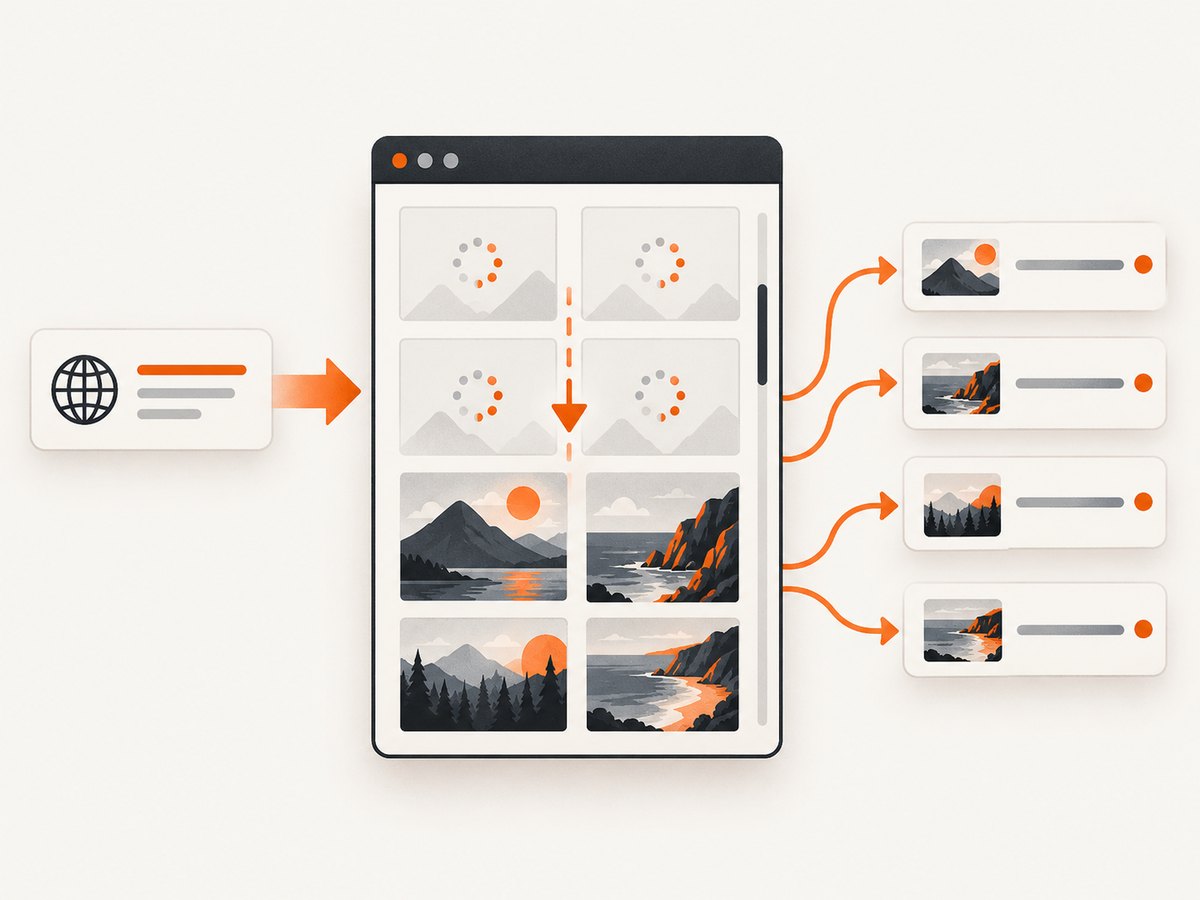
Lazy-loaded images often do not put the final URL in the src attribute when the HTML first arrives. A transparent placeholder may be in src, while the real URL is stored in currentSrc, srcset, or a site-specific data-* attribute. With Puppeteer, navigate first, trigger the loader by scrolling images into view, wait for a usable URL, then read the live DOM.
The reliable order is currentSrc (the resource selected for the current viewport), the src property or attribute, then known lazy-loader fields such as data-src and data-lazy-src. Keep the fields separate so you can tell whether a URL was selected responsively or came from markup.
1. Complete Puppeteer example
This script handles viewport lazy loading, responsive images, common data attributes, bounded waits, deduplication, and useful provenance. It prints JSON and exits with a non-zero status if no image URL can be resolved.
import puppeteer from 'puppeteer';

const url = process.argv[2] ?? 'https://example.com/gallery';
const browser = await puppeteer.launch({
  headless: true,
  // Set executablePath here if Chromium is installed outside Puppeteer.
});

try {
  const page = await browser.newPage();
  await page.setViewport({ width: 1440, height: 900, deviceScaleFactor: 1 });
  await page.goto(url, { waitUntil: 'domcontentloaded', timeout: 60000 });
  await page.waitForSelector('img', { visible: true, timeout: 30000 });

  // Scroll each image into view so IntersectionObserver-based loaders run.
  const images = await page.$$('img');
  for (const image of images) {
    await image.scrollIntoViewIfNeeded();
    await new Promise(resolve => setTimeout(resolve, 75));
  }

  await page.waitForFunction(() => [...document.images].some(img =>
    img.currentSrc || img.getAttribute('src') ||
    img.getAttribute('data-src') || img.getAttribute('data-lazy-src') ||
    img.getAttribute('srcset')
  ), { timeout: 30000 });

  const records = await page.$$eval('img', nodes => nodes.map((img, index) => ({
    index,
    src: img.getAttribute('src') || '',
    currentSrc: img.currentSrc || '',
    dataSrc: img.getAttribute('data-src') || '',
    dataLazySrc: img.getAttribute('data-lazy-src') || '',
    srcset: img.getAttribute('srcset') || '',
    alt: img.getAttribute('alt') || '',
    complete: img.complete,
    naturalWidth: img.naturalWidth,
    naturalHeight: img.naturalHeight
  })));

  const resolved = records.map(record => {
    const candidate = record.currentSrc || record.src || record.dataSrc || record.dataLazySrc;
    return { ...record, resolvedUrl: candidate };
  }).filter(record => record.resolvedUrl);

  const unique = [...new Map(resolved.map(item => [item.resolvedUrl, item])).values()];
  if (!unique.length) throw new Error('No usable image URL was found after scrolling');
  console.log(JSON.stringify({ page: page.url(), images: unique }, null, 2));
} finally {
  await browser.close();
}
Run it with Node.js after installing Puppeteer:
npm install puppeteer
node extract-images.mjs https://your-site.example/gallery
waitForSelector confirms that matching elements exist and supports visibility and timeout controls. A bounded condition wait is preferable to a blind sleep because image loading depends on the page and network. Puppeteer documents a 30-second default selector timeout; set your own limit for the workload. See the waitForSelector API and Locator API.
2. Which value is the real URL?
| Field | Meaning | When to use it |
|---|---|---|
currentSrc |
URL selected by the browser from srcset and sizing rules |
Best answer for responsive images in the current viewport |
src |
Markup attribute or property after JavaScript changes it | Fallback and the value many sites expose after lazy loading |
data-src, data-lazy-src |
Loader-specific storage for the eventual URL | Use when src is a pixel, placeholder, or empty |
srcset |
One or more candidate URLs with width or density descriptors | Retain for auditing; parse it only when you need every candidate |
Read getAttribute('src') when you need the literal markup value. The src property is normalized by the browser and can become an absolute URL. For responsive pages, store both src and currentSrc; they can legitimately differ.
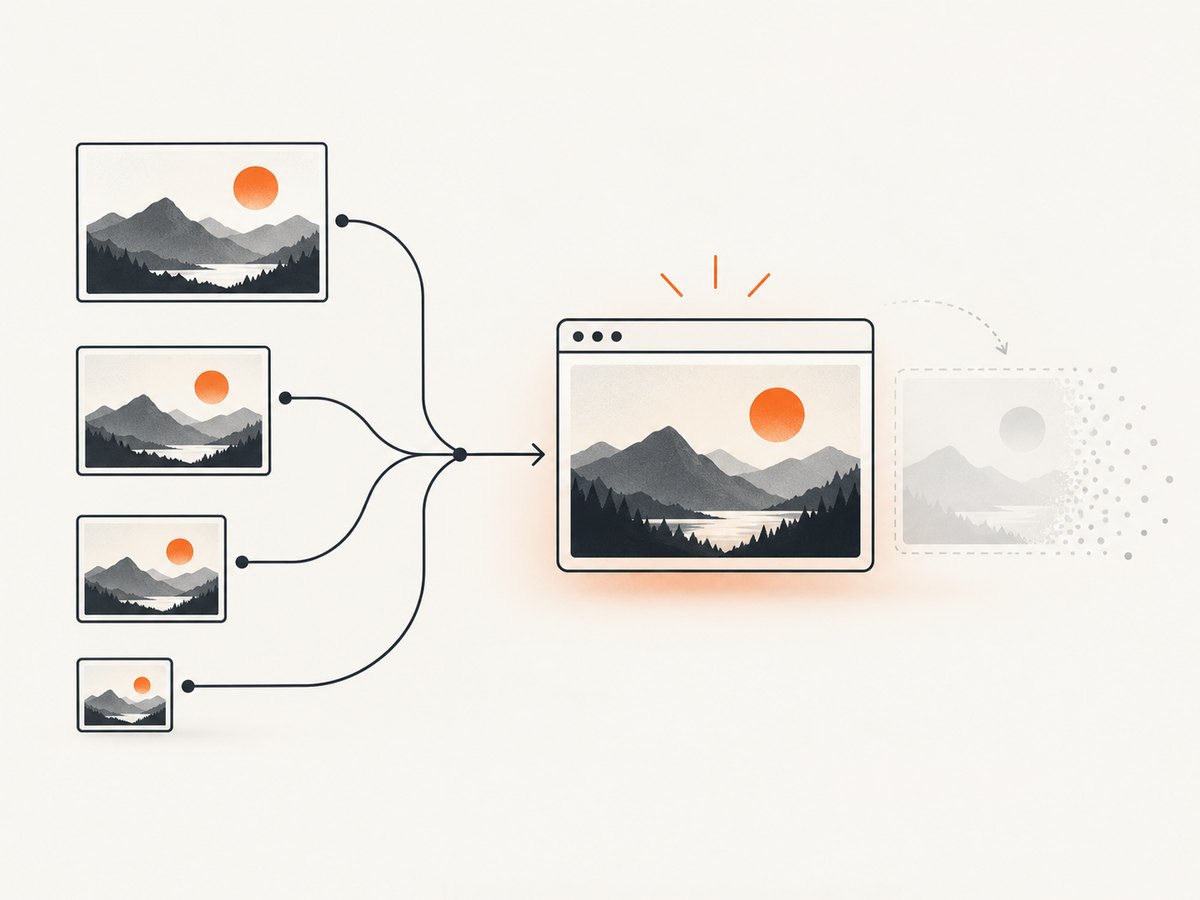
Google’s lazy-loading guidance explains that rendered image URLs should appear in the src attribute for a setup to work correctly: Google Search Central lazy-loading guidance. That is a statement about rendered HTML, which is why extraction must happen after the loader runs.
3. Triggering lazy loading reliably
Incremental page scrolling
Some libraries observe the viewport of the page rather than each image. Scroll in increments and wait for document height to stabilize:
let previousHeight = 0;
for (let pass = 0; pass < 30; pass++) {
  const height = await page.evaluate(() => document.body.scrollHeight);
  await page.evaluate(() => window.scrollBy(0, Math.max(400, innerHeight * 0.8)));
  await new Promise(resolve => setTimeout(resolve, 150));
  const nextHeight = await page.evaluate(() => document.body.scrollHeight);
  if (nextHeight === previousHeight && nextHeight === height) break;
  previousHeight = nextHeight;
}
await page.evaluate(() => window.scrollTo(0, 0));
Use this loop for feeds and galleries that append nodes as you scroll. Stop on both stable height and no new image count if the site can keep a fixed-height virtual list.
Waiting for a specific image
const selector = 'article img[data-src]';
await page.waitForSelector(selector, { visible: true, timeout: 30000 });
const target = await page.$(selector);
await target.scrollIntoViewIfNeeded();
await page.waitForFunction(sel => {
  const img = document.querySelector(sel);
  return img && (img.currentSrc || img.getAttribute('src') || img.dataset.src);
}, { timeout: 30000 }, selector);
Condition waits express what “ready” means. A fixed waitForTimeout can be too short on a slow page and wasteful on a fast one.
Infinite scroll extraction
For an infinite list, extract after each scroll and merge by URL. Keep the page URL, index, alt text, and source field so downstream jobs can explain where each result came from. Put a maximum pass count and a maximum image count in production to avoid an unbounded crawl.
4. Responsive images and parsing srcset
currentSrc is already the browser’s choice for the active viewport and device scale factor. If you need every candidate, parse srcset and resolve relative URLs against the document:
const candidates = await page.$$eval('img', nodes => nodes.flatMap(img => {
  const raw = img.getAttribute('srcset') || '';
  return raw.split(',').map(part => {
    const [value, descriptor] = part.trim().split(/\s+/, 2);
    return value ? { url: new URL(value, document.baseURI).href, descriptor: descriptor || '' } : null;
  }).filter(Boolean);
}));
Do not call a placeholder a successful result just because it is non-empty. A transparent GIF, a tiny data URL, or a low-resolution preview should be retained in the raw fields and excluded from resolvedUrl when your application knows its signature. Site-specific loaders may use data-original, data-lazy, a JSON script, or CSS background images; add those fields only after inspecting the target site.
5. Frames, consent walls, and shadow roots
Images inside an iframe
Selectors run against the current frame. Find the frame by URL or name, then use its APIs:
await page.waitForSelector('iframe', { timeout: 30000 });
const frame = page.frames().find(f => f.url().includes('/gallery-frame'));
if (!frame) throw new Error('Gallery iframe was not found');
await frame.waitForSelector('img', { visible: true, timeout: 30000 });
const urls = await frame.$$eval('img', imgs => imgs.map(img => img.currentSrc || img.src).filter(Boolean));
Cross-origin policy prevents reading another origin’s DOM through page JavaScript, but Puppeteer can address a frame when it is exposed as a frame object. If the content is blocked entirely, respect the site’s access controls.
Consent dialogs and interactions
A consent wall can prevent images from appearing. Detect a known button, click it, and then wait for the image condition. If the page requires hover, a carousel advance, or a “load more” button, perform that interaction explicitly and record it in your job logs. Never silently return a partial list when the wall prevented discovery.
Shadow DOM
For open shadow roots, query from the host and traverse its shadowRoot. Closed roots cannot be inspected through normal DOM APIs; use a supported public interface or capture the rendered result instead.
6. Troubleshooting checklist
| Symptom | Likely cause | Fix |
|---|---|---|
src is empty |
URL is in currentSrc or a data attribute |
Read the fallback fields shown above after scrolling |
| Only a tiny transparent image | Placeholder remains in markup | Wait for a condition, inspect data-*, and filter known placeholders |
Timeout waiting for img |
Wrong selector, iframe, consent wall, or client-side route | Check the rendered page, target the correct frame, handle consent, and increase the bounded timeout if justified |
| No new images after scrolling | Virtual list, fixed container, or loader needs an interaction | Scroll the container, click “load more,” or trigger the documented application event |
| Relative URLs | Markup uses a relative path | Resolve with new URL(value, document.baseURI).href |
| Browser fails to launch | Missing Chromium or sandbox restrictions | Install Puppeteer’s browser, configure executablePath, and use launch flags required by your hosting environment |
| Extraction succeeds but download fails | Authentication, hotlink protection, or robots/access policy | Keep extraction separate from downloading and use permitted credentials and access methods |
7. Performance, reliability, and cost
- Performance: Reuse one browser process and create or close pages per job. Avoid scrolling the entire document when you only need a selector. Use a realistic viewport because it changes
currentSrc. - Reliability: Set navigation, selector, and condition timeouts independently. Capture errors with the URL, selector, frame, and last successful pass. Return partial data only with an explicit completeness flag.
- Network: Waiting for
domcontentloadedis usually enough to start lazy loading. Use network-idle waits only when the site’s loader depends on background requests, because analytics and long polling can prevent idle. - Scale: Bound scroll passes, image count, and page lifetime. Deduplicate URLs while preserving page and index metadata. Queue retries for navigation and transient browser errors, with a maximum attempt count.
- Legal and access: Reading markup does not grant permission to download or republish an image. Follow the site’s terms, authentication rules, and rate limits.
8. Or skip the browser setup
If your goal is a clean screenshot or a rendered page artifact rather than DOM extraction, ScreenshotNeo provides a single request. It accepts consent banners like a visitor and removes more than 60 known consent platforms, newsletter popups, and chat widgets before capture. Bot checks, blank pages, timeouts, failed loads, and cache hits are not billed, and response headers identify the page verdict and billing status.
See the ScreenshotNeo API docs for all options.
curl -G "https://api.screenshotneo.com/v1/shot" -d access_key=YOUR_API_KEY --data-urlencode url=https://stripe.com -o shot.webpimport requests
r = requests.get("https://api.screenshotneo.com/v1/shot", params={"access_key": "YOUR_API_KEY", "url": "https://stripe.com"}, timeout=90)
open("shot.webp", "wb").write(r.content)const q = new URLSearchParams({ access_key: 'YOUR_API_KEY', url: 'https://stripe.com' });
const res = await fetch(`https://api.screenshotneo.com/v1/shot?${q}`);Use ScreenshotNeo when you need full-page captures with lazy images loaded, a CSS-selected element, custom waits, headers or cookies, blocking controls, caching, signed links, PDFs, async jobs, bulk capture, or an MCP server whose take_screenshot, get_page_info, and capture_pdf tools work with Claude, Cursor, and other MCP clients. Every plan includes every feature. The Free plan includes 1,000 shots a month with no card; paid plans start at $5 for 3,000 shots. Create a free ScreenshotNeo account.
9. Short FAQ
Should I use page.evaluate or $$eval?
Use $$eval for a serializable list from matching nodes. Use evaluate when you need scrolling, frame-specific logic, or a multi-step condition.
Why does currentSrc differ from src?
Responsive selection chooses a candidate from srcset based on viewport width and pixel density. src remains the markup value, so both are valid and describe different layers.
Can Puppeteer force a lazy loader without scrolling?
Sometimes, but it is site-specific. Scrolling or bringing the element into view exercises the same visibility signal used by most IntersectionObserver loaders and is the portable approach.
How do I know the list is complete?
Track image count and document height across bounded scroll passes, then expose a completeness flag. A stable height alone is insufficient for virtualized lists.
Can I extract images from a CAPTCHA-protected page?
Do not attempt to bypass access controls. Handle an explicit block as a failed or blocked result and follow the site’s terms.


