Get Links From a Page Using Headless Chrome
Extract links from JavaScript-rendered pages with Chrome Headless, Puppeteer, cURL, and ScreenshotNeo, including timing, filtering, errors, and production tips.

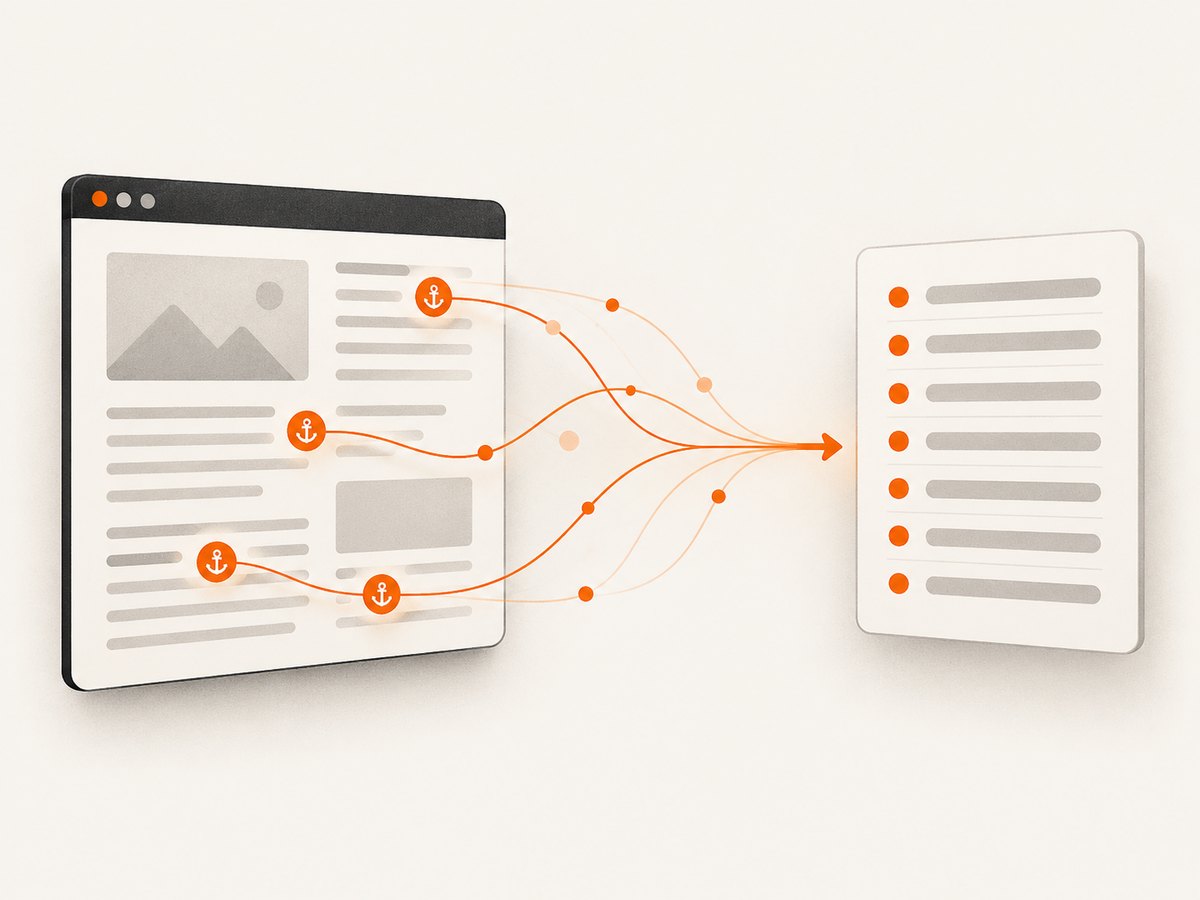
Direct answer: For a quick inspection, run Chrome Headless with --dump-dom, then parse the serialized HTML for anchors. For application code, use Puppeteer and page.$$eval('a', ...) to return structured link data after the page is ready. The important detail is timing: JavaScript can insert links after the initial response, so choose a readiness condition that matches the page instead of assuming that the first navigation event means extraction is complete.
This guide shows both workflows, explains how URL values are resolved, covers frames, shadow roots, duplicates, non-HTTP schemes, failures, performance, and production policies, and then shows how to capture the page with ScreenshotNeo when you do not want to maintain a browser.
What “get all links” should mean
Before writing code, define the output. A normal document link is an <a> element with an href attribute. You may need:
- The visible text, such as
Pricing. - The resolved destination, such as
https://example.com/docs. - The literal attribute, such as
/docsormailto:team@example.com. - One record per anchor, or unique destinations only.
- Links in the top document only, or links inside frames and shadow roots too.
The examples below extract anchors in the top document. They retain every occurrence and return both trimmed text and the browser-resolved href. That scope is explicit because DOM extraction does not automatically include iframe documents or closed shadow roots.
Option 1: Chrome Headless with --dump-dom
Chrome’s --dump-dom command prints the serialized DOM after Chrome parses the response and runs scripts that modify it. It is therefore different from downloading raw HTML with curl. Chrome documents this behavior in its Headless command-line reference.
chrome --headless --dump-dom 'https://example.com/'On systems where the binary is named differently, use google-chrome or the path to your installed Chrome. Save the output before parsing it:
google-chrome --headless --dump-dom 'https://example.com/' > page.htmlFor pages that populate links asynchronously, add a bounded capture control:
chrome --headless --dump-dom --timeout=5000 'https://example.com/'
chrome --headless --dump-dom --virtual-time-budget=42000 'https://example.com/'
--timeout and --virtual-time-budget control how long Chrome captures; they do not prove that a particular application has finished loading. A page with long polling, delayed API calls, consent flows, or infinite scrolling may need a page-specific signal. Verify the resulting DOM contains the links you need.
Parse the dump in a shell workflow
The DOM dump is HTML, so use an HTML parser rather than regular expressions. For example, Python and BeautifulSoup can read the file:
from bs4 import BeautifulSoup

with open("page.html", encoding="utf-8") as f:
    soup = BeautifulSoup(f, "html.parser")

for anchor in soup.select("a[href]"):
    print({
        "text": anchor.get_text(" ", strip=True),
        "href": anchor.get("href"),
    })
This preserves the literal attribute. If you need browser-resolved absolute URLs, use Puppeteer’s anchor.href property or resolve each value against the document URL with a standards-compliant URL library.
Option 2: Puppeteer for structured extraction
Puppeteer is the practical choice when another program needs an array of links. The page.$$eval API finds every element matching a CSS selector, passes those elements to a function in the page context, and returns the function’s serializable result.
Complete runnable Node.js example
import puppeteer from "puppeteer";

const target = process.argv[2] || "https://example.com/";
const browser = await puppeteer.launch({ headless: true });

try {
  const page = await browser.newPage();
  await page.goto(target, {
    waitUntil: "domcontentloaded",
    timeout: 30_000,
  });

  // Replace this with a site-specific readiness check when needed.
  await page.waitForNetworkIdle({ idleTime: 500, timeout: 10_000 })
    .catch(() => {});

  const links = await page.$$eval("a[href]", anchors =>
    anchors.map(anchor => ({
      text: anchor.textContent.trim(),
      href: anchor.href,
      rawHref: anchor.getAttribute("href"),
    }))
  );

  console.log(JSON.stringify(links, null, 2));
} finally {
  await browser.close();
}
Install Puppeteer with npm install puppeteer, save the file as links.mjs, and run node links.mjs https://example.com/. The browser-resolved href is useful for navigation. rawHref keeps the source value, which is useful when auditing relative paths, fragments, or special schemes.
Choosing a readiness condition
Puppeteer’s documented examples include waiting for networkidle0 before reading page content, as shown in Chrome’s historical server-side-rendering example. Treat that as one strategy, not a universal rule. Sites with analytics, WebSockets, polling, or advertisements may never become idle.
- Static or server-rendered page:
waitUntil: "domcontentloaded"may be enough. - Finite client rendering: wait for a known selector, such as
await page.waitForSelector("main a[href]"). - Known loading marker: wait for the marker to disappear with
page.waitForSelector(".loading", { hidden: true }). - Unknown third-party page: use a bounded network-idle wait and inspect the result; never wait forever.
A selector is usually stronger than a fixed sleep because it describes the content you actually need. A short delay can still be useful for a page whose readiness signal is unavailable, but keep it bounded.
Filtering, normalization, and duplicate policy
Extraction and policy are separate steps. First collect anchors, then decide what belongs in your dataset.
const links = await page.$$eval("a[href]", anchors => {
  const rows = anchors.map(a => ({
    text: a.textContent.trim(),
    href: a.href,
    rawHref: a.getAttribute("href"),
  }));

  return rows.filter(row => {
    try {
      const url = new URL(row.href);
      return url.protocol === "http:" || url.protocol === "https:";
    } catch {
      return false;
    }
  });
});
This excludes mailto:, tel:, javascript:, empty fragments, and malformed values. If those are meaningful to your use case, keep them instead. To deduplicate destinations while preserving first-seen order:
const unique = [...new Map(links.map(link => [link.href, link])).values()];Decide whether URL fragments count as different links, whether tracking parameters should be removed, and whether redirects should be followed. Do not silently canonicalize URLs if the output will be used for auditing; record the original and normalized forms separately.
Frames, shadow DOM, and dynamically loaded sections
page.$$eval searches the current document. It does not automatically enter iframe documents. For same-origin frames, iterate through Puppeteer’s frame list:
const linksByFrame = [];
for (const frame of page.frames()) {
  try {
    const rows = await frame.$$eval("a[href]", anchors =>
      anchors.map(a => ({ text: a.textContent.trim(), href: a.href }))
    );
    linksByFrame.push({ frameUrl: frame.url(), links: rows });
  } catch (error) {
    linksByFrame.push({ frameUrl: frame.url(), error: String(error) });
  }
}
Cross-origin frames can be navigated as browser frames, but access to their DOM is constrained by browser security. A shadow root may contain anchors that are not returned by a top-level selector; open roots can be traversed with page code, while closed roots are intentionally inaccessible. Infinite-scroll pages require an interaction loop that scrolls, waits for new content, and stops at a defined limit. Set those boundaries before crawling.
Comparison: CLI dump versus Puppeteer
| Approach | Best for | Output | Trade-off |
|---|---|---|---|
Chrome --dump-dom |
Quick inspection and shell jobs | Serialized DOM text | You must parse HTML and manage timing with flags. |
Puppeteer $$eval |
Applications and structured pipelines | Arrays of URLs or objects | You must manage browser lifecycle and readiness. |
| Puppeteer headless shell | Automation where a smaller browser binary is acceptable | Automation results | It does not fully match regular Chrome behavior. |
Puppeteer’s headless-mode guide explains that the old headless mode is now known as chrome-headless-shell and ships separately. Verify compatibility before switching binaries. The available sources do not establish a benchmark, so choose based on compatibility and operational needs rather than an assumed speed advantage.
Or skip the browser setup
If your real requirement is a reliable page capture for review, archiving, or downstream processing, ScreenshotNeo provides a website screenshot API and MCP server. It accepts one GET request and returns PNG, JPEG, WebP, or PDF. Cookie and consent banners are accepted and 60+ known consent platforms, newsletter popups, and chat widgets are removed before capture; each step can be turned off.

curl -G "https://api.screenshotneo.com/v1/shot" -d access_key=YOUR_API_KEY --data-urlencode url=https://stripe.com -o shot.webpimport requests
r = requests.get("https://api.screenshotneo.com/v1/shot", params={"access_key": "YOUR_API_KEY", "url": "https://stripe.com"}, timeout=90)
open("shot.webp", "wb").write(r.content)const q = new URLSearchParams({ access_key: 'YOUR_API_KEY', url: 'https://stripe.com' }); const res = await fetch(`https://api.screenshotneo.com/v1/shot?${q}`);See the ScreenshotNeo documentation for parameters and response details. Bot checks or CAPTCHAs, blank pages, timeouts, failed loads, and cache hits cost nothing; response headers identify the page verdict and whether the request was billed. The MCP server exposes take_screenshot, get_page_info, and capture_pdf for Claude, Cursor, and other MCP clients.
The Free plan includes 1,000 screenshots per month with no card. Paid plans start at $5 for 3,000 shots, and every feature is available on every plan. Create a free ScreenshotNeo account.
Troubleshooting
“I only get the initial links”
The page inserts content after navigation. Wait for a meaningful selector, loading marker, or bounded network-idle period. Confirm the selector exists in the rendered DOM before extraction.
“The command prints no useful HTML”
Check the Chrome binary name and exit status. The target may require a longer timeout, a redirect may have failed, or the page may be blocked. Save stderr and inspect the final URL in Puppeteer.
“Network idle never finishes”
Analytics, polling, WebSockets, or ads can keep requests active. Use domcontentloaded plus a target selector, or catch a bounded idle timeout and continue with validation.
“Relative URLs are wrong”
Use anchor.href in the browser context for resolved URLs, and keep getAttribute('href') when you need the literal source value.
“A frame’s links are missing”
The top document does not include iframe contents. Iterate through frames where permitted and record frame URLs. Browser origin rules can prevent DOM access across origins.
“The process hangs or consumes memory”
Always close the browser in a finally block, set navigation and selector timeouts, limit scrolling, and process URLs in bounded batches. Reuse a browser for a controlled batch, but isolate pages so one target cannot contaminate another.
“The page is a bot check or blank result”
Do not attempt to bypass access controls. Record the outcome, respect the site’s rules, and treat the page as unavailable to your extraction job.
Performance, reliability, and cost notes
- Performance: Browser startup is expensive; reuse one browser process for a bounded queue and close pages promptly. Extract only the fields you need instead of transferring a full DOM.
- Reliability: Use explicit timeouts, validate that expected anchors exist, log the final URL and response status, and retry only transient failures with backoff.
- Readiness: A fixed delay is easy to understand but page-specific selectors are usually more precise. Long-lived traffic makes global network-idle rules unreliable.
- Scope: Define handling for duplicates, fragments, frames, shadow roots, non-HTTP schemes, redirects, and infinite scroll before storing results.
- Cost: Self-hosted Puppeteer costs compute, browser downloads, maintenance, and concurrency capacity. ScreenshotNeo charges only for clean shots; failed loads, blank pages, bot checks, timeouts, and cache hits are not billed.
There is no universal extraction benchmark in the cited documentation. Measure your own target mix if throughput matters, and keep browser compatibility ahead of an unverified speed assumption.
FAQ
Does --dump-dom return the original HTML?
No. Chrome parses the response, runs scripts that alter the DOM, and serializes the resulting DOM. Raw HTTP retrieval and rendered DOM capture answer different questions.
Can I extract links without launching a visible browser window?
Yes. Chrome Headless and Puppeteer headless mode run without a visible window.
Should I return visible links only?
Not automatically. DOM presence does not prove visibility or clickability. Add an explicit visibility policy if your application needs one.
How do I handle duplicate links?
Keep every anchor for page analysis, or deduplicate by resolved URL with a map while preserving the first occurrence.
Can ScreenshotNeo return the link list itself?
ScreenshotNeo is a capture API and MCP server. Use it for screenshots, PDFs, and page information; use Puppeteer when you need to execute custom extraction code and return your own link array.


