How to Get the URL of a New Tab in Headless Playwright
Capture a Playwright popup reliably, wait for redirects, read its final URL, and troubleshoot missed or empty new-tab URLs.
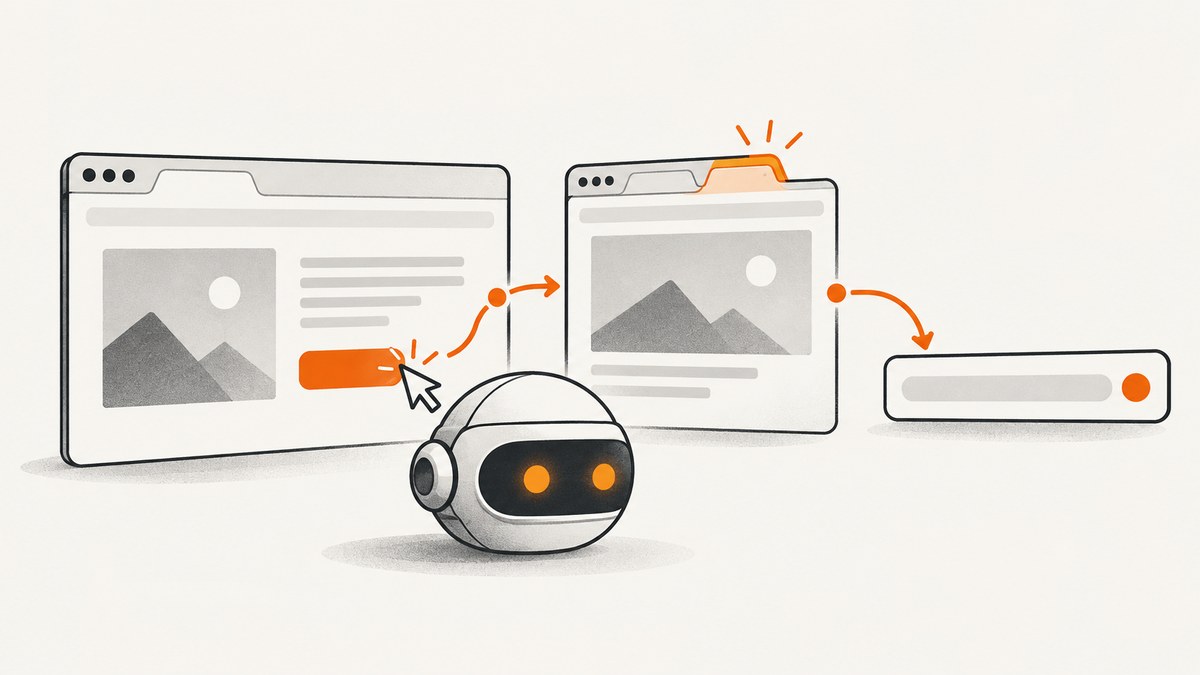
Direct answer: a new tab in Playwright is a Page inside the same BrowserContext. Start waiting for the popup or page before the click that opens it, await the resulting page, wait for the navigation state you need, then read popup.url() (JavaScript) or popup.url (Python).
const popupPromise = page.waitForEvent('popup');
await page.getByText('open new tab').click();
const popup = await popupPromise;
await popup.waitForLoadState('domcontentloaded');
console.log(popup.url());
This ordering prevents the event race that causes missed tabs. If any page in the browser context may open the tab, use context.waitForEvent('page') instead. If redirects or a later script navigation determine the URL, wait with page.waitForURL() before reading it.
1. The popup pattern in JavaScript and TypeScript
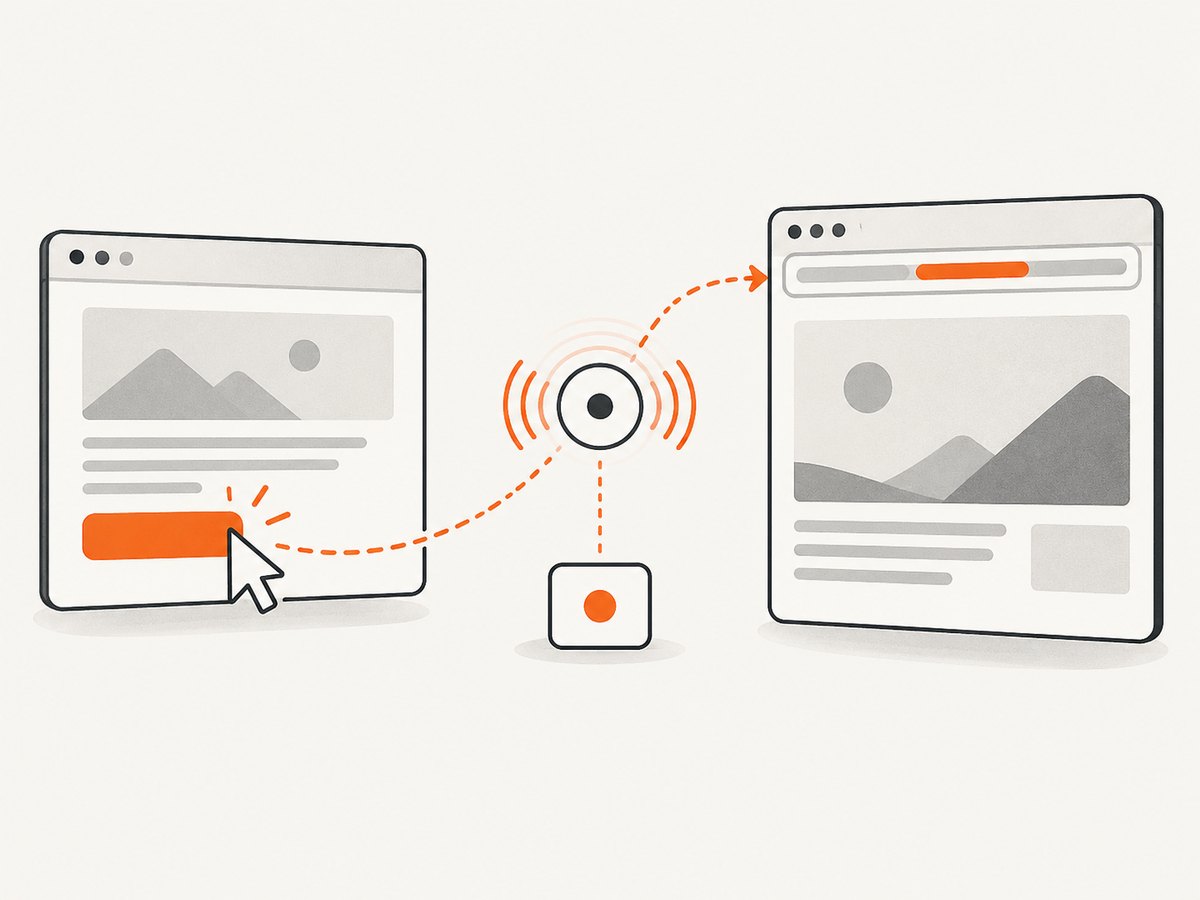
Use the page-level popup event when the action is initiated by a specific page. The promise is created first, then the action is performed. This lets Playwright observe the event even when the new tab opens immediately.
import { chromium } from 'playwright';

const browser = await chromium.launch({ headless: true });
const context = await browser.newContext();
const page = await context.newPage();

await page.goto('https://example.com');

const popupPromise = page.waitForEvent('popup');
await page.getByRole('link', { name: 'Open report' }).click();

const popup = await popupPromise;
await popup.waitForLoadState('domcontentloaded');

console.log('New tab URL:', popup.url());

await browser.close();
Playwright’s Pages guide describes popups opened by links such as target="_blank" as pages obtained by listening to the popup event. The Page API shows the same promise-before-action sequence and also demonstrates evaluating location.href. In ordinary cases, popup.url() is the direct API to use.
If you need the URL after a known redirect or client-side navigation, add a URL wait:
const popupPromise = page.waitForEvent('popup');
await page.getByRole('button', { name: 'Continue' }).click();
const popup = await popupPromise;

await popup.waitForURL('**/dashboard');
console.log(popup.url());
waitForURL accepts a string, glob, regular expression, or predicate. Keep the pattern as specific as practical so an intermediate redirect does not satisfy it.
2. Catch any new page with the browser-context event
context.waitForEvent('page') listens for every newly created page in the context, including popup pages. Choose it when the opener is unknown, when several pages can trigger tabs, or when you are writing a shared helper.
const newPagePromise = context.waitForEvent('page');
await page.getByText('Open account').click();

const newPage = await newPagePromise;
await newPage.waitForLoadState('domcontentloaded');
console.log(newPage.url());
The trade-off is scope. A context listener can catch a page opened by another action that happens at the same time. A page-level popup listener associates the result with one opener and is usually easier to reason about in a test.
You can inspect existing pages with context.pages(), but that is less reliable for associating a page with one click. By the time you inspect the array, more than one page may have opened, or the target may already have navigated.
3. Python async and sync examples
The Python binding provides an expect_popup() context manager. Enter the context before clicking, obtain the resulting Page, wait for navigation, and read its url property.
import asyncio
from playwright.async_api import async_playwright

async def main():
    async with async_playwright() as p:
        browser = await p.chromium.launch(headless=True)
        context = await browser.new_context()
        page = await context.new_page()

        await page.goto("https://example.com")
        async with page.expect_popup() as popup_info:
            await page.get_by_text("Open report").click()

        popup = await popup_info.value
        await popup.wait_for_load_state("domcontentloaded")
        print("New tab URL:", popup.url)
        await browser.close()

asyncio.run(main())
For a context-wide listener:
async with context.expect_page() as page_info:
    await page.get_by_text("Open report").click()
new_page = await page_info.value
await new_page.wait_for_load_state("domcontentloaded")
print(new_page.url)
The synchronous API has the same structure:
from playwright.sync_api import sync_playwright

with sync_playwright() as p:
    browser = p.chromium.launch(headless=True)
    context = browser.new_context()
    page = context.new_page()
    page.goto("https://example.com")

    with page.expect_popup() as popup_info:
        page.get_by_text("Open report").click()
    popup = popup_info.value
    popup.wait_for_load_state("domcontentloaded")
    print(popup.url)
    browser.close()
4. Waiting for the URL you actually need
A popup event becomes available once the popup has navigated to its initial URL. That may be a login endpoint, tracking URL, or redirect target rather than the final application URL. Decide what “the URL” means for your use case:
| Goal | Recommended wait | Read |
|---|---|---|
| Initial destination | Popup event only, or domcontentloaded |
popup.url() |
| Final known route | popup.waitForURL('**/route') |
popup.url() |
| Page is interactive | Targeted locator assertion or a specific load state | URL plus page assertions |
| Any page in context | context.waitForEvent('page') |
newPage.url() |
Use domcontentloaded when you only need the document and URL. Playwright documents networkidle as discouraged for testing because pages can keep connections open indefinitely. Prefer an assertion such as await expect(popup.getByRole('heading', { name: 'Dashboard' })).toBeVisible() or wait for a selector that proves the application is ready.
const popupPromise = page.waitForEvent('popup');
await page.getByRole('link', { name: 'Sign in' }).click();
const popup = await popupPromise;

await popup.waitForURL(url => url.pathname.startsWith('/oauth/callback'));
await expect(popup.locator('[data-test="account"]')).toBeVisible();
console.log(popup.url());
5. Common causes of an empty or missed URL
The listener starts after the click
Symptom: the test times out waiting for popup or page. Cause: the event fired before the listener was registered. Fix: create the promise or enter the Python context manager before the click.
You listened on the wrong object
Symptom: a tab opens but page.waitForEvent('popup') never resolves. Cause: the page was created by another opener or by code running in a different context. Fix: use context.waitForEvent('page'), and verify that the action and listener use the same BrowserContext.
The click did not open a page
Symptom: a timeout with no new tab. Cause: the element may submit a form, navigate the current page, be covered by another element, or be blocked by application logic. Fix: assert the element is visible and enabled, inspect the DOM, and check whether the current page URL changed instead. Do not force a click until you understand the obstruction.
You read the initial redirect
Symptom: the URL is an identity provider, tracking endpoint, or intermediate route. Cause: popup.url() was read before the final navigation. Fix: call waitForURL with the final route or wait for a page-specific assertion.
The popup is created but never navigates
Symptom: the page object exists, but the URL remains about:blank. Cause: the site opened a blank tab and navigates it later, or a script failed. Fix: wait for a URL change with an explicit timeout, listen for console and page errors, and inspect network activity. A blank page is an application behavior to diagnose, not a Playwright URL parsing problem.
Multiple tabs open at once
Symptom: the test captures the wrong page. Cause: a context-level listener matched another concurrent page. Fix: use a page-level popup listener when possible, serialize actions, or filter the context event by URL after the page is created.
6. A reusable helper
Centralizing the sequence makes timing rules consistent across tests:
export async function clickAndGetPopupUrl(page, locator, urlPattern) {
  const popupPromise = page.waitForEvent('popup');
  await locator.click();
  const popup = await popupPromise;
  await popup.waitForLoadState('domcontentloaded');
  if (urlPattern) await popup.waitForURL(urlPattern);
  return { page: popup, url: popup.url() };
}

const result = await clickAndGetPopupUrl(
  page,
  page.getByRole('link', { name: 'Open report' }),
  '**/reports/**'
);
console.log(result.url);
Return the Page as well as the string when later steps need to inspect content, take a screenshot, or close the tab. Close temporary pages after use so long-running suites do not accumulate tabs.
7. Reliability, timeouts, and diagnostics
Set a timeout that matches the environment rather than relying on a very large global value. Keep event waiting and navigation waiting separate: one timeout tells you whether a page opened; the other tells you whether it reached the expected route.
const popupPromise = page.waitForEvent('popup', { timeout: 10_000 });
await page.getByText('Open report').click();
const popup = await popupPromise;
await popup.waitForURL('**/reports/**', { timeout: 20_000 });
When diagnosing failures, record the opener URL, the captured page URL, and whether the page is closed:
console.log({
  opener: page.url(),
  popup: popup.url(),
  closed: popup.isClosed()
});

popup.on('pageerror', error => console.error('popup page error', error));
popup.on('console', message => console.log('popup console:', message.text()));
For redirects, inspect response and request events or enable Playwright tracing in CI. Avoid replacing a deterministic wait with arbitrary sleeps; sleeps make tests slower while still failing under slower network conditions.
8. Capturing the resulting page without managing a browser
If your goal is a screenshot or PDF of the destination rather than browser automation, ScreenshotNeo can fetch a URL with one request. Its API handles capture options without requiring you to install Chromium or manage popup events. See the ScreenshotNeo documentation for the full option list.
9. Or skip the browser setup
After you resolve the final URL, send it directly to ScreenshotNeo:
curl -G "https://api.screenshotneo.com/v1/shot" -d access_key=YOUR_API_KEY --data-urlencode url=https://stripe.com -o shot.webpimport requests
r = requests.get("https://api.screenshotneo.com/v1/shot", params={"access_key": "YOUR_API_KEY", "url": "https://stripe.com"}, timeout=90)
open("shot.webp", "wb").write(r.content)const q = new URLSearchParams({ access_key: 'YOUR_API_KEY', url: 'https://stripe.com' });
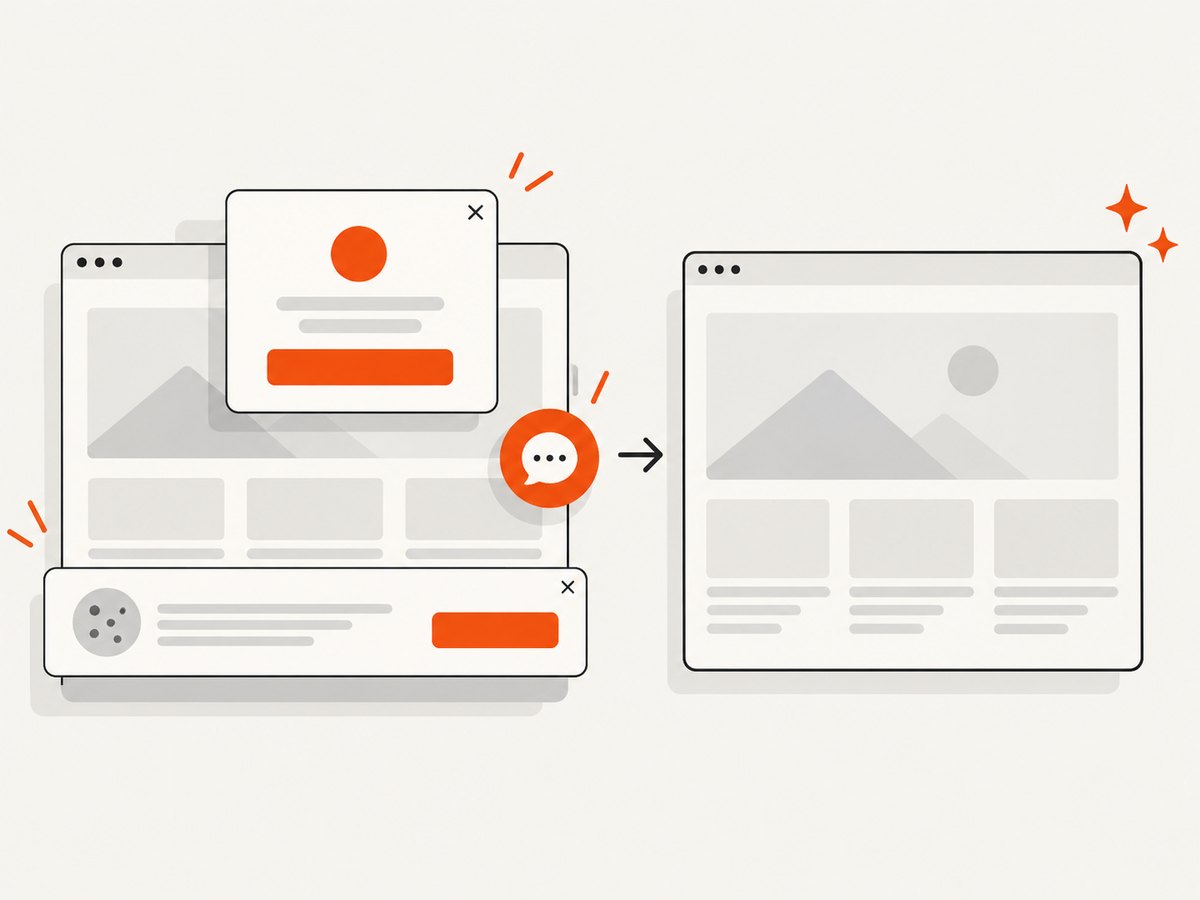
const res = await fetch(`https://api.screenshotneo.com/v1/shot?${q}`);ScreenshotNeo removes cookie and consent banners, newsletter popups, and chat widgets before the shot. Bot checks, blank pages, failed loads, timeouts, and cache hits are not billed, and response headers identify the page verdict and billing status. Its MCP server provides take_screenshot, get_page_info, and capture_pdf tools for Claude, Cursor, and other MCP clients. The Free plan includes 1,000 screenshots each month with no card; paid plans start at $5 for 3,000 screenshots. Create a free ScreenshotNeo account.
10. Performance, reliability, and cost considerations
- Performance: wait only for the state your assertion requires. A full network-idle wait can add significant delay on pages with analytics, streaming, or long polling.
- Reliability: register event waits before actions, use URL patterns for redirects, and isolate concurrent popup-producing actions.
- Cost: Playwright itself is open-source, but CI runtime, browser downloads, and parallel workers affect infrastructure cost. Reuse a browser process while creating fresh contexts for isolation.
- Capture volume: for large URL lists, an API can remove browser startup and orchestration work. ScreenshotNeo supports caching with a chosen TTL, asynchronous jobs with signed webhooks, and bulk capture of up to 100 URLs per call.
11. FAQ
Is a new tab a different BrowserContext?
No. A popup is a new Page in the same context as its opener unless your application explicitly creates another context.
Should I use popup.url() or evaluate location.href?
Use popup.url() for the Playwright page URL. Evaluate location.href when you specifically need to read the browser document from inside the page.
Can I get a URL when the link opens a new window?
Yes. Playwright represents a new window or tab as a Page, so the same popup or context page event applies.
Why does the URL include a trailing slash or encoded query?
That is the browser’s resolved URL. Compare parsed URL components or normalize only when your assertion intentionally ignores formatting differences.
What if the site opens a tab only after a delayed script?
Keep the event wait active with a suitable timeout, then wait for the resulting page’s URL or a readiness assertion. Avoid a fixed sleep as the synchronization mechanism.
12. Practical checklist
- Choose
page.waitForEvent('popup')for a popup from one page. - Choose
context.waitForEvent('page')for any new page in the context. - Start waiting before the click or other action.
- Await the Page object returned by the event.
- Wait for
domcontentloaded, a specific URL, or a targeted assertion. - Read
newPage.url()in JavaScript ornew_page.urlin Python. - Log opener and popup URLs when diagnosing races or redirects.
- Close temporary pages and contexts after the test.


