How to Get the URL of a New Tab in Pyppeteer
Capture a Pyppeteer popup reliably with targetcreated, wait for navigation, and read the final page URL without guessing from open tabs.

Register a targetcreated listener before the click or JavaScript action that opens the tab. Filter for a target whose type is page, convert it with await target.page(), wait for any delayed navigation, and read new_page.url.
import asyncio
from pyppeteer import launch

async def get_new_tab_url():
    browser = await launch()
    page = await browser.newPage()
    await page.goto("https://example.com")

    loop = asyncio.get_running_loop()
    target_future = loop.create_future()

    async def handle_target(target):
        if target.type == "page" and not target_future.done():
            target_future.set_result(target)

    # Install the listener before the action that creates the tab.
    browser.once("targetcreated", handle_target)
    await page.click("a[target=_blank]")

    target = await asyncio.wait_for(target_future, timeout=15)
    new_page = await target.page()

    # The page can be created before its final navigation completes.
    await new_page.waitForFunction(
        "() => location.href && location.href !== 'about:blank'"
    )
    print(new_page.url)
    await browser.close()

asyncio.get_event_loop().run_until_complete(get_new_tab_url())
Pyppeteer exposes the URL on both the target and page objects. The page form, new_page.url, is usually the clearest choice after await target.page(). If redirects or client-side navigation happen after creation, wait for the expected URL or navigation state before reading it.
Why targetcreated is the reliable approach
A popup is represented by a newly created browser target. Pyppeteer initializes that target and then emits the browser’s targetcreated event. Registering the listener first gives you the exact target created by the action, instead of trying to infer which entry in a later page list is newest.
- Create a future or another hand-off object for the target.
- Register
browser.once("targetcreated", ...)before clicking or running the script that opens the tab. - Ignore non-page targets by checking
target.type == "page". - Await
target.page()to obtain aPage. - Wait for the final navigation when the popup starts at
about:blankor redirects. - Read
page.url.
Capture a popup opened by JavaScript
import asyncio
from pyppeteer import launch

async def capture_js_popup():
    browser = await launch()
    opener = await browser.newPage()
    await opener.goto("https://example.com")

    loop = asyncio.get_running_loop()
    popup_target = loop.create_future()

    async def on_target(target):
        if target.type == "page" and not popup_target.done():
            popup_target.set_result(target)

    browser.once("targetcreated", on_target)
    await opener.evaluate("window.open('https://www.python.org', '_blank')")

    target = await asyncio.wait_for(popup_target, timeout=15)
    popup = await target.page()
    await popup.waitForFunction("() => location.hostname === 'www.python.org'")
    print(popup.url)

    await browser.close()

asyncio.get_event_loop().run_until_complete(capture_js_popup())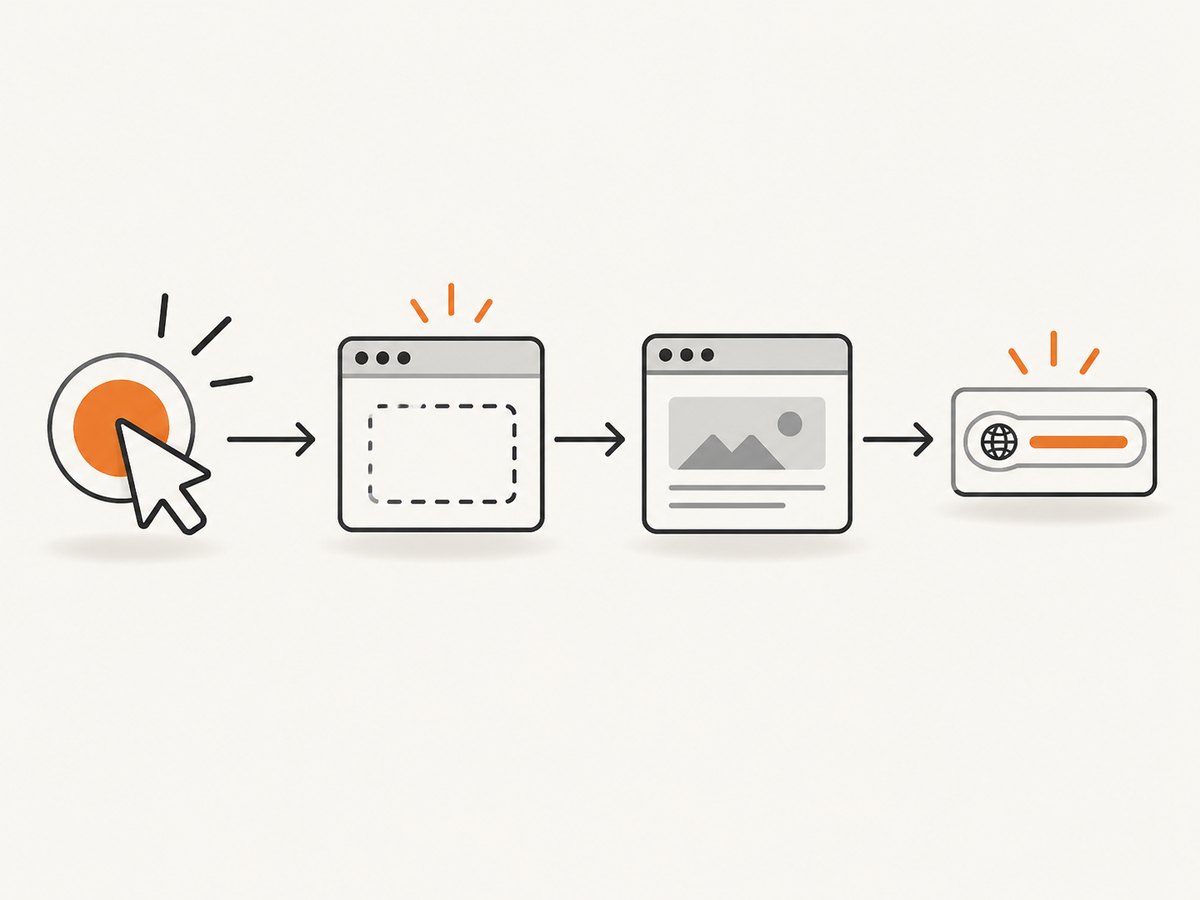
Waiting for the final URL
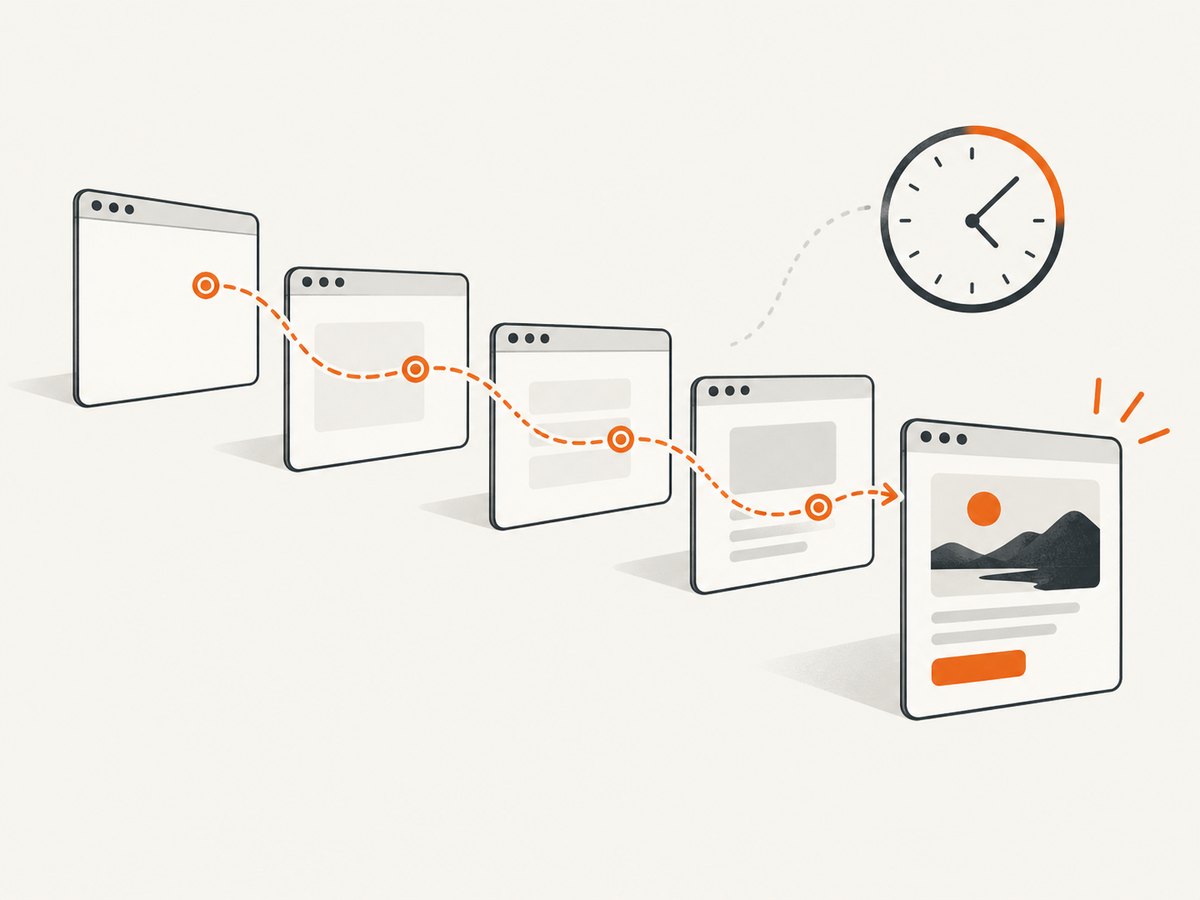
Target creation and navigation are separate moments. A new page may initially report about:blank, an intermediate redirect URL, or an empty-looking state while the document is loading. Choose a wait that matches the behavior of the site.
Wait for a URL predicate
await popup.waitForFunction(
    "() => location.href.startsWith('https://example.com/account')"
)
print(popup.url)
Wait for navigation triggered by a click
await asyncio.gather(
    popup.waitForNavigation({"waitUntil": "networkidle2", "timeout": 30000}),
    popup.click("a.continue")
)
print(popup.url)
Use a URL predicate when the opener performs client-side routing or several redirects. Use waitForNavigation when a normal document navigation is the event you need to synchronize with. Always set a timeout in production so a popup that never finishes cannot block the whole job.
Read the target URL directly
target = await asyncio.wait_for(popup_target, timeout=15)
print(target.url)
target.url is useful for a quick diagnostic or when you do not need a Page. For page interaction and a consistent final read, use target.page() and then page.url.
When the tab already exists: browser.pages()
If your code starts after the popup was opened, enumerate initialized pages and inspect their URLs.
pages = await browser.pages()
for index, existing_page in enumerate(pages):
    print(index, existing_page.url)
This is an inventory fallback. It cannot prove which page is the one that was opened most recently when several tabs were created close together. Keep the target or page reference at creation time whenever identity matters.
Handling multiple popups
Use a listener that collects every page target during a bounded period when one action can open more than one tab.
import asyncio
from pyppeteer import launch

async def collect_popups():
    browser = await launch()
    opener = await browser.newPage()
    await opener.goto("https://example.com")

    targets = []
    event = asyncio.Event()

    async def on_target(target):
        if target.type == "page":
            targets.append(target)
            event.set()

    browser.on("targetcreated", on_target)
    await opener.click("button.open-windows")

    try:
        await asyncio.wait_for(event.wait(), timeout=10)
    except asyncio.TimeoutError:
        pass

    pages = []
    for target in targets:
        page = await target.page()
        pages.append(page)

    for page in pages:
        print(page.url)

    await browser.close()

asyncio.get_event_loop().run_until_complete(collect_popups())
Remove the listener after your capture window if the browser remains alive for later work, and associate each target with the action that caused it when ordering matters.
Common errors and fixes
| Symptom | Cause | Fix |
|---|---|---|
| No target is received | The listener was installed after the click, or the action reused the current tab. | Register before the action. Confirm the element uses a new window or that the script calls window.open. |
target.type is not page |
Chrome also creates workers, service workers, and other target types. | Filter to target.type == "page" before calling target.page(). |
URL is about:blank |
The target was created before its navigation began. | Wait for a URL predicate, a selector, or navigation completion, then read page.url. |
| The future times out | The popup was blocked, the selector did not click, or the site opened an in-page modal instead. | Check the click result, browser permissions, and whether the link really creates a new target. Keep a timeout and log the opener URL. |
| The wrong page is selected | Several targets were created and the code used a later page inventory. | Capture the target in the event handler and correlate targets with the action that opened them. |
target.page() returns no usable page |
The target is not a page target or has not finished initialization. | Filter the type and await the target received from targetcreated; do not guess from an uninitialized target. |
| Final URL differs from the link | Redirects, authentication, tracking parameters, or client-side routing changed it. | Read the URL after the expected condition and treat the resulting URL as authoritative. |
Production checklist
- Install the
targetcreatedlistener before every popup-producing action. - Filter target types and keep the target reference.
- Use an explicit timeout around target creation and navigation.
- Wait for the final URL when redirects or JavaScript routing are possible.
- Close popup pages and the browser in a
finallyblock for long-running workers. - Log the opener URL, target type, initial URL, final URL, and timeout reason.
- Use
browser.pages()only when creation-time capture was impossible.
Performance and reliability notes
Listening for a target is cheaper and more deterministic than repeatedly polling browser.pages(). Keep the listener narrow so unrelated tabs do not satisfy your future. A URL predicate that matches the expected destination avoids waiting for a full page load when the URL is all you need; conversely, wait for a selector or network idle when later page interaction depends on loaded content.
Popup creation can fail because of browser policy, user-gesture requirements, a blocked window, or a site that changes behavior for automation. Treat timeout as a normal error path: record diagnostics, close any partially created page, and retry only when the action is safe and idempotent.
Or skip the browser setup
If your goal is a clean image or PDF of a URL rather than controlling a popup, ScreenshotNeo provides a single HTTP request. Its API accepts the URL and returns PNG, JPEG, WebP, or PDF; the documentation is at screenshotneo.com/docs.
curl -G "https://api.screenshotneo.com/v1/shot" -d access_key=YOUR_API_KEY --data-urlencode url=https://stripe.com -o shot.webpimport requests
r = requests.get(
"https://api.screenshotneo.com/v1/shot",
params={"access_key": "YOUR_API_KEY", "url": "https://stripe.com"},
timeout=90,
)
r.raise_for_status()
open("shot.webp", "wb").write(r.content)const q = new URLSearchParams({ access_key: 'YOUR_API_KEY', url: 'https://stripe.com' });
const res = await fetch(`https://api.screenshotneo.com/v1/shot?${q}`);
if (!res.ok) throw new Error(`Screenshot failed: ${res.status}`);
const data = Buffer.from(await res.arrayBuffer());
require('fs').writeFileSync('shot.webp', data);Before capture, cookie banners, newsletter popups and chat widgets are removed. Bot checks, blank pages and failed loads are never billed, and response headers identify the page verdict and whether it was billed. An MCP server lets Claude, Cursor and other MCP clients call take_screenshot, get_page_info and capture_pdf. The free plan includes 1,000 screenshots a month with no card; paid plans start at $5 for 3,000.
Create a free ScreenshotNeo account and start with 1,000 screenshots a month at no charge.
FAQ
Should I use target.url or page.url?
Use target.url for a quick target-level read. Use page.url after await target.page() when you also need to wait, inspect, or interact with the new tab.
Why must the listener be registered before clicking?
The browser can create and emit the target immediately. A listener added afterward can miss that event entirely.
Can I identify the newest tab from browser.pages()?
You can list current pages, but the list does not reliably establish which page belongs to a particular action when multiple tabs open close together.
What if the link opens in the same tab?
No new target will be emitted. Capture the existing page and wait for its navigation, or change the test action so it opens a separate page.


