How to Get and Reuse an Element Attribute in Cypress
Read an HTML attribute in Cypress, reuse it safely with closures or aliases, and avoid asynchronous command and stale-element pitfalls.
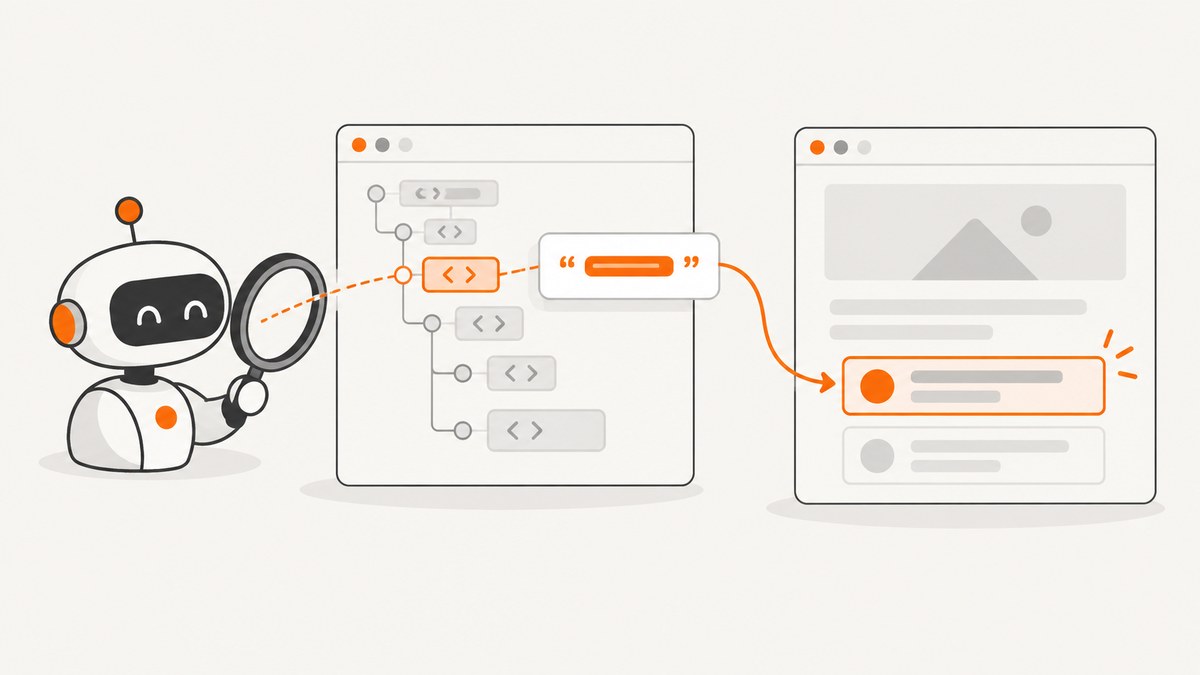
Use cy.get() to select the element, then read its HTML attribute from the yielded jQuery object with .attr(). Keep commands that depend on the value inside a .then() callback, or save the primitive value in an alias for later retrieval.
cy.get('[data-cy="item"]').then(($el) => {
  const itemId = $el.attr('data-id')

  cy.get(`[data-cy="details-${itemId}"]`)
    .should('be.visible')
})
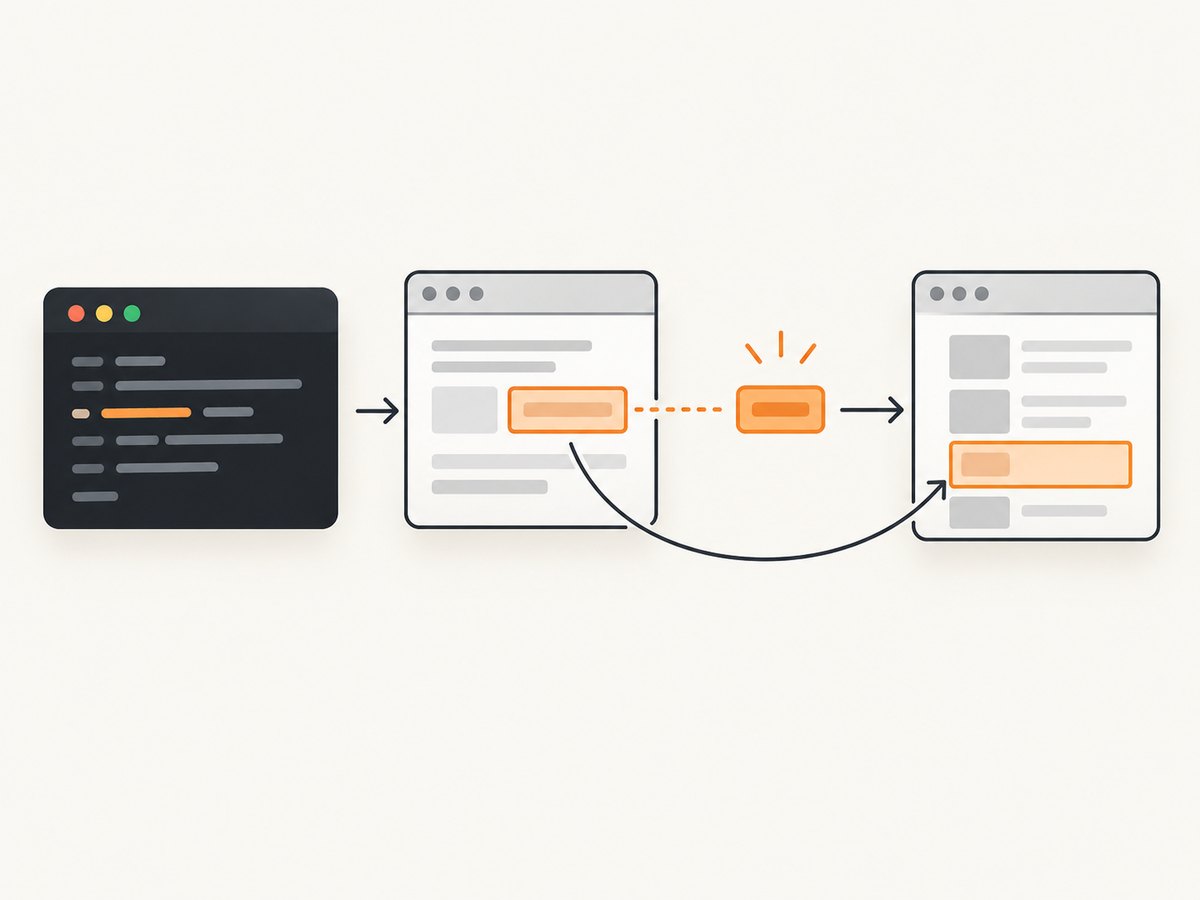
Cypress commands are queued. A normal variable assigned outside the callback will not be populated synchronously when cy.get() is called. The callback or an alias keeps your code in Cypress’s command flow.
1. Read an attribute with .attr()
Cypress yields a jQuery-wrapped collection. jQuery’s attr(name) method returns the attribute value from the first matched element. If the attribute is missing, the result is undefined.
cy.get('[data-cy="item"]')
  .invoke('attr', 'data-id')
  .should('equal', '42')
The same operation can be expressed with a callback when you need to perform more work with the value:
cy.get('[data-cy="item"]').then(($item) => {
  const itemId = $item.attr('data-id')

  expect(itemId, 'item data-id').to.be.a('string').and.not.be.empty
  cy.log(`Loaded item ${itemId}`)
})
Attribute versus DOM property
.attr() reads the HTML attribute in the markup. A live DOM property can have a different value after JavaScript changes the element. For a form control’s current value, use .invoke('val') or assert with .should('have.value', expected) instead.
// HTML attribute
cy.get('#profile').invoke('attr', 'data-user-id')

// Current input property
cy.get('input[name="email"]').invoke('val')
cy.get('input[name="email"]').should('have.value', 'dev@example.com')
2. Reuse the value immediately with a closure
A closure is the clearest choice when the next Cypress commands depend on the value you just read. Put every dependent command inside .then().
cy.get('[data-cy="item"]').then(($item) => {
  const itemId = $item.attr('data-id')

  if (!itemId) {
    throw new Error('Expected [data-cy="item"] to have a data-id attribute')
  }

  cy.get(`[data-cy="details-${itemId}"]`)
    .should('be.visible')
    .and('contain', itemId)
})
You can also return a value from .then() to yield it to the next Cypress command:
cy.get('[data-cy="item"]')
  .then(($item) => {
    const id = $item.attr('data-id')
    if (!id) throw new Error('Missing data-id')
    return id
  })
  .then((id) => {
    cy.get(`[data-cy="details-${id}"]`).should('exist')
  })
Returning a plain value changes the yielded subject. Returning a Cypress chain makes Cypress wait for that chain before continuing.
3. Reuse the value later with an alias
Use .as() when another part of the same test needs the extracted value. The alias name does not include @; the @ is used only when retrieving it.
cy.get('[data-cy="item"]')
  .invoke('attr', 'data-id')
  .as('itemId', { type: 'static' })

cy.get('@itemId').then((itemId) => {
  cy.get(`[data-cy="details-${itemId}"]`)
    .should('be.visible')
})
Static and query aliases
| Alias type | What Cypress stores | Use it when |
|---|---|---|
static |
The value captured when .as() runs |
You need the original primitive attribute snapshot |
query (default) |
The query chain, reevaluated when retrieved | You intentionally want a fresh result |
// Snapshot the current attribute
cy.get('[data-cy="item"]')
  .invoke('attr', 'data-id')
  .as('itemId', { type: 'static' })

// Re-run the extraction when the alias is read
cy.get('[data-cy="item"]')
  .invoke('attr', 'data-id')
  .as('currentItemId')
Aliases reset before each test. Create them in the test or in a hook that runs for that test; do not expect an alias from a previous test to remain available.
4. Choose the right reuse pattern
| Need | Recommended pattern | Reason |
|---|---|---|
| Use the value in the next few commands | .then() closure |
Local scope makes the dependency explicit |
| Read a primitive later in the same test | Static alias | Preserves the captured value |
| Reevaluate after the page changes | Query alias or a fresh cy.get() |
Reads the current DOM |
| Interact with an element after rerendering | Element alias or fresh query | A saved jQuery element can become stale |
5. Complete examples
Build a selector from a data attribute
it('opens the details for the selected item', () => {
  cy.visit('/items')

  cy.get('[data-cy="item-card"]').first().then(($card) => {
    const id = $card.attr('data-id')
    expect(id).to.match(/^item-/)

    cy.get(`[data-cy="details-${id}"]`)
      .click()
      .should('have.attr', 'aria-expanded', 'true')
  })
})
Extract several attributes
cy.get('[data-cy="download"]').then(($link) => {
  const href = $link.attr('href')
  const downloadName = $link.attr('download')

  expect(href).to.match(/^\/files\//)
  expect(downloadName).to.match(/\.csv$/)
})
Handle multiple matched elements
cy.get('[data-cy="item"]').then(($items) => {
  const ids = [...$items].map((element) => element.getAttribute('data-id'))

  expect(ids).to.have.length.greaterThan(0)
  ids.forEach((id) => expect(id).to.be.a('string'))
})
.attr() on a jQuery collection reads the first element. Iterate or use native getAttribute() when you need every match.
6. Avoid asynchronous variable mistakes
This code is incorrect because the assertion runs before Cypress has executed the queued command:
let itemId

cy.get('[data-cy="item"]')
  .invoke('attr', 'data-id')
  .then((id) => {
    itemId = id
  })

// itemId is not guaranteed to be assigned here
expect(itemId).to.equal('42')
Keep the assertion in the callback, or yield the value and continue with Cypress:
cy.get('[data-cy="item"]')
  .invoke('attr', 'data-id')
  .should('equal', '42')
  .then((id) => {
    cy.get(`[data-cy="details-${id}"]`).should('exist')
  })
7. Rerenders and stale elements
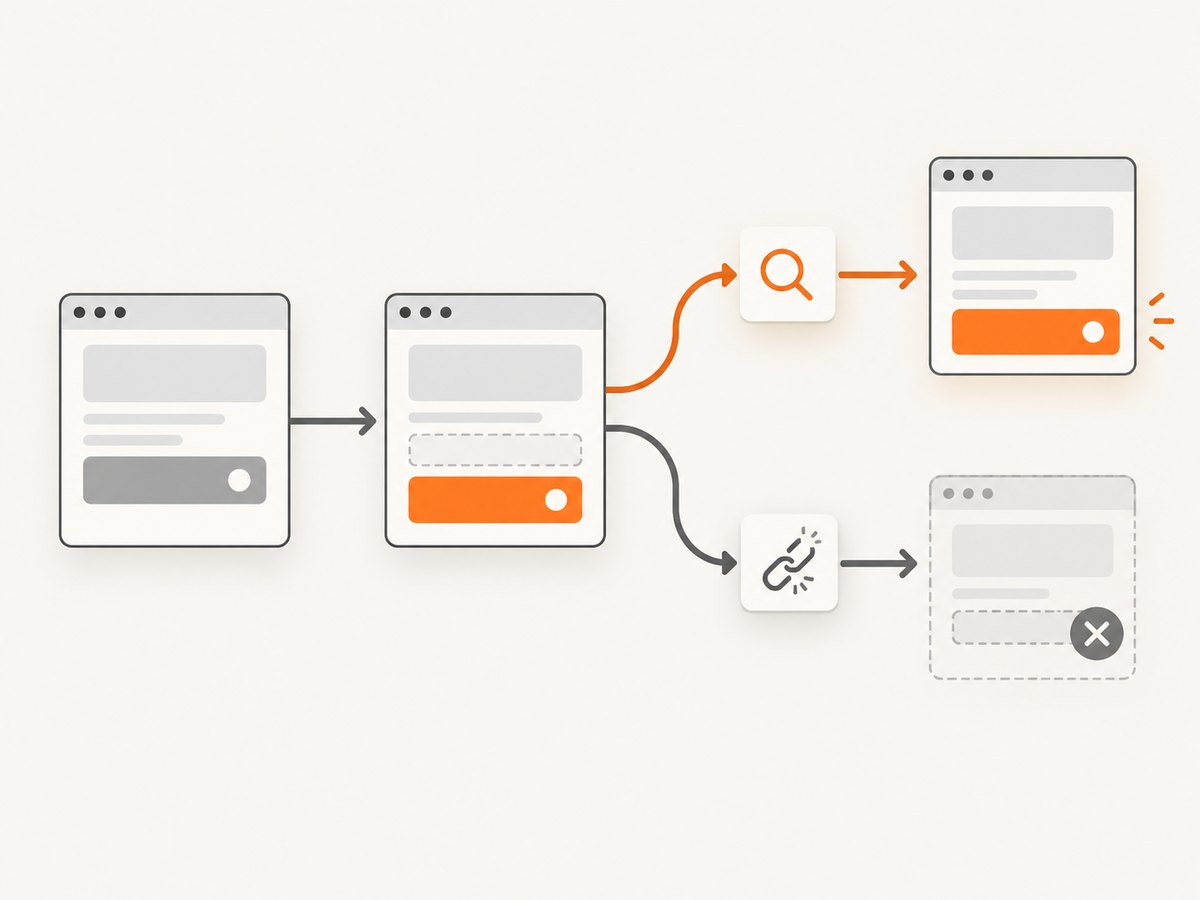
.then() callbacks are not retried. If an action replaces the element, a previously captured jQuery object may refer to a detached node. Re-query before the next interaction:
cy.get('[data-cy="item"]').then(($item) => {
  const id = $item.attr('data-id')
  cy.get(`[data-cy="rename-${id}"]`).click()
})

// Query the current DOM after the rerender
cy.get('[data-cy="item"]').should('be.visible')
An element alias can also rerun its query chain, while a static alias of data-id remains only the original string. Pick the behavior that matches the page lifecycle.
8. Troubleshooting
| Symptom | Cause | Fix |
|---|---|---|
undefined attribute |
The attribute is absent, misspelled, or the selector matched a different element | Assert .should('have.attr', 'data-id'), verify the selector, and inspect the rendered markup |
Variable is empty outside .then() |
Cypress commands are queued asynchronously | Move dependent work into .then() or use an alias |
| Alias not found | Alias was created in another test or the name includes an accidental @ |
Create it in the current test and use .as('itemId'), then cy.get('@itemId') |
| Value changes unexpectedly | A query alias reevaluated the chain | Use { type: 'static' } for a snapshot |
| Detached from DOM error | The framework rerendered the element after it was captured | Re-query the element immediately before interacting |
| Wrong value from an input | You read the HTML value attribute instead of the live property |
Use .invoke('val') or .should('have.value', value) |
| Selector breaks for special characters | The attribute value is not safely represented in a CSS selector | Prefer a stable data attribute, escape the value, or filter elements inside a callback |
9. Reliability and performance guidance
- Prefer stable
data-*attributes over classes that describe styling. - Assert that the attribute exists before constructing a dependent selector.
- Keep aliases local to the test that owns their setup.
- Use a static alias for an immutable identifier and a query alias when the page can legitimately change.
- Re-query after clicks, typing, navigation, or framework state updates that may replace nodes.
- Extract all attributes you need in one callback when they come from the same element; avoid repeated DOM queries.
- Do not add arbitrary waits to solve command-order problems. Cypress retries query assertions; make the selector and assertion express the condition you need.
10. Or skip the browser setup
If your goal is to capture a page image while inspecting or documenting test fixtures, ScreenshotNeo provides a single HTTP request. Its capture options include custom JavaScript and CSS, element selection, waits, headers, cookies, user agents, device presets, full-page screenshots, and PDF output. See the ScreenshotNeo API documentation for the complete option list.
cURL
curl -G "https://api.screenshotneo.com/v1/shot" -d access_key=YOUR_API_KEY --data-urlencode url=https://stripe.com -o shot.webpPython
import requests

r = requests.get(
    "https://api.screenshotneo.com/v1/shot",
    params={"access_key": "YOUR_API_KEY", "url": "https://stripe.com"},
    timeout=90,
)
r.raise_for_status()
open("shot.webp", "wb").write(r.content)
Node.js
const q = new URLSearchParams({ access_key: 'YOUR_API_KEY', url: 'https://stripe.com' });
const res = await fetch(`https://api.screenshotneo.com/v1/shot?${q}`);
if (!res.ok) throw new Error(`Screenshot failed: ${res.status}`);
const buffer = Buffer.from(await res.arrayBuffer());
require('fs').writeFileSync('shot.webp', buffer);
Cookie banners, newsletter popups, and chat widgets are removed before the shot. Bot checks, blank pages, timeouts, failed loads, and cache hits cost nothing, and response headers report the page verdict and billing status. ScreenshotNeo also has an MCP server so Claude, Cursor, and other MCP clients can call take_screenshot, get_page_info, and capture_pdf. The Free plan includes 1,000 screenshots each month with no card; paid plans start at $5 for 3,000. Create a free ScreenshotNeo account.
11. FAQ
Can I use a Cypress alias across tests?
No. Aliases reset before each test. Recreate the alias in each test or its setup hook.
Should I use .invoke('attr') or .then($el => $el.attr())?
Both read the attribute. Use .invoke() for a short extraction chain and .then() when you need validation, branching, or several related values.
Why does my attribute value differ after a click?
The click may trigger a rerender or update the DOM. A query alias or fresh cy.get() reads the current element; a static alias keeps the original value.
Can I read an attribute from an iframe?
Only after selecting the iframe’s document body with an iframe strategy or plugin appropriate to your test. The same .attr() rule applies once the target element is inside the Cypress-accessible document.
What happens when several elements match?
.attr() returns the first matched element’s attribute. Use .first(), .eq(), or iterate through the collection when the test needs a specific or every value.


