How to Get a Selector from a Puppeteer ElementHandle
Build and validate a CSS selector from a Puppeteer ElementHandle with robust JavaScript patterns, escaping, frames, shadow DOM, and troubleshooting.

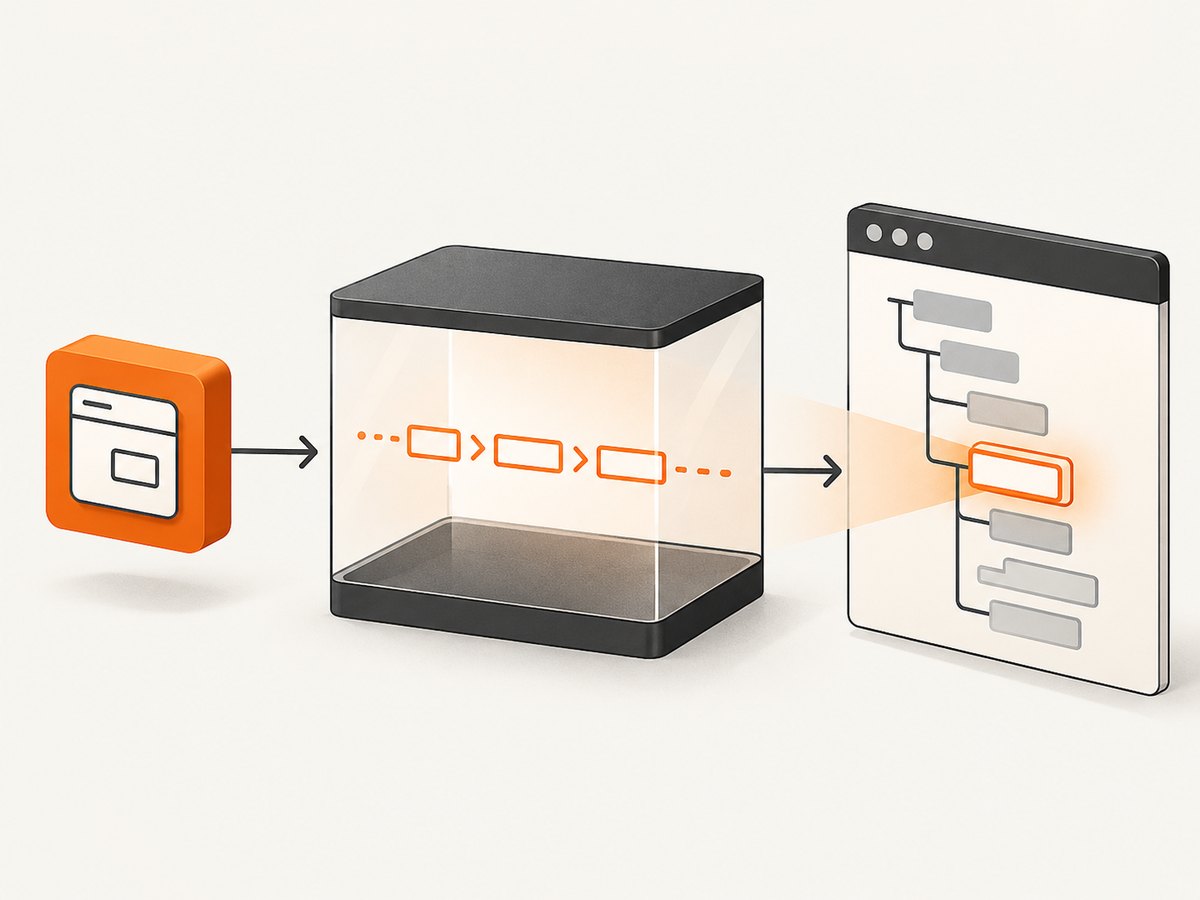
Short answer: Puppeteer does not provide a built-in method that converts an ElementHandle into a CSS selector string. Pass the handle to page.evaluate(), inspect the underlying DOM element in page context, construct a selector, and then verify that the selector identifies the intended element.
An ElementHandle is a reference to an element in the page. Its $, $$, $eval, and $$eval methods query descendants; they do not reverse the handle into the selector that originally found it. The selector is custom application logic, so you must decide which attributes are stable enough for your page.
1. Minimal working pattern
import puppeteer from 'puppeteer';

const browser = await puppeteer.launch({ headless: true });
const page = await browser.newPage();
await page.goto('https://example.com', { waitUntil: 'domcontentloaded' });

const heading = await page.$('h1');
if (!heading) throw new Error('The h1 element was not found');

const selector = await page.evaluate(element => {
  if (element.id) return `#${CSS.escape(element.id)}`;
  return element.tagName.toLowerCase();
}, heading);

console.log(selector);
await browser.close();
The handle is serialized as an argument to page.evaluate(). Puppeteer resolves it to the corresponding DOM node, and the function runs inside the document. CSS.escape() prevents an ID containing punctuation or whitespace from producing invalid CSS. The fallback above is intentionally simple: a tag selector such as h1 may match several elements.
See Puppeteer’s ElementHandle API, ElementHandle evaluation methods, and Page.evaluate documentation for the documented handle and evaluation behavior.
2. Generate a useful selector from stable attributes
A practical generator should prefer a meaningful ID, then stable attributes, then an ancestor path. It should also escape every interpolated value and avoid classes that are generated by a framework or changed on each deployment.
function selectorFromElement(element) {
  if (!(element instanceof Element)) {
    throw new TypeError('Expected an Element');
  }

  const escape = value => CSS.escape(value);
  const tag = element.tagName.toLowerCase();

  // IDs are concise, but still need escaping.
  if (element.id) {
    const candidate = `#${escape(element.id)}`;
    if (document.querySelectorAll(candidate).length === 1) return candidate;
  }

  // Prefer attributes whose values are intended to identify components.
  const identifyingAttributes = [
    'data-testid',
    'data-test',
    'data-cy',
    'name',
    'aria-label',
    'role'
  ];

  for (const attribute of identifyingAttributes) {
    const value = element.getAttribute(attribute);
    if (!value) continue;
    const candidate = `${tag}[${attribute}="${escape(value)}"]`;
    if (document.querySelectorAll(candidate).length === 1) return candidate;
  }

  // Add stable class names only when they produce a unique result.
  const classes = [...element.classList]
    .filter(className => !/^css-|^jsx-|^sc-/.test(className));
  if (classes.length) {
    const candidate = `${tag}${classes.map(className => `.${escape(className)}`).join('')}`;
    if (document.querySelectorAll(candidate).length === 1) return candidate;
  }

  return buildAncestorPath(element);
}

function buildAncestorPath(element) {
  const parts = [];
  let current = element;

  while (current && current.nodeType === Node.ELEMENT_NODE) {
    let part = current.tagName.toLowerCase();

    if (current.id) {
      const idPart = `#${CSS.escape(current.id)}`;
      const idMatches = document.querySelectorAll(idPart);
      if (idMatches.length === 1) {
        parts.unshift(idPart);
        break;
      }
    }

    const parent = current.parentElement;
    if (parent) {
      const sameTag = [...parent.children]
        .filter(child => child.tagName === current.tagName);
      if (sameTag.length > 1) {
        const index = sameTag.indexOf(current) + 1;
        part += `:nth-of-type(${index})`;
      }
    }

    parts.unshift(part);
    current = parent;
  }

  return parts.join(' > ');
}

const selector = await page.evaluate(selectorFromElement, elementHandle);
console.log(selector);
This code checks uniqueness in the current document before returning an ID, attribute, or class-based candidate. If no short candidate is unique, it builds a path from the element toward the document root. The resulting path is valid for the current DOM, but it can become invalid when the markup changes.
3. A complete Puppeteer example with validation
import puppeteer from 'puppeteer';

const browser = await puppeteer.launch({ headless: true });
try {
  const page = await browser.newPage();
  await page.goto('https://example.com', { waitUntil: 'networkidle2' });

  const element = await page.$('h1');
  if (!element) throw new Error('Target element was not found');

  const selector = await page.evaluate(element => {
    function unique(candidate) {
      return document.querySelectorAll(candidate).length === 1;
    }

    if (element.id) {
      const candidate = `#${CSS.escape(element.id)}`;
      if (unique(candidate)) return candidate;
    }

    for (const name of ['data-testid', 'name', 'aria-label']) {
      const value = element.getAttribute(name);
      if (!value) continue;
      const candidate = `${element.tagName.toLowerCase()}[${name}="${CSS.escape(value)}"]`;
      if (unique(candidate)) return candidate;
    }

    const parts = [];
    let node = element;
    while (node && node.nodeType === Node.ELEMENT_NODE) {
      let part = node.tagName.toLowerCase();
      const parent = node.parentElement;
      if (parent) {
        const siblings = [...parent.children]
          .filter(child => child.tagName === node.tagName);
        if (siblings.length > 1) {
          part += `:nth-of-type(${siblings.indexOf(node) + 1})`;
        }
      }
      parts.unshift(part);
      const candidate = parts.join(' > ');
      if (unique(candidate)) return candidate;
      node = parent;
    }

    throw new Error('Could not build a unique selector');
  }, element);

  const matches = await page.$$eval(selector, nodes => nodes.length);
  if (matches !== 1) throw new Error(`Selector matched ${matches} elements`);

  console.log({ selector, matches });
} finally {
  await browser.close();
}
Validation matters because a syntactically valid selector can still match zero or many elements. Run the selector in the same page and frame where the handle was created. If your later action occurs after navigation or a major rerender, reacquire the element and regenerate the selector.
4. Choosing between selector strategies
| Strategy | Example | Strength | Risk |
|---|---|---|---|
| Unique ID | #checkout |
Short and readable | Some IDs are generated or reused |
| Test attribute | [data-testid="save"] |
Usually intended for automation | May not exist in production HTML |
| Semantic attribute | button[aria-label="Close"] |
Readable and meaningful | Labels can change with localization |
| Class combination | .card.primary |
Compact when classes are stable | CSS modules and utility classes can change |
| Ancestor path | main > section:nth-of-type(2) > button |
Works without identifying attributes | Breaks when siblings are inserted or reordered |
Use the least specific selector that is unique and tied to the element’s purpose. A selector generated for a one-off inspection can tolerate a positional path. A selector stored in a long-lived test or scraping job should use a contract such as data-testid whenever the application can provide one.
5. Escaping IDs and attribute values correctly
Never concatenate an unescaped ID or attribute value into a selector. Values such as invoice:2026, leading digits, quotes, and backslashes can change how the selector is parsed.
const safeIdSelector = await page.evaluate(element => {
  return element.id ? `#${CSS.escape(element.id)}` : null;
}, elementHandle);
CSS.escape() is available in modern browser contexts. If you execute equivalent logic in a non-browser JavaScript runtime, use a standards-compliant CSS escaping implementation rather than a hand-written replacement.
6. Frames, shadow DOM, and detached handles
Frames
An element belongs to the frame whose document contains it. Evaluate the handle through the corresponding frame or page, and query the selector in that same frame.
const frame = page.frames().find(frame => frame.url().includes('/checkout'));
if (!frame) throw new Error('Checkout frame not found');

const handle = await frame.$('button[type="submit"]');
if (!handle) throw new Error('Submit button not found');

const selector = await frame.evaluate(element => {
  if (element.id) return `#${CSS.escape(element.id)}`;
  return element.tagName.toLowerCase();
}, handle);
A selector from an iframe document cannot be queried directly against the parent page. Keep the frame reference with the selector.
Open shadow roots
A normal document query does not cross a shadow root. Build a selector for the host, then retain the shadow-root boundary and query inside it.
const result = await page.evaluate(() => {
  const host = document.querySelector('checkout-widget');
  const target = host?.shadowRoot?.querySelector('button.confirm');
  if (!host || !target) return null;
  return {
    hostSelector: 'checkout-widget',
    innerSelector: 'button.confirm'
  };
});
Do not join those two strings with >; shadow DOM is a separate tree. Closed shadow roots cannot be inspected through ordinary page-side DOM APIs.
Detached elements
React, Vue, and other applications can replace a node during a render. The old handle may become detached even though an identical-looking element is visible. Catch the operation error, locate the current element again, and regenerate the selector if needed.
7. When you should keep the ElementHandle
Converting a handle to a selector is unnecessary if your next operation can use the handle directly:
await elementHandle.click();
const text = await elementHandle.evaluate(element => element.textContent?.trim());
const box = await elementHandle.boundingBox();
Keeping the handle avoids a second query and preserves the exact node you already selected. Generate a selector when you need to log an element, store a locator for a later run, pass a target between systems, or use an API that accepts only selector strings.
8. Python equivalent
Puppeteer is JavaScript, but the same page-side technique works in Python browser automation libraries that expose DOM evaluation. For example, Playwright Python can pass a locator’s element handle into the page context:
from playwright.sync_api import sync_playwright

with sync_playwright() as p:
    browser = p.chromium.launch(headless=True)
    page = browser.new_page()
    page.goto("https://example.com")
    handle = page.query_selector("h1")
    if handle is None:
        raise RuntimeError("h1 was not found")

    selector = page.evaluate("""element => {
        if (element.id) return `#${CSS.escape(element.id)}`;
        return element.tagName.toLowerCase();
    }""", handle)
    print(selector)
    browser.close()
The principle is unchanged: the browser knows the DOM node; your evaluation function constructs and validates the selector.
9. Troubleshooting
| Symptom | Cause | Fix |
|---|---|---|
ElementHandle is not a function |
The handle was treated as a selector string. | Pass it as an argument to page.evaluate() or use it directly with handle methods. |
document.querySelector throws |
An ID or attribute was interpolated without escaping. | Use CSS.escape() for every dynamic selector value. |
| Selector matches zero nodes | The page navigated, rerendered, or the query ran in the wrong frame. | Reacquire the handle, use the correct frame, and validate immediately. |
| Selector matches many nodes | A tag, class, or attribute is not unique. | Add a stable attribute or ancestor segment and assert a count of one. |
| Click fails with “Node is detached” | The framework replaced the original DOM node. | Wait for the update, query again, and avoid storing handles across renders. |
| Selector works in DevTools but not Puppeteer | DevTools may be querying a different frame or shadow root. | Use the frame’s context or query inside the appropriate open shadow root. |
:contains() does not work |
It is not standard CSS. | Use Puppeteer’s supported text selector syntax or filter nodes in evaluate(). |
10. Performance, reliability, and maintenance
- Performance: One
page.evaluate()call and one uniqueness query are cheap compared with navigation, network idle waits, and rendering. Avoid repeatedly walking the entire document for hundreds of elements; generate selectors in one evaluation call and return an array. - Reliability: Prefer application-owned identifiers. Positional selectors are sensitive to inserted banners, A/B tests, and localization. Validate selectors at the point of use.
- Scope: A selector is valid only for the document tree where it was created. Store the frame or shadow-root context alongside it.
- Security: Treat page-derived strings as data. Do not execute selector text as JavaScript, and do not insert untrusted values into HTML.
- Cost: Browser launch and page navigation normally dominate runtime and infrastructure cost. Reuse a browser process and pages when appropriate, while isolating tests that require clean storage or cookies.
11. Or skip the browser setup
If your goal is to obtain a clean image of a page rather than interact with an element, ScreenshotNeo provides a single screenshot request. It handles browser capture for you and supports element capture with a CSS selector, full-page shots, custom JavaScript and CSS, waits, device presets, dark mode, cookies, headers, blocking rules, PDFs, caching, signed links, asynchronous jobs, and bulk capture. Read the ScreenshotNeo API documentation for all options.

curl -G "https://api.screenshotneo.com/v1/shot" -d access_key=YOUR_API_KEY --data-urlencode url=https://stripe.com -o shot.webpimport requests
r = requests.get("https://api.screenshotneo.com/v1/shot", params={"access_key": "YOUR_API_KEY", "url": "https://stripe.com"}, timeout=90)
open("shot.webp", "wb").write(r.content)const q = new URLSearchParams({ access_key: 'YOUR_API_KEY', url: 'https://stripe.com' });
const res = await fetch(`https://api.screenshotneo.com/v1/shot?${q}`);Cookie banners, newsletter popups, and chat widgets are removed before the shot. Bot checks, blank pages, failed loads, timeouts, and cache hits are not billed, and response headers identify the page verdict and billing status. An MCP server lets AI agents use take_screenshot, get_page_info, and capture_pdf. The free plan includes 1,000 screenshots each month with no card; paid plans start at $5 for 3,000 shots. Create a free ScreenshotNeo account.
12. FAQ
Can Puppeteer return the original selector used to find an element?
No. Puppeteer stores the resulting element reference, not a guaranteed copy of the selector expression.
Is an XPath expression better than a CSS selector?
Neither is universally better. CSS is concise and works naturally with querySelector; XPath can express some text and relationship queries. Choose the form your next automation API supports.
Can I create a selector that survives every redesign?
No selector can guarantee that. A stable test attribute and an application contract provide the best long-term behavior, but markup changes still require maintenance.
Should I cache generated selectors?
Cache them only when the page structure and identifying attributes are stable. Otherwise regenerate and validate them during each run.


