How to Get a Visitor’s IP Address Using JavaScript
Learn why browser JavaScript cannot directly read a public IP, how to return the server-observed address safely, and when WebRTC or geolocation applies.
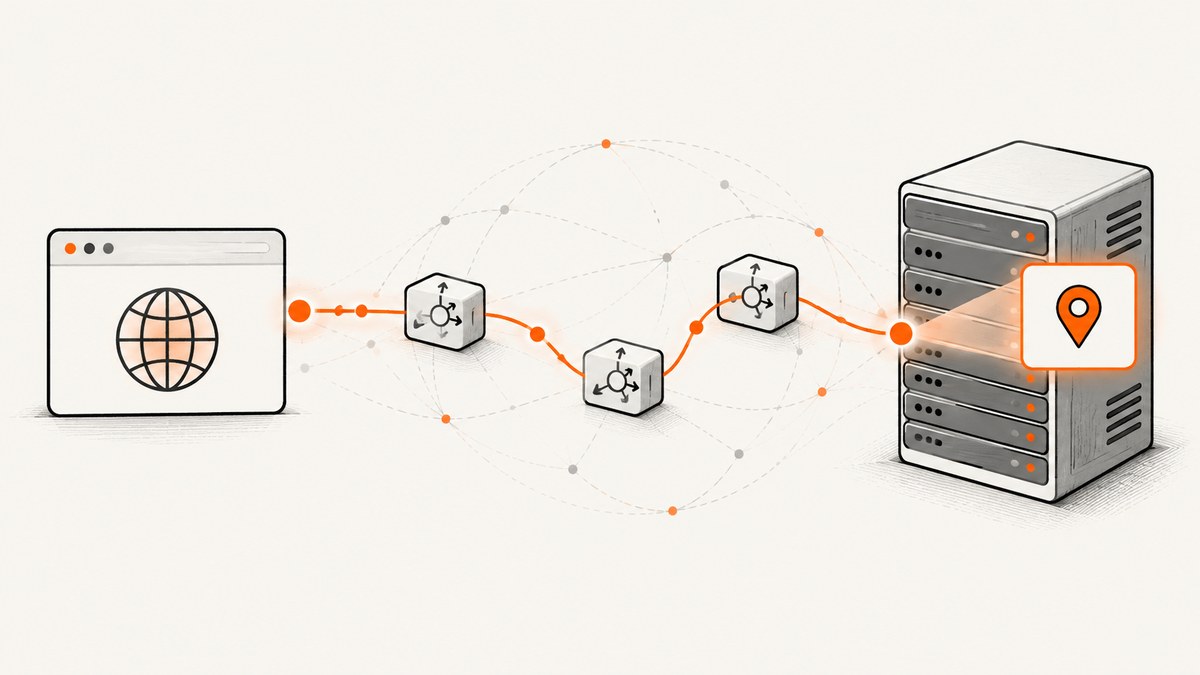
Short answer: ordinary browser JavaScript has no standard property that returns a visitor’s public IP address. The dependable pattern is to call an endpoint on your own server. Your server observes the public source address of the HTTP request, returns it as JSON, and browser JavaScript displays the response.
This value is network metadata, not a permanent identity. VPNs, proxies, carrier NAT, enterprise gateways and routing can change the address your server sees. If you need device position, use the permission-based Geolocation API instead; it does not perform an IP lookup.
What “visitor IP” means
For a normal HTTP request, the server naturally learns a source address. The IETF WebRTC security architecture says that, in general, a site learns at least a user’s server-reflexive address from an HTTP transaction (RFC 8827). That is the public address visible to the service receiving the request. It is not necessarily an address assigned directly to the person’s device or home router.
A single observed address can represent many people behind a NAT gateway. Conversely, one person can appear under different addresses as they move between networks or use a VPN. Treat the result as a hint about the connection, not proof of identity, residence or ISP.
The recommended architecture: browser to your server
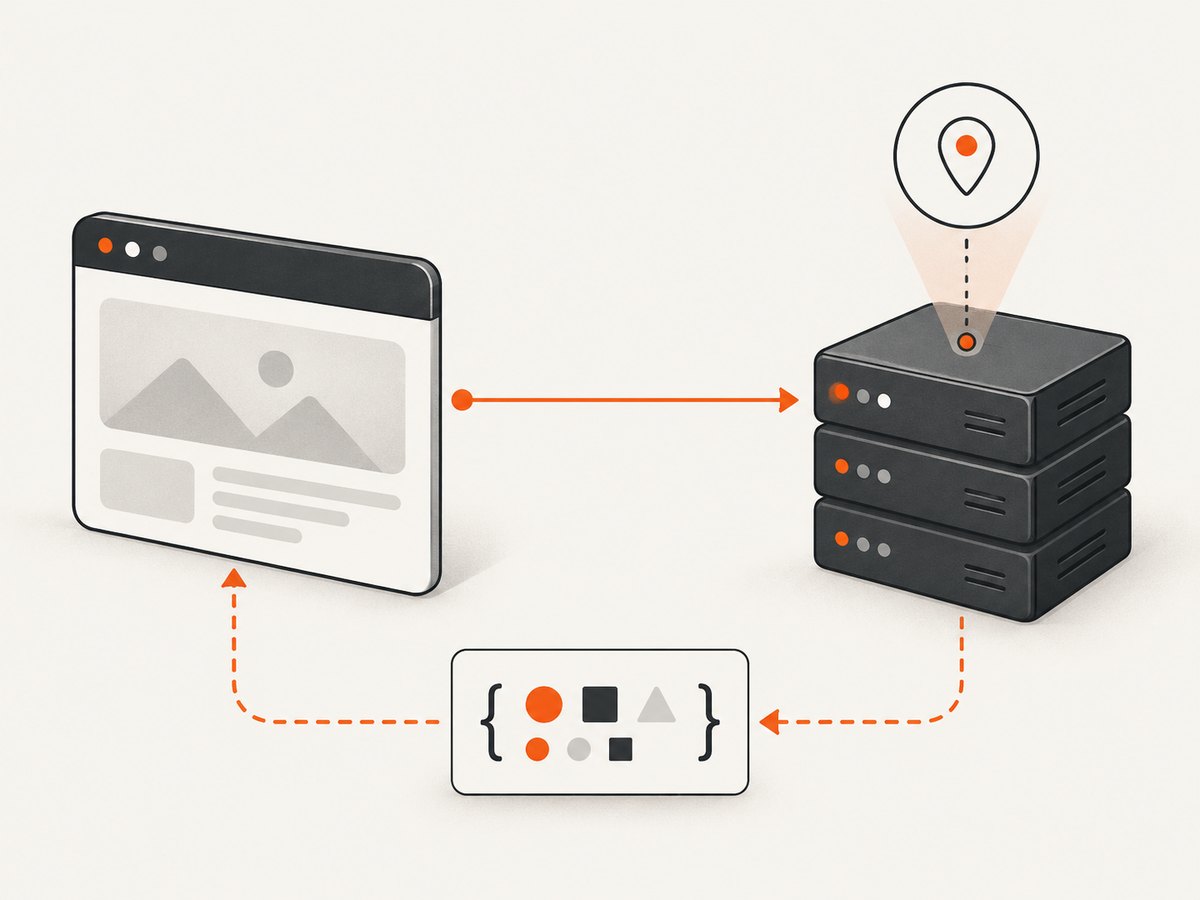
- The page sends a same-origin request such as
GET /api/client-ip. - Your server or trusted edge layer reads the address from the actual connection.
- The endpoint returns a small JSON object, for example
{"ip":"203.0.113.10"}. - Client JavaScript renders the value and handles errors.
Keeping the endpoint on your origin avoids handing the request to an unrelated lookup provider. It also lets you define retention, access control, logging and disclosure rules. Do not accept an arbitrary X-Forwarded-For value supplied by a client. Forwarding headers are useful only when inserted by a reverse proxy you operate and explicitly trust.
Complete example with Node.js and Express
The following endpoint returns the address observed by an Express server. In a direct deployment, req.socket.remoteAddress is the peer address. If your application is behind a load balancer, configure Express’s proxy trust for your actual proxy topology before using req.ip.
import express from 'express';

const app = express();

// Set this only when you operate a known reverse proxy.
// app.set('trust proxy', 1);

app.get('/api/client-ip', (req, res) => {
  const address = req.ip || req.socket.remoteAddress || null;

  if (!address) {
    return res.status(503).json({ error: 'address-unavailable' });
  }

  res.set('Cache-Control', 'no-store');
  res.json({ ip: address });
});

app.listen(3000, () => {
  console.log('Listening on http://localhost:3000');
});
Use it from a page served by the same origin:
async function showVisitorIp() {
  const output = document.querySelector('#visitor-ip');
  output.textContent = 'Looking up…';

  try {
    const response = await fetch('/api/client-ip', {
      method: 'GET',
      credentials: 'same-origin',
      cache: 'no-store',
      headers: { 'Accept': 'application/json' }
    });

    if (!response.ok) throw new Error(`HTTP ${response.status}`);

    const data = await response.json();
    if (typeof data.ip !== 'string' || data.ip.length === 0) {
      throw new Error('Invalid response');
    }

    output.textContent = data.ip;
  } catch (error) {
    console.error('IP lookup failed', error);
    output.textContent = 'Unavailable';
  }
}

showVisitorIp();
<span id="visitor-ip">Unavailable</span>IPv4, IPv6 and normalization
Your endpoint may receive IPv4 or IPv6. IPv4-mapped IPv6 values can look like ::ffff:192.0.2.1. Store and display the value consistently, but avoid rewriting it with ad-hoc string operations. If you need canonical validation, use a maintained IP parsing library on the server. Never use a browser-provided string as an authorization decision.
Other server implementations
Python with Flask
from flask import Flask, jsonify, request

app = Flask(__name__)

@app.get('/api/client-ip')
def client_ip():
    address = request.remote_addr
    if not address:
        return jsonify(error='address-unavailable'), 503
    response = jsonify(ip=address)
    response.headers['Cache-Control'] = 'no-store'
    return response

if __name__ == '__main__':
    app.run(port=3000, debug=True)
When Flask runs behind a proxy, use a carefully configured proxy middleware or framework setting that names the proxies you control. Never blindly select the first value in X-Forwarded-For.
PHP
<?php
header('Content-Type: application/json');
header('Cache-Control: no-store');

$address = $_SERVER['REMOTE_ADDR'] ?? null;
if (!$address) {
    http_response_code(503);
    echo json_encode(['error' => 'address-unavailable']);
    exit;
}

echo json_encode(['ip' => $address]);
Calling a third-party IP service
A page can fetch a “what is my IP” service, but that sends the request and the visitor’s address to that provider. The research sources do not establish a particular provider’s retention or data practices, so choose one only after reviewing its current policy and availability. For a site you control, a same-origin endpoint is usually easier to govern and explain.
Can JavaScript get an IP without WebRTC?
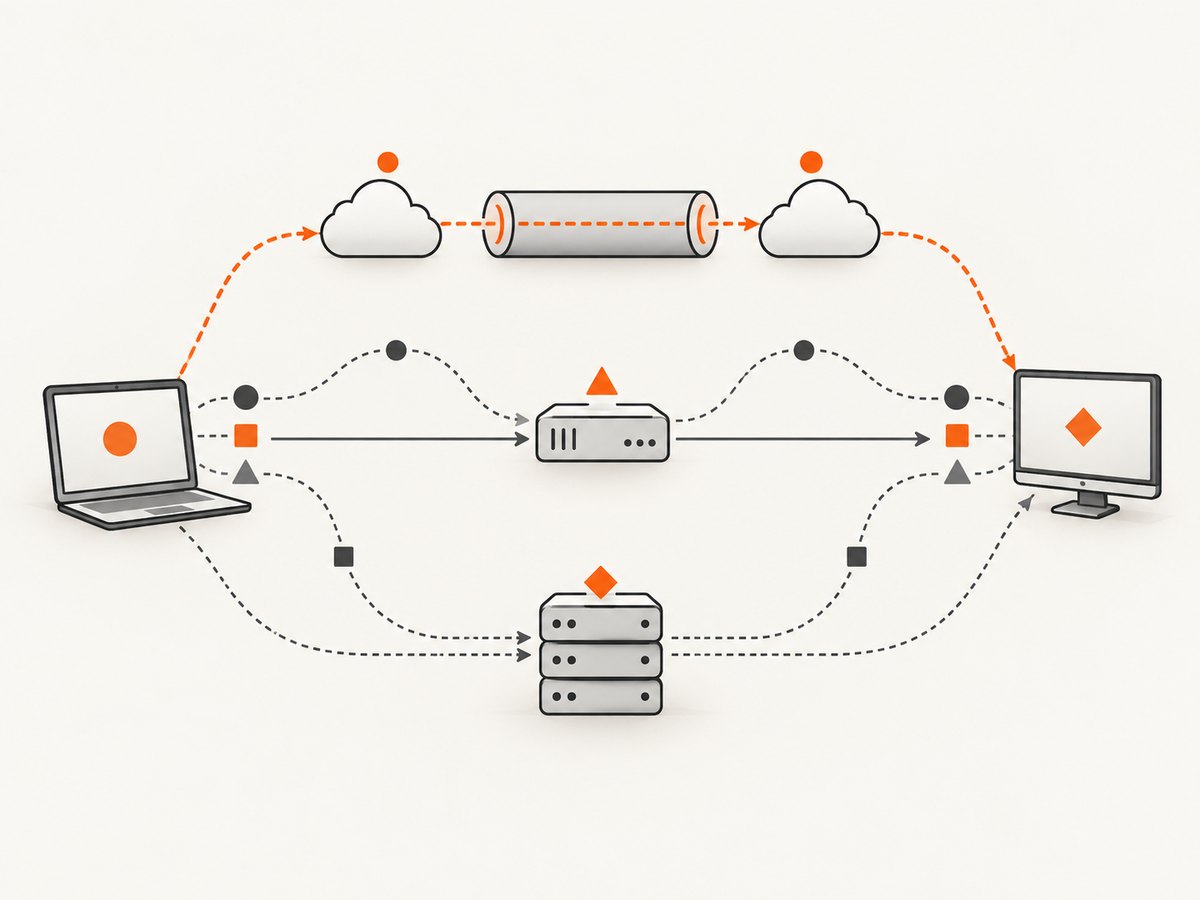
Yes. The server-observed method above does not require WebRTC and is the routine solution. WebRTC is designed for real-time peer connections. Its ICE process can gather server-reflexive, host and relay candidates, potentially exposing more addresses than an ordinary HTTP request. RFC 8828 describes tradeoffs involving VPNs, NAT, proxies, privacy and performance.
Do not add WebRTC candidate gathering just to obtain an IP string. Depending on routing, a page may see private interface addresses or an address outside a VPN’s intended path. The WebRTC security architecture explains that hiding an address from the site itself requires a separate client-side privacy mechanism (RFC 8827). Browser policies also vary; Chrome documents WebRTC handling controls for extensions, not a universal setting that page scripts can rely on (Chrome privacy API).
Why navigator.geolocation is different
navigator.geolocation returns device position, not a public IP. It is available only in secure contexts and asks the user for permission, as documented by MDN. Use it when your feature genuinely needs location:
navigator.geolocation.getCurrentPosition(
  ({ coords }) => {
    console.log(coords.latitude, coords.longitude);
  },
  (error) => {
    console.error('Location permission denied or unavailable', error);
  },
  { enableHighAccuracy: false, timeout: 10000, maximumAge: 300000 }
);
Explain why you need location, handle denial, and do not silently substitute an IP lookup for a permission-based position request. IP-based geographic inference is a separate lookup with its own privacy and accuracy limits.
Security, privacy and data handling checklist
- Use HTTPS so the request and response cannot be read in transit.
- Return only the fields the page needs; an address alone is usually enough.
- Set
Cache-Control: no-storefor per-request results. - Limit access if the endpoint is for an authenticated workflow.
- Define a retention period and avoid putting addresses in analytics URLs or error messages.
- Consider redaction or aggregation when exact addresses are unnecessary.
- Document the purpose and disclosure in your privacy notice and follow applicable requirements.
- Never treat an address as a password, account identifier or proof that a person is authorized.
Edge cases and reliability
Reverse proxies and CDNs
A proxy may terminate TLS and open a new connection to your application. Your app then sees the proxy unless the proxy adds a trusted forwarding header. Configure trust by known proxy hops or networks. Test each production path: direct origin, CDN, load balancer and local development.
VPNs, NAT and mobile networks
The result may be a VPN exit node, a carrier gateway or a corporate egress address. Multiple users can share it, and one user’s address can change during a session. Avoid rate limits or fraud rules based on address alone.
IPv6 and dual stack
Some visitors use IPv6, while others reach you over IPv4. Accept both formats, store them in a type that supports the longest textual representation, and test logs and database indexes accordingly.
Failure handling
Requests can fail because of DNS, a blocked endpoint, a proxy timeout or a server error. Show a neutral fallback, retry only when useful, and do not block the rest of the page on this optional request.
Troubleshooting
| Symptom | Likely cause | Fix |
|---|---|---|
| You always see a CDN or load-balancer address | Proxy trust is missing or incorrect | Configure the framework for the exact proxies you operate; verify the proxy’s trusted forwarding header. |
The value is ::1 locally |
The request came from localhost over IPv6 | Test through your deployed path; treat loopback as a development value. |
| Browser reports a CORS error | Client and endpoint are different origins | Prefer same-origin routing. If cross-origin is required, configure a narrow origin allowlist and credentials policy. |
| Fetch returns 403 or 429 | Authentication, WAF or rate limiting | Inspect server logs, allow the page’s origin, and apply limits appropriate to the feature. |
| WebRTC shows several addresses | ICE gathered host, server-reflexive or relay candidates | Do not use that list for routine lookup; use your server endpoint. |
| Geolocation returns no coordinates | Permission denied, insecure context or unavailable provider | Serve over HTTPS, explain the request and handle denial gracefully. |
Performance, reliability and cost
A same-origin JSON endpoint is small, but it still consumes a request and may create a log entry. Cache nothing at the browser or intermediary when you need the current connection address. If the value is used only for diagnostics, defer the request until a user opens that panel. If it is needed for a form submission, return it alongside the form response instead of making a second round trip.
Keep timeout behavior bounded and make the feature optional. A visitor behind a captive portal, offline network or strict corporate firewall should still be able to use the rest of your page. Store less data for less time; the cost and privacy impact usually come from retention and downstream processing rather than the few bytes in the JSON response.
Or skip the browser setup
If your goal is to capture a page that demonstrates an IP lookup flow, ScreenshotNeo can render it through one API request. It accepts consent banners before capture and removes more than 60 known consent platforms, newsletter popups and chat widgets; each step can be disabled. Bot checks, blank pages, timeouts, failed loads and cache hits are not billed, and response headers identify the page verdict and billing status.
See the complete option list and parameter reference in the ScreenshotNeo documentation. A basic request is:
curl -G "https://api.screenshotneo.com/v1/shot" -d access_key=YOUR_API_KEY --data-urlencode url=https://stripe.com -o shot.webpimport requests
r = requests.get("https://api.screenshotneo.com/v1/shot", params={"access_key": "YOUR_API_KEY", "url": "https://stripe.com"}, timeout=90)
open("shot.webp", "wb").write(r.content)const q = new URLSearchParams({ access_key: 'YOUR_API_KEY', url: 'https://stripe.com' });
const res = await fetch(`https://api.screenshotneo.com/v1/shot?${q}`);ScreenshotNeo also provides an MCP server with take_screenshot, get_page_info and capture_pdf tools for Claude, Cursor and other MCP clients. It supports full-page and element captures, device presets, custom viewport and retina scale, JavaScript and CSS, waits, request blocking, headers, cookies, authentication, timezone, geolocation, resizing, caching, signed links, asynchronous jobs, webhooks, bulk capture and a usage API. One thousand screenshots per month are free with no card; paid plans start at $5 for 3,000.
Create a free ScreenshotNeo account and start with the 1,000 free screenshots.
FAQ
Can a browser read the visitor’s public IP directly?
No standard browser JavaScript property provides it. Ask your server through an endpoint you control.
Does an IP identify a person?
No. Shared gateways, VPNs and changing network routes mean it identifies an observed connection at a point in time.
Is WebRTC more accurate than HTTP?
It can expose a broader set of candidates, but that is not a reason to use it for ordinary lookup. It adds privacy and compatibility considerations.
Can I use geolocation as an IP fallback?
No. Geolocation requests device position with permission; it does not return an IP address.
Should I save every address?
Only when you have a clear purpose. Minimize retention, protect access and explain the use to visitors.


