How to Get XML with cURL
Learn how to fetch, save, request, send, inspect, and troubleshoot XML with cURL, including runnable commands and Python and Node.js examples.

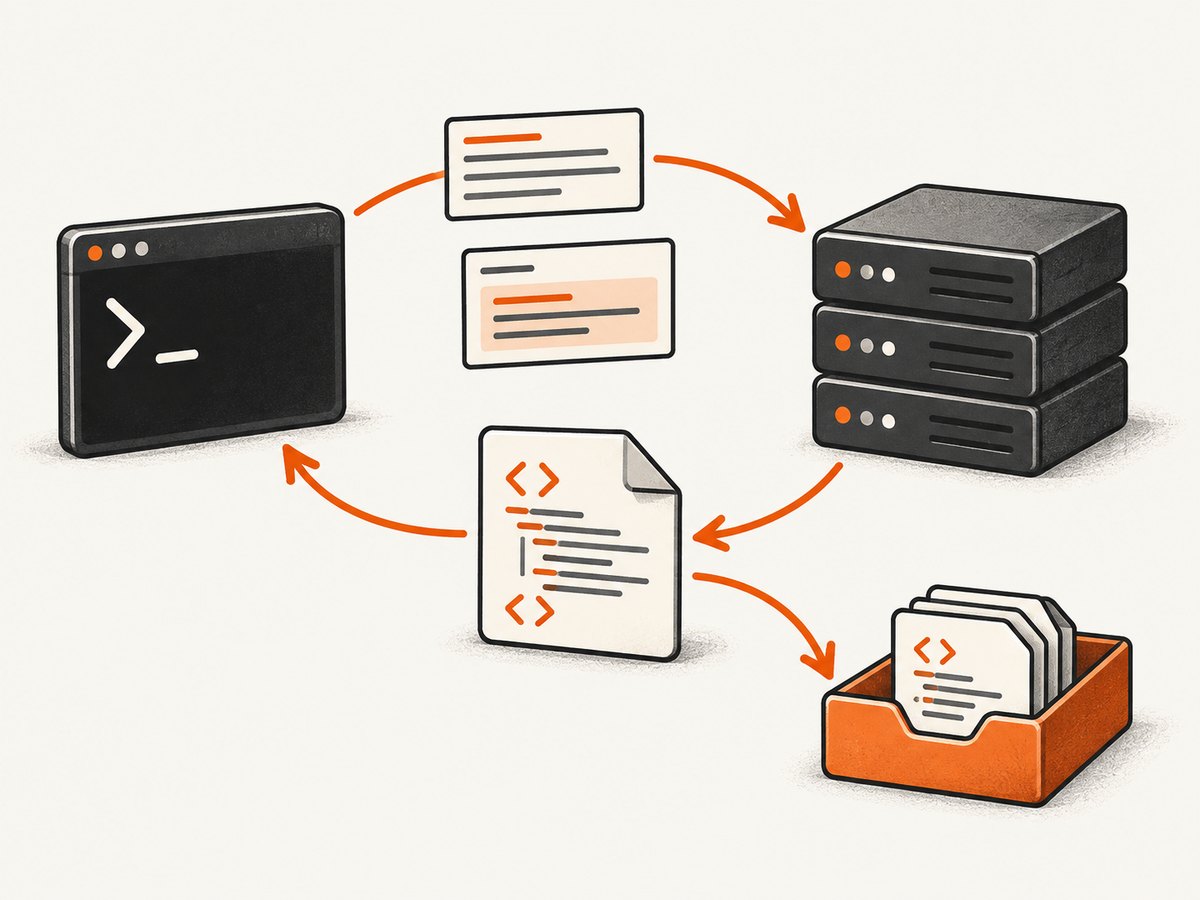
cURL can retrieve an XML response, save it to a file, ask an API for an XML representation, or send an XML document as a request body. The basic command for downloading XML is:
curl 'https://example.com/data.xml'By default, cURL writes the response body to standard output. To save it, use -o:
curl -o response.xml 'https://example.com/data.xml'cURL transfers bytes; it does not parse, validate, or interpret XML. If you need to check whether the document is well formed, pass the saved file to an XML-aware parser after the transfer. The cURL man page documents these output and data options, while the official FAQ explains that cURL treats response contents as opaque data.
Choose the operation you actually need
| Goal | Command pattern | What it does |
|---|---|---|
| Print an XML response | curl 'URL' |
Writes the response body to stdout. |
| Save with your own filename | curl -o response.xml 'URL' |
Saves bytes to the named path. |
| Save using the URL filename | curl -O 'URL/data.xml' |
Uses the final URL path as the local filename. |
| Request an XML representation | curl -H 'Accept: application/xml' 'URL' |
Expresses a media-type preference to the server. |
| Send an XML file | curl --data-binary @request.xml -H 'Content-Type: application/xml' 'URL' |
Posts the file while preserving its bytes. |
1. Retrieve XML and print it
Use a quoted URL so shell characters such as &, ?, and parentheses are not interpreted by your shell:
curl 'https://example.com/data.xml'This is useful for a quick inspection or for piping the response into another command. For example, save a copy and inspect the first lines:
curl 'https://example.com/data.xml' | headDo not assume that a URL ending in .xml actually returns XML. Servers can return HTML error pages, JSON errors, redirects, or an authentication page at any path. Inspect the headers and body before feeding the result to an XML parser.
2. Save the response to a file
Use lowercase -o when you want to choose the destination:
curl -o response.xml 'https://example.com/data.xml'Use uppercase -O when the remote path already has a useful filename:
curl -O 'https://example.com/data.xml'With redirects, add -L if the resource commonly moves:
curl -L -o response.xml 'https://example.com/data.xml'For a script that must not overwrite an existing file, use shell logic around cURL or write to a temporary path and rename it only after a successful transfer:
tmp=$(mktemp)
if curl --fail --silent --show-error --location -o "$tmp" 'https://example.com/data.xml'; then
  mv "$tmp" response.xml
else
  rm -f "$tmp"
  exit 1
fi
--fail makes HTTP errors produce a failure status instead of quietly writing an error response. It is especially useful in CI jobs.
3. Ask an API for XML
Many APIs support content negotiation. Send an Accept header:
curl -H 'Accept: application/xml' 'https://example.com/api'This is a request, not a conversion command. The server decides whether it supports that representation. It may return XML, JSON, or an error. Confirm the result with response headers:
curl -i -H 'Accept: application/xml' 'https://example.com/api'The -i option combines headers and body in the terminal. To keep them separate, use -D:
curl -D headers.txt -o response.xml \
  -H 'Accept: application/xml' \
  'https://example.com/api'
Look for a response such as Content-Type: application/xml or application/xml; charset=utf-8. The header is evidence of the declared media type; it is still sensible to inspect the body when an upstream service is unreliable.
4. Send XML in a request body
When an endpoint expects an XML document, use --data-binary and set the content type documented by that API:
curl --data-binary @request.xml \
  -H 'Content-Type: application/xml' \
  'https://example.com/api'
--data-binary reads the file without the newline, carriage-return, and null-byte transformations associated with form-style data handling. That matters for signed payloads, SOAP envelopes, XML declarations, and documents where exact bytes are significant.
Some older services require text/xml instead:
curl --data-binary @request.xml \
  -H 'Content-Type: text/xml; charset=utf-8' \
  'https://example.com/soap'
Follow the service specification. The media type is part of the API contract.
Inline XML
For a short payload, you can place XML directly in the command. Use a quoted shell string and be careful with embedded quotes:
curl --data '<note><to>Ada</to><body>Hello</body></note>' \
  -H 'Content-Type: application/xml' \
  'https://example.com/api'
For anything longer, keep the document in a file. It is easier to review, version, and escape correctly.
5. Select the HTTP method deliberately
A data option normally makes cURL use POST. You can send an explicit method when the protocol requires one:
curl -X PUT --data-binary @request.xml \
  -H 'Content-Type: application/xml' \
  'https://example.com/resource/42'
Remember that -X only changes the method token. It does not create a body, add a content type, or otherwise change cURL’s transfer behavior. The HTTP scripting guide demonstrates this distinction with XML and WebDAV methods.
For a WebDAV PROPFIND request, for example:
curl -X PROPFIND \
  -H 'Content-Type: application/xml' \
  --data-binary @propfind.xml \
  'https://example.com/webdav/'
SOAP, XML-RPC, and WebDAV each impose their own method, headers, and envelope rules. cURL transports the request; it does not implement those application protocols for you.
6. Authentication, query parameters, and headers
Use the authentication mechanism specified by the API. A bearer token commonly looks like this:
curl --fail --silent --show-error \
  -H "Authorization: Bearer $API_TOKEN" \
  -H 'Accept: application/xml' \
  'https://example.com/api/items?limit=20'
Keep secrets out of shell history where possible. Environment variables, a credential helper, or a protected configuration file are safer than putting a token in a command copied into a ticket.
For query parameters, prefer --get with --data-urlencode when values contain spaces or reserved characters:
curl --get 'https://example.com/api' \
  --data-urlencode 'search=blue widgets' \
  --data-urlencode 'format=xml'
Do not confuse query data with an XML request body. --get places the encoded values in the URL; --data-binary @file sends bytes in the body.
7. Equivalent Python and Node.js requests
Python with requests
import requests

url = "https://example.com/data.xml"
response = requests.get(
    url,
    headers={"Accept": "application/xml"},
    timeout=30,
)
response.raise_for_status()

with open("response.xml", "wb") as file:
    file.write(response.content)

print(response.headers.get("content-type"))
Use response.content for the original bytes. Use response.text when you deliberately want decoded text. For an XML POST:
from pathlib import Path
import requests

xml_bytes = Path("request.xml").read_bytes()
response = requests.post(
    "https://example.com/api",
    data=xml_bytes,
    headers={"Content-Type": "application/xml", "Accept": "application/xml"},
    timeout=30,
)
response.raise_for_status()
print(response.text)
Node.js with fetch
const res = await fetch('https://example.com/data.xml', {
  headers: { Accept: 'application/xml' },
  signal: AbortSignal.timeout(30000),
});

if (!res.ok) {
  throw new Error(`HTTP ${res.status}`);
}

const xml = await res.text();
await import('node:fs/promises').then(fs => fs.writeFile('response.xml', xml));
console.log(res.headers.get('content-type'));
To send a file without changing its contents, read it as a buffer:
import { readFile } from 'node:fs/promises';

const body = await readFile('request.xml');
const res = await fetch('https://example.com/api', {
  method: 'POST',
  headers: {
    'Content-Type': 'application/xml',
    Accept: 'application/xml',
  },
  body,
  signal: AbortSignal.timeout(30000),
});

if (!res.ok) throw new Error(`HTTP ${res.status}`);
console.log(await res.text());
8. XML validation and parsing are separate steps
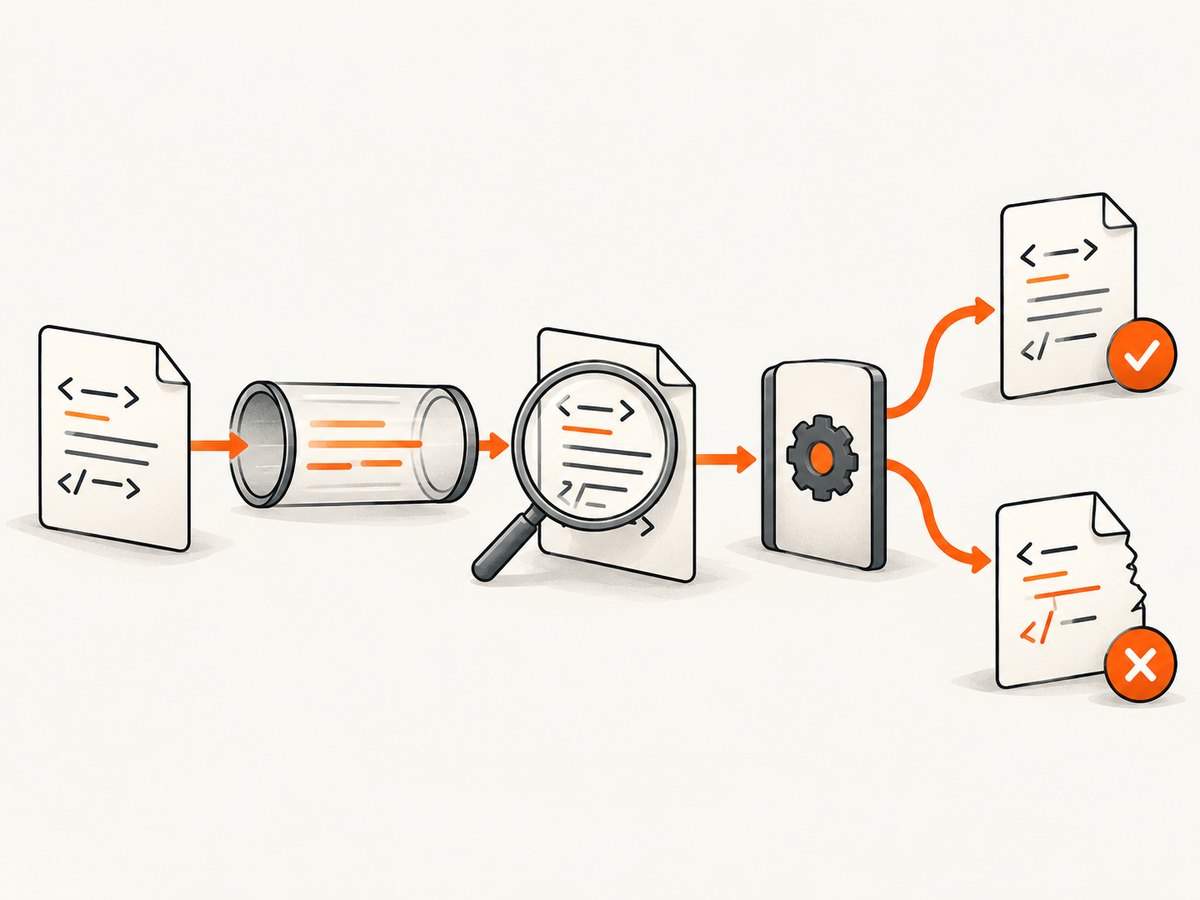
cURL will happily save an HTML login page as response.xml. Validate after downloading. On systems with libxml2, xmllint can check well-formedness:
curl --fail --silent --show-error -o response.xml 'https://example.com/data.xml'
xmllint --noout response.xml
Well-formedness is different from schema validity. If the provider publishes an XSD, validate against that schema with your XML toolchain. Also check encoding declarations, namespaces, required elements, and application-level error elements inside an otherwise valid document.
9. Reliability and performance options
For unattended jobs, combine explicit timeouts, retries, and status handling:
curl --fail --silent --show-error --location \
  --connect-timeout 10 --max-time 60 \
  --retry 3 --retry-delay 2 --retry-all-errors \
-o response.xml 'https://example.com/data.xml'--connect-timeoutlimits time spent establishing a connection.--max-timelimits the whole transfer.--retryretries transient failures; avoid retries for non-idempotent operations unless the API supports idempotency keys.--locationfollows redirects.--compressedasks for compressed responses and decompresses them automatically when supported.
For large XML files, stream to disk instead of storing the entire body in memory. Use a streaming parser when processing gigabytes of XML. Reuse connections when your application makes many requests; Python sessions and Node.js agents can reduce handshake overhead.
10. Common errors and fixes
| Symptom | Likely cause | Fix |
|---|---|---|
| HTML appears in the XML file | Redirect, login page, proxy error, or wrong URL | Use -i or -D headers.txt; check status and Content-Type; add authentication or -L. |
| HTTP 406 Not Acceptable | The server does not offer the requested representation | Remove or change Accept to a supported media type. |
| HTTP 415 Unsupported Media Type | Wrong or missing request Content-Type |
Use the exact type required, such as application/xml or text/xml. |
| Malformed XML after upload | Shell escaping or newline conversion changed the body | Use --data-binary @request.xml and inspect the file before sending. |
| 401 or 403 | Missing, expired, or insufficient credentials | Send the documented authorization header, cookies, or client certificate. |
| curl exits successfully but parsing fails | Transport succeeded while the body was an error document | Use --fail, inspect status headers, and validate with an XML parser. |
| Transfer hangs | Network, server, or stalled read | Set --connect-timeout and --max-time; use retries for transient failures. |
| Certificate error | Untrusted or misconfigured TLS certificate | Fix the server or install the correct CA. Avoid -k except for controlled local testing. |
11. Debugging a failing request
Start with verbose output:
curl -v -H 'Accept: application/xml' 'https://example.com/api'-v shows DNS, TLS, request headers, response headers, and connection details. Do not share verbose logs publicly if they contain authorization headers or cookies. For a repeatable diagnostic artifact, save headers and body separately:
curl --fail-with-body -D response-headers.txt -o response-body.xml \
  'https://example.com/api'
Compare the declared content type, status, redirects, and response body. If a proxy is involved, test from the same network and inspect proxy environment variables.
12. Security considerations
XML parsers can be exposed to entity expansion and external entity attacks when configured unsafely. cURL itself does not parse the document, but the next tool in your pipeline might. Use parser settings that disable external entities unless your application explicitly requires them. Treat downloaded XML as untrusted input, limit document size, and avoid logging secrets embedded in request or response bodies.
When uploading XML, use HTTPS, protect credentials, and verify that redirects do not send sensitive headers to an unintended host. Pinning a trusted CA is safer than disabling certificate verification.
13. Or skip the browser setup
If your actual goal is a rendered capture of an XML-backed page, dashboard, or documentation URL, ScreenshotNeo provides a website screenshot API. The API call is independent of your local browser setup; see the ScreenshotNeo API documentation for all options.
curl -G "https://api.screenshotneo.com/v1/shot" -d access_key=YOUR_API_KEY --data-urlencode url=https://stripe.com -o shot.webpScreenshotNeo removes cookie and consent banners, newsletter popups, and chat widgets before capture. Bot checks, blank pages, failed loads, timeouts, and cache hits are not billed, and response headers identify the page verdict and billing status. Its MCP server exposes take_screenshot, get_page_info, and capture_pdf for Claude, Cursor, and other MCP clients. The Free plan includes 1,000 screenshots per month with no card; paid plans start at $5 for 3,000 shots.
Python:
import requests
r = requests.get("https://api.screenshotneo.com/v1/shot", params={"access_key": "YOUR_API_KEY", "url": "https://stripe.com"}, timeout=90)
open("shot.webp", "wb").write(r.content)
Node.js:
const q = new URLSearchParams({ access_key: 'YOUR_API_KEY', url: 'https://stripe.com' }); const res = await fetch(`https://api.screenshotneo.com/v1/shot?${q}`);Create a free ScreenshotNeo account to use the 1,000 monthly screenshots without a card.
FAQ
Does cURL convert JSON or HTML into XML?
No. cURL requests and transfers representations. Conversion requires an application or transformation tool.
Should I use -d or --data-binary?
Use --data-binary when sending a file whose exact bytes and line endings should remain unchanged. Use --data only when the endpoint and payload format allow its form-style processing.
Can Accept: application/xml force XML?
No. It communicates your preference. The server must implement content negotiation and may return another type.
How do I know whether the response is really XML?
Check the HTTP status, inspect Content-Type, look at the body, and validate it with an XML parser.
Why did adding -X POST not send my XML?
-X changes only the method token. Add a body option such as --data-binary @request.xml and the required content type.


