How to Give a JPEG Image a URL
Turn a local JPEG into a usable URL with a data URL, image host, or your own storage. Includes code, security checks, and troubleshooting.
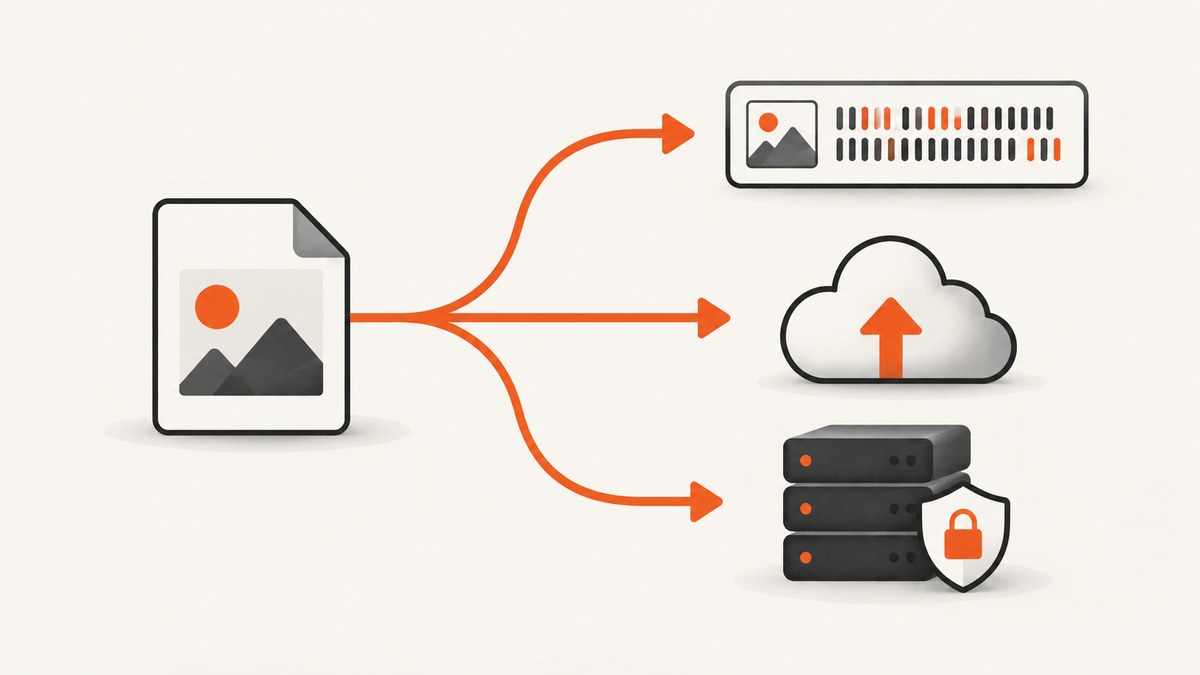
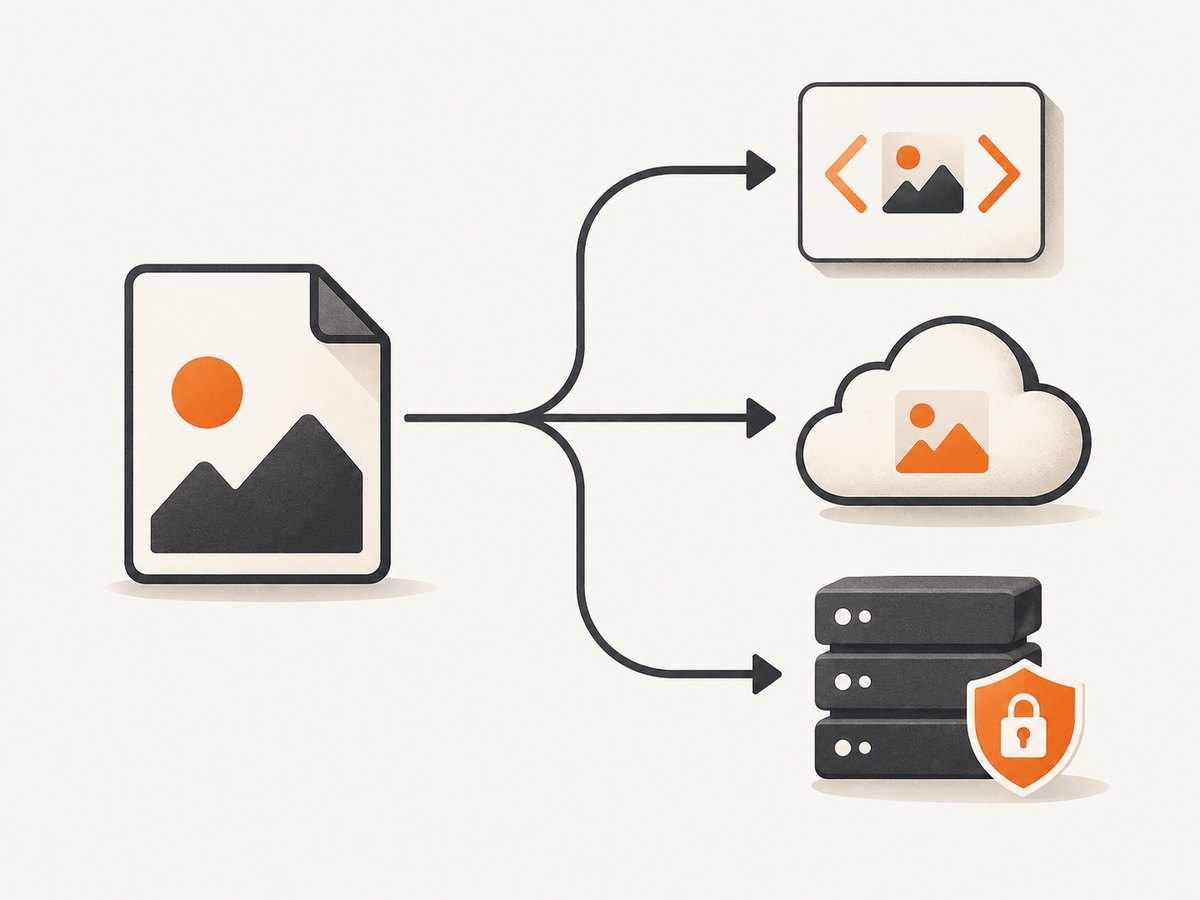
A JPEG gets a URL in one of three ways: embed its bytes in a data: URL, upload it to an image-hosting service, or place it in publicly readable web storage. Use a data URL for a small image that travels inside one HTML or CSS document. Use an image host or your own HTTPS storage when people or applications need a shareable, direct link.
Choose the right method
| Need | Best method | What the URL looks like |
|---|---|---|
| A small image inside one HTML or CSS file | Data URL | data:image/jpeg;base64,... |
| A shareable link, CDN delivery, resizing, or transformations | Image-hosting service | https://res.cloudinary.com/... |
| Control over your domain, storage, and access policy | Your server or object storage | https://example.com/images/photo.jpg |
Method 1: Create a JPEG data URL
A data URL puts the JPEG bytes directly in the URL. The documented syntax is data:[<media-type>][;base64],<data>; for a JPEG, the media type is image/jpeg. See MDN’s data URL documentation.
HTML example
<img src="data:image/jpeg;base64,/9j/4AAQ..." alt="Example JPEG">Generate the value from a local file
Base64 output must remain one continuous value. Do not include accidental line breaks, shell prompts, or a truncated file.
# macOS or Linux
printf 'data:image/jpeg;base64,' > image-data-url.txt
base64 < photo.jpg | tr -d '\n' >> image-data-url.txt

# Python
python3 - <<'PY'
import base64
from pathlib import Path

encoded = base64.b64encode(Path("photo.jpg").read_bytes()).decode("ascii")
Path("image-data-url.txt").write_text("data:image/jpeg;base64," + encoded)
print("Wrote image-data-url.txt")
PY
Use it in CSS or JavaScript
.hero {
  background-image: url("data:image/jpeg;base64,/9j/4AAQ...");
}

const jpegUrl = "data:image/jpeg;base64,/9j/4AAQ...";
document.querySelector("img").src = jpegUrl;
Data URL limits and edge cases
- Data URLs increase the text size because Base64 encodes binary data as text. Keep them for small assets.
- The URL is not a hosted file. Someone receiving only the string can use it, but there is no short standalone link to bookmark or paste into another system.
- Modern browsers treat data URLs as unique opaque origins. Do not assume a data URL shares the origin, cookies, or permissions of the page that contains it.
- For a JPEG, use
image/jpeg. A PNG needsimage/png; using the wrong media type can make consumers reject or mis-handle the data. - Large data URLs can hit limits in browsers, HTML attributes, CSS parsers, databases, logs, or API gateways. Upload large images instead.
Method 2: Upload the JPEG to an image host
An image host stores the file and returns an HTTPS delivery URL. Cloudinary’s upload API accepts a local path, remote URL, data URI, or stream. Its response includes a secure_url, and a public ID can provide a stable addressable asset. See the Cloudinary upload API reference and upload parameters documentation.
Cloudinary dashboard setup
- Create a Cloudinary product environment.
- Create an upload preset, or use a server-side credential for authenticated uploads.
- Choose a predictable public ID when a readable, stable path matters.
- Upload the JPEG and read the returned
secure_url.
Node.js upload example
import cloudinary from "cloudinary";

cloudinary.v2.config({
  cloud_name: process.env.CLOUDINARY_CLOUD_NAME,
  api_key: process.env.CLOUDINARY_API_KEY,
  api_secret: process.env.CLOUDINARY_API_SECRET
});

const result = await cloudinary.v2.uploader.upload("photo.jpg", {
  public_id: "example/photo"
});

console.log(result.secure_url);
cURL upload example
curl -X POST "https://api.cloudinary.com/v1_1/YOUR_CLOUD_NAME/image/upload" \
  -F "file=@photo.jpg" \
  -F "upload_preset=YOUR_UPLOAD_PRESET"
Use an unsigned preset only when its restrictions are appropriate. For private or controlled uploads, send the request from your server with authenticated credentials.
Python upload example
import cloudinary
import cloudinary.uploader

cloudinary.config(
    cloud_name="YOUR_CLOUD_NAME",
    api_key="YOUR_API_KEY",
    api_secret="YOUR_API_SECRET",
)

result = cloudinary.uploader.upload("photo.jpg", public_id="example/photo")
print(result["secure_url"])
What to save after upload
- Save the returned
secure_urlfor immediate delivery. - Save the public ID or provider asset ID in your database. It remains useful if you later change transformations or delivery settings.
- Check that the URL is HTTPS and can be fetched without an interactive login.
- If you need resizing, format conversion, or CDN delivery, use the host’s documented transformation URL or API.
Cloudinary also accepts Base64 data-URI input; its upload-parameter documentation lists a maximum of about 60 MB for that form. Do not put API secrets in browser JavaScript. Keep them on your server.
Method 3: Host the JPEG yourself
Put the file in a publicly readable directory on a web server, static-site host, or object-storage bucket configured for public web delivery. The resulting address might be https://example.com/images/photo.jpg.
Minimal server example
# Copy the file into a directory your web server publishes
cp photo.jpg public/images/photo.jpg

# The final URL depends on your domain and web-server configuration:
# https://example.com/images/photo.jpg
Object-storage checklist
- Upload the object with a JPEG content type such as
image/jpeg. - Configure a public read policy or place a CDN in front of the bucket.
- Use HTTPS and a stable object key if other systems store the URL.
- If the image must remain private, use a signed, expiring URL instead of a public URL.
- Test from an incognito browser window or with an unauthenticated HTTP request.
Verify that the URL is a direct JPEG
curl -I "https://example.com/images/photo.jpg"Look for a successful status, an image/jpeg Content-Type, and a response that does not require login. A URL that returns an HTML error page, a redirect to a sign-in form, or a download wrapper is not a reliable direct image URL for an <img> element.
Security, privacy, and reliability
- Keep image-host API keys, storage credentials, and signing secrets server-side.
- Assume a public URL can be copied. Remove metadata such as GPS coordinates before publishing if privacy matters.
- Use HTTPS so browsers and API clients do not block mixed content.
- Choose a stable public ID or object key; changing paths breaks consumers that cached the old URL.
- Set appropriate cache headers. Immutable, versioned filenames work well for assets that never change.
- Validate file type and size during upload. Do not trust a filename extension alone.
- For user uploads, apply authorization before issuing a public URL and consider malware scanning.
Performance and cost notes
- Data URLs avoid a second network request but enlarge the containing HTML, CSS, or JSON and prevent normal CDN caching of the image as a separate asset.
- Hosted images can be cached and delivered through a CDN, which is usually better for repeated views or many users.
- Self-hosting gives control but makes you responsible for storage, bandwidth, TLS, caching, backups, and availability.
- Image-host pricing varies by storage, transformations, bandwidth, and plan. Check the provider’s current terms before choosing it for high-volume delivery.
Troubleshooting
| Symptom | Likely cause | Fix |
|---|---|---|
| The browser shows a broken image for a data URL | Wrong media type, missing Base64 prefix, line breaks, or truncated data | Start with data:image/jpeg;base64,, regenerate the Base64 value, and compare the decoded file with the original. |
| The URL downloads HTML instead of an image | The link points to a page or login wrapper | Use the provider’s direct delivery URL and check Content-Type with curl -I. |
| Upload returns an authentication error | Missing or incorrect credentials, signature, cloud name, or preset | Check environment variables, use server-side credentials, and verify the preset settings. |
| Upload works locally but fails in the browser | Secrets exposed client-side or cross-origin restrictions | Move authenticated uploads to your server; configure the provider’s documented unsigned-upload and CORS settings when appropriate. |
| JPEG appears rotated | The file contains EXIF orientation metadata | Normalize orientation during image processing before publishing, or ensure the consumer honors EXIF orientation. |
| Large images time out or exceed a URL limit | Data URL, proxy, gateway, or browser length limit | Upload the file and return an HTTPS asset URL; resize or compress when delivery size matters. |
| Old content remains after replacing the file | Browser or CDN cache still serves the previous object | Use a versioned filename/public ID or purge the documented cache. |
| Private object returns 403 | Bucket or object is not publicly readable | Keep it private and issue a signed URL, or deliberately configure public read access. |
Or skip the browser setup
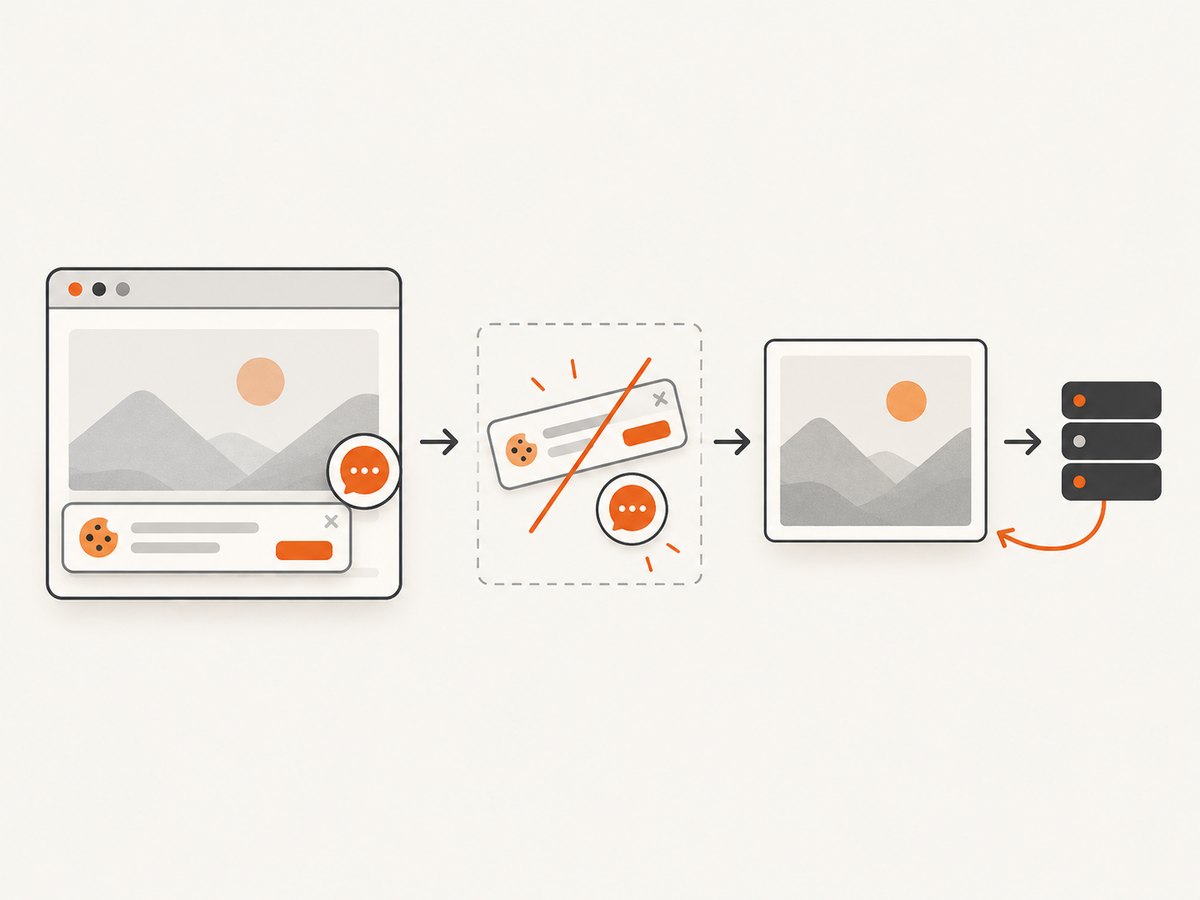
If the JPEG should come from a webpage, ScreenshotNeo returns a clean screenshot from one GET request. It can produce PNG, JPEG, WebP, or PDF, and its capture options include full-page shots, element selection, device presets, custom viewports, retina scale, waits, cookies, headers, JavaScript, custom CSS, blocking rules, caching, and more. The ScreenshotNeo documentation has the complete option list.
curl -G "https://api.screenshotneo.com/v1/shot" -d access_key=YOUR_API_KEY --data-urlencode url=https://stripe.com -o shot.webpimport requests
r = requests.get("https://api.screenshotneo.com/v1/shot", params={"access_key": "YOUR_API_KEY", "url": "https://stripe.com"}, timeout=90)
open("shot.webp", "wb").write(r.content)const q = new URLSearchParams({ access_key: 'YOUR_API_KEY', url: 'https://stripe.com' });
const res = await fetch(`https://api.screenshotneo.com/v1/shot?${q}`);Cookie banners, newsletter popups, and chat widgets are removed before the shot. Bot checks, blank pages, failed loads, timeouts, and cache hits are never billed, and response headers identify the page verdict and billing result. An MCP server lets AI agents use take_screenshot, get_page_info, and capture_pdf. The free plan includes 1,000 screenshots a month with no card; paid plans start at $5 for 3,000.
Create a free ScreenshotNeo account and get 1,000 screenshots each month without a card.
FAQ
Can I turn a JPEG into a URL without uploading it?
Yes. Create a data:image/jpeg;base64,... data URL. It is embedded content, not a separately hosted public file.
Which method is best for a website’s social-share image?
Use an HTTPS URL from an image host or your own storage. Social platforms generally need to fetch the image independently, so a stable public URL is more practical than a large data URL.
Can I make a URL for a local file on my computer?
Only for local use with a browser-specific file URL. Other people and servers cannot fetch it. Upload it or embed it as a data URL to make it portable.
Is a Cloudinary URL permanent?
It can remain stable while the asset and public ID remain available, but retention, delivery, and account settings control its lifetime. Keep the provider’s asset identifier and review its current policy.
Should I use JPG or JPEG in the URL?
Both extensions commonly refer to the JPEG format. The HTTP media type should be image/jpeg.


