Best Google Places API Alternatives for 2026
Compare Google Places API alternatives by autocomplete, place search, storage rules, and cost, then choose a provider that fits your workload.
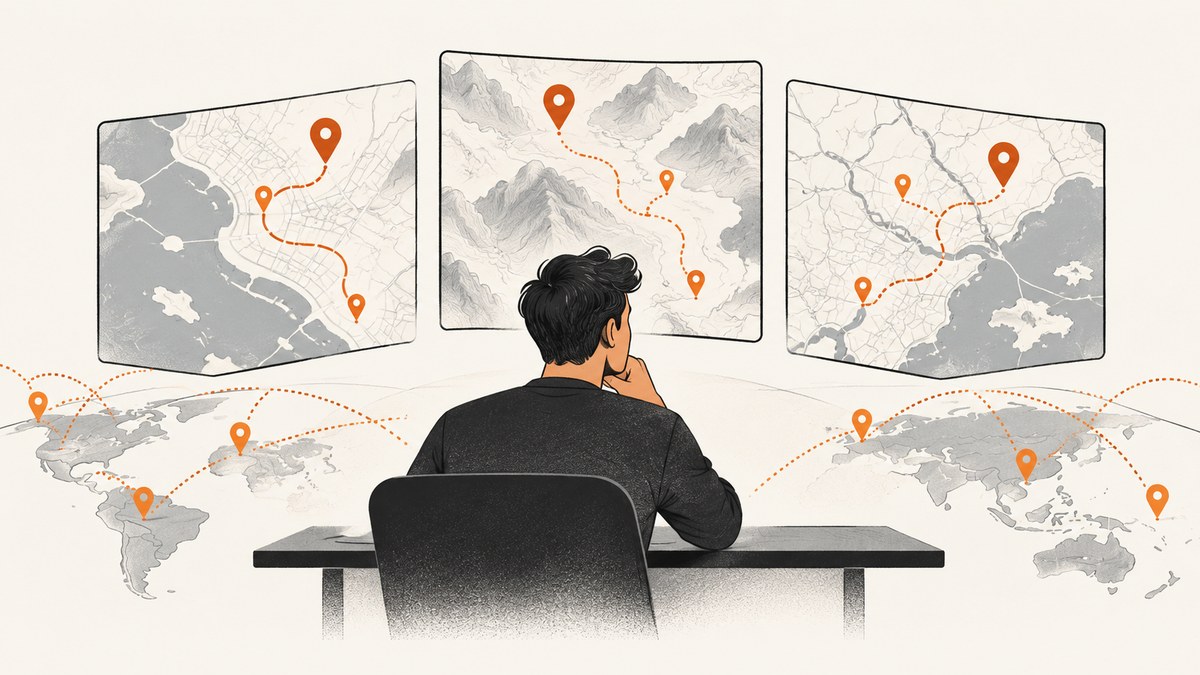
There is no single best Google Places API alternative for every application. Choose TomTom if your core interaction is autocomplete, selecting a suggestion, and then retrieving place details. Choose Mapbox when search, geocoding, and map rendering should work together. Consider HERE for address normalization and POI discovery, Amazon Location Service Places for AWS-native systems and explicit data-retention categories, and Geoapify for smaller or OpenStreetMap-oriented projects.
Before switching, compare results in your target countries, confirm whether your application may store returned data, and calculate the full request mix—not just the autocomplete price. Official documentation describes each provider’s capabilities and billing, but there is no neutral cross-provider benchmark in the available research. Treat coverage, latency, and accuracy as things to measure with your own queries.
1. What to evaluate before replacing Google Places
Google Places is the incumbent baseline. Google documents pay-as-you-go billing by SKU or billable event, as well as subscription plans. Place Details, Nearby Search, and Text Search use field masks, so requested fields affect billing and should be kept to what the application needs. Check the [Google pricing overview](https://developers.google.com/maps/billing-and-pricing/overview) and [Places usage and billing documentation](https://developers.google.com/maps/documentation/places/web-service/usage-and-billing?authuser=19) for current terms.
| Decision area | Questions to answer |
|---|---|
| Coverage | Do the provider’s addresses and POIs cover every country and neighborhood you serve? |
| Autocomplete | Are suggestions designed to lead into a selected-place lookup? Are sessions or request sequences relevant to billing? |
| Details and freshness | Which fields are available for a selected place, and how current are the records in your target area? |
| Storage and licensing | Can you cache or persist results? Which usage category applies to retained data? |
| Limits and latency | What are the applicable rate limits, quotas, and response-time characteristics for your account and region? |
| Map integration | Will the same provider also supply tiles or map rendering, or must search results be displayed on another map? |
| Total cost | What will autocomplete, details, nearby search, geocoding, reverse geocoding, and map loads cost together? |
Build a representative query set before migrating. Include common addresses, incomplete and misspelled addresses, local-language queries, chain businesses, independent POIs, and rural locations. Compare whether the expected result appears and whether the returned fields support your product. Do not infer a universal winner from a small set of city-center searches.
2. Provider comparison
TomTom: closest fit for autocomplete followed by details
TomTom is the strongest match in this group when the user types, picks a suggestion, opens place details, and refines the search. Its documentation explicitly recommends the Places Search API session model for that typical flow. The Search API documentation covers search, geocoding, reverse geocoding, and place-by-ID capabilities. Review [TomTom’s API selection guidance](https://docs.tomtom.com/search-api/documentation/product-information/choosing-a-search-api) and [Search API introduction](https://docs.tomtom.com/search-api/documentation/product-information/introduction).
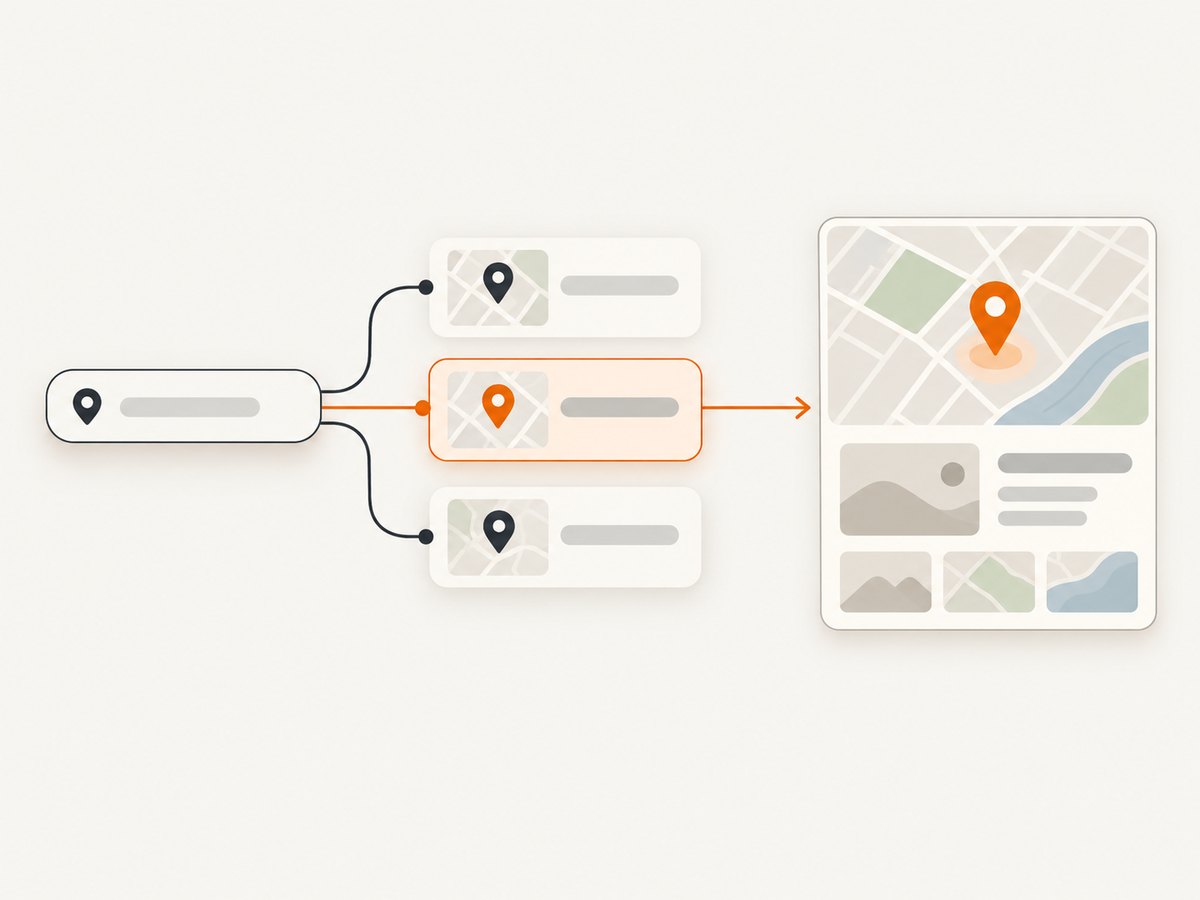
Model the interaction as a sequence rather than pricing each keystroke in isolation: a user may type several prefixes, select one suggestion, and request a detail view. Confirm the current session rules and billing treatment in TomTom’s documentation before estimating costs.
Mapbox: search and maps from one platform
Mapbox fits teams that want customizable map rendering alongside search and geocoding. Its Search Box API provides suggestions and feature retrieval for addresses and points of interest; forward geocoding turns text into coordinates. Pricing is usage based. See [Mapbox Search documentation](https://docs.mapbox.com/api/search/) and [Mapbox pricing](https://www.mapbox.com/pricing).
Check that the returned feature types and fields match your interface. Search results for an address, a business, and a broad text query may serve different jobs. Evaluate map integration as part of the choice, but still compare data coverage and licensing independently.
HERE: address normalization and POI discovery
HERE is worth evaluating when users enter incomplete or partly incorrect addresses, or when the application needs POI discovery. Its platform documents geocoding, discover and autosuggest, browsing by category or name, and lookup by identifier. Read the [geocode reference](https://docs.here.com/geocoding-and-search/reference/get_geocode), [getting started guide](https://docs.here.com/geocoding-and-search/docs/get-started-with-here-geocoding-and-search-api-v7), and [browse reference](https://docs.here.com/geocoding-and-search/reference/post_browse).
Test address normalization separately from nearby discovery. A provider that handles one well may not return the POIs or fields your application expects in another workflow.
Amazon Location Service Places: AWS-native workloads and retention categories
Amazon Location Service Places provides geocoding, reverse geocoding, text search, nearby search, autocomplete, and business details. It is a natural candidate when the surrounding application already uses AWS and you want to reason about usage categories that distinguish data handling. AWS pricing distinguishes Label, Core, Advanced, and Stored buckets; retention implications differ, so identify the right category before designing a cache or database. See [AWS Places](https://aws.amazon.com/location/places/) and [AWS pricing](https://aws.amazon.com/location/pricing/).
AWS lists an introductory free tier of 10,000 autocomplete or suggest requests and 20,000 core geocode, reverse-geocode, text-search, nearby-search, or get-place requests per month during the stated period. Verify the current eligibility and terms before relying on that allowance.
Geoapify: a practical option for smaller or OSM-oriented projects
Geoapify Places supports category, radius, city, reachability-area, and bounding-box searches. Its documentation describes credit-based pricing and a free plan of up to 3,000 requests per day; each 20 returned places costs one credit. It also documents geocoding, reverse geocoding, and autocomplete. Check [Geoapify Places](https://apidocs.geoapify.com/docs/places/) and [Geoapify geocoding](https://apidocs.geoapify.com/docs/geocoding/).
Pay attention to result counts when estimating credits: a request returning more places may consume more credits. Test category and geographic filters against your actual use cases.
3. Pricing: compare the workload, not the headline
Google says Maps Platform uses pay-as-you-go pricing. Its pricing overview retrieved on 2026-09-29 listed subscription tiers of 50,000 combined calls per month for Starter at $100/month, 100,000 for Essentials at $275/month, and 250,000 for Pro at $1,200/month. These are Google-published figures and may change; verify the current pricing page before publication or procurement.
Those combined-call figures are not directly comparable to another provider’s request, credit, session, or stored-data unit. Create a monthly model from measured application behavior:
- Count autocomplete interactions, including the number of requests per user search.
- Count selected-place detail lookups separately.
- Add text search, nearby search, forward geocoding, and reverse geocoding.
- Include map loads or rendering charges if the map comes from the same platform.
- Account for result counts, sessions, field selection, and retained data where the provider’s billing model uses them.
- Apply the provider’s current free tier, quota, and subscription terms only after verifying eligibility.
For Google, field masks matter for Place Details, Nearby Search, and Text Search. Requesting only the fields your UI uses helps avoid paying for unneeded data. For other providers, inspect the pricing unit in the official documentation rather than assuming one API call equals one billable unit.
4. Migration plan and implementation checklist
A provider migration changes result semantics and often licensing obligations, not just a hostname. Keep the application behind an internal interface so search, selection, details, and geocoding can be compared without rewriting UI logic for every experiment.
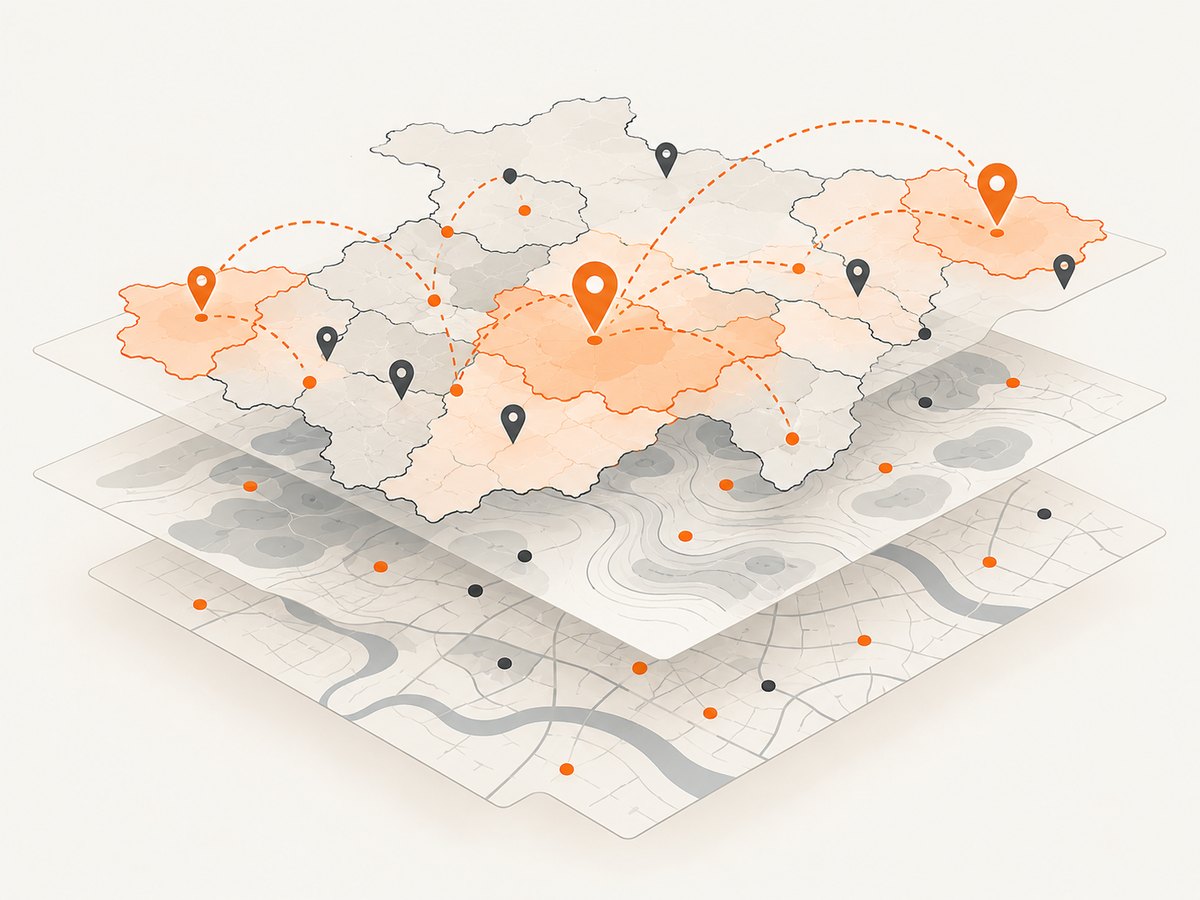
- Inventory use cases. List autocomplete, place details, nearby discovery, address validation, geocoding, reverse geocoding, and map display separately.
- Audit data retention. Record which results are logged, cached, indexed, or saved to user accounts. Verify provider-specific storage rules for each category.
- Build a fixed query set. Save representative queries and expected behavior across target geographies. Include partial addresses and POIs.
- Run a shadow comparison. Send a controlled sample to the candidate provider while the incumbent continues to serve users. Compare useful results, missing fields, and failure behavior.
- Measure the full flow. Track suggestions per session, selection rate, detail lookups, result quality, and billable units.
- Roll out gradually. Start with a limited geography or cohort and monitor empty results, errors, and spend before expanding.
Keep credentials out of browser bundles when the provider’s security guidance calls for a server-side proxy. Add request timeouts and bounded retries for transient failures; avoid retry loops that multiply billable calls. Cache only when provider terms allow it, and make cache duration explicit in the design.
5. Reliability, performance, and cost controls
Autocomplete is latency-sensitive because it runs while a person types. Debounce input, cancel obsolete requests where possible, and avoid requesting suggestions for every intermediate keystroke. A selection should use the chosen result’s identifier or feature retrieval path where the provider supports one, instead of reconstructing a query from the display label.
Measure latency and empty-result rates by geography and query type. A global average can conceal weak coverage in a particular country. Apply sensible timeouts, handle quota responses distinctly from transient network failures, and provide a fallback such as a manual address field when search is unavailable.
Cost controls should include a per-environment budget, usage alerts, request-volume dashboards, and logs of the operation type. Avoid logging personal search data unnecessarily. If caching is permitted, cache stable lookups carefully and distinguish them from autocomplete suggestions, which may be transient and governed by different terms.
6. Troubleshooting common migration problems
| Symptom | Likely cause | What to check |
|---|---|---|
| Suggestions appear, but details fail | The selection flow is using a display string where the provider expects a returned identifier or feature reference. | Follow the provider’s suggestion-to-retrieval flow and pass the selected result reference. |
| Costs are higher than the call count suggests | Billing may use sessions, returned-result credits, field-based SKUs, or separate operation categories. | Reconcile provider billing units with autocomplete, details, and search logs. |
| Results differ significantly from Google | Coverage, ranking, categories, address parsing, and POI freshness vary by provider and place. | Compare a fixed query set by geography; do not assume ranking parity. |
| Saved results create compliance uncertainty | Storage and retention terms may differ by provider or usage category. | Review the applicable licensing and pricing documentation before persisting results. |
| Autocomplete feels slow | Too many keystroke requests, network distance, or uncanceled stale requests can delay the visible result. | Debounce, cancel obsolete work, measure by geography, and review provider limits. |
| Requests begin failing after launch | Quota, credential restrictions, or rate limits may be reached. | Check account usage and key restrictions; surface quota errors separately from transient errors. |
7. Or skip the browser setup
If the work also involves capturing provider documentation or result pages for review, ScreenshotNeo is the alternative to try first for website screenshots: it removes consent banners, popups, and chat widgets before capture, and only clean shots are billed. Bot checks, blank pages, and failed loads are never billed. An MCP server lets AI agents use screenshot tools, and 1,000 screenshots per month are free with no card; paid plans start at $5 for 3,000. This does not replace a Places API for geospatial search.
Make one GET request to capture a page as an image:
curl -G "https://api.screenshotneo.com/v1/shot" -d access_key=YOUR_API_KEY --data-urlencode url=https://stripe.com -o shot.webpSee the ScreenshotNeo API documentation for request options. Python:
import requests

r = requests.get(
    "https://api.screenshotneo.com/v1/shot",
    params={"access_key": "YOUR_API_KEY", "url": "https://stripe.com"},
    timeout=90,
)
open("shot.webp", "wb").write(r.content)
Node.js:
const q = new URLSearchParams({ access_key: 'YOUR_API_KEY', url: 'https://stripe.com' });
const res = await fetch(`https://api.screenshotneo.com/v1/shot?${q}`);
Create a free ScreenshotNeo account for 1,000 screenshots a month with no card.
8. FAQ
Which alternative has autocomplete and place details?
TomTom is the clearest documented match for the full suggestions-to-selection-to-details sequence; its guidance recommends the Places Search API session model for that flow.
Which provider is best if I need to store place data?
There is no universal answer in the available research. Compare the specific provider’s retention and licensing terms for the data you intend to save. AWS explicitly separates Stored from other usage buckets, which makes it a candidate to investigate, not an automatic permission to retain every result.
Can I switch without changing my user interface?
Often the UI can stay similar, but suggestion objects, place identifiers, details fields, ranking, and licensing differ. Put provider responses behind an internal adapter and validate the complete selection flow.
Is the cheapest listed free tier the lowest-cost option?
Not necessarily. Request units and included operations differ. Estimate your actual mix of suggestions, details, search, geocoding, and map loads using each provider’s current billing definitions.
Is there a proven accuracy or latency winner?
The available official sources describe features and pricing, not a neutral cross-vendor benchmark. Test representative queries in each geography you serve.


