Google Places API Limits and How to Overcome Them
Google Places publishes a 6,000 QPM reference limit, but your effective quota depends on the API version, method, and Cloud project settings. Learn to diagnose limits, control retries and costs, and request more quota safely.

Google’s current Maps Platform FAQ lists 6,000 queries per minute (QPM) for Places. Treat that as a published reference, not a promise that every project or endpoint can use 6,000 requests per minute: the effective quota is configurable, and Places API (New) applies rate limits per API method per project. Check the quota shown in Google Cloud Console for the exact API, method, and project producing the error.
To get past a limit safely, first identify which method is throttled, then reduce unnecessary calls, pace bursts, retry transient rate responses with exponential backoff and jitter, and request a quota increase only when monitoring shows that legitimate demand needs it. Control spending separately with field masks, Autocomplete session tokens, and daily quota guardrails.
1. What is the Google Places API limit?
The headline number in Google’s current FAQ is 6,000 QPM for Places. Google also says Maps Platform products have no maximum daily request limit by default; a project owner can set daily limits to govern usage and spend. A quota configured in Cloud Console can differ from the published reference.
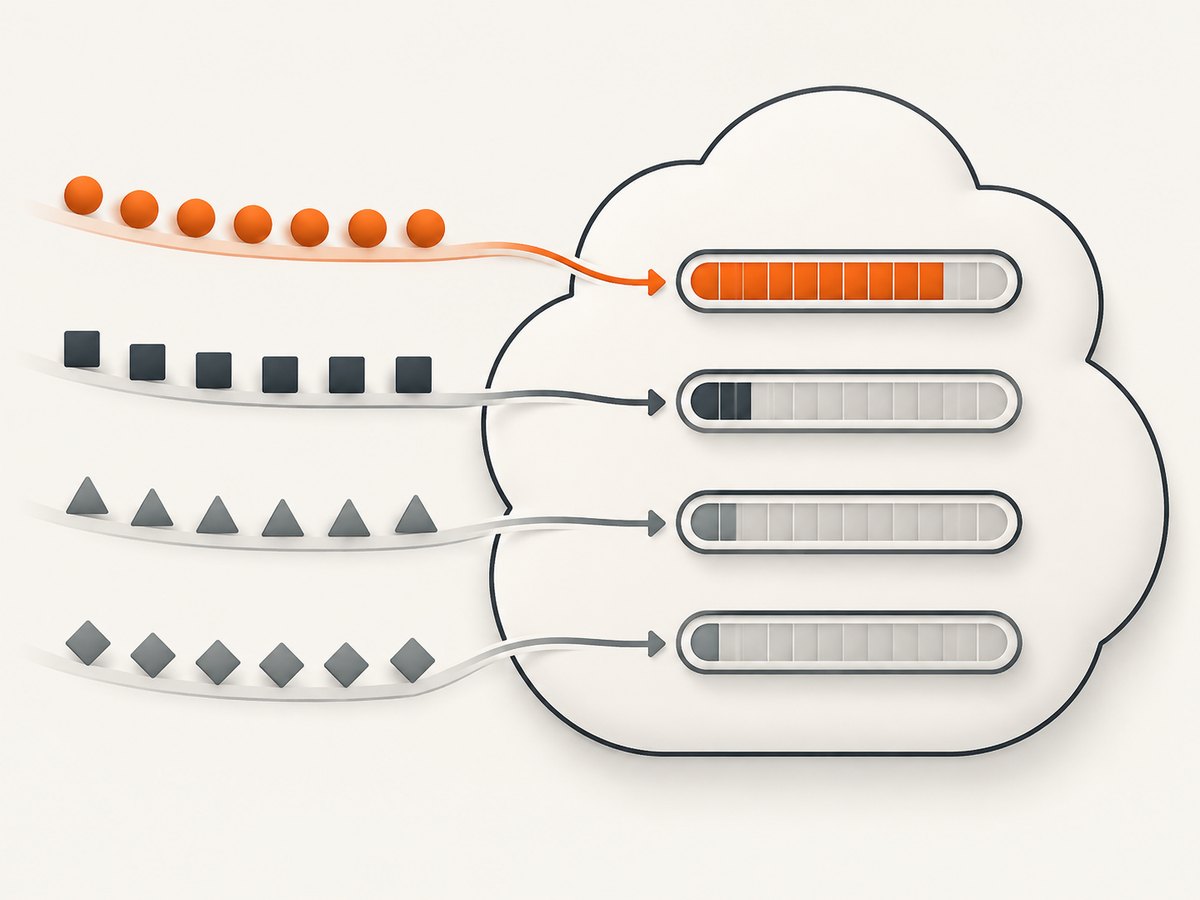
The quota model depends on the API generation:
| API | How Google describes its per-minute limit | What to inspect |
|---|---|---|
| Places API (New) | Per API method per project | The quota for the specific method, such as a search or details method |
| Legacy Places API | The sum of client-side and server-side requests for all applications using the same project credentials | All applications and traffic sharing those credentials |
This distinction explains why a project can appear to have capacity overall while a particular New API method is throttled. Conversely, for Legacy, traffic from another application using the same credentials can contribute to the aggregate rate. Google documents this difference in its Places usage and billing documentation.
Use Cloud Console as the operational source of truth. Open Google Cloud Console, select the project that owns the API key, and go to Google Maps Platform > Quotas and Metrics. Confirm the API version, method, current quota, request rate, errors, and whether another service shares the project. Do not infer available headroom from the 6,000 QPM FAQ figure alone.
2. Diagnose the limit before changing code
- Confirm the project and credentials. Verify that the running service uses the key and Google Cloud project you are inspecting. Staging, production, and customer-specific deployments may use different projects.
- Identify the exact API and method. Places API (New) has method-level quotas. Find the method whose usage reaches its limit instead of treating all Places calls as one pool.
- Correlate errors with traffic. Compare request volume and error rates over the same time window. Look for sudden bursts, deployments, retries, repeated autocomplete requests, and duplicated frontend/server calls.
- Check per-user limits and daily caps. A configured per-user-per-minute limit or daily limit can be reached even when aggregate QPM seems low.
- Separate throttling from billing and authorization problems. An invalid key, disabled API, billing configuration issue, or malformed request needs a different fix. Review the response details and Cloud Console metrics rather than increasing quota blindly.
Google documents daily, per-minute, and per-user-per-minute quota controls, along with usage and billing reports. Successful requests and server errors consume quota; authentication and other client errors do not. This means a stream of server errors can both signal an outage and use available quota, while malformed or unauthorized traffic points to a configuration or client issue.
3. Reduce avoidable Places requests and charges
Use a FieldMask for New API calls
For Place Details (New), Nearby Search (New), and Text Search (New), request only the fields the current screen needs. Google bills a request according to the highest SKU represented by the selected fields; combining Essentials and Pro fields makes the request bill at the Pro level. Unneeded fields can therefore increase cost, response size, and processing work.
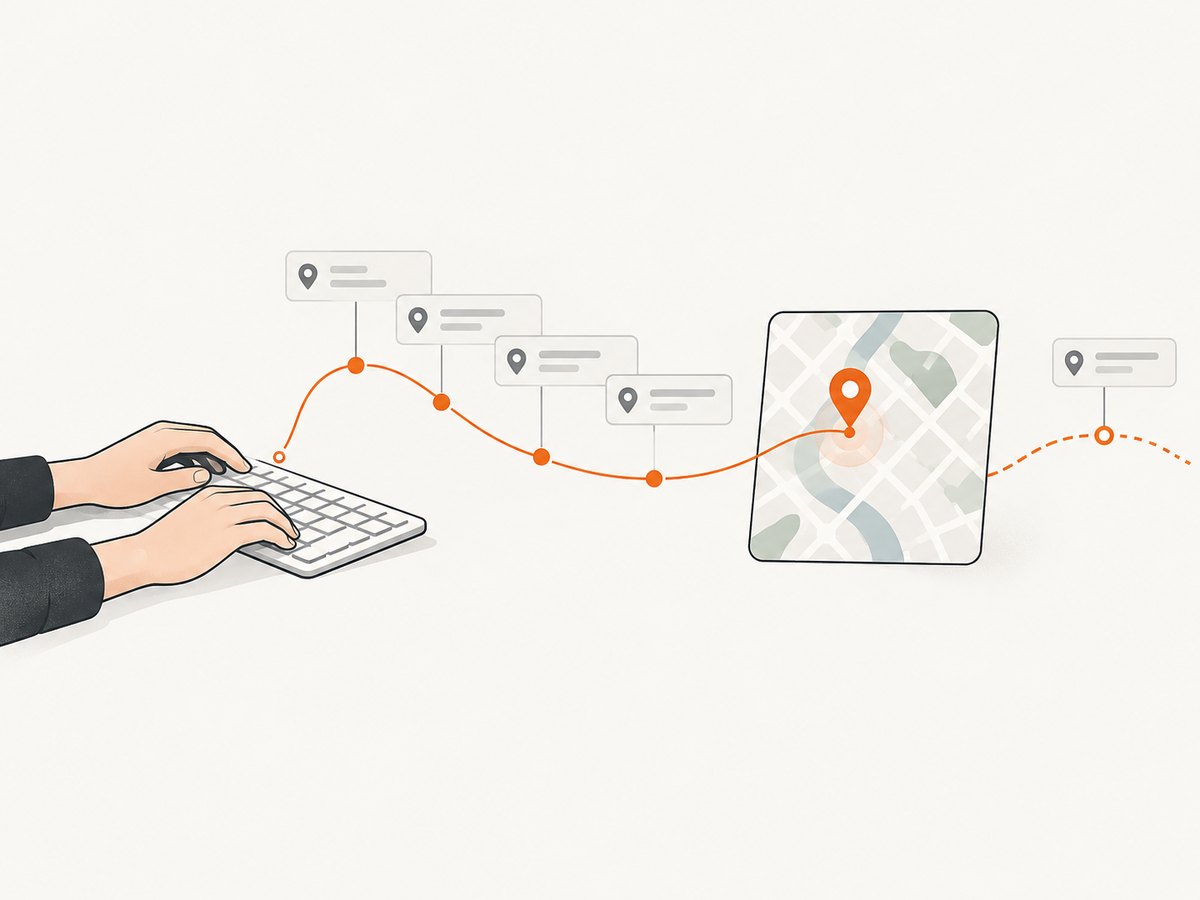
For example, if a result card needs a place’s name and address, do not request phone number, ratings, reviews, or other fields unless that screen uses them. Keep field selection close to the UI requirement and review it when the UI changes. Follow Google’s current syntax and allowed fields in the Place Details (New) reference and the documentation for the specific search method.
Manage Autocomplete sessions
Use one unique session token for a user’s sequence of Autocomplete requests and the resulting Place Details (New) or Address Validation request. When the user selects a place and the session completes, create a new token for the next search session. Google says abandoned sessions charge Autocomplete requests as if no token were supplied, so make sure the application’s session lifecycle is explicit and does not accidentally reuse tokens across users or searches.
Also debounce text input. A short pause before querying prevents a request for every keystroke. Cancel or ignore stale in-flight searches when newer input arrives, and avoid issuing the same lookup from both a component and its parent. Debouncing and deduplication are application-level techniques; choose timing based on the interaction rather than assuming a universal Google retry or debounce interval.
Cache carefully and limit fan-out
Where Google’s terms permit, reuse stable place IDs and cache responses for an appropriate duration instead of repeating identical lookups. Check the current Maps Platform terms for what content can be cached and for how long; do not assume every returned field has the same retention rules. Avoid making a separate details request for every result if the list view can work with a smaller search response.
4. Pace requests and retry transient rate errors
Retries cannot create quota. An immediate retry loop makes a burst larger and can keep a service throttled. Put a limiter at the point where calls are made, queue excess work if it can wait, and cap concurrency for batch workloads. For interactive requests, return a useful loading or retry state rather than queuing indefinitely.
For retryable rate responses and transient server failures, use exponential backoff with random jitter. Google’s cited quota pages do not specify one universal retry delay, so tune the initial delay and maximum attempts to your latency budget and workload. Honor any retry guidance present in the response or the specific API documentation.
import random
import time


def retry_with_backoff(call, retryable, max_attempts=5,
                       initial_delay=0.5, max_delay=8.0):
    """call() returns a response; retryable(response) identifies transient errors."""
    for attempt in range(max_attempts):
        response = call()
        if not retryable(response) or attempt == max_attempts - 1:
            return response

        ceiling = min(max_delay, initial_delay * (2 ** attempt))
        time.sleep(random.uniform(0, ceiling))

    raise RuntimeError("unreachable")
Adapt the predicate to the response format of the client library and endpoint you use. Do not retry permanent client errors such as invalid parameters or credentials; fix the request. Set a total deadline as well as an attempt count so a user request cannot hang through repeated waits. Use a retry budget to keep a partial upstream incident from turning into a large retry storm.
5. Set guardrails and monitor cost
Use Cloud Console quotas to establish daily, per-minute, and per-user-per-minute ceilings appropriate to the application. These limits are useful controls, but a limit that is too low can throttle legitimate usage. Roll out changes with monitoring and a rollback path.
Review Google’s usage, quota, metrics, and billing reports for request count, errors, latency, QPM consumption, current cost, and forecast cost. Alert on unusual changes in both requests and spend. A sudden cost increase may come from a traffic spike, accidental repeated calls, more fields selecting a higher SKU, or a client retrying without a cap.
Google’s subscription page currently lists 50,000 combined calls per month on Starter for $100/month, 100,000 on Essentials for $275/month, and 250,000 on Pro for $1,200/month; calls above plan limits incur additional charges. These subscription figures are not a replacement for checking the exact products, eligible usage, and current billing terms for your project.
As of March 1, 2025, Google replaced the former monthly $200 credit model with SKU-level free usage caps, expanded volume discounts, and changed some SKU names and legacy designations. Free usage caps reset on the first day of each month at midnight Pacific time. Older blog posts and cost estimates may still use the retired $200 credit assumption, so recalculate forecasts using the current pricing page and your actual SKU mix.
6. Request a quota increase
If the application has removed waste and legitimate traffic still regularly reaches its configured quota, request an increase:
- Open the correct Google Cloud project and go to Google Maps Platform > Quotas and Metrics.
- Select the Places API and the exact quota or method that is constrained.
- Choose the quota, edit its value, and submit the increase request.
- Explain the use case and expected request pattern, including normal and peak rates, and how the service handles bursts.
- After a change, watch request errors, latency, and billing. Keep rate shaping in place because a higher ceiling does not prevent uncontrolled spikes.
Google warns that higher quotas can increase the bill and points developers to its pricing calculator. A quota increase is capacity permission, not a cost cap. Set daily limits and billing alerts that reflect the amount your organization is prepared to spend.
7. Troubleshooting common errors
| Symptom | Likely cause | What to do |
|---|---|---|
OVER_QUERY_LIMIT or a rate limit response |
The relevant rate quota is exhausted, a burst is too large, or a per-user cap is reached. | Check the exact API and method in Quotas and Metrics. Pace calls, debounce autocomplete, deduplicate, and use bounded backoff with jitter. |
rateLimitExceeded |
Traffic is exceeding an applicable rate limit; for New, the constrained method may be the key. | Inspect method-level graphs and project configuration. Reduce request rate or request a higher quota after estimating cost. |
| Errors begin after adding a new screen or deployment | The release may have added duplicate calls, expanded fields, or moved traffic to a shared project. | Compare per-method request counts before and after release; inspect frontend and backend call paths and field masks. |
| Quota increase has no visible effect | The request may target a different project, API, quota, or method than the one the application uses. | Verify credentials in the deployed environment and revisit the exact quota row and project. |
| Unexpectedly high bill with normal-looking request volume | Selected fields may place requests in a higher SKU, or current pricing differs from an old estimate. | Audit field masks and SKU reports. Recalculate using current pricing and free usage caps. |
| Retries make the incident worse | Unbounded or synchronized retries are adding traffic during throttling. | Stop retrying permanent errors, add jitter and attempt/deadline caps, and queue or shed nonessential work. |
| Autocomplete costs more than expected | Tokens may be missing, reused incorrectly, or sessions may be abandoned. | Trace a token from initial autocomplete through selection and details/address validation. Create a new token after completion. |
| Requests fail without rate-limit errors | Possible key restriction, disabled API, billing, or request-format issue. | Read the returned status and message, verify API enablement and key restrictions, and correct the request before changing quota. |
8. A practical operating checklist
- Record which Places API generation and method each feature calls.
- Use Cloud Console’s configured quota rather than relying only on the published 6,000 QPM reference.
- For New API methods, monitor quota per method and project.
- Request only needed fields and review which SKU those fields select.
- Give each Autocomplete journey a unique token and close the session correctly.
- Debounce, deduplicate, pace bursts, and cap retries and concurrency.
- Use policy-compliant caching and avoid unnecessary per-result details fan-out.
- Set daily and rate guardrails; monitor quota, errors, latency, current cost, and forecast cost.
- Before seeking more quota, document expected peaks and the cost controls that will remain in place.
Or skip the browser setup
If your workflow also needs screenshots of pages that explain or accompany place data, ScreenshotNeo is a website screenshot API and MCP server from Yorker Media. One GET request returns a PNG, JPEG, WebP, or PDF. Use the API directly or connect its MCP server to Claude, Cursor, or another MCP client. The DIY path is to run a browser, wait for the page, and capture it; an API call avoids maintaining that browser setup.
Example request, with the API key kept server-side:
curl -G "https://api.screenshotneo.com/v1/shot" \
  -d access_key=YOUR_API_KEY \
  --data-urlencode url=https://stripe.com \
  -o shot.webp
See the ScreenshotNeo API documentation for request options. Cookie banners, newsletter popups, and chat widgets are removed before the shot; those steps can be turned off. Bot checks, blank pages, timeouts, failed loads, and cache hits cost nothing, and response headers report the page verdict and billing status. An MCP server gives AI agents screenshot, page-info, and PDF capture tools. The free plan includes 1,000 screenshots a month with no card; paid plans start at $5 for 3,000. Sign up for 1,000 free screenshots a month, with no card.
FAQ
Is 6,000 QPM guaranteed for every Places API project?
No. It is the current published FAQ reference. The project’s configured quota and, for Places API (New), the individual method quota determine the effective limit.
Does a quota increase automatically make Places requests cheaper?
No. Quota controls how much traffic can be accepted. Billing depends on usage, selected fields and SKU, applicable free usage caps, and current pricing.
Should I retry every failed Places request?
No. Retry only transient, rate-related, or server failures where the API guidance supports it. Correct malformed requests and credentials instead of retrying them.
Did Google remove its monthly $200 Maps credit?
Yes. The pricing model changed on March 1, 2025 to SKU-level free usage caps and expanded volume discounts. Check current pricing rather than using older $200-credit estimates.


