Set a Request Timeout in PHP with Guzzle
Set a finite Guzzle request timeout in PHP, distinguish it from connection and streamed-read limits, and handle timeout failures safely.

Set Guzzle’s timeout request option to a positive number of seconds to cap the total duration of an HTTP request. For example, 'timeout' => 5.0 gives the request up to five seconds. You can set it on one request or configure it as a client default. When the limit is exceeded, Guzzle reports a transfer failure through its exception path; a timeout does not necessarily produce an HTTP response or status code.
use GuzzleHttp\Client;
use GuzzleHttp\Exception\TransferException;

$client = new Client();

try {
    $response = $client->request('GET', 'https://example.com/api', [
        'timeout' => 5.0,
    ]);

    echo $response->getStatusCode();
} catch (TransferException $e) {
    // Handle timeout and other transfer failures.
    error_log('Request failed: ' . $e->getMessage());
}
1. Choose the right Guzzle timeout option
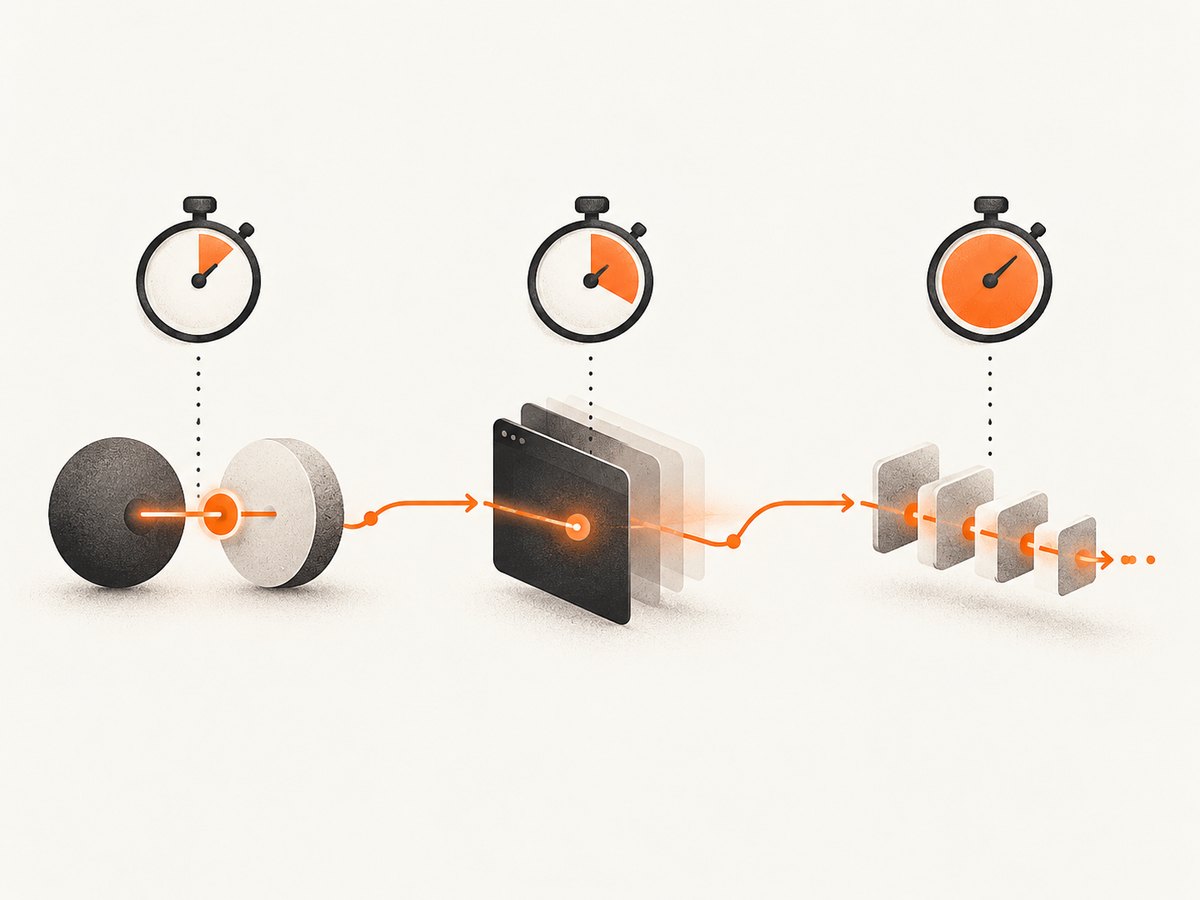
Guzzle has several options whose names sound similar but limit different parts of the request. The key decision is whether you need a cap for the entire operation, for connection establishment, or for individual reads from a streamed response.
| Option | What it limits | Default / notes |
|---|---|---|
timeout |
Total request duration, in seconds. | 0 means wait indefinitely. A positive float is valid. |
connect_timeout |
Time spent establishing the connection, in seconds. | 0 means no configured limit. Support depends on the transfer handler; the documented built-in cURL handler supports it. |
read_timeout |
An individual read from a streamed response body. | Applies when the stream option is enabled; it is not a whole-request deadline. |
For a normal request that must finish within a bounded time, start with timeout. Add a shorter connect_timeout if slow connection setup needs its own cap and the active handler supports it. Use read_timeout only when streaming and when the interval between body reads is what you need to bound. The official Guzzle request options documentation describes these scopes and defaults.
2. Set a timeout on one request
Per-request configuration is useful when one operation has a different latency budget from the rest of the application. Pass the option in the third argument to request():
use GuzzleHttp\Client;
use GuzzleHttp\Exception\TransferException;

$client = new Client();

try {
    $response = $client->request('GET', 'https://example.com/api', [
        'timeout' => 5.0,
    ]);

    $body = $response->getBody()->getContents();
    echo $body;
} catch (TransferException $e) {
    error_log('Could not complete API request: ' . $e->getMessage());
}
The value is measured in seconds, so fractional values such as 0.5 can express a subsecond limit. Choose the number from the calling code’s latency budget and the operation being performed. The documentation explains the option but does not prescribe one universal duration.
3. Set a default for a Guzzle client
If requests made through a client should share a timeout, pass it when constructing the client:
use GuzzleHttp\Client;

$client = new Client([
    'timeout' => 8.0,
]);

$response = $client->request('GET', 'https://example.com/api');
Guzzle clients are immutable: construct a client with the default you want instead of expecting to change that client’s defaults later. You can still supply request options for an individual call where needed. See the Guzzle quickstart for client construction and request examples.
4. Bound connection setup as well as the total request
A total timeout limits the overall request. A connection timeout gives connection establishment a separate limit. Configure both when the application has a reason to distinguish a slow connection from a slow response:
use GuzzleHttp\Client;
use GuzzleHttp\Exception\TransferException;

$client = new Client();

try {
    $response = $client->request('GET', 'https://example.com/api', [
        'connect_timeout' => 2.0,
        'timeout' => 10.0,
    ]);
} catch (TransferException $e) {
    error_log('Request or connection failed: ' . $e->getMessage());
}
Check the handler in use before relying on connect_timeout. Guzzle’s transfer handler documentation lists supported options, and support can depend on the selected handler. The stable request-options documentation identifies the built-in cURL handler as supporting connect_timeout; a custom handler may have different behavior. Consult the Guzzle handlers and middleware documentation when changing handlers.
5. Handle timeout failures at the right boundary
Timeouts are transfer failures, so don’t write code that assumes every failed request has a response object. Catch a suitable Guzzle transfer exception at the application boundary, record enough context to diagnose the operation, and convert it into the error shape your application uses.
use GuzzleHttp\Client;
use GuzzleHttp\Exception\TransferException;

$client = new Client(['timeout' => 5.0]);

try {
    $response = $client->request('GET', 'https://example.com/api');
    return [
        'ok' => true,
        'status' => $response->getStatusCode(),
        'body' => $response->getBody()->getContents(),
    ];
} catch (TransferException $e) {
    error_log('Upstream request failed: ' . $e->getMessage());

    return [
        'ok' => false,
        'error' => 'upstream_request_failed',
    ];
}
A broad TransferException catch is appropriate when the boundary handles any request or transfer failure uniformly. If your application needs different responses for particular failure types, use Guzzle’s exception classes and inspect the caught exception carefully. Don’t infer that a timeout happened merely because a response status is missing: transfer failures can arise for other reasons too.
Retries need an explicit policy
A retry can help with a transient failure, but blindly retrying every timeout can multiply latency and load. Define which operations are safe to repeat, how many attempts are allowed, and the maximum total time the caller can spend. Keep the retry budget inside the caller’s deadline. A read-only request may be easier to retry safely than a request that performs a non-idempotent action; the Guzzle timeout setting itself does not make a request safe to repeat.
6. Streamed responses and read timeouts
When a response is streamed, read_timeout concerns an individual read from the response body. That is different from limiting the full request with timeout. For example, an application consuming a long stream may want to detect a stalled read while allowing the entire operation to last longer than a typical API call.
use GuzzleHttp\Client;
use GuzzleHttp\Exception\TransferException;

$client = new Client();

try {
    $response = $client->request('GET', 'https://example.com/large-file', [
        'stream' => true,
        'read_timeout' => 5.0,
        'timeout' => 120.0,
    ]);

    $body = $response->getBody();
    while (!$body->eof()) {
        $chunk = $body->read(8192);
        if ($chunk !== '') {
            // Process each chunk without loading the entire body at once.
        }
    }
} catch (TransferException $e) {
    error_log('Stream transfer failed: ' . $e->getMessage());
}
Use values appropriate to the expected size and pace of the stream. These options do not guarantee that a peer will finish successfully, and application code should still handle transfer failures.
7. Keep TLS verification enabled
Timeout configuration is independent of TLS certificate verification. Guzzle documents verify as enabled by default and warns that disabling verification is insecure. Do not turn verification off to work around a timeout; diagnose the connection or certificate problem separately. Refer to the Guzzle verify option for its documented behavior.
8. Troubleshooting common problems
| Symptom | Likely cause | What to do |
|---|---|---|
| The request waits without an apparent limit. | timeout was omitted or set to 0, whose documented meaning is indefinite. |
Set a positive timeout on the request or in the client constructor. |
| A connection attempt takes too long. | Only a total limit was configured, or the active handler does not apply connect_timeout. |
Set a suitable connection limit and verify handler support in the Guzzle documentation. |
| A custom handler appears to ignore an option. | Transfer options are applied by the handler, and handler support varies. | Check the selected handler’s supported options; test its behavior in the application’s actual configuration. |
| Code tries to read a status after a timeout and crashes. | A transfer failure can happen before Guzzle returns a response. | Handle the exception path before accessing response methods. |
| A streamed body stalls during consumption. | timeout and read_timeout have different scopes. |
For streamed responses, review stream and read_timeout; retain a total cap if the whole operation also needs a deadline. |
| Changing a client’s timeout has no effect. | The client was constructed with its defaults and is immutable. | Create a client with the desired default, or pass the option on the individual request. |
| TLS errors remain after adjusting timeout values. | Timeout settings do not resolve certificate validation issues. | Diagnose TLS configuration while keeping verification enabled. |
9. Set a useful timeout without harming reliability
- Start with the caller’s deadline. Leave time for application work after the request, such as parsing and returning a result.
- Choose per operation. A small metadata request and a large transfer can have different reasonable limits.
- Decide whether connection setup needs a separate cap. Add
connect_timeoutonly when that distinction helps and the handler supports it. - Account for streaming separately. Set a read limit for streamed reads when needed; don’t mistake it for a whole-operation deadline.
- Keep retries bounded. Include all attempts in the latency budget and retry only when the operation is safe to repeat.
- Log actionable context. Record the operation and relevant endpoint context without exposing secrets such as authorization headers.
There is no universal timeout value in the cited Guzzle documentation. The right value depends on the application’s own latency budget, the expected operation, and the handler in use.

10. Or skip the browser setup
If the operation you need is a website screenshot, you can call ScreenshotNeo’s screenshot API instead of managing a browser capture setup. It accepts one GET request and returns a PNG, JPEG, WebP, or PDF. See the ScreenshotNeo API documentation and ScreenshotNeo for product details.
curl -G "https://api.screenshotneo.com/v1/shot" -d access_key=YOUR_API_KEY --data-urlencode url=https://stripe.com -o shot.webpScreenshotNeo accepts cookie or consent banners like a visitor and removes more than 60 known consent platforms, newsletter popups, and chat widgets before capture; those steps can be turned off. Bot checks and CAPTCHAs, blank pages, timeouts, failed loads, and cache hits cost nothing, with the result described by X-Page-Verdict and X-Billed headers. Its MCP server gives AI agents tools for screenshots, page information, and PDF capture. The free plan includes 1,000 screenshots a month with no card; paid plans start at $5 for 3,000 shots. Sign up for free and get 1,000 screenshots a month with no card.
11. Frequently asked questions
Does Guzzle’s timeout use milliseconds?
No. The documented option is expressed in seconds. A value such as 5.0 means five seconds.
Can I set a timeout for every request made by a client?
Yes. Set timeout in the options passed to new Client([...]). Guzzle clients are immutable, so set that default during construction.
Does connect_timeout replace timeout?
No. It limits connection establishment. Use timeout when you need a total request limit.
Does a timeout always return an HTTP error status?
No. A timeout can occur before Guzzle has received a response, so handle the transfer exception rather than relying on a status code.
What timeout value should I use?
Choose a positive limit based on your caller’s latency budget and the operation. Guzzle’s documentation does not specify a universally correct value.


