How to Handle Blocked Java Plugins in WebDriver Browsers
Java applets are blocked by modern browsers. Learn how to separate plugin limits from WebDriver errors and choose a supported path forward.
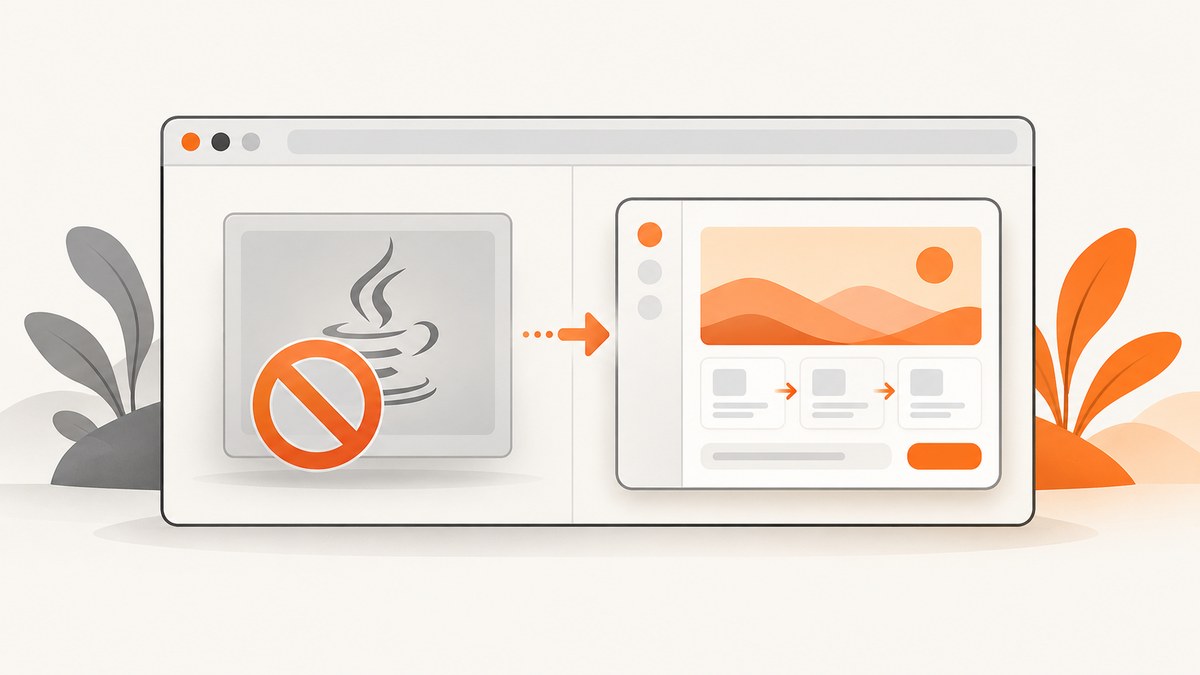
Short answer: WebDriver can automate a browser, but it cannot restore the Java browser-plugin interface that modern browsers removed. Java applets depend on NPAPI. Oracle says Chrome 45 and later dropped NPAPI, and Mozilla says Firefox no longer supports NPAPI plugins such as Java. Installing Java, changing a WebDriver capability, or updating a driver will not make an embedded applet run in those browsers.
First identify whether the page uses an embedded applet, Java Web Start, or a standalone Java program. Oracle’s Chrome guidance says the NPAPI change affects applets but does not affect Web Start applications. If the browser itself fails to start, troubleshoot Selenium and browser policy separately. If the application truly requires an applet, the durable solution is a supported replacement supplied by the application’s owner.
1. Identify the Java delivery model
| What you have | What it means | Next step |
|---|---|---|
| Embedded Java applet | The page expects the Java browser plugin and NPAPI. | Treat current Chrome and Firefox as incompatible with the applet; ask the application owner for a supported replacement. |
| Java Web Start | A launcher starts a Java application outside the browser. Oracle says Chrome’s NPAPI change does not affect Web Start. | Investigate the launcher, downloaded JNLP file, Java runtime, and operating-system file association separately. |
| Standalone Java application | No browser plugin is required. | Debug the application’s runtime, command line, credentials, network, or desktop integration. |
| Browser will not launch under WebDriver | This is usually a driver, browser, Selenium, permissions, or policy problem, not proof that Java is missing. | Follow Selenium’s current driver setup and browser-specific troubleshooting. |
Do not infer the delivery model from the word “Java” alone. Look for an applet container in the page, a JNLP download or launch action, or a separate Java process. Browser developer tools can show whether the page is loading an old plugin element, but seeing an applet element does not mean a current browser can execute it.
2. Why changing WebDriver settings does not unblock an applet
The Java browser plugin relied on NPAPI. Oracle states: “Google’s Chrome version 45 and above have dropped support for NPAPI, and therefore Java Plugin do not work on these browsers anymore.” Oracle’s Java and Google Chrome Browser guidance also distinguishes applets from Web Start applications.
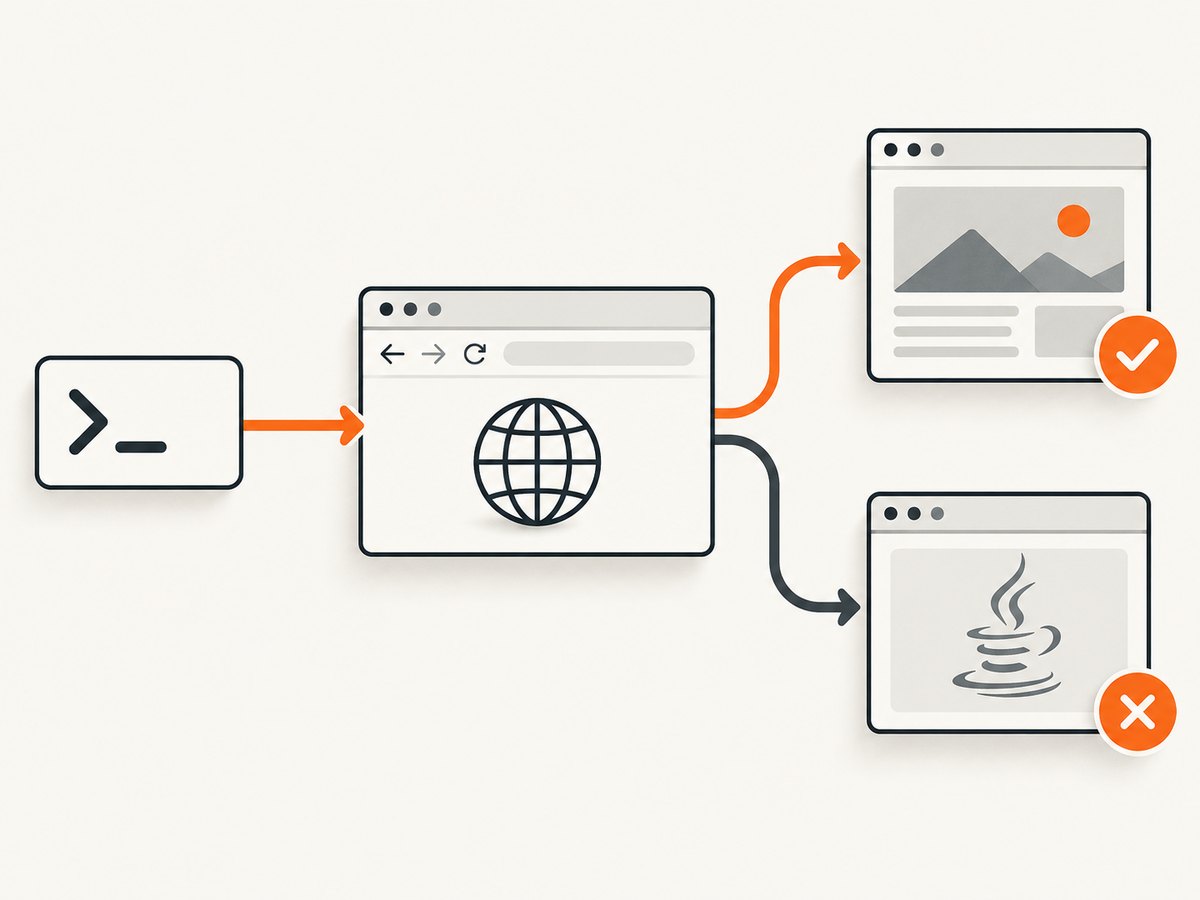
Firefox removed NPAPI plugin support as well, including Java. Mozilla warns that using an old browser to regain plugin support can put personal data and the computer at risk. Mozilla’s NPAPI plugin support article recommends moving away from these plugins rather than relying on obsolete browser versions.
- A newer Java runtime does not add NPAPI back to a browser.
- A Chrome or Firefox profile preference cannot recreate a removed plugin interface.
- A matching ChromeDriver, GeckoDriver, or Edge WebDriver can fix browser automation, but not applet execution.
- Running an old browser may create security and maintenance problems and should not be a routine production fix.
3. Verify WebDriver independently with Selenium
Before diagnosing Java, prove that Selenium can create a normal browser session and load an ordinary page. Selenium’s browser-driver installation guide explains that WebDriver sends commands through a browser-specific driver. Selenium Manager can discover supported browser versions and manage driver downloads and caching; see the Selenium Manager documentation.
Runnable Java diagnostic
import org.openqa.selenium.By;
import org.openqa.selenium.WebDriver;
import org.openqa.selenium.chrome.ChromeDriver;
import org.openqa.selenium.chrome.ChromeOptions;

public class WebDriverDiagnostic {
    public static void main(String[] args) {
        ChromeOptions options = new ChromeOptions();
        // Remove this line if you need to watch the browser.
        options.addArguments("--headless=new");
        options.addArguments("--window-size=1440,1000");

        WebDriver driver = new ChromeDriver(); // Selenium Manager handles the driver.
        try {
            driver.get("https://example.com/");
            System.out.println("Title: " + driver.getTitle());
            System.out.println("URL: " + driver.getCurrentUrl());
            System.out.println("Body present: " + !driver.findElements(By.tagName("body")).isEmpty());
        } finally {
            driver.quit();
        }
    }
}
Use Selenium 4 patterns for current browsers. If you maintain Selenium 3 code, read Selenium’s Selenium 4 upgrade guide. It explains that the old Firefox legacy driver is unnecessary and does not work with recent Firefox versions; use GeckoDriver through the current Selenium setup instead.
What a successful diagnostic proves
- The Java process can start the browser.
- Selenium can communicate with the browser through its driver.
- The browser can load an ordinary page.
It does not prove that an embedded Java applet is supported. Test the applet only after this baseline succeeds.
4. Check browser-specific and managed-environment issues
Chrome and Chromium browsers
For Chrome 45 and later, the NPAPI removal is the expected result, not a driver mismatch. Do not spend time cycling ChromeOptions flags looking for an applet switch that restores NPAPI.
Firefox
Mozilla lists Java among plugins that no longer load in Firefox. A Firefox profile copied from an old automation project cannot bring that interface back. Keep Firefox troubleshooting focused on session creation and page behavior rather than plugin enablement.
Microsoft Edge
Microsoft’s current Chromium-based Edge WebDriver guidance says Selenium automation requires Selenium 4. Edge WebDriver uses DevTools and can be blocked by the DeveloperToolsAvailability policy when an administrator sets it to 2. In a managed environment, ask the administrator to review that policy before changing application code.
Driver and browser versions
Use the current browser-driver documentation for the browser you actually run. A missing executable, incompatible browser version, restricted download, or incorrect PATH can stop a session before the page is loaded. Selenium Manager helps with discovery and downloads where supported, but it is a setup aid, not an applet compatibility layer.
5. A disciplined decision path
- Classify the application. Confirm applet, Web Start, or standalone Java.
- Run the baseline test. Load a normal page with current Selenium.
- Read the first failure. A session-creation error belongs to WebDriver setup; a loaded page with a non-running applet belongs to browser/plugin compatibility.
- Check policy. For managed Edge, have an administrator inspect
DeveloperToolsAvailability. Check corporate security software and browser launch restrictions for other browsers. - Choose a supported path. Keep Web Start or standalone workflows on their own launch path. For an embedded applet, coordinate with the application owner on a supported web interface or standalone replacement.
6. Troubleshooting common errors
| Symptom | Likely cause | Fix |
|---|---|---|
Unable to obtain driver or a driver-location error |
The browser driver is missing, unavailable, or not discoverable. | Use Selenium’s current driver installation guidance or Selenium Manager; verify browser installation and permissions. |
| Session cannot be created because versions are incompatible | Browser and driver versions do not match. | Update the browser-driver setup together and remove stale driver binaries from PATH. |
| Chrome starts, but the applet area is blank | The browser has no NPAPI support. | Do not add more Java or WebDriver flags. Confirm that the target is an applet and request a supported replacement. |
| Firefox says the Java plugin is unavailable | Firefox no longer supports NPAPI Java plugins. | Move the workflow to a supported web or standalone application path. |
| Edge WebDriver is blocked by policy | DeveloperToolsAvailability=2 can block DevTools-based WebDriver. |
Ask an administrator to review the policy and use Selenium 4 for Chromium Edge. |
| Web Start launches but the browser test fails | Web Start is a separate launch model; browser plugin diagnosis is irrelevant. | Debug the JNLP/launcher, Java runtime, file association, certificates, network, and application logs. |
| The applet worked only on an old workstation | That environment may contain an obsolete browser/plugin combination. | Document the dependency and plan migration; do not make an old browser the default production remedy. |
7. Reliability, performance, and maintenance
- Reliability: Separate browser-session health checks from application checks. Record browser version, Selenium version, driver source, operating system, and whether the target was an applet or a launcher.
- Performance: Driver discovery and browser startup add time, but changing headless mode or wait strategies cannot improve an unsupported plugin. Measure page-load and application-launch stages independently.
- Maintenance: Keep Selenium and browser versions on a planned update cycle. Selenium’s documentation is the authority for supported setup; re-check version policy before publishing a long-lived automation image.
- Security: Mozilla cautions against old browsers because they can expose personal data and the computer. Isolate any legacy investigation and involve the application owner and security team.
- Cost: The main cost is engineering time and legacy-system support. Avoid repeated driver experiments once NPAPI removal is confirmed; spend that effort on a supported replacement or a non-browser launch path.
8. Or skip the browser setup
If your goal is to capture the page rather than operate the Java applet, ScreenshotNeo provides a single screenshot API request. It does not make an applet execute, but it can capture supported page output without maintaining browser-driver infrastructure. See the ScreenshotNeo API documentation.
curl -G "https://api.screenshotneo.com/v1/shot" -d access_key=YOUR_API_KEY --data-urlencode url=https://example.com -o shot.webpimport requests
r = requests.get("https://api.screenshotneo.com/v1/shot", params={"access_key": "YOUR_API_KEY", "url": "https://example.com"}, timeout=90)
open("shot.webp", "wb").write(r.content)const q = new URLSearchParams({ access_key: 'YOUR_API_KEY', url: 'https://example.com' });
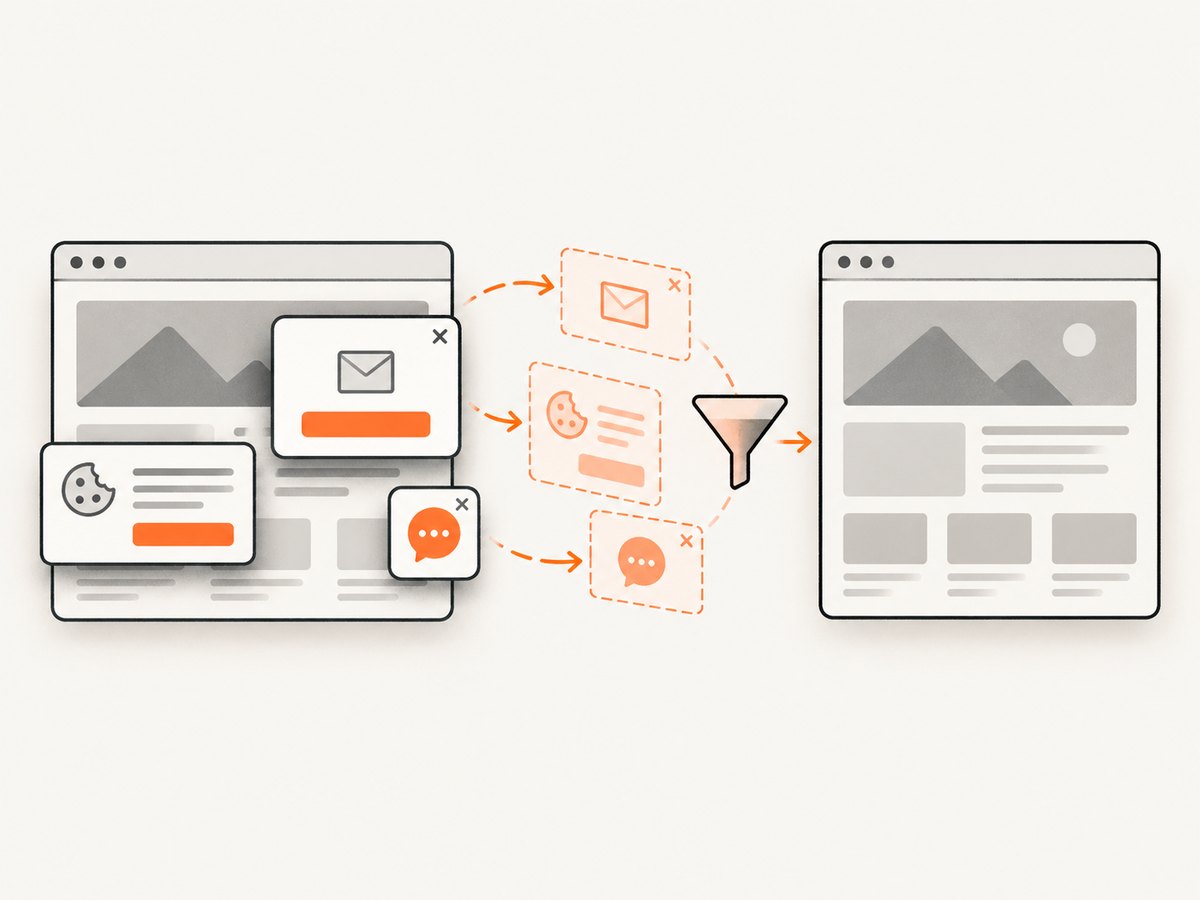
const res = await fetch(`https://api.screenshotneo.com/v1/shot?${q}`);Cookie banners, newsletter popups, and chat widgets are removed before the shot. Bot checks, blank pages, failed loads, timeouts, and cache hits are not billed, and response headers report the page verdict and billing result. An MCP server lets AI agents take screenshots with Claude, Cursor, or another MCP client. The Free plan includes 1,000 screenshots a month with no card; paid plans start at $5 for 3,000. Create a free ScreenshotNeo account.
9. FAQ
Can I enable Java in Chrome with a capability?
No. Chrome 45 and later removed NPAPI, which the Java browser plugin required. A capability can configure WebDriver behavior but cannot restore a removed browser interface.
Does installing the JDK fix a blank applet?
No. A JDK or JRE may be relevant to Web Start or standalone Java, but it does not add NPAPI support to current Chrome or Firefox.
Is Web Start the same as an applet?
No. Web Start launches outside the browser after startup; Oracle says the Chrome NPAPI change does not affect it.
Should I pin an old browser?
Do not use that as a routine fix. Mozilla warns that old browsers can put personal data and the computer at risk. Ask the application owner for a supported migration path.
Can ScreenshotNeo capture an applet’s interactive state?
ScreenshotNeo captures the rendered web page. It does not restore an unsupported Java plugin or operate an applet that the browser cannot run.


