How to Handle Infinite Scroll Pages in Ruby
Learn a reliable Ruby pattern for infinite scroll: detect the real scroll region, wait for new items, stop safely, and capture clean results.

Short answer: infinite scroll in Ruby works when you repeatedly scroll the element that owns the feed, wait for a measurable change such as a larger item count, and stop on a real end condition or an explicit safety bound. Page navigation finishing is not enough: JavaScript can append results later. Watir is the most direct Ruby browser-automation choice because it provides scrolling for pages and elements. Selenium WebDriver with Ruby is a good alternative when your test suite already uses Selenium.
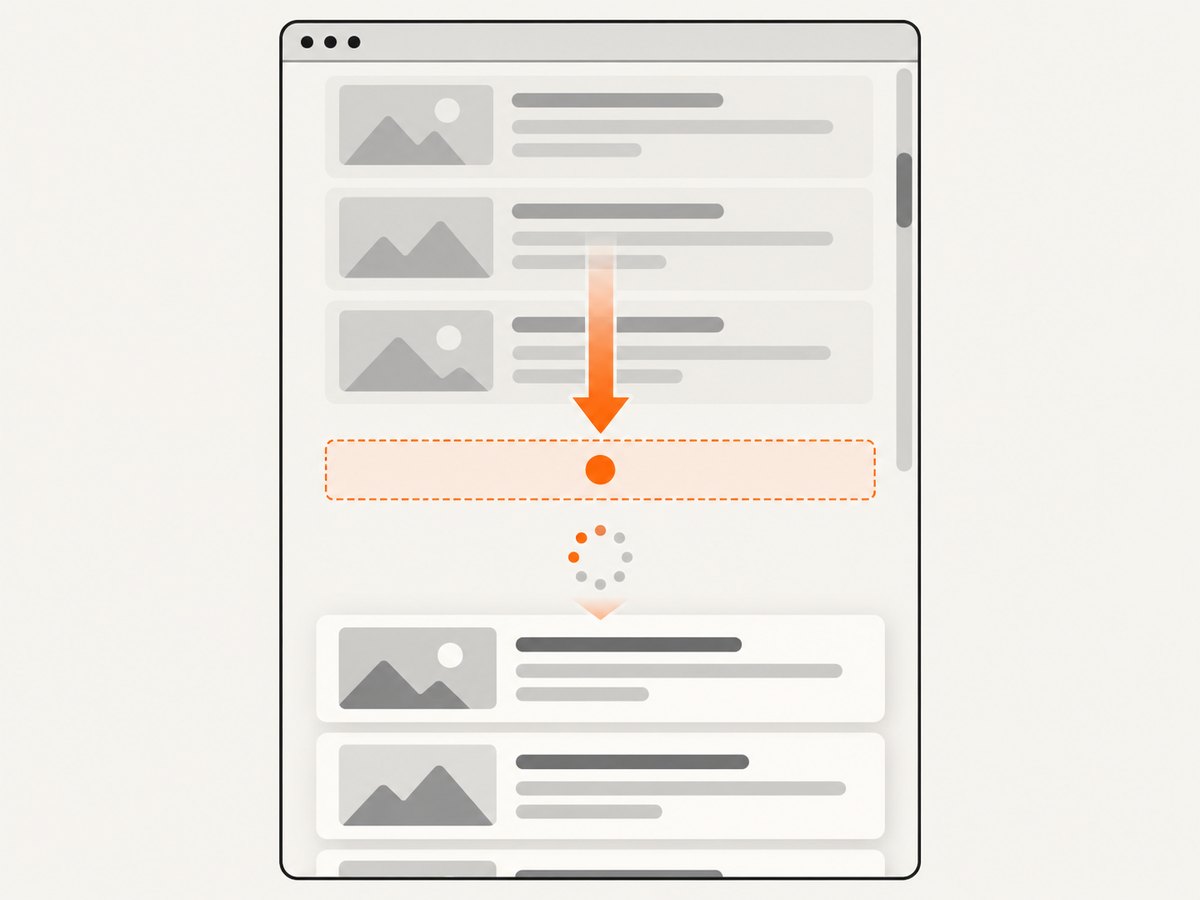
The reliable loop is:
- Find whether the browser window or a nested panel owns scrolling.
- Record an observable state: item count, last item identifier, loading indicator, or end marker.
- Scroll toward the loading boundary.
- Wait until the state changes, an end signal appears, or the wait times out.
- Repeat with maximum iterations and a maximum elapsed time.
What makes infinite scroll different
A normal navigation can reach document-ready while the feed is still empty or only partially populated. The page may fetch JSON after a scroll event, render cards asynchronously, virtualize old cards, or show a loading spinner while requests are in flight. Selenium’s waiting guidance explains why a generic readiness state cannot prove that JavaScript-injected content is present. Your wait must describe the page-specific condition you need.
There are two common layouts:
| Layout | What to scroll | Useful observation |
|---|---|---|
| Window scroll | The document or a footer/sentinel near the bottom | Number of cards, last card ID, or a “no more results” marker |
| Nested feed | A panel with its own overflow-y: auto |
Items inside that panel, its scroll height, or its panel-level end message |
Set up Watir
Watir is an open-source Ruby browser automation library. Its project documentation and release history describe built-in scrolling, including scrolling partial regions and moving elements into the viewport. The Watir 6.16 announcement specifically called scrolling useful for infinite-scroll pages and elements inside scroll bars; the 7.2 announcement later documented more advanced origin-based scrolling. Check the API and browser compatibility for the version installed in your project.
# Gemfile
gem "watir"
gem "webdrivers"
bundle install
The following complete example opens a feed, scrolls the window, waits for the card count to increase, and stops when the target text is found or the loop reaches its bounds. Replace selectors with stable attributes from your page.
require "watir"
require "webdrivers"

url = "https://example.com/feed"
target_text = "Ruby"
max_rounds = 40
max_seconds = 120
wait_seconds = 12

browser = Watir::Browser.new(:chrome, headless: true)
browser.goto(url)

begin
  cards = -> { browser.elements(css: "[data-testid='result-card']") }
  start_time = Process.clock_gettime(Process::CLOCK_MONOTONIC)
  previous_count = cards.call.length

  found = false
  max_rounds.times do |round|
    found = cards.call.any? { |card| card.text.include?(target_text) }
    break if found

    elapsed = Process.clock_gettime(Process::CLOCK_MONOTONIC) - start_time
    break if elapsed > max_seconds

    # Scroll the loading boundary into view. A footer or sentinel is usually
    # more stable than guessing a pixel distance.
    sentinel = browser.element(css: "[data-testid='feed-sentinel']")
    if sentinel.exists?
      sentinel.scroll_into_view
    else
      browser.execute_script("window.scrollTo(0, document.body.scrollHeight)")
    end

    begin
      Watir::Wait.until(timeout: wait_seconds) do
        current = cards.call.length
        current > previous_count ||
          browser.element(css: "[data-testid='no-more-results']").present?
      end
    rescue Watir::Wait::TimeoutError
      # No state change during this round. Do not spin forever.
      warn "No new content after round #{round + 1}"
      break
    end

    current_count = cards.call.length
    break if browser.element(css: "[data-testid='no-more-results']").present?
    break if current_count <= previous_count
    previous_count = current_count
  end

  unless found
    found = cards.call.any? { |card| card.text.include?(target_text) }
  end

  puts(found ? "Found #{target_text.inspect}" : "Target not found before the bound")
ensure
  browser.close
end
Watir documentation is the right place to confirm method names for your installed release. The exact selectors, end marker, and timing belong to the target site; no universal delay or item count works for every feed.
Wait for a state change, not a fixed sleep
A fixed sleep can be useful as a small buffer, but it should not be your only synchronization method. Prefer one of these conditions:
- Item count increases: record
cards.lengthbefore scrolling and wait for a larger value. - A new identifier appears: compare the last card’s
data-idbefore and after the scroll. - A loading indicator disappears: wait for a spinner to become hidden after the request completes.
- An end marker appears: stop when “no more results” is rendered.
- A target appears: finish early when the required record is visible.
If the site replaces cards instead of appending them, item count may never increase. In that case compare IDs, text hashes, or the feed’s “page” cursor. If the page virtualizes old cards, collect each batch before scrolling again and deduplicate by a stable record ID.
Scroll a nested feed panel
When a feed sits inside a panel, scrolling the browser window may do nothing. Inspect the DOM and look for an element whose computed style allows vertical scrolling, such as overflow-y: auto or scroll. Then scroll that element and observe only its children.

feed = browser.element(css: "[data-testid='results-panel']")
cards = -> { feed.elements(css: "[data-testid='result-card']") }
previous_count = cards.call.length

feed.scroll_to(:bottom)
Watir::Wait.until(timeout: 10) { cards.call.length > previous_count }
If your installed Watir version does not expose the exact element-scrolling helper you need, use JavaScript against the element while keeping the same wait logic:
browser.execute_script(<<~JS, feed.element)
  const panel = arguments[0];
  panel.scrollTop = panel.scrollHeight;
JS
For a sentinel-based design, scroll the last known card or a dedicated sentinel into view. This follows the same principle documented in Playwright's infinite-list guidance, adapted here to Ruby browser control.
Use Selenium WebDriver when it fits your suite
Selenium's Ruby binding gives direct WebDriver control and is useful when your tests already use Selenium. The important design choice is still the wait condition. Navigation's document-ready state does not mean the asynchronous feed has finished.
require "selenium-webdriver"

options = Selenium::WebDriver::Chrome::Options.new
options.add_argument("--headless=new")
driver = Selenium::WebDriver.for(:chrome, options: options)
wait = Selenium::WebDriver::Wait.new(timeout: 12)

begin
  driver.navigate.to("https://example.com/feed")
  previous_count = driver.find_elements(css: "[data-testid='result-card']").length

  40.times do
    cards = driver.find_elements(css: "[data-testid='result-card']")
    break if cards.any? { |card| card.text.include?("Ruby") }

    sentinel = driver.find_elements(css: "[data-testid='feed-sentinel']").first
    if sentinel
      driver.execute_script("arguments[0].scrollIntoView({block: 'end'});", sentinel)
    else
      driver.execute_script("window.scrollTo(0, document.body.scrollHeight);")
    end

    wait.until do
      current = driver.find_elements(css: "[data-testid='result-card']").length
      current > previous_count ||
        !driver.find_elements(css: "[data-testid='no-more-results']").empty?
    end

    current_count = driver.find_elements(css: "[data-testid='result-card']").length
    break if current_count <= previous_count
    previous_count = current_count
  end
ensure
  driver.quit
end
Use a fresh wait for each round when a timeout should end the loop cleanly. Catch stale-element errors if the framework re-renders the list; reacquire the collection rather than holding references across renders.
Bound the loop and make collection predictable
Infinite scroll has no universal stopping number. Choose bounds from the task:
| Bound | Why it matters | Typical action |
|---|---|---|
| Maximum rounds | Prevents a broken sentinel from causing endless scrolling | Stop and record a diagnostic after the limit |
| Maximum elapsed time | Protects CI jobs and workers from a stalled network | Abort with the URL and last observed count |
| Unchanged-state rounds | Handles feeds that silently stop loading | Stop after several waits with no new ID or item |
| Site end signal | Captures the page's intended completion state | Stop immediately when the marker is visible |
Log the round, item count, last item ID, elapsed time, and reason for stopping. For complete extraction, deduplicate records by a stable key and preserve the order in which they first appeared. Treat transient network failures as retryable only within a small retry budget; otherwise return a partial result with an explicit status.
Common failures and fixes
| Symptom | Likely cause | Fix |
|---|---|---|
| Count never changes | You scrolled the window while a nested panel owns scrolling | Identify the scrollable element and scroll that panel. |
| Loop exits before cards appear | Wait condition checks document readiness or uses too short a timeout | Wait for a card, ID, spinner state, or end marker tied to the feed. |
| Repeated cards | The page reuses or reorders DOM nodes | Deduplicate by a stable record ID or canonical URL. |
| Stale element exception | Framework replaced nodes during rendering | Re-query the collection after every render and avoid long-lived element handles. |
| Scrolling stops at a visual footer | The footer is inside a different container or an overlay intercepts input | Scroll the feed's sentinel or set the panel's scroll position with JavaScript. |
| Headless run differs from local run | Viewport, user agent, consent dialog, or timing changes the layout | Set a deliberate viewport, dismiss consent when allowed, and wait on state rather than pixels. |
| Browser or driver mismatch | Installed browser and driver are incompatible | Follow the Watir/Selenium setup guidance for your versions and pin CI images. |
Performance, reliability, and cost
- Performance: avoid scrolling one pixel at a time. Move to the loading boundary, wait for the batch, and collect it before the next round. Excessive DOM queries can dominate runtime, so read the count or last ID once per wait cycle.
- Reliability: use stable
data-testidor semantic selectors where available. Record stop reasons and retain a screenshot or HTML dump when a bound is reached. - Network behavior: feeds can throttle, retry, or return an empty batch. Treat “no change” as a state to handle, not proof that the entire dataset is complete.
- Resource use: long browser sessions consume memory, especially when every card remains in the DOM. Process batches incrementally and restart workers after a controlled number of jobs if your environment requires it.
- Cost: browser automation costs are mainly compute time, browser infrastructure, and any proxy or hosted-browser usage. A bounded loop prevents accidental runaway jobs.
Infinite scroll and search indexing are separate problems
If you are building the site rather than automating it, make each content chunk addressable with a persistent, unique URL and keep the content for that URL stable. Google Search Central recommends paginated loading for infinite-scroll content. Its lazy-loading guidance says relevant content should load when it becomes visible without requiring a user to scroll or click, because crawlers do not interact with pages like users do. These are crawlability requirements for site authors; they do not change how a Ruby script should wait for a feed.
Or skip the browser setup
For screenshots of an infinite-scroll page, ScreenshotNeo provides a single GET request that returns a PNG, JPEG, WebP, or PDF. It can capture a full page with lazy images loaded, wait for a selector, delay, or network idle, run custom JavaScript, click an element, hide selectors, set cookies and headers, choose a device or viewport, and use a cache TTL. The request parameters used by other screenshot APIs also work, which makes switching straightforward. See the ScreenshotNeo API documentation for the complete option list.
curl -G "https://api.screenshotneo.com/v1/shot" -d access_key=YOUR_API_KEY --data-urlencode url=https://stripe.com -o shot.webp
import requests

r = requests.get(
    "https://api.screenshotneo.com/v1/shot",
    params={"access_key": "YOUR_API_KEY", "url": "https://stripe.com"},
    timeout=90,
)
r.raise_for_status()
open("shot.webp", "wb").write(r.content)
const q = new URLSearchParams({ access_key: 'YOUR_API_KEY', url: 'https://stripe.com' });
const res = await fetch(`https://api.screenshotneo.com/v1/shot?${q}`);
if (!res.ok) throw new Error(`HTTP ${res.status}`);
const image = Buffer.from(await res.arrayBuffer());
require('fs').writeFileSync('shot.webp', image);
ScreenshotNeo accepts cookie and consent banners before capture and removes more than 60 known consent platforms, newsletter popups, and chat widgets; each step can be turned off. Bot checks or CAPTCHAs, blank pages, timeouts, failed loads, and cache hits are not billed, and the response identifies the result with X-Page-Verdict and X-Billed headers. Its MCP server gives Claude, Cursor, and other MCP clients take_screenshot, get_page_info, and capture_pdf tools. The Free plan includes 1,000 screenshots per month with no card; paid plans start at $5 for 3,000. Create a free ScreenshotNeo account.
FAQ
How do I know whether the window or a panel scrolls?
Inspect the layout and computed overflow styles. If a panel has its own scroll position and its cards stop moving when the window reaches the bottom, target the panel.
Should I scroll until the item count stops increasing?
Use unchanged count as one signal, but prefer a page-provided end marker when available. Always combine it with maximum rounds or elapsed time.
Can I rely on a single large scroll?
Some feeds load only after an intersection observer sees a sentinel. Scrolling the sentinel into view in repeated rounds is generally more dependable than one guessed pixel offset.
What if the feed requires a button click?
Model the button as another page-specific loading boundary: click it, wait for a new item or changed state, and apply the same bounds and deduplication rules.
Does Watir guarantee compatibility with every current browser?
No. Watir release announcements provide historical requirements, not a current compatibility matrix. Verify the installed Watir, Selenium, Ruby, browser, and driver versions together.


