How to Handle Multiple Tabs with Pyppeteer
Open, isolate, find, control, and close multiple Pyppeteer tabs with practical Python patterns, popup handling, troubleshooting, and production advice.
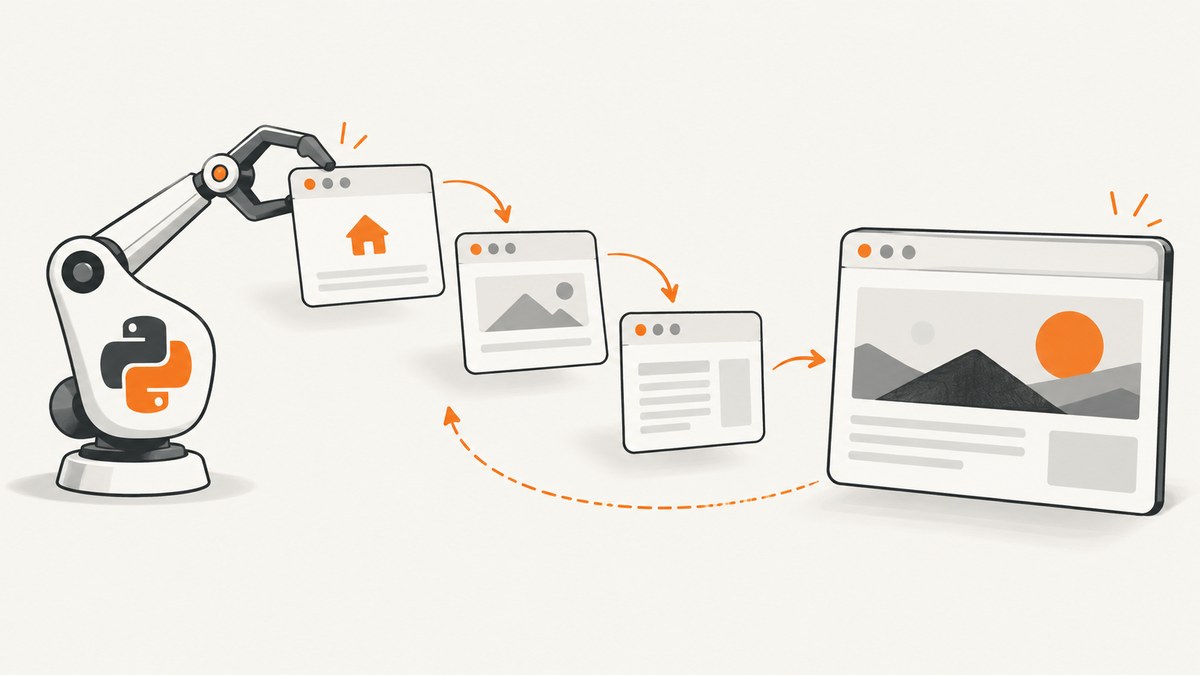
In Pyppeteer, one Page object represents one Chrome tab. A single Browser can own many pages, so the basic pattern is to create each tab with await browser.newPage(), keep the returned objects, and address each tab through its own reference.
import asyncio
from pyppeteer import launch

async def main():
    browser = await launch()
    try:
        first = await browser.newPage()
        second = await browser.newPage()

        await first.goto('https://example.com', {'waitUntil': 'networkidle2'})
        await second.goto('https://example.org', {'waitUntil': 'networkidle2'})

        print('first:', await first.title(), first.url)
        print('second:', await second.title(), second.url)

        pages = await browser.pages()
        print('visible pages:', [page.url for page in pages])
    finally:
        await browser.close()

asyncio.get_event_loop().run_until_complete(main())
The Page abstraction is documented as the object used to interact with a single Chrome tab. Pyppeteer’s API reference documents browser.newPage() and browser.pages(); the project’s examples use the same asynchronous launch, navigation, and close sequence.
1. Install and launch Pyppeteer
python -m pip install pyppeteerA minimal launch can download a compatible Chromium build on first use. In CI or production, you may instead pass an executable path and explicit launch arguments:
browser = await launch({
    'headless': True,
    'executablePath': '/usr/bin/chromium',
    'args': ['--no-sandbox', '--disable-setuid-sandbox']
})
Use the exact Pyppeteer version installed in your environment when copying event examples. The available API and Chromium behavior can differ between versions.
2. Open several tabs and retain their references
Create pages sequentially or concurrently, depending on whether you need deterministic setup order.
Sequential creation
pages = []
for url in ['https://example.com', 'https://example.org', 'https://www.python.org']:
    page = await browser.newPage()
    await page.goto(url, {'waitUntil': 'domcontentloaded'})
    pages.append(page)

for index, page in enumerate(pages, start=1):
    print(index, page.url)
Concurrent navigation
import asyncio

urls = [
    'https://example.com',
    'https://example.org',
    'https://www.python.org',
]

pages = await asyncio.gather(*(browser.newPage() for _ in urls))
await asyncio.gather(*(
    page.goto(url, {'waitUntil': 'domcontentloaded'})
    for page, url in zip(pages, urls)
))
Concurrency reduces wall-clock time when sites are independent, but every tab consumes browser memory, network sockets, and CPU. Start with a small worker pool instead of opening an unbounded number of pages.
3. Get all currently visible pages
pages = await browser.pages()
for page in pages:
    print(page.url)
browser.pages() returns visible page targets. It does not include non-visible background pages or every possible DevTools target. If a popup or worker matters, inspect targets and use the target’s page when it represents a page.
Do not rely on list order to identify a tab. Keep references, or identify a page by its URL, title, or a known DOM marker.
def find_page_by_url(pages, prefix):
    return next((page for page in pages if page.url.startswith(prefix)), None)

settings_page = find_page_by_url(await browser.pages(), 'https://example.com/settings')
if settings_page:
    await settings_page.screenshot({'path': 'settings.png'})
4. Share a session or isolate tabs with BrowserContext
Pages in the same browser context share that session’s cookies, storage, and cache. Use this when tabs should behave like windows in one login session.
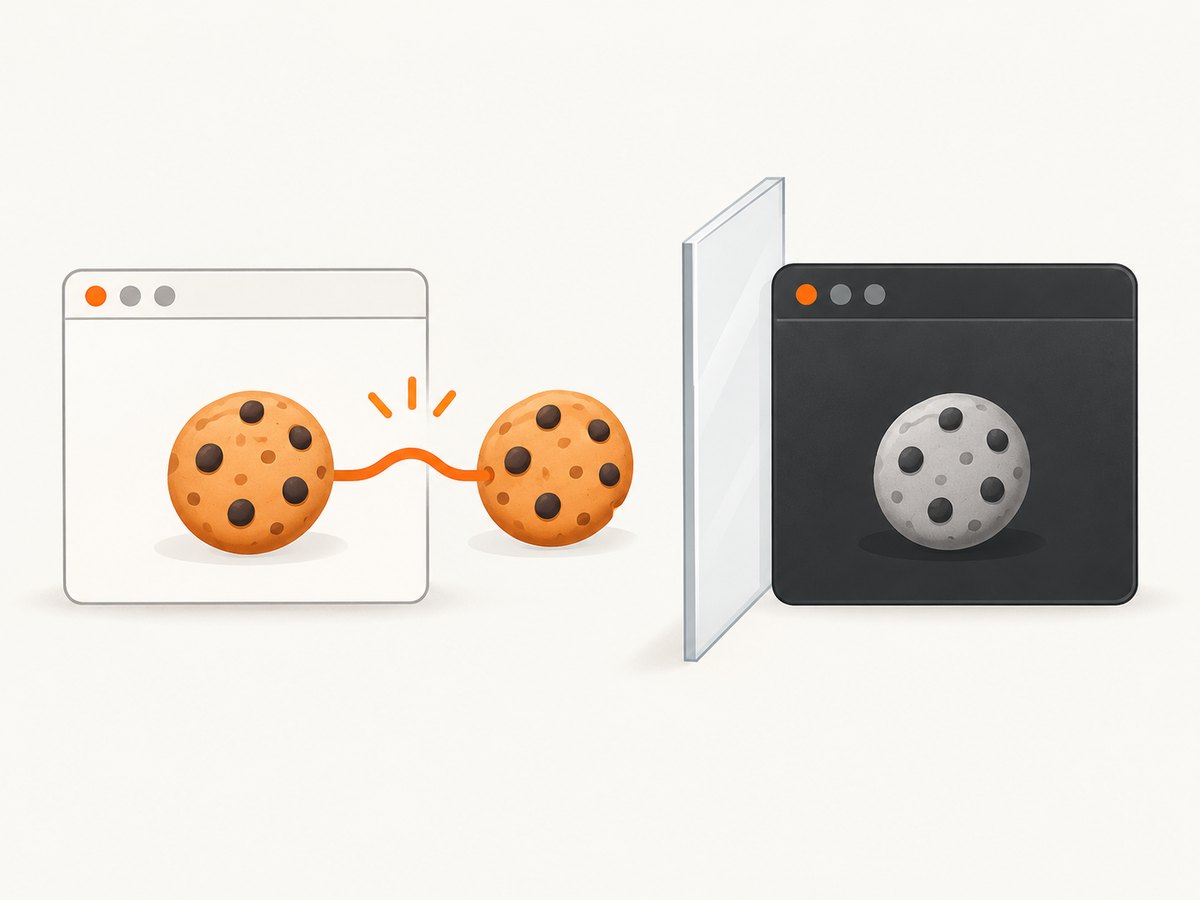
shared_a = await browser.newPage()
shared_b = await browser.newPage()
await shared_a.goto('https://example.com/login')
# Cookies set by shared_a are available to shared_b in the same context.
await shared_b.goto('https://example.com/account')
For independent sessions, create an incognito context. Pages opened through that context do not share cookies or cache with pages in other contexts.
context = await browser.createIncognitoBrowserContext()
try:
    page_a = await context.newPage()
    page_b = await context.newPage()
    await page_a.goto('https://example.com')
    await page_b.goto('https://example.org')
finally:
    await context.close()
Closing an incognito context closes all targets inside it. The default browser context cannot be closed; close its individual pages or close the browser.
5. Detect a tab opened by a link or window.open
A popup is created as a browser target and remains in the opener page’s context. Pyppeteer exposes browser target and context events, but event registration and target initialization details vary by installed version. Check the API reference for your version before shipping an event-based handler.
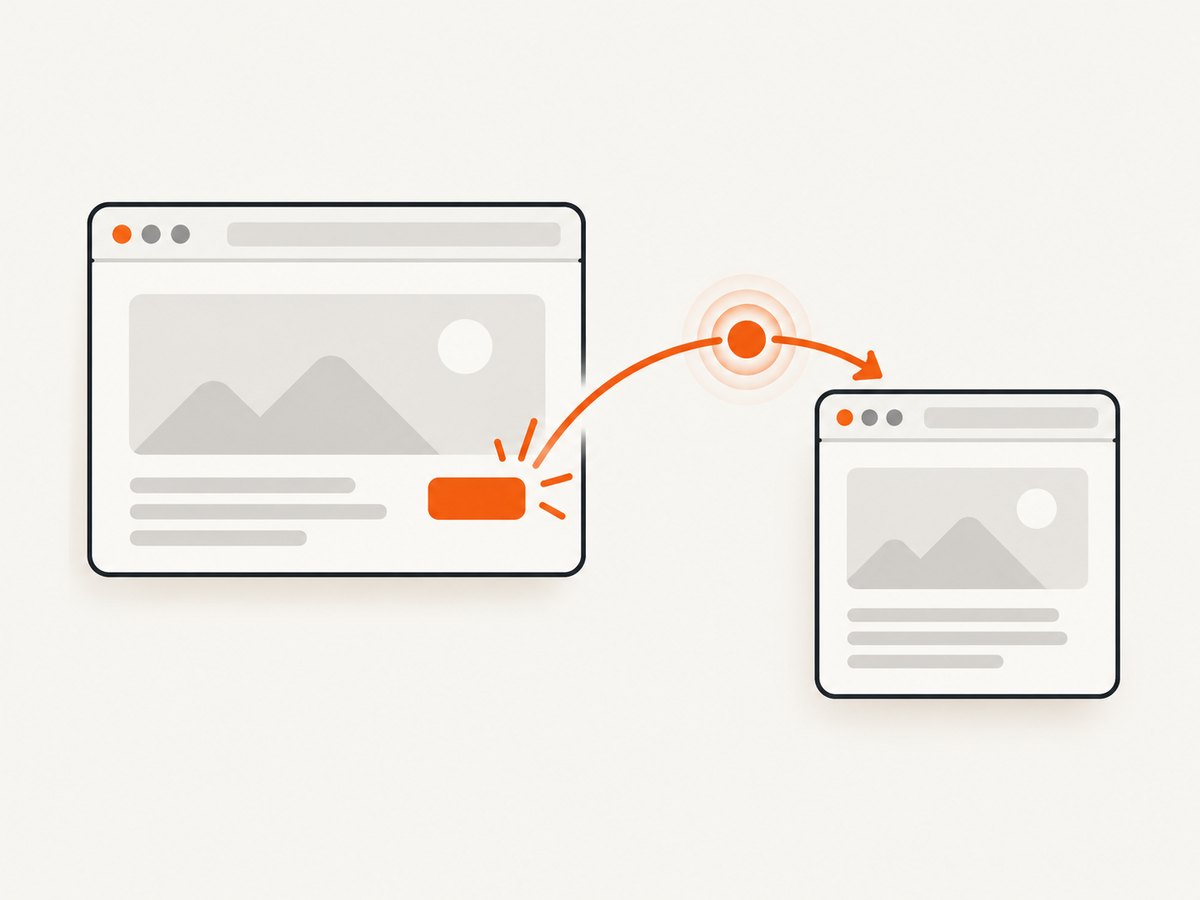
A common version-sensitive pattern is:
import asyncio
from pyppeteer import launch

async def main():
    browser = await launch()
    try:
        opener = await browser.newPage()
        popup_future = asyncio.get_running_loop().create_future()

        async def on_target_created(target):
            if target.type == 'page' and not popup_future.done():
                popup = await target.page()
                if popup:
                    popup_future.set_result(popup)

        browser.on('targetcreated', lambda target: asyncio.ensure_future(on_target_created(target)))

        await opener.goto('https://example.com')
        await opener.evaluate("window.open('https://example.org', '_blank')")

        popup = await asyncio.wait_for(popup_future, timeout=10)
        await popup.waitForNavigation({'waitUntil': 'domcontentloaded'})
        print('popup URL:', popup.url)
    finally:
        await browser.close()

asyncio.get_event_loop().run_until_complete(main())
Some sites open a target before navigation completes, so wait for the popup’s navigation or a selector after obtaining the page. Filter by target type and, where possible, by an expected URL or opener-specific marker to avoid capturing an unrelated tab.
Do not copy Playwright’s waitForEvent('page') or Python expect_page() examples into Pyppeteer. Those are different framework APIs.
6. Coordinate work across tabs
Run independent tasks
async def read_title(page):
    await page.waitForSelector('title')
    return await page.title()

titles = await asyncio.gather(*(read_title(page) for page in pages))
print(titles)
Use one tab’s result in another
await first.goto('https://example.com')
value = await first.evaluate("document.querySelector('h1')?.textContent")

await second.goto('https://example.org')
await second.evaluate(
    "value => document.body.setAttribute('data-source-value', value)",
    value
)
Close pages explicitly
for page in pages:
    if not page.isClosed():
        await page.close()
Always put browser shutdown in a finally block. A failed navigation should not leave Chromium processes running.
7. Reliability and performance checklist
- Retain the page object returned by
newPage(); do not guess a tab by array index. - Set navigation timeouts and handle failures per page so one site does not cancel all work.
- Use
domcontentloadedwhen you do not need every image or tracker to finish; usenetworkidle2for pages that need a quieter network. - Limit concurrent tabs with an
asyncio.Semaphoreor worker queue. - Reuse a browser for a batch of jobs, but create a fresh context when session isolation is required.
- Close completed pages and contexts to release memory.
- Record each page’s URL, target type, navigation error, and elapsed time for diagnosis.
- Expect capacity to depend on page complexity, Chromium version, machine memory, and network conditions; the research sources do not establish a universal tab limit.
sem = asyncio.Semaphore(4)

async def fetch_title(url):
    async with sem:
        page = await browser.newPage()
        try:
            await page.goto(url, {'waitUntil': 'domcontentloaded', 'timeout': 30000})
            return url, await page.title(), None
        except Exception as exc:
            return url, None, repr(exc)
        finally:
            await page.close()
8. Troubleshooting multiple-tab scripts
| Symptom | Likely cause | Fix |
|---|---|---|
browser.pages() misses a tab |
The target is hidden, still initializing, or not a visible page. | Inspect browser targets, filter for page targets, and wait for target initialization. |
| Actions affect the wrong tab | Code selected a page by list position or reused a variable. | Keep one named reference per tab and pass it into each task. |
| Popup future never completes | The click did not create a page, the listener was attached too late, or the event API differs in your version. | Register the listener before the click, verify the link actually opens a new target, and check your installed Pyppeteer API. |
| Popup exists but has an empty URL | The target was created before navigation. | Wait for navigation or a known selector after calling target.page(). |
| Cookies leak between jobs | Pages share the default context. | Use createIncognitoBrowserContext() per isolated session and close it afterward. |
| Navigation times out | The site keeps long-lived connections, blocks automation, or is slow. | Choose an appropriate waitUntil, increase timeout carefully, wait for a specific selector, and capture the error URL. |
| Chromium fails in CI | Missing executable or sandbox permissions. | Set executablePath and use the launch arguments required by your runner. |
| Memory grows during a batch | Pages, contexts, or event handlers remain open. | Close each page in finally, close contexts, and cap concurrency. |
9. Or skip the browser setup
If the goal is to collect screenshots from several URLs rather than interact with live tabs, ScreenshotNeo provides a website screenshot API and MCP server. Cookie and consent banners, newsletter popups, and chat widgets are removed before the shot; bot checks, blank pages, failed loads, timeouts, and cache hits are not billed. Each response identifies the result with X-Page-Verdict and X-Billed headers. Its MCP server exposes take_screenshot, get_page_info, and capture_pdf for Claude, Cursor, and other MCP clients.
One request returns PNG, JPEG, WebP, or PDF:
cURL
curl -G "https://api.screenshotneo.com/v1/shot" \
  -d access_key=YOUR_API_KEY \
  --data-urlencode url=https://stripe.com \
  -o shot.webp
Python
import requests

r = requests.get(
    "https://api.screenshotneo.com/v1/shot",
    params={"access_key": "YOUR_API_KEY", "url": "https://stripe.com"},
    timeout=90,
)
r.raise_for_status()
open("shot.webp", "wb").write(r.content)
Node.js
const q = new URLSearchParams({
  access_key: 'YOUR_API_KEY',
  url: 'https://stripe.com'
});
const res = await fetch(`https://api.screenshotneo.com/v1/shot?${q}`);
if (!res.ok) throw new Error(`HTTP ${res.status}`);
const body = Buffer.from(await res.arrayBuffer());
require('fs').writeFileSync('shot.webp', body);
See the ScreenshotNeo documentation for options such as full-page capture, CSS selectors, device presets, custom JavaScript, waits, request blocking, cookies, headers, geolocation, caching, signed links, asynchronous jobs, bulk capture, and PDF output. The Free plan includes 1,000 screenshots each month with no card; paid plans start at $5 for 3,000 shots. Create a free ScreenshotNeo account.
FAQ
Can one Pyppeteer browser have multiple tabs?
Yes. Call browser.newPage() for each tab and retain the returned Page objects.
Are pages in an incognito context isolated?
They share that incognito context with one another, but do not share cookies or cache with other contexts.
Does browser.pages() return every Chrome target?
No. It returns visible page objects. Background or non-page targets require target inspection.
Should I use Playwright popup examples?
No. Verify the event and target APIs for your installed Pyppeteer version; Playwright’s page-event helpers are not Pyppeteer evidence.
What determines how many tabs I can run?
Workload, page complexity, Chromium behavior, available memory, CPU, and network conditions determine practical capacity. Use bounded concurrency and measure your own workload.


