How to Handle Errors from page.goBack() in Pyppeteer
Handle Pyppeteer page.goBack() safely: distinguish None from exceptions, tune navigation options, inspect state, and fix common failures.
Short answer: In Pyppeteer 0.0.25, await page.goBack() returns None when there is no history entry to return to. Navigation failures such as timeouts raise exceptions. Handle those outcomes separately, then inspect the URL, page state, frame, and browser versions before retrying.
This behavior is documented in the Pyppeteer 0.0.25 API reference. Do not copy the contract from JavaScript Puppeteer: current Puppeteer documents different no-history behavior.
1. Safe error-handling pattern
goBack() is a coroutine, so it must be awaited. It accepts the same navigation options as goto(), including timeout and waitUntil.

import asyncio
import pyppeteer

async def go_back_safely(page):
    before = page.url
    try:
        response = await page.goBack(options={
            'timeout': 10_000,
            'waitUntil': 'domcontentloaded',
        })
    except Exception as exc:
        print(f'goBack raised {type(exc).__name__}: {exc}')
        print(f'URL after the failure: {page.url}')
        raise

    if response is None:
        print(f'No history entry; still at {page.url} (started at {before})')
        return False

    print(f'Returned to {page.url}; HTTP response: {response.status}')
    return True

async def main():
    browser = await pyppeteer.launch()
    page = await browser.newPage()
    await page.goto('https://example.com', {'waitUntil': 'domcontentloaded'})
    await go_back_safely(page)
    await browser.close()

asyncio.run(main())
Adapt the exception class to your installed Pyppeteer version. In production, catch the narrowest suitable navigation exception instead of hiding every exception.
2. What each result means
| Result | Meaning | Action |
|---|---|---|
None |
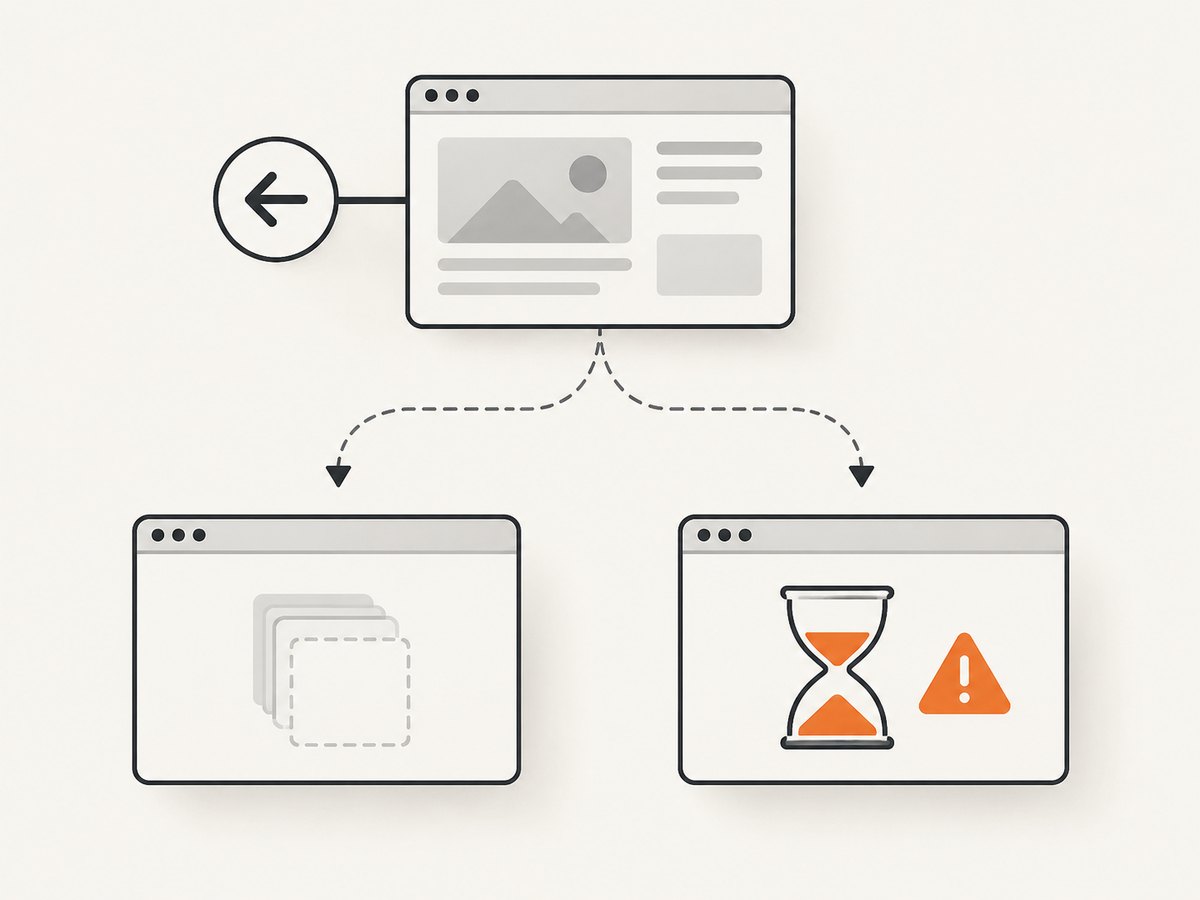
Pyppeteer 0.0.25 could not go back, commonly because history is empty. | Branch explicitly and check page.url or a page condition. |
| Response object | Back navigation completed and returned a response. | Validate destination content before continuing. |
| Timeout or other exception | The selected navigation milestone was not reached, or another browser/protocol failure occurred. | Log the exception, inspect state, then decide whether a retry is safe. |
PageError: No main frame. |
The main frame disappeared during navigation. | Check whether the target or browser closed and preserve lifecycle logs. |
A timeout does not prove that the browser stayed on the original page. Read page.url, inspect a known selector, and verify that the page remains usable.
3. Navigation options
waitUntil
loadis the default and waits for the load event.domcontentloadedcontinues once HTML parsing finishes.networkidle0waits for no active network connections.networkidle2waits for at most two active connections.
Analytics, polling, ads, and WebSockets can prevent an idle condition from being reached. Use domcontentloaded when the next action only needs the DOM, or load when the load event is the correct boundary.
timeout
The documented default is 30 seconds. Set a finite value suited to the site. A value of 0 disables the timeout and can wait indefinitely, so use it deliberately.
await page.goBack(options={
    'timeout': 15_000,
    'waitUntil': 'load',
})
4. Diagnose before retrying
- Record versions: Pyppeteer, Chromium, operating system, and URL. Pyppeteer works best with its bundled Chromium and gives no guarantee for other builds.
- Confirm the await: without
await, no result or exception is handled at that point. - Capture the traceback: retain the exception type and message.
- Inspect state: read
page.url, test a destination selector, and check whether the page is closed. - Check the main frame: a missing frame indicates lifecycle trouble rather than ordinary empty history.
- Retry only from a known state: a timeout may have changed the history position before the error surfaced.
import traceback

async def debug_back(page):
    try:
        result = await page.goBack(options={
            'timeout': 12_000,
            'waitUntil': 'domcontentloaded',
        })
        return {'response': result, 'url': page.url}
    except Exception as exc:
        print({'type': type(exc).__name__, 'message': str(exc), 'url': page.url})
        traceback.print_exc()
        return None
5. Common errors and fixes
| Symptom | Cause | Fix |
|---|---|---|
response is None |
No earlier history entry. | Branch on None; use a fallback or stop the workflow. |
| Coroutine warning | The coroutine was not awaited. | Call await page.goBack(...) inside an async function. |
| Navigation timeout | The chosen milestone was not reached before the deadline. | Inspect state, choose an appropriate waitUntil, and set a finite timeout. |
No main frame |
The main frame disappeared. | Check target and browser lifecycle, then review the traceback. |
| Fails with a custom browser | Chromium compatibility differences. | Reproduce with bundled Chromium and record both versions. |
| Retries reach the wrong page | An earlier attempt changed browser state. | Validate URL and destination content before retrying; cap retries. |
6. Pyppeteer and Puppeteer are different contracts
Pyppeteer 0.0.25 says, “If cannot go back, return None.” The current Puppeteer Page.goBack() documentation describes different behavior for an empty history. Always identify the exact library and version before interpreting a result.
7. Reliability and performance
- Use the earliest lifecycle milestone that satisfies the next operation.
- Close pages and browsers in
finallyblocks. - Make retries bounded and state-aware.
- Log URL before and after, options, elapsed time, exception type, and library/browser versions.
- After navigation, wait for a page-specific selector when the destination must contain known content.
8. Or skip the browser setup
If you need a clean image or PDF rather than browser history control, ScreenshotNeo provides one screenshot request. Cookie banners, consent prompts, newsletter popups, and chat widgets are removed before capture. Bot checks, blank pages, failed loads, timeouts, and cache hits are not billed, and response headers identify the verdict and billing status.
See the ScreenshotNeo API documentation for options.
curl -G "https://api.screenshotneo.com/v1/shot" -d access_key=YOUR_API_KEY --data-urlencode url=https://stripe.com -o shot.webpimport requests
r = requests.get("https://api.screenshotneo.com/v1/shot", params={"access_key": "YOUR_API_KEY", "url": "https://stripe.com"}, timeout=90)
open("shot.webp", "wb").write(r.content)const q = new URLSearchParams({ access_key: 'YOUR_API_KEY', url: 'https://stripe.com' });
const res = await fetch(`https://api.screenshotneo.com/v1/shot?${q}`);ScreenshotNeo includes an MCP server with take_screenshot, get_page_info, and capture_pdf for Claude, Cursor, and other MCP clients. The free plan includes 1,000 screenshots per month with no card; paid plans start at $5 for 3,000. Create a free ScreenshotNeo account.
9. FAQ
Should None be treated as an error?
Usually no. It is the documented empty-history result in Pyppeteer 0.0.25. Branch explicitly according to your workflow.
Does increasing the timeout fix every failure?
No. It only changes how long navigation waits. Check the wait condition, URL, frame, and browser compatibility first.
Can Puppeteer examples be copied unchanged?
No. Empty-history behavior differs between the libraries and versions.
Which wait condition is best?
Choose the earliest milestone that makes the next action safe. Avoid network-idle waits on pages with continuous requests.


