How to Handle Popups and Prompted Windows in Pyppeteer
Handle JavaScript dialogs and new popup pages in Pyppeteer with reliable event timing, runnable Python code, debugging steps, and production tips.
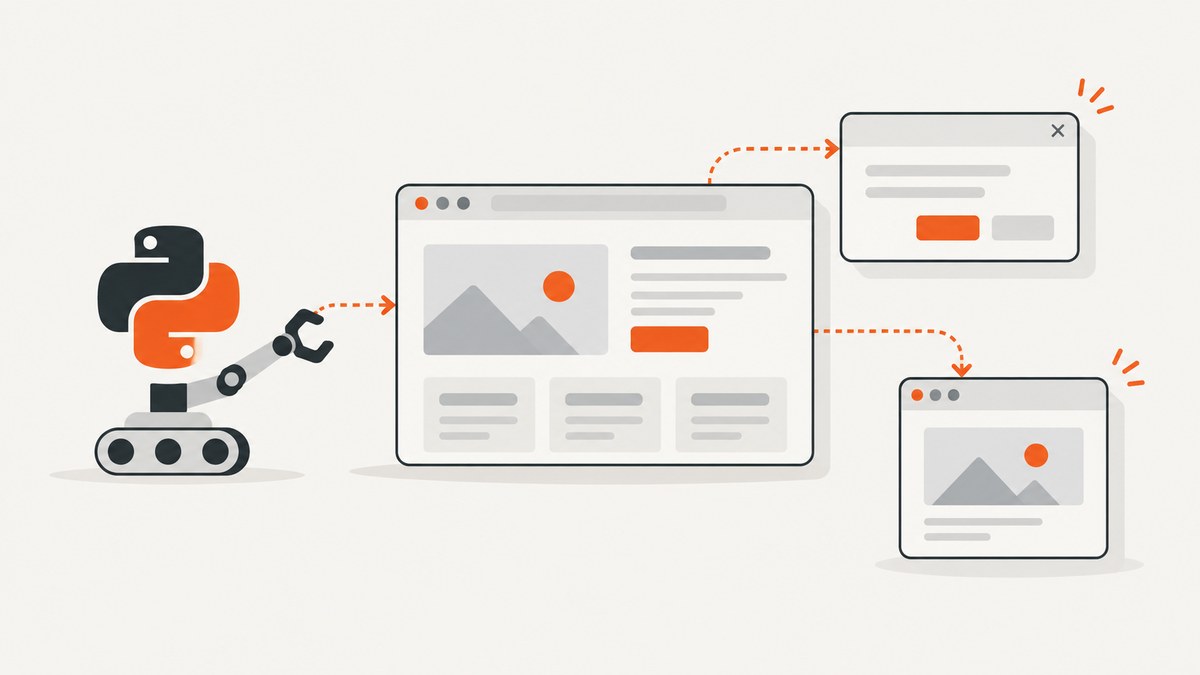
In Pyppeteer, a JavaScript alert, confirm, prompt, or beforeunload box is a Dialog event. A tab or window opened with window.open is a new page target. Handle the two cases with different event listeners.
Register the listener before clicking or evaluating the code that opens the dialog or popup. Resolve every dialog by accepting or dismissing it, and wait for a new target before trying to use the popup page.
Dialog boxes and popup windows are different
| Browser behavior | Pyppeteer object | What to do |
|---|---|---|
alert(), confirm(), prompt(), or beforeunload |
Dialog delivered through the page’s dialog event |
Inspect dialog.type and dialog.message, then call accept() or dismiss(). |
window.open() or a link that creates a new tab |
A new browser Target, which can be converted to a Page |
Observe targetcreated, identify the target created by this action, call target.page(), and interact with that page. |
| A link that navigates the current tab | The existing Page navigates |
Coordinate the click and waitForNavigation() with asyncio.gather(). |
A page opened by window.open belongs to the opener’s browser context, so it shares that context’s cookies and storage. See the Pyppeteer API reference for the event and target APIs.
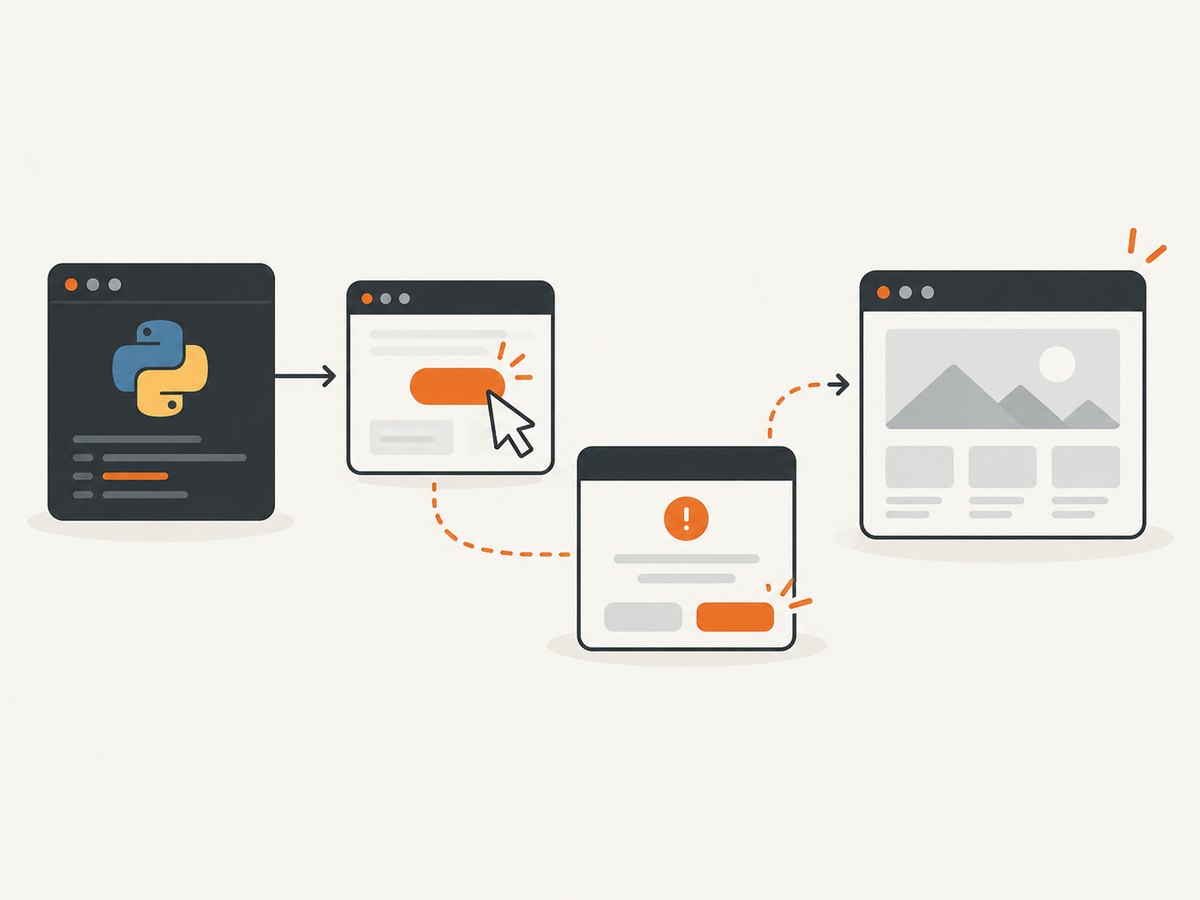
Handle JavaScript alerts, confirms, prompts, and beforeunload
Install one asynchronous callback for the page’s dialog event. Pyppeteer’s event emitter does not await an async callback as a normal coroutine, so schedule it with asyncio.ensure_future() (or asyncio.create_task()).
import asyncio
from pyppeteer import launch


async def handle_dialog(dialog):
    print(f"dialog type={dialog.type!r} message={dialog.message!r}")

    if dialog.type == "prompt":
        # Supply the text requested by JavaScript prompt().
        await dialog.accept("value entered by automation")
    elif dialog.type == "confirm":
        await dialog.accept()
    else:
        # Dismiss alert and beforeunload dialogs in this example.
        await dialog.dismiss()


async def main():
    browser = await launch(headless=True)
    page = await browser.newPage()
    page.on("dialog", lambda dialog: asyncio.ensure_future(handle_dialog(dialog)))

    await page.goto("https://example.com")
    # The listener must already exist before this action.
    await page.evaluate("""() => window.alert('hello from the page')""")

    await browser.close()


asyncio.run(main())
Choosing accept or dismiss
await dialog.accept()closes an alert, confirms a confirmation, or submits an empty value for a prompt.await dialog.accept("text")submits text to a JavaScript prompt.await dialog.dismiss()cancels a confirmation, closes an alert, or cancels a prompt.dialog.typeis one ofalert,beforeunload,confirm, orprompt.dialog.messagecontains the visible message. For a prompt,dialog.defaultValuecontains the default input when provided.
Do not leave a dialog unresolved. The page action that opened it can remain blocked until the dialog is accepted or dismissed. Capture the type and message before resolving it when a test needs to assert what the site displayed.
Capture a new tab or window opened by a click
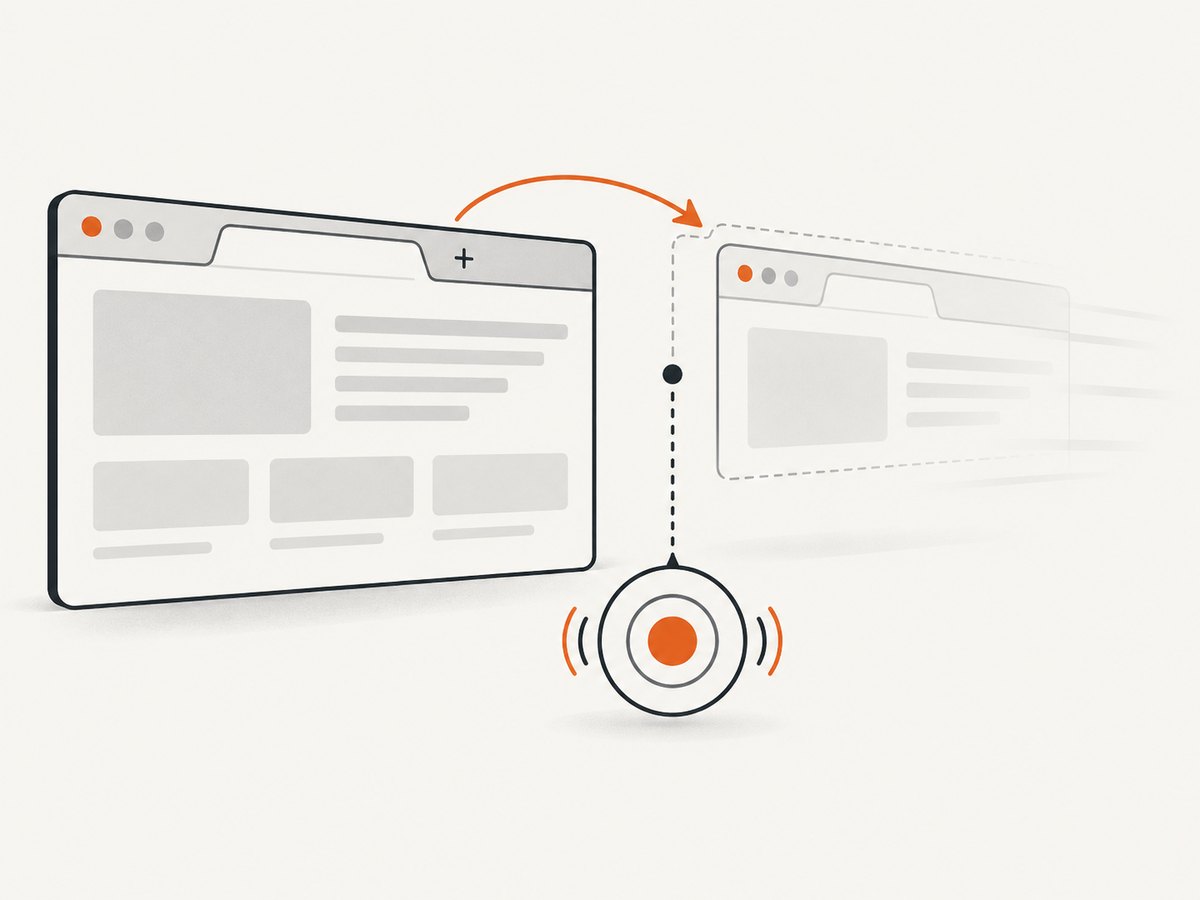
Observe targets before triggering the click. The helper below waits for a newly created page target, filters out workers and other target types, and removes its listener after success or timeout.
import asyncio
from pyppeteer import launch


async def wait_for_popup(browser, existing_targets, timeout=10):
    loop = asyncio.get_running_loop()
    result = loop.create_future()

    def on_target(target):
        if target in existing_targets or target.type != "page":
            return
        if not result.done():
            result.set_result(target)

    browser.on("targetcreated", on_target)
    try:
        return await asyncio.wait_for(result, timeout=timeout)
    finally:
        # EventEmitter exposes removeListener in supported Pyppeteer versions.
        browser.removeListener("targetcreated", on_target)


async def main():
    browser = await launch(headless=True)
    page = await browser.newPage()
    await page.goto("https://example.com")

    existing_targets = set(await browser.targets())
    popup_wait = asyncio.create_task(
        wait_for_popup(browser, existing_targets, timeout=10)
    )
    # Let the waiter install its targetcreated listener before the click.
    await asyncio.sleep(0)
    await page.click("a.opens-window")

    try:
        popup_target = await popup_wait
    except asyncio.TimeoutError:
        raise RuntimeError("The click did not create a popup page target")

    popup = await popup_target.page()
    if popup is None:
        raise RuntimeError("The new target has no page object")

    # If the popup navigates after opening, wait on the popup itself.
    await popup.waitForSelector("body", {"timeout": 10000})
    print("popup URL:", popup.url)
    print((await popup.title()))

    await popup.close()
    await browser.close()


asyncio.run(main())
The exact selector and target filter depend on the site. Some clicks create more than one target, and some sites create a blank page before navigating it. In those cases, inspect target.url, target.type, or the popup’s final URL before selecting it.
A shorter pattern when you control the page script
If you can call window.open directly, the same target listener can surround an evaluation:
existing = set(await browser.targets())
popup_wait = asyncio.create_task(wait_for_popup(browser, existing))
await asyncio.sleep(0)
await page.evaluate("""() => window.open('https://example.com', '_blank')""")
popup_target = await popup_wait
popup = await popup_target.page()
Coordinate navigation waits to avoid races
For a same-tab navigation, start the navigation wait and click together. Waiting only after the click can miss a fast navigation.
await asyncio.gather(
    page.waitForNavigation({"waitUntil": "networkidle2"}),
    page.click("a.same-tab-link"),
)
A new-window flow has two waits: first wait for targetcreated, then wait for the popup’s own selector or navigation. Do not apply Playwright’s expect_popup() syntax to Pyppeteer; it is a different library API.
Handle a popup that navigates after opening
Sites commonly call window.open() with an empty URL and navigate the returned window later. Wait for a stable condition on the popup rather than assuming its first URL is final.
popup = await popup_target.page()
await popup.waitForFunction(
    "() => location.hostname === 'example.com'",
    {"timeout": 15000},
)
await popup.waitForSelector("main", {"timeout": 10000})
If the site performs a conventional navigation immediately after opening, you can instead coordinate that popup’s navigation with the action that causes it. The target must already be converted to a page before you can wait on page navigation.
Closing pages and beforeunload dialogs
page.close() does not run beforeunload handlers by default. If you call it with runBeforeUnload=True, a beforeunload dialog can appear and your existing dialog handler must resolve it.
page.on("dialog", lambda dialog: asyncio.ensure_future(handle_dialog(dialog)))
await page.close(runBeforeUnload=True)
Closing a browser context closes targets in that context. The default browser context cannot be closed independently; close the browser when the run is complete.
Reliable production pattern
- Create the browser and page.
- Register the
dialoglistener immediately after creating the page. - Record existing targets immediately before an action that may open a window.
- Install the
targetcreatedobserver before clicking or evaluating. - Use an explicit timeout for every event wait.
- Filter targets by type and URL when several pages can open.
- Wait for a popup selector or final URL before reading content.
- Close popup pages and the browser in a
finallyblock in long-running jobs.
Troubleshooting
| Symptom | Likely cause | Fix |
|---|---|---|
| The click hangs forever | A dialog was opened without a handler, or the handler never resolved it. | Register page.on("dialog", ...) before the click and always call accept() or dismiss(). |
dialog handler never runs |
The listener was attached after the page action. | Attach it immediately after newPage(), before navigation or clicking. |
| Prompt text is not submitted | accept() was called without a value, or the dialog type was not checked. |
For prompt, call await dialog.accept("your text"). |
| Popup timeout | The link navigated in the same tab, popup blocking prevented creation, or the observer started too late. | Check the site’s behavior, install the observer before clicking, and handle same-tab navigation separately. |
| The wrong page was selected | Several targets were created, such as a worker and a page, or multiple tabs opened. | Filter by target.type == "page", compare URLs, and select from the before/after target set. |
| Popup page is blank | The target was obtained before its navigation completed. | Wait for a known selector, URL condition, or popup navigation before reading it. |
target.page() returns None |
The target is not a page target. | Filter target type and skip workers, service workers, and other non-page targets. |
waitForNavigation() times out |
The page used a client-side route change, or navigation completed before the wait began. | Use waitForSelector() or waitForFunction() for SPA changes; coordinate click and navigation with asyncio.gather(). |
| Listener errors appear after shutdown | A delayed event callback is still running while the browser closes. | Resolve or cancel pending tasks before closing, and keep cleanup in finally. |
Performance, reliability, and cost notes
- Event listeners are cheap; the expensive operations are Chromium startup, page navigation, JavaScript execution, and waiting for network activity.
- Reuse one browser process for a batch of URLs, but create separate pages when cookies or state must not leak between tasks.
- Use a bounded timeout for target creation, selectors, and navigation so one blocked popup cannot hold a worker indefinitely.
- Prefer a specific selector or final URL over a fixed sleep. A delay can be too short on a slow run and waste time on a fast run.
- Record the dialog type, message, popup URL, and timeout reason in logs. These values identify whether the problem was a dialog, same-tab navigation, popup blocking, or a site failure.
- Pyppeteer is an unofficial Python port of Puppeteer. Check the Pyppeteer and Chromium versions used by your deployment when an event API behaves differently.
Or skip the browser setup
If your goal is a clean image or PDF of a page rather than interacting with the popup itself, ScreenshotNeo provides a single screenshot request. The API accepts options for full-page capture, waiting, custom JavaScript, clicking an element, blocking requests, and other capture controls. See the ScreenshotNeo API docs for the complete parameter list.
cURL
curl -G "https://api.screenshotneo.com/v1/shot" -d access_key=YOUR_API_KEY --data-urlencode url=https://stripe.com -o shot.webpPython
import requests
r = requests.get("https://api.screenshotneo.com/v1/shot", params={"access_key": "YOUR_API_KEY", "url": "https://stripe.com"}, timeout=90)
open("shot.webp", "wb").write(r.content)
Node.js
const q = new URLSearchParams({ access_key: 'YOUR_API_KEY', url: 'https://stripe.com' });
const res = await fetch(`https://api.screenshotneo.com/v1/shot?${q}`);
Cookie banners, newsletter popups, and chat widgets are removed before the shot. Bot checks, blank pages, failed loads, timeouts, and cache hits are not billed, and the response identifies the result with X-Page-Verdict and X-Billed headers. An MCP server lets Claude, Cursor, and other MCP clients call take_screenshot, get_page_info, and capture_pdf. The free plan includes 1,000 screenshots each month with no card; paid plans start at $5 for 3,000 shots. Create a free ScreenshotNeo account.
FAQ
How do I answer a prompt with a value?
In the dialog handler, check for dialog.type == "prompt" and call await dialog.accept("the value").
Can I use the same handler for alerts and confirms?
Yes. A single handler can inspect dialog.type, accept confirms, submit prompt text, and dismiss alerts or beforeunload dialogs.
Why does my popup share login state with the opener?
A page opened by window.open belongs to the opener’s browser context, so it uses that context’s cookies and storage.
Should I wait for a fixed number of seconds after opening a popup?
No. Wait for the target event first, then wait for a selector or URL that proves the popup is ready.
Is Playwright’s popup API compatible with Pyppeteer?
No. Concepts are similar, but methods such as expect_popup() belong to Playwright. Use Pyppeteer’s target events and target.page() pattern.


