How to Handle Spaces in URLs with wkhtmltopdf
Encode URL path spaces as %20, quote the full command, and avoid double-encoding that creates %2520.
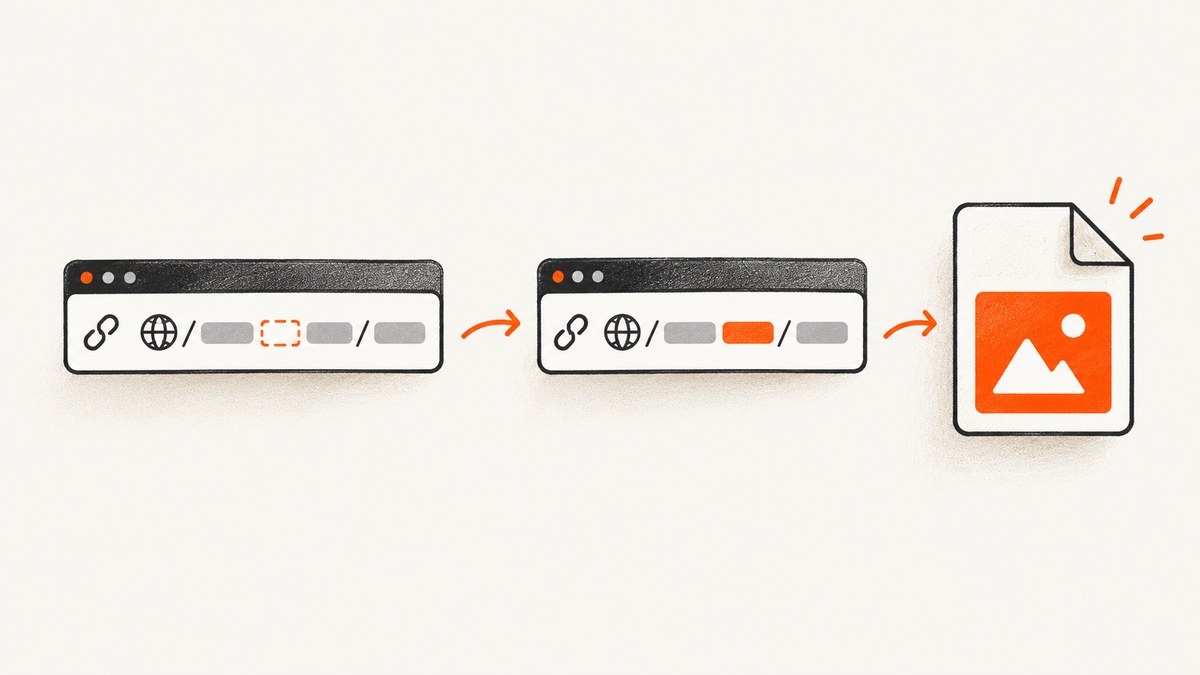
Use %20 for spaces in a URL path, and quote the complete URL in your shell command. These solve two separate problems: percent-encoding makes the URL valid, while shell quoting keeps the URL together as one argument.
wkhtmltopdf 'https://example.test/files/Quarter%20Report.html' output.pdfEncode each URL component once. Preserve existing percent escapes and delimiters such as ?, & and #. A second encoding pass can turn %20 into %2520 or change a fragment marker into %23.
Why spaces need special handling
Raw spaces are excluded from URI syntax. RFC 2396 describes escaped encoding for characters excluded from a URI; %20 is the hexadecimal escape for an ASCII space. See the RFC 2396 specification.
wkhtmltopdf accepts a URL or file name as input, but its usage documentation does not provide a switch that makes literal spaces valid inside a URL. Its documentation also notes that cookie values should be URL-encoded. See the wkhtmltopdf usage documentation.
Shell quoting and URL encoding are different
| Problem | Fix | Example |
|---|---|---|
| The shell splits a URL at a whitespace character | Quote the entire argument | 'https://example.test/files/Quarter%20Report.html' |
| The URL contains an invalid raw path space | Percent-encode the path space | Quarter%20Report.html |
| An existing escape is encoded again | Encode only unescaped input, once | %20, never %2520 |
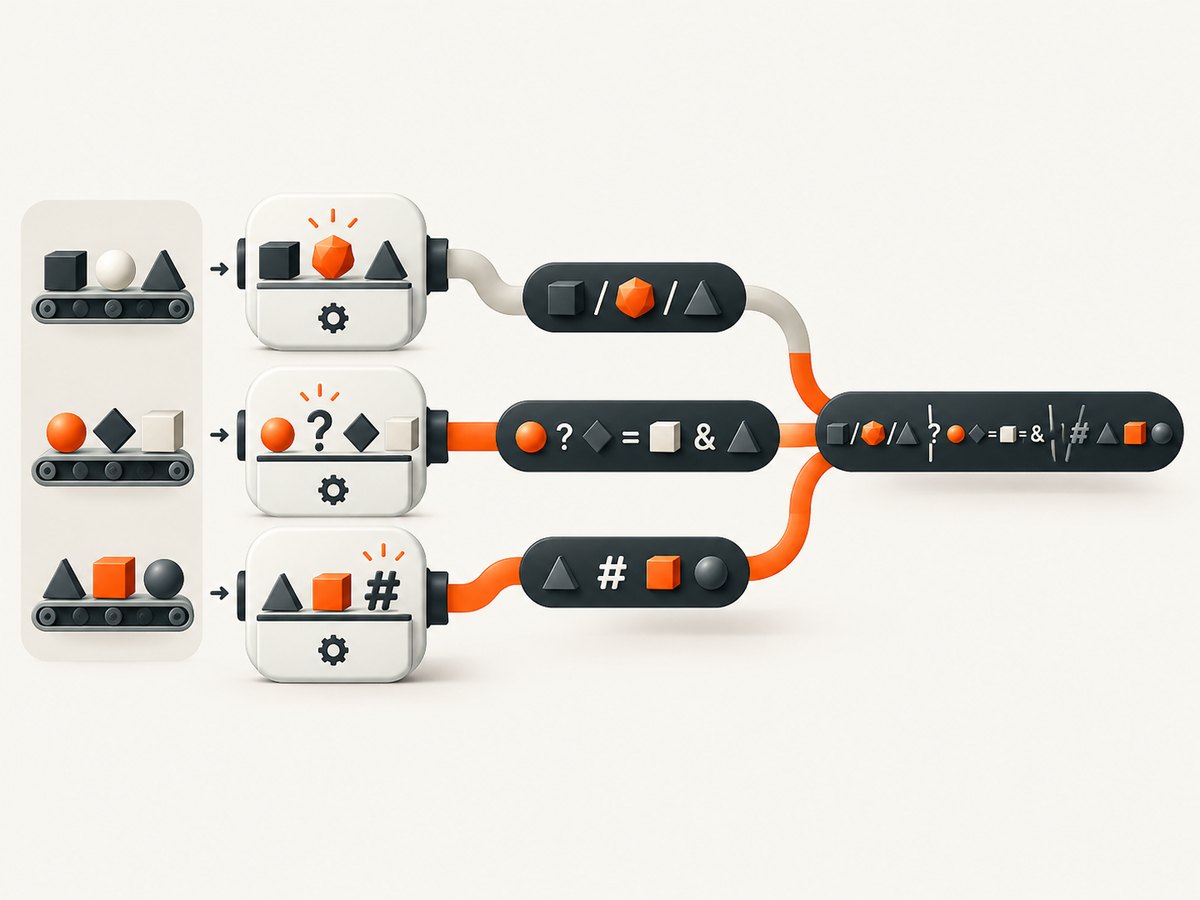
Basic wkhtmltopdf commands
Linux and macOS shells
wkhtmltopdf 'https://example.test/files/Quarter%20Report.html' output.pdfWindows PowerShell
wkhtmltopdf.exe 'https://example.test/files/Quarter%20Report.html' output.pdfWindows Command Prompt
wkhtmltopdf.exe "https://example.test/files/Quarter%20Report.html" output.pdfQuoting is still useful when the URL contains query parameters, a fragment, or characters that your shell treats specially.
Encoding an HTML link
Use the encoded URL in the HTML source as well:
<a href="https://example.test/files/Quarter%20Report.html">Quarter report</a>Do not replace every space in an entire HTML document blindly. URL construction must remain component-aware so that delimiters retain their meaning.
Path spaces versus query spaces
A path and a query string have different encoding rules. Encode a space in a path as %20. For query parameters, use a component-aware encoder supplied by your language or URL library, while preserving the query delimiters.
| URL part | What to preserve | Typical space representation |
|---|---|---|
| Path | / separators |
%20 |
| Query value | ?, &, = delimiters |
Use your library’s query encoder |
| Fragment | The # delimiter |
Encode characters inside the fragment, but do not encode the delimiter itself |
A plus sign (+) is not a safe universal replacement for a path space. Treat it as a query-form convention only when the specific component format calls for it.
Runnable URL-building examples
Python
from urllib.parse import quote, urlsplit, urlunsplit

raw = "https://example.test/files/Quarter Report.html"
parts = urlsplit(raw)
encoded_path = quote(parts.path, safe="/")
url = urlunsplit((parts.scheme, parts.netloc, encoded_path, parts.query, parts.fragment))
print(url)
# https://example.test/files/Quarter%20Report.html
Use this when the path is still decoded text. If the input already contains escapes, keep a decoded representation as your source of truth or parse and encode components before assembling the final URL; do not run a generic encoder over an already encoded complete URL.

Node.js
const input = 'https://example.test/files/Quarter Report.html';
const u = new URL(input);
u.pathname = u.pathname
  .split('/')
  .map(segment => encodeURIComponent(segment))
  .join('/');
console.log(u.toString());
// https://example.test/files/Quarter%20Report.html
Encoding path segments separately preserves slash separators. For query values, use URLSearchParams rather than replacing spaces in the whole URL.
cURL verification
curl -I 'https://example.test/files/Quarter%20Report.html'This checks the URL you intend to give wkhtmltopdf. It does not replace testing the exact wkhtmltopdf binary used in production.
Preventing double encoding
Double encoding happens when a string containing a percent escape is passed through a generic encoder again:
Correct:       Quarter%20Report.html
Encoded twice: Quarter%2520Report.html
The same problem affects quotation marks and fragments. An already encoded %22 can become %2522. A literal fragment delimiter can be changed from # to %23 by an incorrect normalization step.
Safe construction checklist
- Keep URL components separate while constructing the URL.
- Encode path segments, query names and query values with the appropriate component encoder.
- Preserve delimiters such as
/,?,&,=and the fragment delimiter#. - Do not apply a second generic encoding pass to the finished URL.
- Quote the complete URL when passing it to the shell.
Minimal reproducible test
Create a fixture that covers both a path space and URL delimiters:
cat > fixture.html <<'HTML'
<!doctype html>
<html>
  <body>
    <a href="https://example.test/files/Quarter%20Report.html">path space</a>
    <a href="https://example.test/docs/page%20one.html?mode=print&lang=en#summary">query and fragment</a>
  </body>
</html>
HTML

wkhtmltopdf fixture.html fixture.pdf
Open the resulting PDF and inspect the link targets. Record the exact binary version, operating-system version, source HTML, command line and generated target.
Troubleshooting
The shell says the URL is multiple arguments
Cause: The URL was not quoted, so shell whitespace split it.
Fix: Quote the complete URL and use %20 in its path:
wkhtmltopdf 'https://example.test/files/Quarter%20Report.html' output.pdfwkhtmltopdf requests a URL containing a literal space
Cause: The path was never percent-encoded.
Fix: Encode the path space as %20. Do not substitute + unless you are encoding a query component whose format explicitly uses it.
The generated PDF contains %2520
Cause: The URL was encoded twice.
Fix: Remove the second encoding pass. Start from the decoded path or preserve existing escapes, then encode only the unescaped component once.
The fragment becomes %23
Cause: Code encoded the complete URL instead of encoding component values.
Fix: Keep # as the fragment delimiter and encode only characters inside the fragment value.
Links work in one wkhtmltopdf build but not another
Cause: URL normalization behavior can vary by version and patched-Qt build. The archived issue tracker includes reports about Unicode and percent-encoded links, valid characters being escaped again, and already encoded values receiving another encoding layer. See issue #4406, #4660 and #4545.
Fix: Reproduce with the exact production binary and a minimal HTML fixture. Do not add another replacement pass until you know which layer changed the URL.
The PDF has the right text but the link target is wrong
Cause: Rendering and link serialization are separate steps; a malformed or re-encoded href may still display correctly.
Fix: Inspect the actual link target in the PDF viewer and compare it with the href in the fixture. Check for %2520, %2522 and %23.
A bug report cannot be reproduced
Include the wkhtmltopdf version, operating-system version, detailed description, exact command line, minimal HTML/CSS/JavaScript test case and the generated link target. This matches the information requested on the official support page.
Performance, reliability and cost considerations
- Performance: URL encoding itself is negligible compared with loading a page and rendering a PDF. Avoid repeated transformations in request loops because they increase error risk without improving rendering.
- Reliability: Pin and record the wkhtmltopdf version and patched-Qt provenance. Run the same fixture in development and production to detect normalization differences.
- Operational cost: A failed conversion still consumes process time and network resources. Catch malformed URLs before launching wkhtmltopdf and log the encoded URL, binary version and exit status.
- Testing: Include path spaces, query parameters, fragments, Unicode and already encoded input in automated fixtures. Verify the link target in the produced PDF, not only the visible page.
Or skip the browser setup
If you need an image or PDF from a URL without managing a browser-rendering pipeline, ScreenshotNeo provides a website screenshot API and MCP server. It accepts one GET request and returns PNG, JPEG, WebP or PDF. The URL value is passed as a query parameter, so your HTTP client handles query-string encoding.
cURL (see the ScreenshotNeo docs):
curl -G "https://api.screenshotneo.com/v1/shot" -d access_key=YOUR_API_KEY --data-urlencode url=https://example.test/files/Quarter%20Report.html -o shot.webpPython:
import requests
r = requests.get("https://api.screenshotneo.com/v1/shot", params={"access_key": "YOUR_API_KEY", "url": "https://example.test/files/Quarter%20Report.html"}, timeout=90)
open("shot.webp", "wb").write(r.content)
Node.js:
const q = new URLSearchParams({ access_key: 'YOUR_API_KEY', url: 'https://example.test/files/Quarter%20Report.html' });
const res = await fetch(`https://api.screenshotneo.com/v1/shot?${q}`);
ScreenshotNeo removes cookie banners, newsletter popups and chat widgets before capture. Bot checks, blank pages and failed loads are not billed, and response headers report the page verdict and billing status. Its MCP server lets AI agents take screenshots, inspect pages and capture PDFs. The free plan includes 1,000 screenshots per month with no card; paid plans start at $5 for 3,000 shots.
Create a free ScreenshotNeo account and start with 1,000 screenshots a month at no charge.
FAQ
Should I use %20 or +?
Use %20 for spaces in URL paths. A plus sign is not a universal path-space replacement; use it only where a query encoding format specifically defines that behavior.
Is quoting enough?
No. Quoting prevents shell argument splitting, but it does not make a raw space valid URI syntax. Use both quoting and percent-encoding.
Can I encode the entire URL at once?
Avoid it. Encode components separately so delimiters such as ?, & and # keep their structural meaning.
Why does my already encoded URL break?
It may have been encoded twice. Check for %2520, %2522 or an unintended %23, then remove the extra encoding layer.
Which wkhtmltopdf version should I use?
Use the exact version and patched-Qt build you support, and test it against a minimal fixture. Report that version and build when investigating URL normalization behavior.


